Download PDF file (multi-language)
Safety first
Read and get familiar with all safety precautions and procedures before using the product. Strictly follow all safety precautions.
- This product can only be used with xTool O1 Omni Printer.
- Check the product for damage every time before you use it. Do not operate it in any way when any damage or defect is found.
- Do not use this product in a damp environment.
- Children are prohibited from using this product.
- Cut off the power before maintaining the product.
- Do not disassemble the product or change its structure in any way without authorization. Do not modify or decompile its operating system.
- This product is not user-serviceable. It must be returned to the factory or repaired by authorized professionals.
List of items
|
|
|
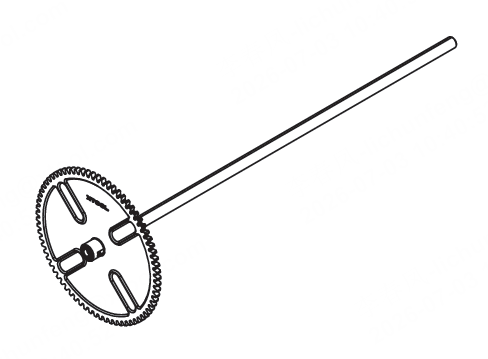
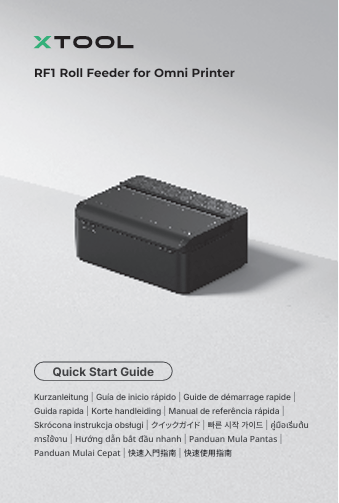
xTool RF1 Roll Feeder for Omni Printer | Roll film | Left flange (with linear shaft) |
|
|
|
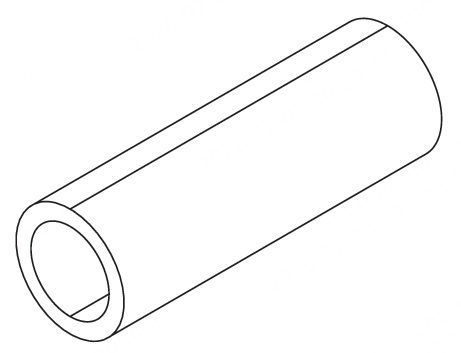
Right flange | Quick start guide | Safety instructions |
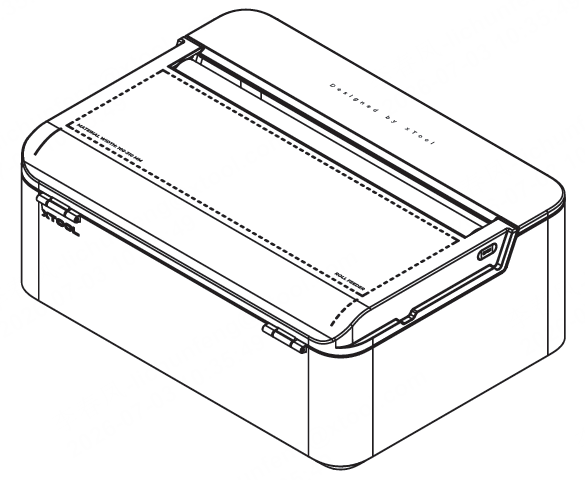
Meet the roll feeder
- Top view
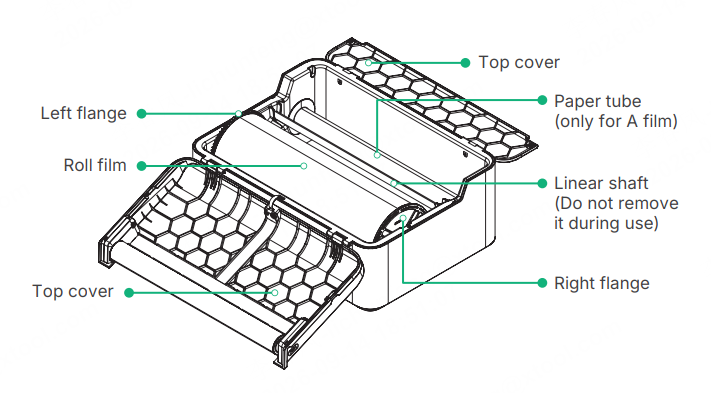
- Bottom view
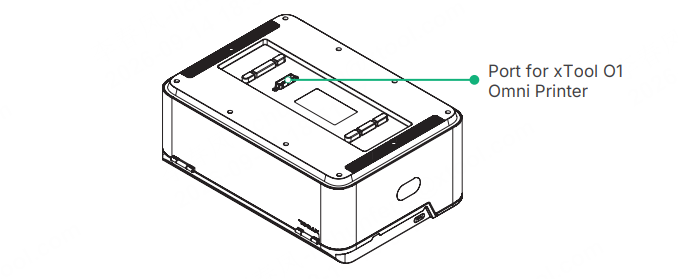
Install and use the roll feeder
Refer to the video below to install and use the roll feeder.
Remove A film adhesive residue
When installing or using A film, avoid letting it adhere to the device surface. If A film adhesive residue is left on the device, do not wipe it off with your bare hands. Follow the methods below to remove it.
Method 1: Use B film
Use B film to remove the adhesive residue: For cases when adhesive residue has just been left on a flat surface.
(1) Apply a cut piece of B film to the adhesive residue.
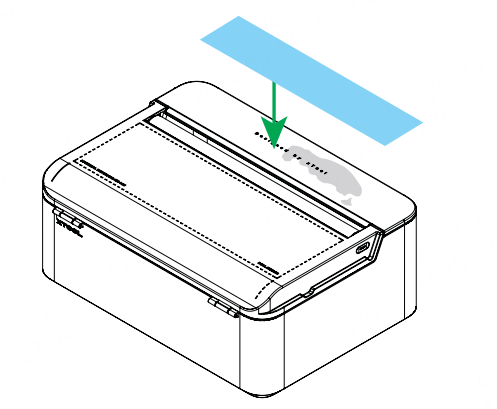
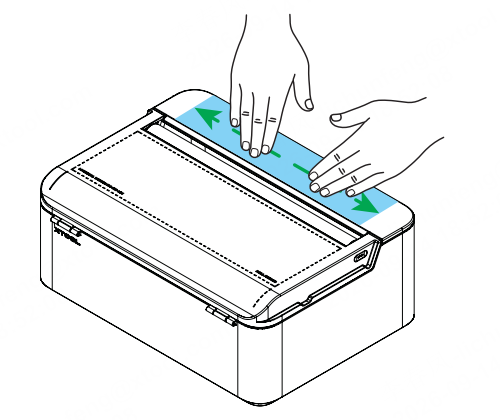
(2) Press B film with both hands to make it fully adhere to the residue.
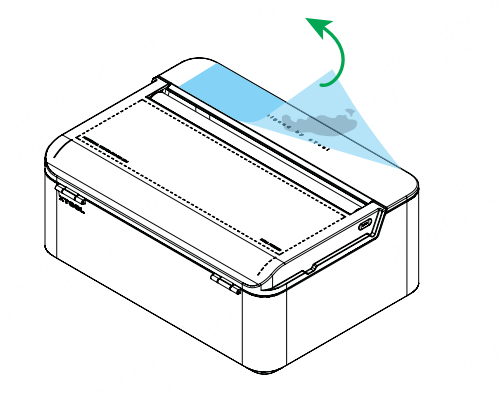
(3) Peel off B film.
Method 2: Use anhydrous ethanol
Use anhydrous ethanol (not provided) to remove the adhesive residue: For cases when Method 1 cannot completely remove the residue.
(1) Spray anhydrous ethanol onto the non-woven fabric until it is fully saturated.
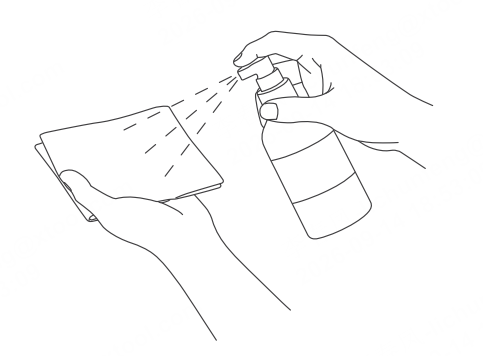
(2) Place the non-woven fabric over the adhesive residue and wait about 30 seconds for the residue to soften.
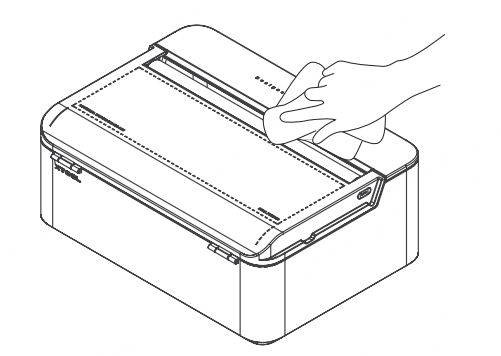
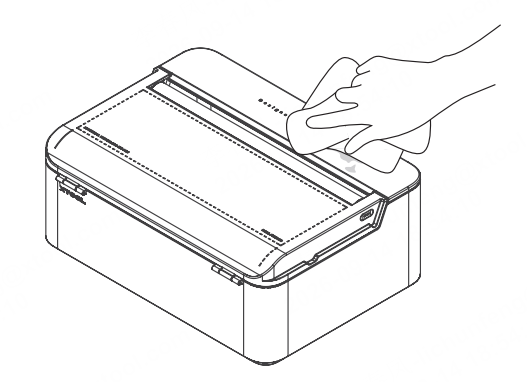
(3) Wipe off the adhesive residue.