
1. Materials and Equipment
1.1 Sale of Materials

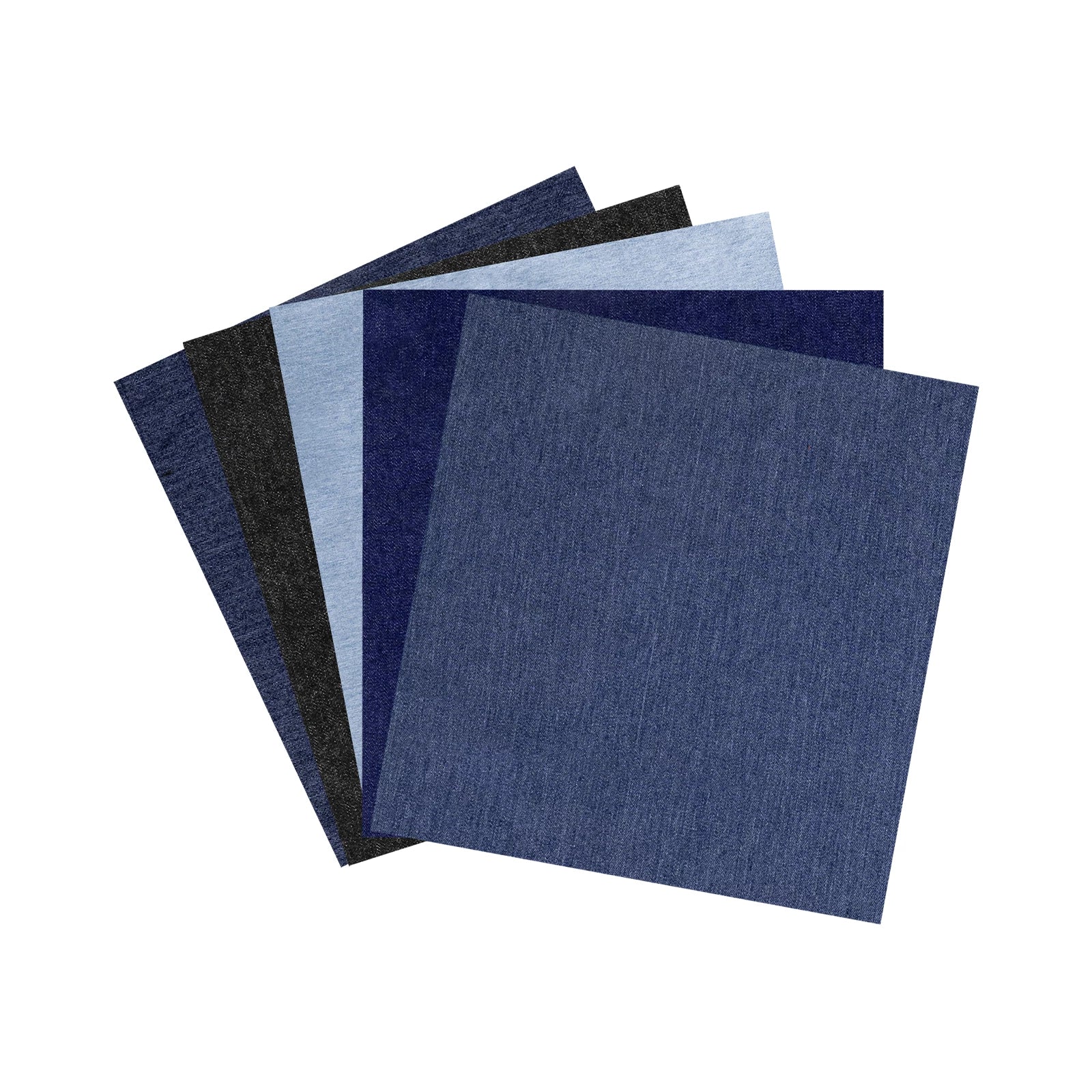
For more denim materials, please click Official Website to view.
1.2 Adaptation of Processing Equipment
Adapt to Processing Mode:Process on flat surface
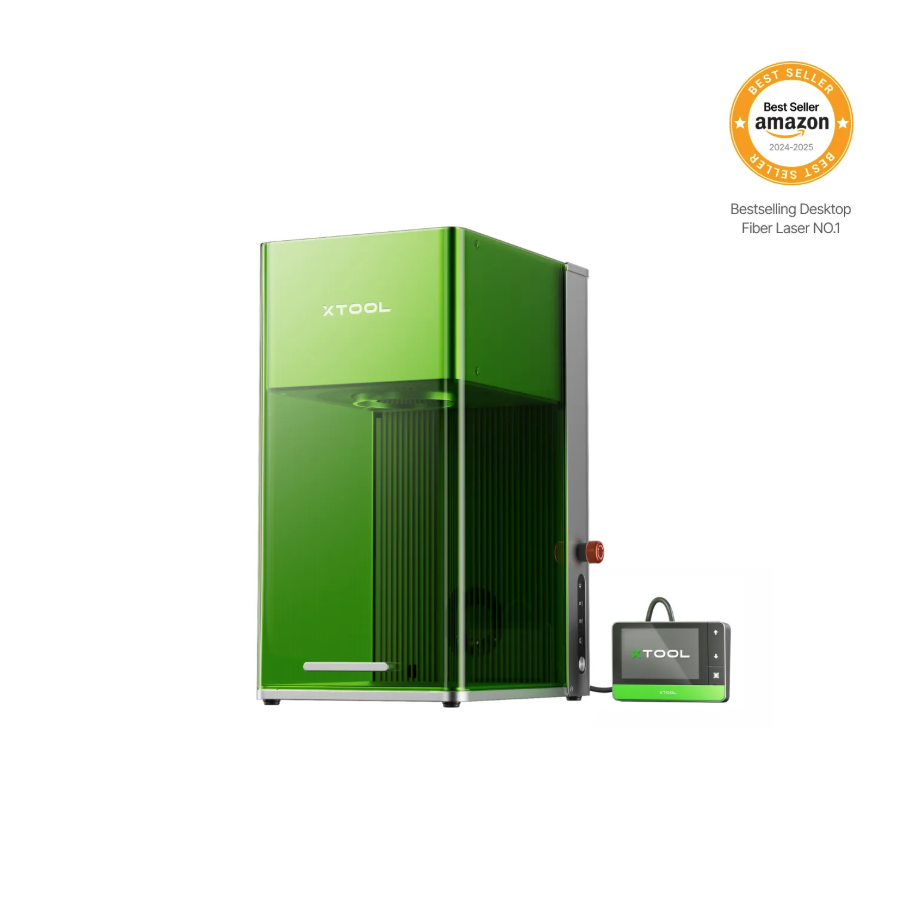
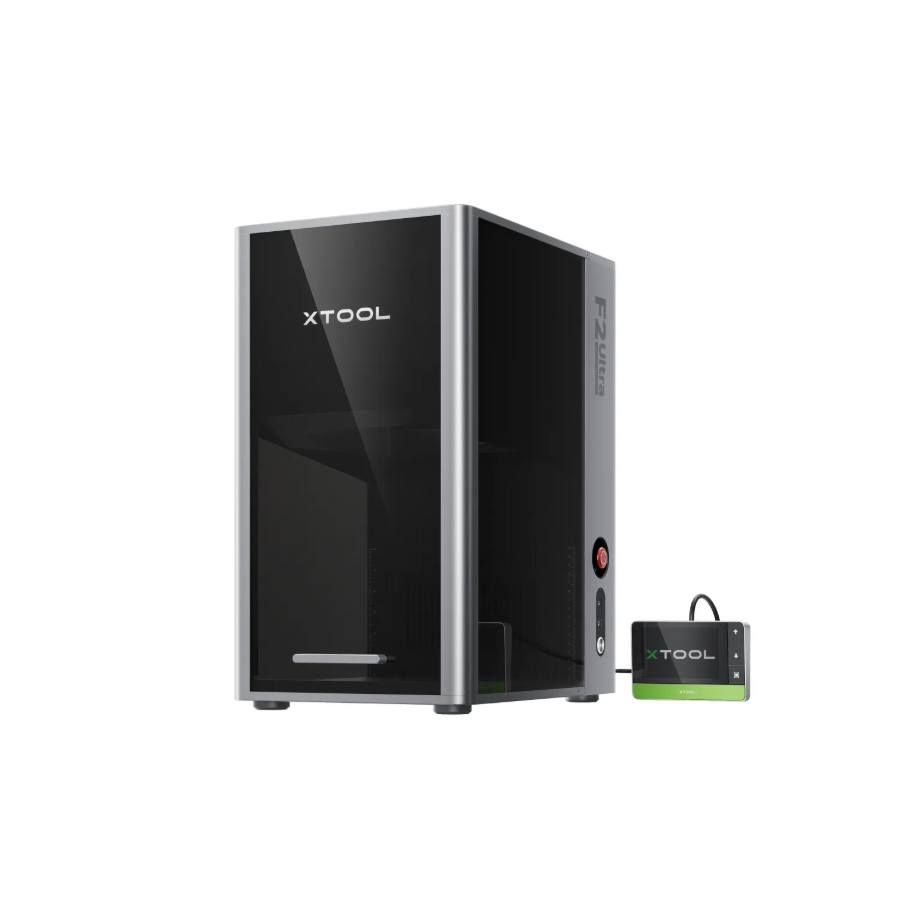
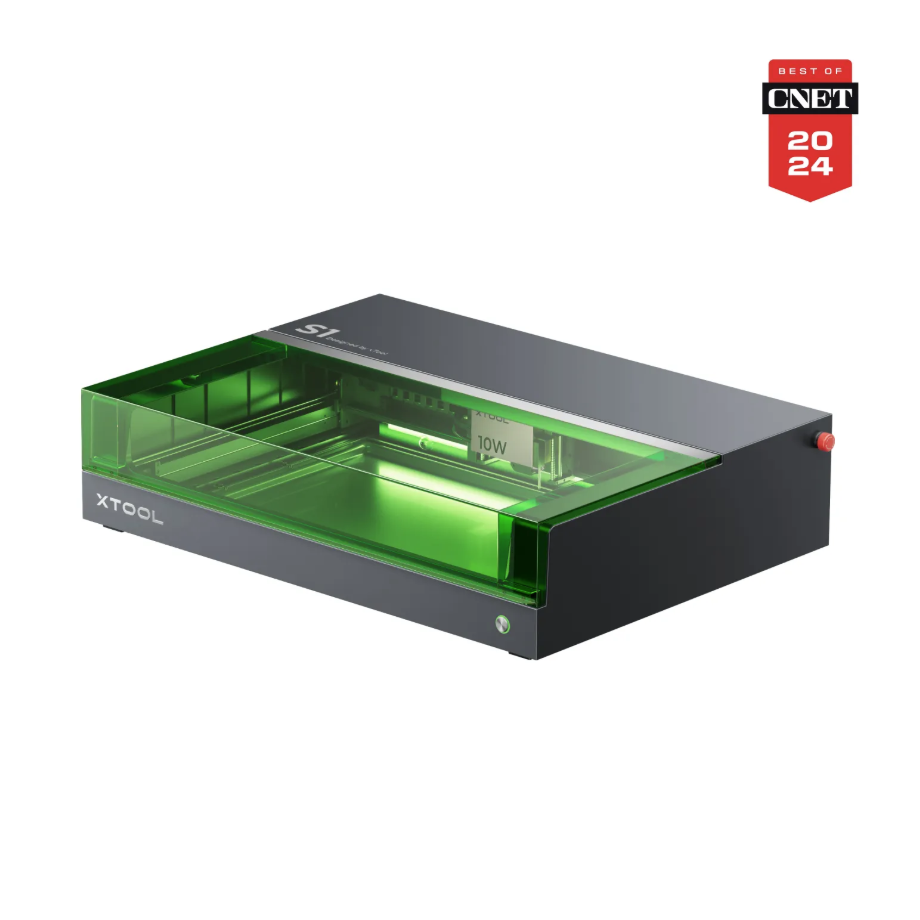
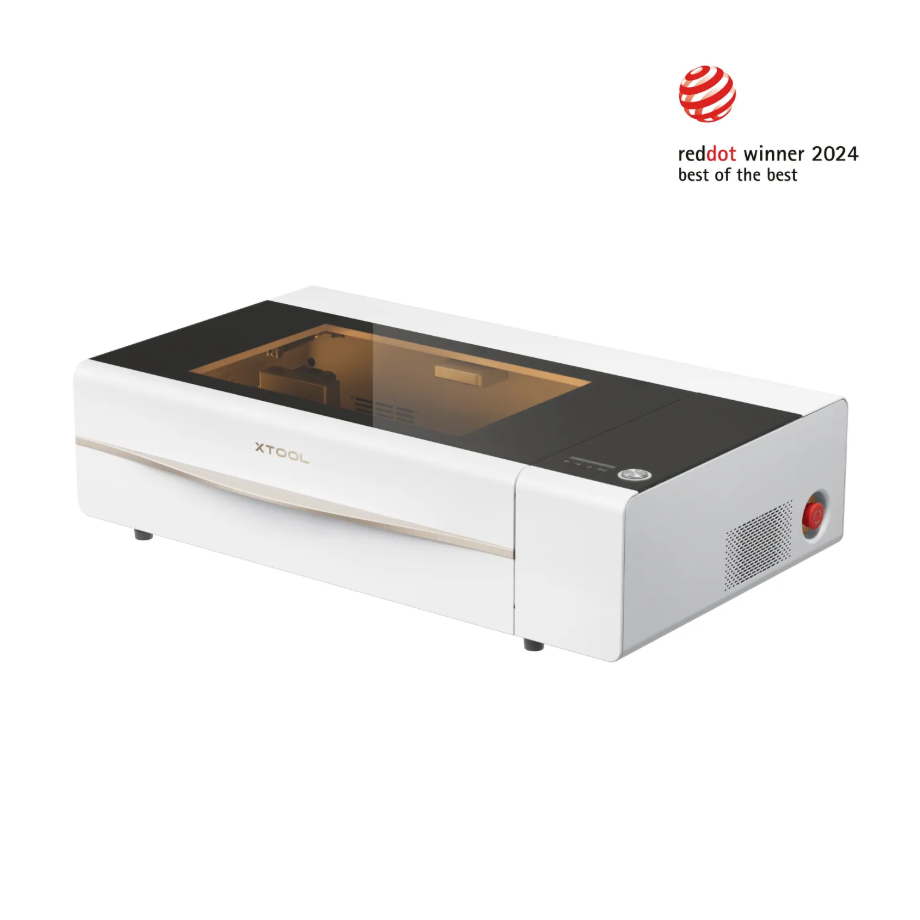
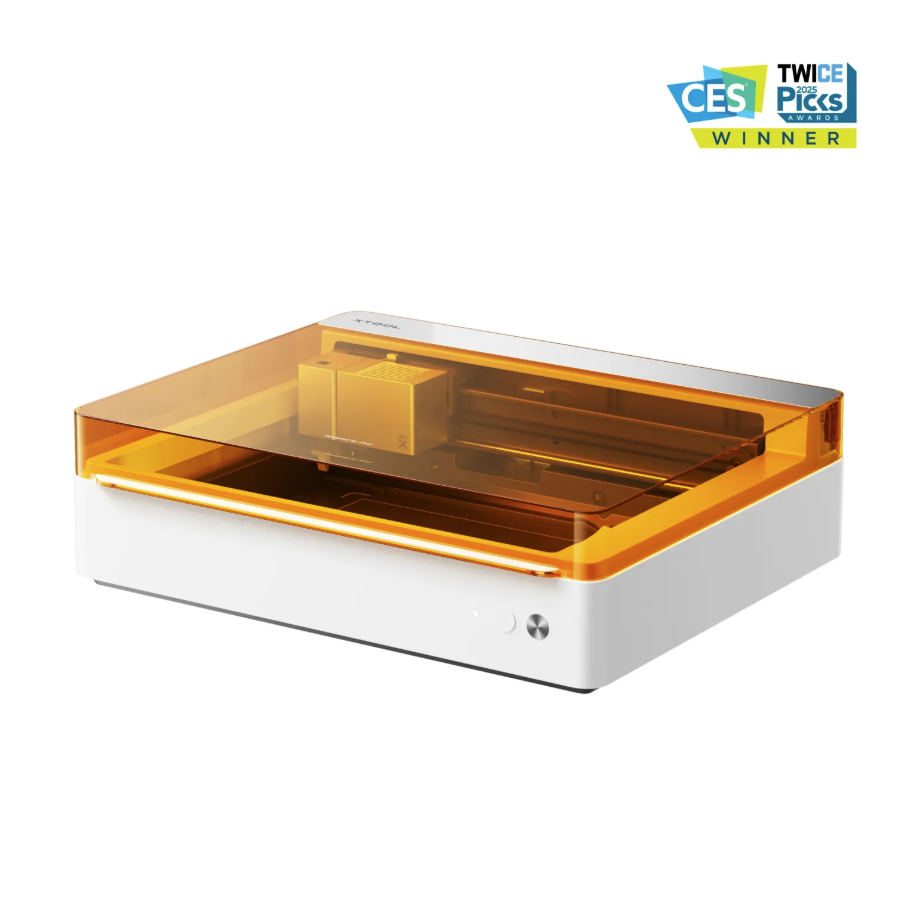
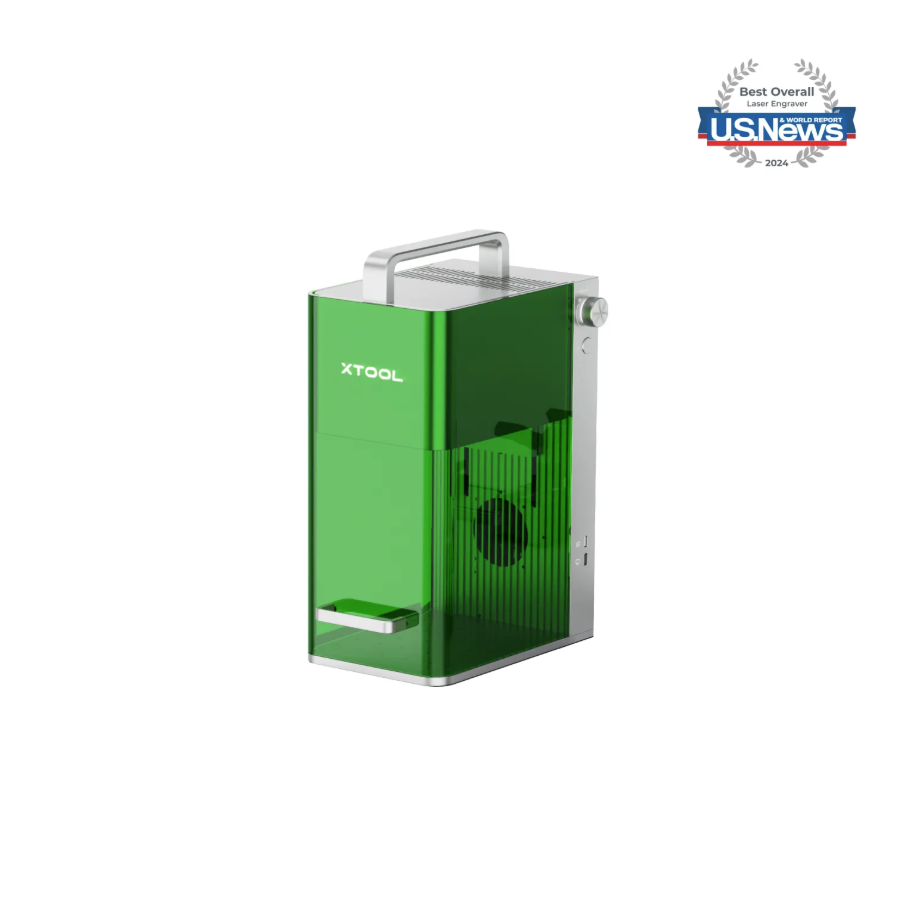
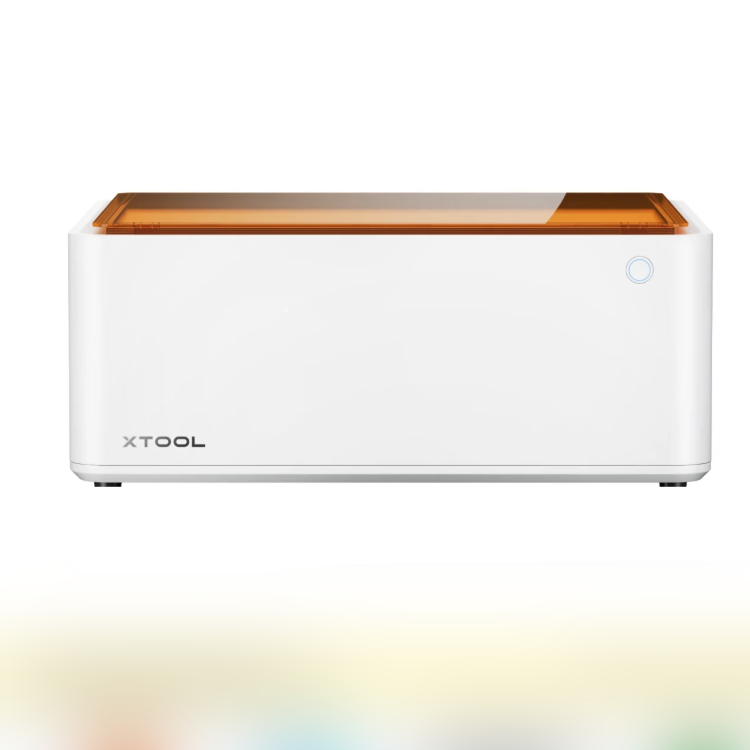
1.3 Knife Cutting Accessories

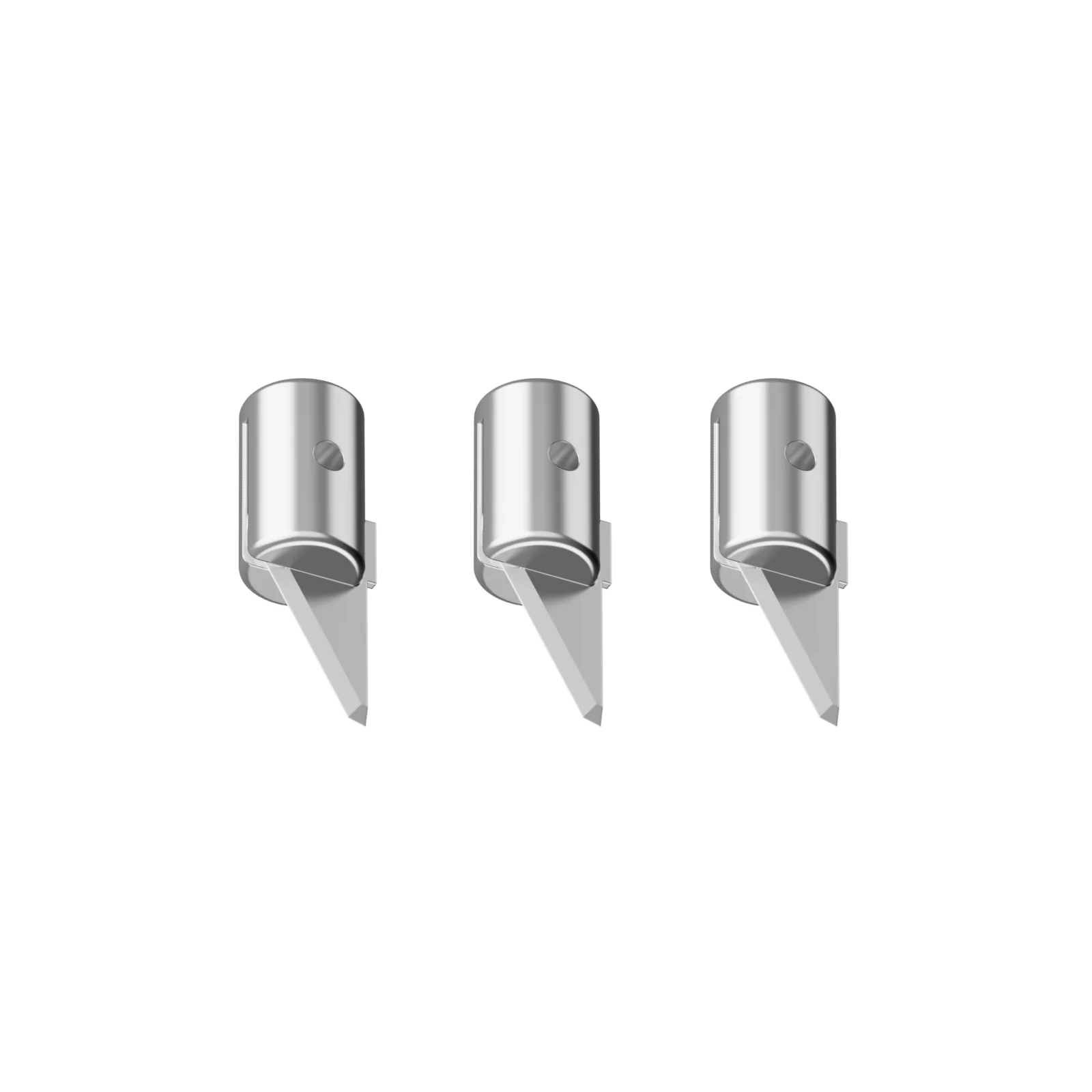
For more accessories needed for knife cutting, please click the link to enter the official website to search and view.
1.4 Use Accessories
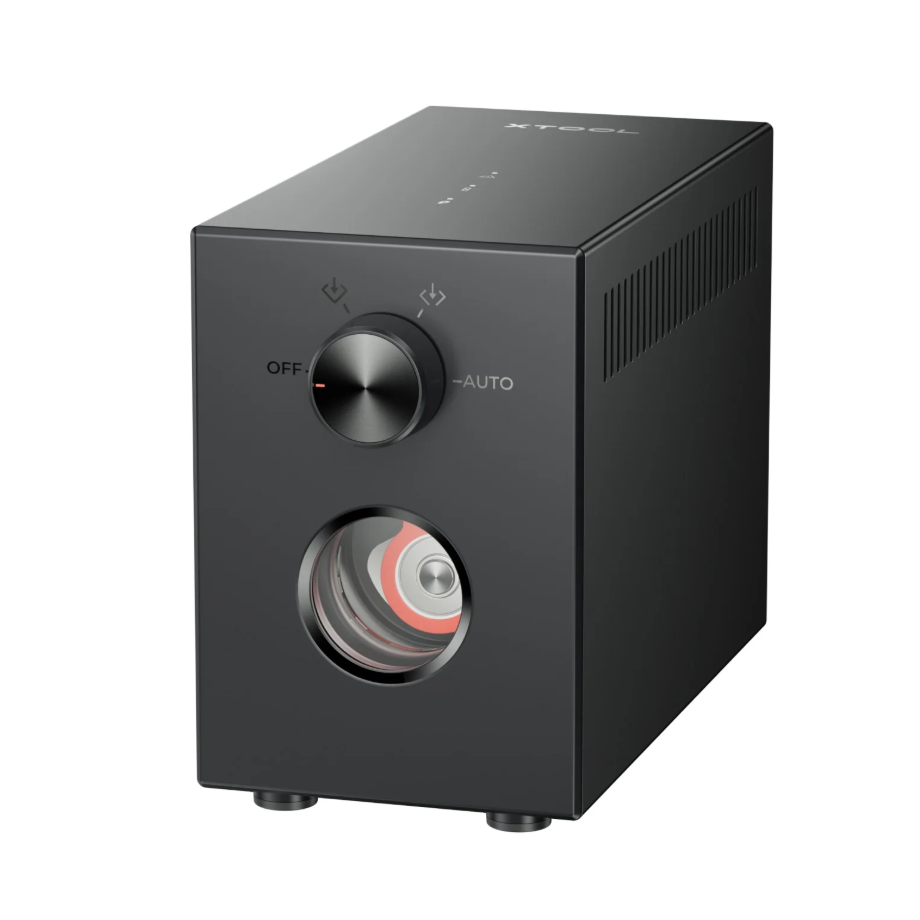
Generate airflow to assist with laser processing.
2. Preparation Before Processing
2.1 Air-Compress Assist needs to be enabled
Enabling Air-Compress Assist can blow away smoke and cutting carbon dust, keeping the cutting path clear.
Enabling Air-Compress Assist can blow away dust, reducing the likelihood of false flame alarm triggers.
Enabling Air-Compress Assist can reduce laser lens contamination and ensure processing data accuracy.
2.2 Protective Equipment Required
Laser Safety Goggles: Please use Laser Safety Goggles corresponding to the laser wavelength, and protect the Laser Safety Goggles from damage caused by laser reflection or diffusion.
Dust masks are required.
When processing with an unsealed device, the processing area must be shielded to prevent exposed light output. Do not remove the equipment's protective cover while the light is on.
3. Common Issues and Solutions
3.1 Poor Denim Engraving Effect
Excessive power during denim processing can cause severe fabric carbonization.
If the power is too low during denim processing, the engraving effect will be unclear.
When performing bitmap processing, you need to check whether the image needs to be inverted.
3.2 Precautions for Processing Semi-Finished Denim Products
Before processing, the denim bag needs to be laid flat on the flat base plate of the equipment's processing area.
An uneven material surface can affect the processing quality.
3.3 Denim Cutting Using Cutting Tools
You can use rotating blades for processing, and you can click the M1 Ultra FAQs link for more details.

Services & Help
Learn & Education

Copyright © 2025 xTool All Rights Reserved.