
1. Materials Required for Apparel Printing
1.1 Ink, Solution
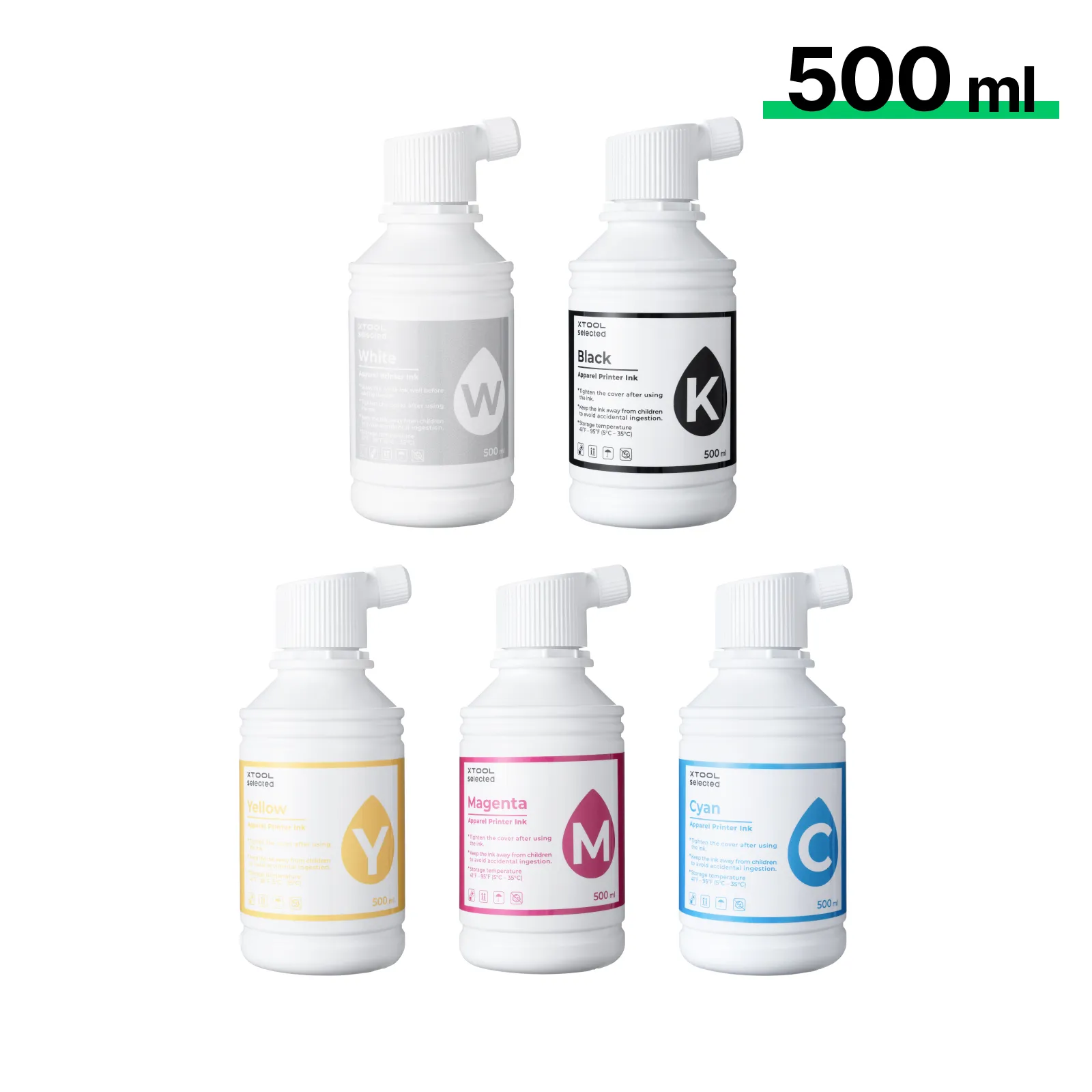
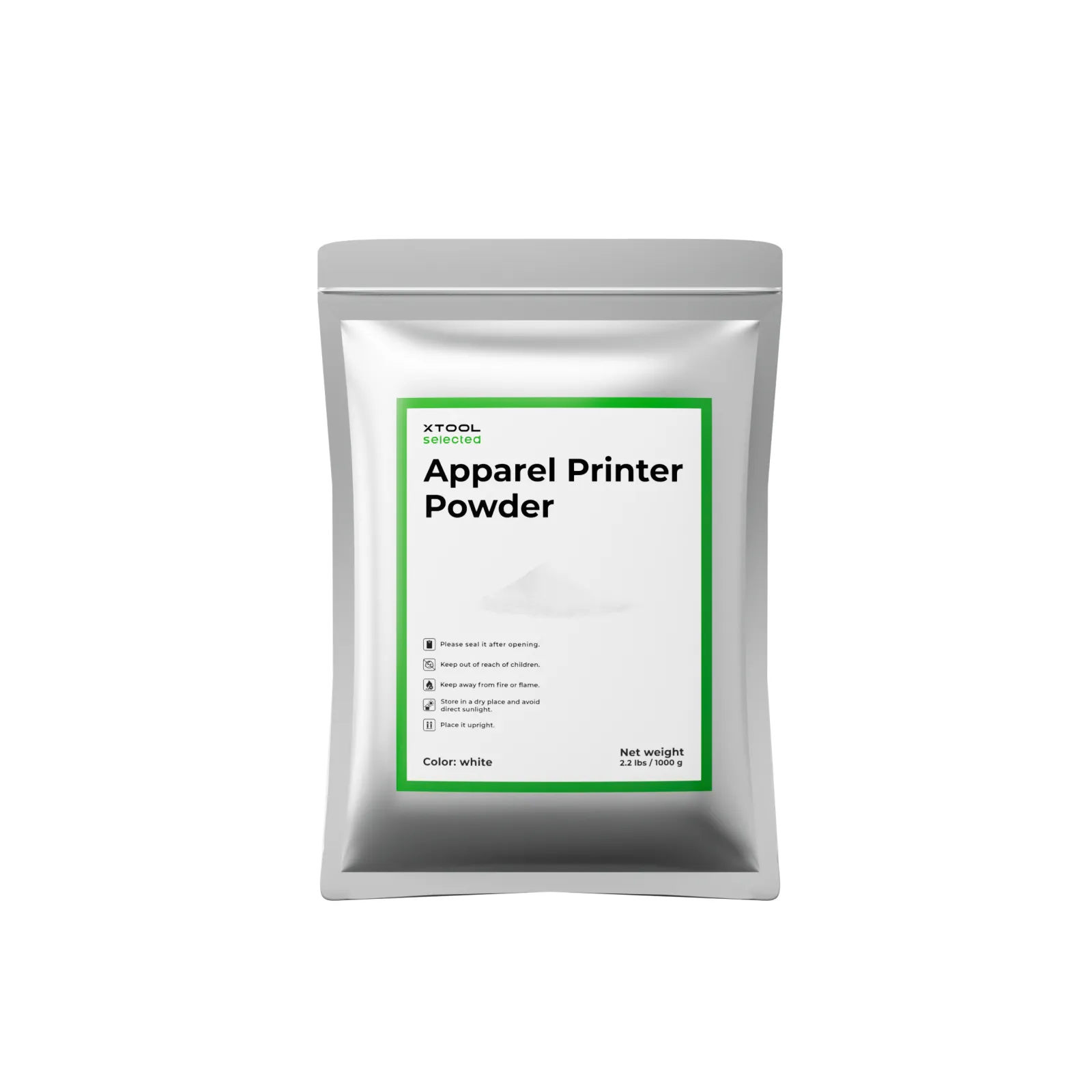
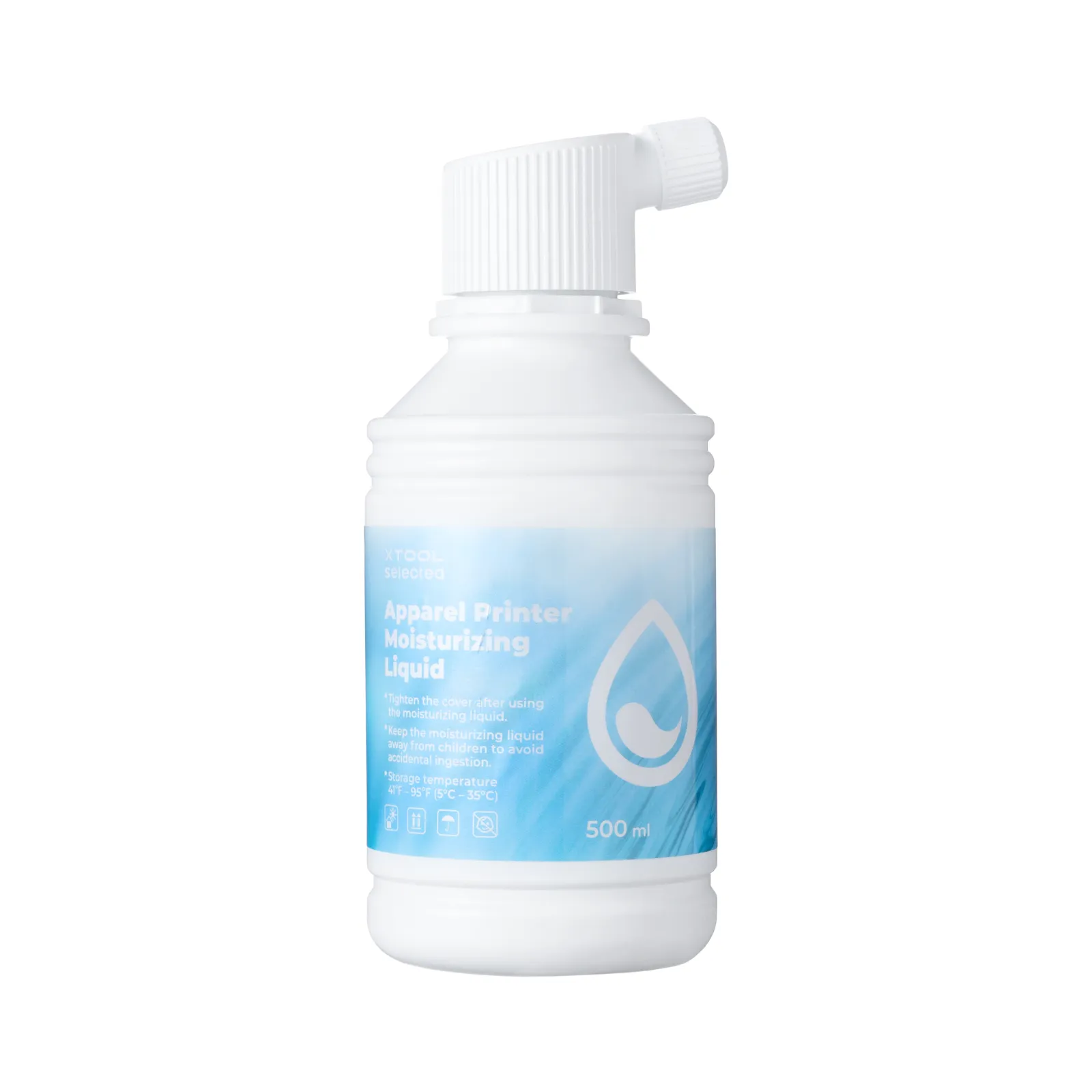
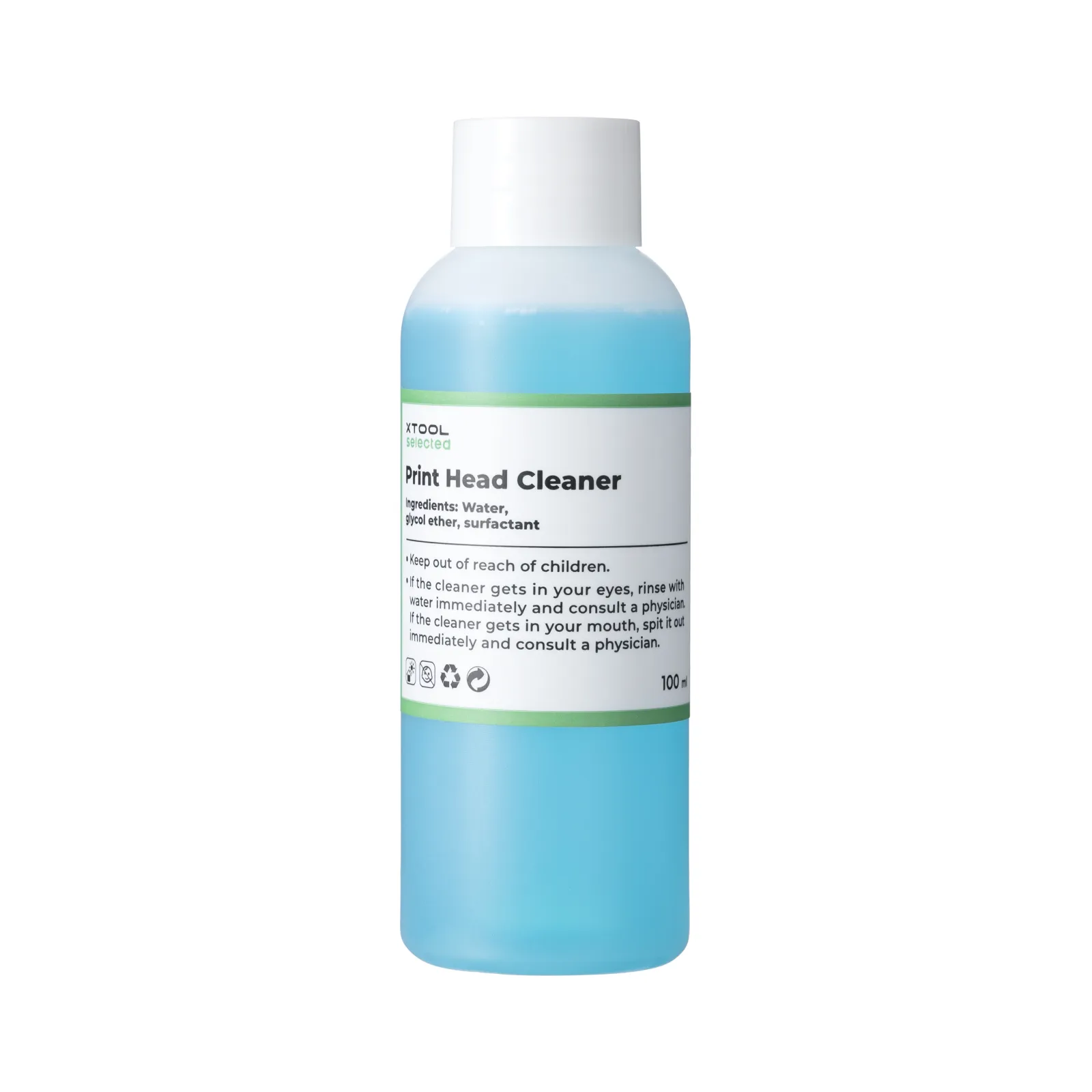
1.2 Printer Film Rolls
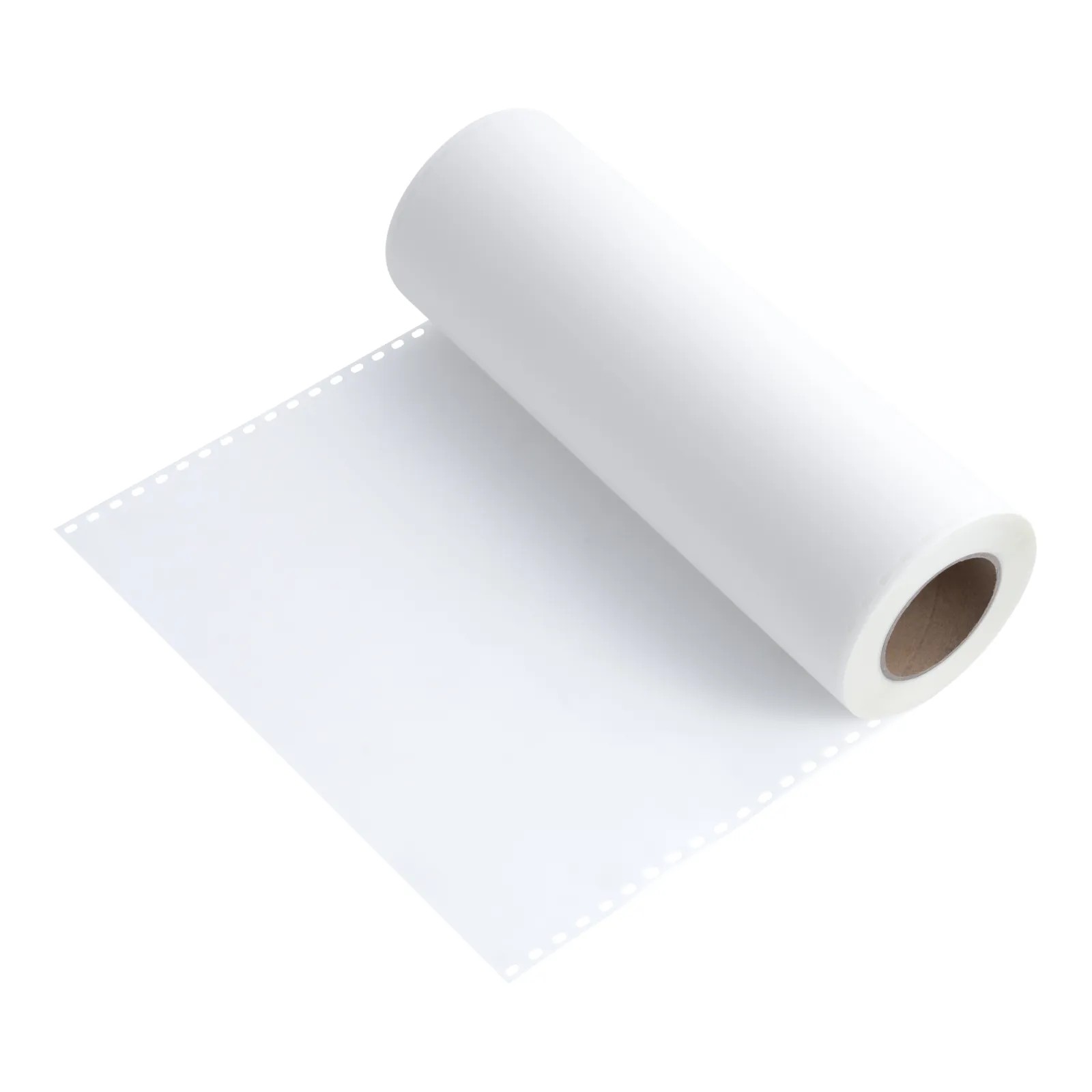
For more types of Printer Film Rolls, you can click this link to visit the official website for details.
2. Apparel Printing Equipment
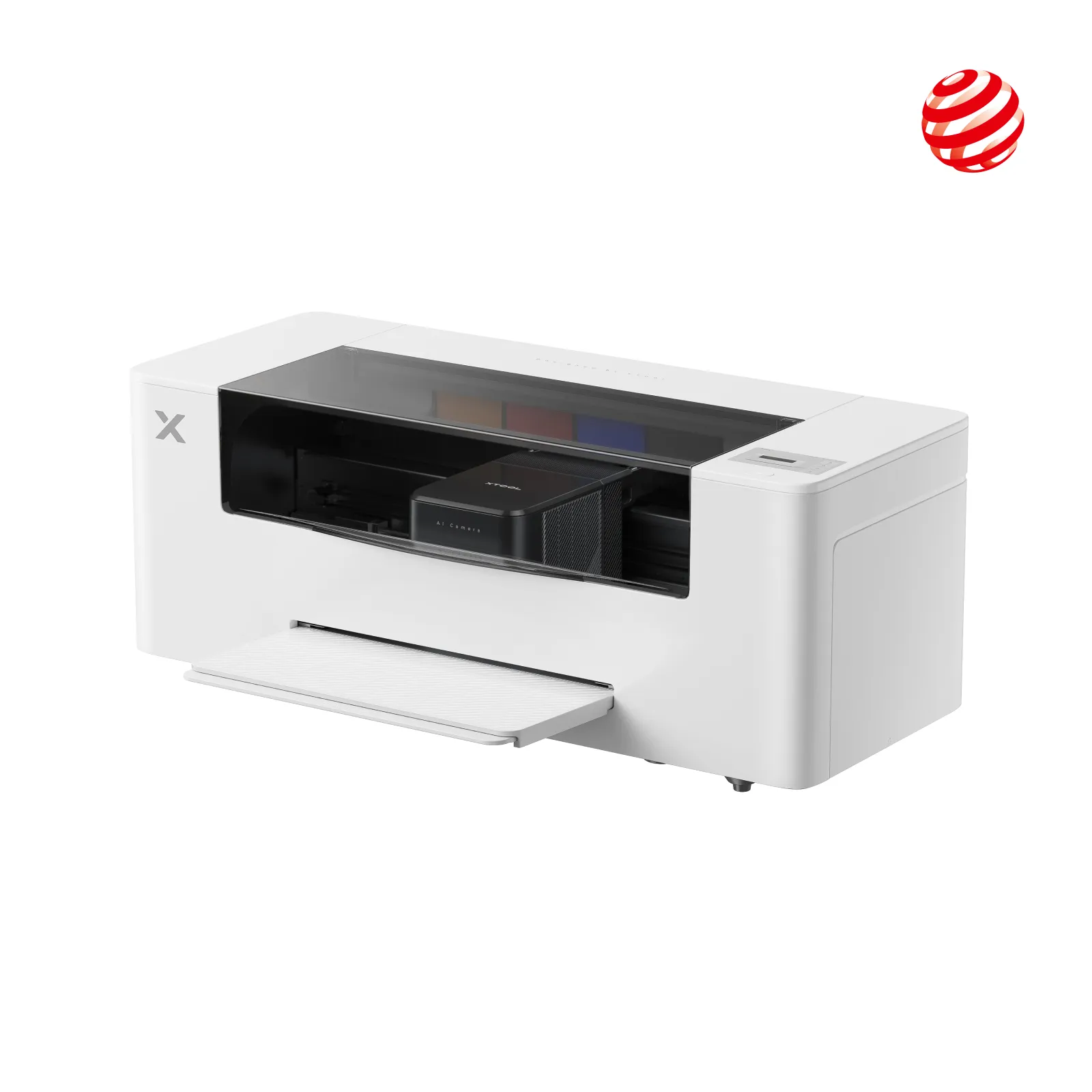
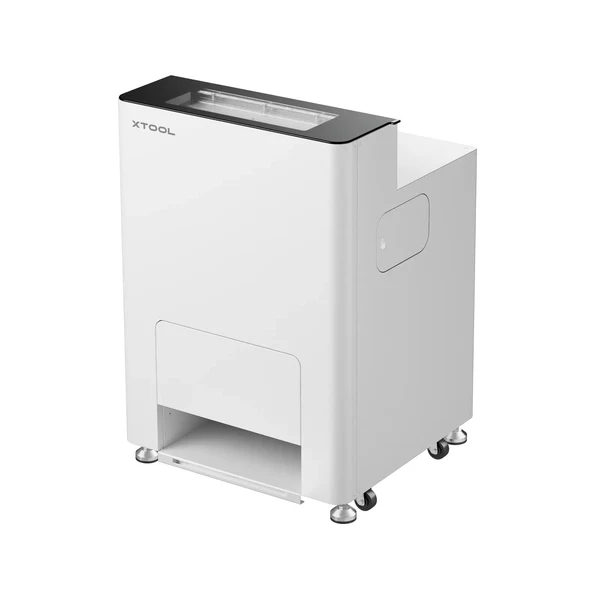
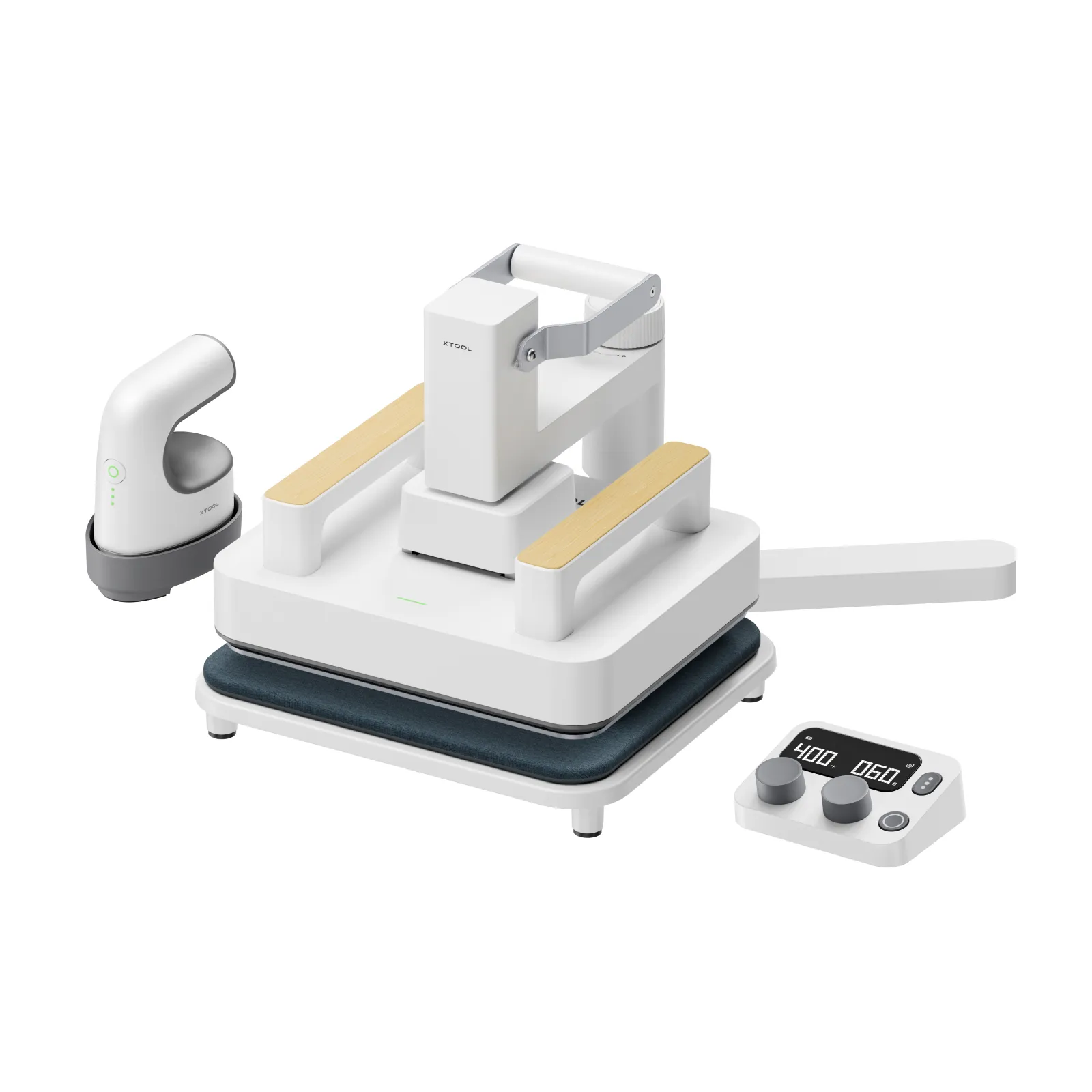
xTool Heat Press Tool for T-shirts, HTV, Sublimation and DTF Transfers
Versatile for HTV, Sublimation, and DTF Transfers.
3. Pre-processing Preparation
3.1 Install Printer Film Rolls
xTool Apparel Printer User Manual
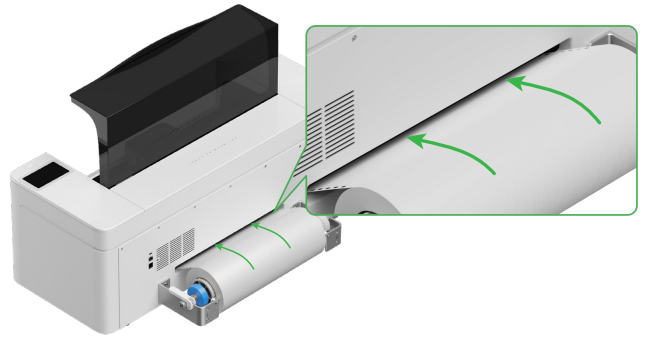
Secure the Printer Film Rolls in place, with the rough side facing up, and place them inside the printer.
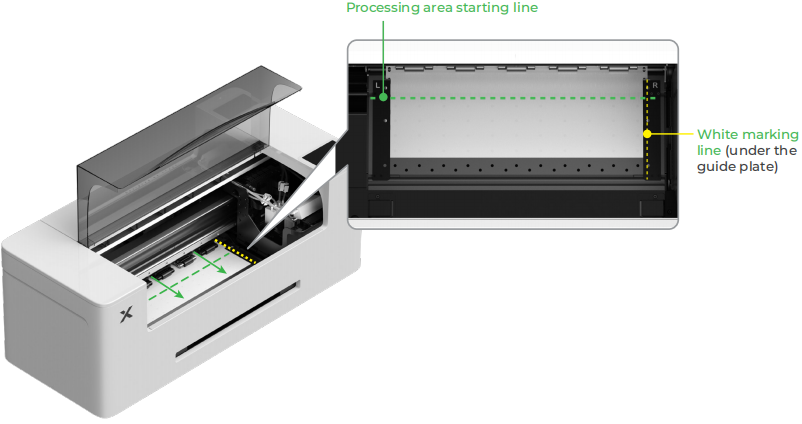
After placing the Printer Film Rolls into the processing area of the equipment, be sure to secure both the left and right sides to prevent deformation of the Printer Film Rolls during pulling, and to avoid the appearance of bubbles in the middle during printing.
3.2 Perform a printing test
Before performing a full image print, it is recommended to go to the screen of the Apparel Printer, click on the 'Maintenance' option, select 'Cleaning', and check whether the ink can process normally.
3.3 Equipment Cleaning and Preheating
When using the Apparel Printer in combination with the Automatic Shaker Oven Machine, it is recommended to preheat the Automatic Shaker Oven Machine in advance after setting the baking temperature.
3.4 Keep the environment well-ventilated
When the Printer Film Rolls enter the Shaker Oven Machine for baking after printing, the exhaust outlet needs to be connected to the smoke exhaust pipe, which must be connected to an outdoor ventilation location.
If the smoke exhaust pipe cannot be connected to the outdoors, it is recommended to use an air purifier for air purification.
4. Frequently Asked Questions
4.1 Printer Film Rolls Not Installed Properly
Move the film until its side edge is aligned with the center of the guide plate hole. Please note that the distance between the guide plate and the film should not be too close or too far; otherwise, issues such as film bulging may occur.
4.2 Inappropriate baking temperature
For the baking temperature of the Automatic Shaker Oven Machine, please use the recommended baking parameters for Printer Film Rolls in ATOMM.
When the baking temperature is too low, the Printer Powder is difficult to melt, which may result in insufficient adhesion of the film layer during heat transfer.
When the baking temperature is too high, Printer Film Rolls may warp and deform, and develop a scorched yellow color.
4.3 Obvious white borders on the printed image
When using White ink reduction, shrink the white ink area to prevent the white ink from bleeding or showing at the edges of the design pattern.
The larger the White ink reduction value, the more the white ink shrinks inward from the edges of the design pattern.

