How to Choose CNC Cutting Parameters
 xTool Official
Material EasySet Library
For most materials, you can get built-in settings in XCS software. You can just apply them in one click.
1. Choose the material and confirm.
|
|
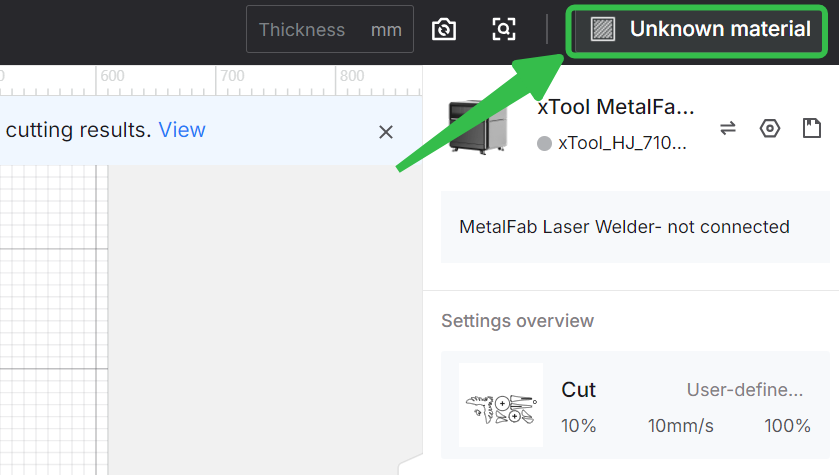
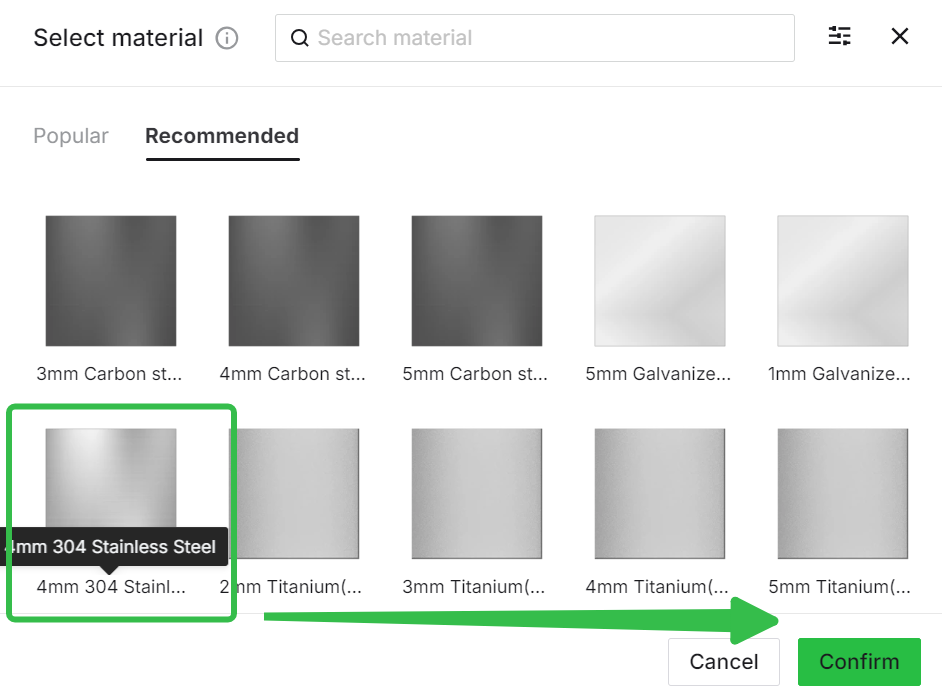
2. Choose settings according to your hardware and all software settings will be applied automatically. (power, speed, following height, etc.)
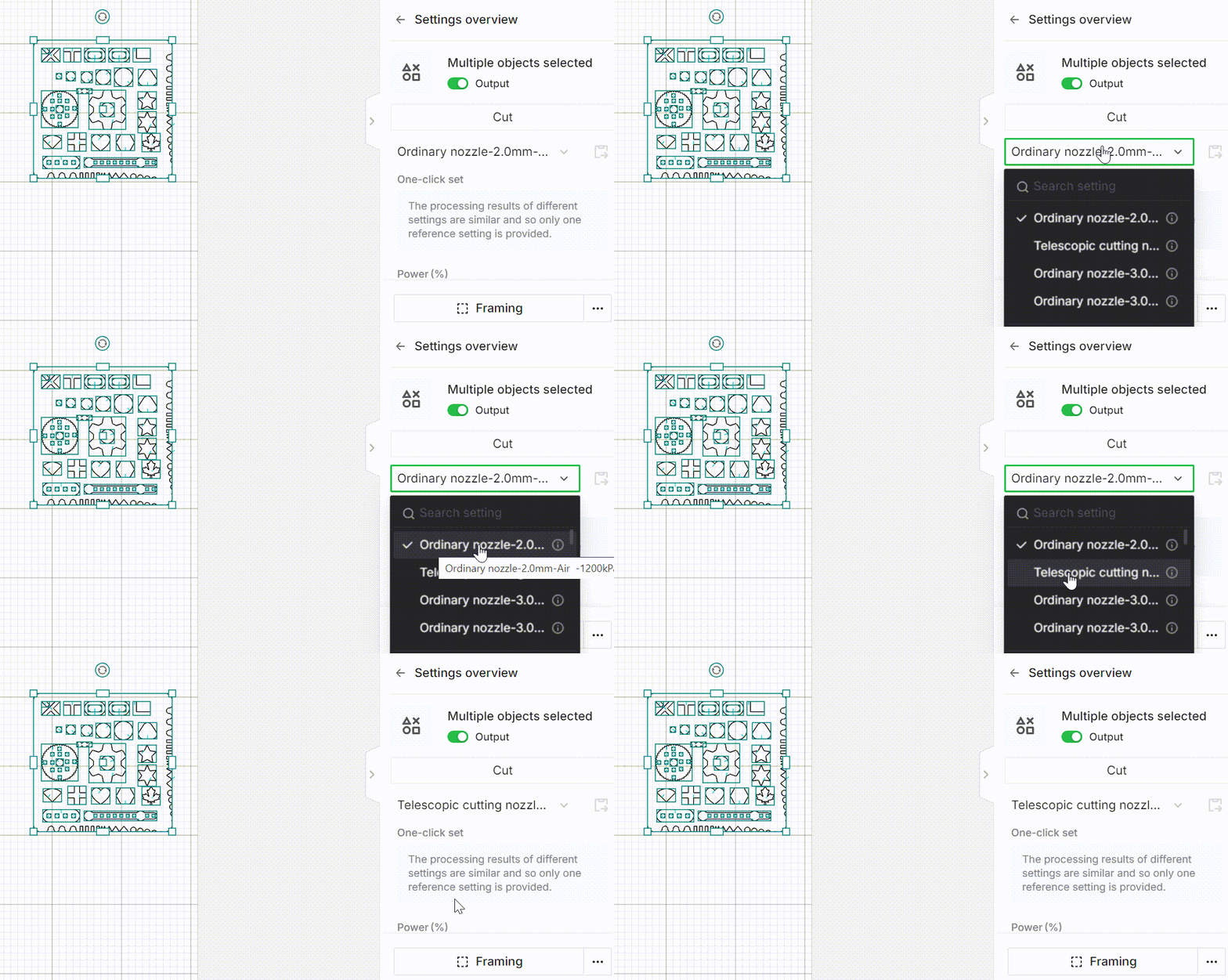
3. After clicking the process, you will get the recommended value. Manually adjust the focus position.
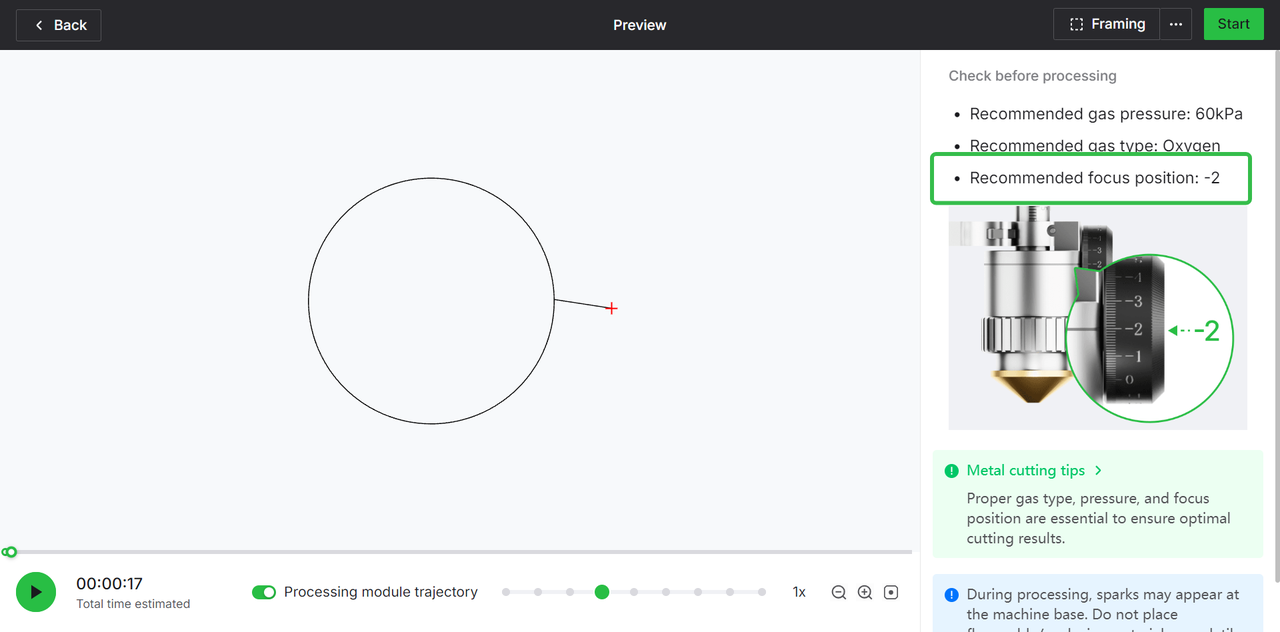
- For detailed settings, you can visit the link. (same as the XCS EasySet)
- For parameters for carbon steel thicker than 5mm, please contact the support team for help.
How to Adjust Settings
Impacts of different parameters
Parameter | Definition | Range | Test Step | Effect | Rule | |
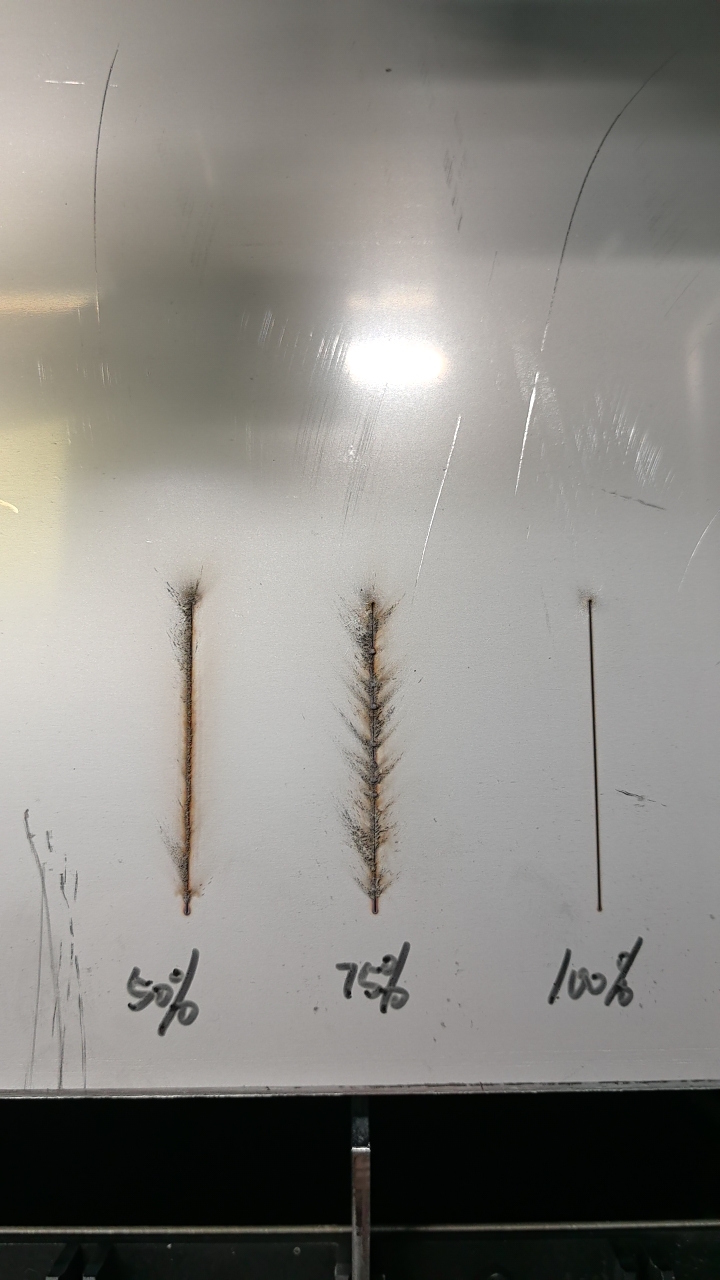
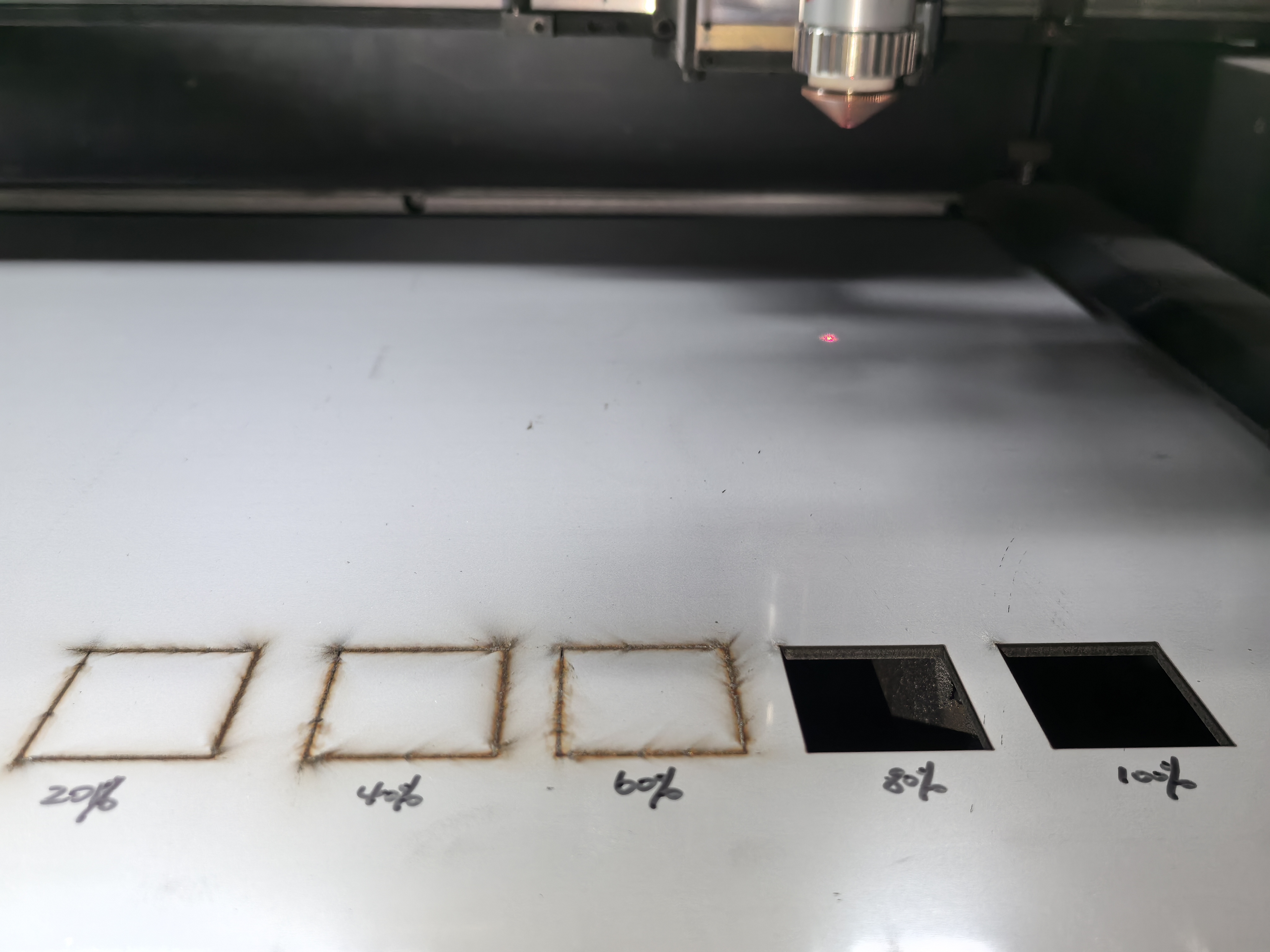
Power | The size of the laser power determines the energy density and processing capacity of the laser | 10%-100% | 50%-75%-100% |
| Under the same parameters, the lower the power, the weaker the energy, the worse the cutting effect, and the material cannot be cut through | |
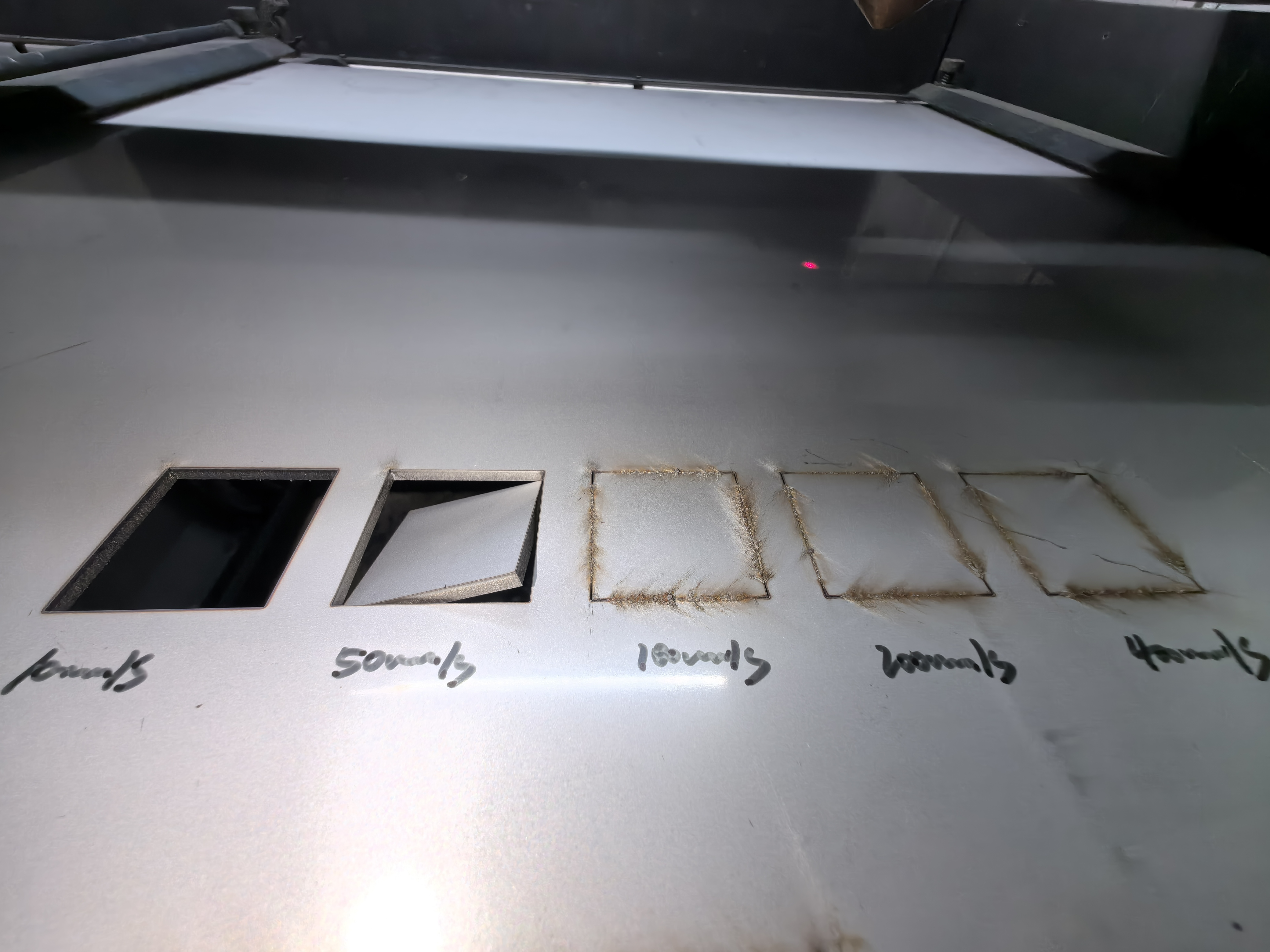
Speed | The speed at which the laser head moves on the surface of the processed material; the slower the speed, the more intense | 1-400mm/s | 10-50-100-200-400 |
| Too slow speed leads to large heat affected zone and local burrs, while too fast speed leads to non-penetration | |
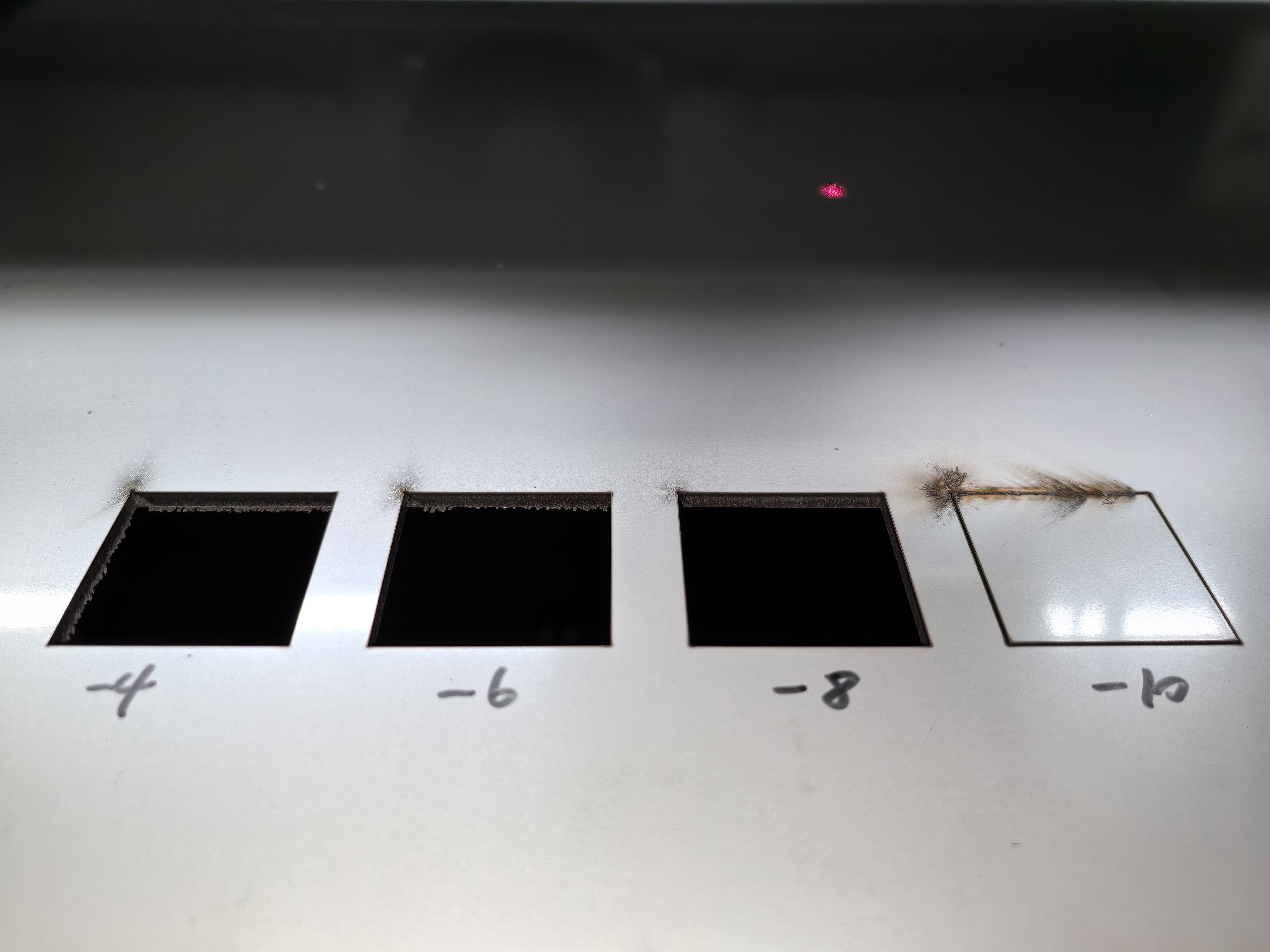
Focus | Distance from the focus of the welding torch to the upper surface of the base metal (positive defocus on the upper surface of the base metal and negative defocus inside the base metal) | -12~+25 | -4~-6~-8~-10 |
| Normally, the thicker the plate, the more negative focus. If the negative focus is too low, there will be burrs. If the negative focus is too high, the plate cannot be cut through. Select the appropriate focus | |
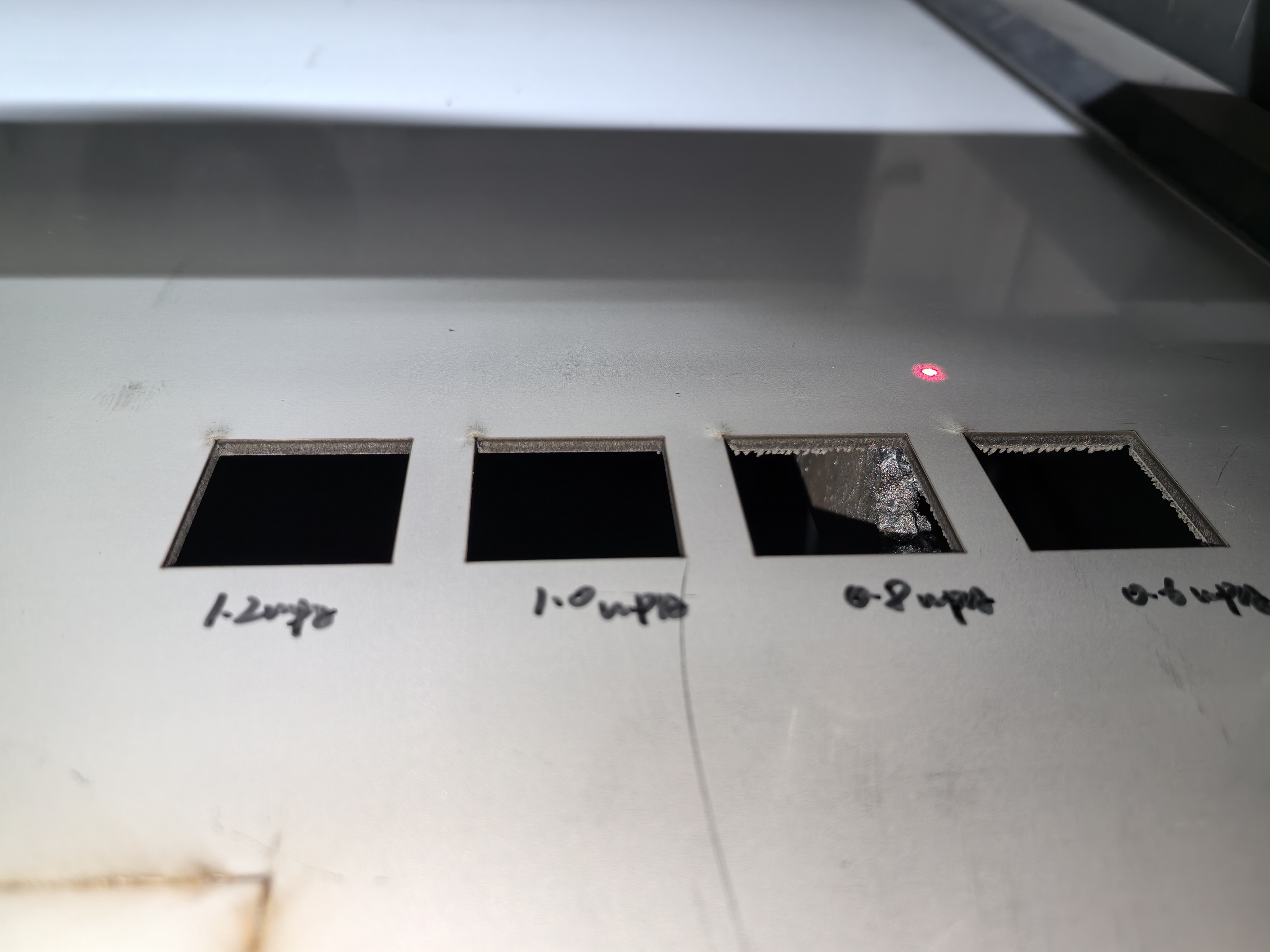
Gas pressure | Pressure of the auxiliary gas at the nozzle outlet | 0.05-1.2Mpa | 0.6-0.8-1.0-1.2 |
| The lower the air pressure, the worse the slag discharge capacity and the worse the cutting effect | |
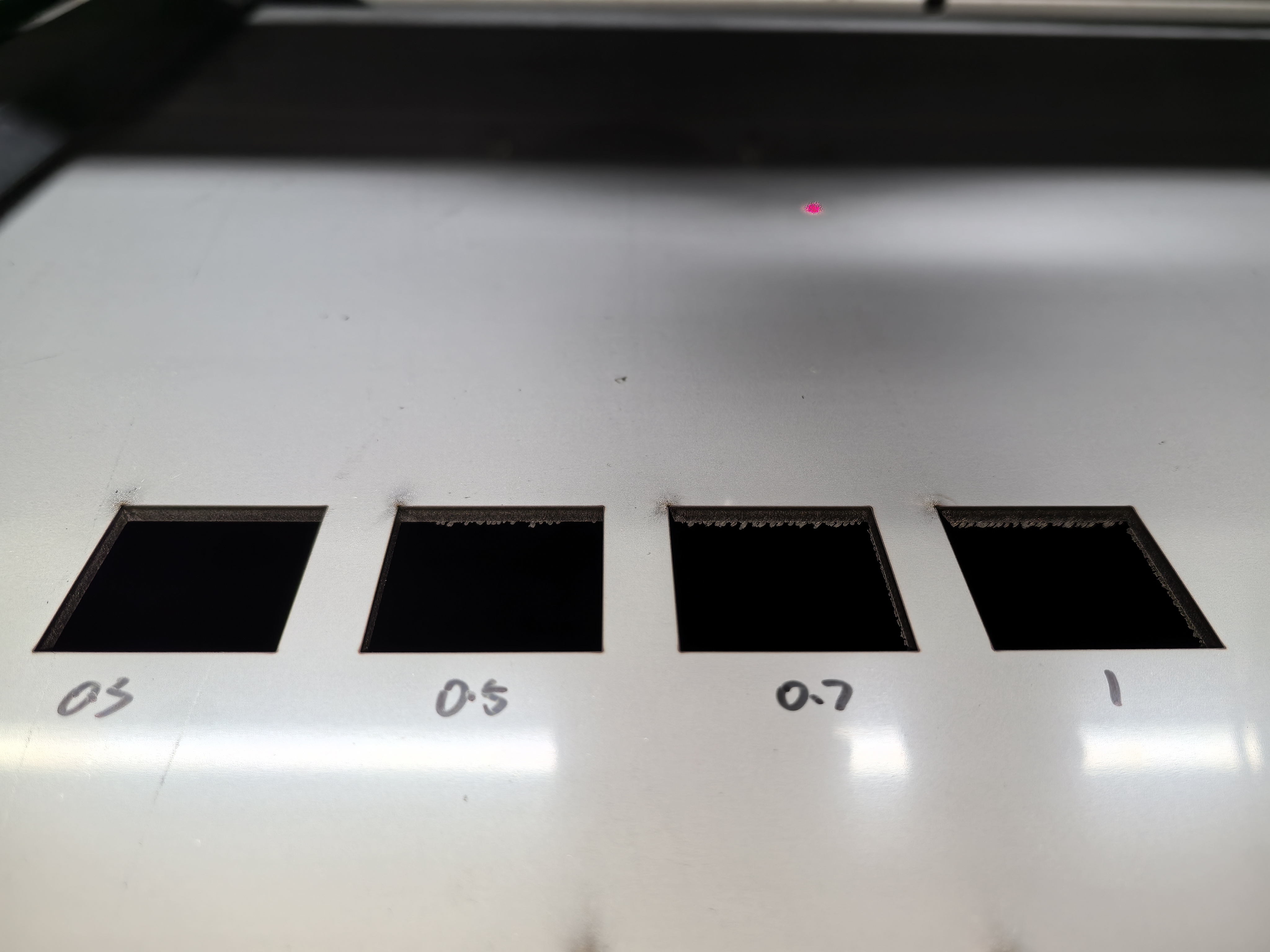
Following height | The vertical distance between the cutting nozzle and the workpiece surface during laser cutting | 0.3-1mm | 0.3-0.5-0.7-1 |
| The higher the following height, the worse the gas concentration. After the high pressure gas is dispersed, the slag cannot be effectively discharged. Therefore, the higher the following height, the more slag is hung. | |
Gas type | Laser cutting gas refers to the gas that is ejected through the nozzle (coaxial or lateral to the laser) into the cutting area during the laser cutting process | Nitrogen, Air, Argon, Oxygen | - | - | When cutting stainless steel with nitrogen or argon, the cross-section will appear whiter and brighter, while cutting with air may result in some oxidation and a darker appearance. | |
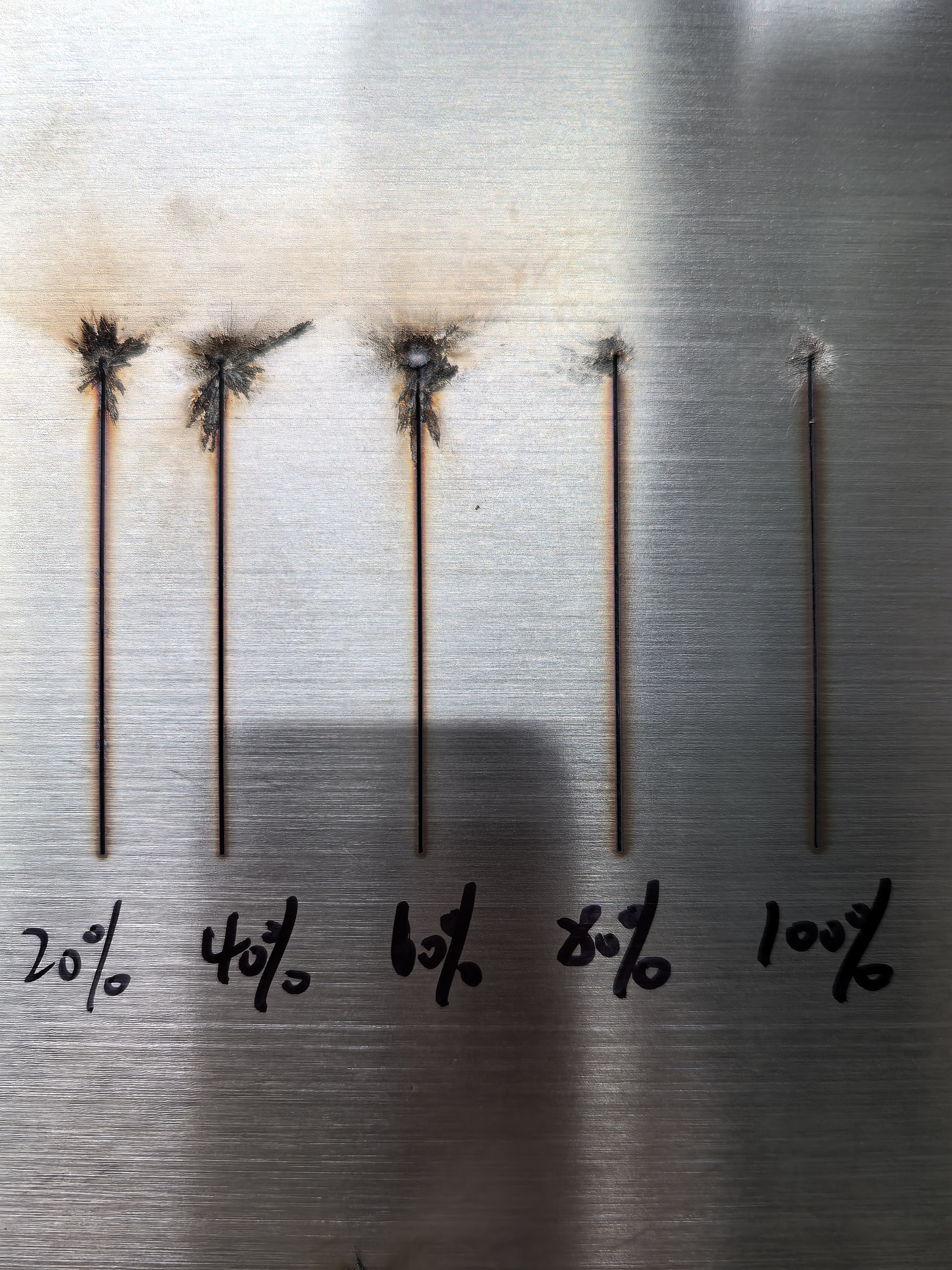
Duty cycle | The ratio of the actual working time to the total time of the laser in a working cycle | 1%-100% | 20-40-60-80-100 |
| When the duty cycle is too low, it cannot cut through. | |
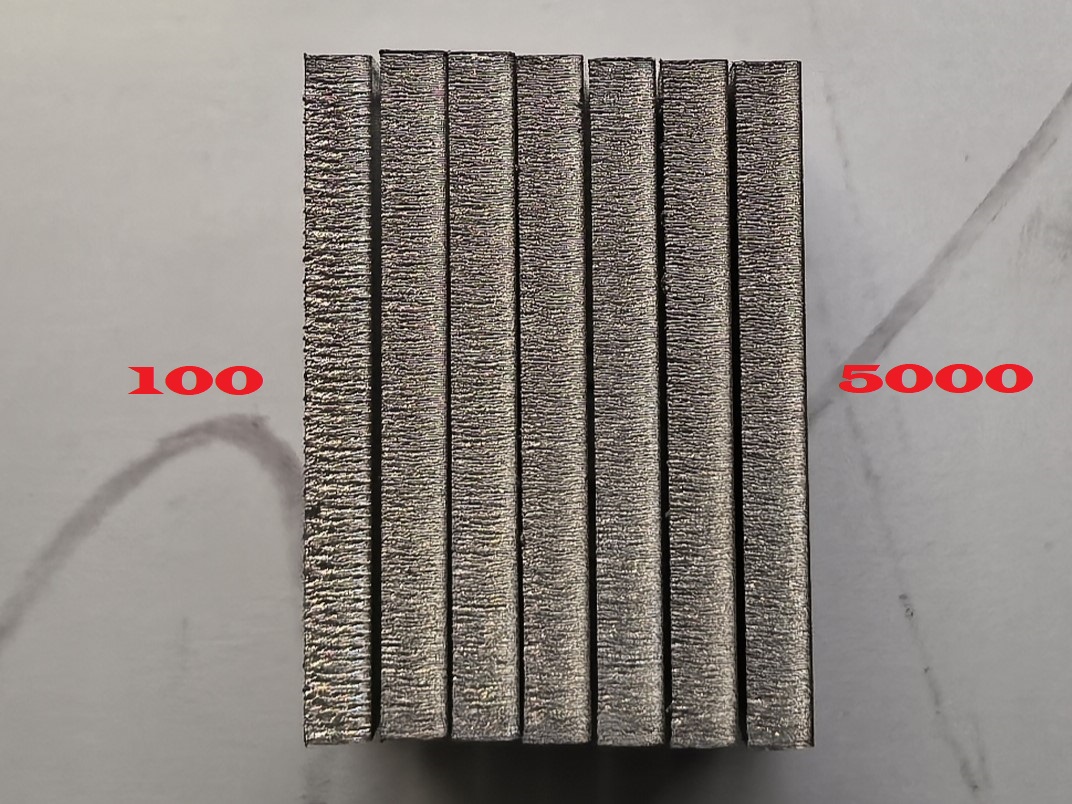
Frequency | The repetition frequency of the laser wave, the number of round trips of the wave per unit time | 500-5000 | 100-500-1000-2000-3000-4000-5000 |
| Due to the characteristics of the continuous laser, it is useless to change the frequency separately when the duty cycle is 100%, so the effects are basically the same. | |
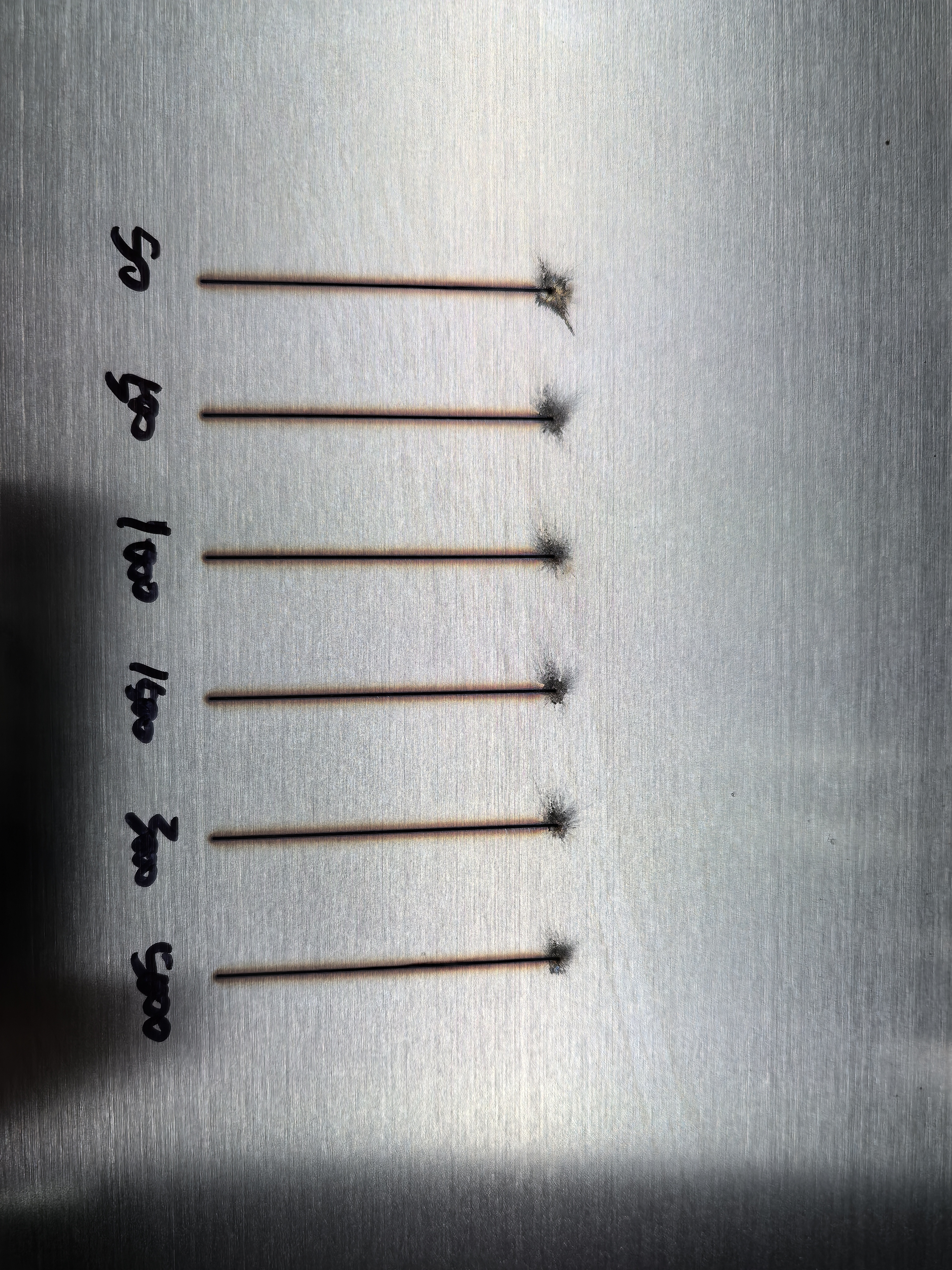
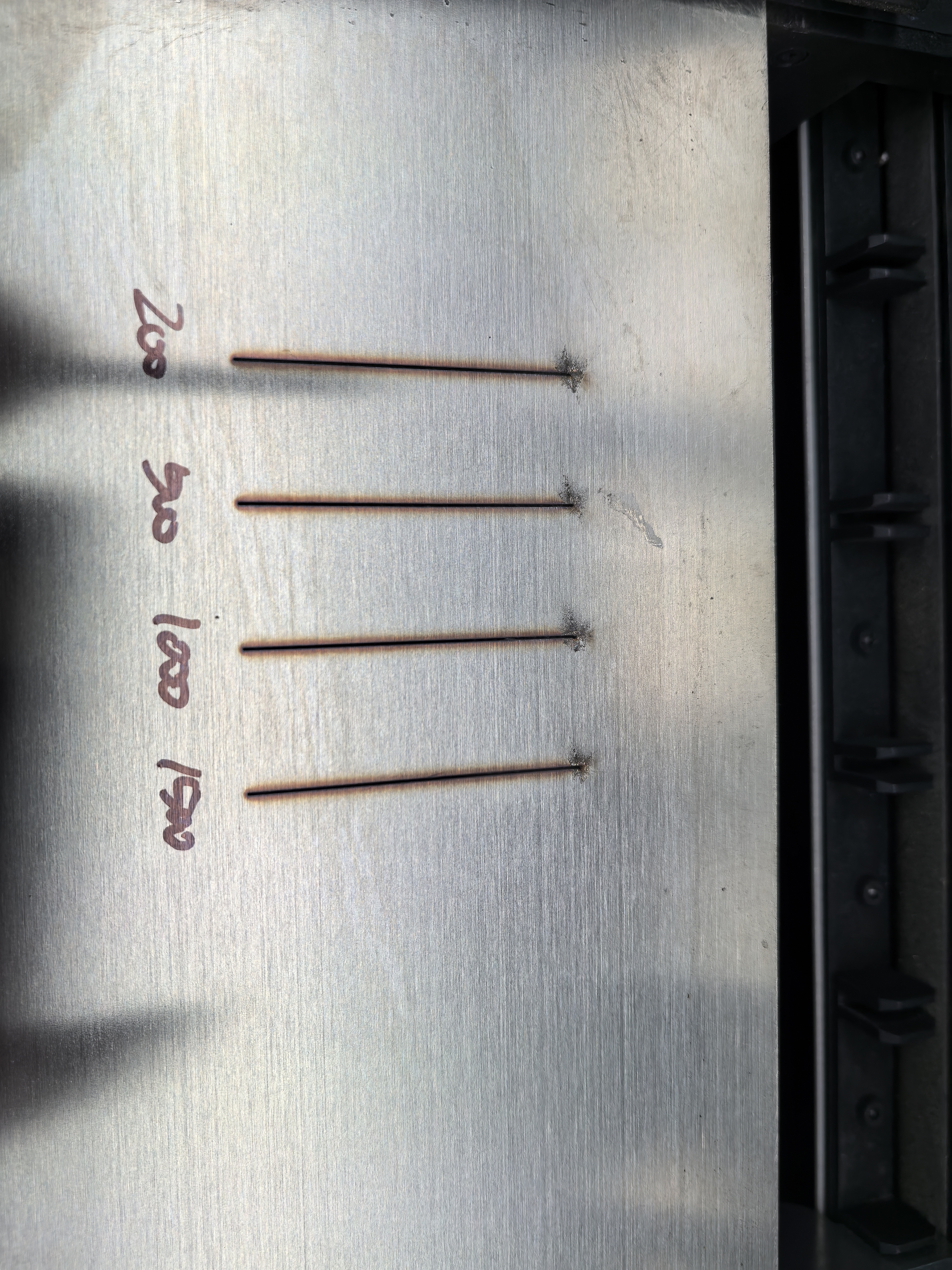
Perforation parameters | Perforation power | Laser output power during the piercing phase | 11%-100% | 20-40-60-80-100 |
| The lower the power, the greater the probability of perforation failure |
Perforation time | Time of laser continuous action on one point | 10-5000ms | 10-100-500-800-1500 |
| The lower the perforation time, the greater the probability of perforation failure | |
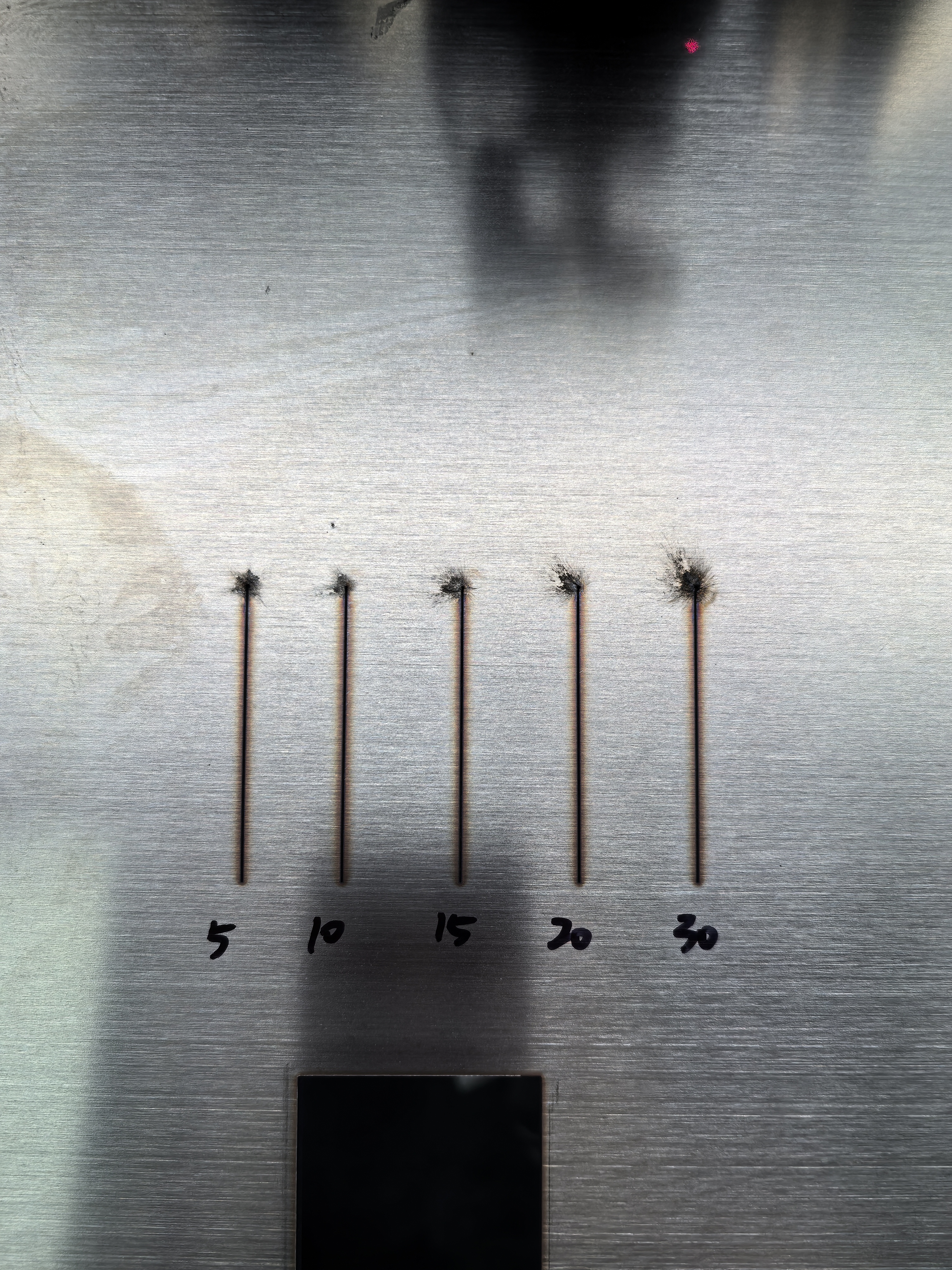
Perforation height | Distance between nozzle and material surface during piercing | 5-30mm | 5-10-15-20-30 |
| The higher the height, the greater the splash and the larger the perforation diameter | |
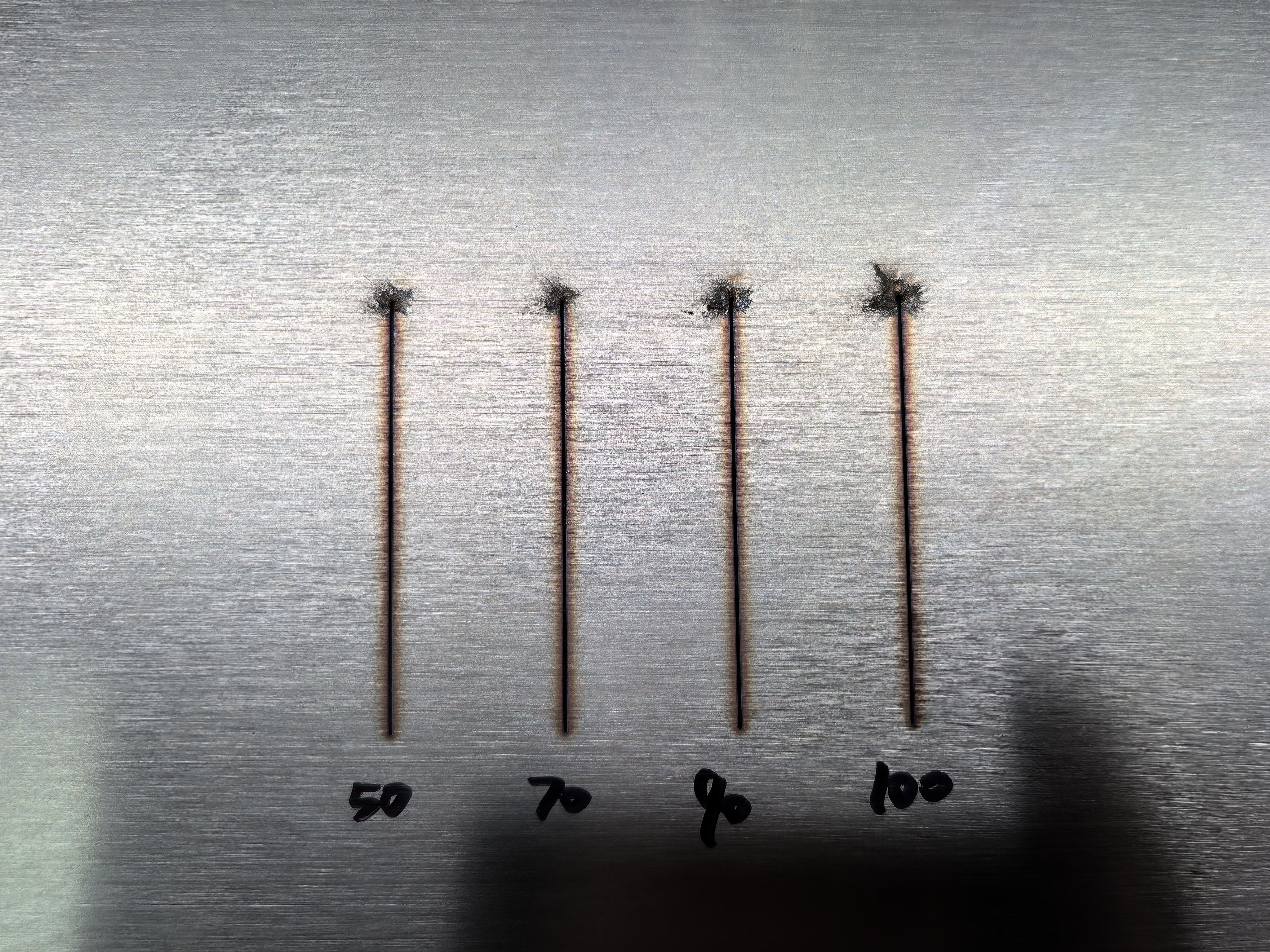
Perforation duty cycle | Percentage of the on-time of the pulsed laser in the entire cycle | 50%-100% | 50-70-90-100 |
| The higher the perforation duty cycle, the greater the perforation splash and the larger the perforation diameter | |
Perforation frequency | Number of laser pulses per unit time | 50-5000 | 50-500-1000-1500-3000-5000 |
| No obvious difference, need to adjust with duty cycle | |
Perforation delay | Refers to the time interval between the start of the laser piercing and the start of the cutting head movement | 0-1500ms | 200-500-1000-1500 |
| The longer the delay, the higher the stability | |
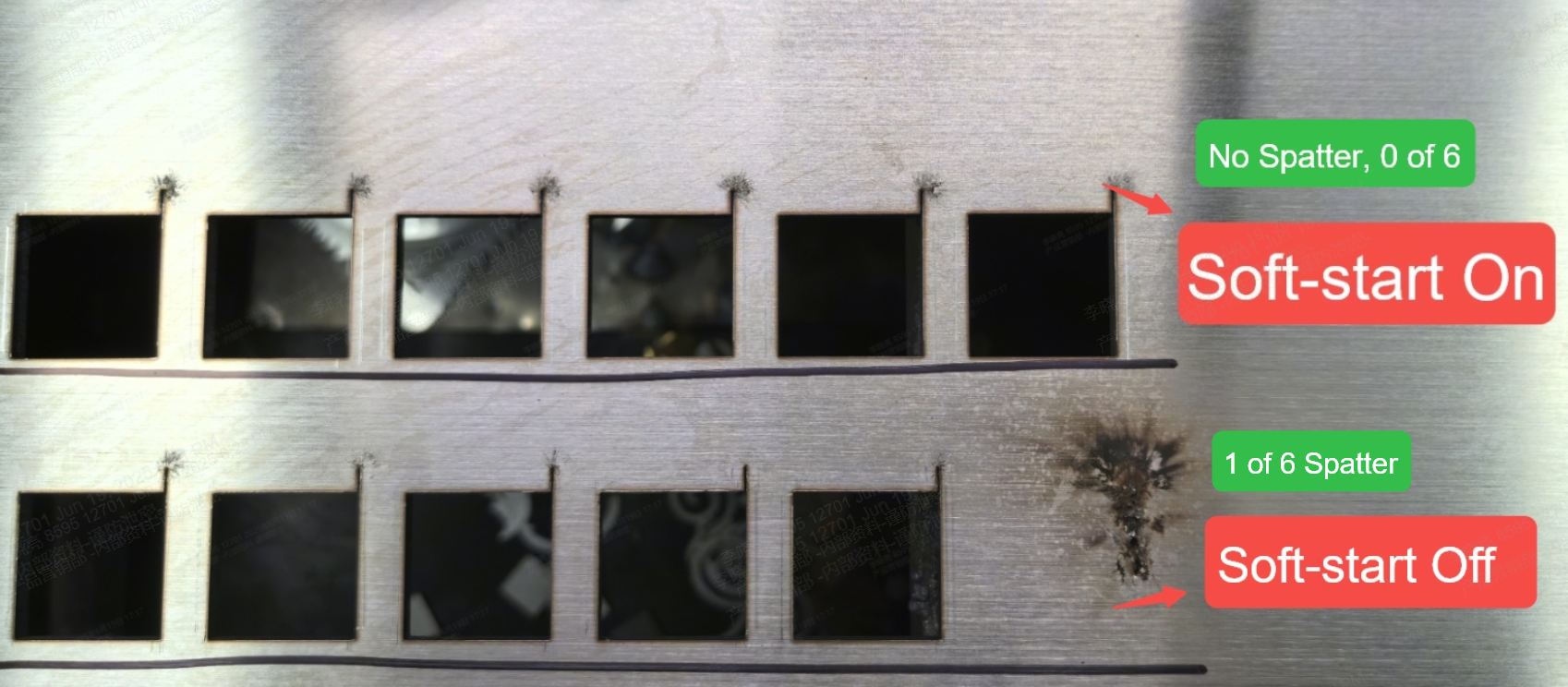
Soft-start | 1. For some thick materials, after adding the lead-in lines, if there is slag hanging or overburning, you can add the slow start parameter. |
| Soft-start cutting for thick plate can reduce the bad cutting caused by splash during perforating. | |||
Flying cut | 1. Setting multiple circles or rectangles with the same parameters, size, and shape and arranged regularly as fly-cutting can significantly improve the cutting efficiency. | - | Turn on fly cutting to reduce processing time and optimize efficiency. It can only be used on thin plates. | |||

Adjust Parameters Based on Cutting Effects
1. Before adjusting the settings, please check other items first:
- Check the current gas pressure — Make sure it meets the required
Ordinary nozzle: 1.2 MPa, SaveGas Nozzle (Telescopic Nozzle): 0.6 MPa - Check the protective lens— Make sure it's clean.
2. Adjust the settings according to cutting effects
Sample Image | Troubleshooting | Possible Cause | Adjust Settings |
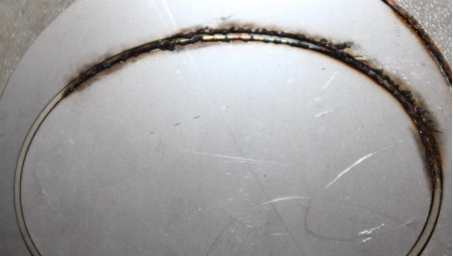
| Localized blackening of the cutting surface: not cut through | Cutting speed too fast or focus too low | Reduce speed, or raise the focus position For example, if the current focus is -4, try changing it to -3 or -2. |
| Single-sided slag | Laser is off-center | |
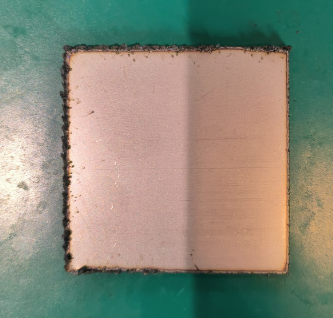
| Hard slag | Hard dross on the bottom indicates focus is too high | Lower the focus further (negative direction). For example, if the focus is -2, try -3 or -4. |
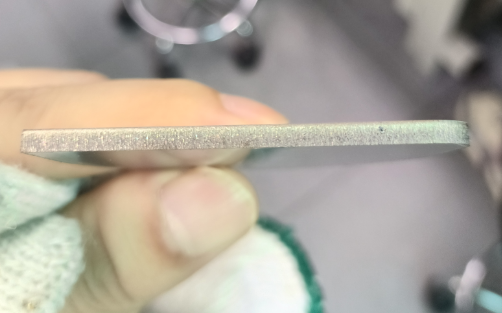
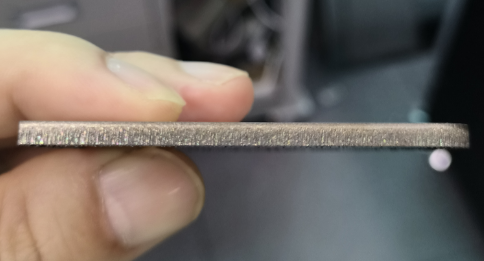
| Normal, the cutting edge is clean. | No adjustment needed. | |
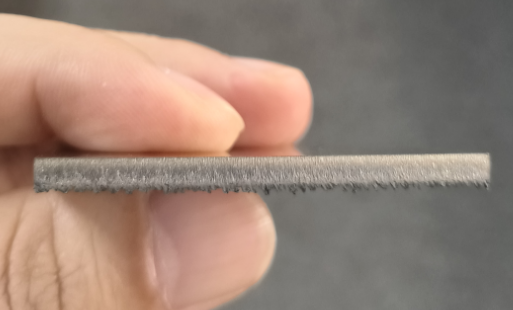
| Soft slag | Focus slightly too low | Raise the focus slightly. |
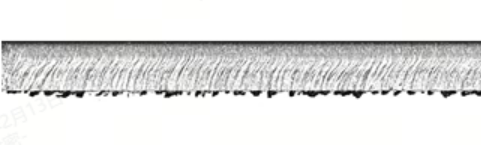
| Layered cut surface | Focus is too low | Raise the focus. |