
xTool Studio Mobile App Release Notes
xTool Studio Mobile App V1.4 Release Notes
【New feature】
- Added iPad support for a better user experience (Android tablet support is on the way).
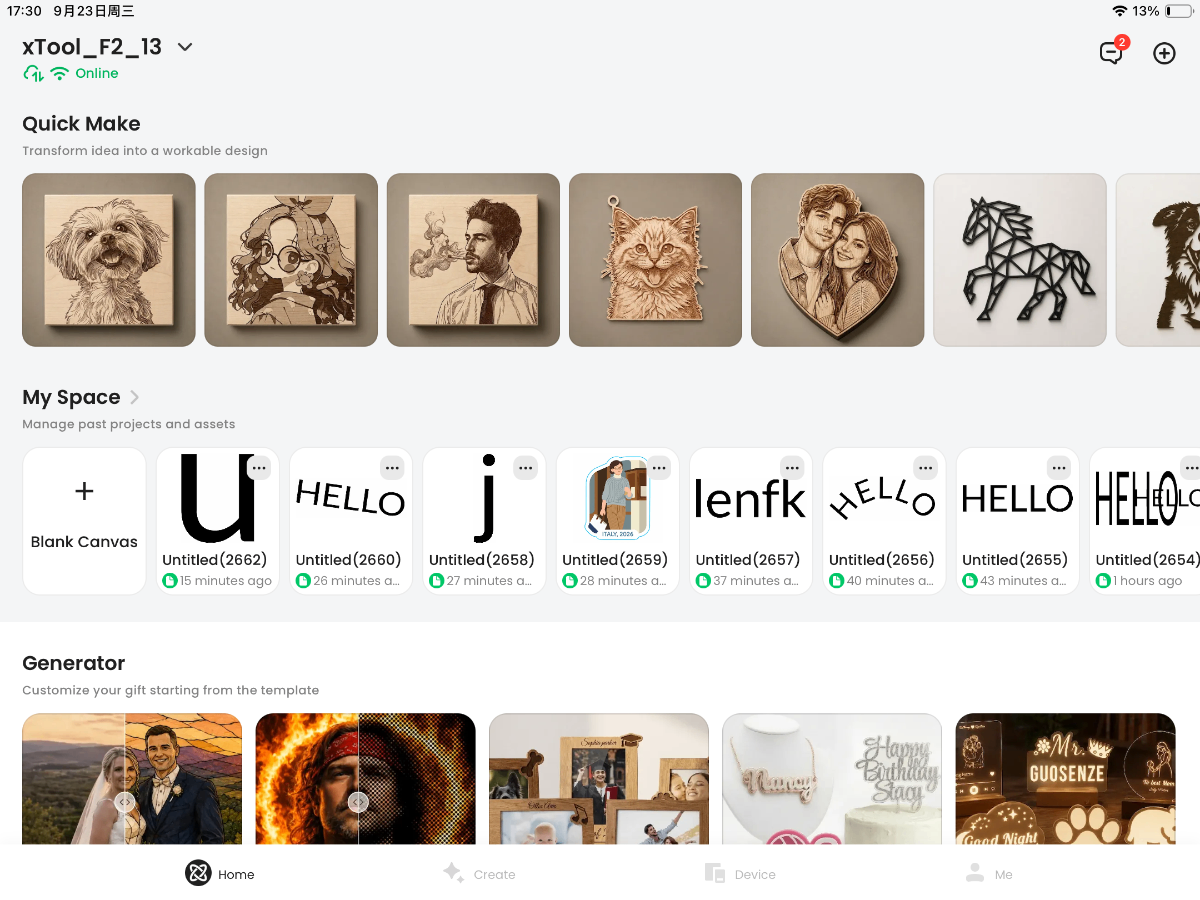
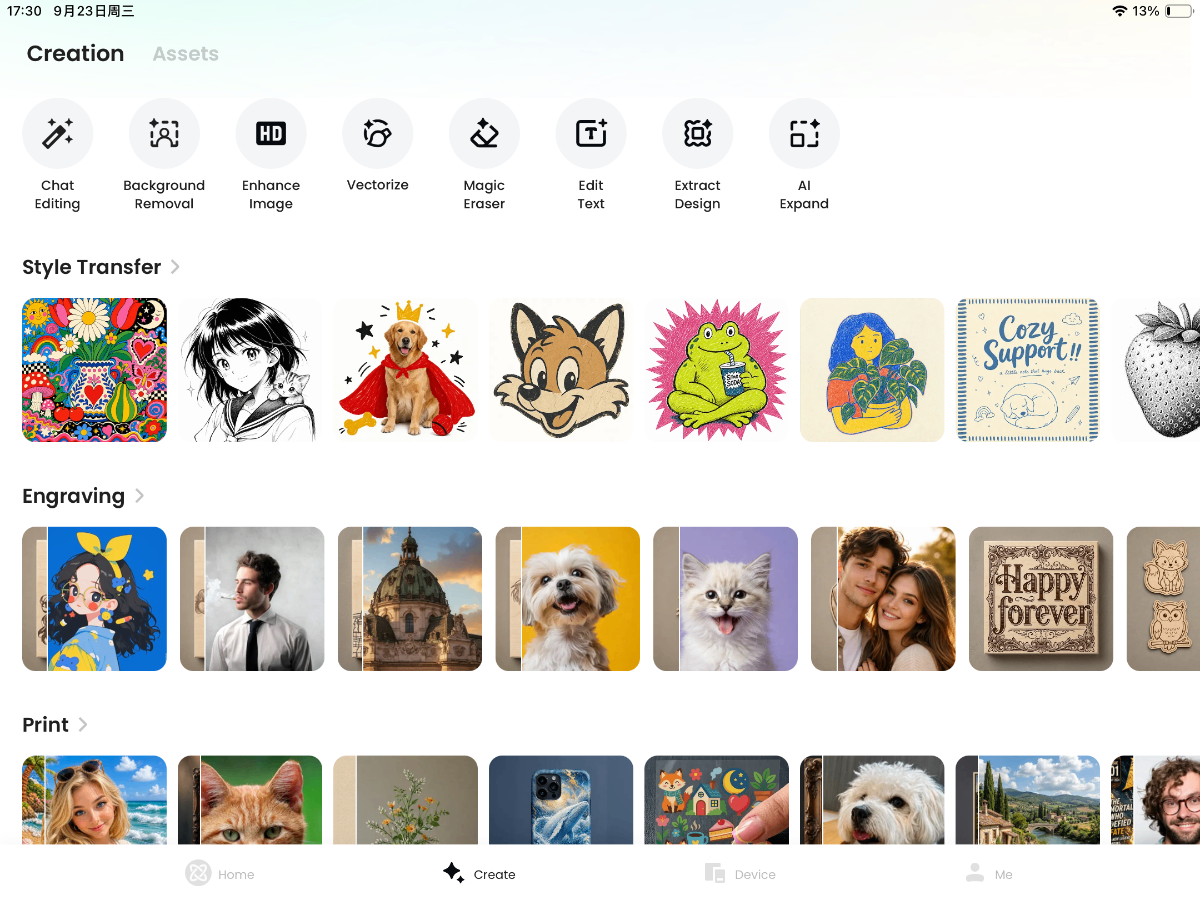
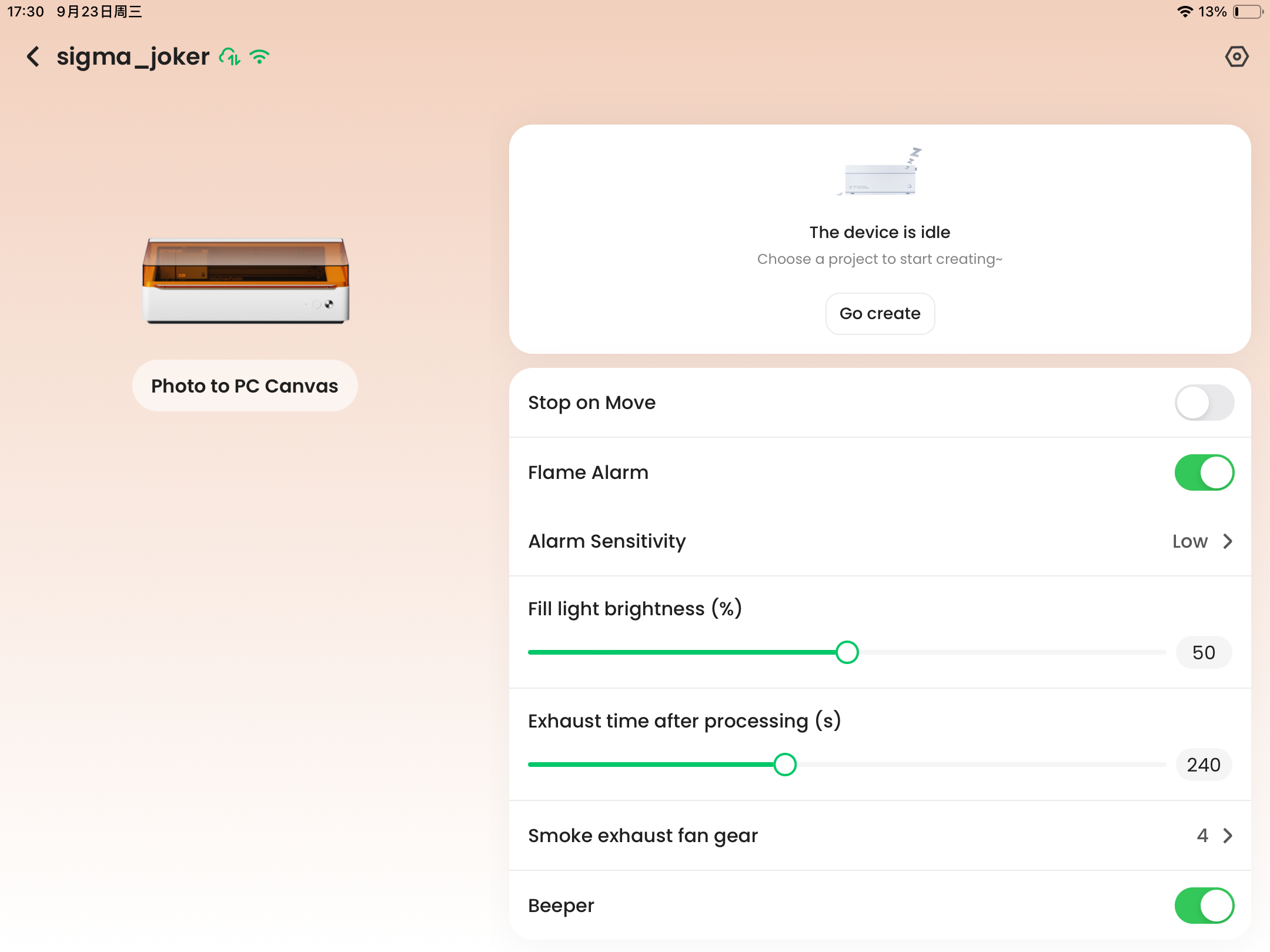
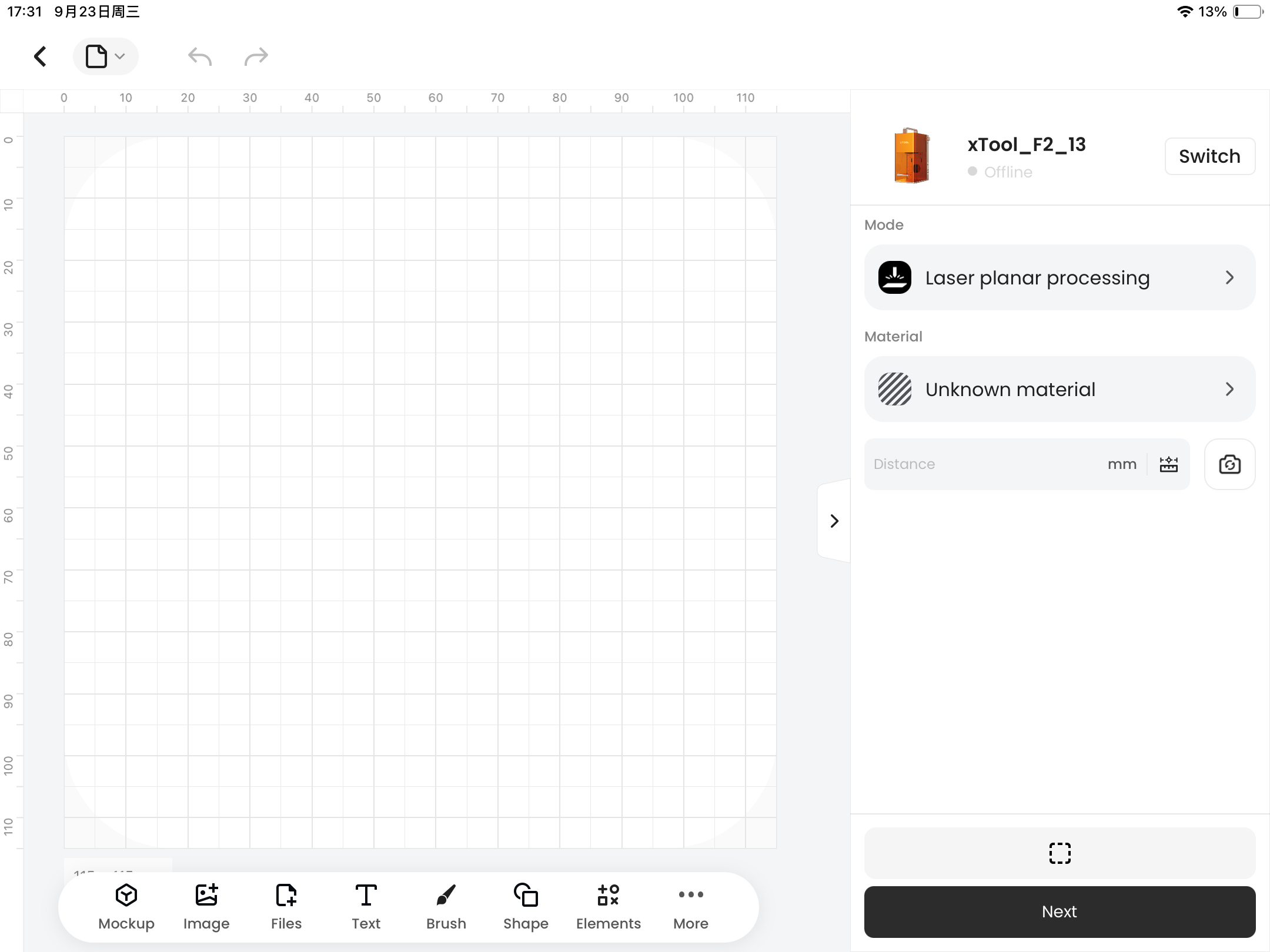
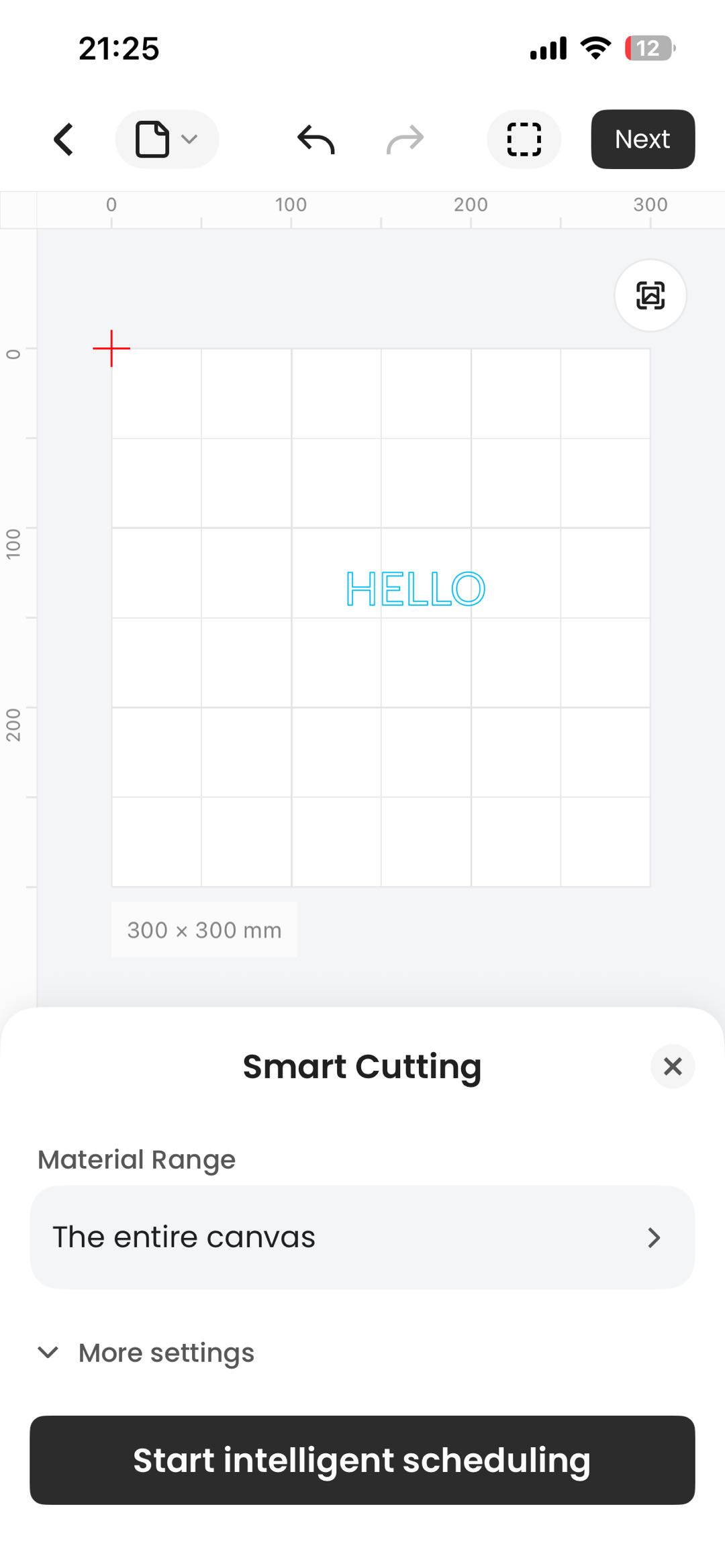
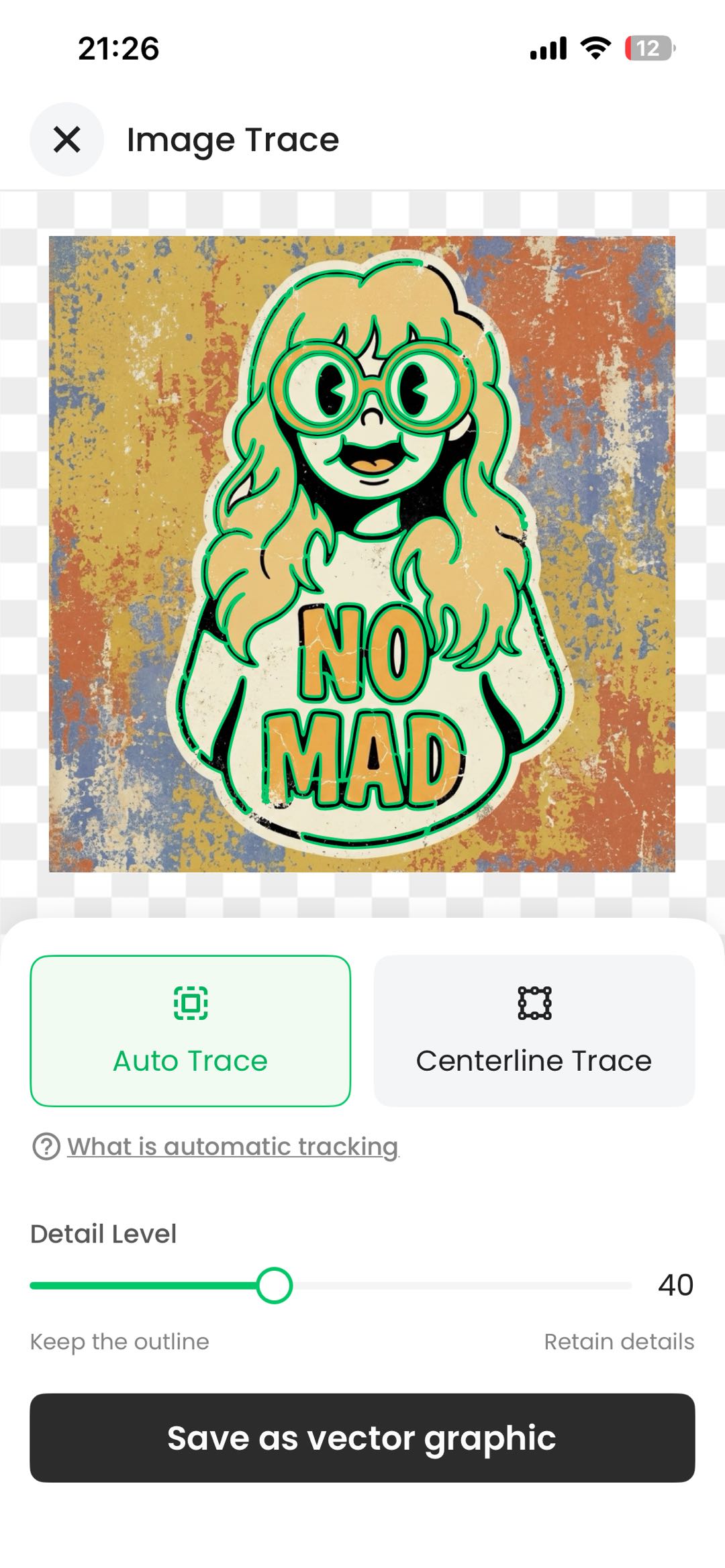
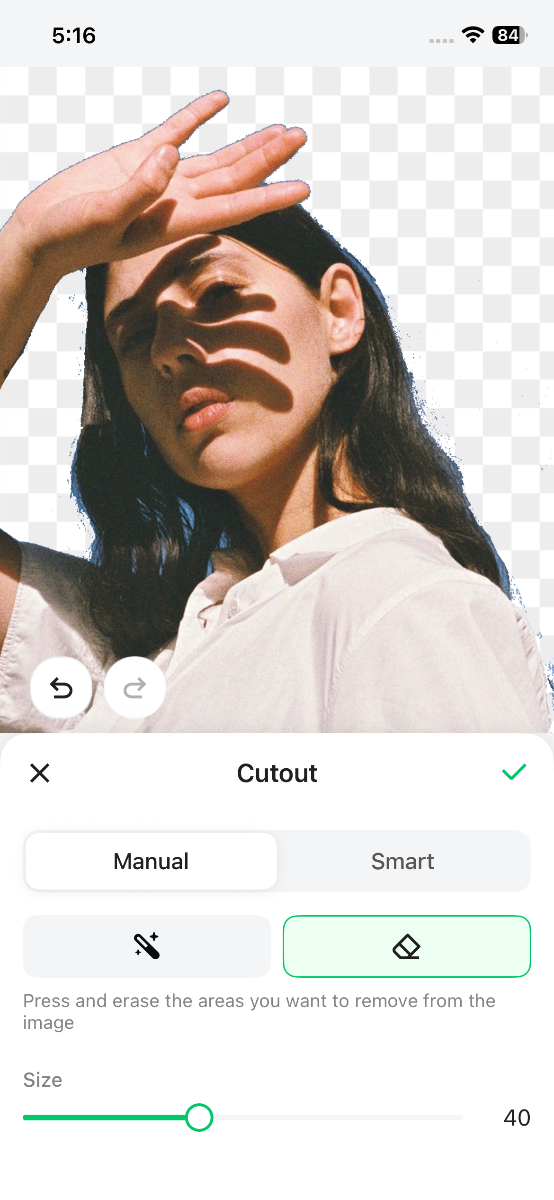
- New editor features: Smart Nesting, Image Trace, Manual Cutout, and other interaction improvements.
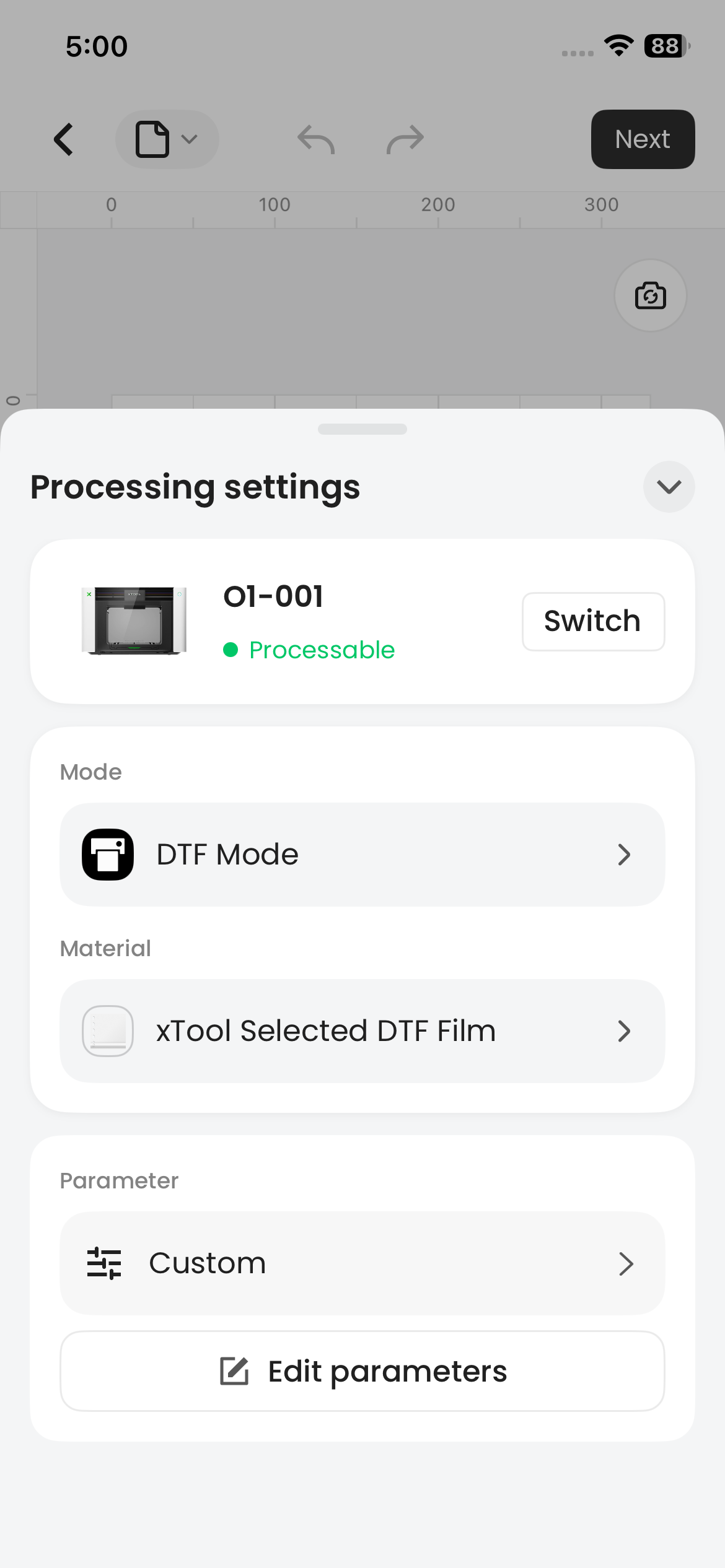
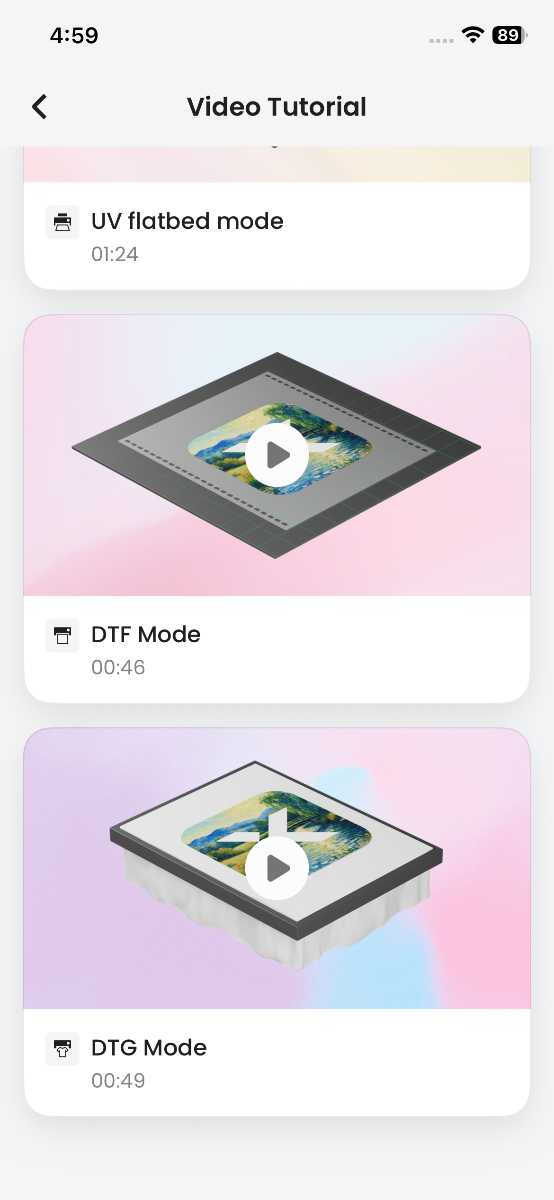
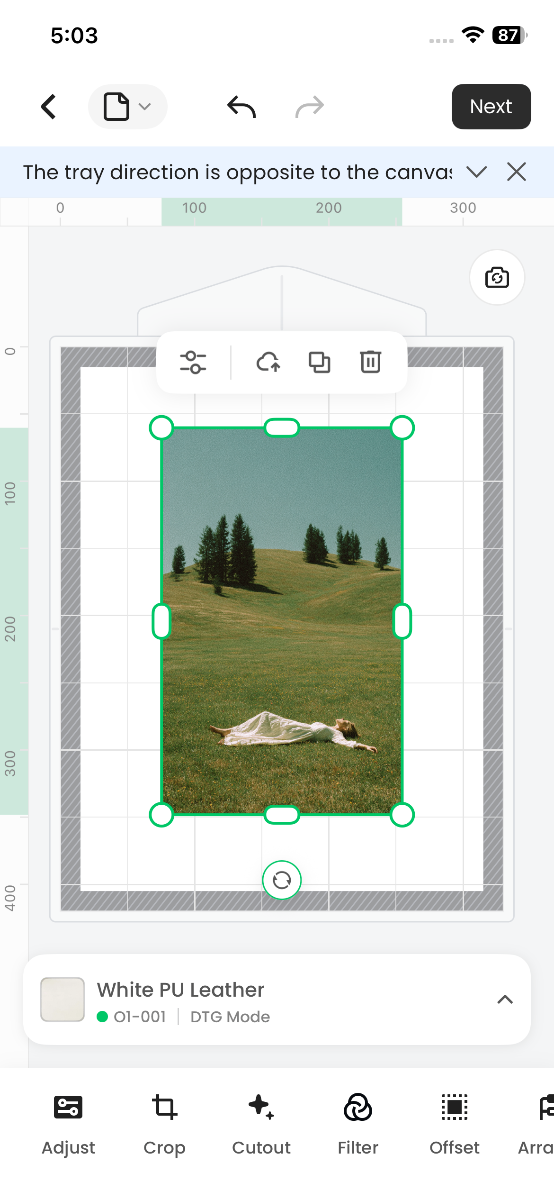
- O1 Omni Printer now supports DTF and DTG modes, with tutorial videos available anytime for easy garment printing and heat-transfer film production.
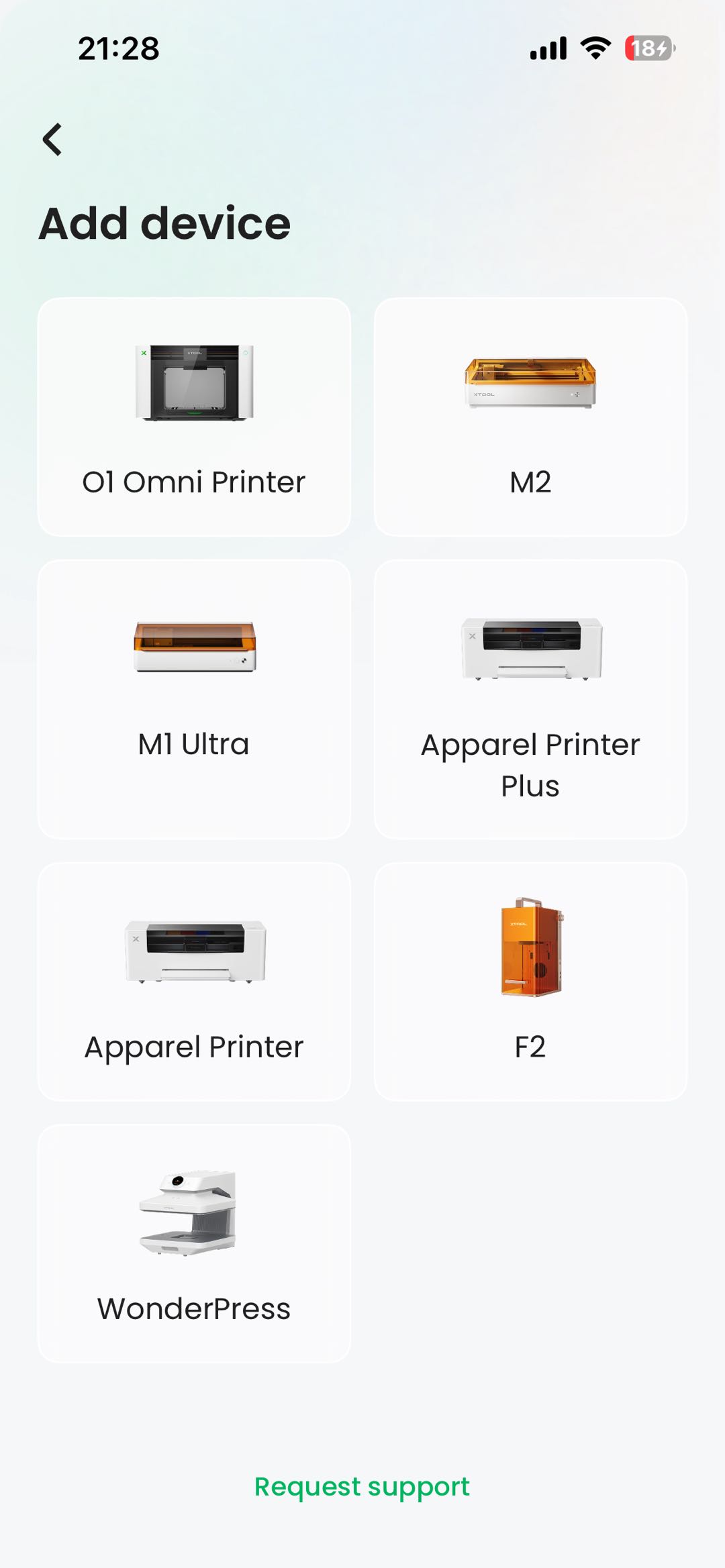
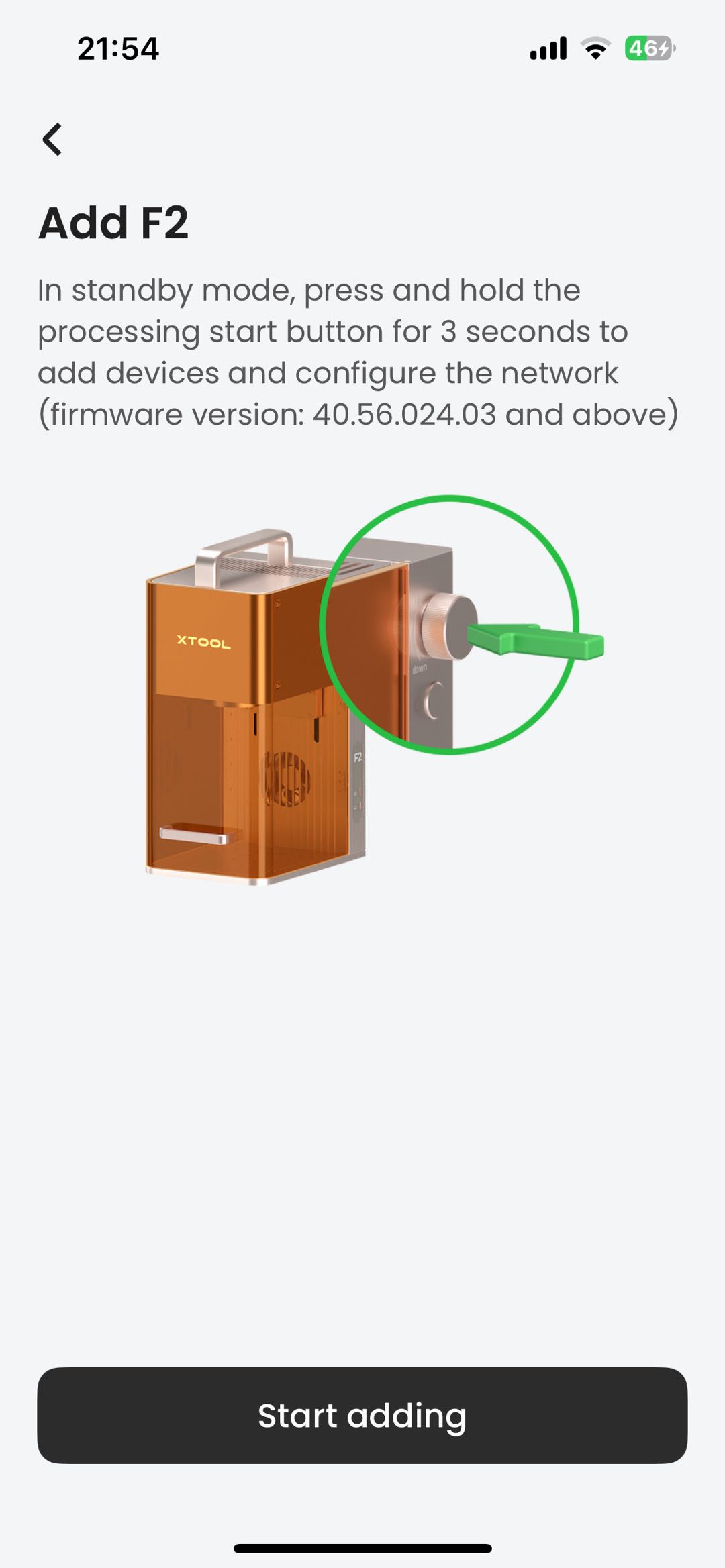
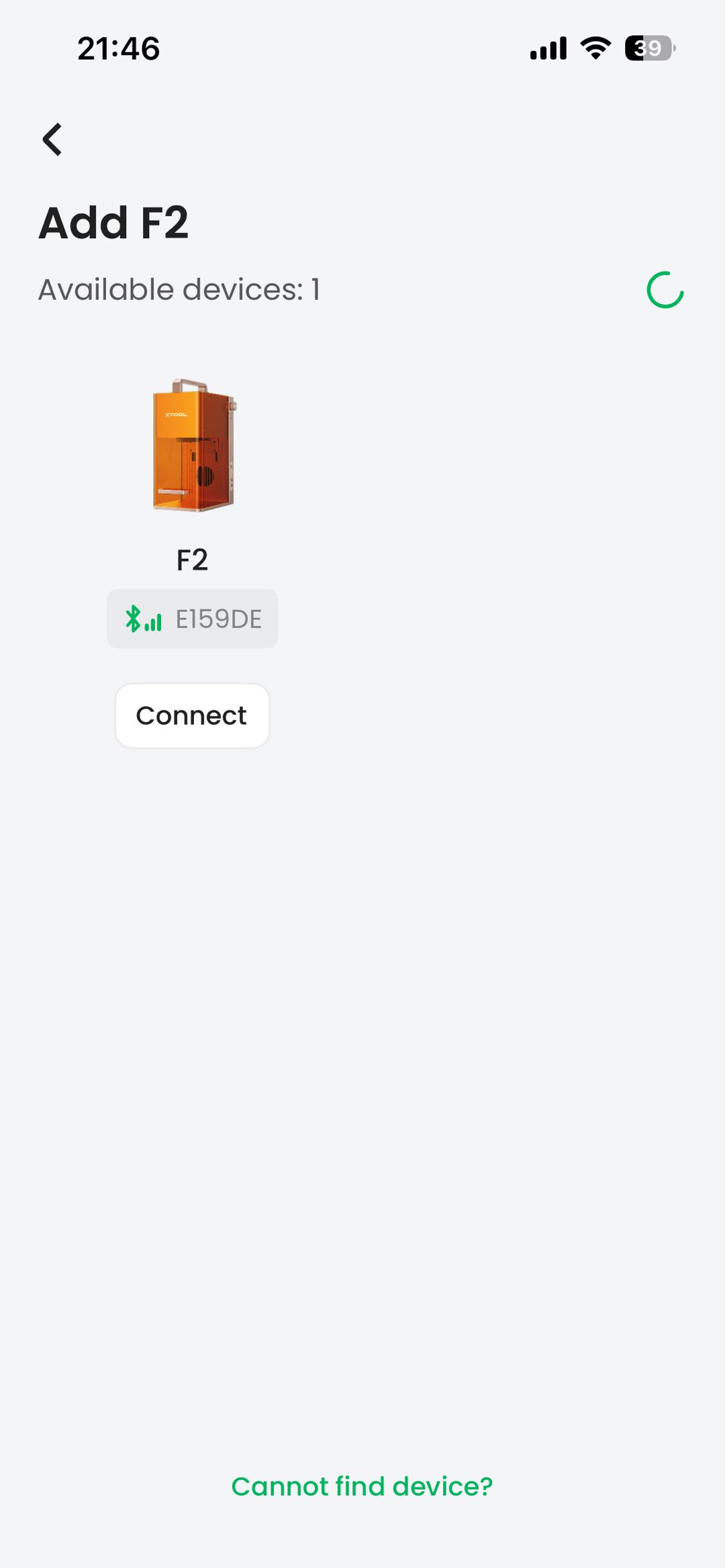
- Improved the device-adding flow and interaction, and added Bluetooth signal strength detection for better connection compatibility and a smoother setup experience;
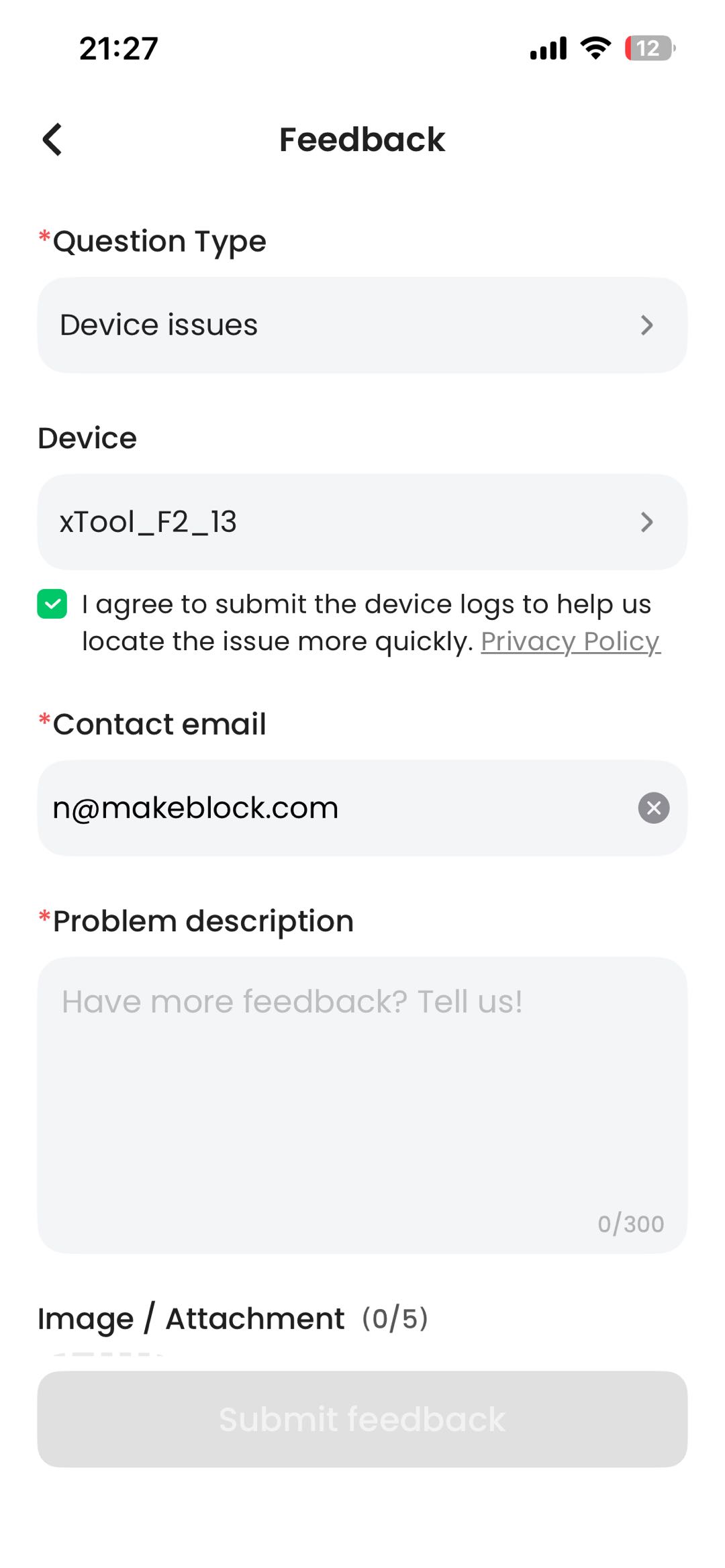
- Feedback now uploads device logs automatically, solving the low rate of manual log uploads and helping technical support troubleshoot faster;
- Introduced on-demand resource loading, reducing the installation package by more than 160MB and preventing package size from ballooning as new devices are added;
- Resource loading strategy: once a device is bound, loading is triggered based on network status — silently over Wi-Fi, and after a prompt on cellular data.
- Completed compatibility with the device message platform, supporting hot updates of message content and in-app push notifications for a better overall experience;
- Added RED certification related features and improved authentication checks to meet safety compliance requirements.
【Optimization】
- UI localization for more languages: Spanish, French, Italian, Japanese, and Korean.
xTool Studio Mobile App V1.3 Release Notes
The new App now supports the following new devices:
Device | Firmware Version or Later |
|---|---|
M2 | 40.141.011.4 |
O1 Omni Printer | 40.101.010.12 |
App Download Methods
- You can get the app in any of the following ways:
- lick to download: https://support.xtool.com/software-download
- Scan QR code to download:

- Search for it in the app store:
- iOS: Search for "xTool Studio" in the App Store to download and install
- Android: Search for "xTool Studio" in Google Play to download and install
【New feature】
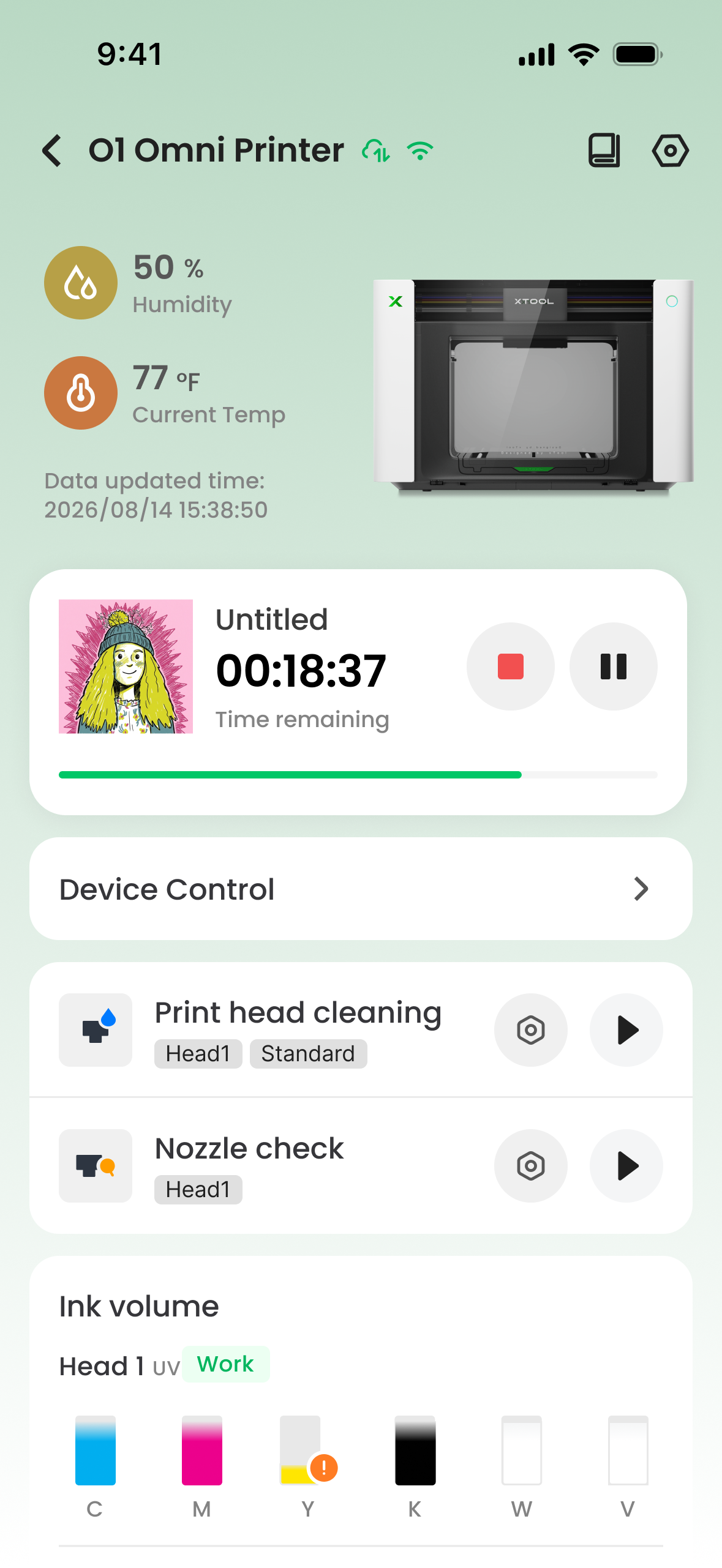
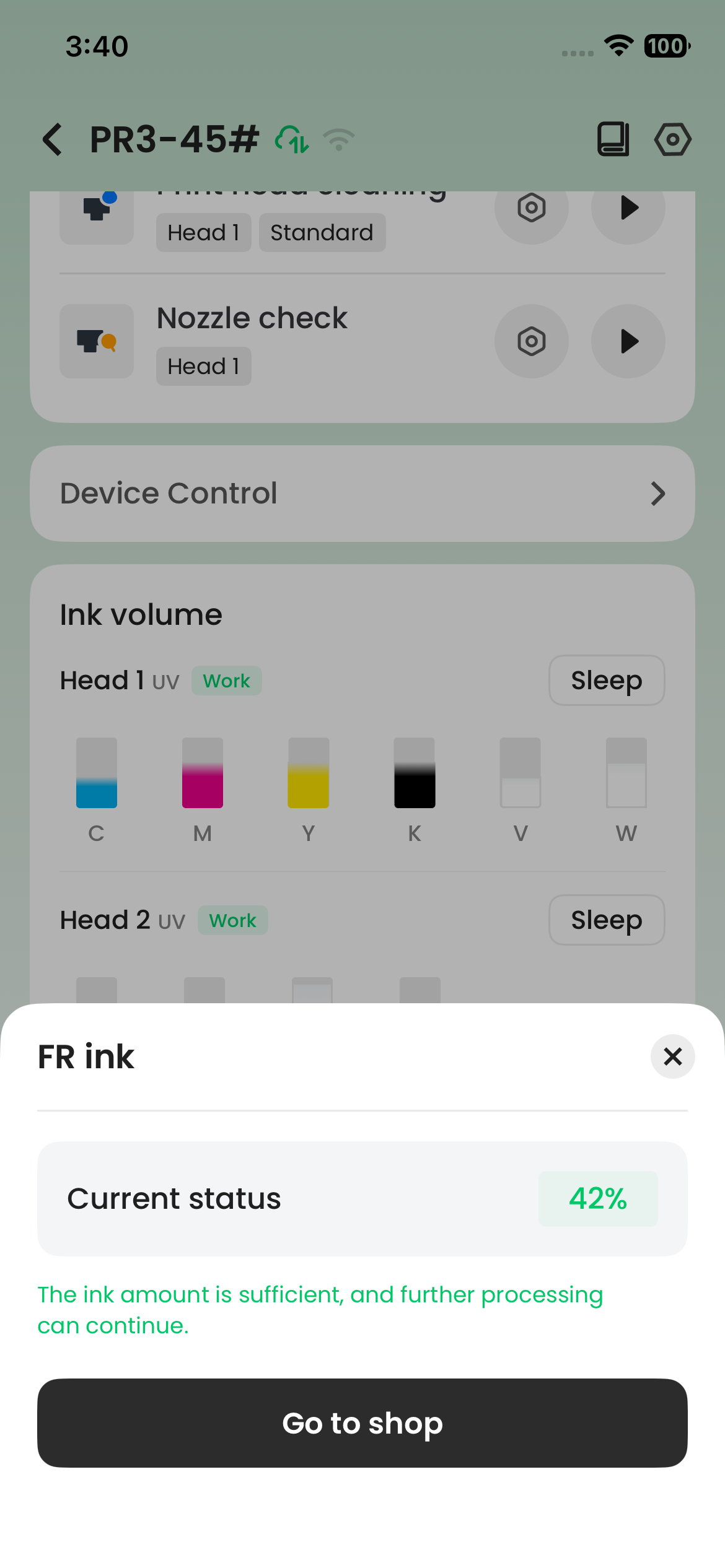
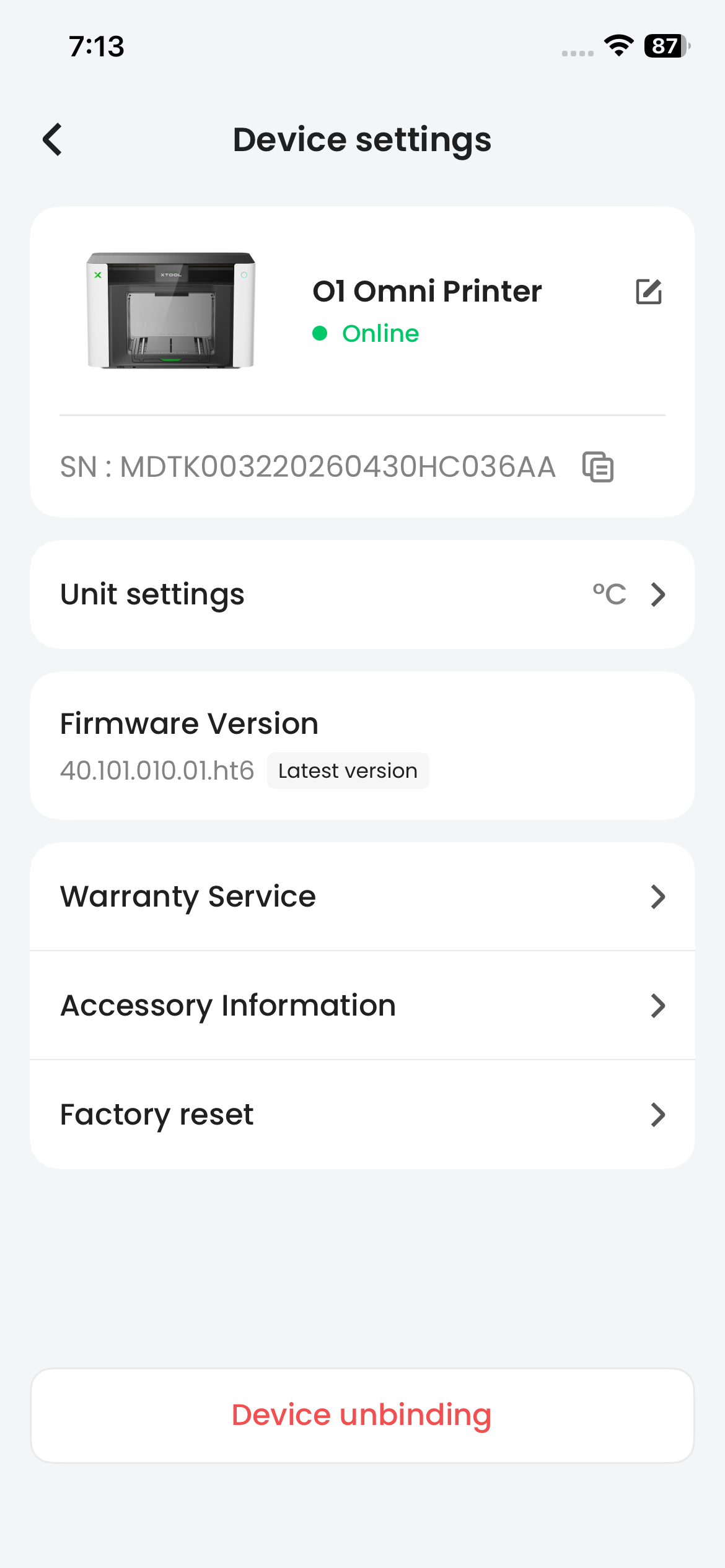
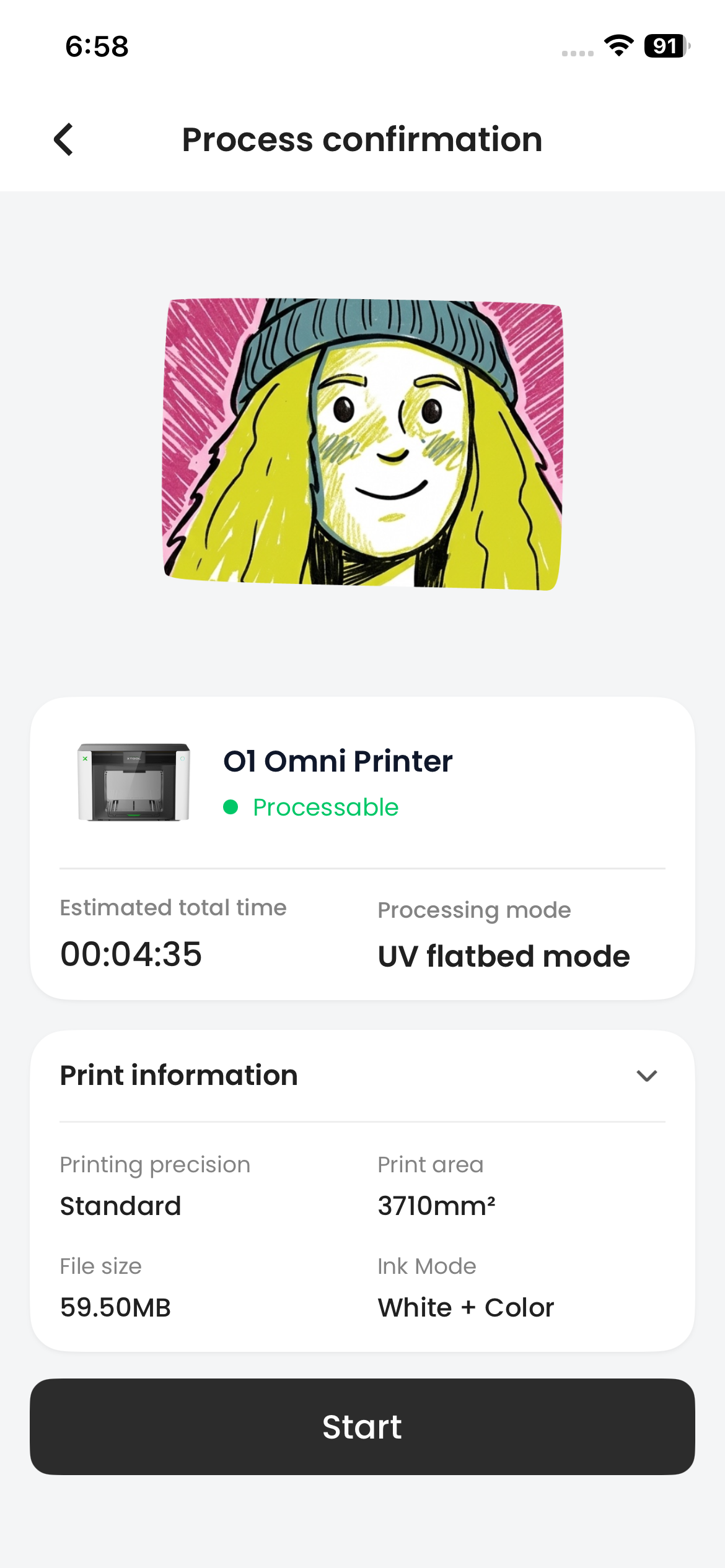
Added support for O1 Omni Printer(Requires device firmware 40.101.010.12 or later.)
- Device management, job monitoring, and routine maintenance
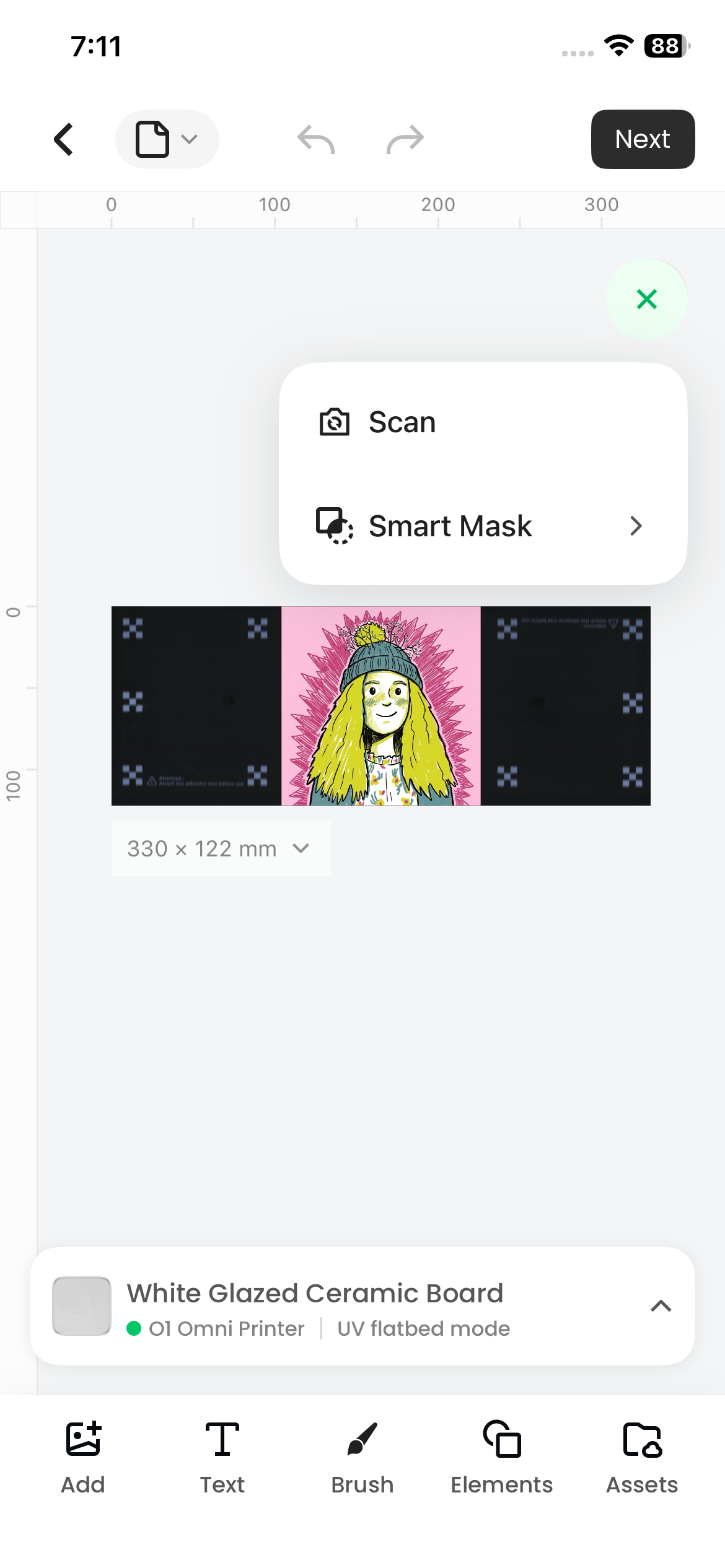
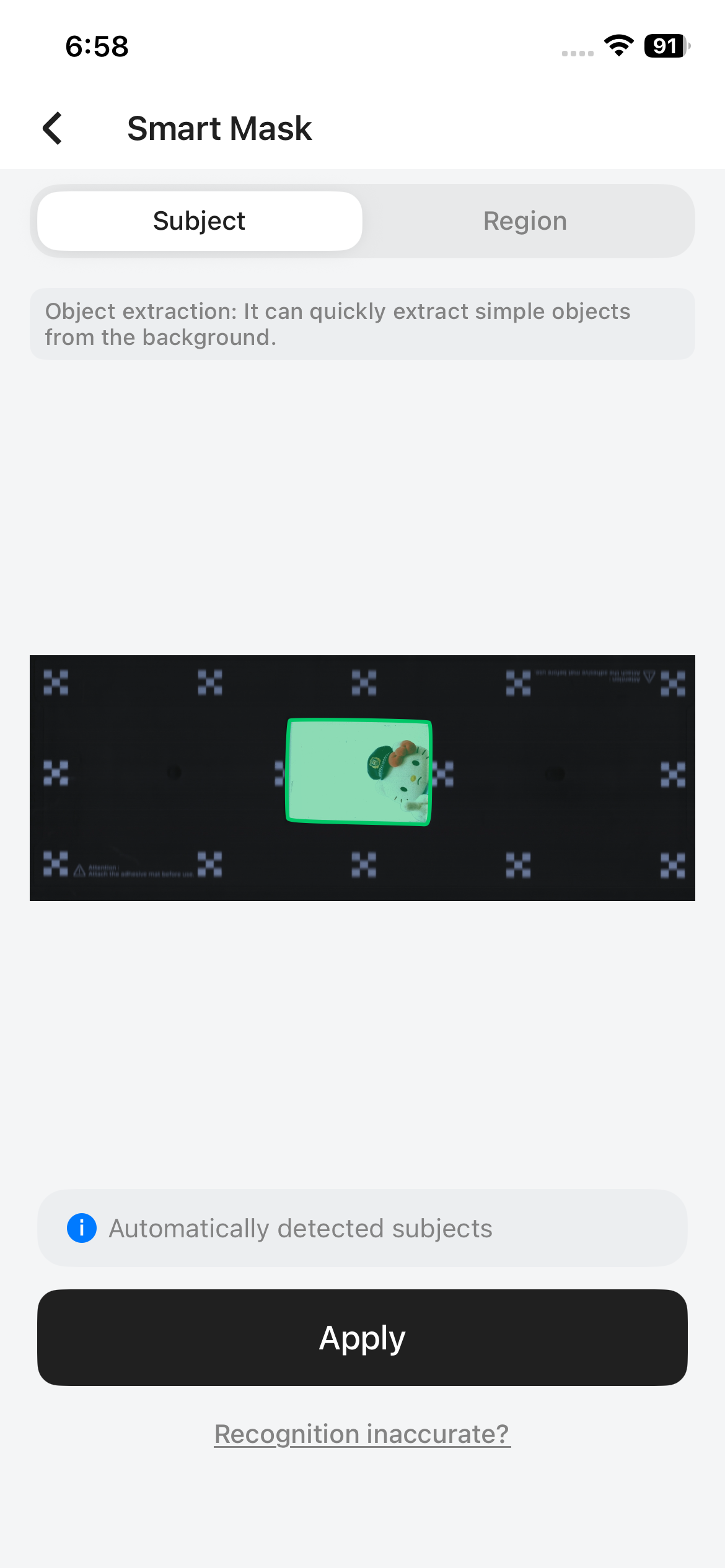
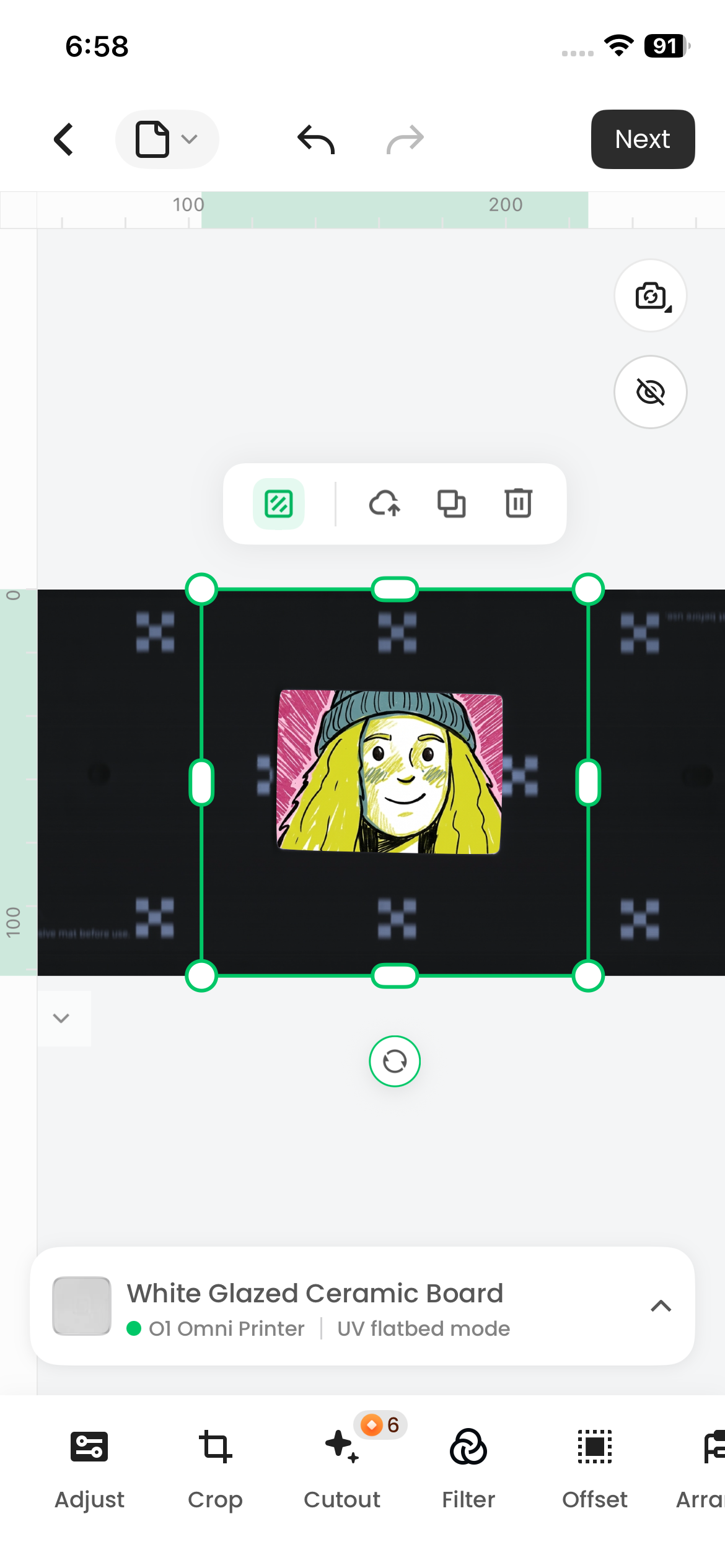
- Smart Mask support
- Automatically detects material outlines using subject detection or smart segmentation
- Generates print-ready masks to improve previews and reduce ink usage
【New feature】
(1.3 Version)
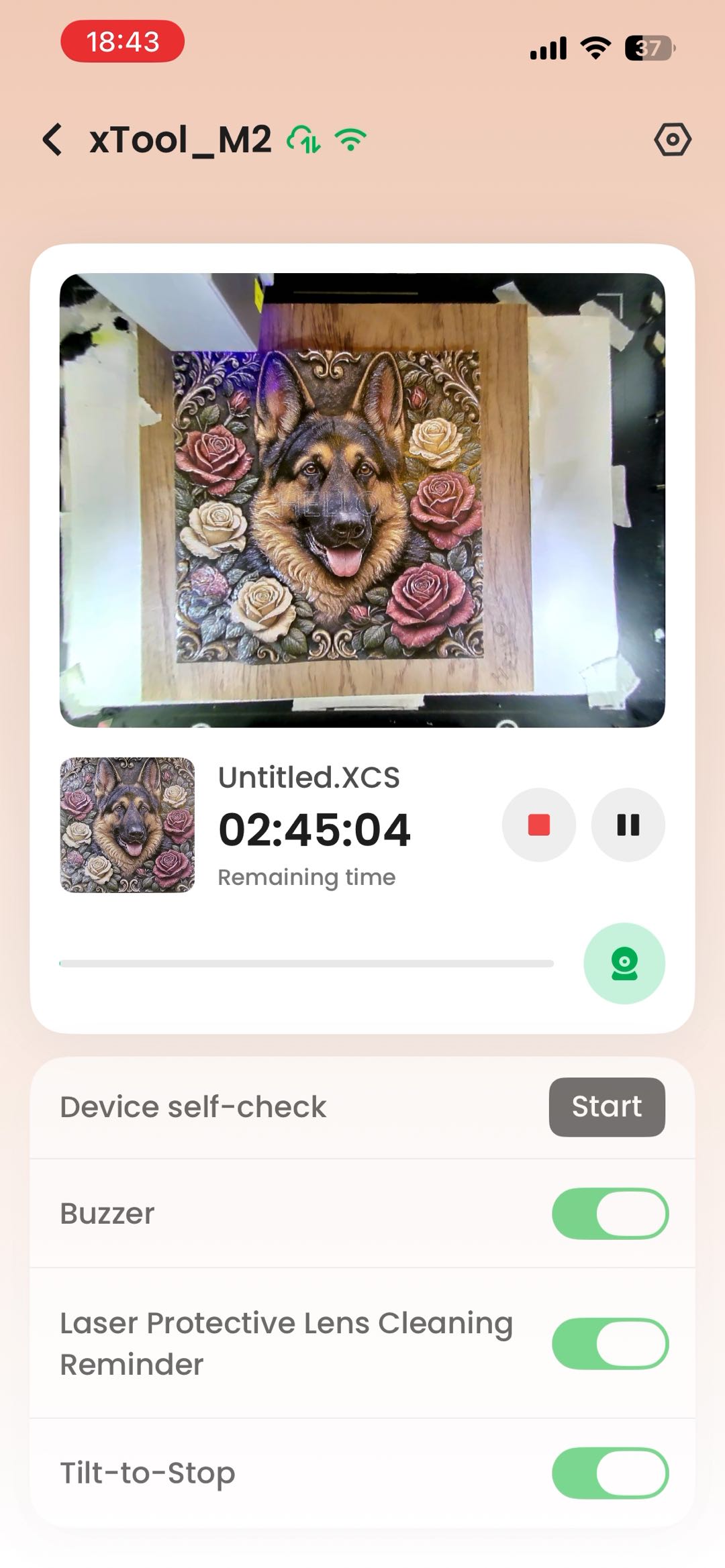
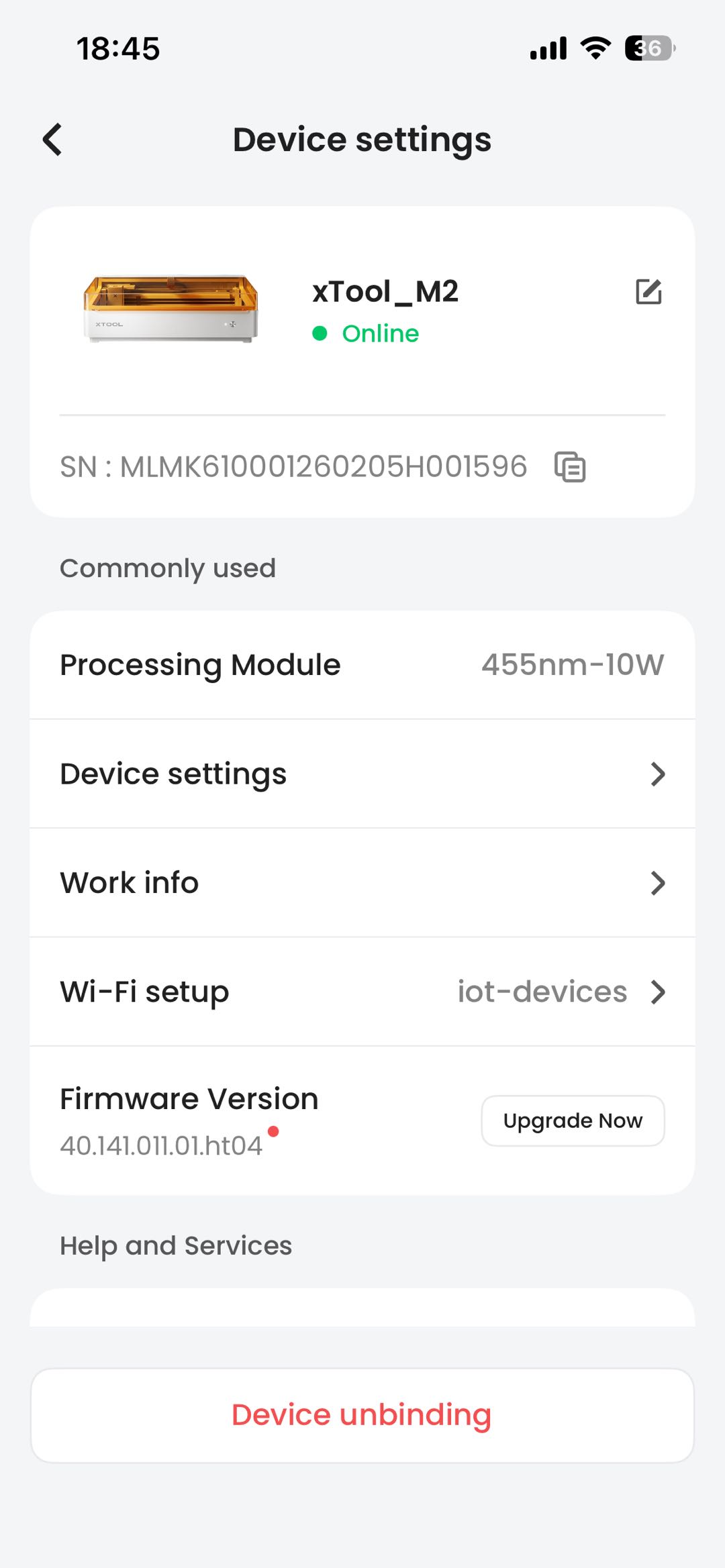
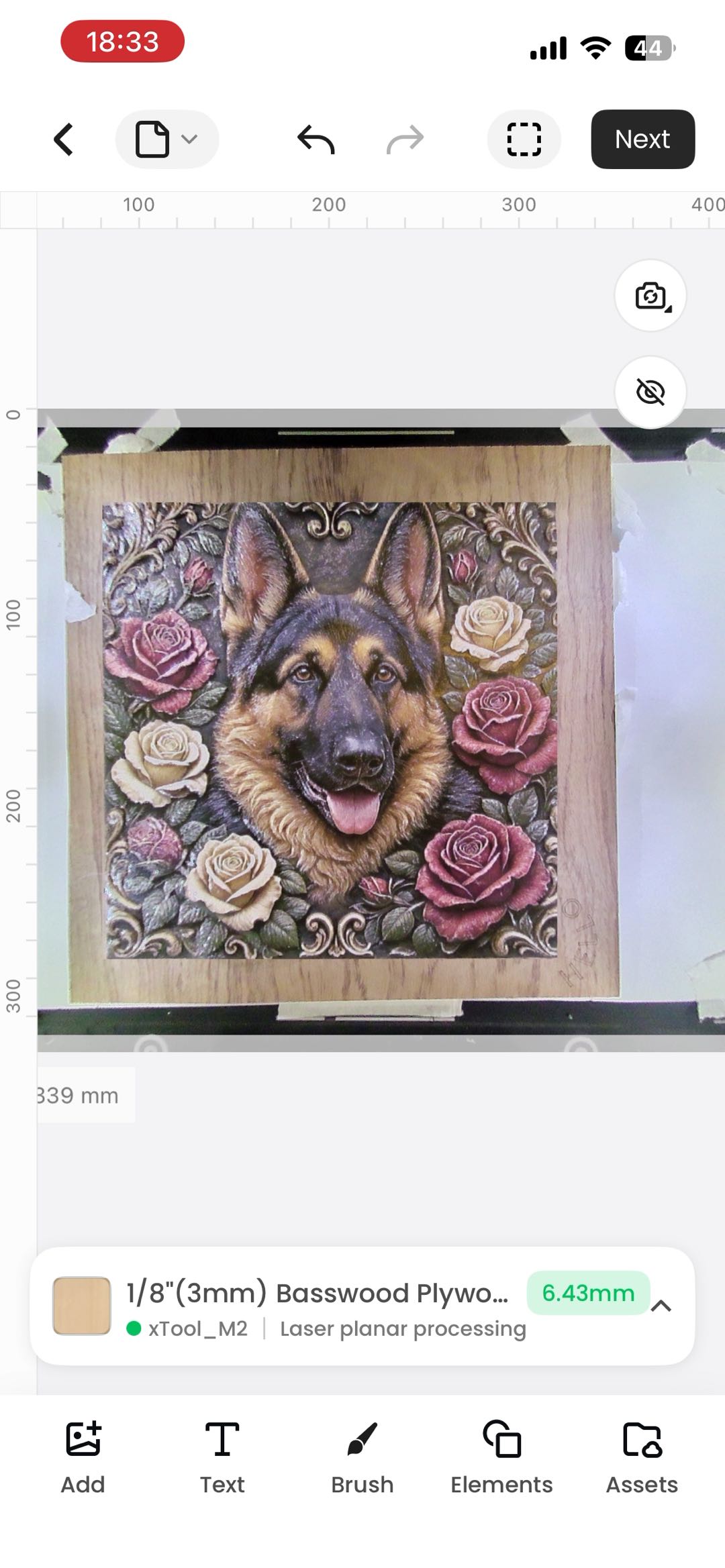
1.Added support for M2 device
- Support M2 device status viewing, device control and processing operations.(Requires device firmware upgrade to 40.141.011.4 or above)
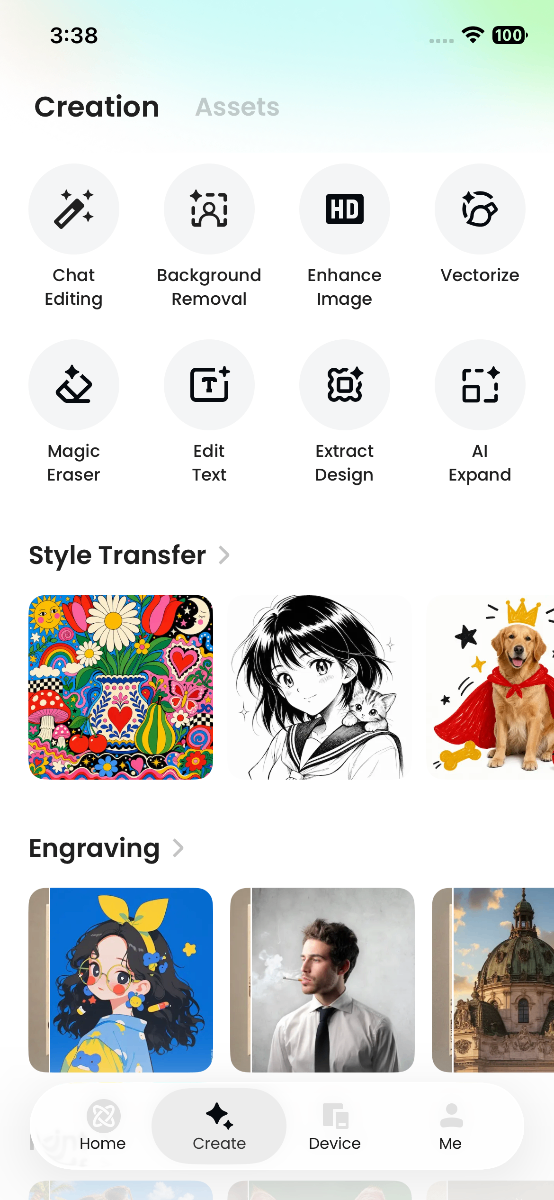
2.Improved the AI creation workflow
This release brings the key tools and resources for free-form creation together on the Create page.
Updates include:
- 8 new image editing tools in Create
- More styles in AI Make
- Background generation with creation history

xTool Studio Mobile App V1.2 Release Notes
The new App V1.2 currently supports:
Device | Firmware Version or Later |
|---|---|
F2 | 40.56.024.03 |
WonderPress | - |
M1 Ultra | 40.41.018.04 |
Apparel Printer | 40.100.027.05 |
Apparel Printer Plus | 40.102.006.08 |
App Download Methods
- You can get the app in any of the following ways:
- lick to download: https://support.xtool.com/software-download
- Scan QR code to download:

- Search for it in the app store:
- iOS: Search for "xTool Studio" in the App Store to download and install
- Android: Search for "xTool Studio" in Google Play to download and install
New Features
In V1.2 of xTool Studio Mobile, we've integrated Atomm's long-developed AI creation modes and material community, and restructured the interaction to better fit mobile usage habits.
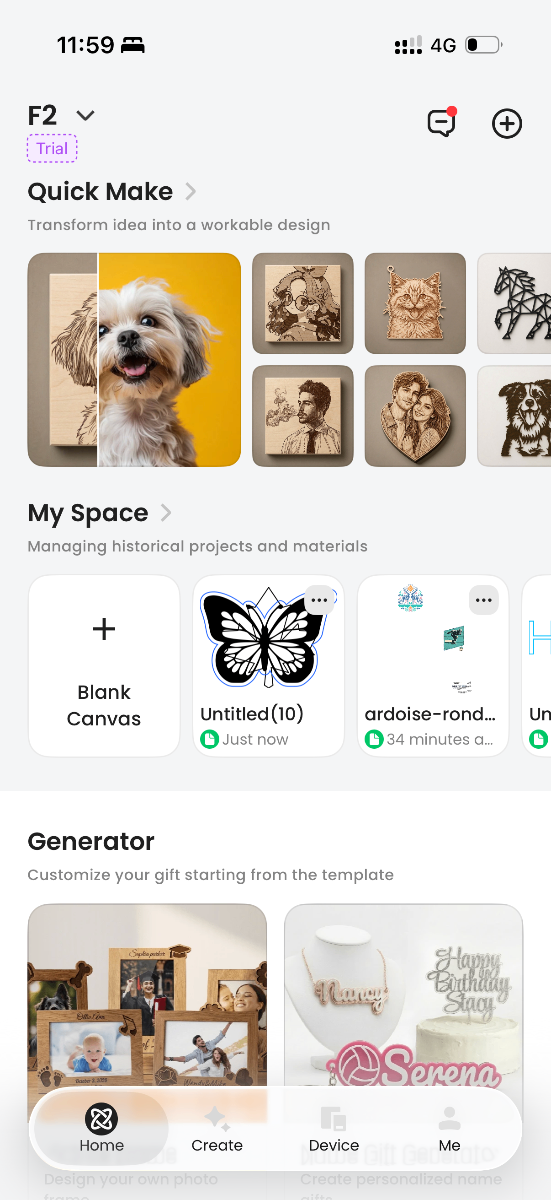
1. New "Quick Make" on the Home Page
Quick Make shows AI Make modes that work with your selected device. Want to explore more? Open AI Make to browse all modes and discover new ways to create.
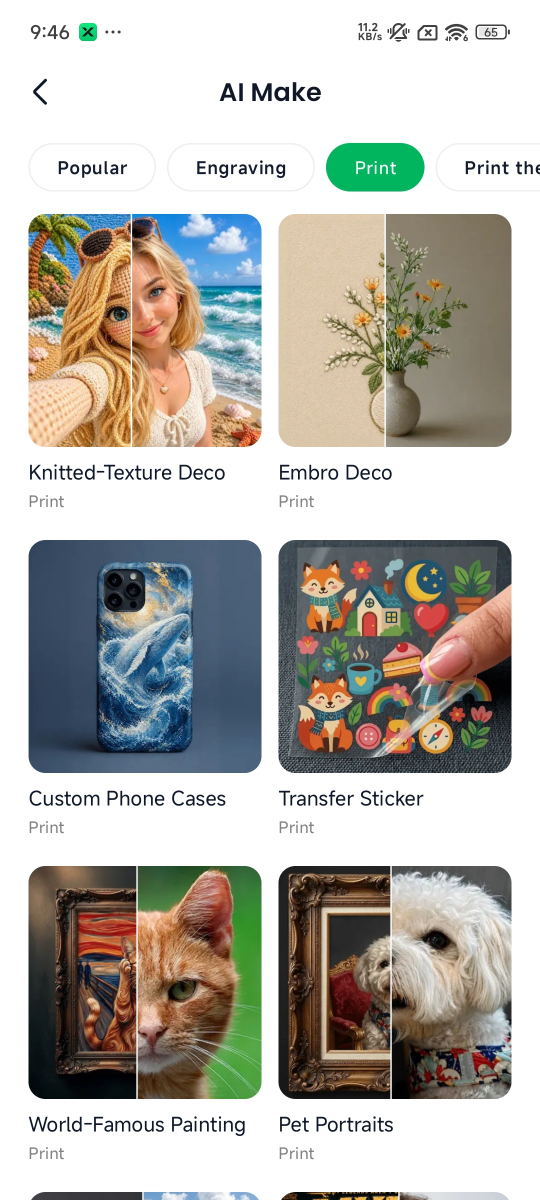
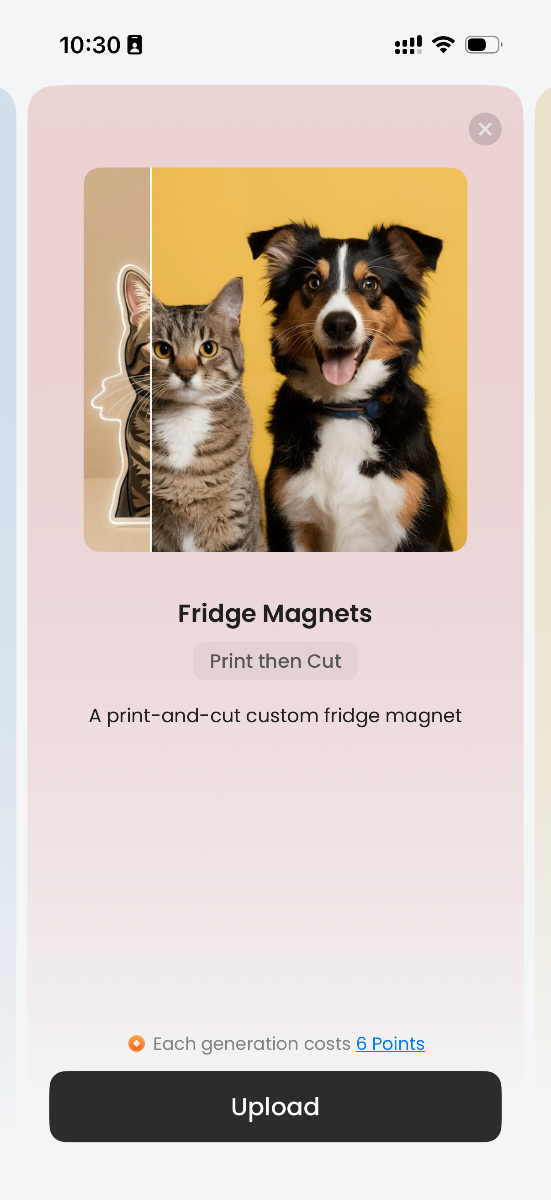
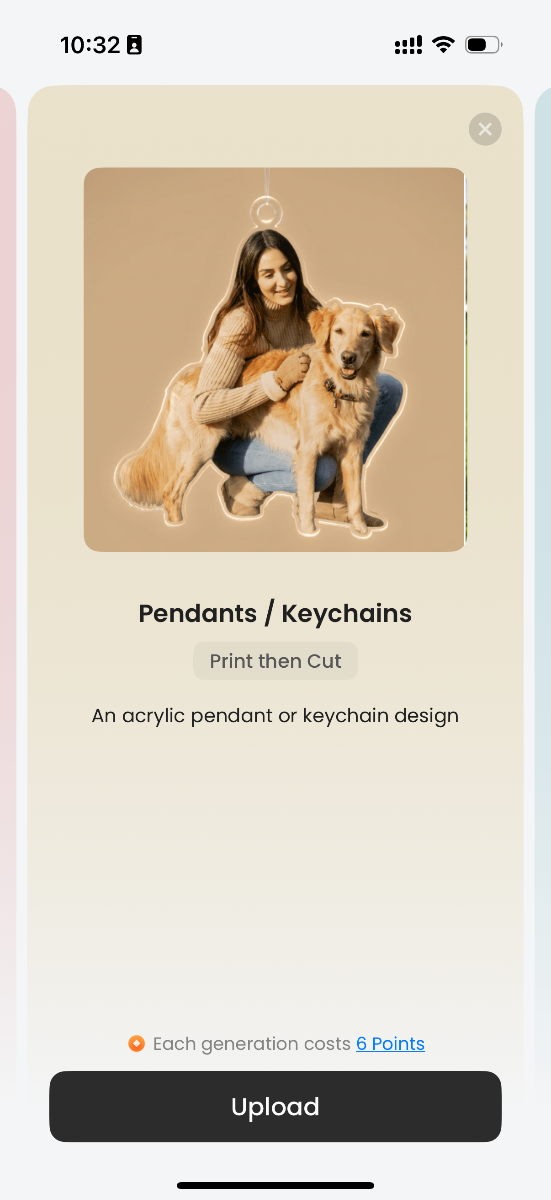
2. Create in Just a Few Steps
Choose a mode, add a photo or describe what you want, and let AI do the rest. When you’re happy with the result, send it to the canvas with one tap to fine-tune your design and get it ready to make.
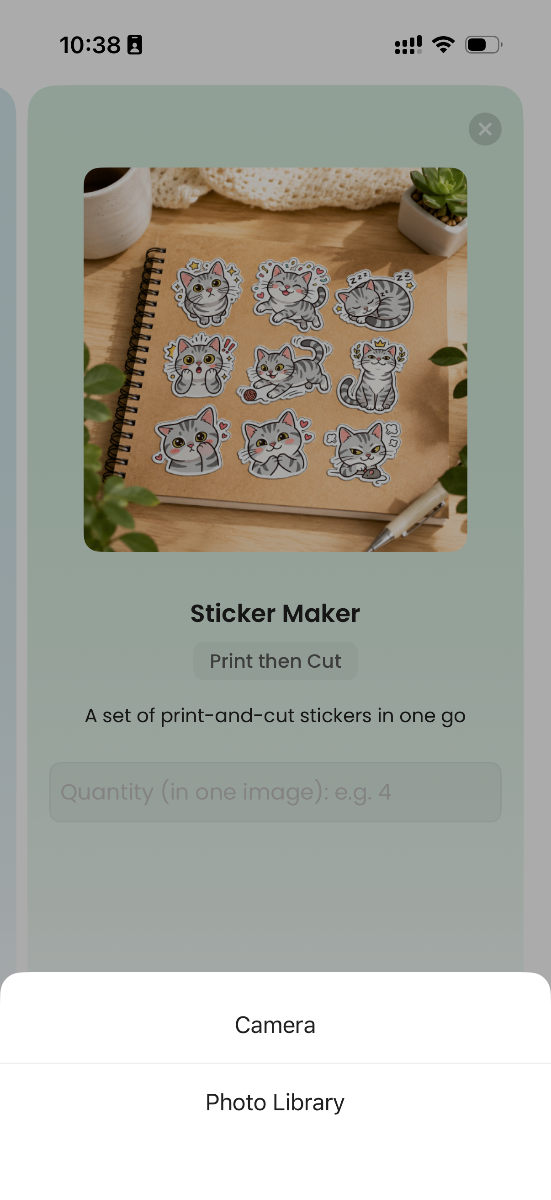
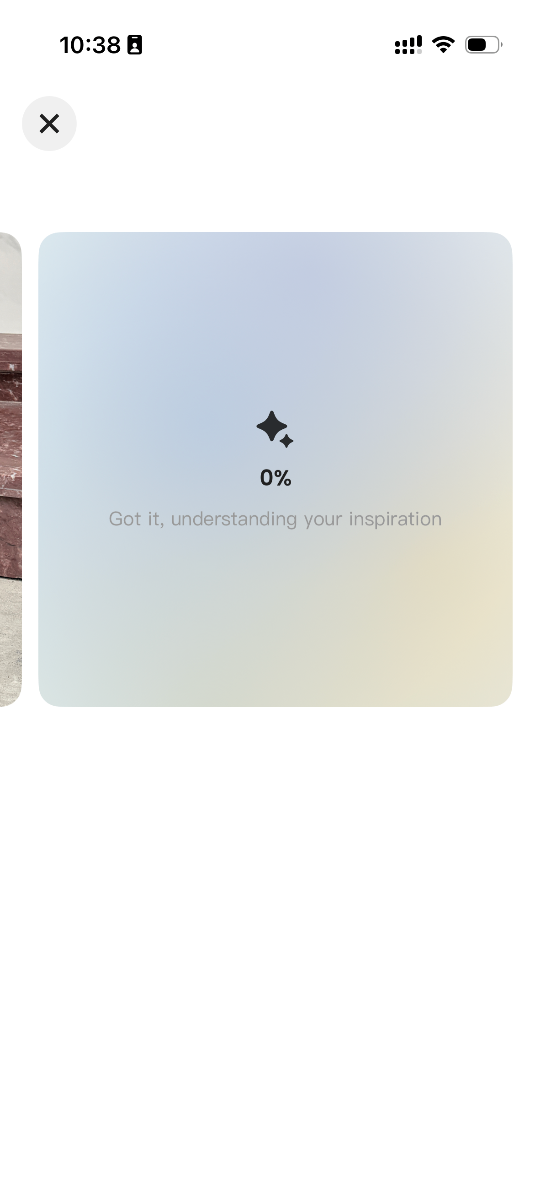
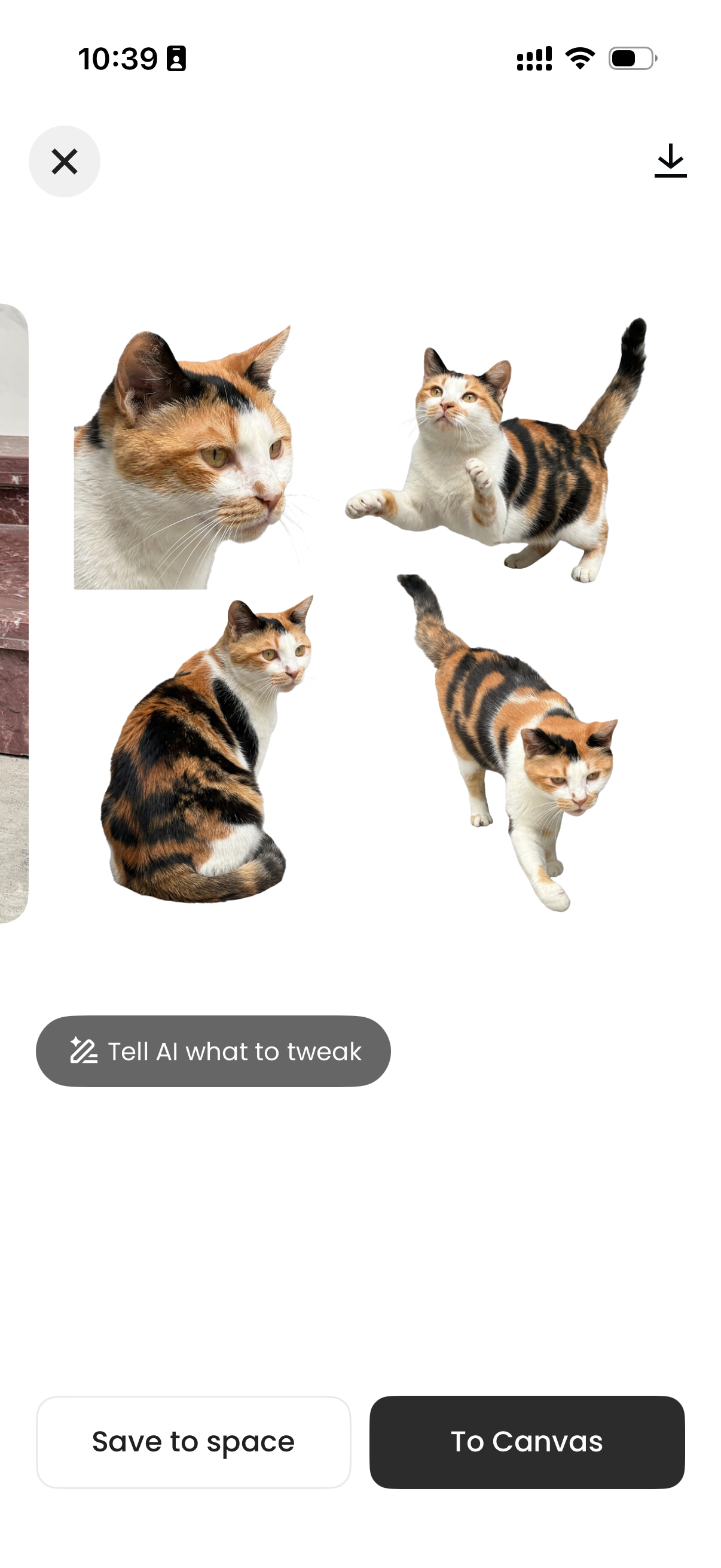
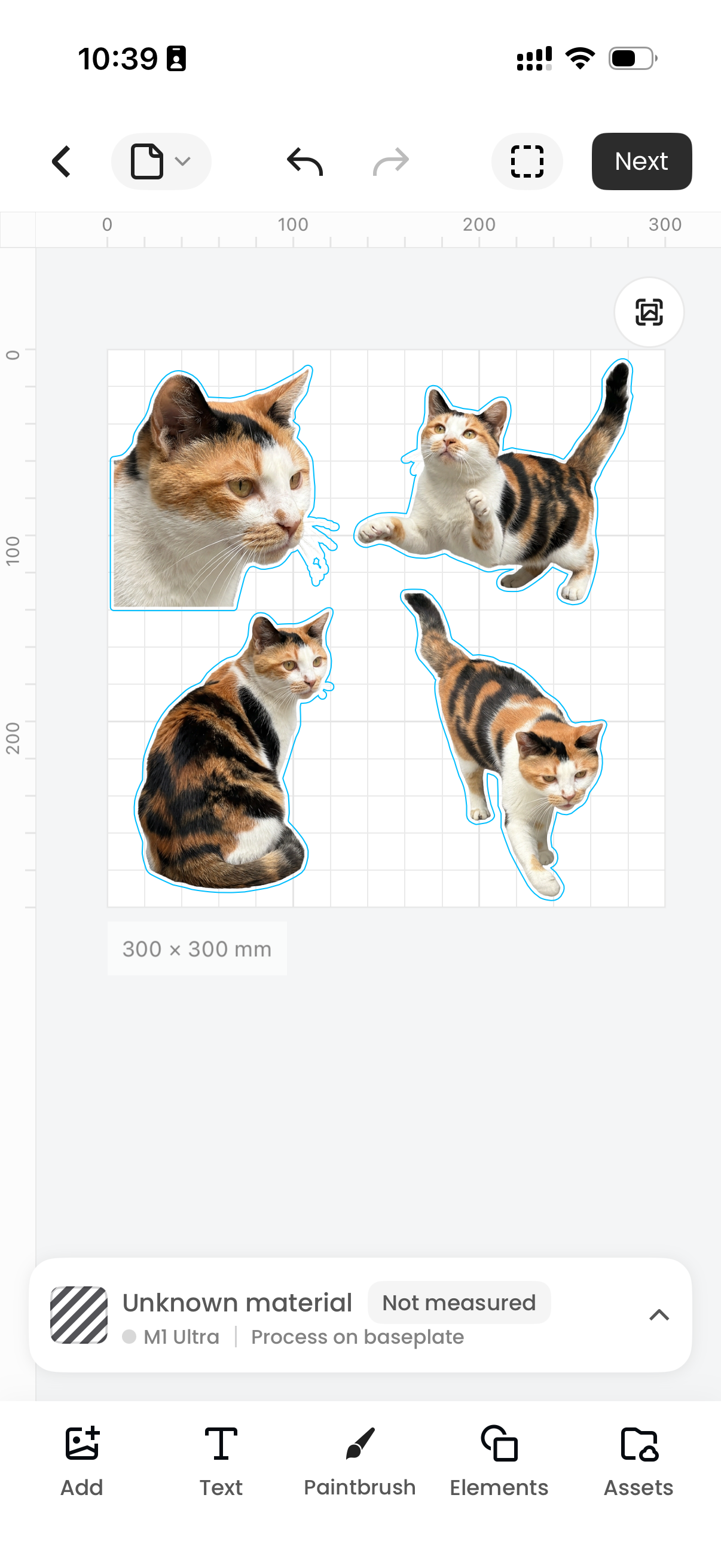
3. Community Material Library Integration
Community material resources are now connected, giving you access to a rich library of processing materials — no more worrying about "not having nice materials" to work with.
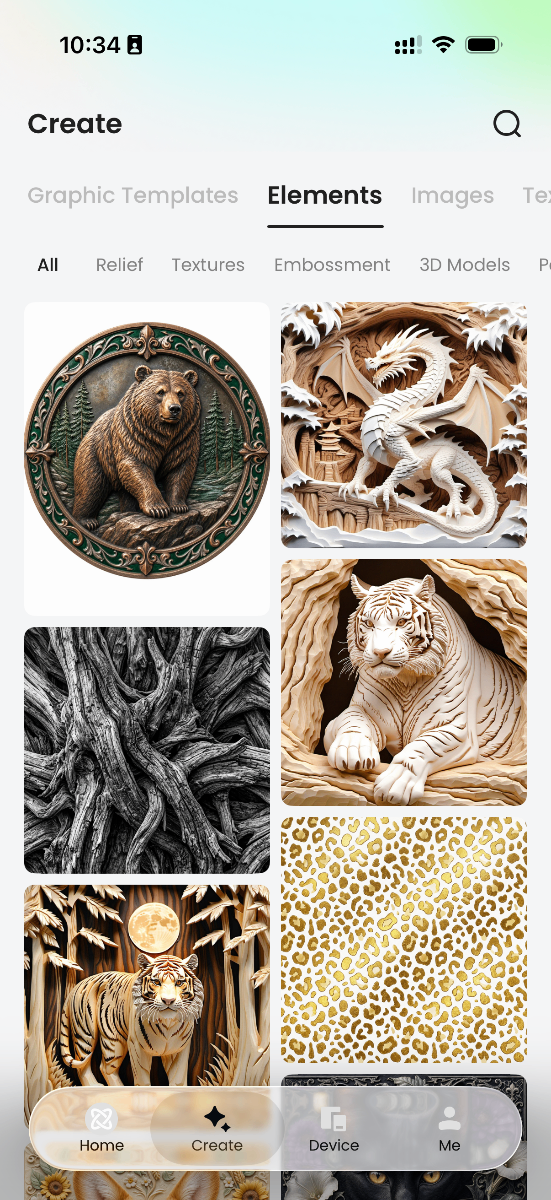
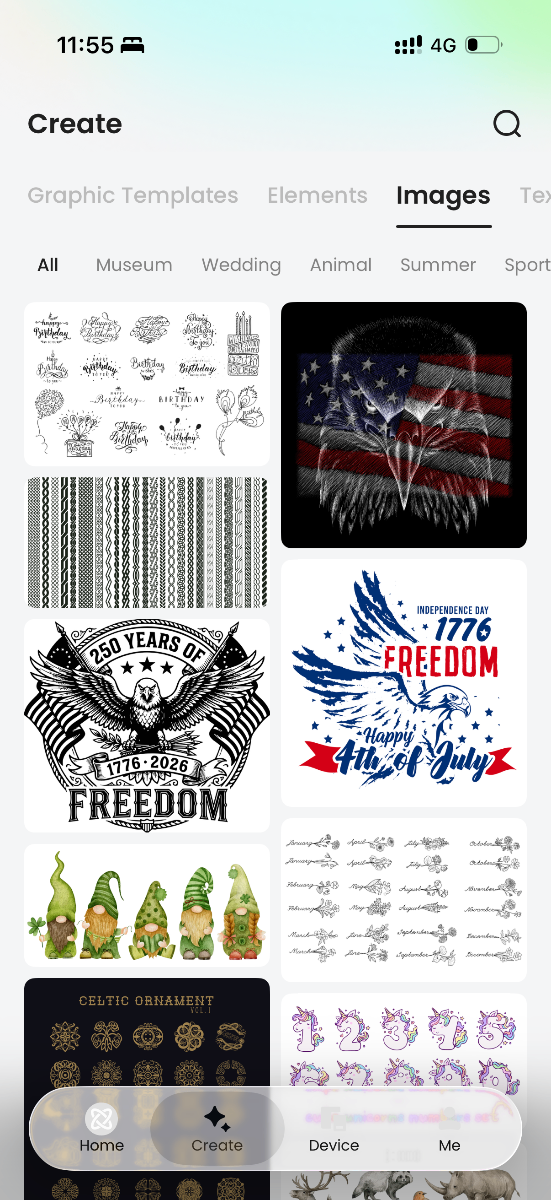
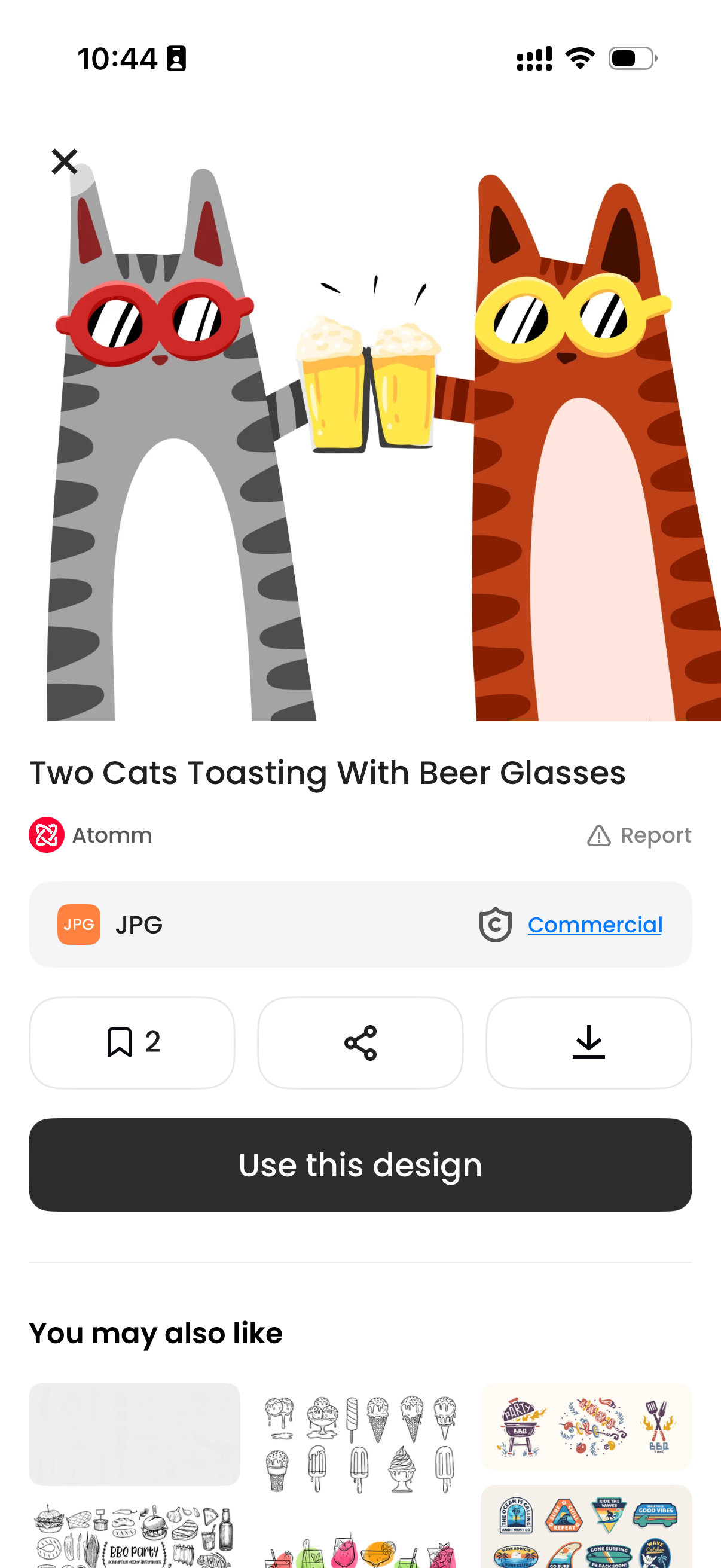
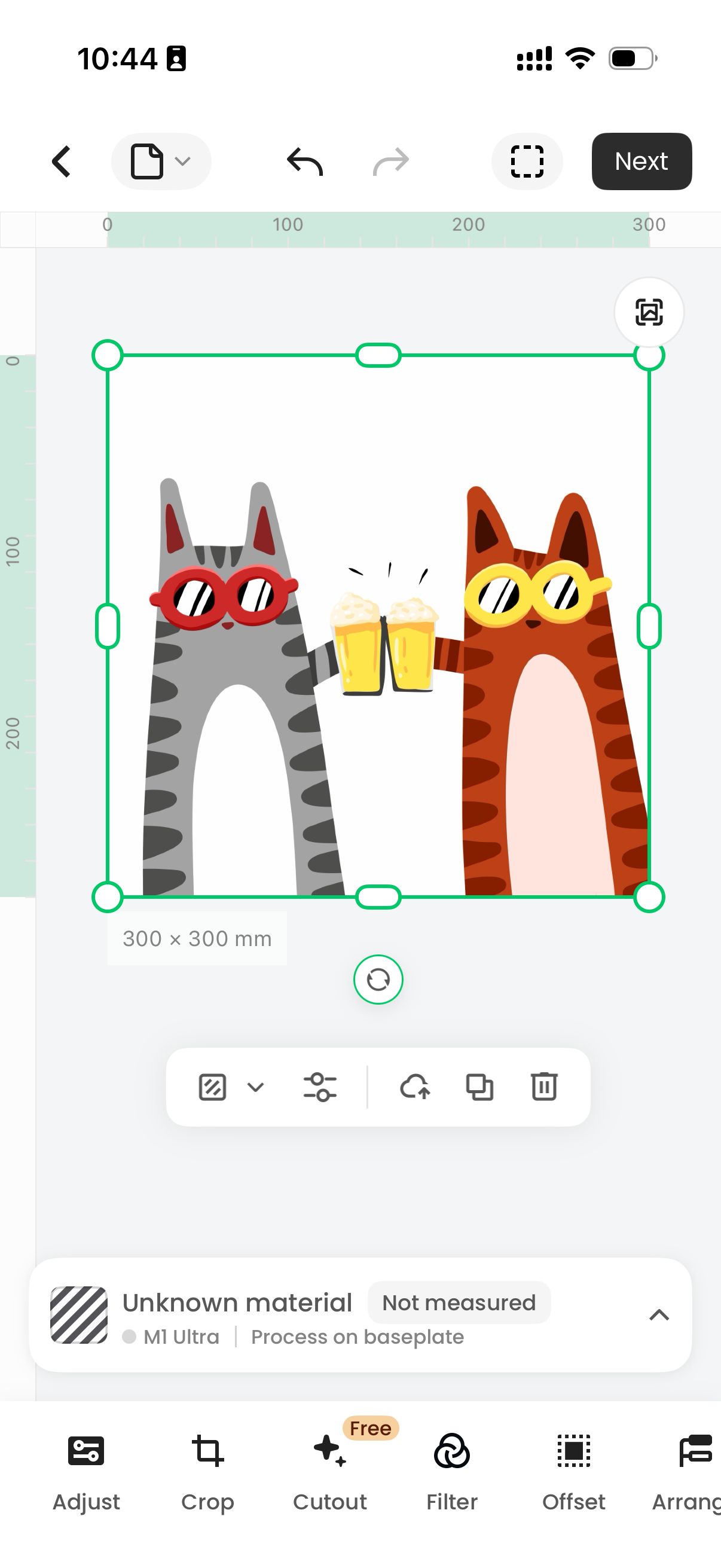
4. Added Support for M1 Ultra
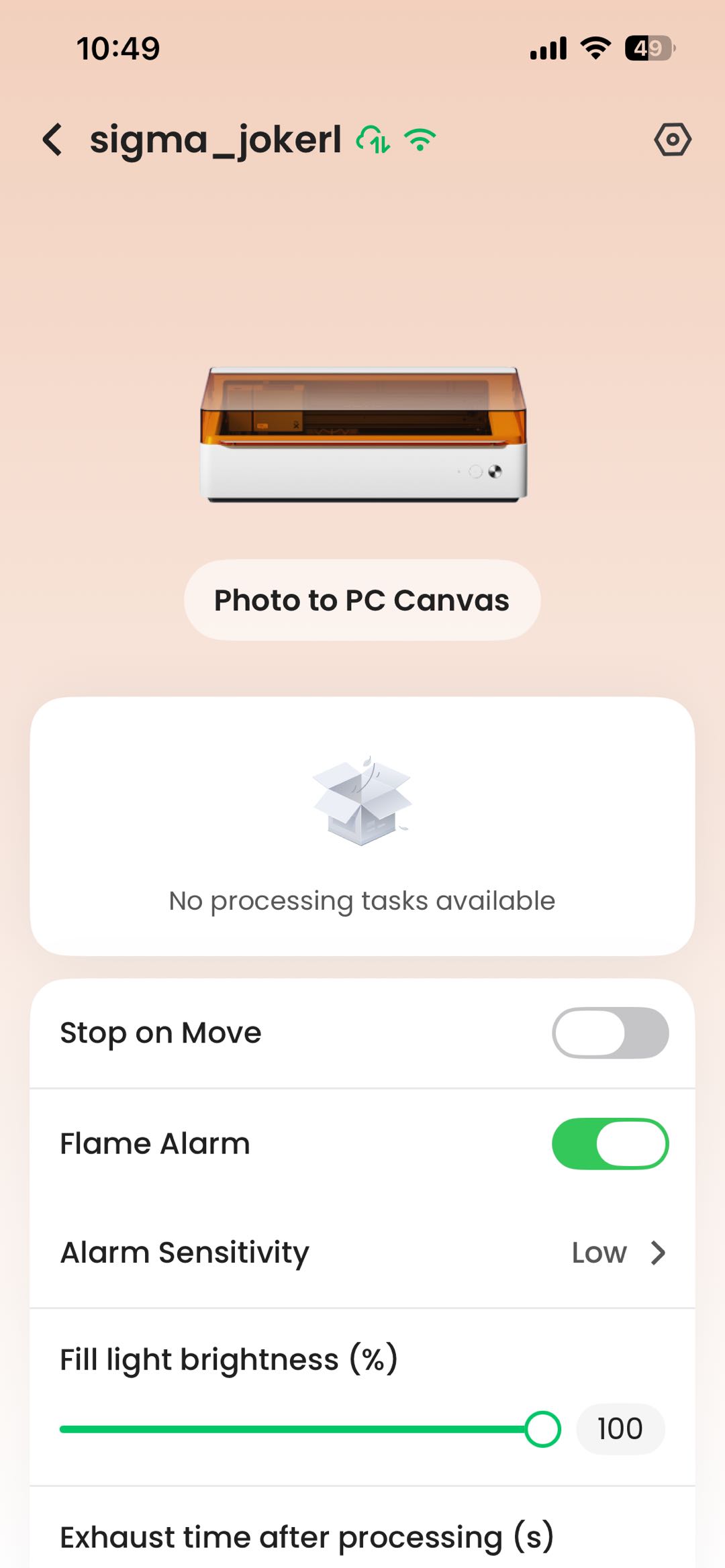
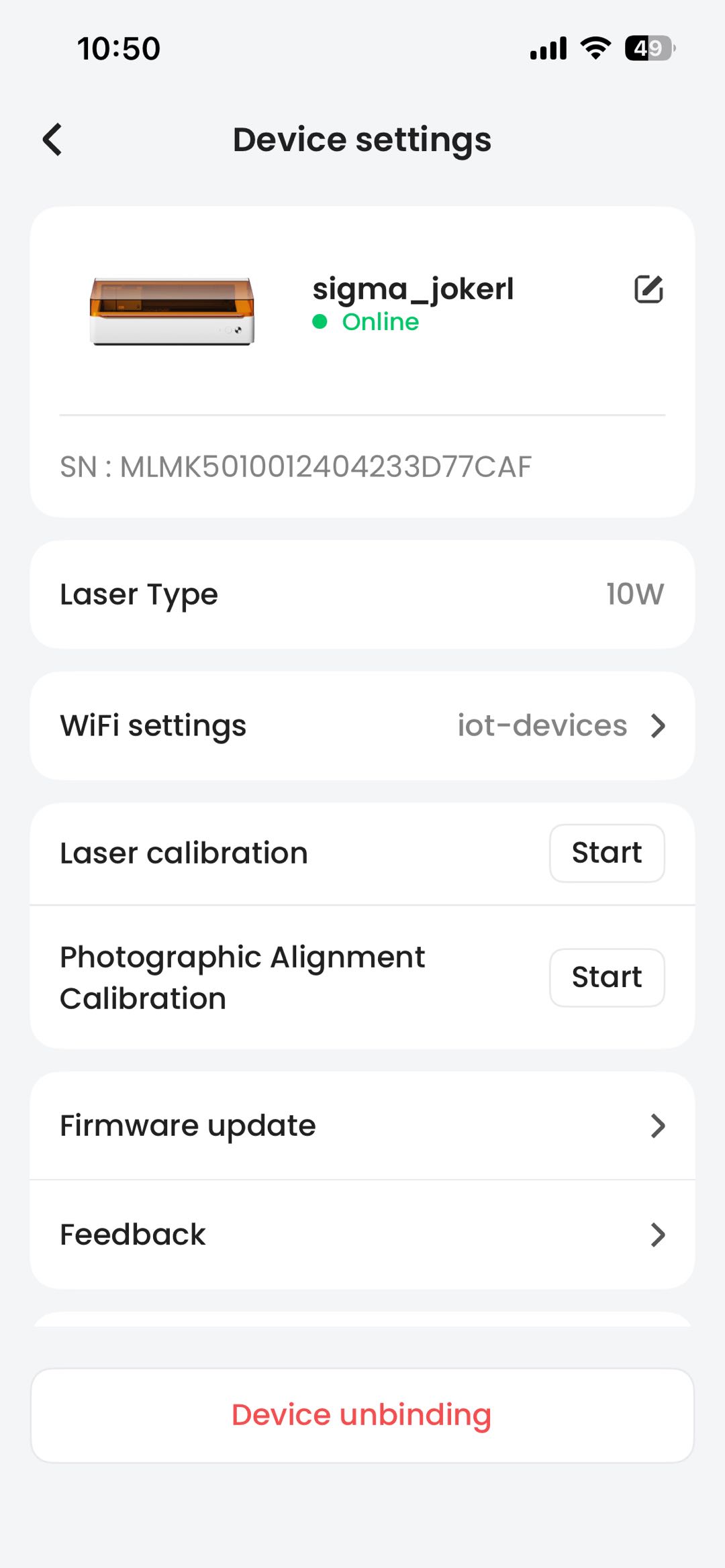
- M1 Ultra can now be viewed and operated on mobile, enabling creation and processing directly from the phone
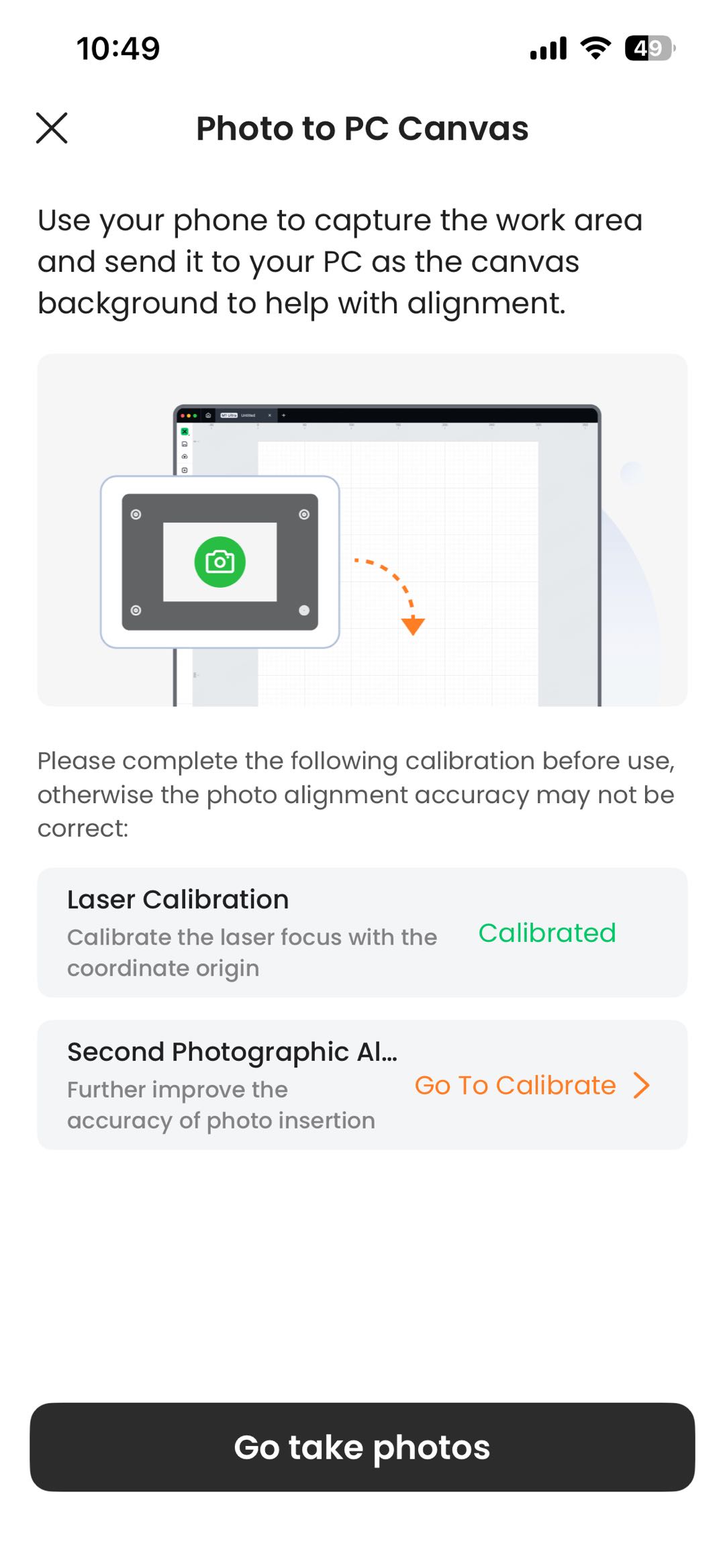
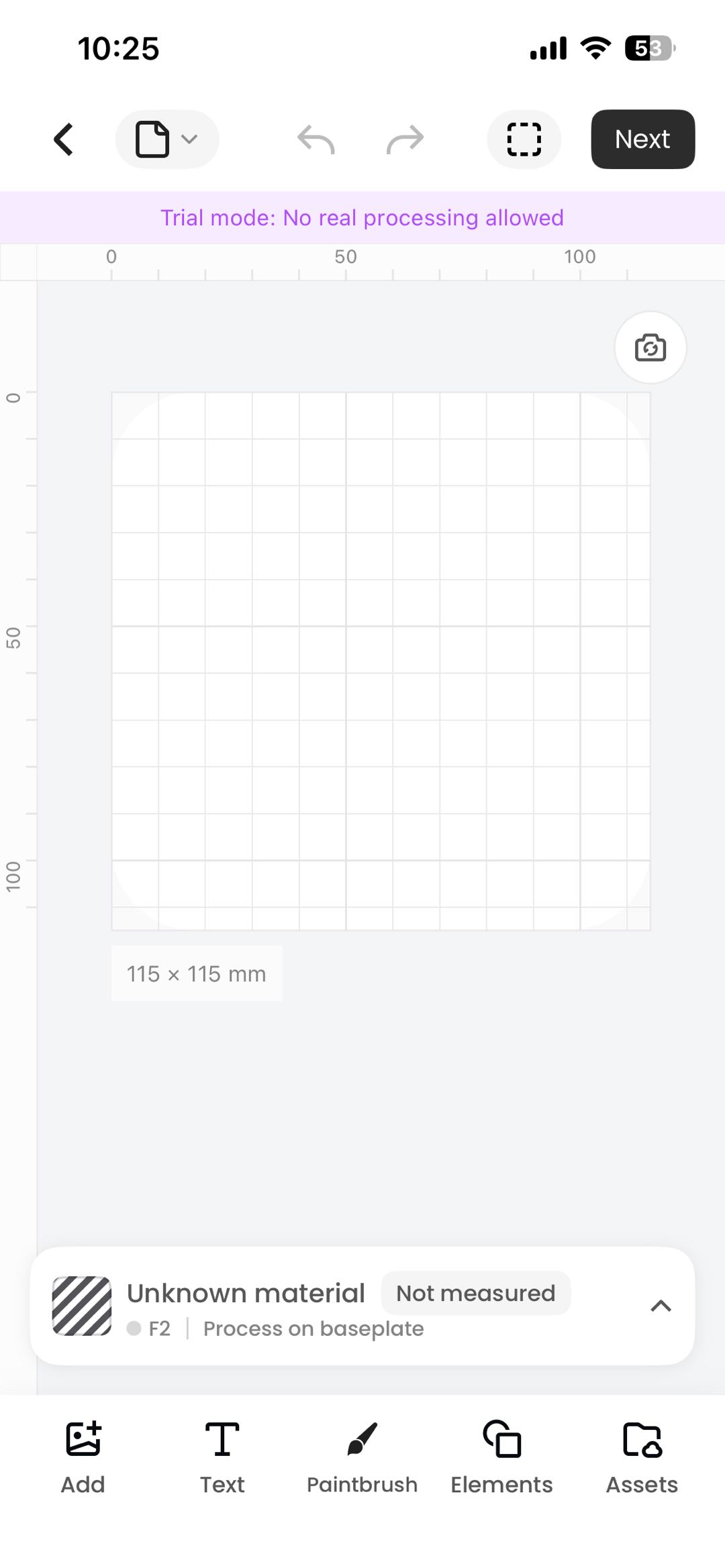
- Supports capturing the processing area via phone camera as a canvas background for alignment — photos can be inserted directly into the mobile canvas or sent to the PC canvas
5. Added Support for Apparel Printer
- Apparel Printer can now be viewed and operated on mobile, enabling creation and processing directly from the phone
6. Added Support for Apparel Printer Plus
- Apparel Printer Plus can now be viewed and operated on mobile, enabling creation and processing directly from the phone
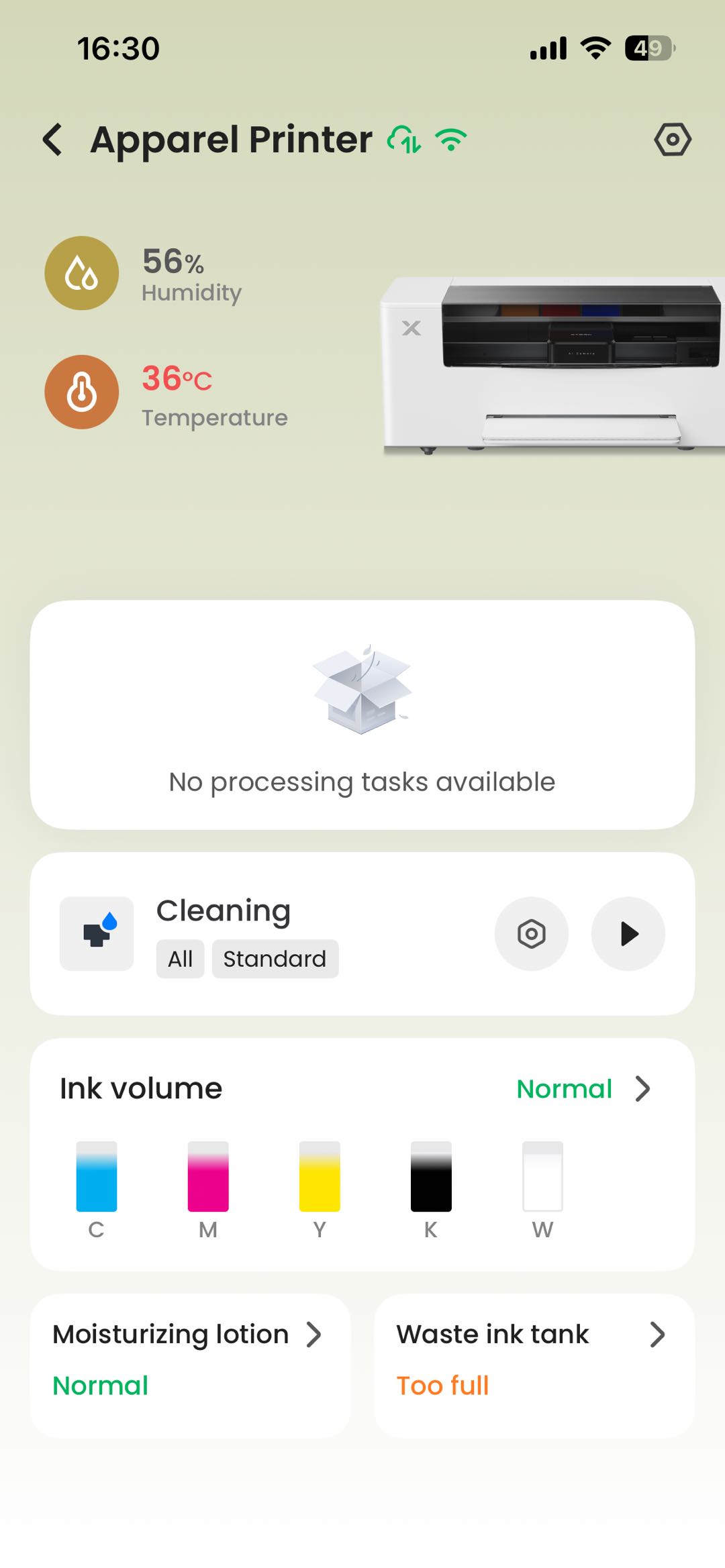
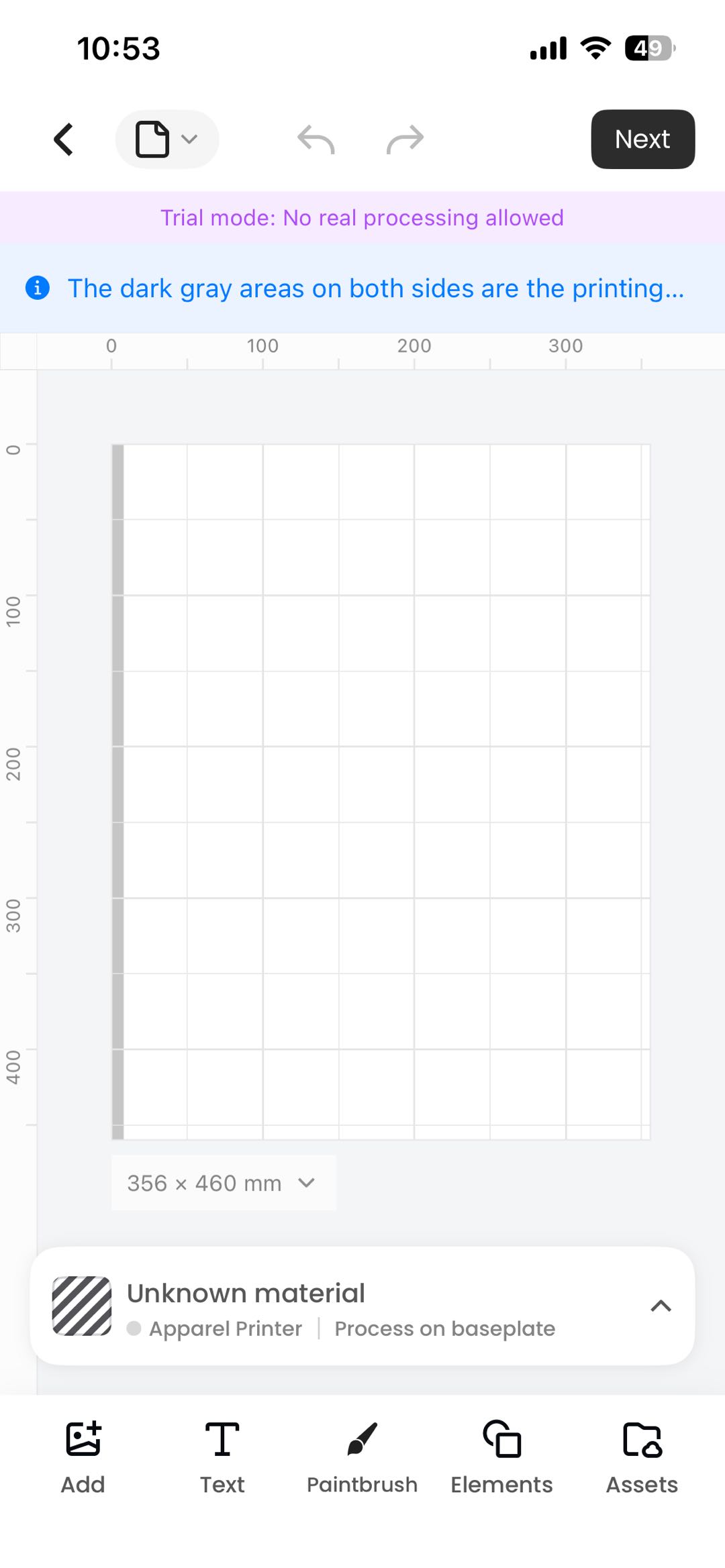
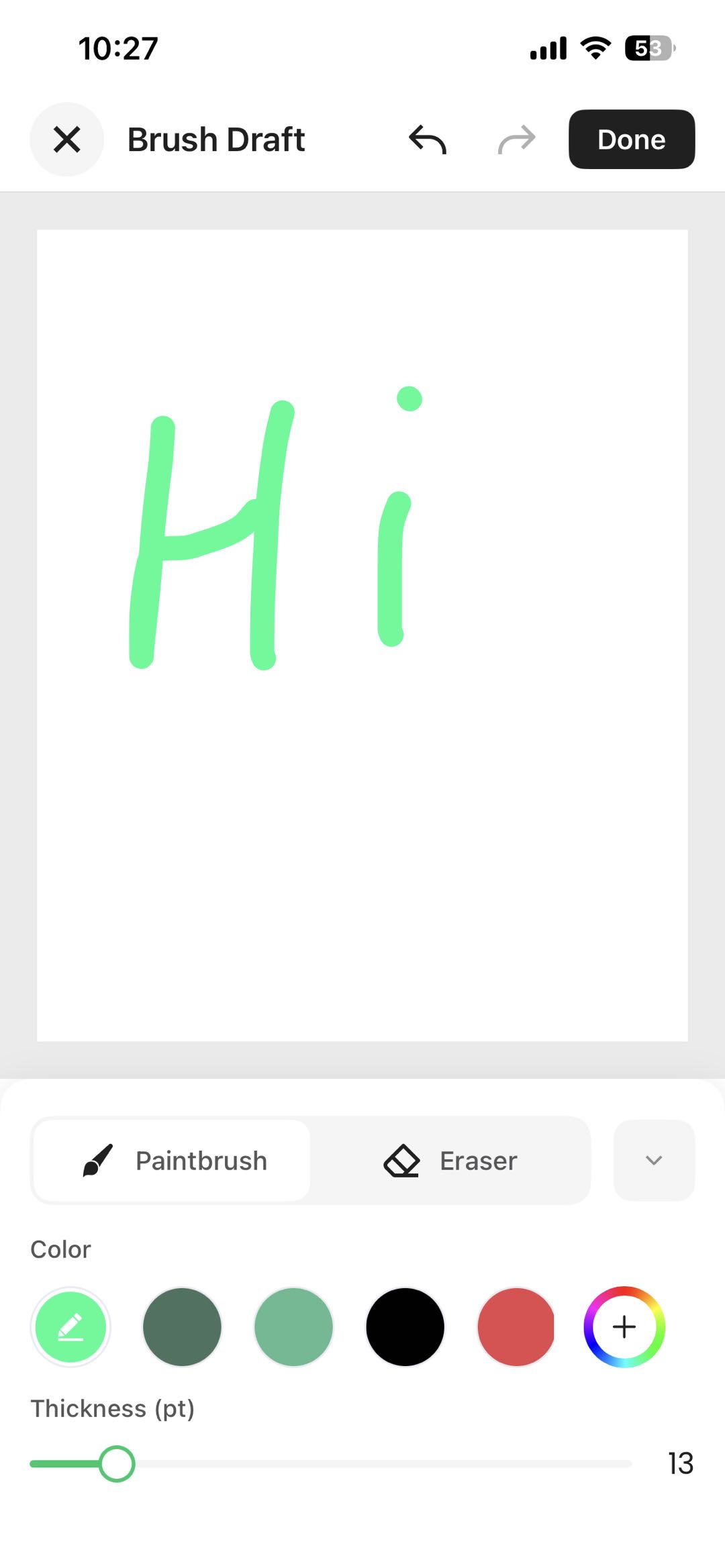
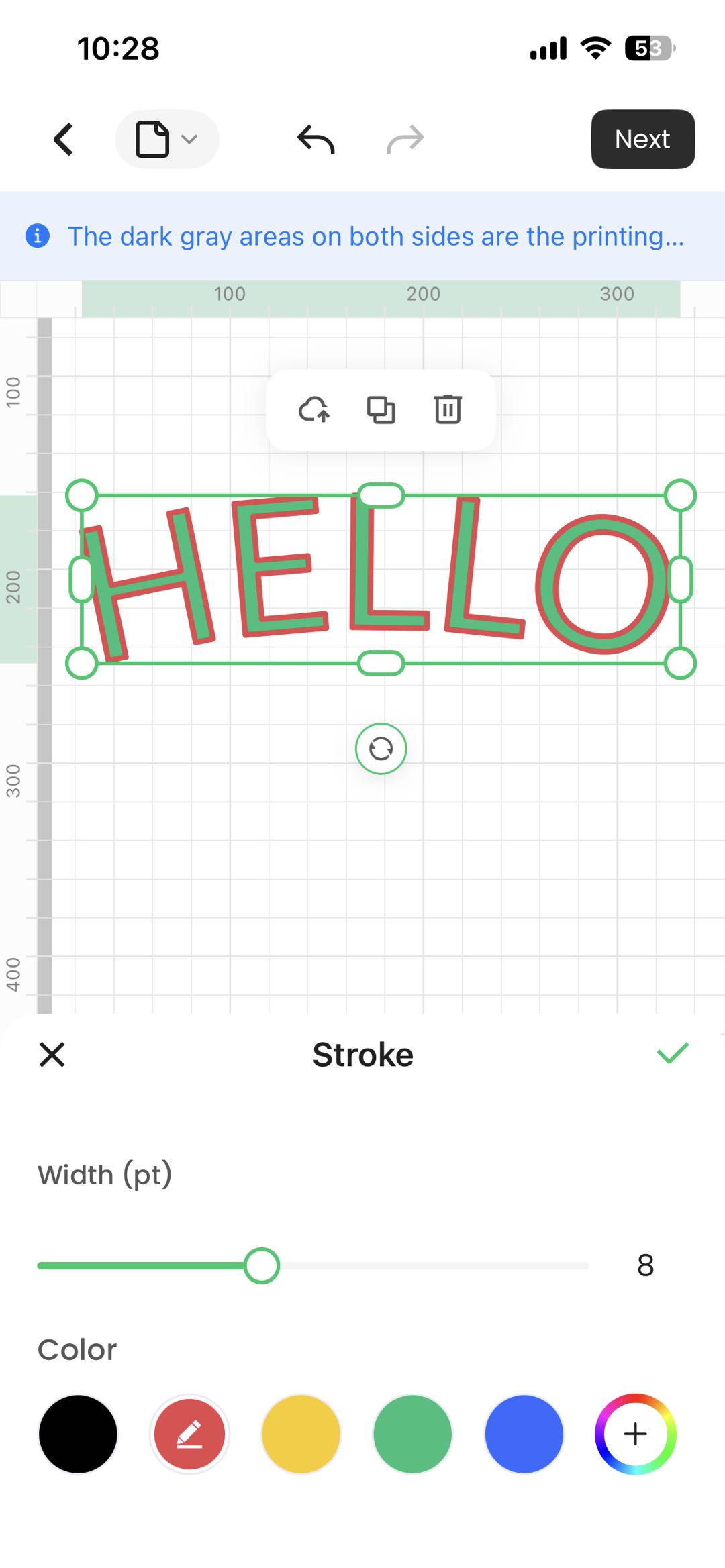
7. New Editor Tools: Brush, Stroke, Fill
- Brush: Draw patterns or signatures directly and insert them into the canvas
- Stroke: Apply stroke/outline settings to vector files
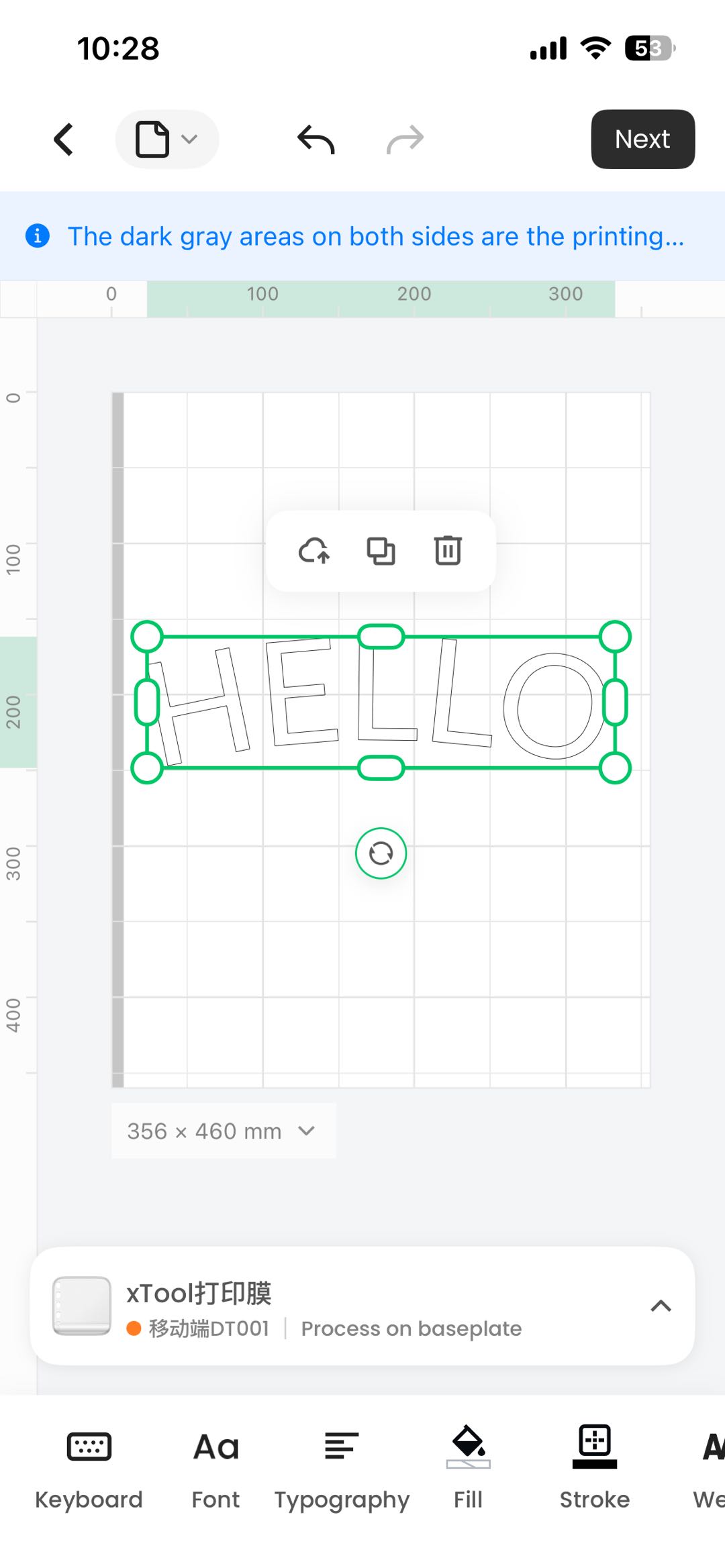
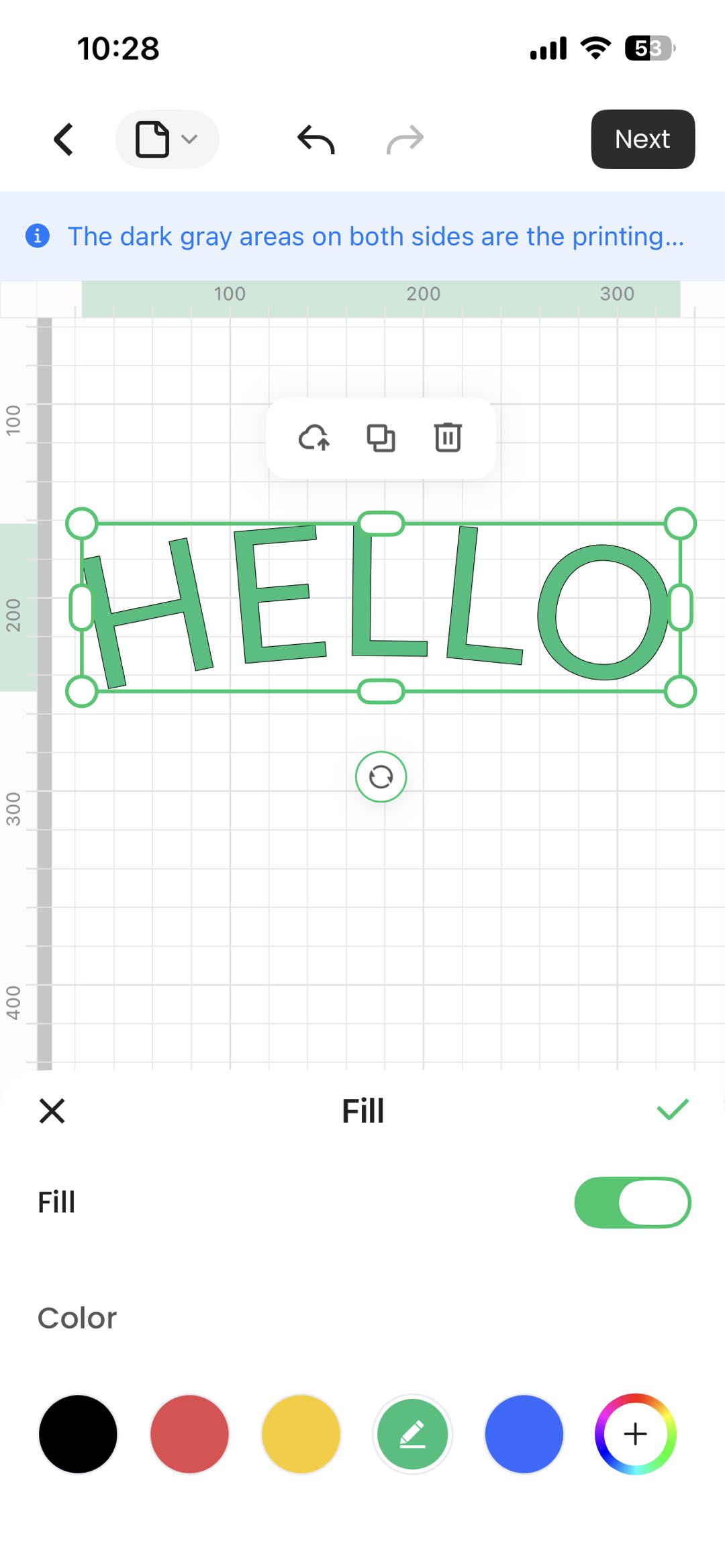
- Fill: Apply color fill to vector files
Bug Fixes
- Fixed other known issues
Previous Versions
Legacy App: xTool Creative Space (Maintenance Discontinued)
1. App Positioning and Core Capabilities
xTool Creative Space is a classic device management and creative tool, and the dedicated App for most older device models. It fulfills the core traditional device needs: artwork editing, device connection, task distribution, device management and other basic functions with mature and stable functionality, perfectly compatible with various legacy machines for daily processing and creative use.
Friendly Reminder: This App has officially discontinued version updates, feature iterations, and after-sales maintenance support. Only existing basic functions are retained, with no new features to be added. Future compatibility and security optimization upgrades will not be performed.
2. Compatible Product Models
Fully compatible with all xTool classic legacy devices, including the following models:
F1、F1 Lite、F1 Ultra、S1、P2、P2S、D1 Pro 2.0、 D1 Pro、D1、M1
3. App Download Methods
- iOS: Search for "xTool Creative Space" in the App Store to download and install
- Android: Click to download the installer package
Core Reasons for App Update and Replacement
- Product Positioning Upgrade and Architecture Reconstruction: To adapt to users' current demands for intelligent, lightweight, and efficient creation, we have conducted a comprehensive upgrade and restructuring of our product system. The legacy App has outdated architecture and traditional functional logic, making it difficult to support new capabilities such as AI creation and simplified operations. The brand-new xTool Studio adopts a next-generation technology framework, focusing on core intelligent creation scenarios, significantly optimizing operational workflows and improving creative efficiency, fully adapting to the creative needs of users in the new era.
- Data Security and Compliance Upgrade: The new App comprehensively upgrades the data storage, privacy permission, and transmission security system, strictly adhering to the latest industry compliance standards, fully protecting users' creative data, device data, and personal privacy, providing users with a more reliable and standardized usage environment.
- Focusing Resources on Deep Development of the New Product: Discontinuing maintenance of the legacy App allows us to concentrate all R&D, technical, and operational resources to deepen xTool Studio's feature updates, experience optimization, device model compatibility expansion, and performance upgrades, continuously refining product capabilities to provide users with superior, more stable, and more intelligent products and services in the long term.
Common Supplementary Explanations
- App failure after firmware upgrade: Please refer to https://support.xtool.com/article/3502
- Legacy Users Don't Need to Force an Upgrade: Users with older devices can continue using the legacy App normally without needing to deliberately upgrade to the new version, which does not affect daily device usage and creative work.
- New Version Compatibility Continuously Updated: We will continue to promote the device model compatibility work of the new xTool Studio. In the future, we will gradually support more classic legacy devices and new models. Related announcements will be updated accordingly.
- Legacy Version Usage Protection: Although the legacy App has discontinued maintenance, existing basic functions work normally. If you encounter basic usage issues, you can contact official customer service for basic solutions.
- Recommended System Requirements: Please refer to the specifications table in the document.
Item | Minimum Requirements | Recommended Requirements |
Operating System | Android 10.0 or higher / iOS 16 or higher | |
RAM | 2 GB | 3 GB or more |
Storage Space | 32 GB | 64 GB or more |

