


This is my 1st post. Sorry I had to put it on the General board but there doesn't appear to be one specifically for the F2 Ultra or F2 Ultra UV. Admin can move it to an appropriate board if you wish.
I received my F2 Ultra UV earlier this week but have just unpackaged it and set it up and followed the calibration tutorial.
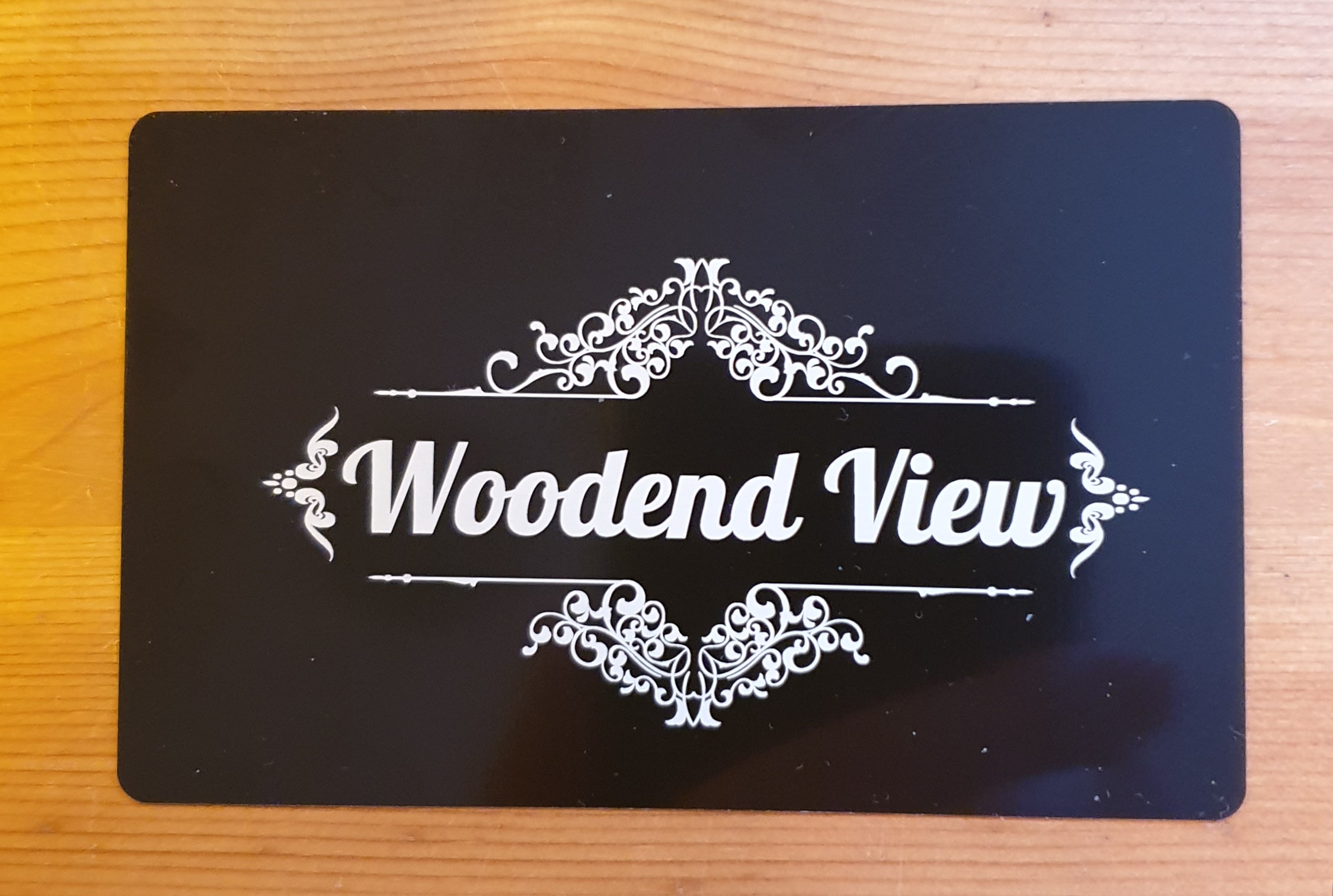
I have just completed the second tutorial, processing an image on a black metallic business card.
The image came out really well but it's not centered either vertically or horizontally. It seems an equal distant from the right and the bottom , and again equal top and left. I had selected the entire image and requested it to be centered horizontally though I didn't do the same vertically.
Also, I placed the card on the baseplate manually and it wasn't perfectly square. I expected the camera to have taken it's position and adjust the angle accordingly but I don't think it has.
Is their some way to auto centre and auto align to the edges of the card?
If it makes a difference, I am using xTool Studio not XCS.

Services & Help
Learn & Community

Copyright © 2025 xTool All Rights Reserved.