
xTool Store
The Magic of Multiple Canvases
Updated Jun 13,2023
Updated Jun 13,2023
There is a new canvas function in the lower left corner of XCS. What does this function do?
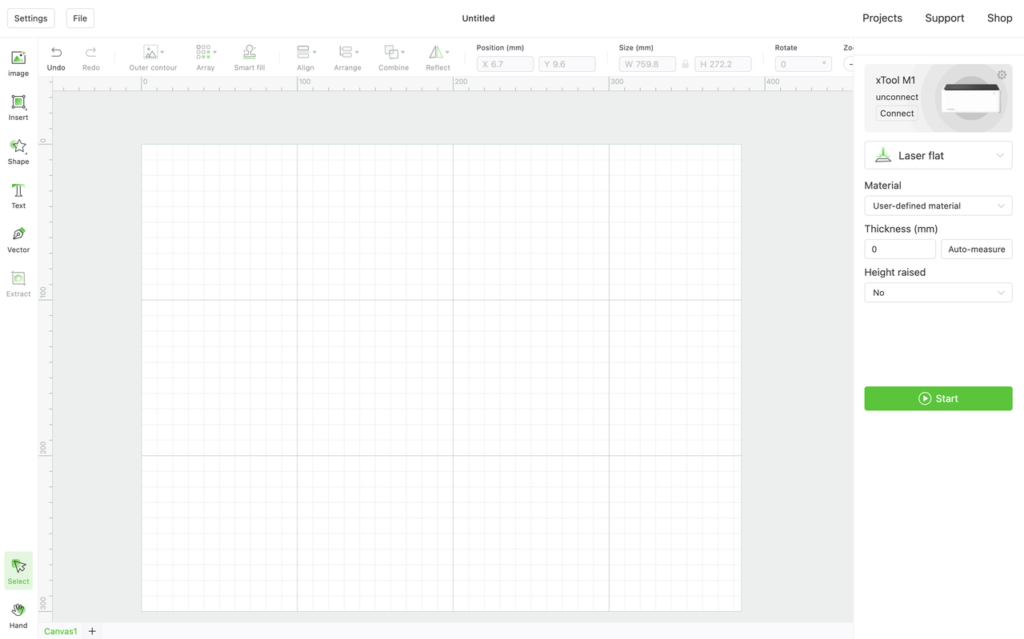
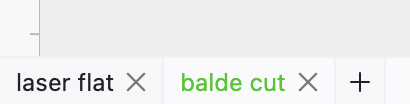
When we need to make some creative works that do not use the same material or processing mode, multi-canvas can easily help us save information such as drawings and parameters of different materials and processing modes in the same XCS project file.
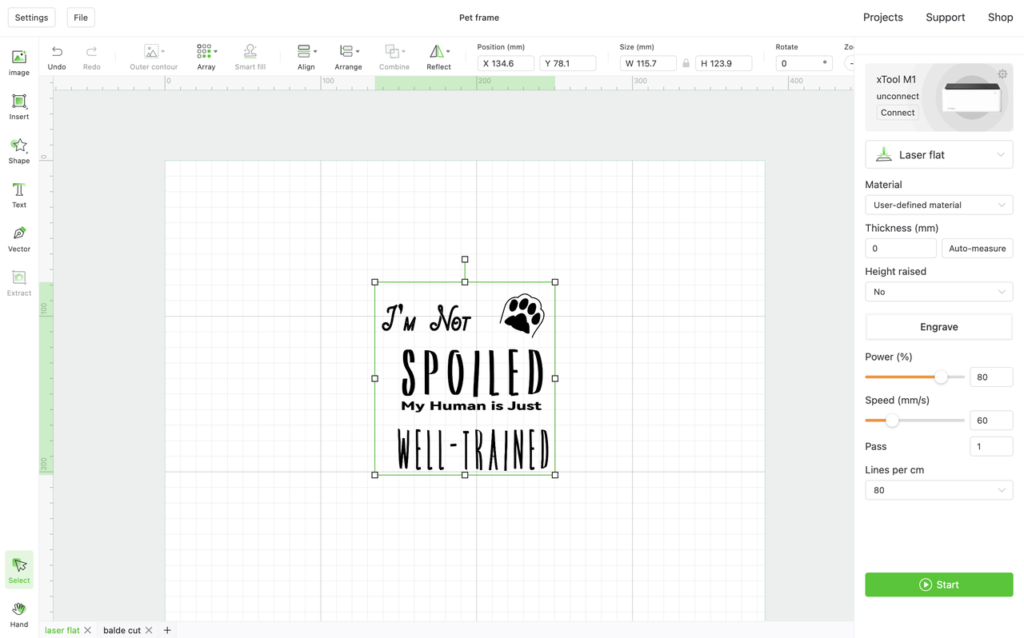
We need to complete the laser engraving on the wooden board. The drawing files and parameters can be saved on a canvas.
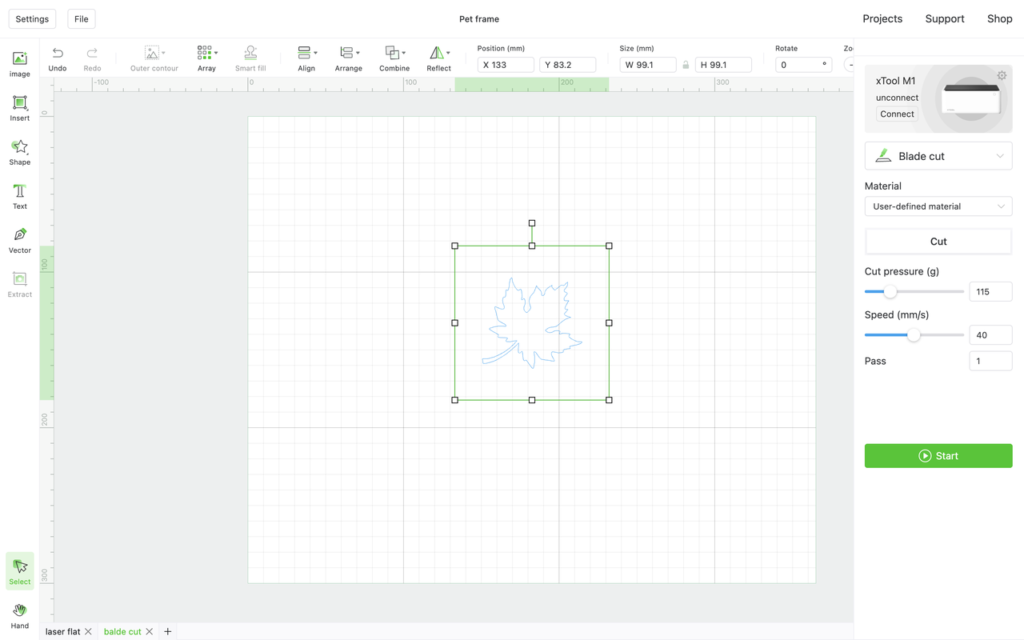
On another canvas, we save the files and parameters that are cut onto cardboard, so that there is no need to use two or more files to save the drawing and the parameter information of the same creative work.
Preview
Was this page helpful?
1 out of 4 found this helpful
Help Ticket
Use this help ticket to submit your issue. We will respond within 1 business day
Submit a Ticket Tags
Help Ticket
Use this help ticket to submit your issue. We will respond within 1 business day
Submit a Ticket 
Services & Help
Learn & Education

Copyright © 2025 xTool All Rights Reserved.