About this video tutorial
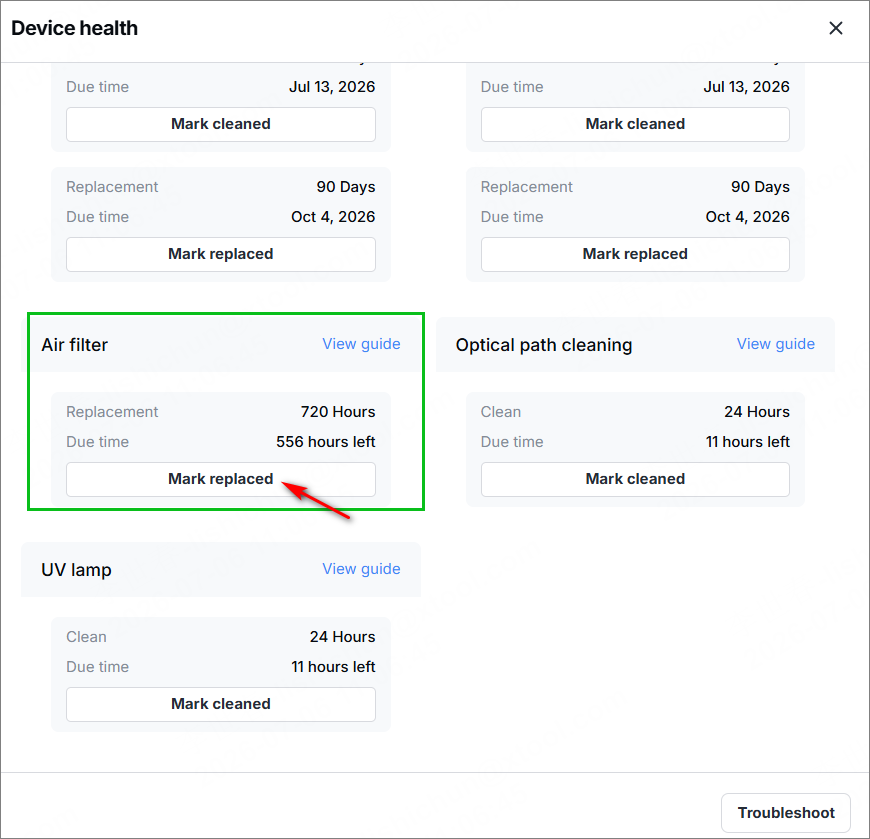
After 720 hours of use, the air filter will need to be replaced to ensure proper air purification. When Device health notifies that the air filter needs replacement, replace it by following this tutorial.
Note:
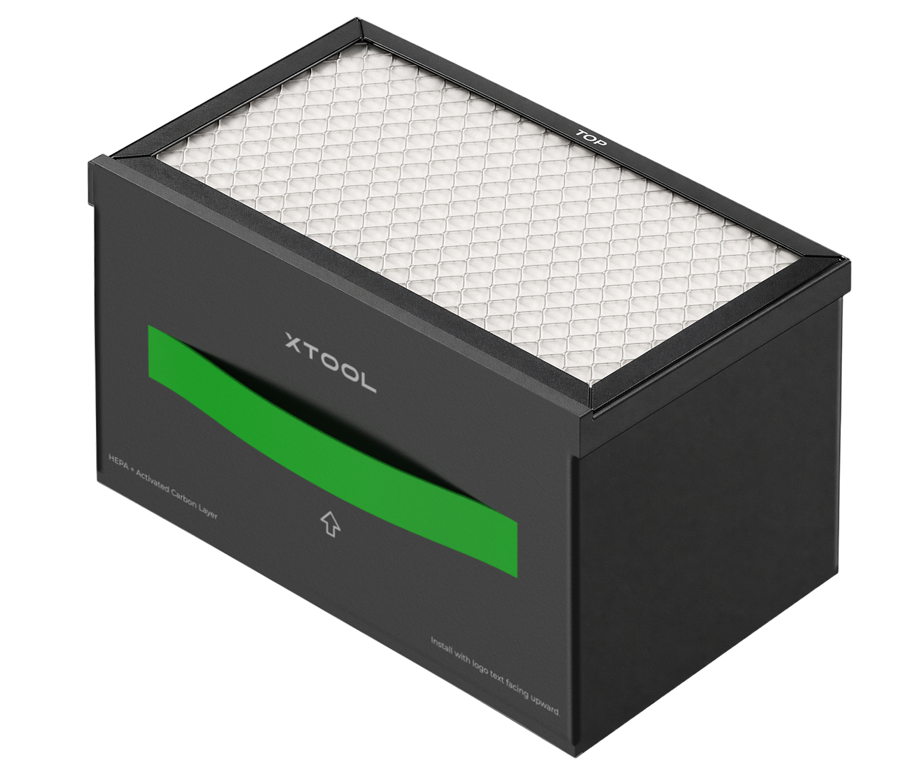
1. Do not remove the outer packaging film before use. Store the filter in a cool, dry place to prevent it from absorbing moisture prematurely and becoming ineffective.
2. After installing the filter, avoid unnecessary repeated removal and installation to prevent fatigue damage to the handle.
Video tutorial
Step-by-step guide
The replacement procedure is the same as the installation steps. However, after the replacement, you need to go back to the software and select Mark as replaced to reset the filter lifespan.
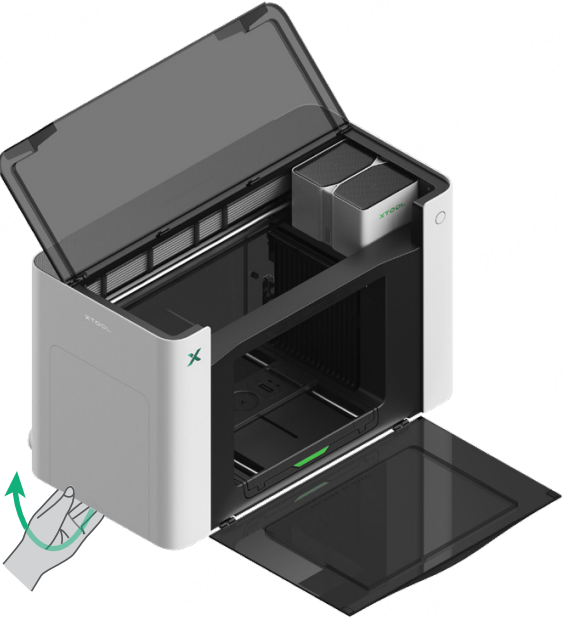
(1) Open the left-side panel.
(2) Take out the used air filter.
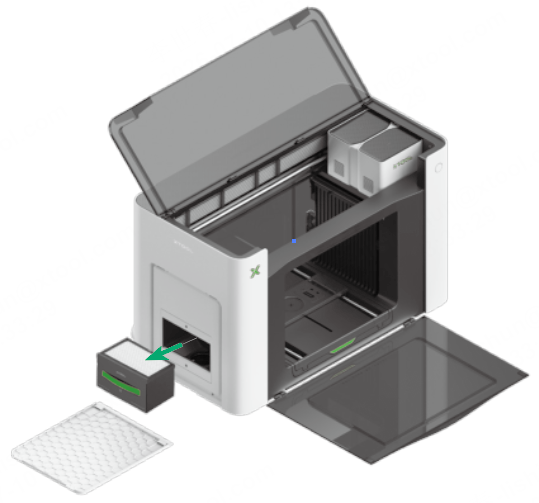
(3) Install the new air filter.
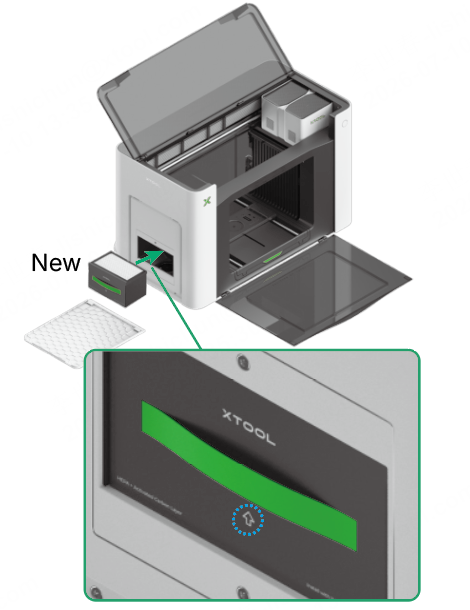
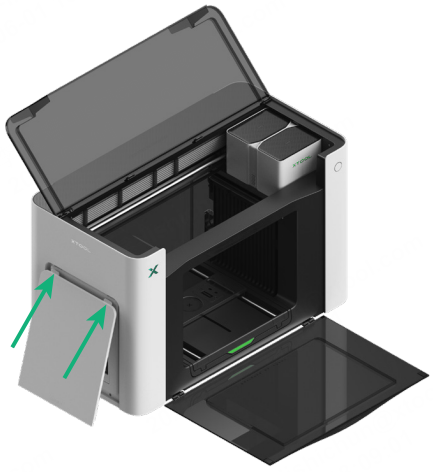
(4) Install the left-side panel back.
(5) On the Device healthpage in the xTool software, select Mark replaced to reset the lifespan of the filter.