
The most underestimated step in UV printing is white ink selection. Keep the same machine, the same artwork and the same print height, switch only from rigid white ink to flexible white ink, and the bend resistance of leather and fabric products changes completely.
This article uses two controlled tests, on PU leather and cotton canvas, to answer three questions: why flexible materials require flexible white ink, what causes white ink to crack, and how to set the parameters in production.
☑️ The short answer
For flexible materials such as leather, canvas, cotton, linen, denim and PU synthetic leather, if the finished product will be bent, folded, crumpled or stretched, the white ink must be flexible white ink. At the same time, do not stack the print height too high: when the ink layer is too thick, even flexible white ink still risks cracking. (Both groups in this test used 0.3 mm.)
30-second comparison: flexible white ink vs rigid white ink
Dimension | Flexible white ink | Rigid white ink |
|---|---|---|
Cured film | Flexible and tough, deforms with the substrate | Hard and brittle, almost no elongation |
Bending and crumpling | Excellent | Poor, prone to crazing |
Scratch resistance | Moderate, needs varnish to reinforce | Excellent |
Feel of the finished product | Soft, close to the feel of the material itself | Stiff, like a sheet of plastic on top |
Suitable substrates | Leather, fabric, synthetic leather, TPU and other flexible materials | Wood, acrylic, metal, glass, ceramic, rigid plastic |
Test 1: rigid white ink vs flexible white ink on PU leather
Print parameters
Parameter | Flexible white group | Rigid white group |
|---|---|---|
Print mode | Texture | Texture |
Print height (Z) | 0.3 mm | 0.3 mm |
Rest time | 30 min | 30 min |
Steps and side-by-side comparison
Step | Details | Flexible white ink | Rigid white ink |
|---|---|---|---|
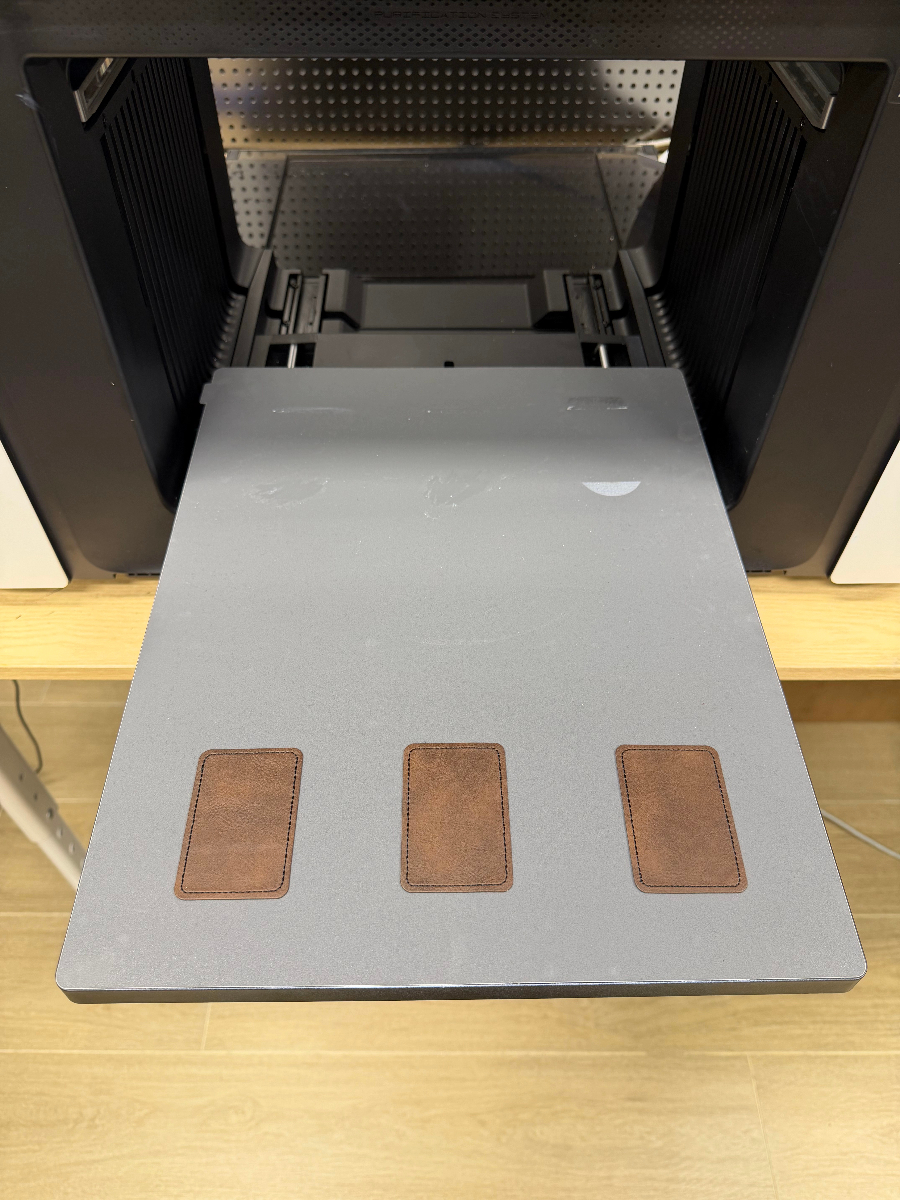
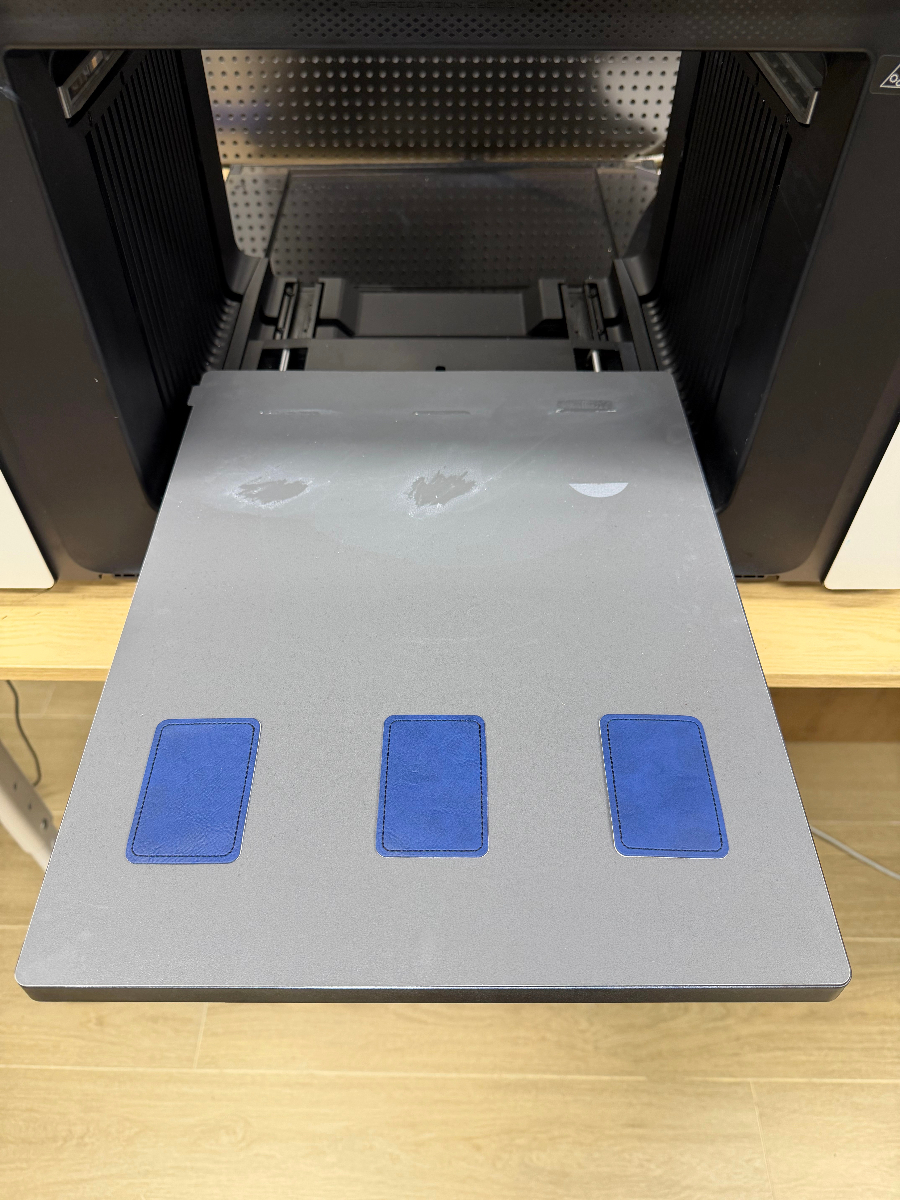
1. Prepare the substrate | Lay the PU leather flat on the adhesive board and run the scan to position it. |
|
|
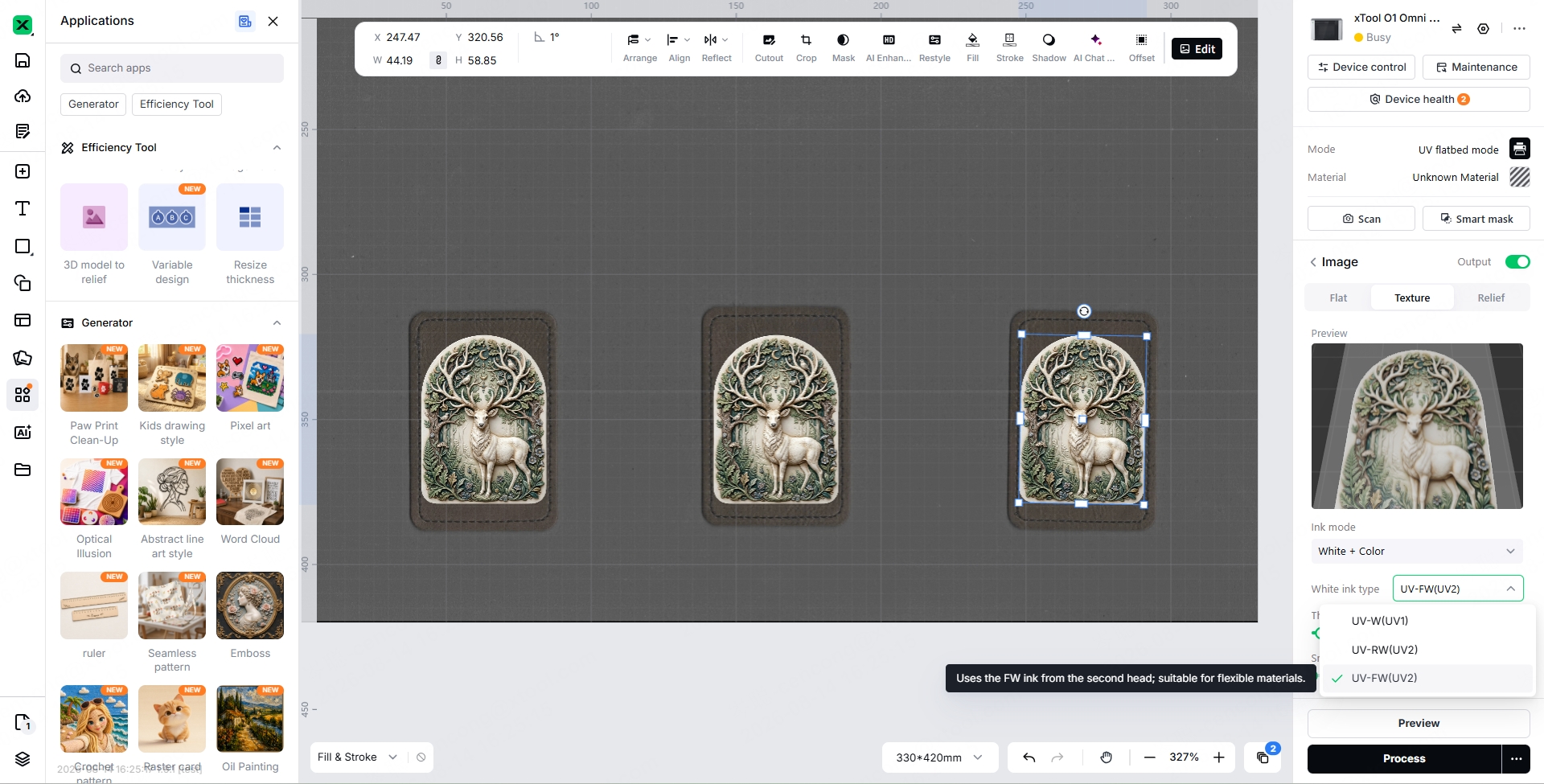
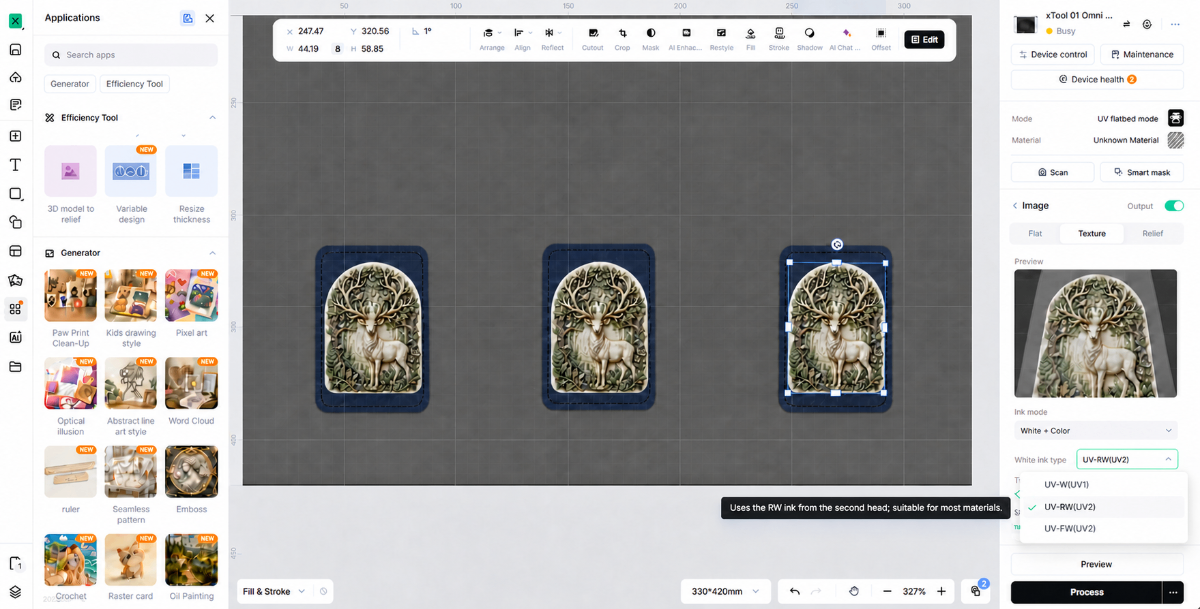
2. Print parameter settings | Import the artwork in xTool Studio and set the corresponding parameters for flexible white ink and rigid white ink: choose Texture as the print mode and set the print height to 0.3 mm. |
|
|
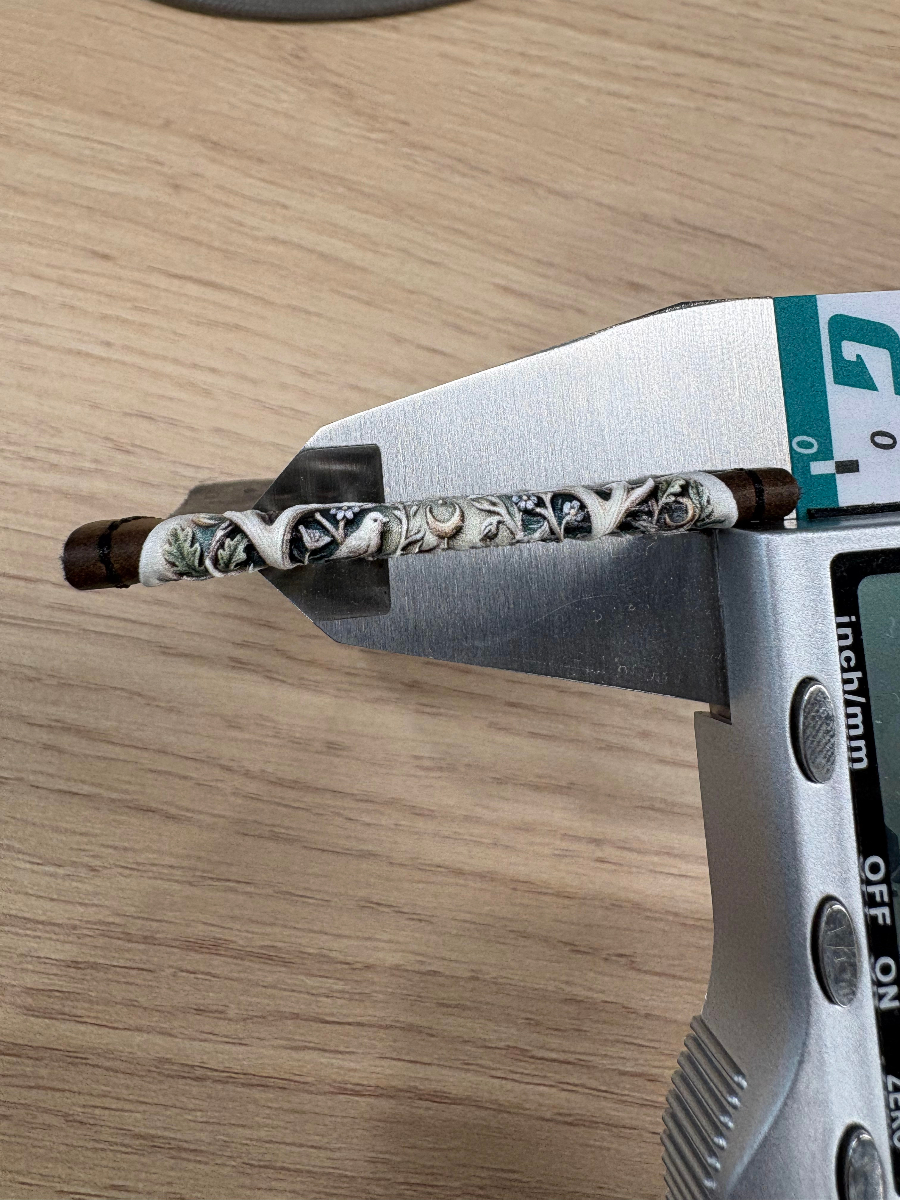
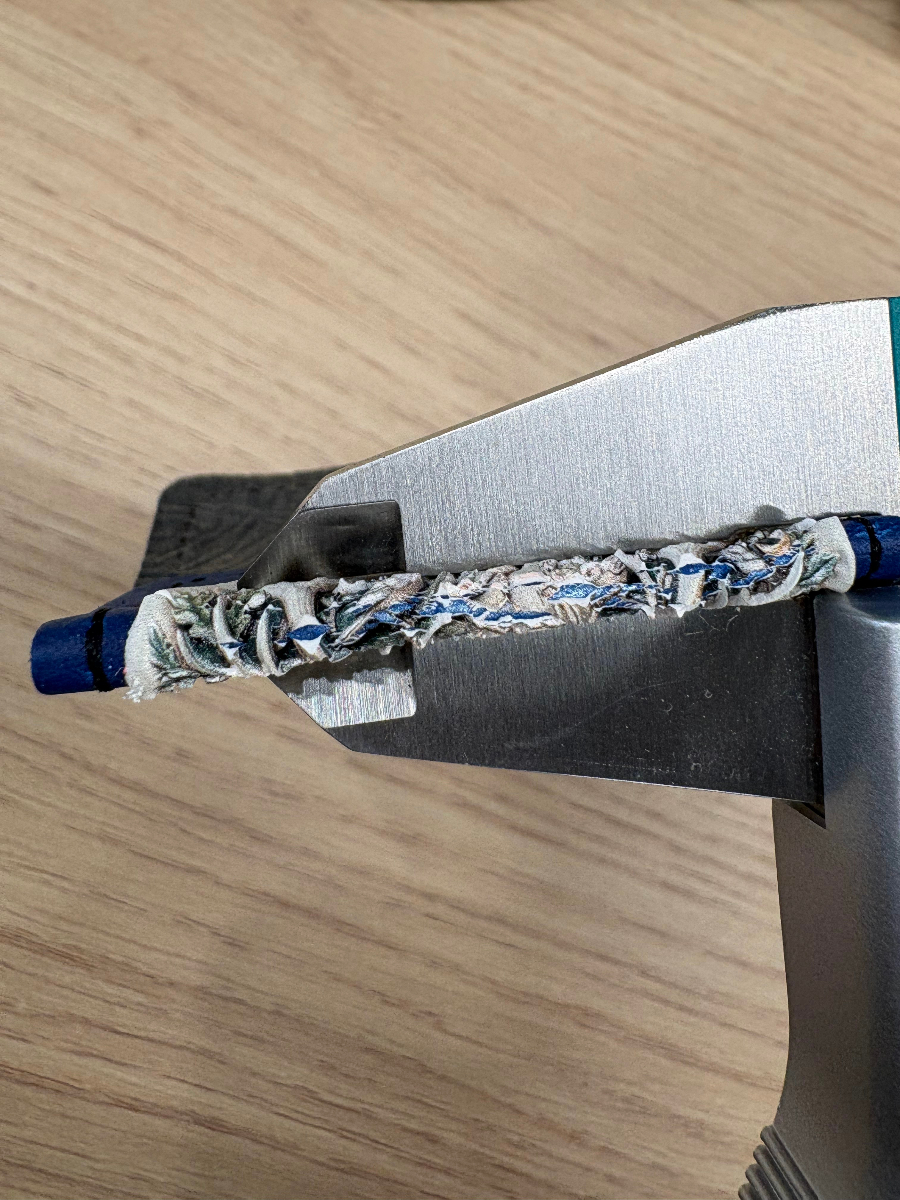
3. Print and run the destructive test | After the print has rested for 30 min, fold the same spot 5 times, then crumple it 5 times, and compare the cracking visually. |
Intact |
Cracked |
Test 2: rigid white ink vs flexible white ink on cotton canvas (fabric)
Print parameters
Parameter | Flexible white group | Rigid white group |
|---|---|---|
Print mode | Texture | Texture |
Print height (Z) | 0.3 mm | 0.3 mm |
Rest time | 30 min | 30 min |
Steps and side-by-side comparison
Step | Details | Flexible white ink | rigid white ink |
|---|---|---|---|
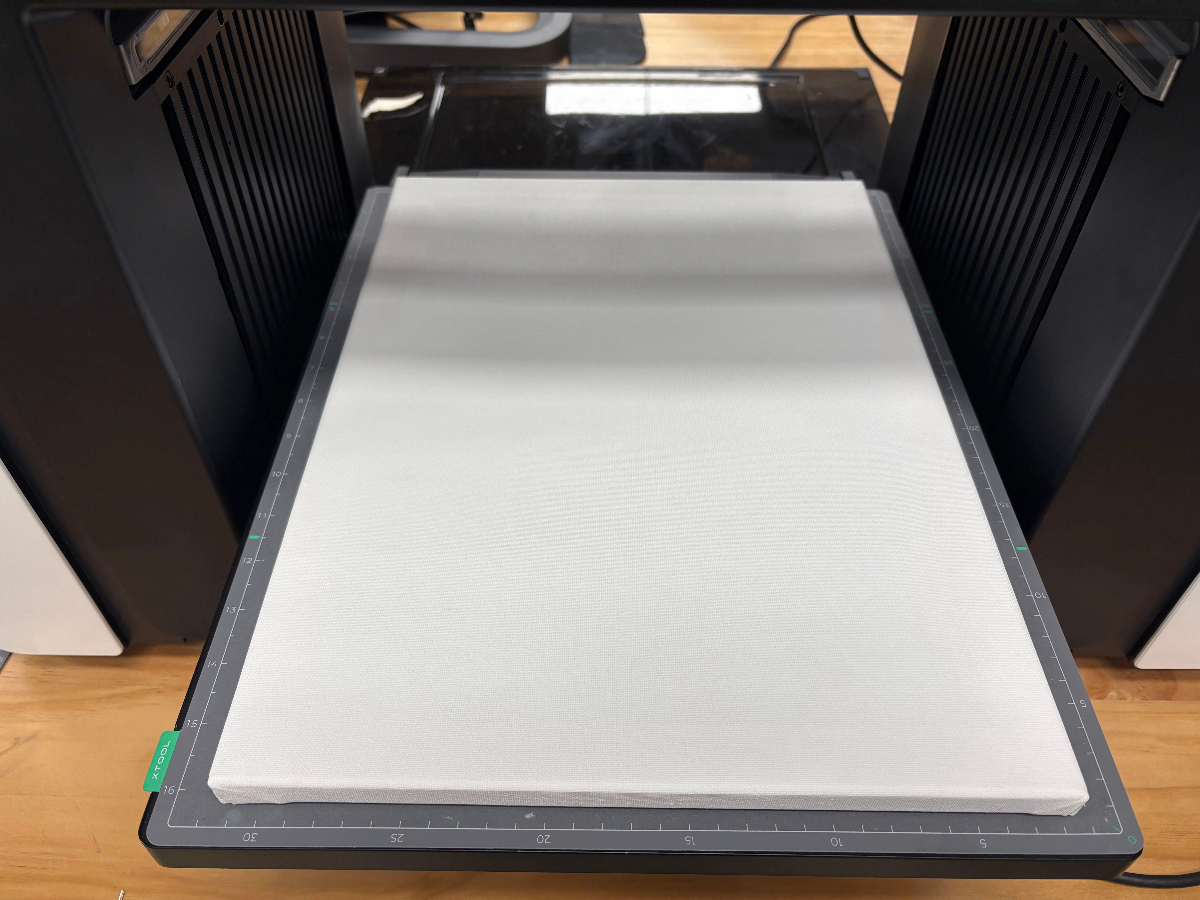
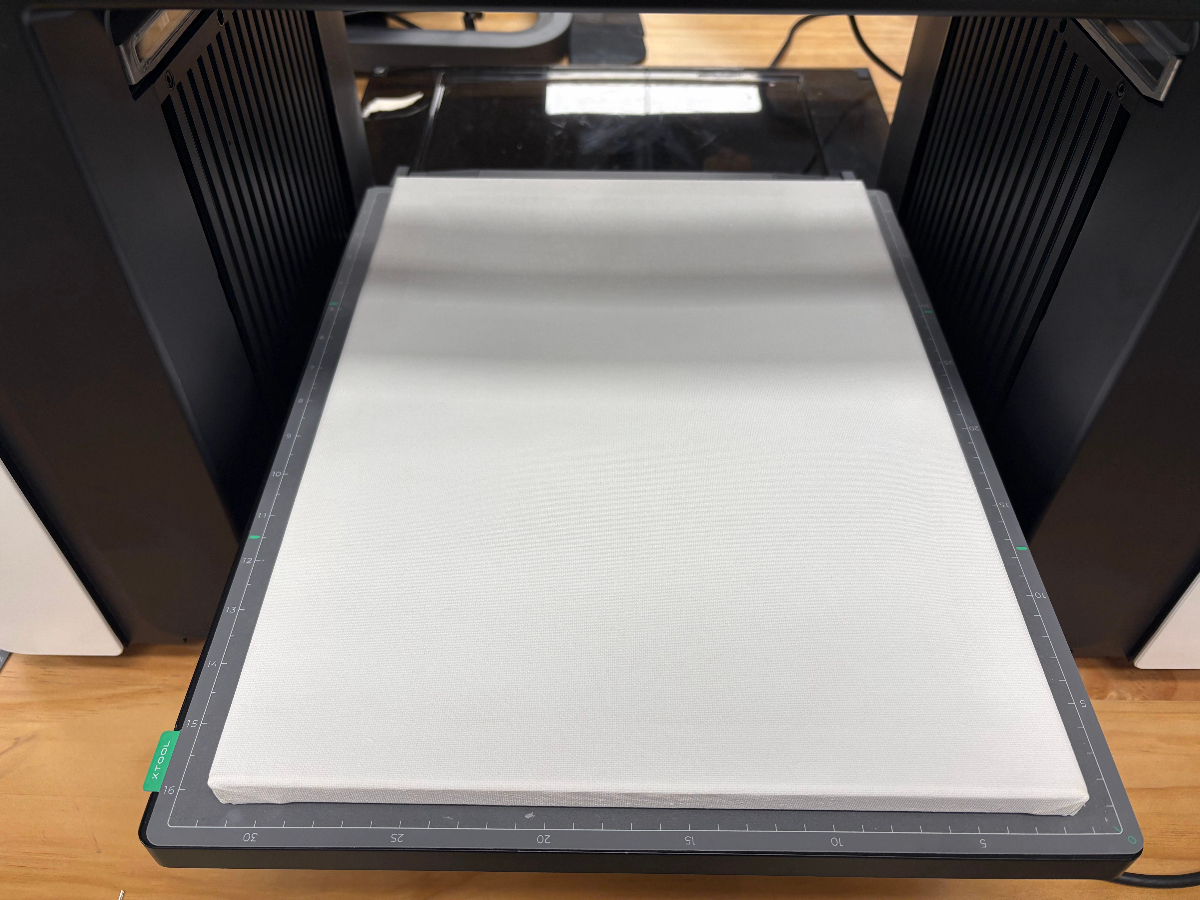
1. Prepare the substrate | Lay the cotton canvas flat on the adhesive board and run the scan to position it. |
|
|
2. Print parameter settings | Import the artwork in xTool Studio and set the corresponding parameters for flexible white ink and rigid white ink: choose Texture as the print mode and set the print height to 0.3 mm. |
|
|
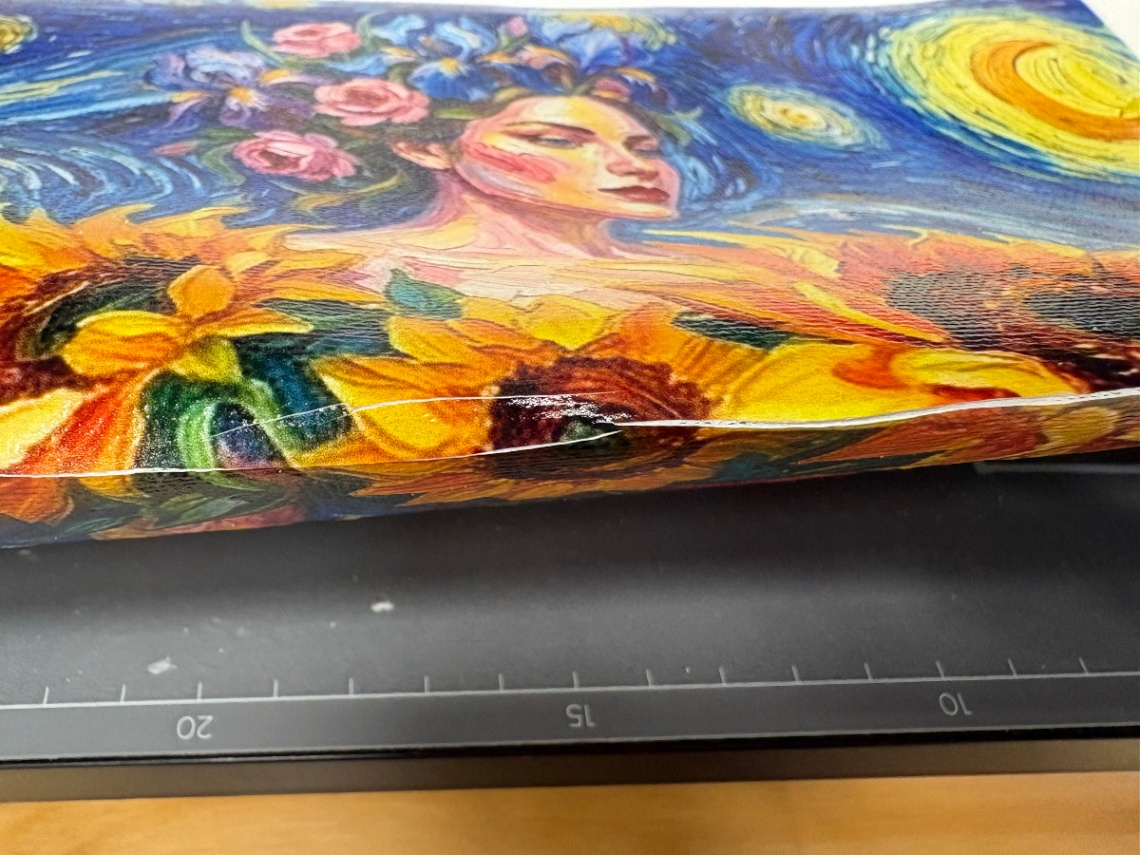
3. Print and run the destructive test | After the print has rested for 30 min, bend the same spot 5 times, then crumple it 5 times, and compare the cracking visually. |
Intact |
Cracked |



What both tests agree on
All four tests point in the same direction: with the parameters held completely identical, rigid white ink cracked within 5 deformation cycles on flexible materials, while flexible white ink stayed intact.
The mechanism: why white ink is always the first layer to crack
White ink is the thickest and the most brittle layer. On flexible materials the ink stack is "substrate → white ink → color ink → varnish". White ink does the opacity work, so it is used in the largest volume and laid down the thickest, and its mechanical behavior essentially determines the mechanical behavior of the whole ink layer.
The "hardness" of rigid white ink comes from high crosslink density. The higher the crosslink density, the harder and more scratch-resistant the film, but it has almost no ability to elongate. Once the substrate bends, the ink layer cannot keep up with the deformation, the stress has nowhere to go, and it can only be released in the form of crazing.
Once the white ink cracks, everything above it is lost. White ink is the adhesion base for the color ink and the varnish. Once that base fractures, the upper layers lose continuous support, and no matter how accurate the color or how glossy the varnish, they crack and flake off with it. This is exactly why "switching to a better varnish" cannot rescue rigid white ink.
Why excessive print height can still crack, even with flexible white ink
Flexible white ink solves the question of "can it follow the substrate as it deforms". It does not solve "the ink layer is too thick". The thicker the ink layer, the higher the overall stiffness and the greater the internal stress from cure shrinkage, so the ability to follow deformation actually drops.
On flexible materials, therefore, print height should be set by what the opacity and texture actually require, and just enough is enough. Do not keep raising it simply to look "more dimensional".
That is the explanation at the formulation level. But on real materials, how big the gap between "cracks" and "does not crack" actually is, and how many bends it takes before it shows, needs a real test to answer.
FAQ
I used flexible white ink and the product still cracked — why?
Check whether the print height is too high first. Flexible white ink solves the ink layer's ability to follow deformation; it does not solve the stiffness and internal stress that come with an over-thick ink layer, and when the layer is stacked too thick, flexible white ink can crack as well. Next, confirm that curing was sufficient (both groups in this test rested for 30 min).
Is flexible white ink much weaker in scratch resistance?
The cured film of flexible white ink is on the flexible side, so its hardness and scratch resistance are indeed lower than rigid white ink. The standard practice is to add a varnish layer on top of the flexible white ink to reinforce it, which covers both bend resistance and abrasion resistance.
What print height is right on flexible materials?
In production, the principle is "the minimum height that satisfies opacity and texture". If you need it thicker, always run a bend test first.
Is rigid white ink really completely unusable on flexible materials?
If the finished product definitely will not be bent (for example leather mounted on a rigid board, or canvas that is no longer under load once framed), rigid white ink can be used. But as soon as the product will be folded, crumpled or stretched, the test results show that rigid white ink cracks.
>Browse the full xTool O1 materials lineup. Blanks, sheets, transfer film, primer — everything the O1 needs, in one place.
Have questions about material processing, want to share your creations, or stay up to date on the latest official xTool materials? Join the Laser Materials & Craft Supplies Community on Facebook and connect with fellow makers!

