
Can the xTool M2 Print and Cut Acrylic? The Complete Acrylic Guide
Short answer: The xTool M2 can print on acrylic (use Transparent Print Primer Spray first for good ink adhesion), and it can cut some acrylic — but only dark or specifically tested types, never clear acrylic. Acrylic isn't as forgiving as paper or wood, so results depend on the acrylic color, primer, blue-light cutting compatibility, and post-processing.
If you want consistent color work on acrylic with the M2, remember this: use Transparent Print Primer Spray before printing and Clear Matte Paint Spray after printing, and choose white or light-colored acrylic for the most visible color.
Can the xTool M2 Print on Acrylic?
Yes — the xTool M2 can print on acrylic, but not directly on an untreated sheet. Acrylic has a smooth, non-absorbent surface, so printing straight onto bare acrylic leads to slow drying, smudging, and poor adhesion. Apply xTool Materials Transparent Print Primer Spray first, and the M2's CMYK inkjet lays down color reliably.
Two things shape how good the print looks:
- The M2 has no white ink. It prints CMYK with no white base layer, so the acrylic color underneath becomes your background. White and light-colored acrylic reproduce color best; patterns on black or dark acrylic look muted and dull.
- The surface must be primed. Primer is what turns acrylic from a "won't hold ink" surface into a printable one.
Can the xTool M2 Cut Acrylic?
Partly — the xTool M2 can cut dark or specifically tested acrylic, but it cannot cut clear (transparent) acrylic. The M2 uses a 455 nm blue-light diode laser, and clear acrylic doesn't absorb enough of that light to be cut.
Here's why acrylic cutting on the M2 is unpredictable:
Blue light (455 nm) cuts by being absorbed and converted into heat. Acrylic itself is transparent to blue light — it's the pigments and dyes in colored acrylic that do the absorbing. Different pigments absorb blue light differently, which is why two colors that look similar can give completely different cutting results. Whether an acrylic is light or dark does not guarantee the outcome; the pigment does.
That's why for reliable xTool M2 acrylic cutting we recommend starting with tested materials: Tested and recommended blue-light-cuttable acrylics (3mm)
4 Things to Know Before You Start
- Acrylic doesn't absorb ink. Printing directly on untreated acrylic can lead to slow drying, smudging, and poor adhesion. Apply xTool Materials Transparent Print Primer Spray before printing.
- The M2 has no white ink. The M2 uses CMYK inkjet with no white base layer. White and light-colored acrylic reproduce color best, while color patterns on black or dark acrylic usually appear muted and dull.
- Not all acrylic can be cut by the M2. The M2 uses a blue-light diode laser. Black and some dark acrylics are generally better suited to blue-light cutting; transparent acrylic is not suitable for M2 cutting.
- Finished pieces need a protective layer. If the piece will be touched, displayed, gifted, or sold, apply xTool Materials Clear Matte Paint Spray after printing and cutting to help protect the printed design.
Which Acrylic Works for Printing and Cutting?
Acrylic Type | Color Printing with xTool Selected Print Primer Spray | Color Printing | M2 Blue-Light Cutting |
|---|---|---|---|
White / light-colored |
| Recommended — best color reproduction | ⚠️ Depends on pigment — some tested colors work, some don't. Whether it's light or dark does not guarantee the result. |
Black / dark-colored |
| Color appears muted | |
Clear |
| Depends on background | Not suitable |
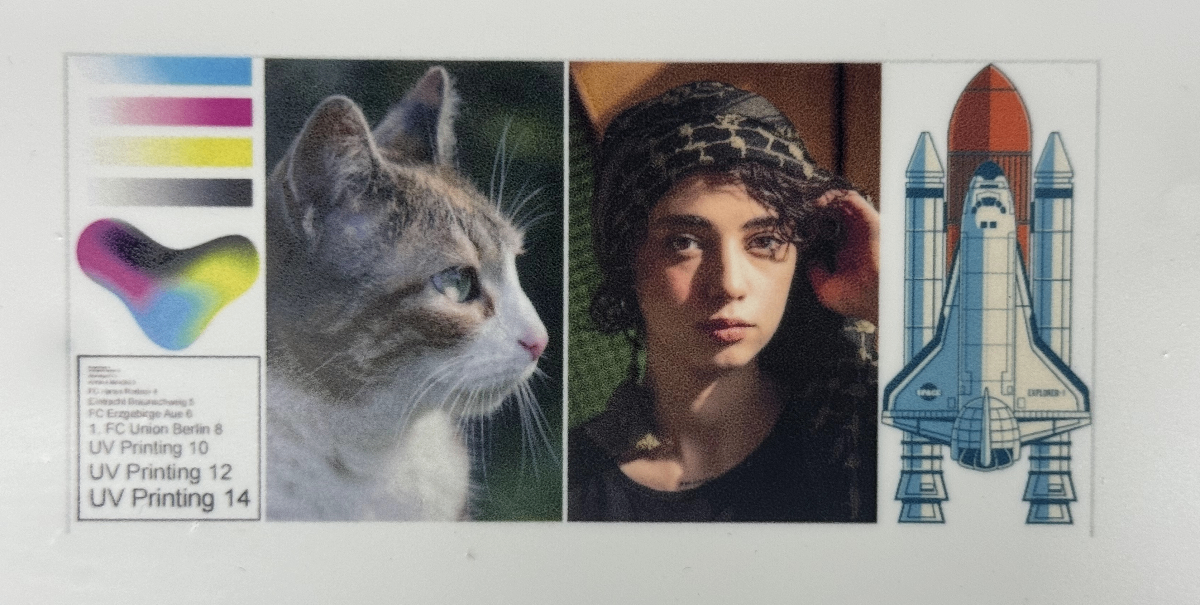
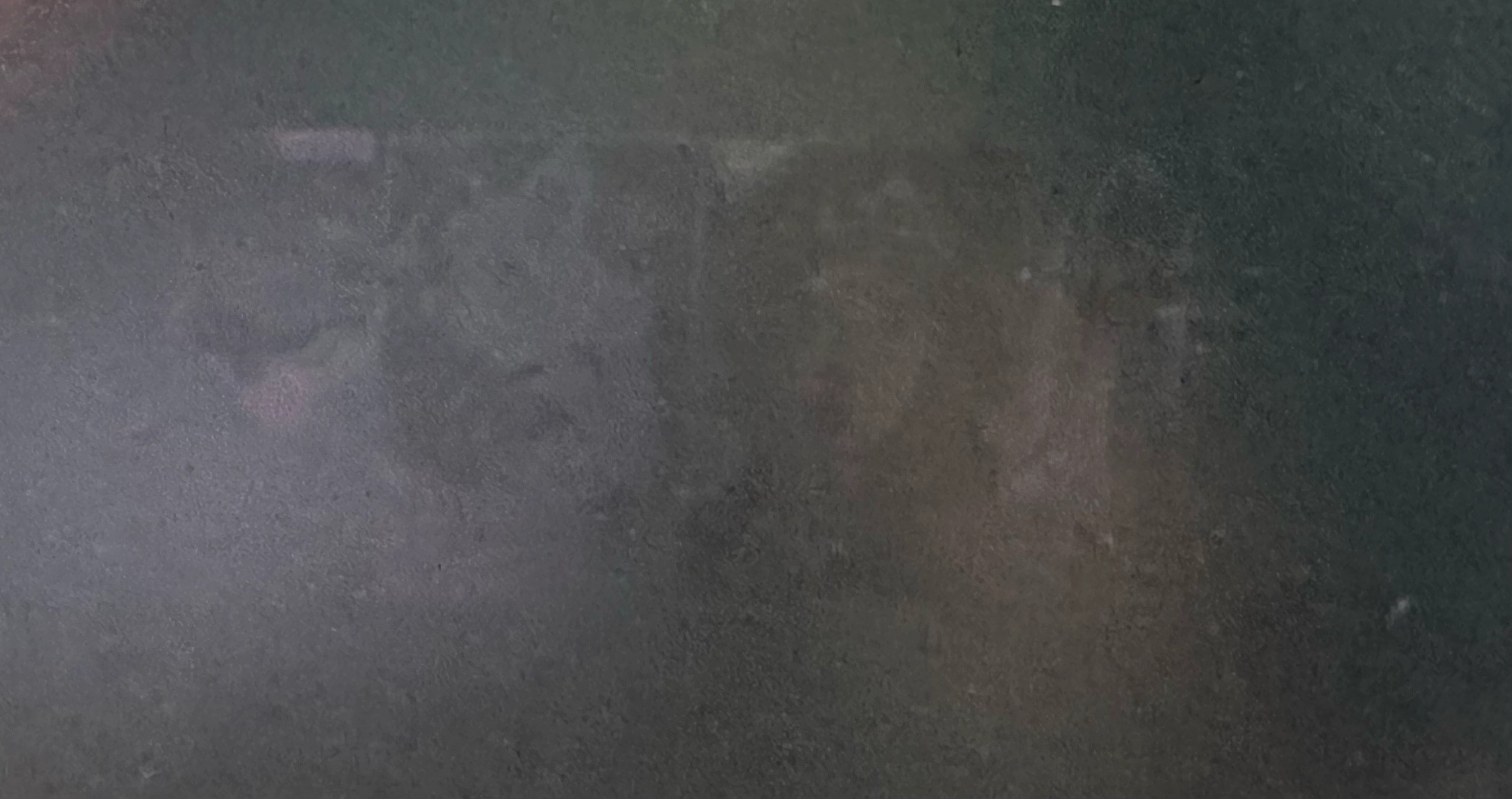
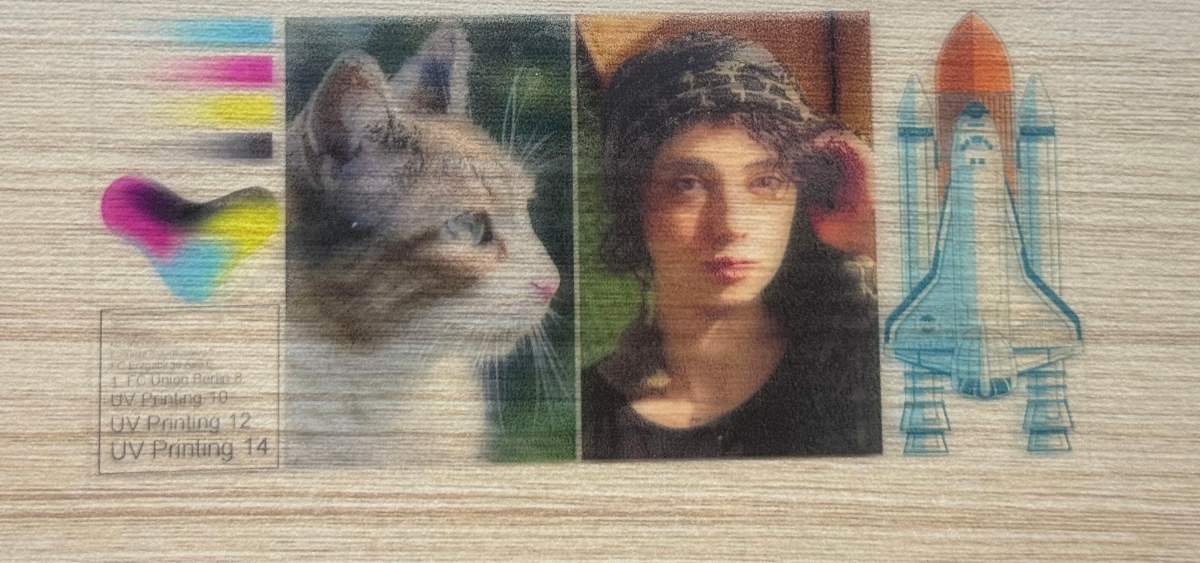
The core principles are simple:
- Acrylic that prints well isn't always good for cutting.
- Acrylic that cuts well isn't always good for color reproduction.
Blue light (455nm) cuts by being absorbed and converted into heat. Acrylic itself is transparent to blue light — it's the pigments and dyes in colored acrylic that do the absorbing. Different pigments absorb blue light differently, which is why two colors that look similar can give completely different cutting results.
What Do the Two xTool Selected Sprays Do?
Product | When to Use | Purpose |
Before printing | Improves ink adhesion | |
After printing and cutting | Protects the printed surface |
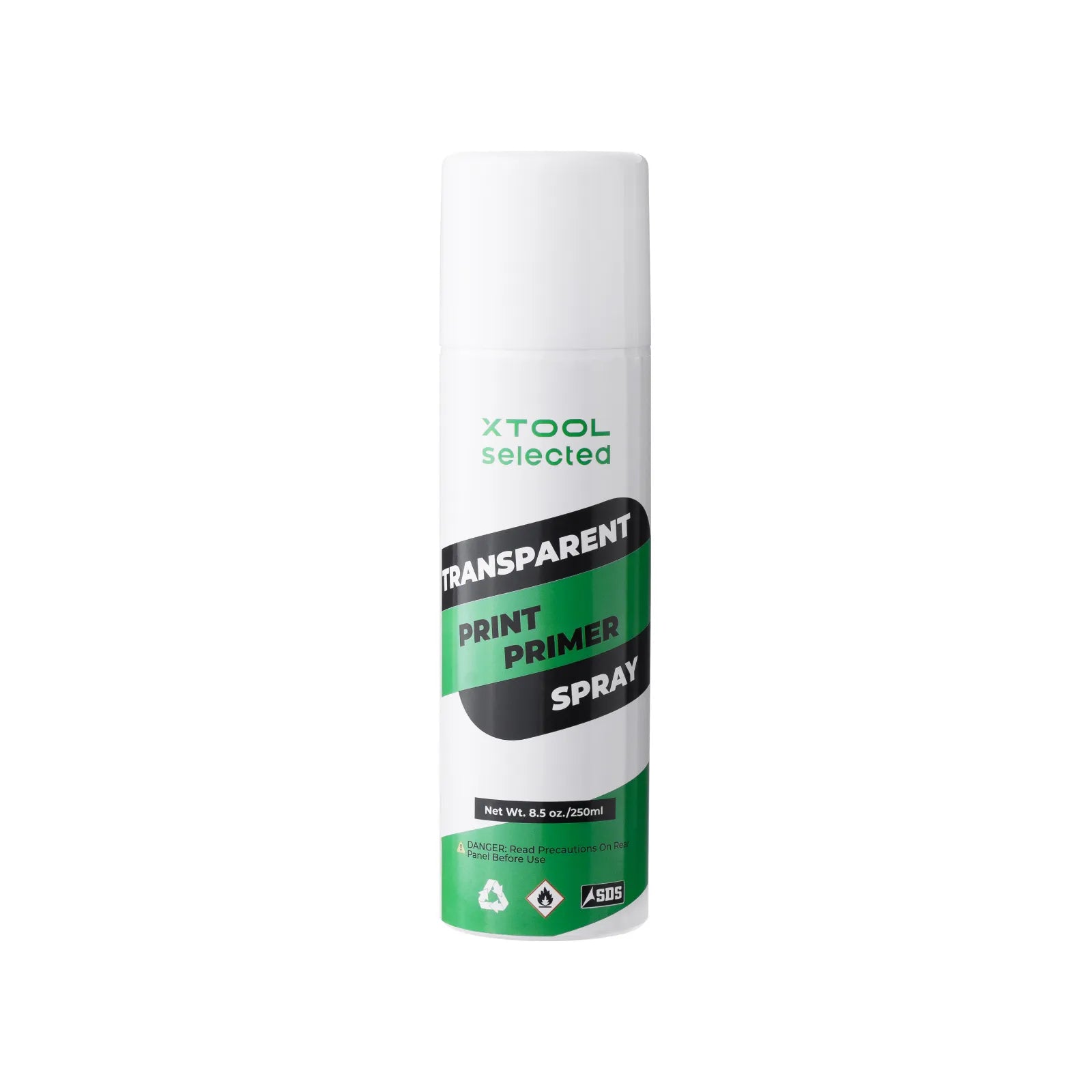
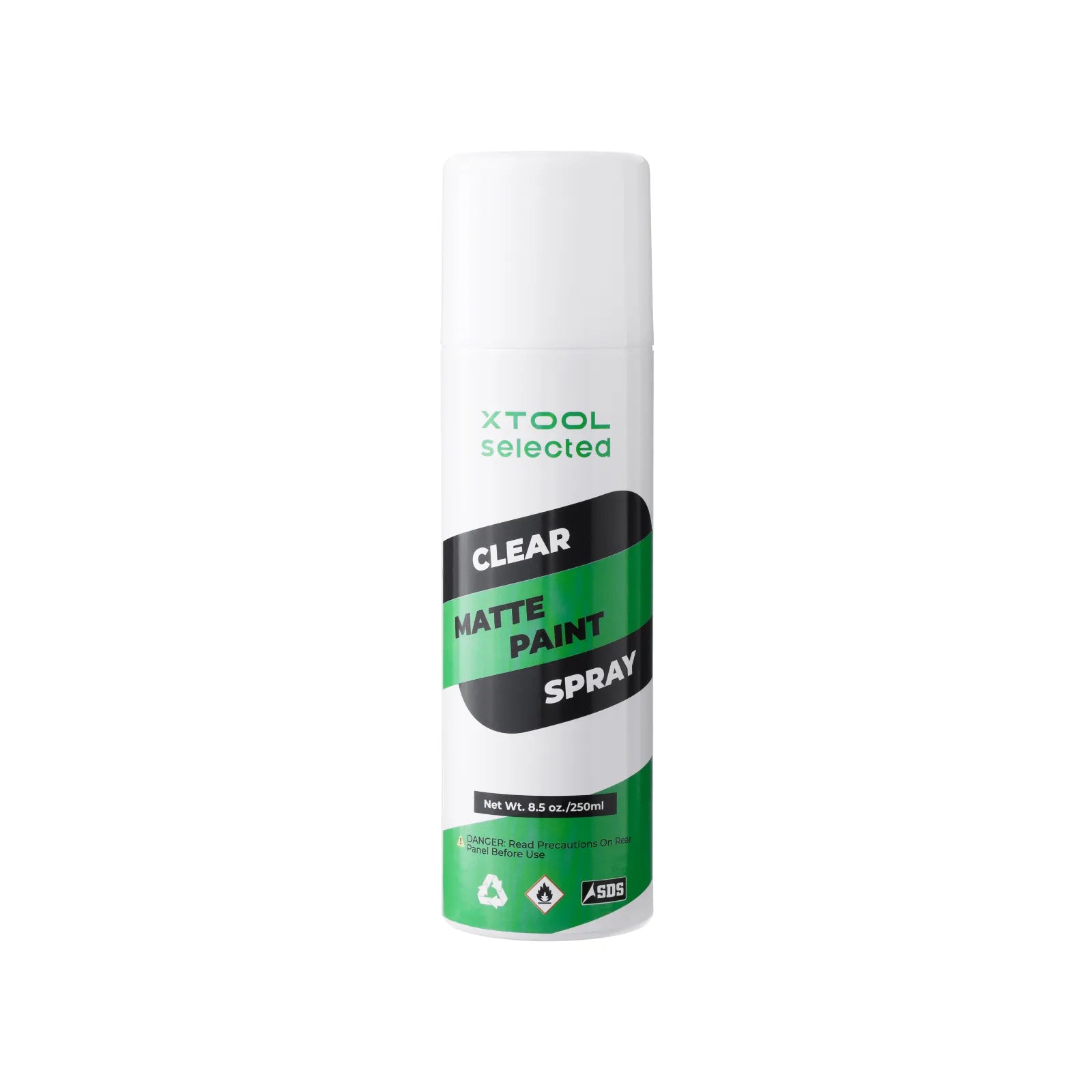
In short:
- Primer Spray prepares the surface for adhesion before printing.
- Clear Matte Spray protects the surface after printing.
Recommended Workflow
Follow this order when creating color work on acrylic:
- Clean the acrylic surface to remove dust, oil, and any protective-film residue.
- Apply xTool Materials Transparent Print Primer Spray.
- Wait for the primer to dry completely.
- Print in color with the xTool M2.
- Wait for the printed design to dry completely.
- Cut only acrylic that is suitable for M2 blue-light cutting. Transparent acrylic is not suitable for M2 cutting.
- Keep the cutting path away from the inkjet design, leaving a safe margin between the pattern and the cut lines.
- Clean off any smoke residue or debris after cutting.
- Apply xTool Materials Clear Matte Paint Spray.
- Let the protective layer dry completely before packaging, displaying, or delivering.
Why Should the Cutting Path Avoid the Printed Design?
The M2's inkjet design sits on the surface of the material. If the laser cutting path runs directly through the printed area, the laser can interact with the ink or coating and affect the final result.
Possible issues include:
- Scorched or burnt edges along the pattern
- Color shifts in the printed design
- Unclean cut edges
- Smoke residue settling on the pattern
- Loss of fine detail in the design
For this reason, leave a safe margin between the design and the cut lines in your design file. If you need a full-bleed design or an edge-to-edge effect, run a small test sample first.
FAQ
Can the xTool M2 print on acrylic? Yes. The xTool M2 can print full color on acrylic, but you should apply Transparent Print Primer Spray first — printing directly on untreated acrylic isn't recommended because ink won't adhere well.
Can the xTool M2 cut acrylic? Yes, but only dark or specifically tested acrylic. The M2's blue-light diode laser cuts by being absorbed by pigments, so results depend on the acrylic's pigment rather than just its color. It cannot cut clear acrylic.
Can the xTool M2 cut clear (transparent) acrylic? No. Clear acrylic doesn't absorb enough of the M2's blue-light laser, so it isn't recommended as an M2 cutting material.
Can you print color patterns on black acrylic? You can, but the color usually isn't vivid. A black base darkens CMYK colors, especially light tones like yellow, pink, and light blue.
Can you print on clear acrylic? Yes, for creative displays, but the color is affected by the background. Pairing it with a white background or printing on the back usually gives a better result.
Do you have to use Clear Matte Paint Spray after printing? For test pieces, it isn't strictly necessary. But if the piece will be touched, displayed, gifted, or sold, use Clear Matte Paint Spray for surface protection.
Conclusion
The xTool M2 can broaden your acrylic color creations, but success depends on the full workflow rather than the machine alone.
Remember these four points:
- Use Transparent Print Primer Spray to improve adhesion.
- Use white or light-colored acrylic for more visible color.
- Don't cut transparent acrylic with the M2 — stick to dark or tested blue-light-cuttable acrylic.
- Use Clear Matte Paint Spray for better surface protection.
If this is your first attempt, start by testing this combination:
White acrylic + Transparent Print Primer Spray + M2 color printing + Clear Matte Paint Spray.
> Looking for more materials for your xTool M2? Explore our full collection of materials—from paper and plywood to MDF boards and more.
> Have questions about material processing, want to share your creations, or stay up to date on the latest official xTool materials? Join the Laser Materials & Craft Supplies Community on Facebook and connect with fellow makers!

