
Introduction
Coming in two sizes, the adhesive mats for O1 Omni Printer are consumable accessories used to secure workpieces during printing.
Item name | Illustration | Size | Application |
|---|---|---|---|
Standard adhesive mat [Buy now] | 13" x 16.5" (330 x 420 mm) | Adhered to the standard baseplate to secure workpieces | |
Mini adhesive mat [Buy now] | 13" x 4.8" (330 x 122 mm) | Adhered to the mini baseplate to secure workpieces |
Video tutorial
Install the adhesive mat by following the steps shown in this video.
Step-by-step guide
The mini adhesive mat and standard adhesive mat are installed in the same way. This document uses the mini adhesive mat as an example.
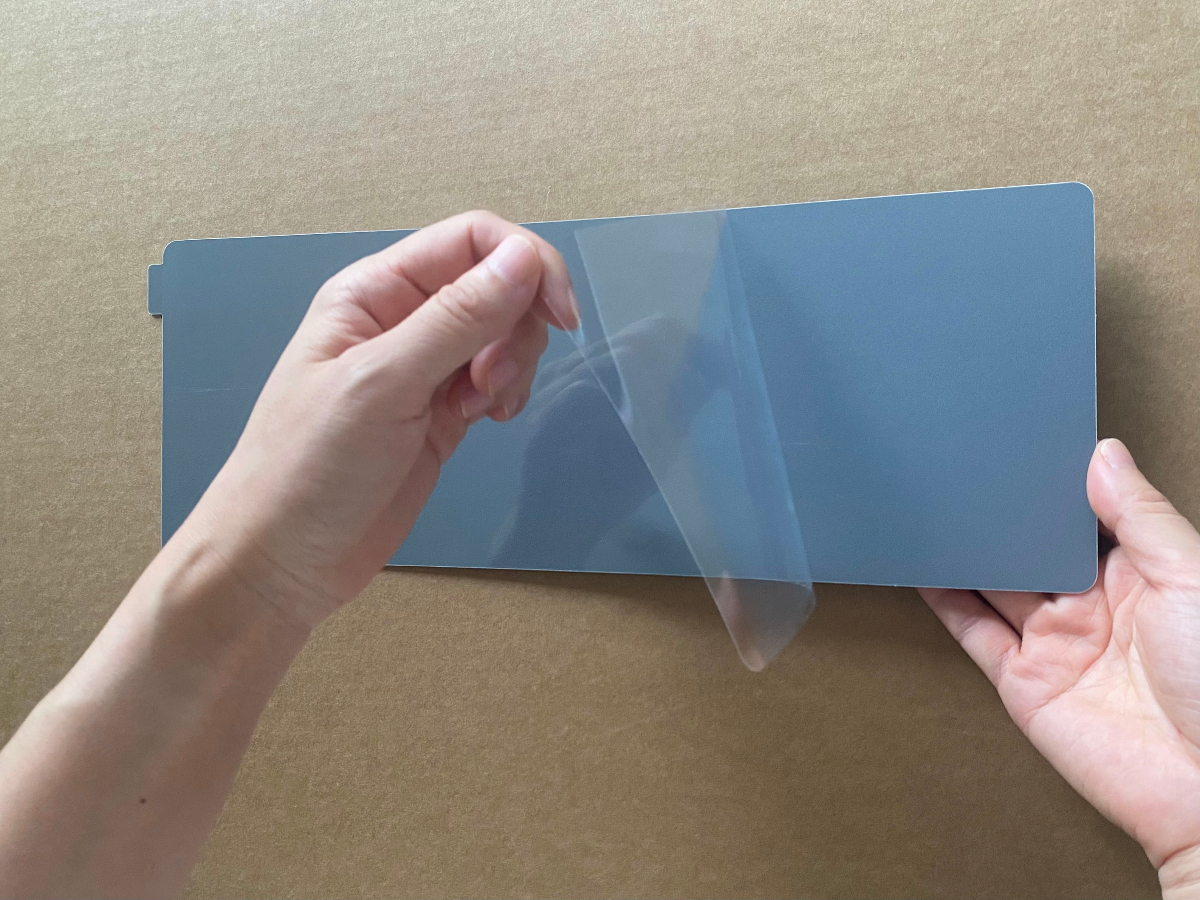
Step 1: Peel off the protective film from the back (without scale) of the adhesive mat.
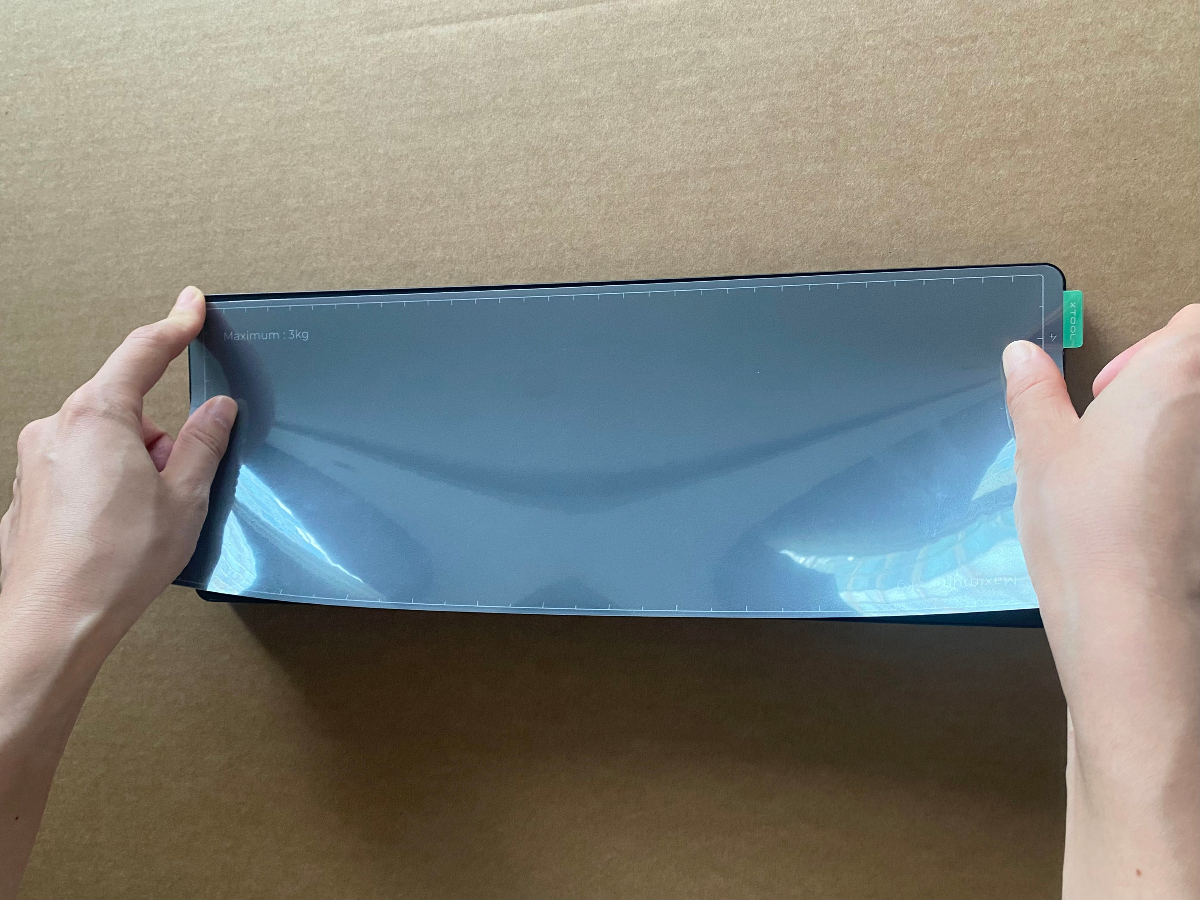
 Step 2: Stick the adhesive mat onto the mini baseplate.
Align the adhesive mat with the edge of the baseplate and press down. Ensure that there are no bulges or uneven areas.
 Step 3: Remove the front protective film from the adhesive mat.
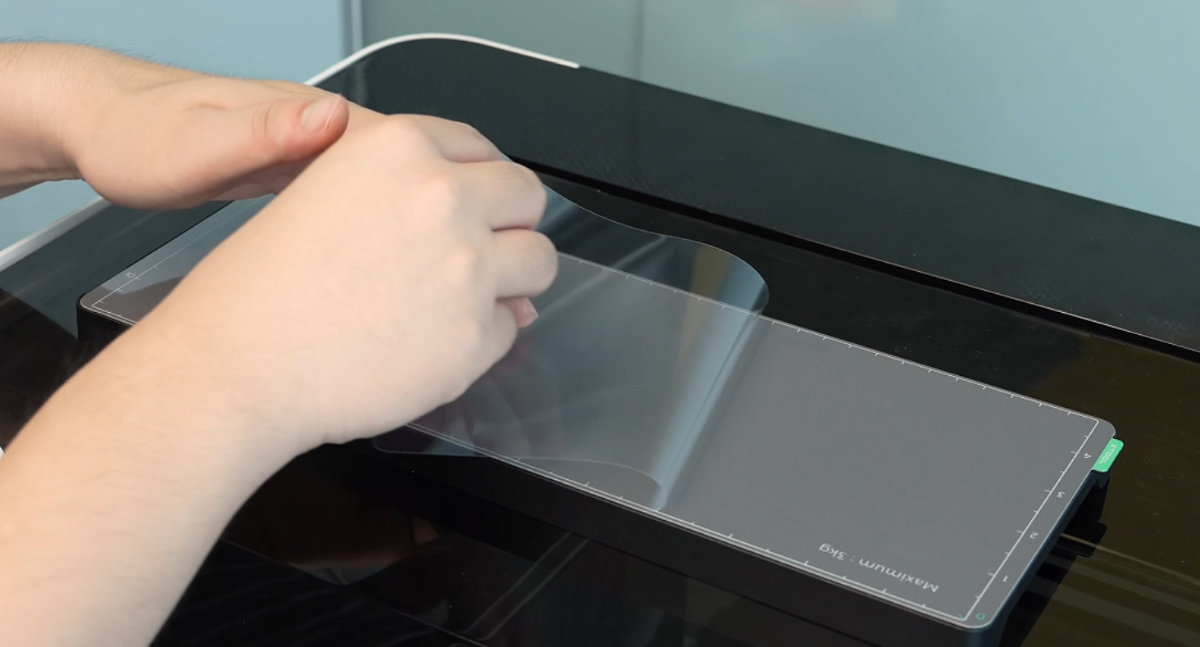
Complete
Replacement
Replace the adhesive mat when any of the following conditions occur:
- The adhesive mat no longer adheres properly If the adhesive mat no longer holds workpieces securely due to reduced adhesion, the workpieces may move, warp, or curl during printing, which may cause issues such as nozzle scraping.
- The adhesive mat is excessively dirty If dirt accumulates on the adhesive mat and prevents proper placement of the workpieces, the print quality may be affected. In this case, you need to replace the adhesive mat.

