
How to Perform Manual Focusing for xTool P3
Updated Sep 29,2026
Updated Sep 29,2026
Applicable scenarios
It is mainly applicable to the following two situations:
- When the device cannot focus by automatically measuring the material distance during processing, such as when the material is transparent (unable to measure) or the automatic measurement function malfunctions.
- To verify whether the accuracy of the automatic distance measurement is normal (typically, the measurement deviation on flat materials is within ±1 mm).
Matters need attention
- The calculation logic differs for different processing modes. Please select the correct processing mode.
- Ensure the lifting platform height is controlled to maintain a minimum clearance of 4 mm between the material surface and the bottom of the nozzle.
- Processing modes that require dot matrix measurement before modeling cannot use manual focus, including Curved material and Use rotary attachment (automatic modeling).
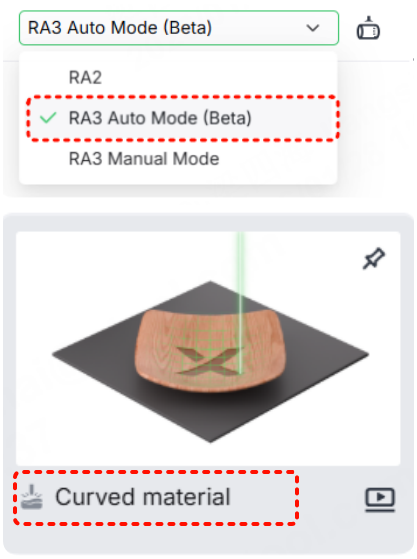
Operation procedures
Use conveyor feeder
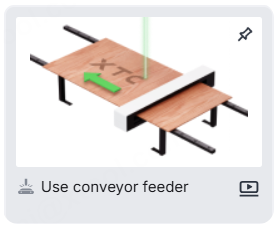
- Use a tool to measure the actual thickness of the material.
- Enter the result into the text box (Note the distinction between units: mm/inch). The device will autofocus during processing.
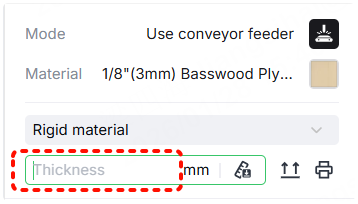
Use other processing modes
Curved material and Use rotary attachment are automatic modeling. The following steps do not apply to these processing modes.
- Place the material beneath the laser module.
- If the material can be placed at the origin, then place it at the origin.
- If the material can't be placed at the origin, select Use rotary attachment - RA2, and move the laser module over the material. Start Aimed-measure, then switch back to the corresponding processing mode.
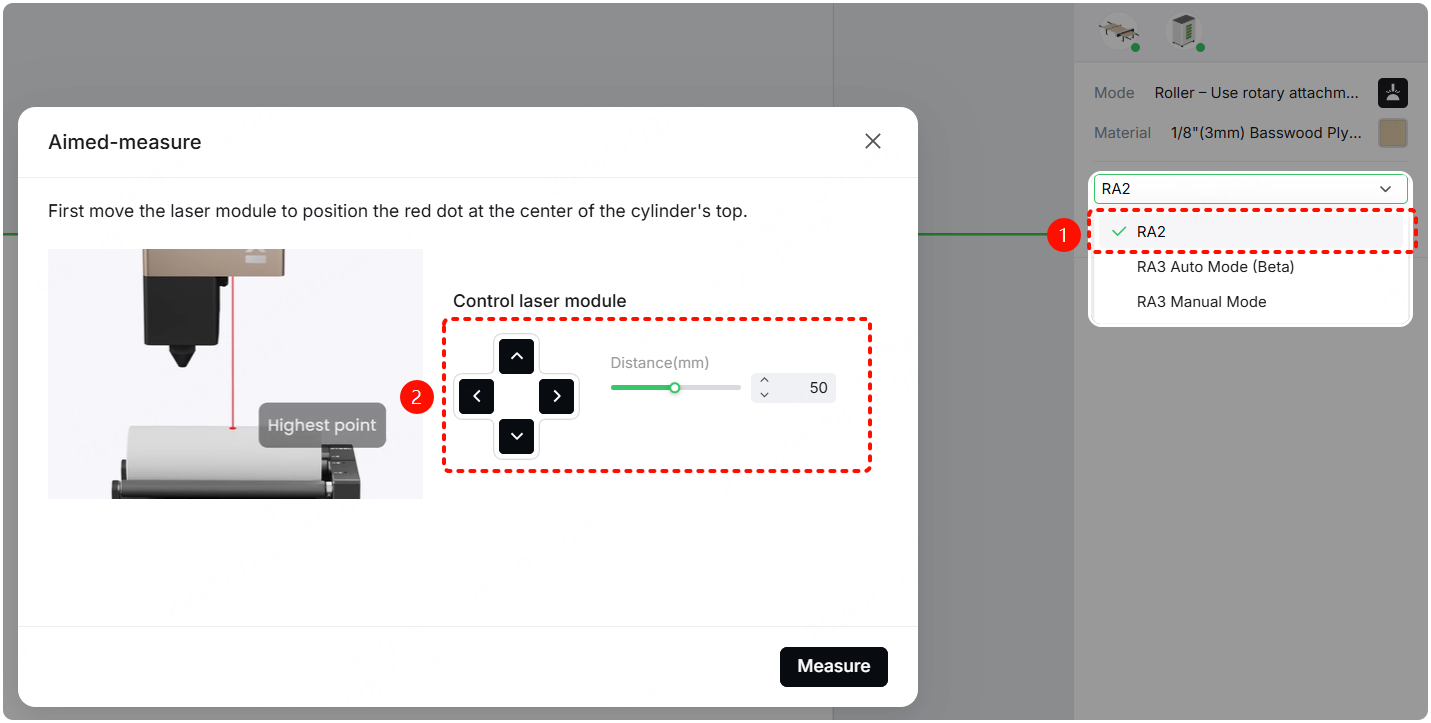
- Use a ruler to measure the vertical distance from the bottom of the laser module's front cover to the material surface, and subtract 30.5 mm.
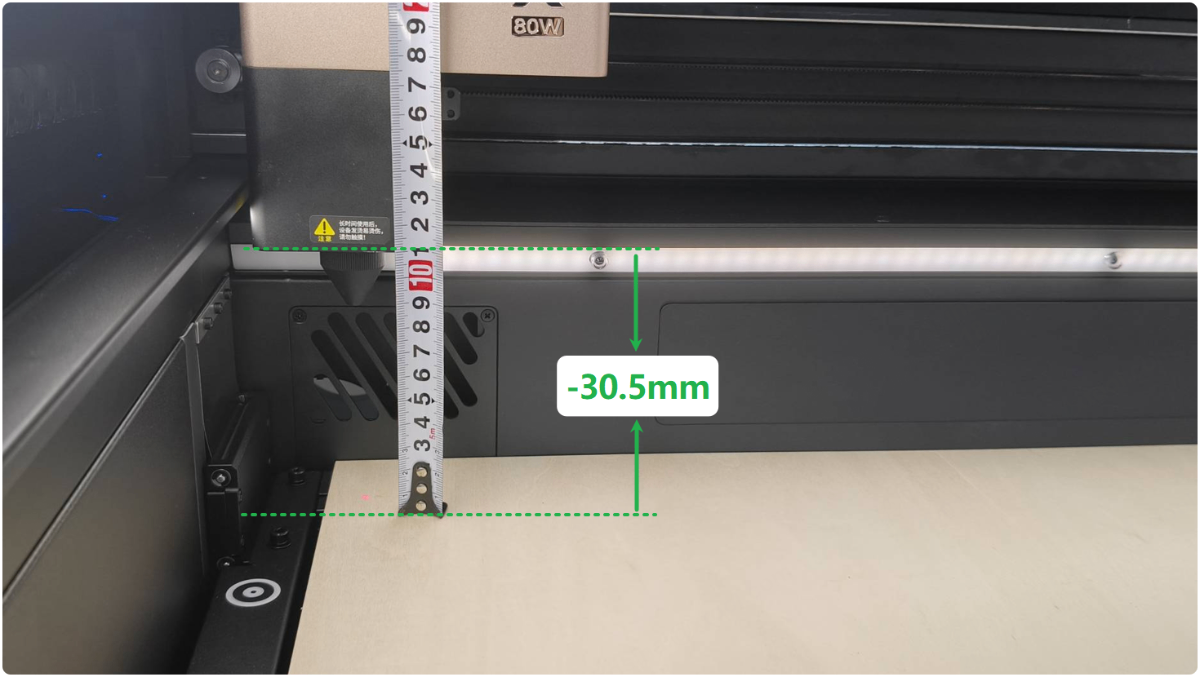
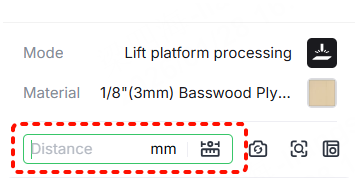
- Enter the result into the text box. The device will autofocus during processing.
Preview
Was this page helpful?
15 out of 20 found this helpful
Help Ticket
Use this help ticket to submit your issue. We will respond within 1 business day
Submit a Ticket 
