
Issue description
In convey feeder mode, the software prompts that materials cannot be detected during image capturing or processing.
- Before transferring materials:
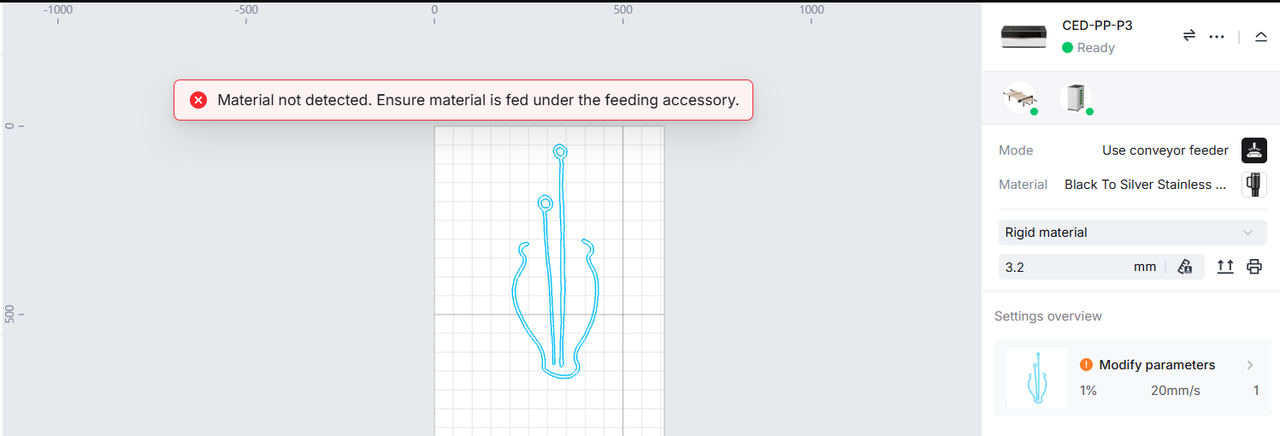
- During material transfer:
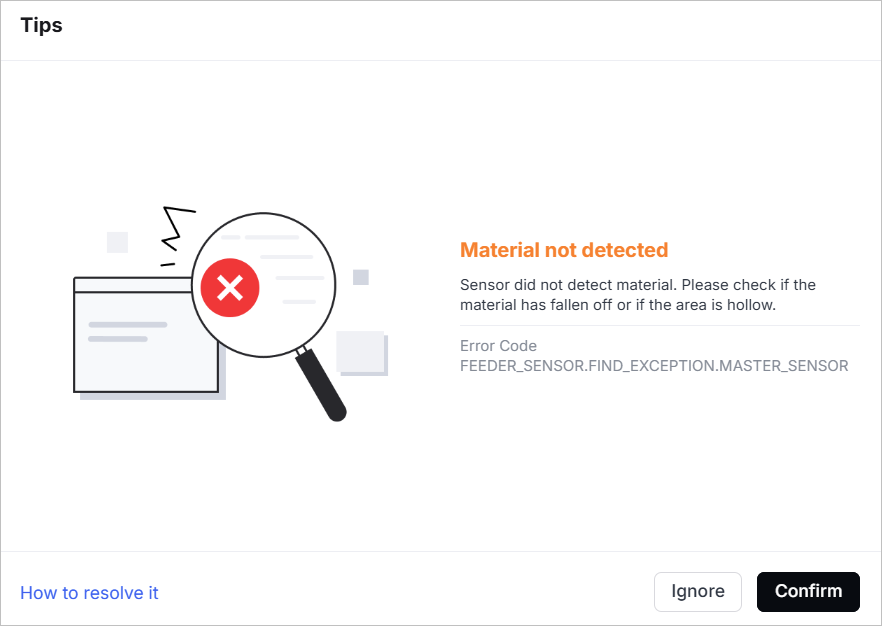
Possible causes
- Material does not cover the sensors
- Hollowed-out materials
- Imcompatible materials
Troubleshooting procedures
Please follow these steps in order.
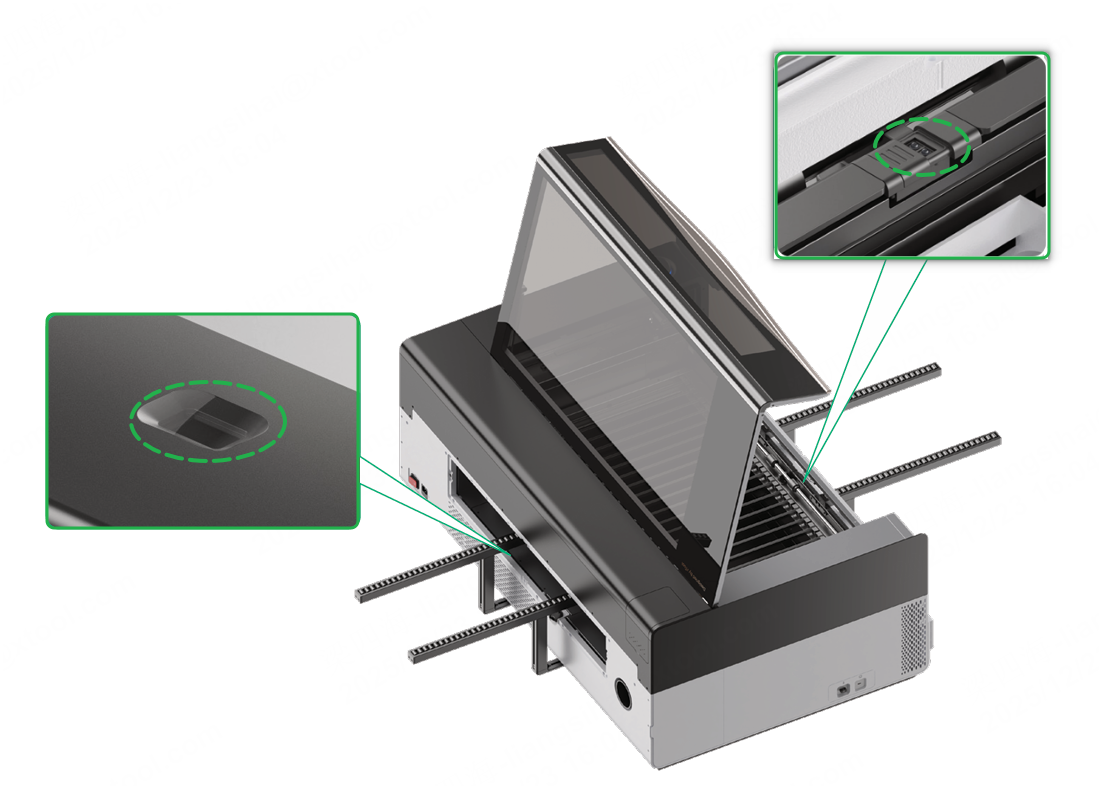
1. Check the material's position
Check whether the material covers the sensor in the front of xTool P3 and that of the conveyor feeder. If not, adjust the postion of the material.
2. Check whether the material is hollowed out
Check whether there are hollow-out areas in the material that are located above the sensor in the front of xTool P3 and that of the conveyor feeder.
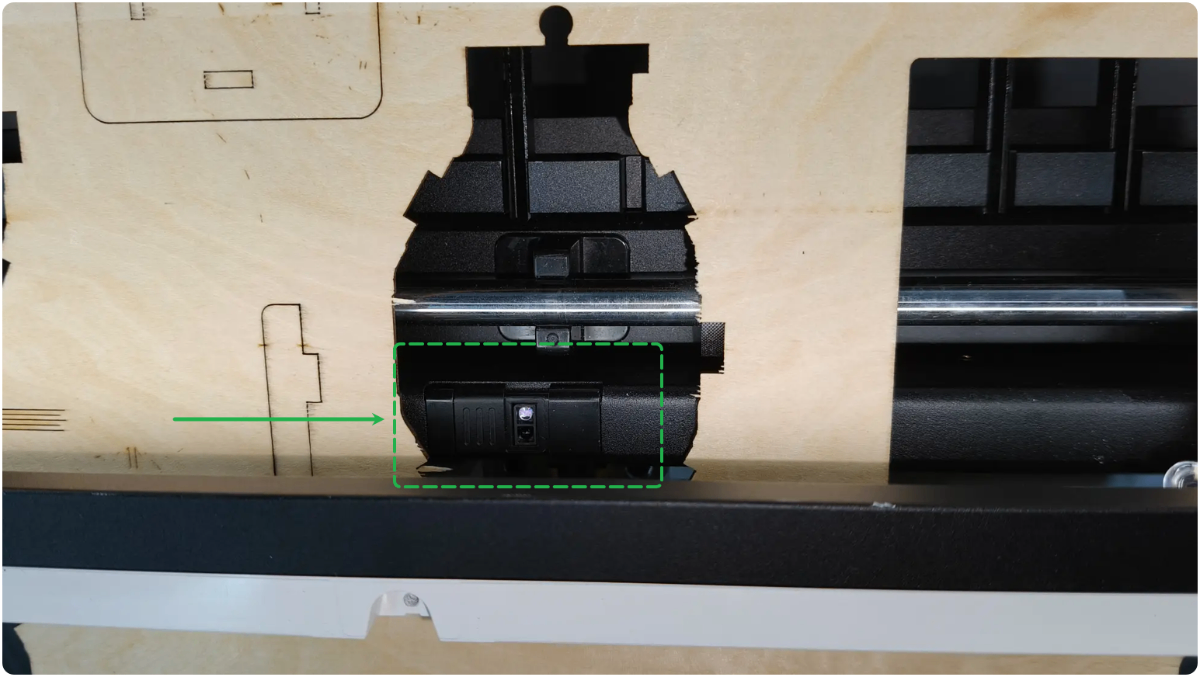
- If yes and the hollow-out areas are parts of the material's original design, you can apply a layer of masking tape to the back of the material and ensure the tape fully covers the sensors during processing.
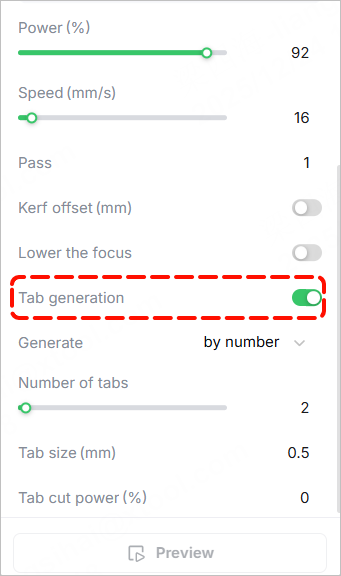
- If yes but the hollow-out areas result from material falling off during cutting, you can adjust the relevant parameters of Tag generation to prevent the material falling off.
3. Check the material type
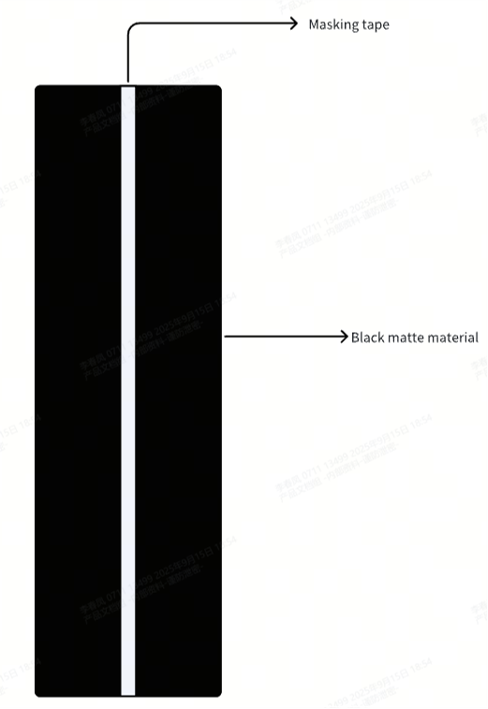
Sensors cannot effectively detect black matte, transparent, or mirror-like materials (when the mirror surface faces the sensors). To process these kinds of materials, apply a layer of masking tape to the back of the material and ensure the tape completely covers the sensor in the front of xTool P3 and that of the conveyor feeder during processing.
Still experiencing issues?
Should the issue persist after completing the preceding steps, submit a ticket via the "Submit a Ticket" button in the "Help Ticket" section below. The standard response time for xTool Customer Service is one business day.
For a prompt resolution, please include the following details:
- Issue description: A detailed explanation of the observed problem.
- Video evidence: Attach a video demonstrating the issue, where applicable.
- Troubleshooting performed: Any troubleshooting steps you have already attempted, along with their results.
This information is crucial for xTool technical support engineers to provide timely assistance.
Documentation feedback
Help improve this content by providing feedback. If this content did not meet your requirements, select "No" in the "Was this page helpful?" section below. Include specific details about what was unclear or missing in the pop-up suggestion box. Feedback submissions are reviewed by xTool technical writers to enhance future documentation.

