
1. Acrylic
CO₂ Engraving Can Process Acrylic Normally.
1.1 Blue-Light Engraving Effect on Transparent Acrylic
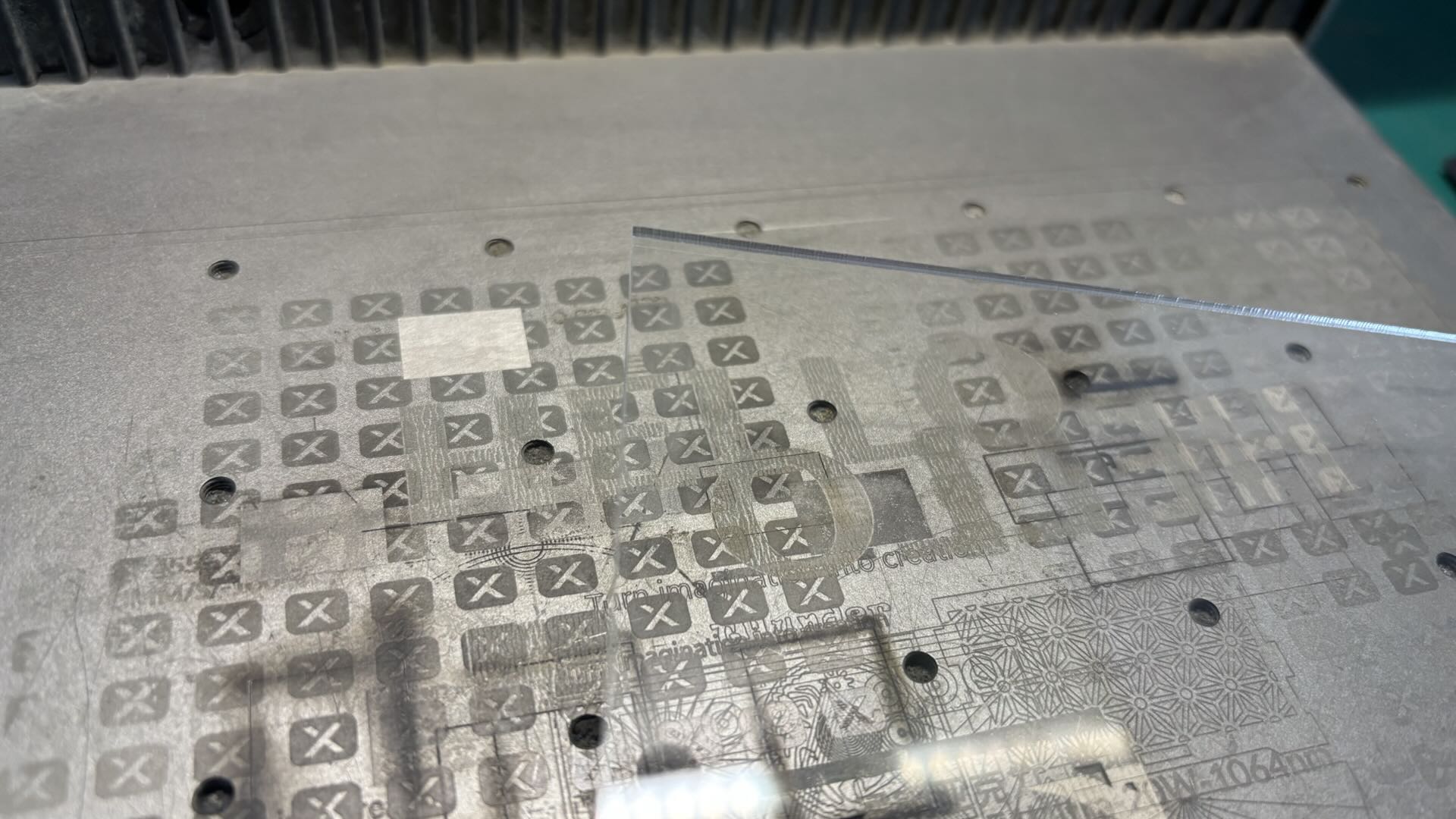
Clear Acrylic Engraving Has No Visible Effect:
After laser processing, there is no noticeable change on the surface of the material, and the engraving effect cannot be presented.
1.2 Blue-Light Engraving Auxiliary Methods for Transparent Acrylic
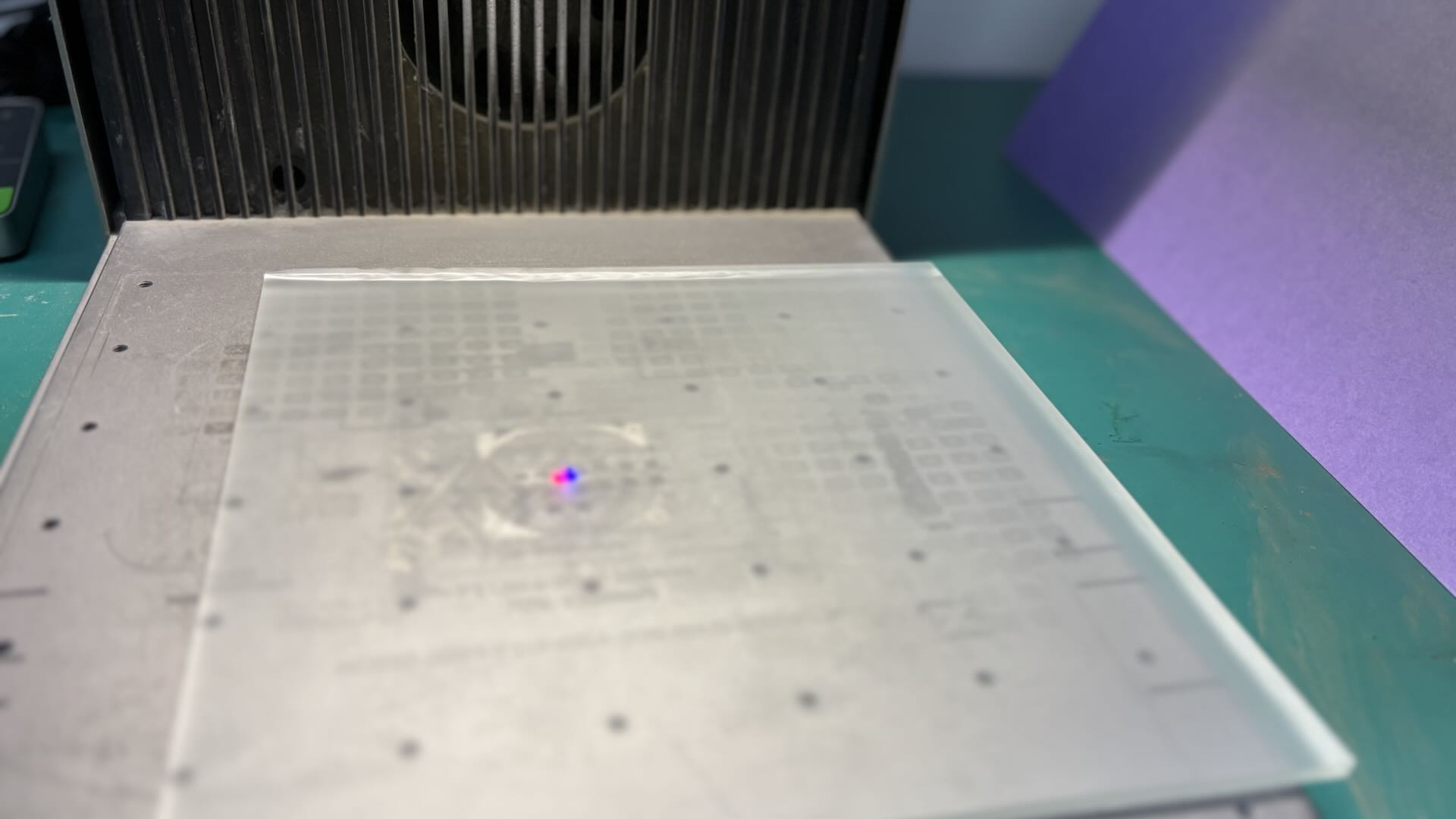
Stick a piece of masking tape onto the transparent acrylic, and then adjust the device’s focus.
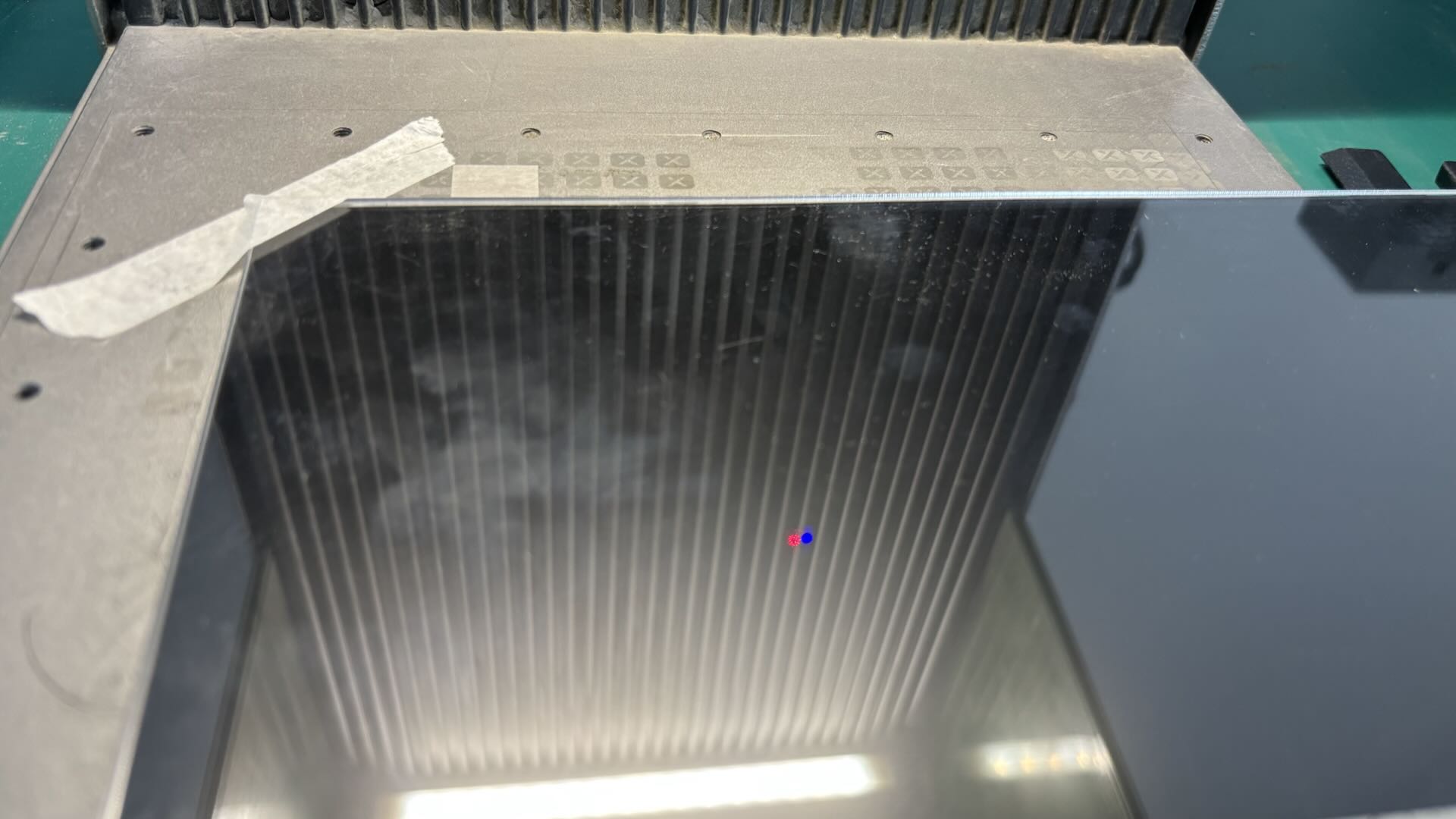
Place a Metal Business Card underneath the transparent Acrylic. The Metal Business Card must be larger than the engraving pattern. If the engraving pattern is larger than the Metal Business Card, parts of the engraved design may be missing. The Transparent Acrylic must fit closely against the Metal Business Card.
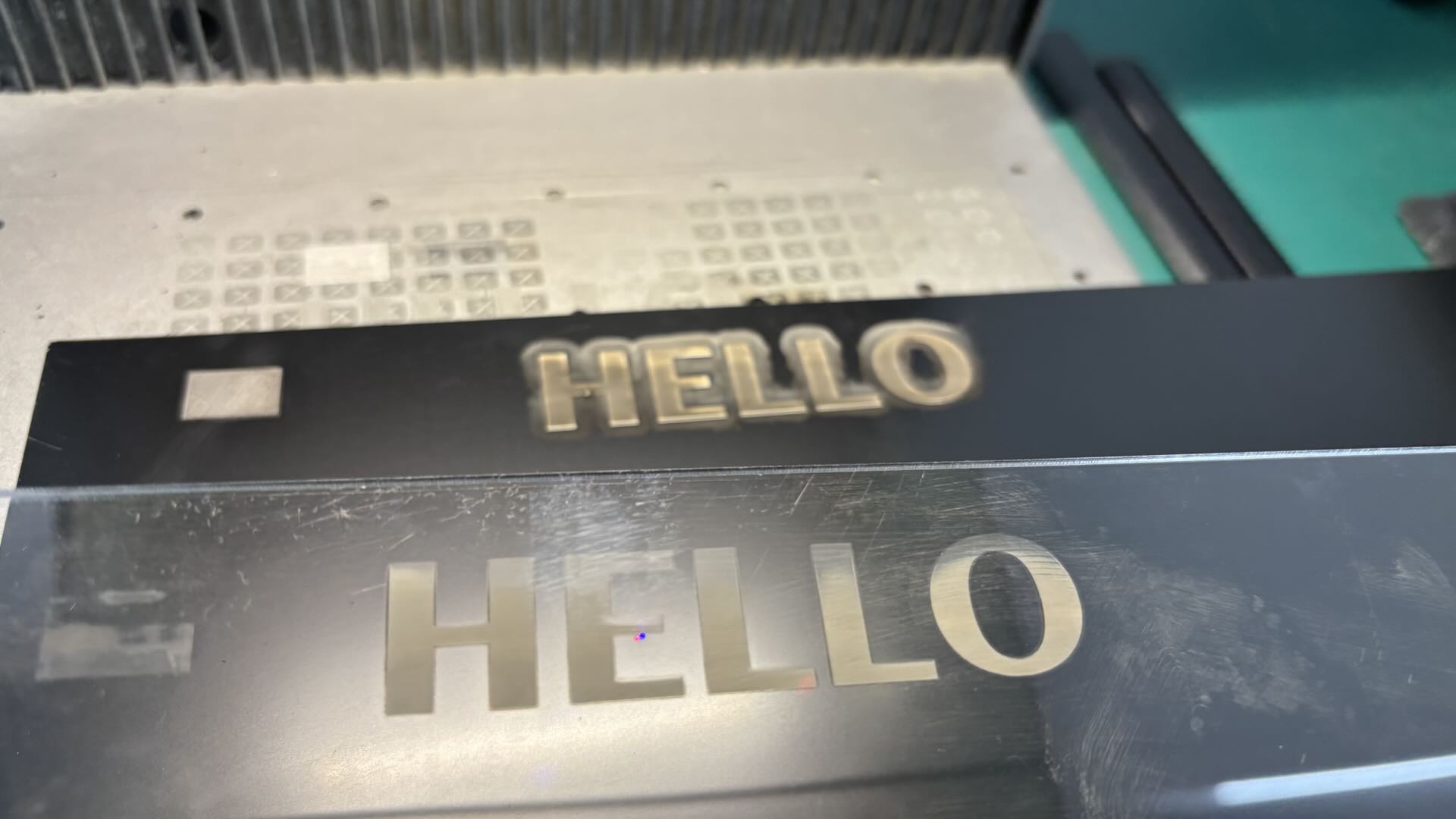
After Blue-light Engrave, the material from the surface of the metal name card is transferred onto the transparent acrylic sheet.
1.3 Precautions
Close Contact Between Materials:
Transparent materials can be engraved using metal name cards with a coated surface. Tight contact ensures the completeness of the transferred pattern.
Lightly Wipe the Pattern:
After transfer, the pattern can be gently wiped with a soft cloth, such as cotton, to remove dust without damaging the transferred design.
2. Frosted Glass
2.1 Blue-Light Engraving Effect on Frosted Glass
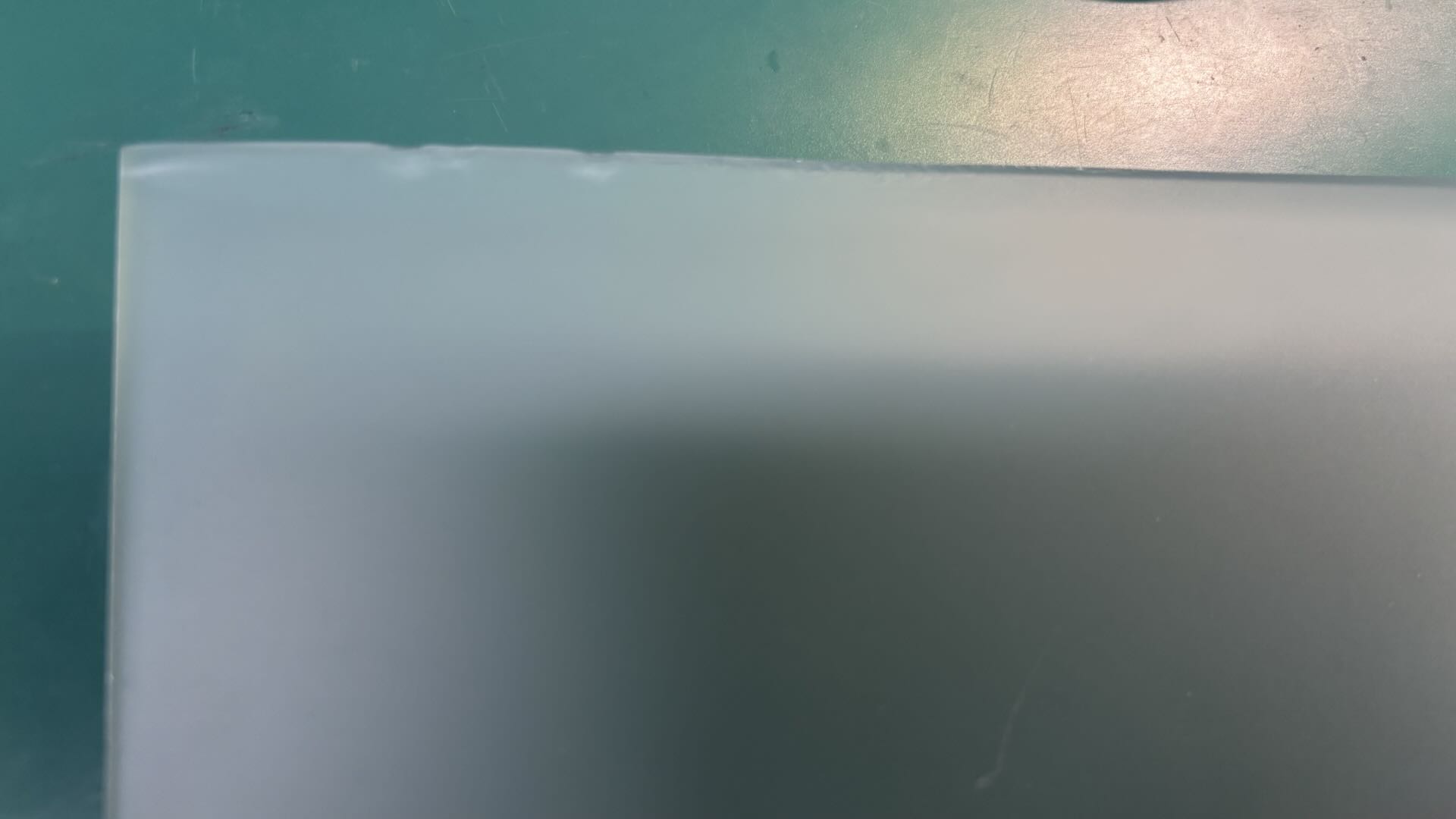
Frosted Glass Engraving Has No Visible Effect:
After laser processing, there is no noticeable change on the material surface, and the engraving effect cannot be presented.
2.2 Blue-Light Engraving Auxiliary Processing Methods
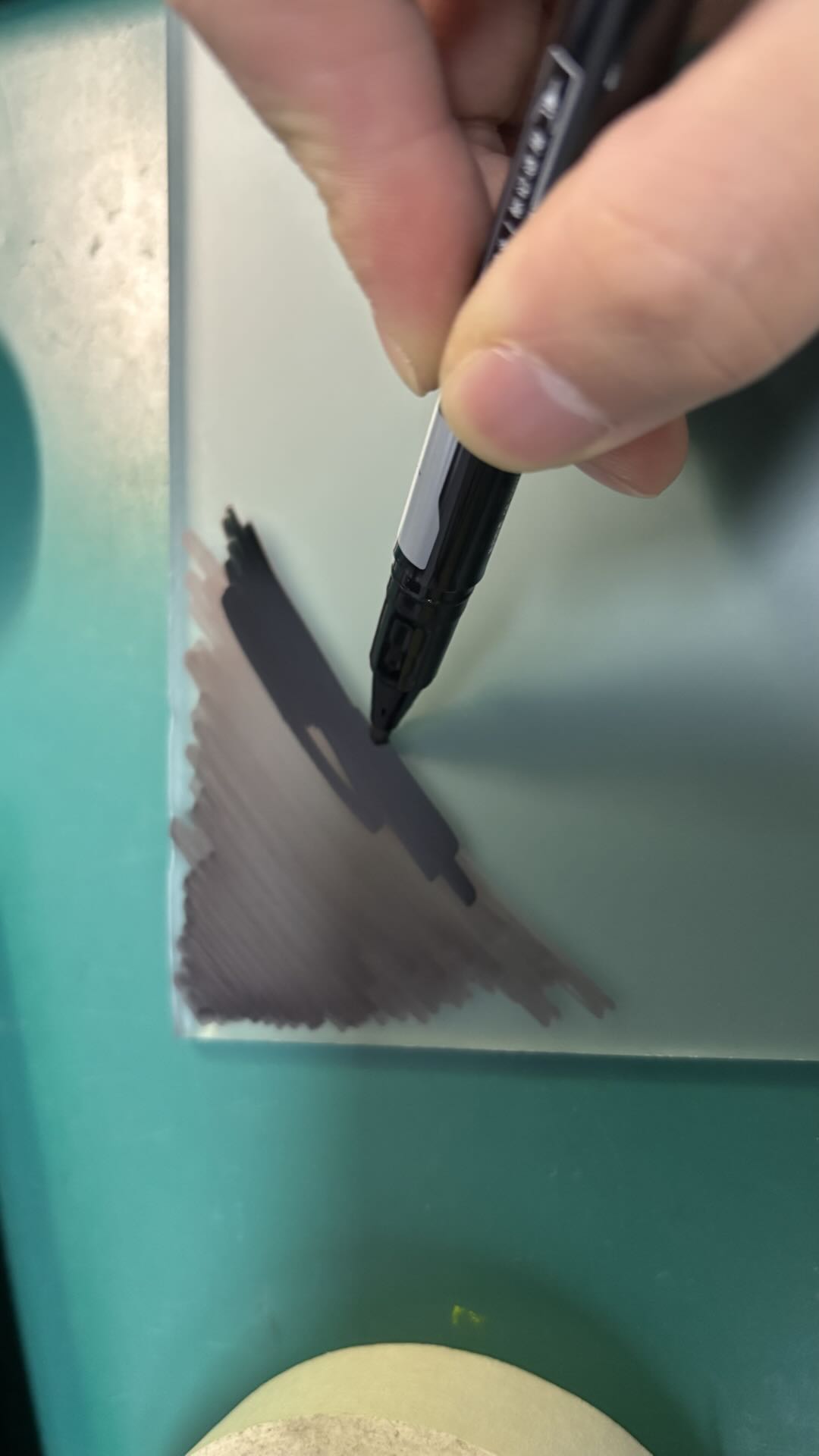
Use an oil-based pen to apply ink evenly on the frosted surface of the glass, covering the areas where the laser engraving is planned to be processed.
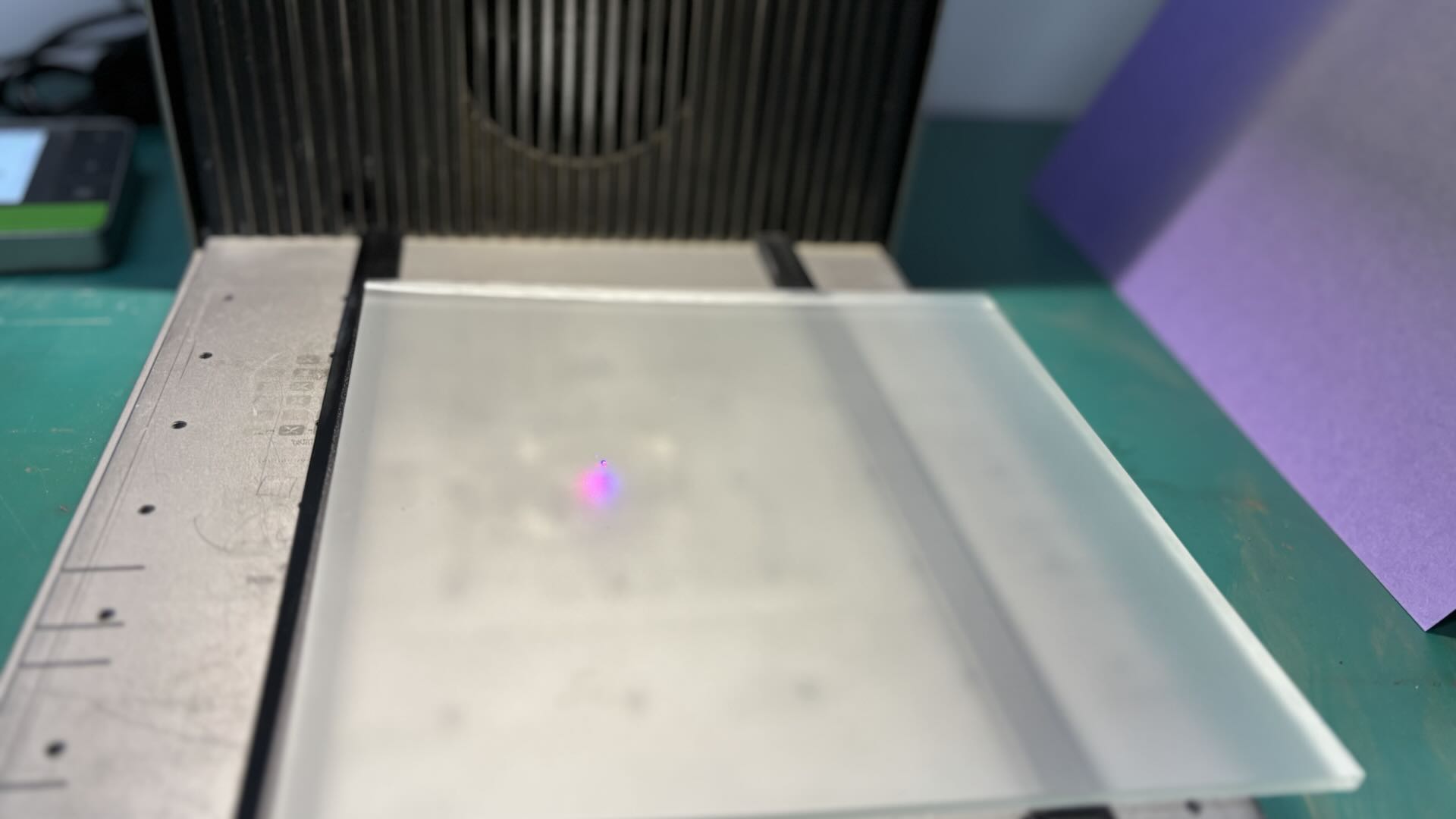
Before processing, place the frosted glass in a suspended position. You can elevate both ends of the glass using objects of equal height on the device’s bottom plate to prevent direct contact with the plate, which helps avoid heat accumulation during laser processing.
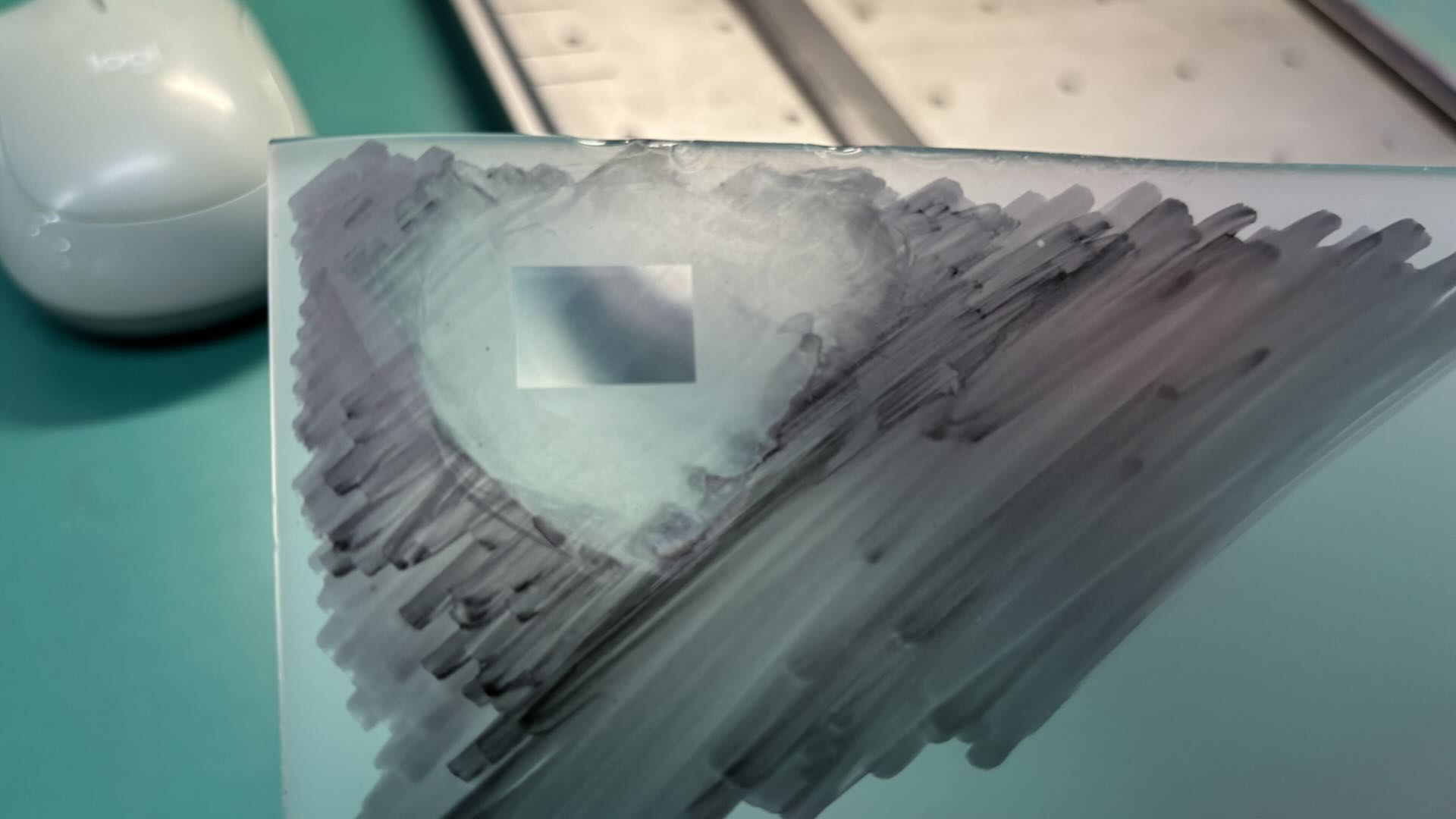
Once the focus is set, you can perform laser engraving on the frosted glass. Use the officially recommended parameters for engraving, or adjust the parameters according to the actual output power of the device. After processing, remove the oil-based pen marks with alcohol. A properly engraved area will appear completely transparent. If the frosted material is not fully removed, increase the laser power. If glass micro-cracking occurs on the engraved surface, reduce the laser power.
2.3 Precautions
Frosted Surface Requires Opaque Color:
For frosted glass materials with colors such as brown or black, black ink pens are not required for coating, and the laser can be used to process the material directly. For white frosted glass, black ink must be applied to the frosted surface to allow the laser to concentrate on the material effectively.
Post-Engraving Effects:
After using the special engraving method on frosted glass, the normal result is that the frosted particles are removed, and the engraved areas become transparent. If the laser power is too low, the frosted particles on the glass are not fully engraved, leaving some particle effects on the material. If the laser power is too high, the engraved areas may develop heat-induced micro-cracks, and glass debris may fall from the material surface.
3. Transparent Glass
3.1 Blue-light Engrave Engraving on Transparent Glass
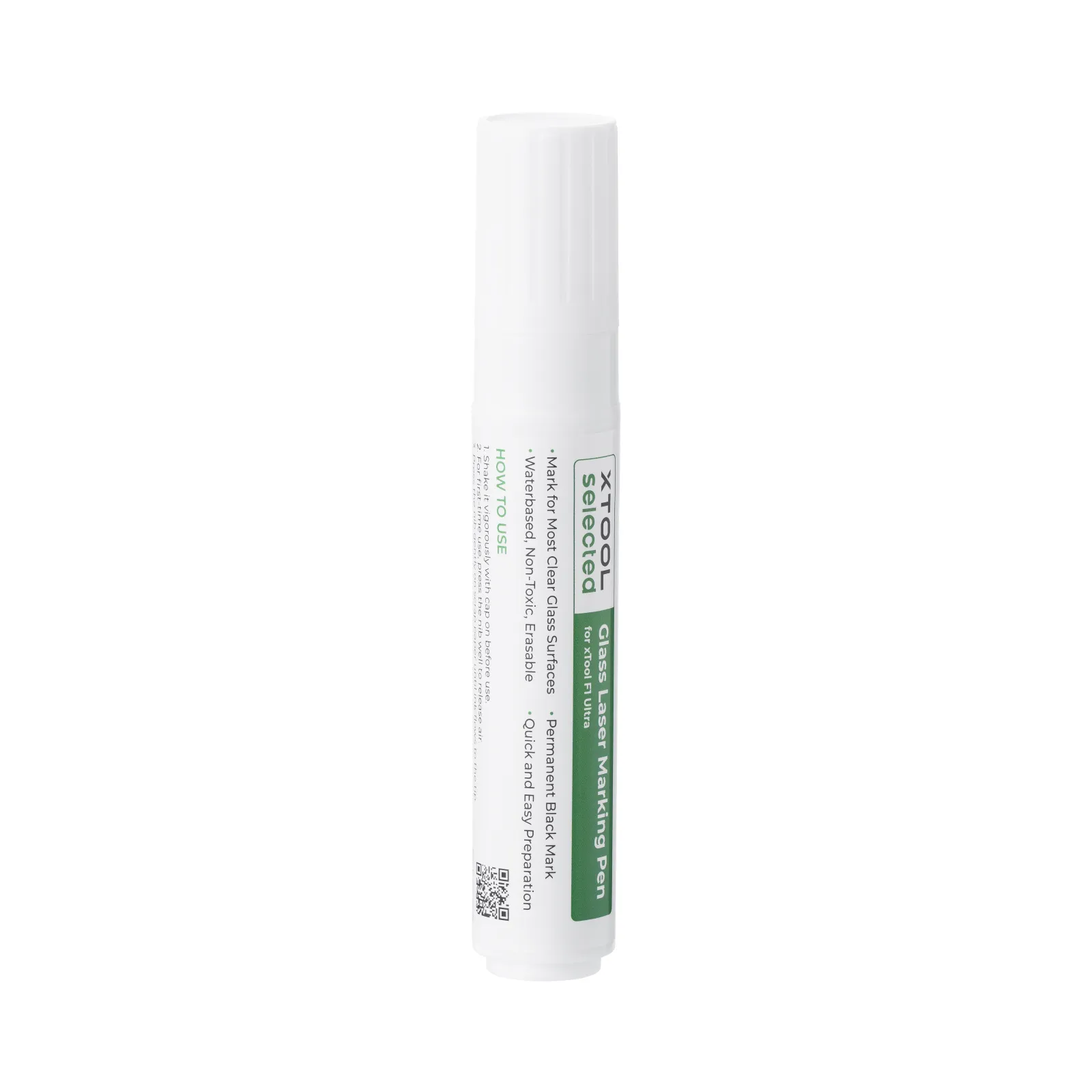
Apply the Black Laser Marking Pen for Glass evenly on the surface of the transparent glass. After the ink has dried, use Blue-light Engrave to process the glass surface.
On the frosted glass surface, a black engraving effect can be achieved. You can also use the Black Laser Marking Pen for Glass to evenly apply ink on the areas intended for engraving.
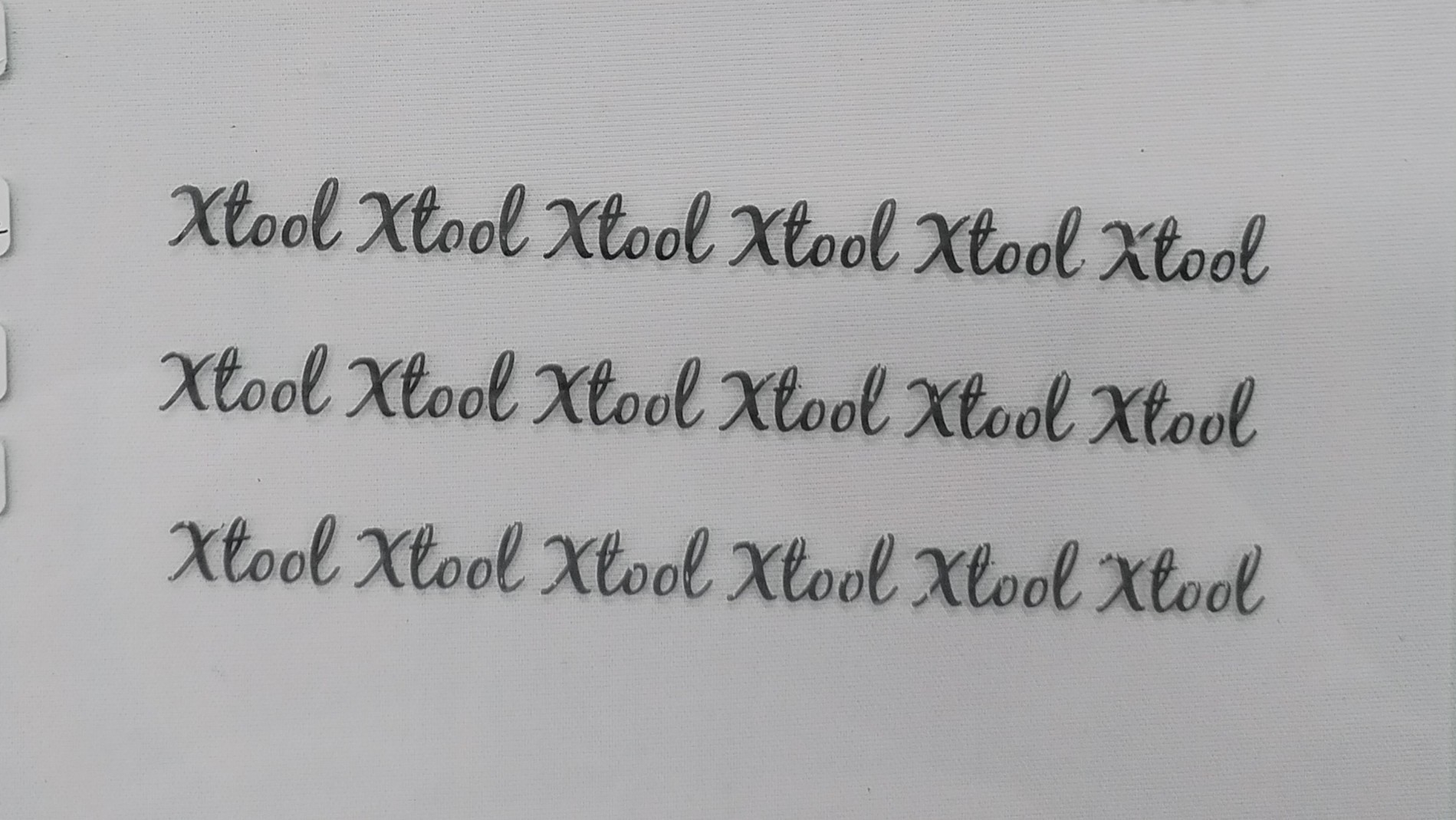
After evenly applying the Black Laser Marking Pen for Glass on the glass surface (allowing the ink to dry and set before engraving), use Blue-light Engrave to process the glass surface. After processing, clean the white residue with water and a soft-bristle brush. Do not scrape the black engraved areas with fingernails or other hard objects.
3.2 Precautions
Glass Requires Color:
Blue-light Engrave cannot directly produce effects on transparent glass. The glass surface or the glass itself must have color and be capable of absorbing light for laser engraving to be effective.
Do Not Scratch the Glass with Hard Objects:
If engraving is performed on untreated glass, scraping the engraved areas with hard objects may generate glass debris and other impurities. After applying Black Laser Marking Pen for Glass, scratching the black engraved areas with hard objects can damage the engraved markings.

