
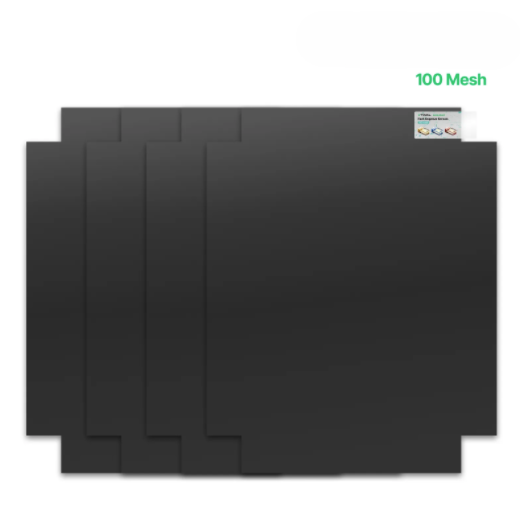
1. 100 Mesh Polyester Fast-Engrave Screen
1.1 Materials
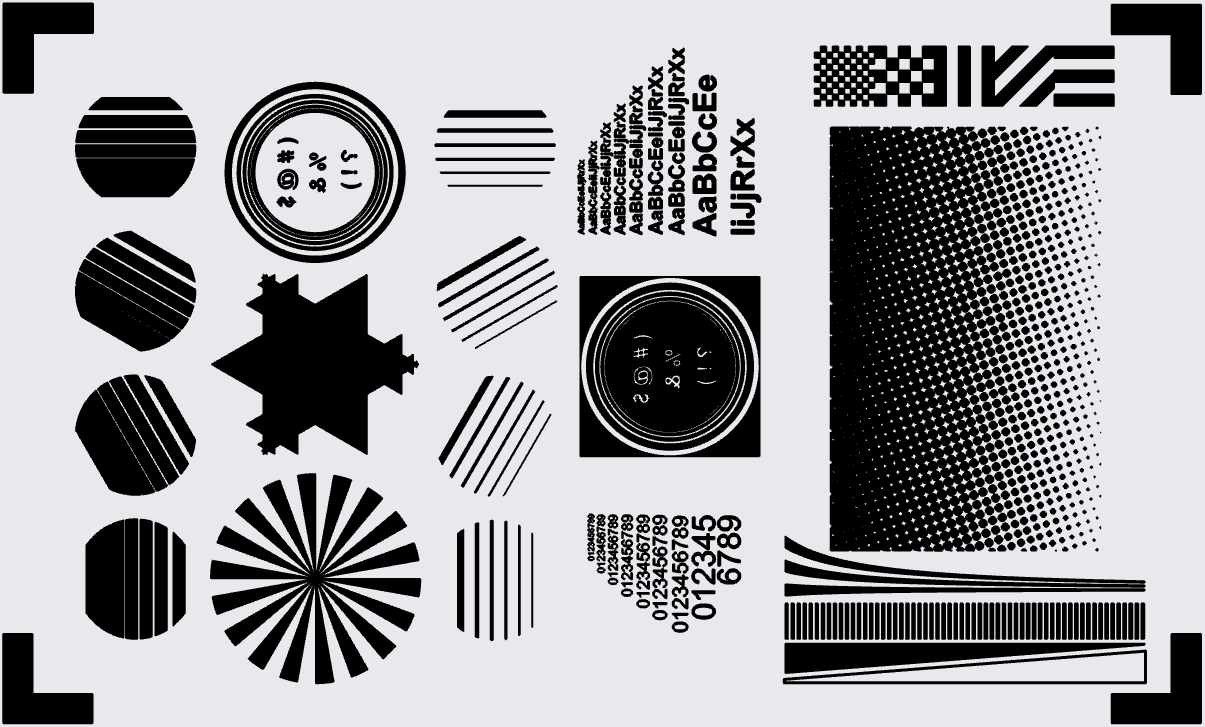
Test Image
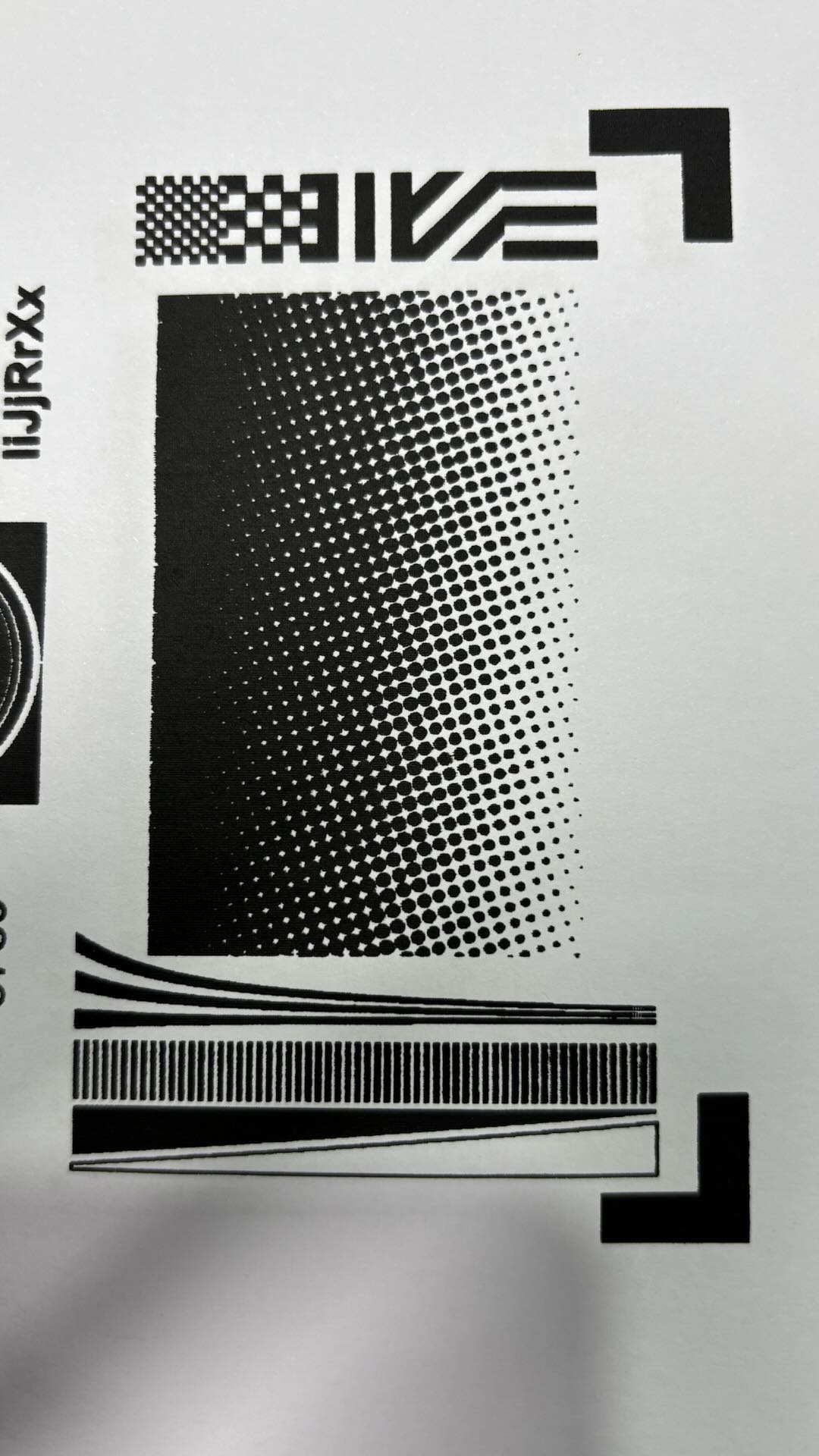
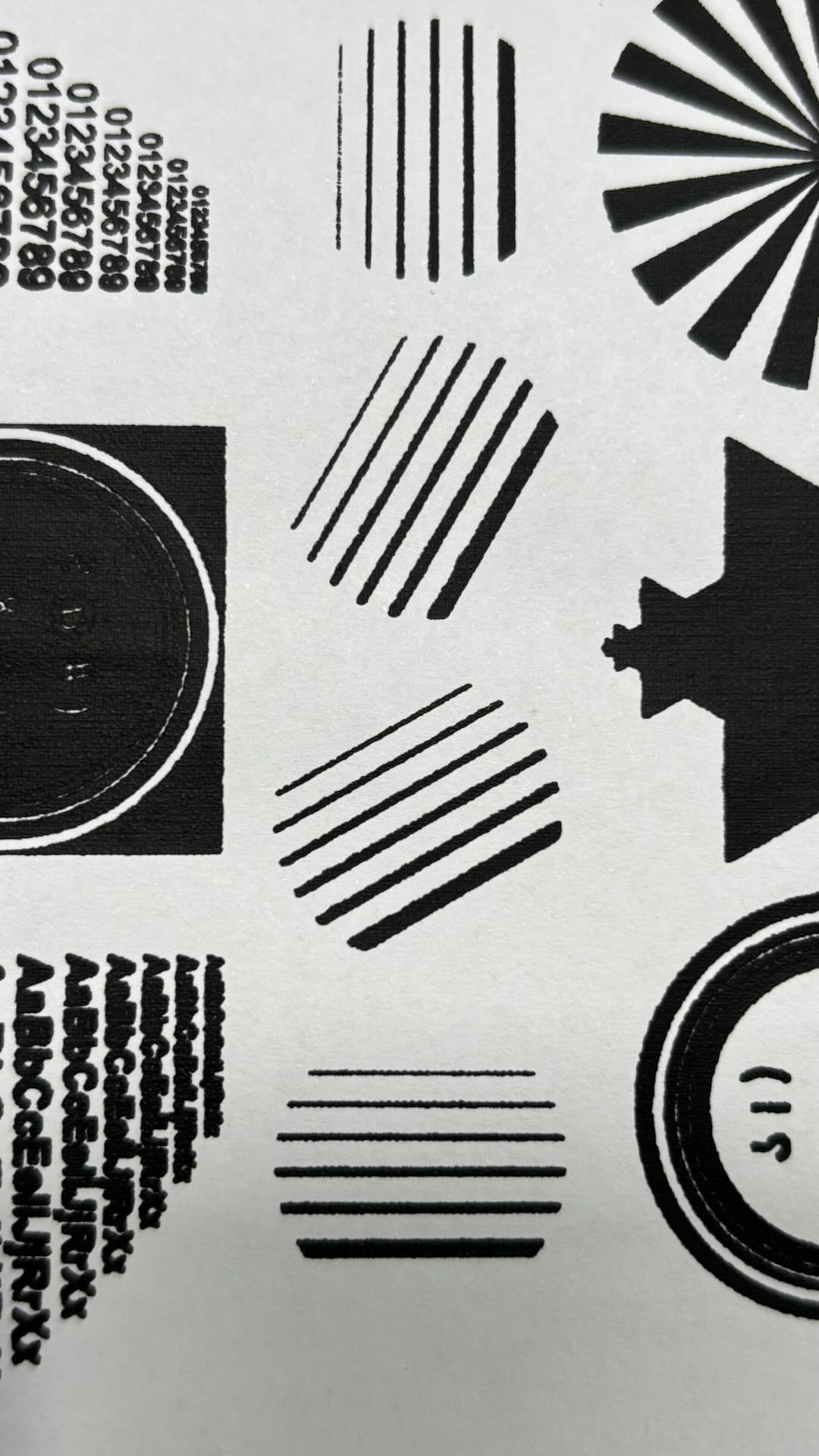
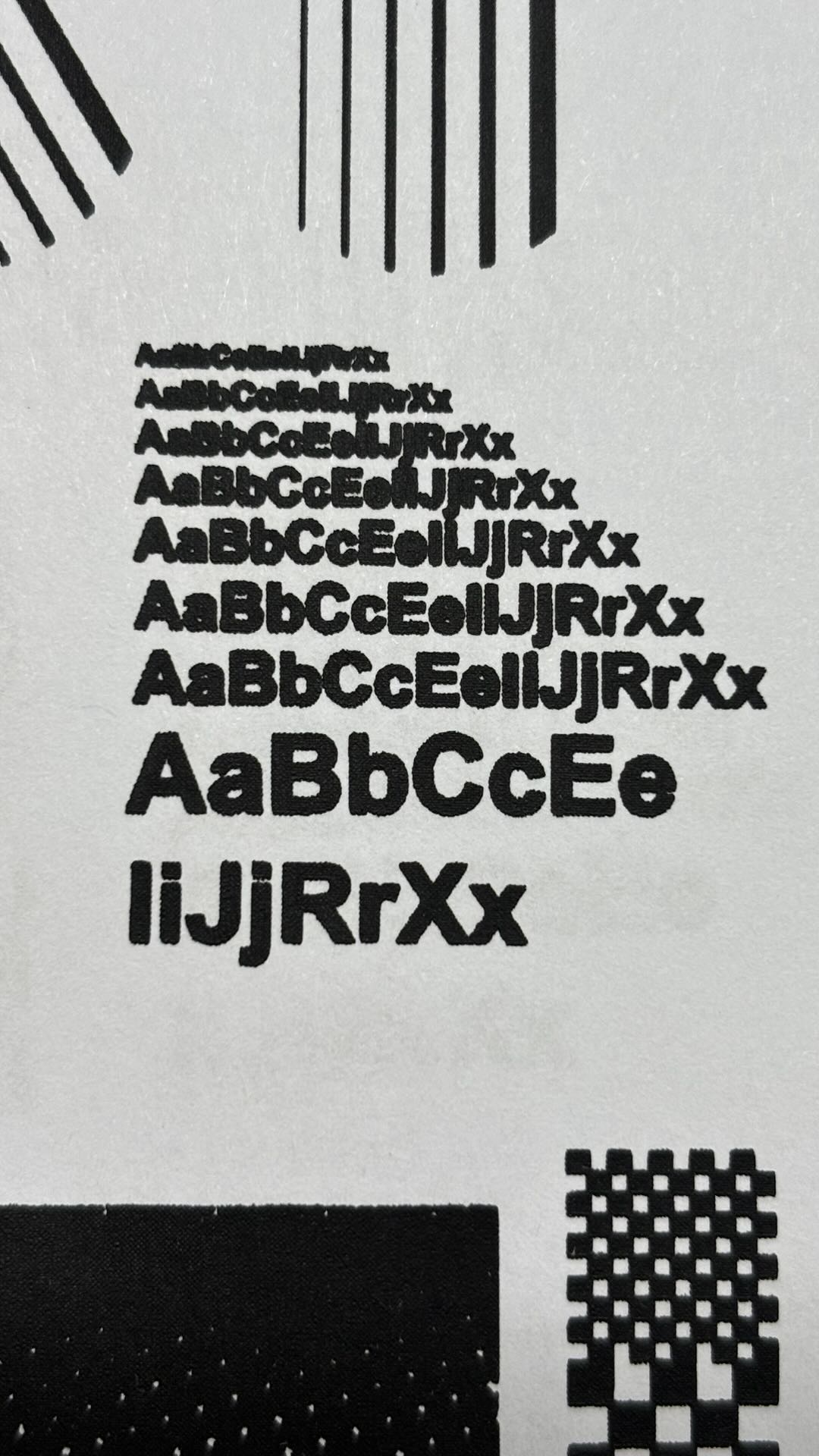
1.2 Printing Effects
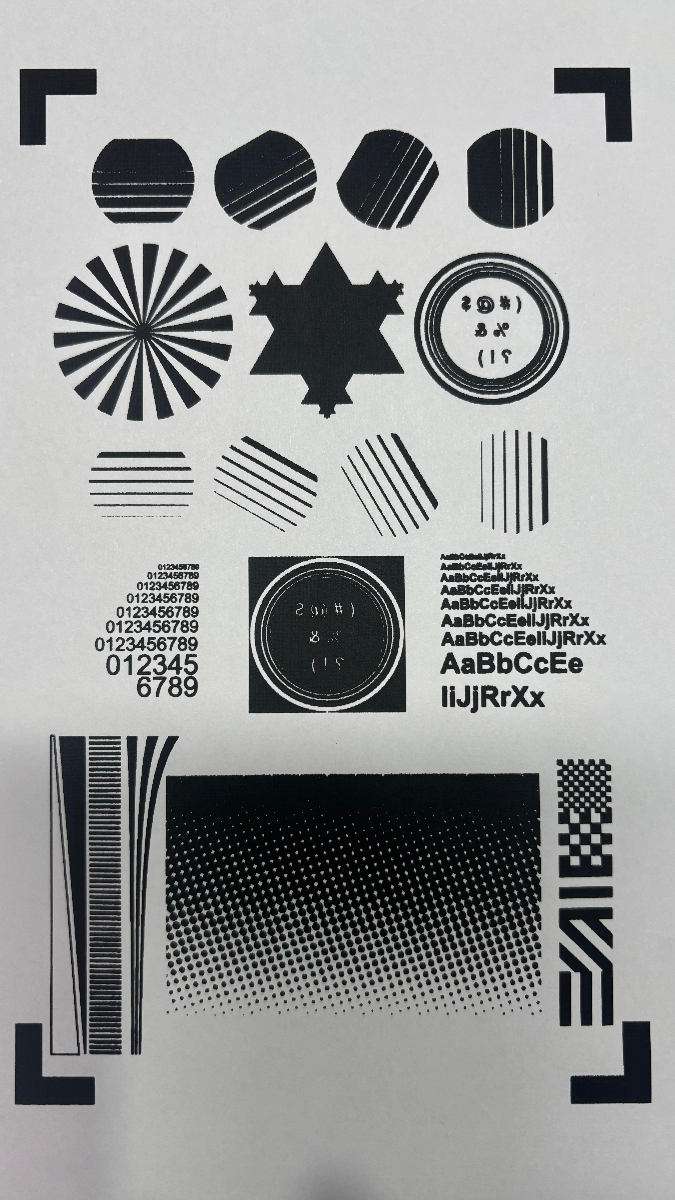
Use the recommended parameters for laser engraving.
Use xTool water-based ink for screen printing.
Processing time: 28 minutes.
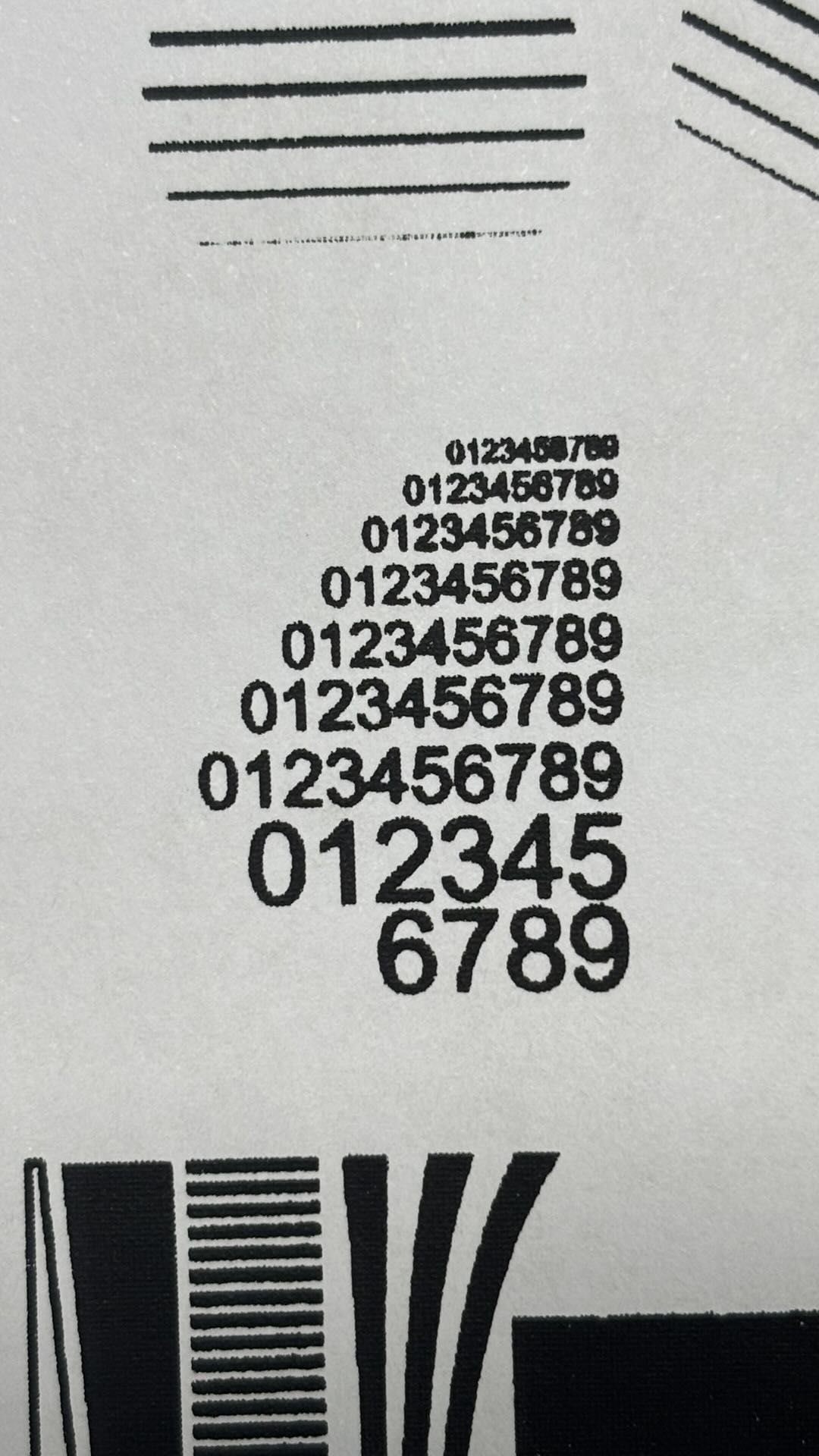
The overall ink printing effect is relatively complete.
2. 200 Mesh Polyester Fast-Engrave Screen
2.1 Materials
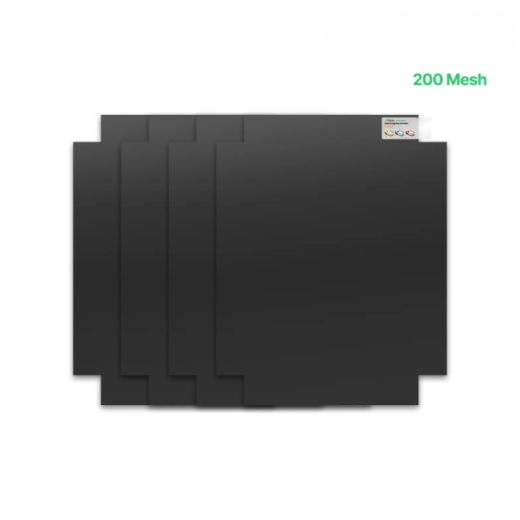
200 Mesh Polyester Fast-Engrave Screen
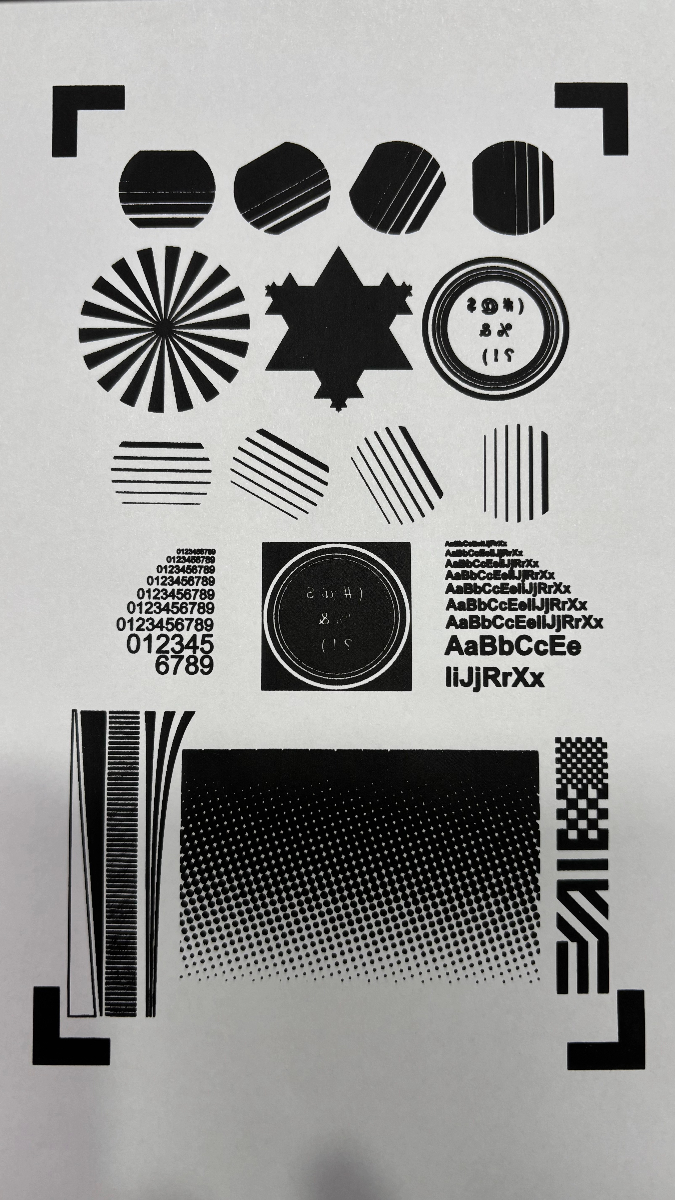
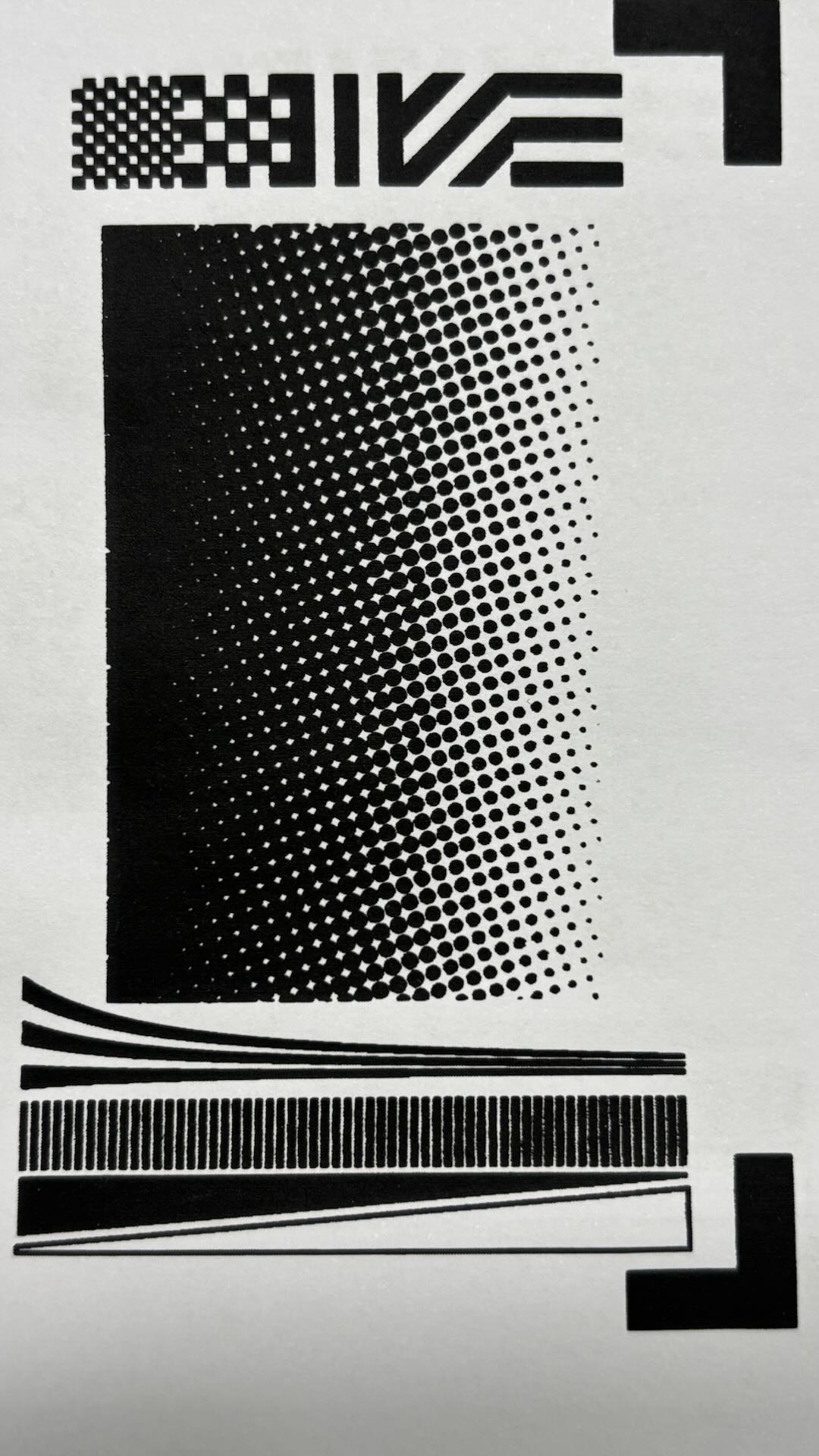
2.2 Printing Effects
Use the recommended parameters for laser engraving.
Use xTool water-based ink for screen printing.
Processing time: 28 minutes.
The overall ink printing effect is relatively complete.
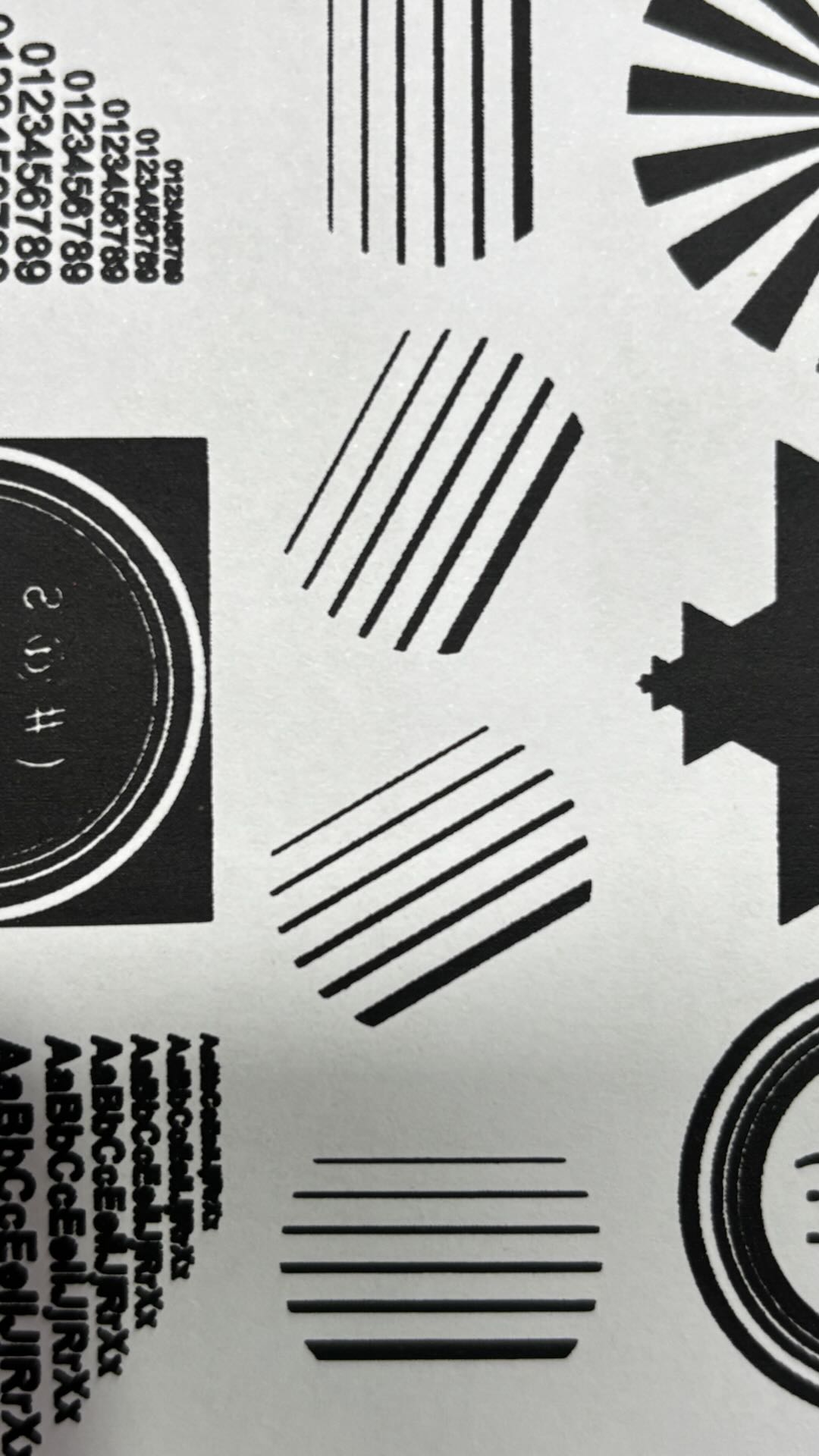
3. 100 Mesh Coated Screen
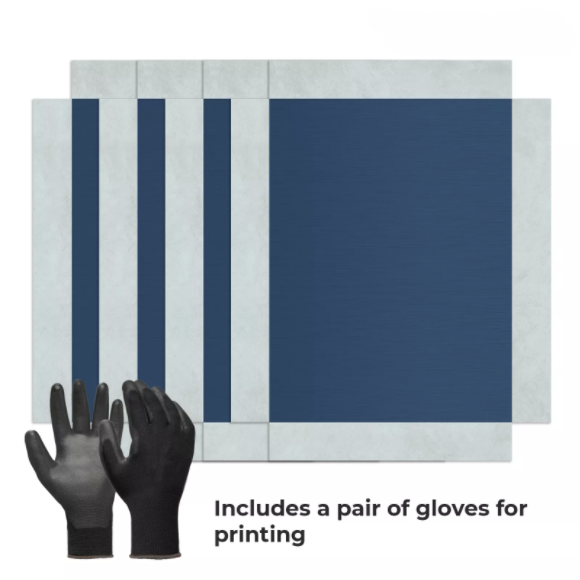
3.1 Materials
3.2 Printing Effects
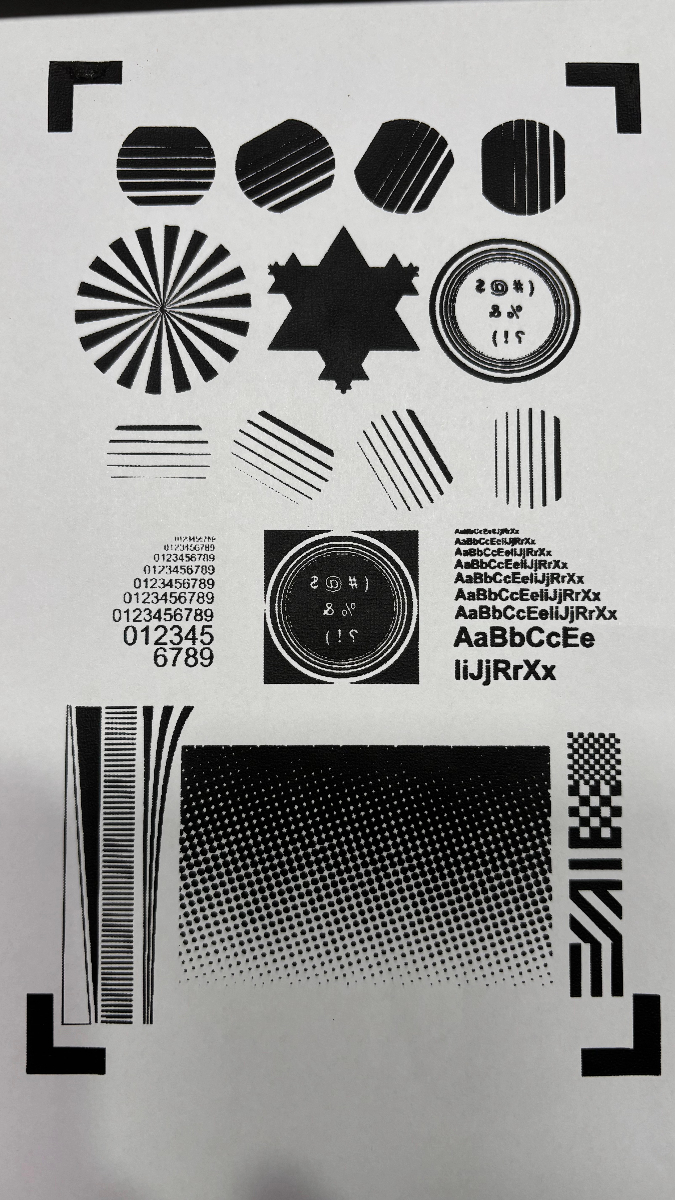
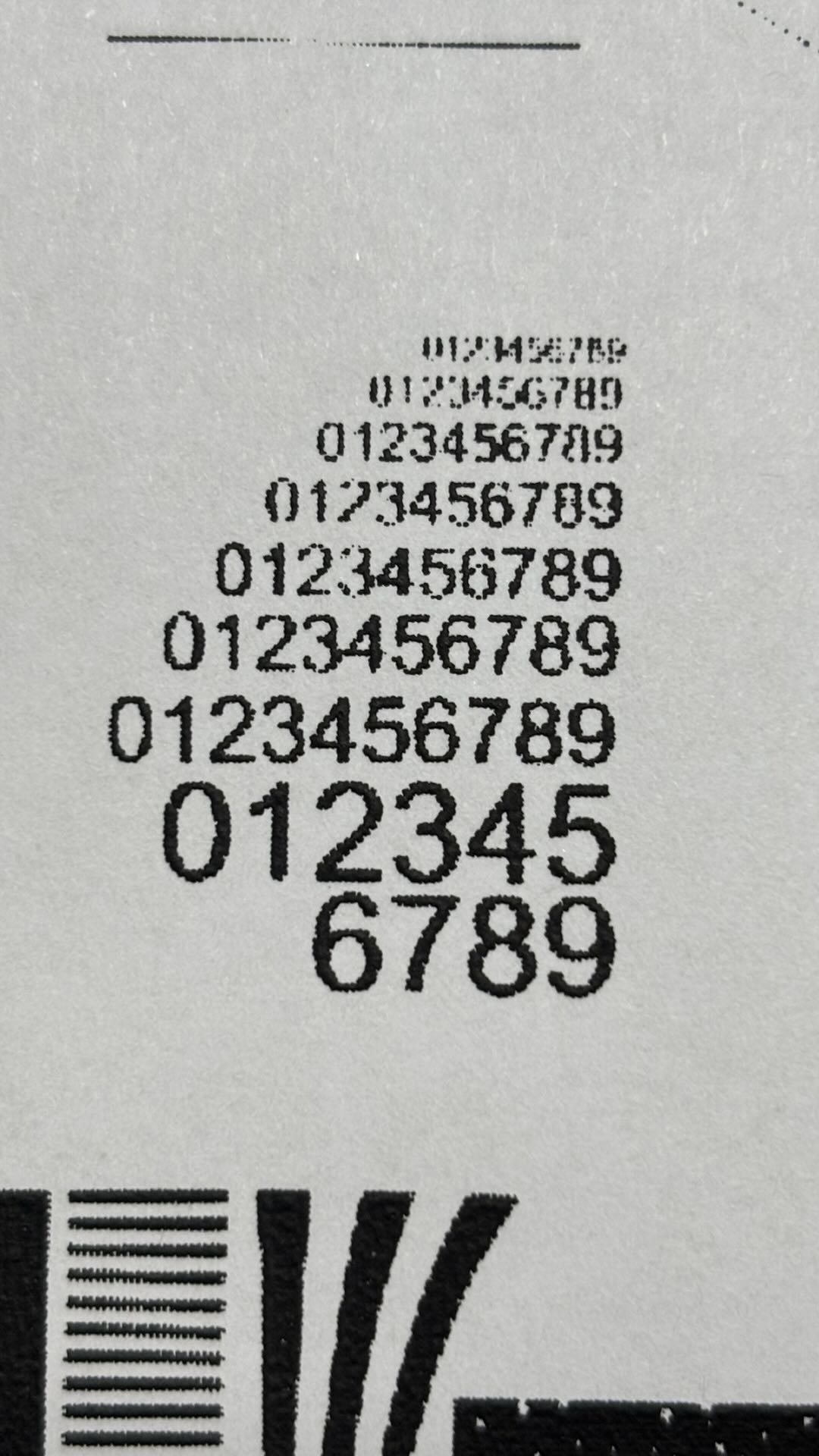
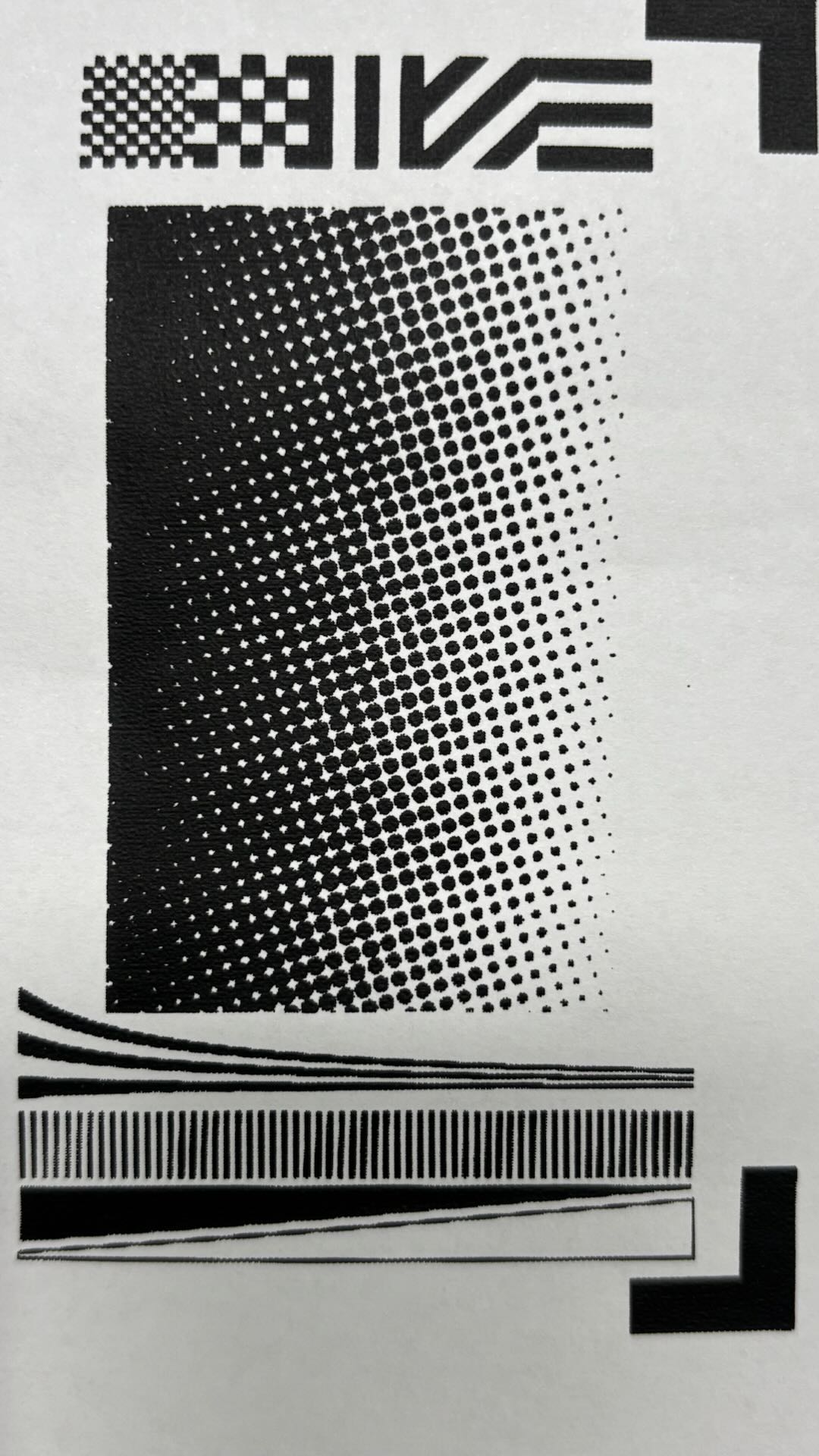
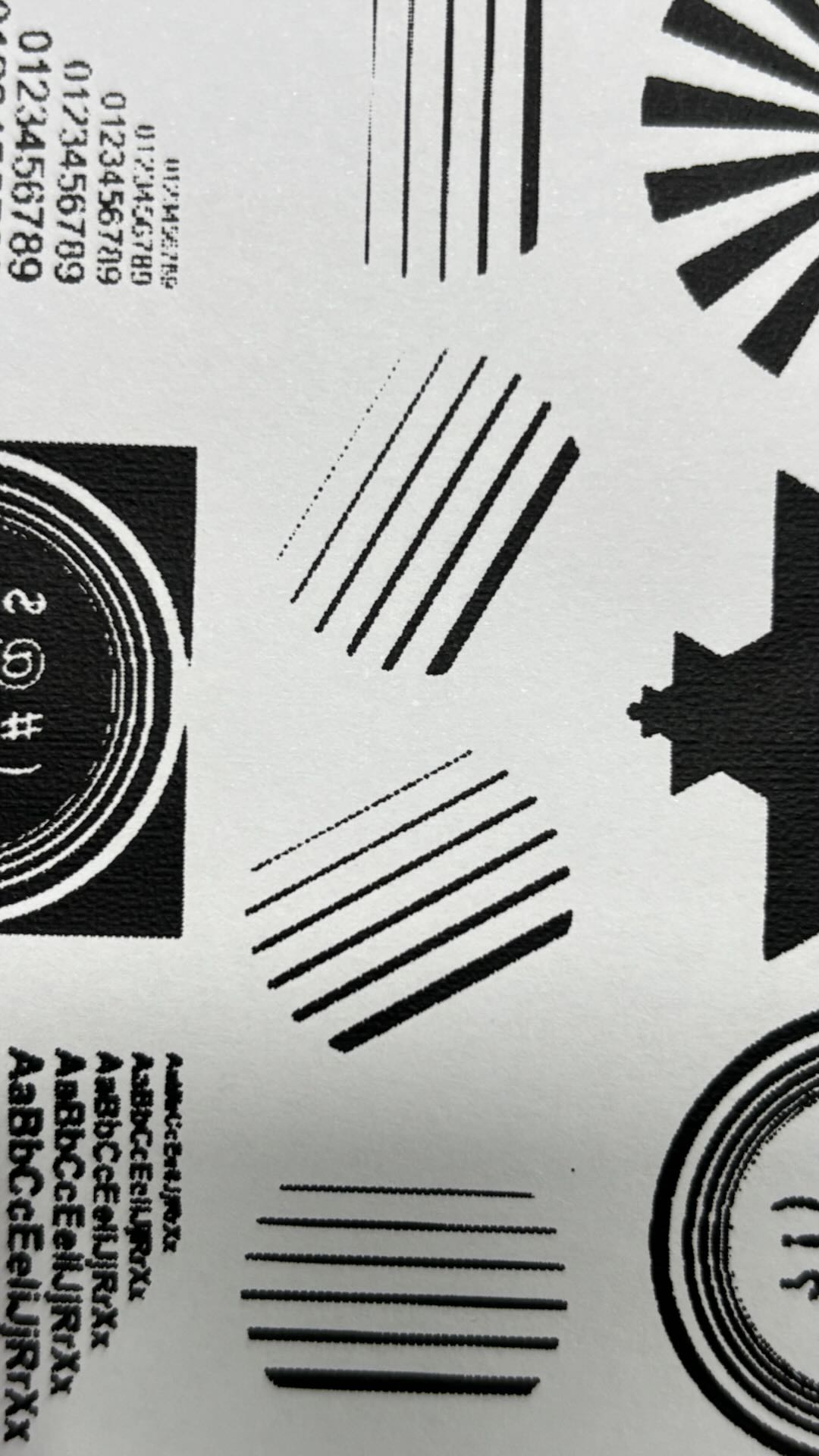
Use the recommended parameters for laser engraving.
Use xTool water-based ink for screen printing.
Processing time: 46 minutes 12S.
The overall ink printing effect is relatively complete.
4. 200 Mesh Coated Screen
4.1 Printing Effects
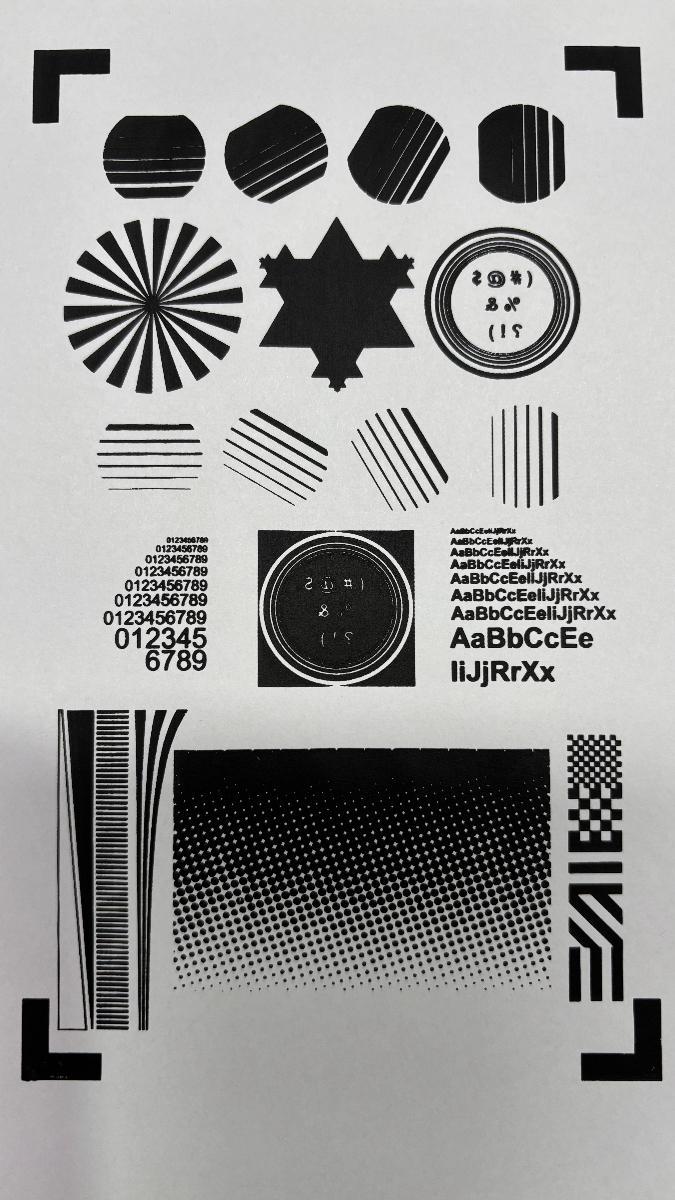
Use the recommended parameters for laser engraving.
Use xTool water-based ink for screen printing.
Processing time: 50 minutes 55S.
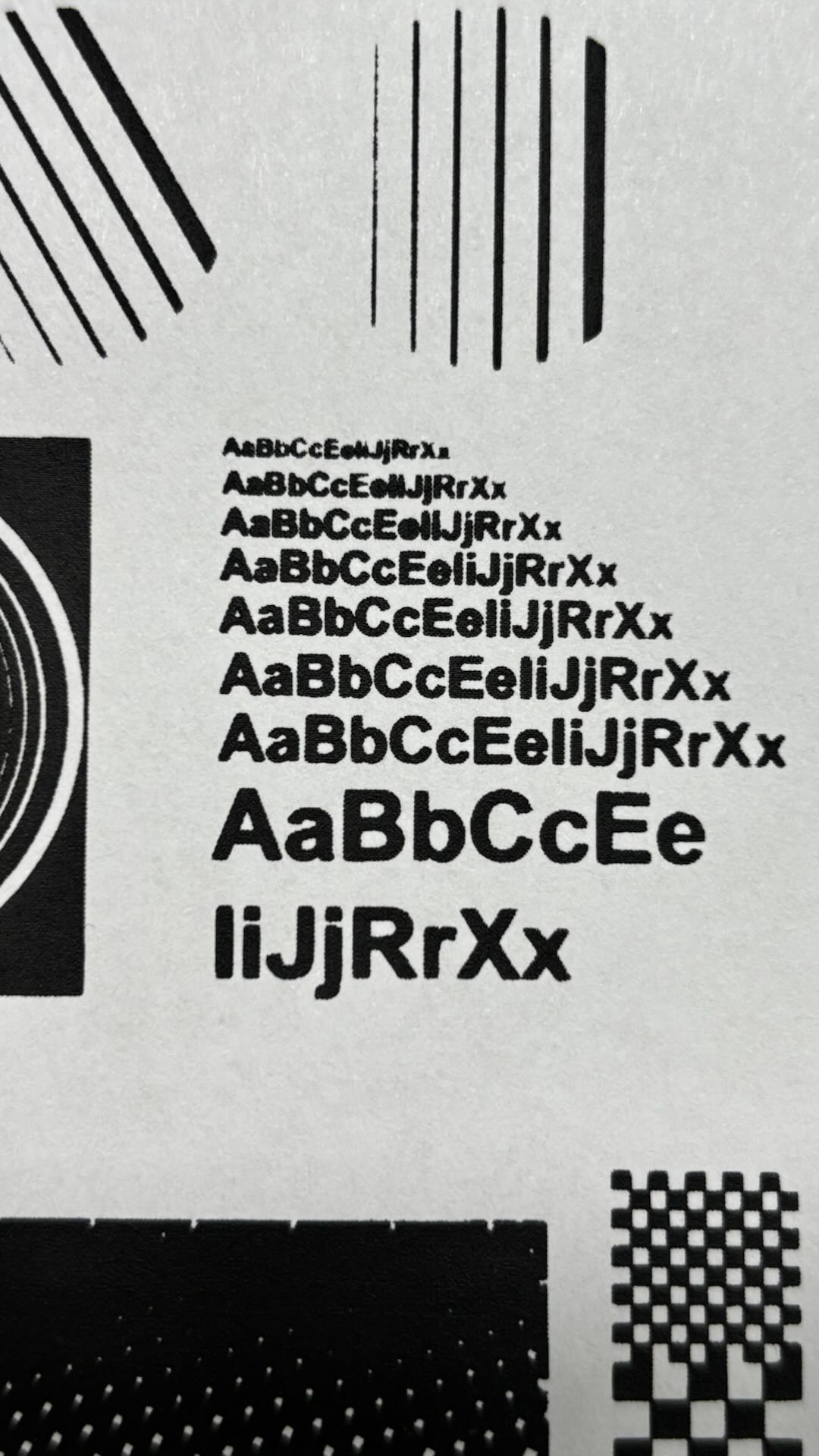
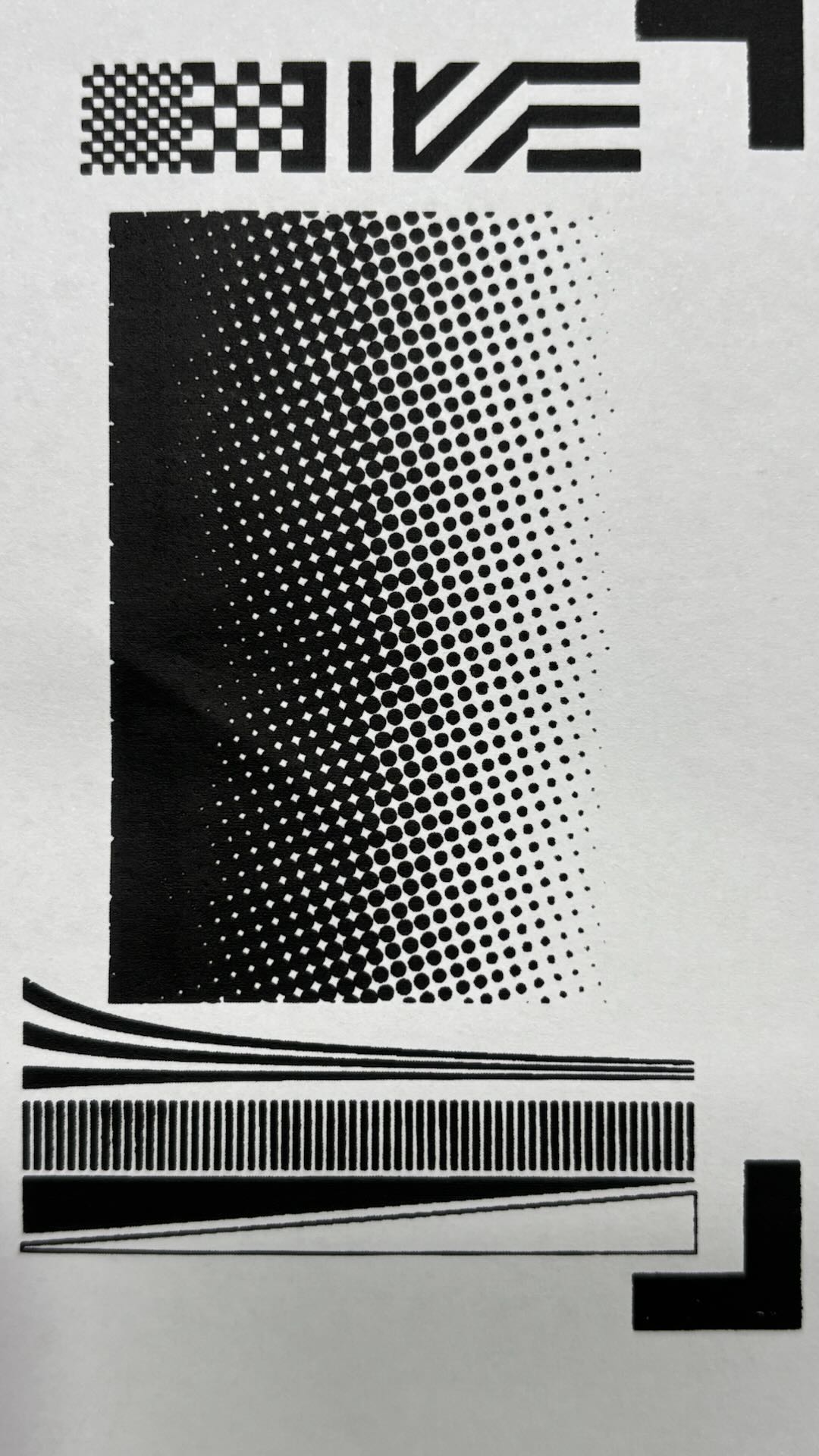
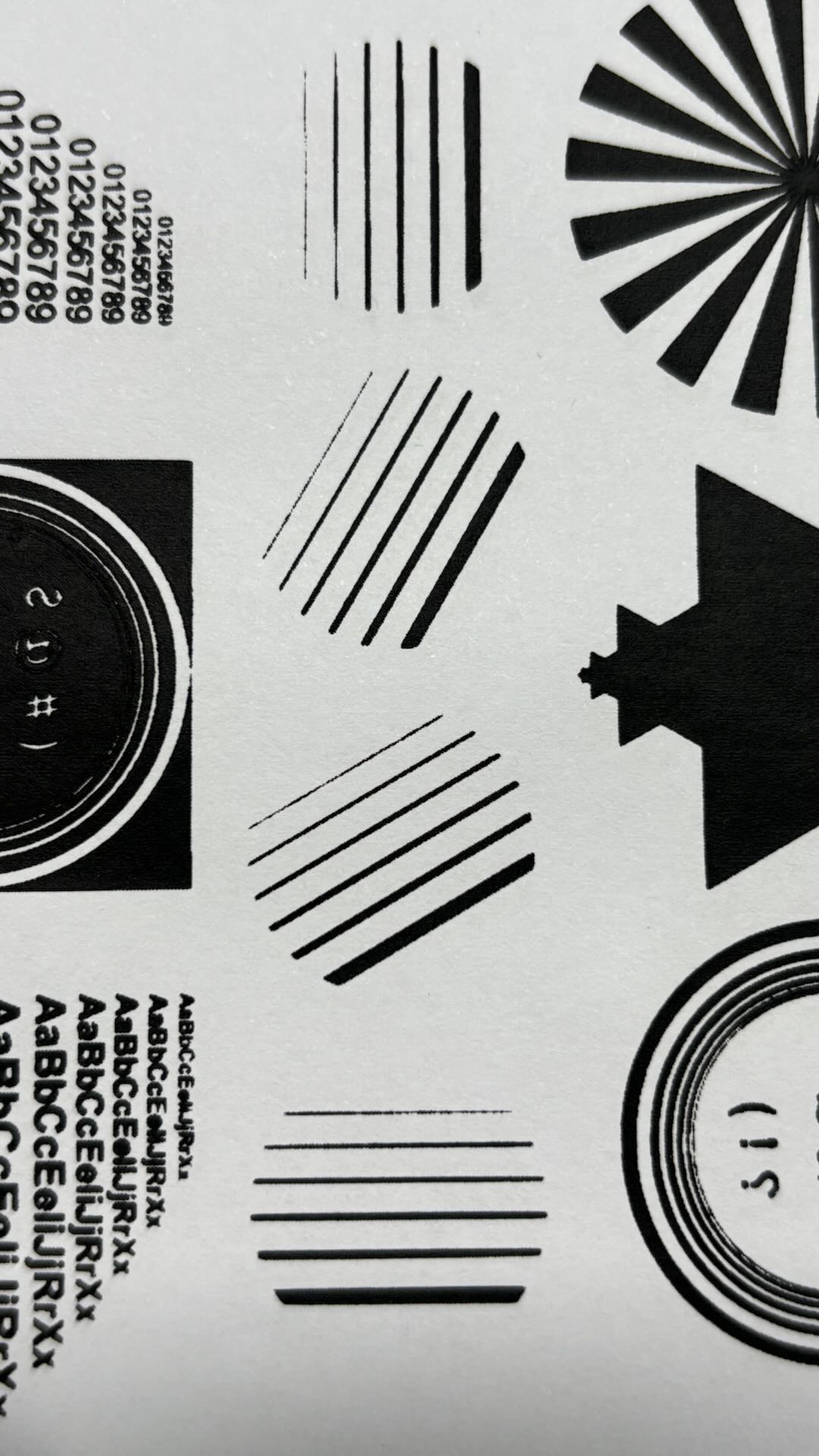
The overall ink printing effect is relatively complete.
5. Precautions
5.1 Ink Usage
Before printing, the ink needs to be stirred inside the bottle so that the sediment at the bottom and the floating substances at the top are fully mixed. Stirring helps prevent the ink from becoming too dry or too wet.
After opening the cap, the ink will be affected by the humidity of the environment. Dry air may cause the ink surface to solidify and crack. When the ink begins to dry and requires maintenance, you can add a special ink moisturizer and stir it evenly.
5.2 Optimal Printing Times
When printing with the ink, it is recommended to use the squeegee to make two passes in a single direction. Excessive printing may cause the ink to spread, affecting the print quality.
After multiple printing sessions with the screen mesh, it is recommended to clean the mesh. After cleaning, allow the water to dry before the next use. Cleaning prevents dried or solidified ink from blocking the mesh holes, which could negatively impact the printing effect.
5.3 Correct Installation of Screen Mesh
After installing the screen mesh, the mesh surface must be kept flat. If wrinkles appear on the mesh during laser engraving, it will affect the engraving position and the subsequent printing quality.
5.4 Methods to Improve Polyester Screen Printing Results
When more detailed image engraving is required on a polyester mesh, increasing the engraving density can make the details clearer. However, increasing the engraving density will also extend the laser engraving processing time. Before starting the laser process, you can choose to perform a processing preview, which allows you to see the engraving positions and the estimated processing duration.

Services & Help
Learn & Community

Copyright © 2025 xTool All Rights Reserved.