Introduction
If this article doesn't effectively assist you in resolving the issue or the error code you encounter is not included, contact xTool customer service and provide the information to them.
Information you need to prepare:
- Work log (Device settings > Working info > Work log > Export)
- A photo of SN
- A video of a faulty device (including the screenshot of the error code)
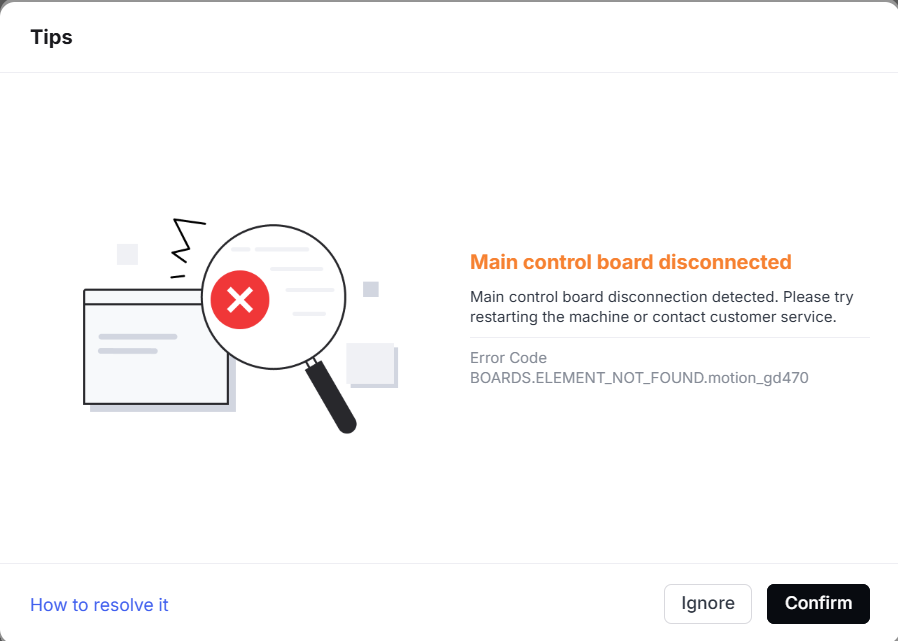
1. Main control board is disconnected
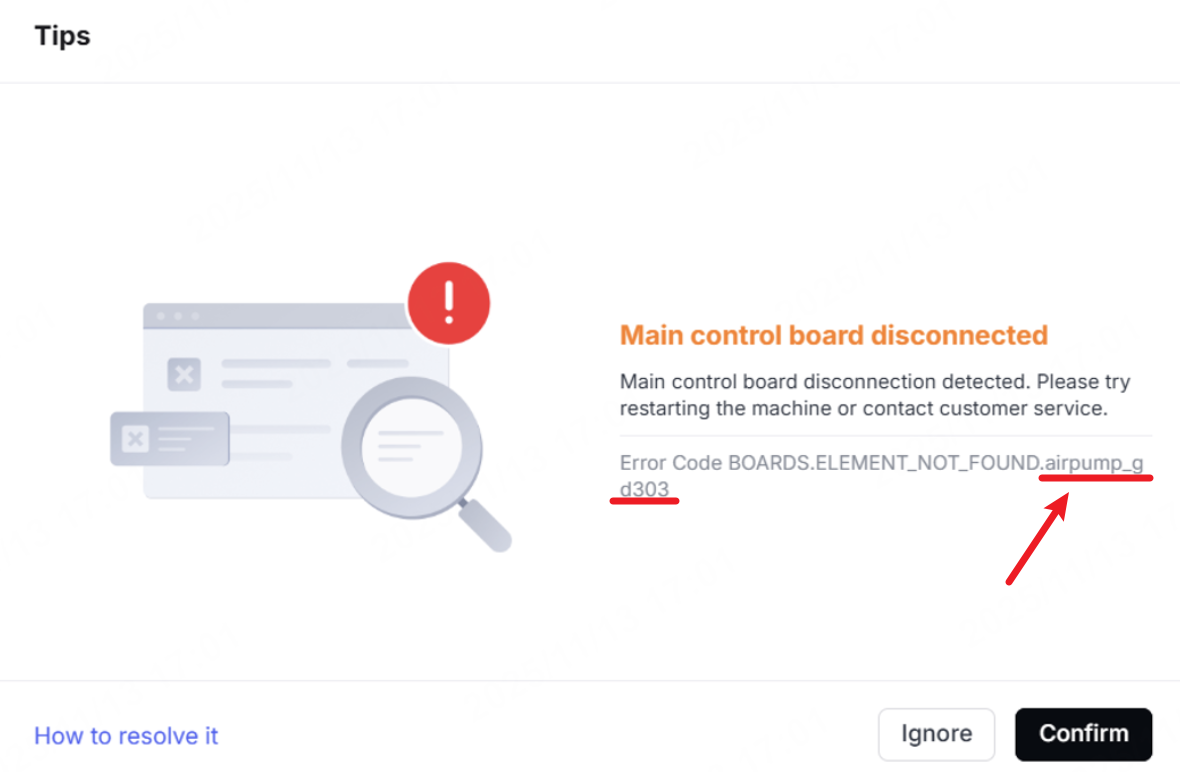
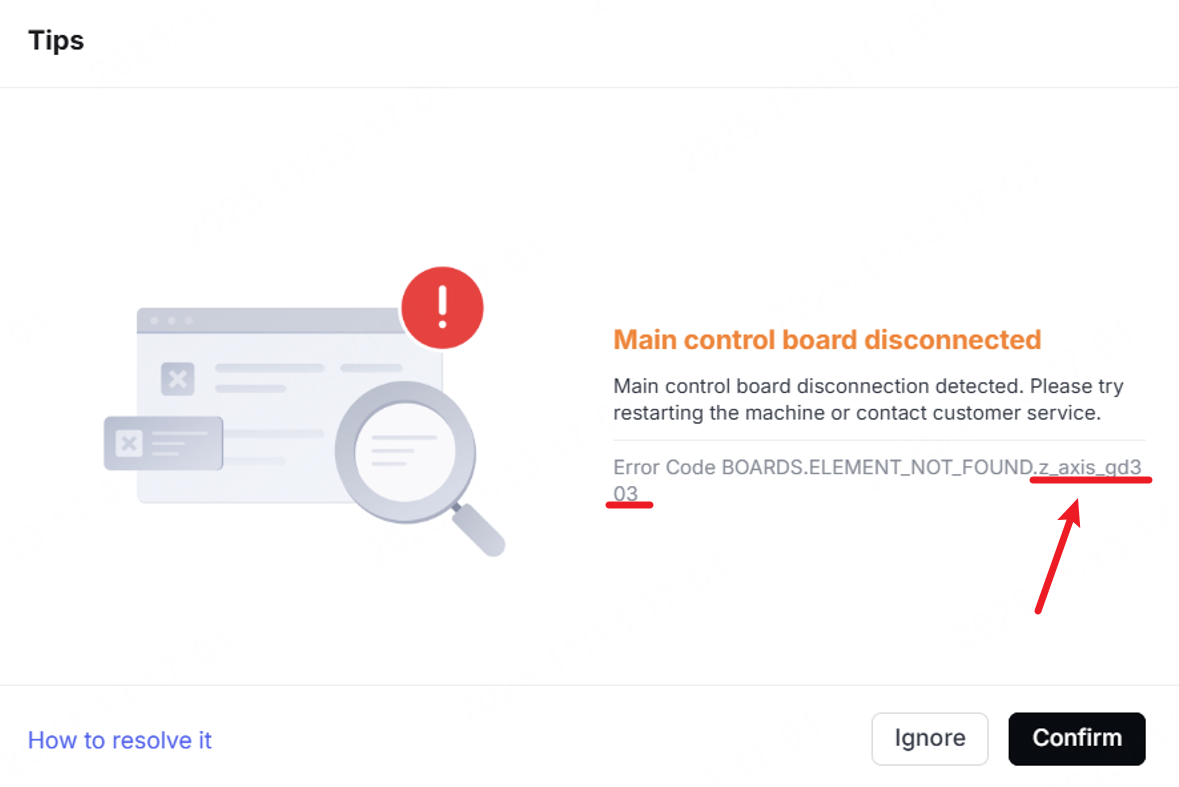
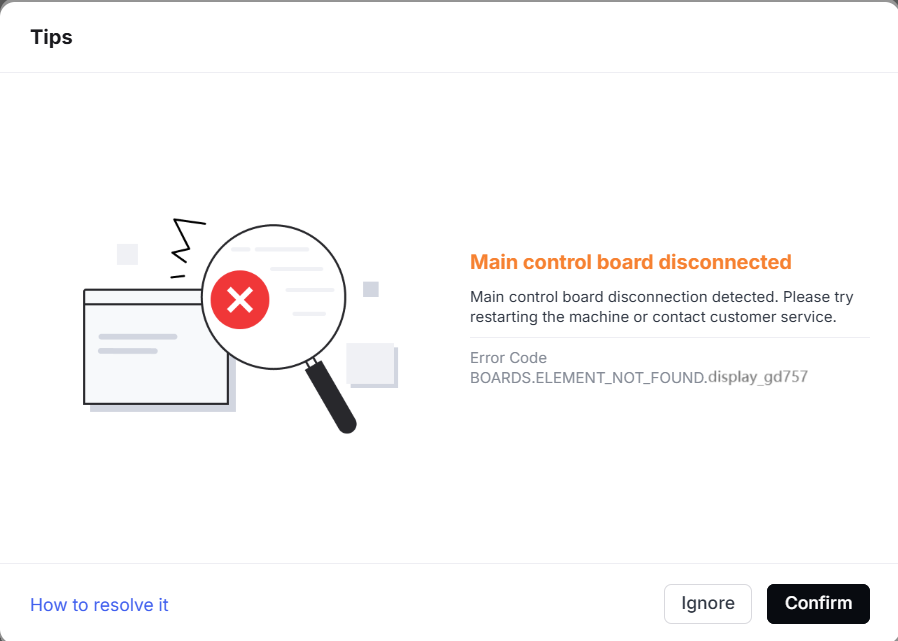
The following numbers and characters correspond to the error codes displayed in the fault pop-up window. Select the appropriate solution based on the error code in the software:
- motion_gd470: main control board
- display_gd757: knob screen
- z_axis_gd303: Z-axis adapter board
- airpump_gd303: air pump board
Pop-up window | Error code | Possible causes | Troubleshooting procedures |
|---|---|---|---|
| BOARDS.ELEMENT_NOT_FOUND.motion_gd470 |
| Troubleshoot Main Control Board Disconnection (Error Code: motion_gd470) |
| BOARDS.ELEMENT_NOT_FOUND.airpump_gd303 |
| Troubleshoot Main Control Board Disconnection (Error Code: airpump_gd303) |
| BOARDS.ELEMENT_NOT_FOUND.z_axis_gd303 |
| Troubleshoot Main Control Board Disconnection (Error Code: z_axis_gd303) |
| BOARDS.ELEMENT_NOT_FOUND.display_gd757 |
| Troubleshoot Main Control Board Disconnection (Error Code: display_gd757) |
2. Main controller temperature is too high
Pop-up window | Error code | Possible causes | Troubleshooting procedures |
|---|---|---|---|
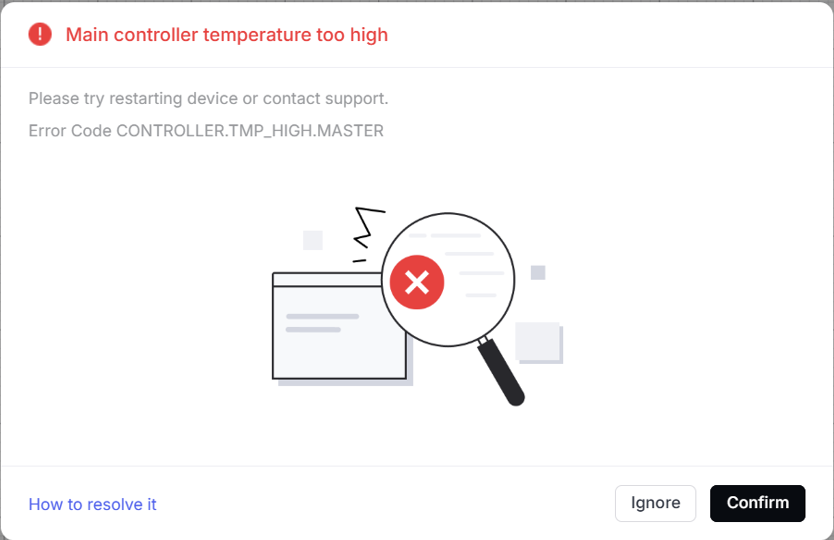
| CONTROLLER.TMP_HIGH.MASTER |
|
|
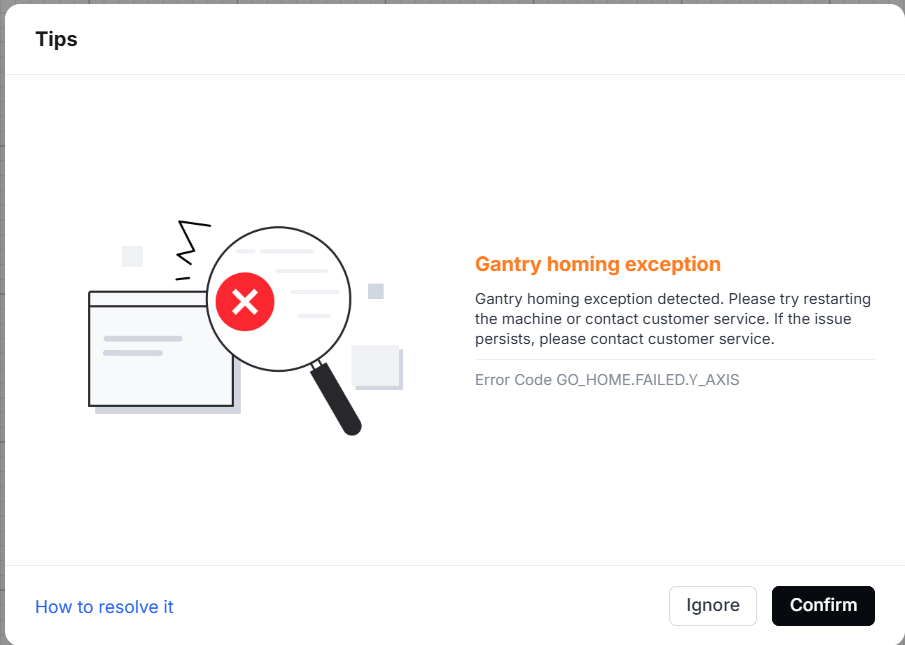
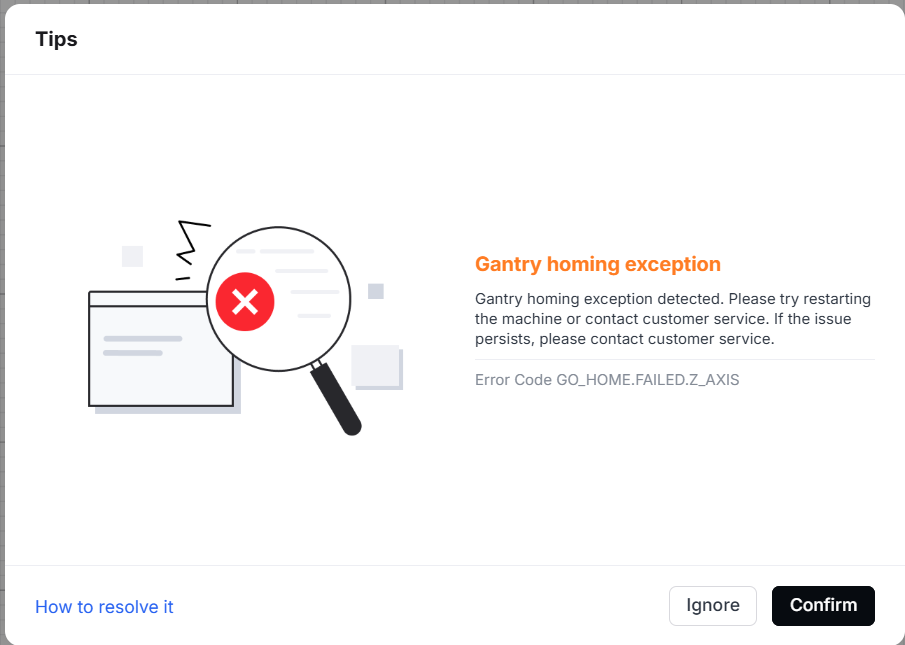
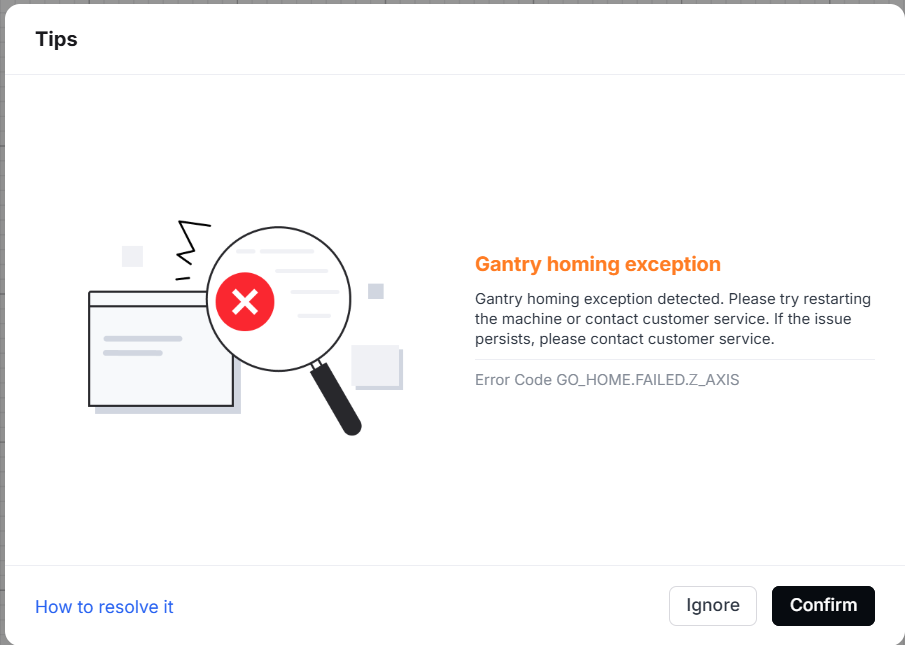
3. Gantry homing exception
Pop-up window | Error code | Possible causes | Troubleshooting procedures |
|---|---|---|---|
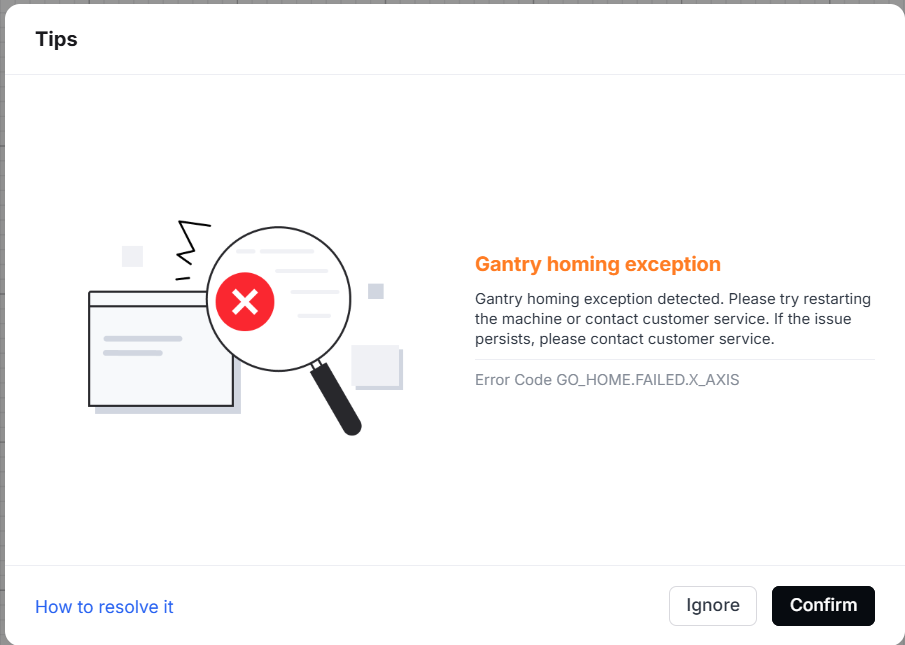
| Error Code GO_HOME.FAILED.X_AXIS |
| |
| Error Code GO_HOME.FAILED.Y_AXIS |
| |
| Error Code GO_HOME.FAILED.Z_AXIS |
| |
| Error Code GO_HOME.FAILED.V_AXIS |
|
4. Motor driver exception
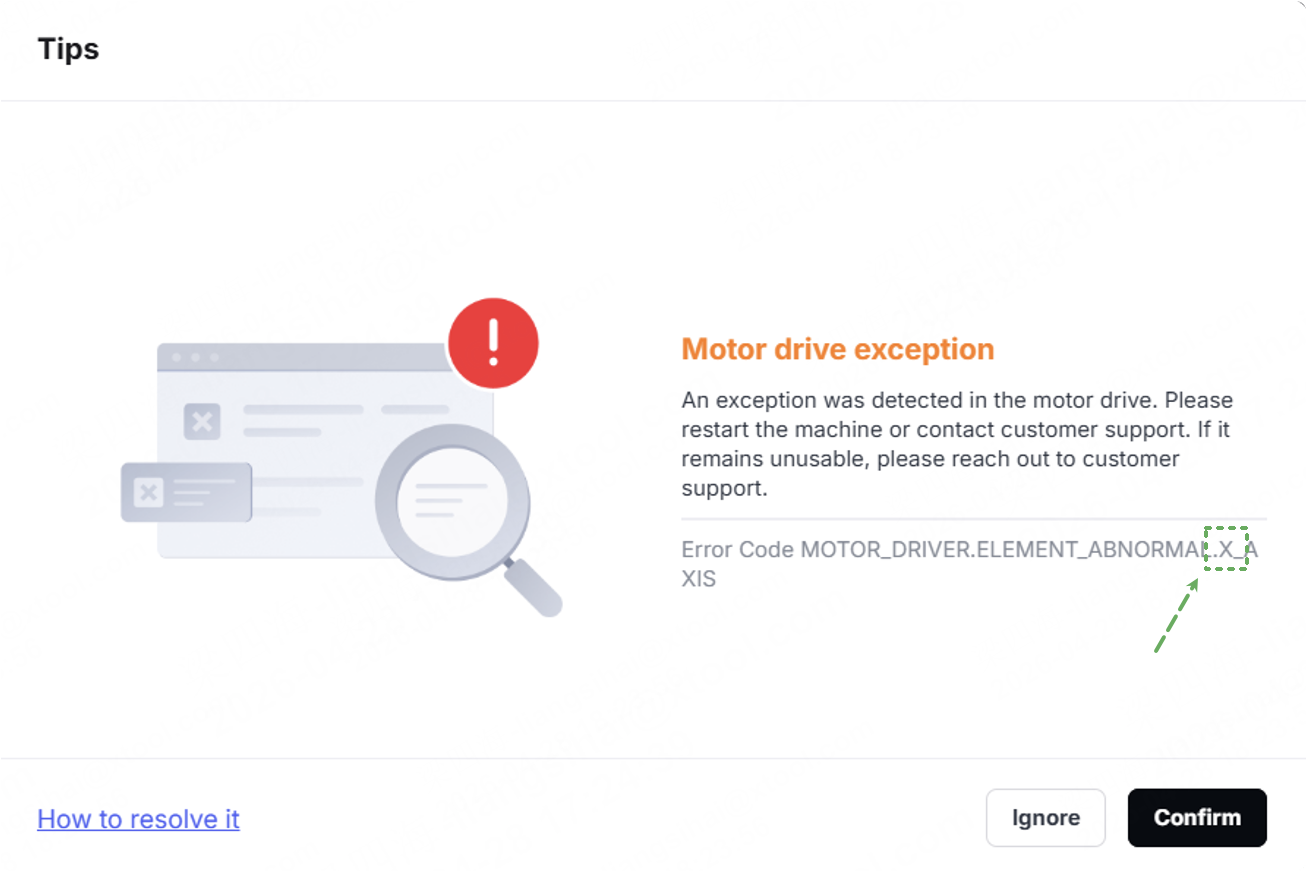
The following letters correspond to the error codes displayed in the fault pop-up window. Select the appropriate solution based on the error code in the software:
Pop-up window | Error code | Corresponding motor | Possible causes | Troubleshooting procedures |
|---|---|---|---|---|
The main titles of the error codes for each motor are the same. You must use the letters to identify the specific motor. |
| X-axis motor |
| Error Codes and Troubleshooting Guides for Motor Drive Exception |
| Left motor on the Y-axis | |||
| Right motor on the Y-axis | |||
| Z-axis motor | |||
| Bottom-right motor on the lifting platform | |||
| Upper-right motor on the lifting platform | |||
| Upper-left motor on the lifting platform | |||
| Bottom-left motor on the lifting platform | |||
| Rotary attachment on the U-axis | |||
| Conveyor feeder on the U-axis | |||
| Gas cylinder motor |
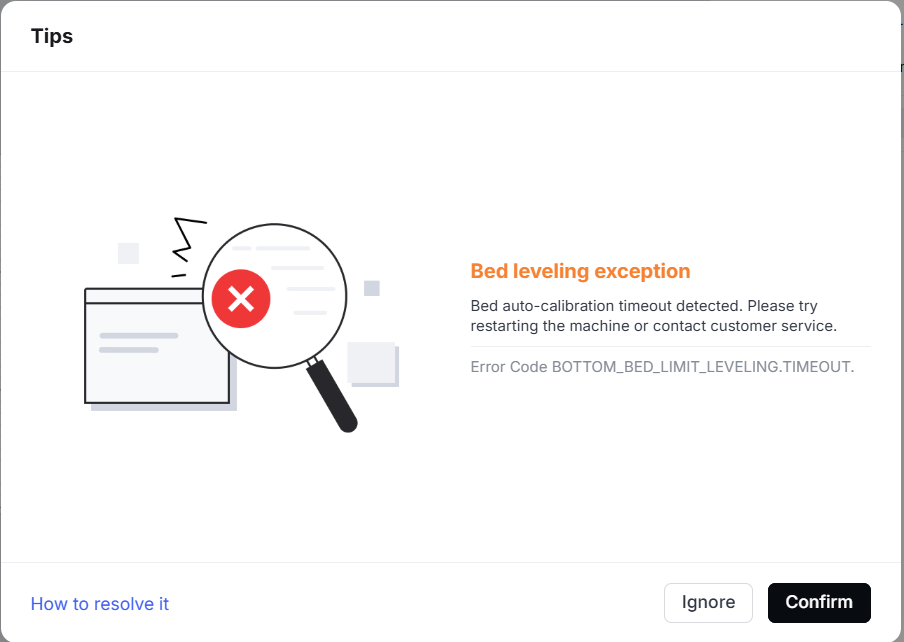
5. Bed leveling exception
Pop-up window | Error code | Possible causes | Troubleshooting procedures |
|---|---|---|---|
| BOTTOM_BED_LIMIT_LEVELING.TIMEOUT |
|
6. Gantry calibration exception
Pop-up window | Error code | Possible causes | Troubleshooting procedures |
|---|---|---|---|
BOUBLE_Y_LIMIT_LEVELING.TIMEOUT. |
|
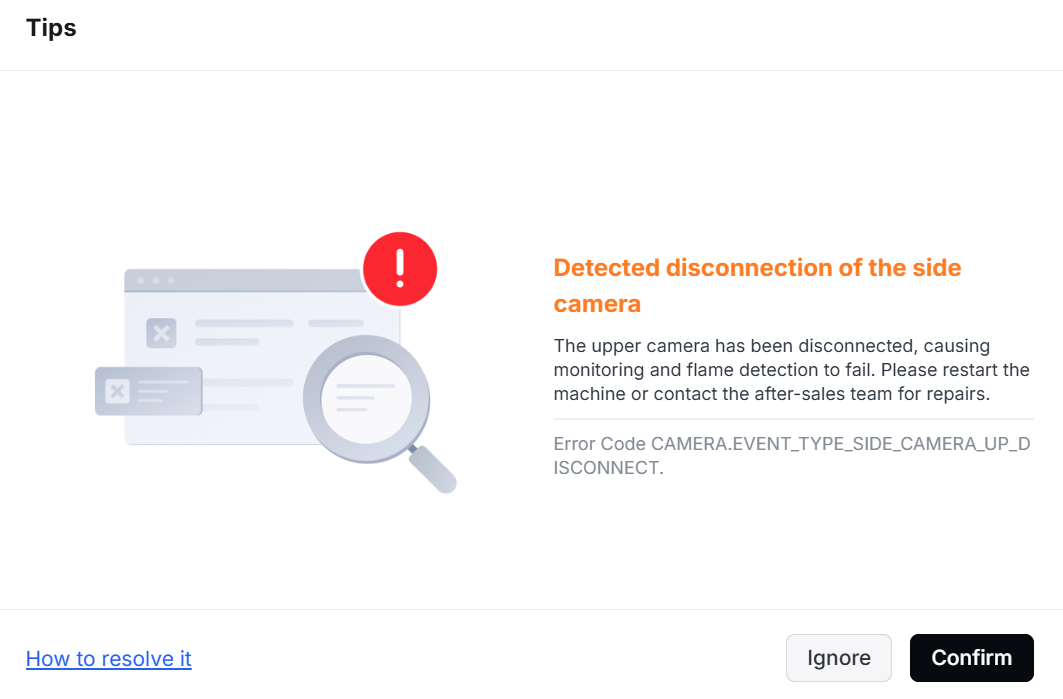
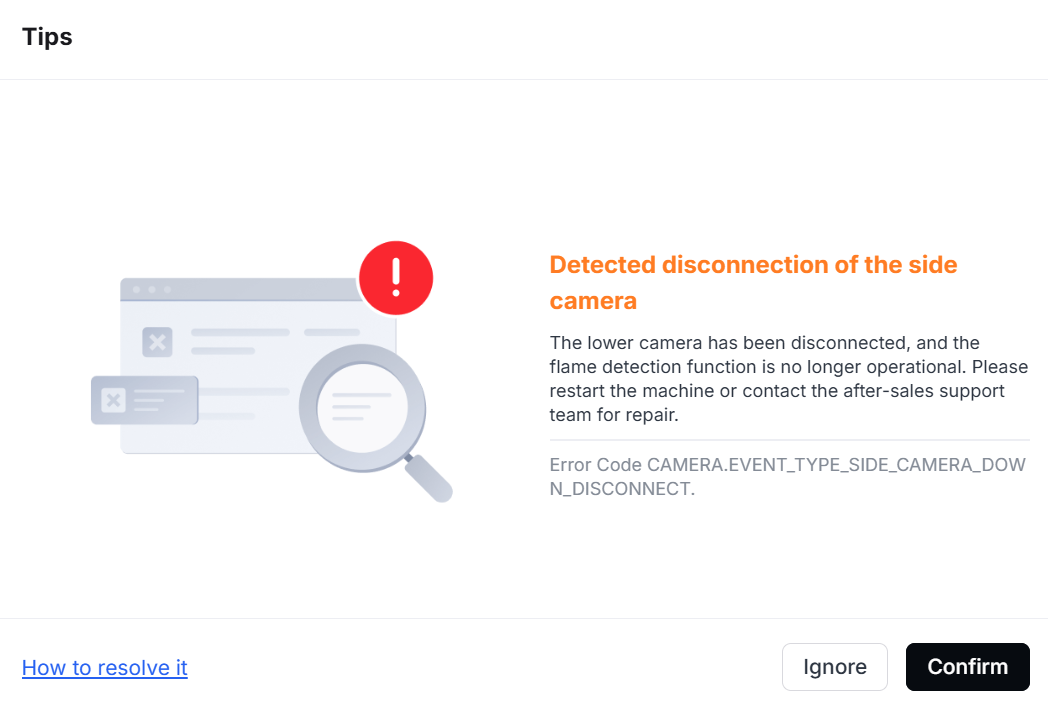
7. Detected disconnection of the side camera
Pop-up window | Error code | Possible causes | Troubleshooting procedures |
|---|---|---|---|
| CAMERA.EVENT_TYPE_SIDE_CAMERA_UP_DISCONNECT. |
| |
| CAMERA.EVENT_TYPE_SIDE_CAMERA_DOWN_DISCONNECT. |
|
8. Sensor exception detected
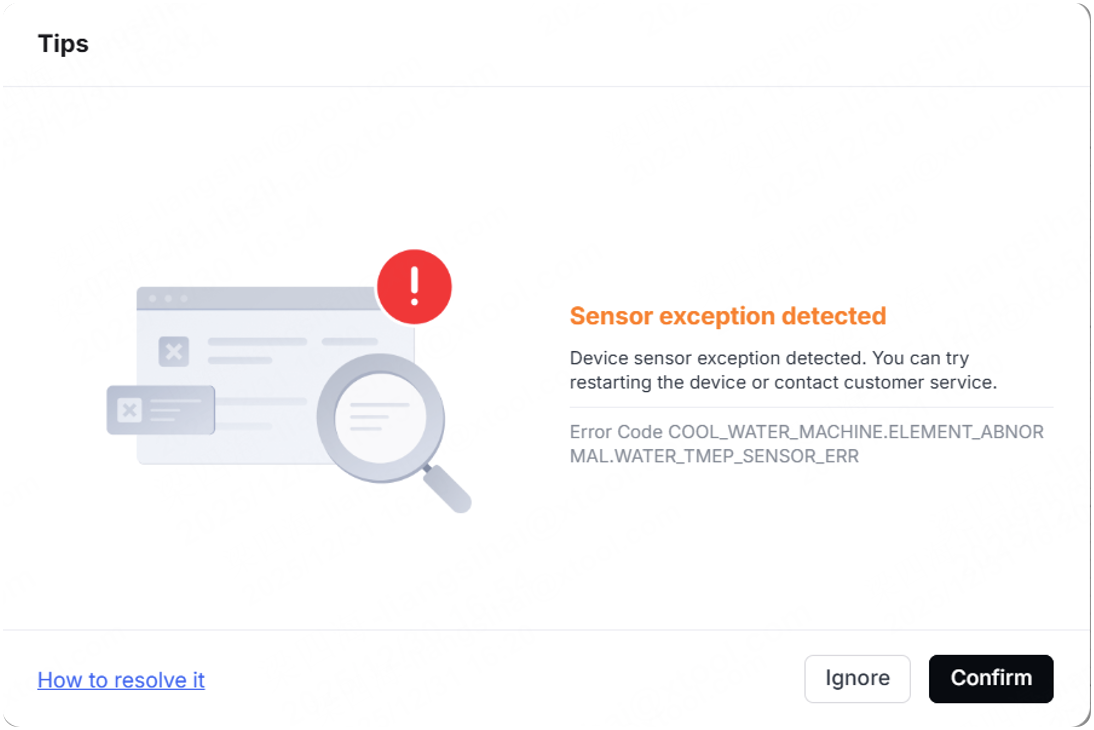
The following numbers and characters correspond to the error codes displayed in the fault pop-up window. Select the appropriate solution based on the error code in the software:
- WATER_TMEP_SENSOR_ERR: Water temperature sensor exception
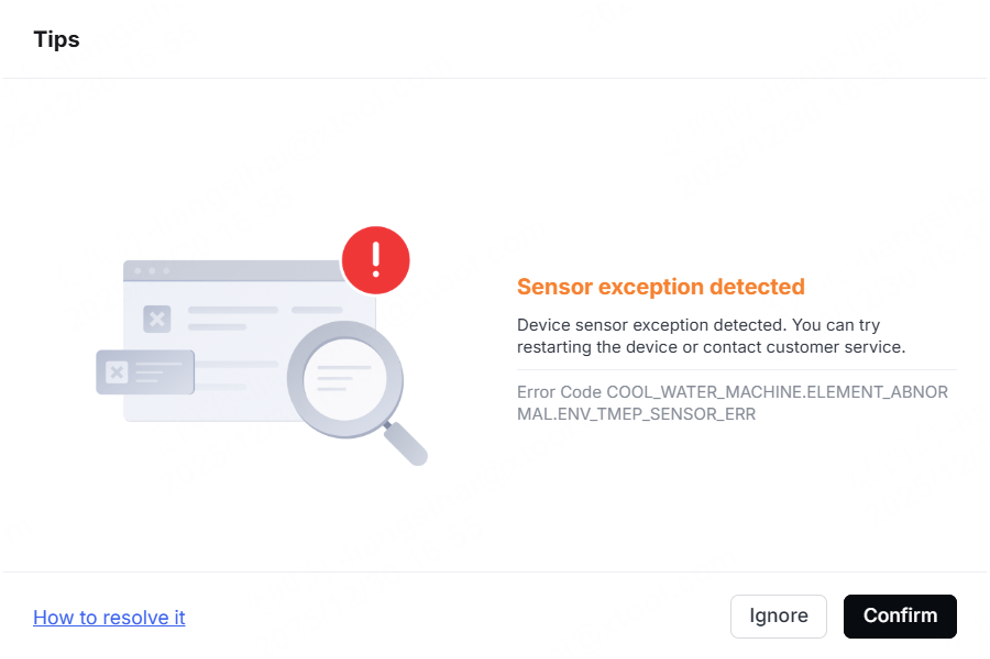
- ENV_TMEP_SENSOR_ERR: Ambient temperature sensor exception
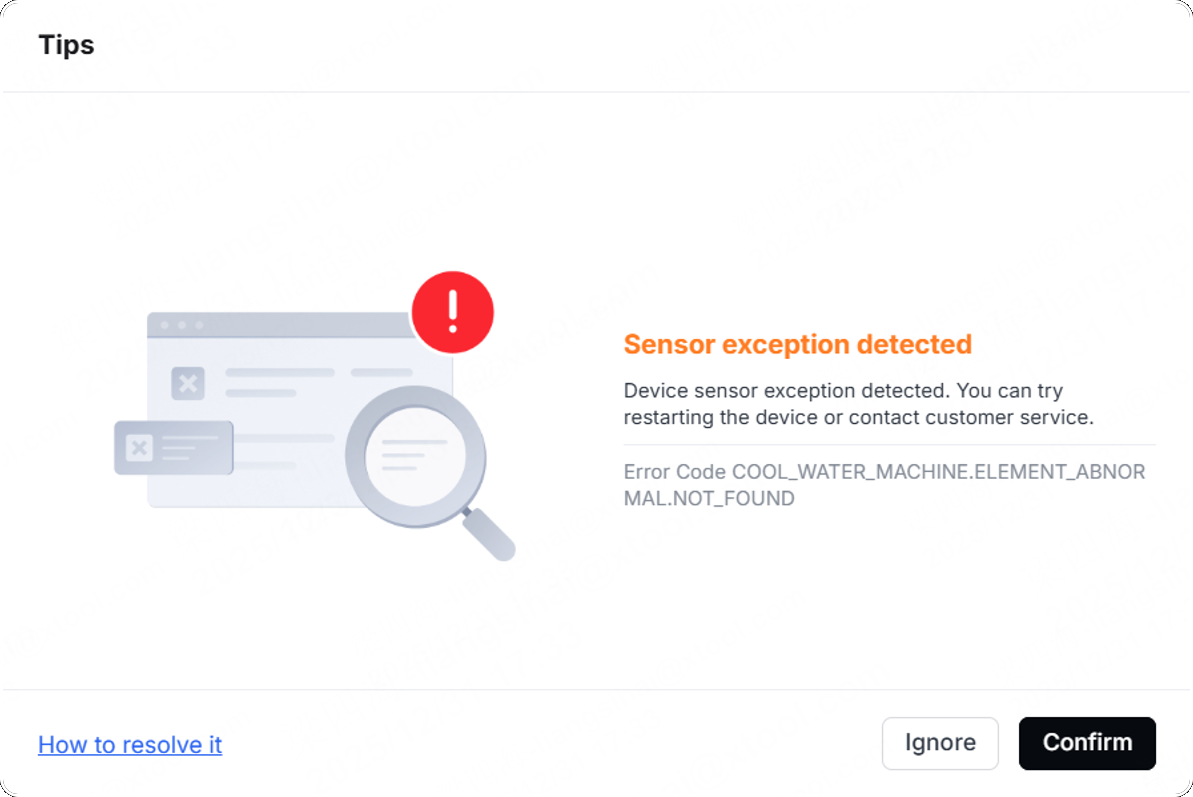
- NOT_FOUND: Communication exception
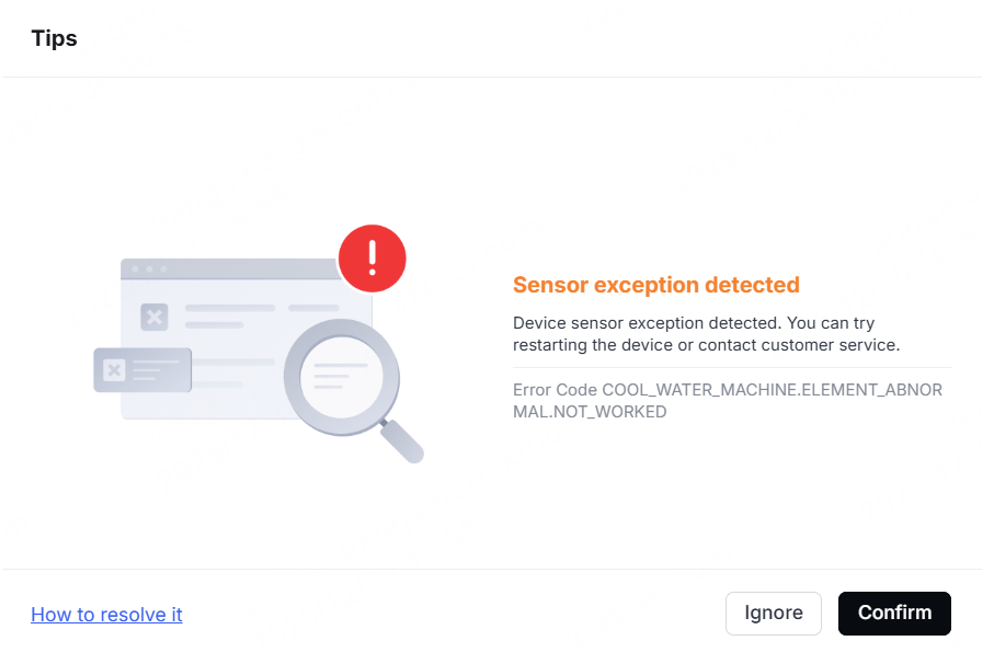
- NOT_WORKED: Device cannot power on
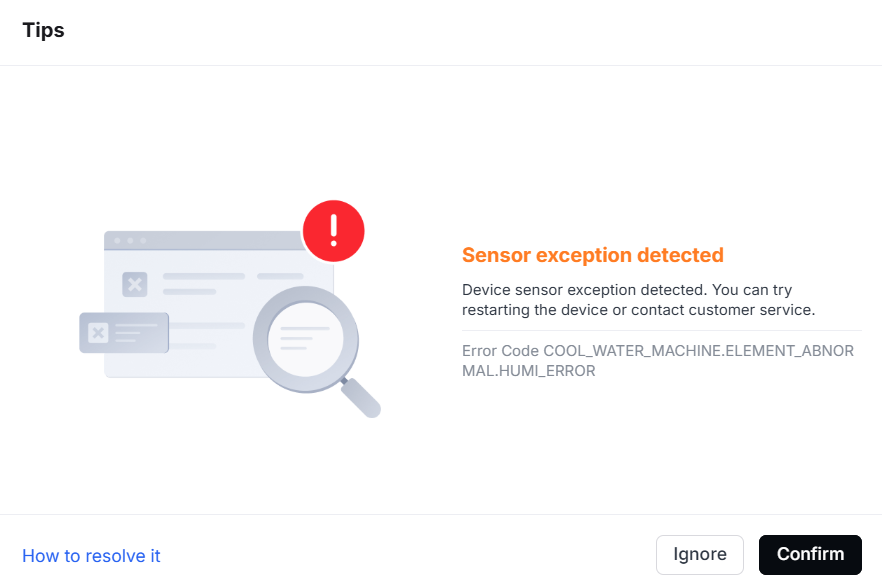
- HUMI_ERROR: Humidity sensor exception
Pop-up window | Error code | Possible causes | Troubleshooting procedures |
|---|---|---|---|
| Error Code COOL_WATER_MACHINE.ELEMENT_ABNORMAL.WATER_TMEP_SENSOR_ERR |
|
|
| Error Code COOL_WATER_MACHINE.ELEMENT_ABNORMAL.ENV_TMEP_SENSOR_ERR |
|
|
| Error Code COOL_WATER_MACHINE.ELEMENT_ABNORMAL.NOT_FOUND |
| Troubleshoot Water-cooling Machine Exception - Sensor Exception Detected (Error Code: NOT_FOUND) |
| Error Code COOL_WATER_MACHINE.ELEMENT_ABNORMAL.NOT_WORKED |
|
|
| Error Code COOLWATER_MACHINE.ELEMENT_ABNORMAL.HUMI_ERROR |
| Troubleshoot Water-cooling Machine Exception - Sensor Exception (Error Code: ABNORMAL.HUMI_ERROR) |
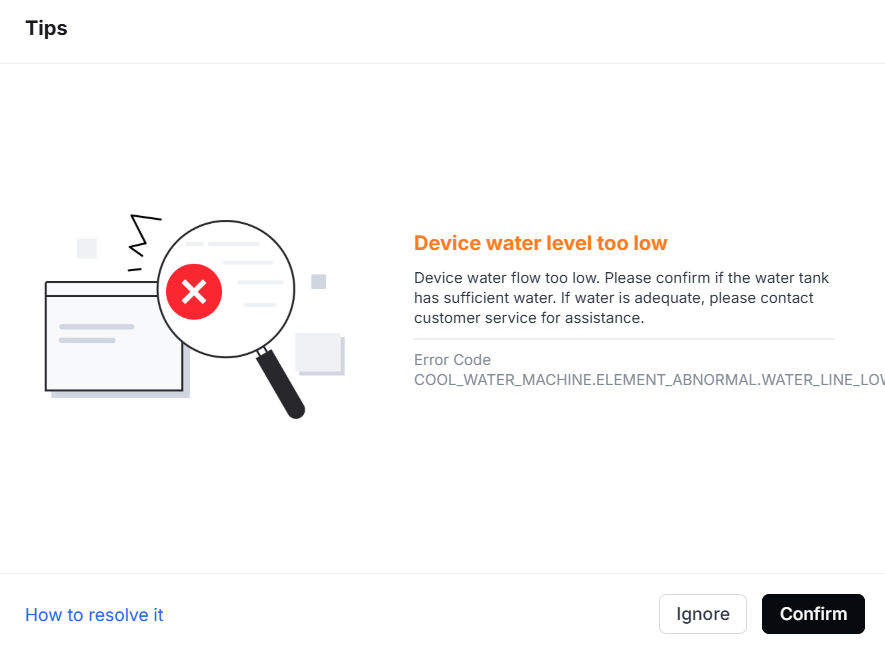
9. Device water level too low
Pop-up window | Error code | Possible causes | Troubleshooting procedures |
|---|---|---|---|
| COOL_WATER_MACHINE.ELEMENT_ABNORMAL.WATER_LINE_LOW |
|
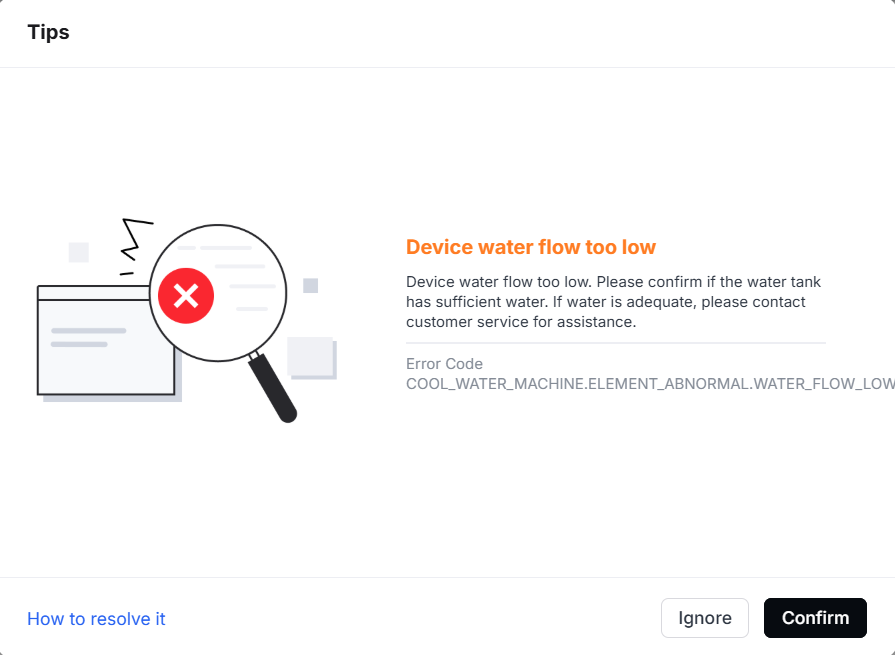
10. Device water flow too low
Pop-up window | Error code | Possible causes | Troubleshooting procedures |
|---|---|---|---|
| COOL_WATER_MACHINE.ELEMENT_ABNORMAL.WATER_FLOW_LOW |
|
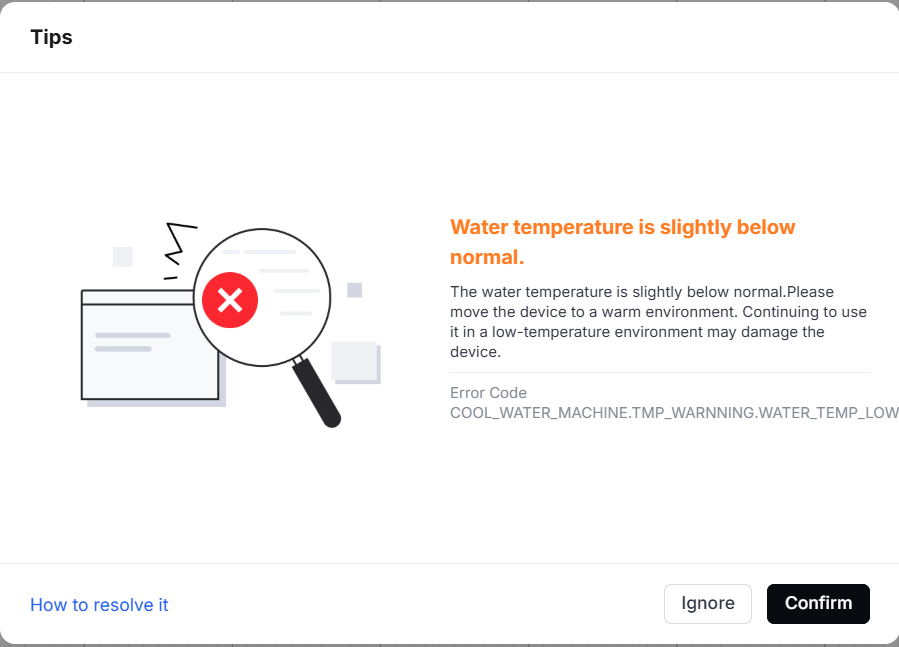
11. Device water temperature is slightly below normal
Pop-up window | Error code | Possible causes | Troubleshooting procedures |
|---|---|---|---|
| COOL_WATER_MACHINE.TMP_WARNNING.WATER_TEMP_LOW |
|
|
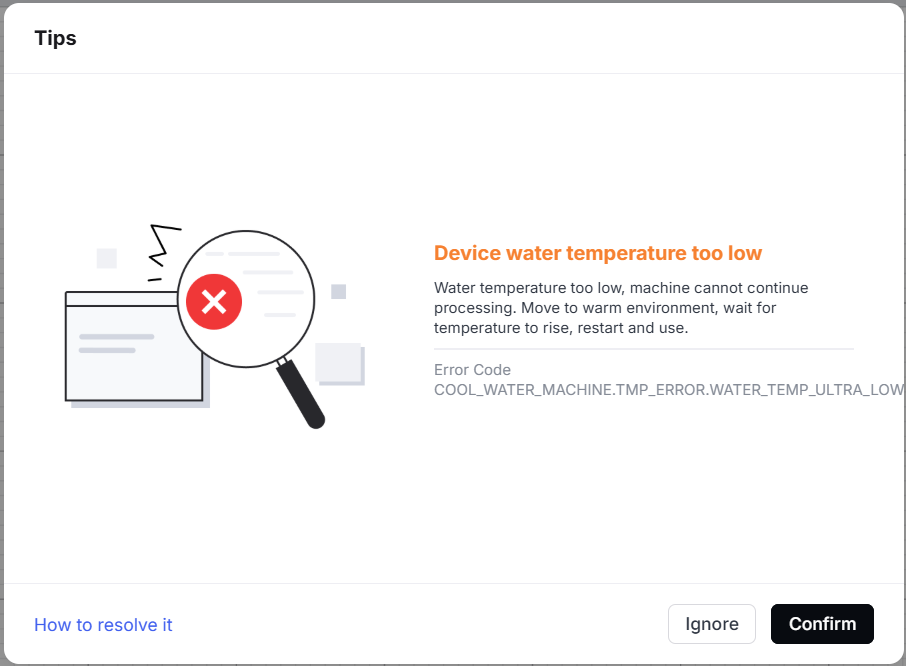
12. Device water temperature too low
Pop-up window | Error code | Possible causes | Troubleshooting procedures |
|---|---|---|---|
| COOL_WATER_MACHINE.TMP_ERROR.WATER_TIEMP_ULTRA_LOW |
|
|
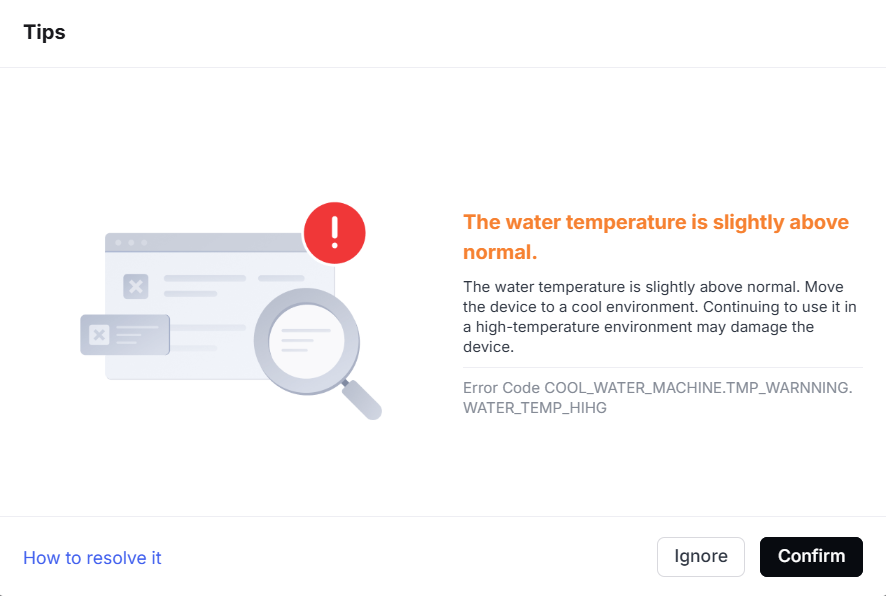
13. Device water temperature is slightly above normal
Pop-up window | Error code | Possible causes | Troubleshooting procedures |
|---|---|---|---|
| COOL_WATER_MACHINE.TMP_WARNNING.WATER_TEMP_HIHG |
| Error Codes and Troubleshooting Guides for High Water Temperature |
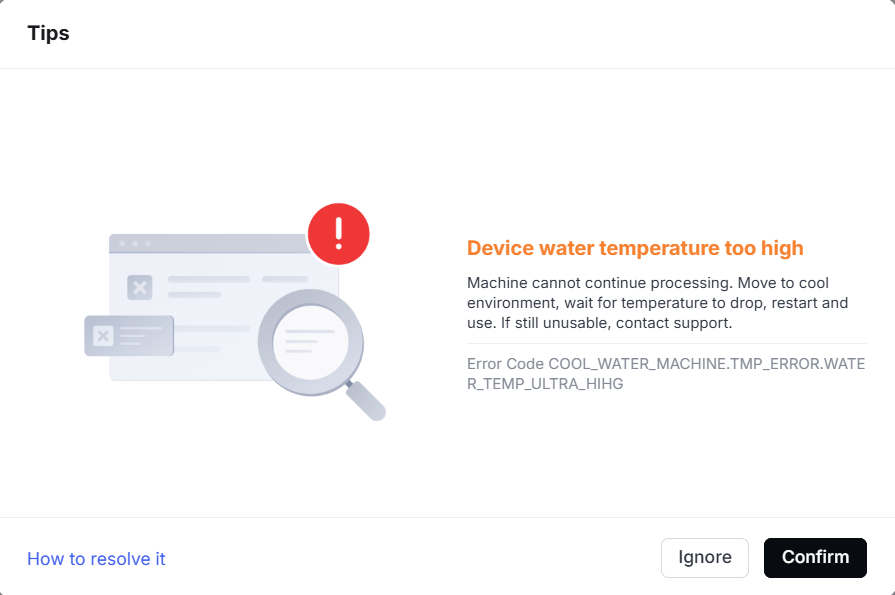
14. Device water temperature too high
Pop-up window | Error code | Possible causes | Troubleshooting procedures |
|---|---|---|---|
| COOL_WATER_MACHINE.TMP_ERROR.WATER_TEMP_ULTRA_HIHG |
| Error Codes and Troubleshooting Guides for High Water Temperature |
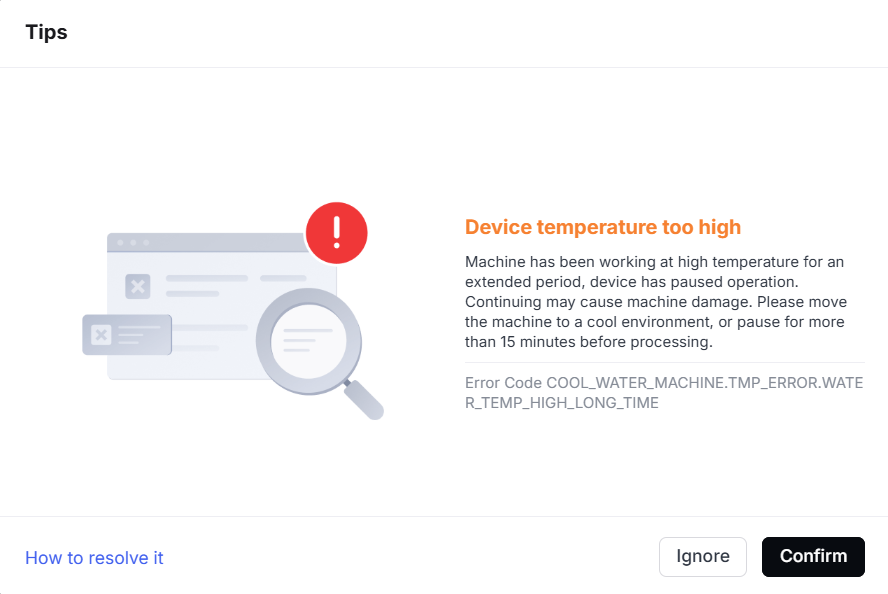
15. Device temperature too high
Pop-up window | Error code | Possible causes | Troubleshooting procedures |
|---|---|---|---|
| COOL_WATER_MACHINE.TMP_ERROR.WATER_TEMP_HIGH_LONG_TIME |
| Error Codes and Troubleshooting Guides for High Water Temperature |
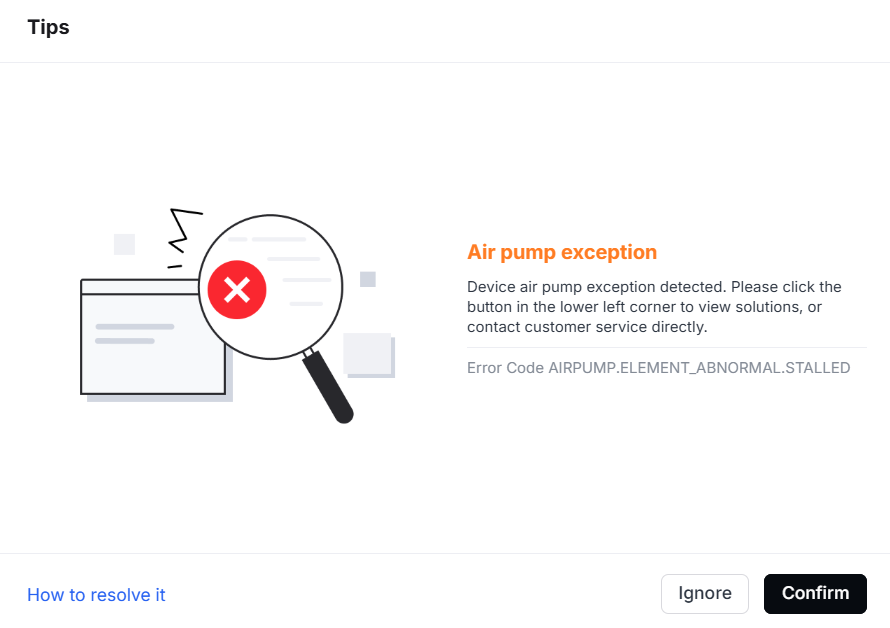
16. Air pump exception
The following numbers and characters correspond to the error codes displayed in the fault pop-up window. Select the appropriate solution based on the error code in the software:
- STALLED: fault of stall
- CUR_LOW: too low current
- PUMP_TEMP_HIGH: too high air pump temperature
- PUMP_TEMP_ERR: temperature sensor of air pump occurs exceptions
Pop-up window | Error code | Corresponding situations | Possible causes | Troubleshooting procedures |
|---|---|---|---|---|
The main titles of the error codes for each motor are the same. You must check the descriptions to identify the specific motor. | AIRPUMP.ELEMENT_ABNORMAL.STALLED | The air pump is stalled. |
| Troubleshoot Air Pump Exception (Error Code: ABNORMAL.STALLED) |
AIRPUMP.ELEMENT_ABNORMAL.CUR_LOW | The current of the air pump is too low.
|
|
| |
AIRPUMP.ELEMENT_ABNORMAL.PUMP_TEMP_HIGH | The temperature of the air pump is too high. |
| Troubleshoot Air Pump Exception (Error Code: ABNORMAL.PUMP_TEMP_HIGH) | |
AIRPUMP.ELEMENT_ABNORMAL.PUMP_TEMP_ERR | The temperature sensor of the air pump is abnormal. |
|
| |
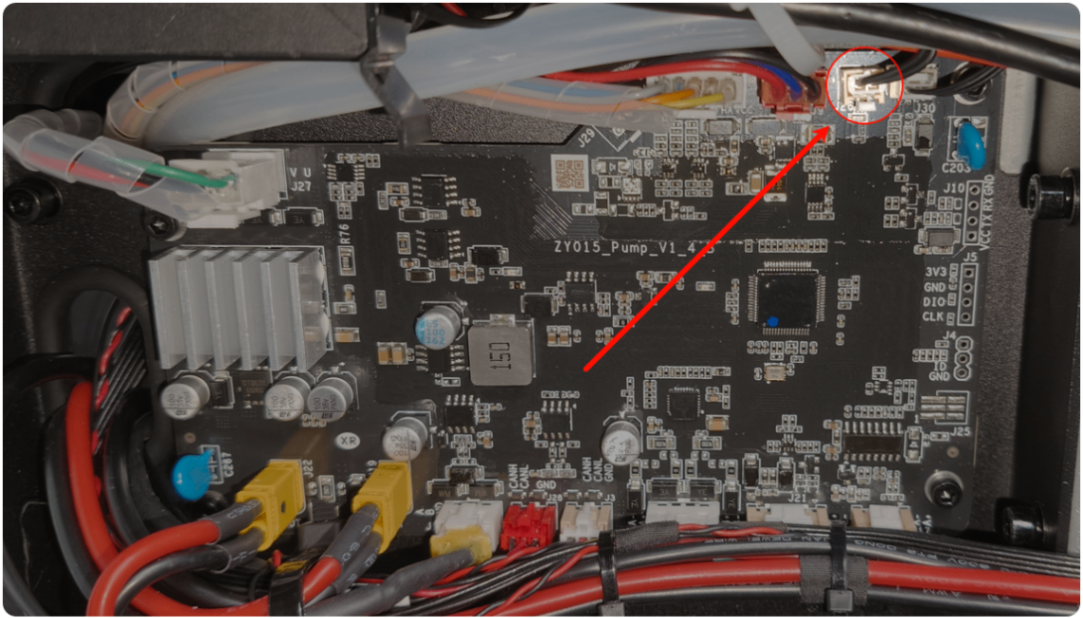
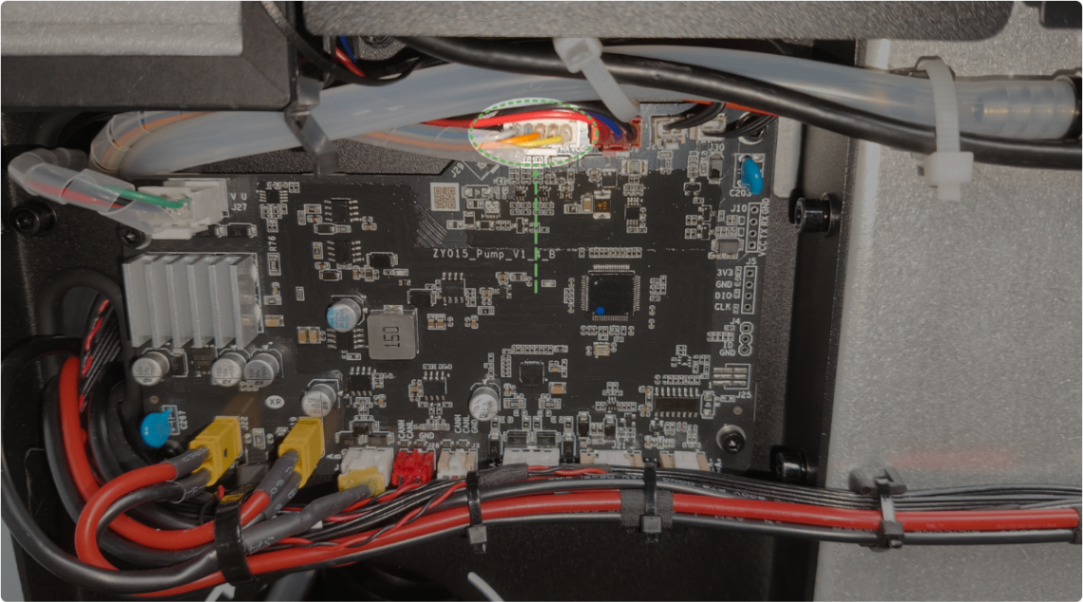
Error Code AIRPUMP.ELEMENT_ABNORMAL.TEMP_HIGH | The temperature of the air pump board is too high (>80℃). |
|
| |
Error Code AIRPUMP.ELEMENT_ABNORMAL.TEMP_LOW | The temperature of the air pump board is too low. |
|
| |
Error Code AIRPUMP.ELEMENT_ABNORMAL.NTC_SHORT_CIRCUIT | The temperature sensor of the air pump board is abnormal. | The air pump board malfunctions. | The air pump board is faulty. Replace the air pump board. | |
Error Code AIRPUMP.ELEMENT_ABNORMAL.SECOND_PEAK_CUR_PROTECT | Second-level protection against current surges in the air pump |
|
| |
Error Code AIRPUMP.ELEMENT_ABNORMAL.FIRST_PEAK_CUR_PROTECT | First-level protection against current surges in the air pump | |||
Error Code AIRPUMP.ELEMENT_ABNORMAL.SECOND_OVER_CUR | First-level overcurrent protection for the air pump | |||
Error Code AIRPUMP.ELEMENT_ABNORMAL.FIRST_OVER_CUR | Second-level overcurrent protection for the air pump | |||
Error Code AIRPUMP.ELEMENT_ABNORMAL.SHORT_CIRCUIT | The air pump is short-circuited. |
|
3. The air pump board is faulty. Replace the air pump board. | |
Error Code AIRPUMP.ELEMENT_ABNORMAL.VOLTAGE_HIGH | The voltage of the air pump is too high. | The air pump board malfunctions. |
| |
Error Code AIRPUMP.ELEMENT_ABNORMAL.VOLTAGE_LOW | The voltage of the air pump is too low. | The air pump board malfunctions. |
| |
Error Code AIRPUMP.ELEMENT_ABNORMAL.SPEED_OVER | Air pump out-of-step protection | The air pump malfunctions. |
| |
Error Code AIRPUMP.ELEMENT_ABNORMAL.HALL_EXCEPT_PRE | Abnormal Hall of the air pump (before processing) | |||
Error Code AIRPUMP.ELEMENT_ABNORMAL.HALL_EXCEPT_RUNNING | Abnormal Hall of the air pump (during processing) |
17. Laser power supply temperature too high
Pop-up window | Error code | Possible causes | Troubleshooting procedures |
|---|---|---|---|
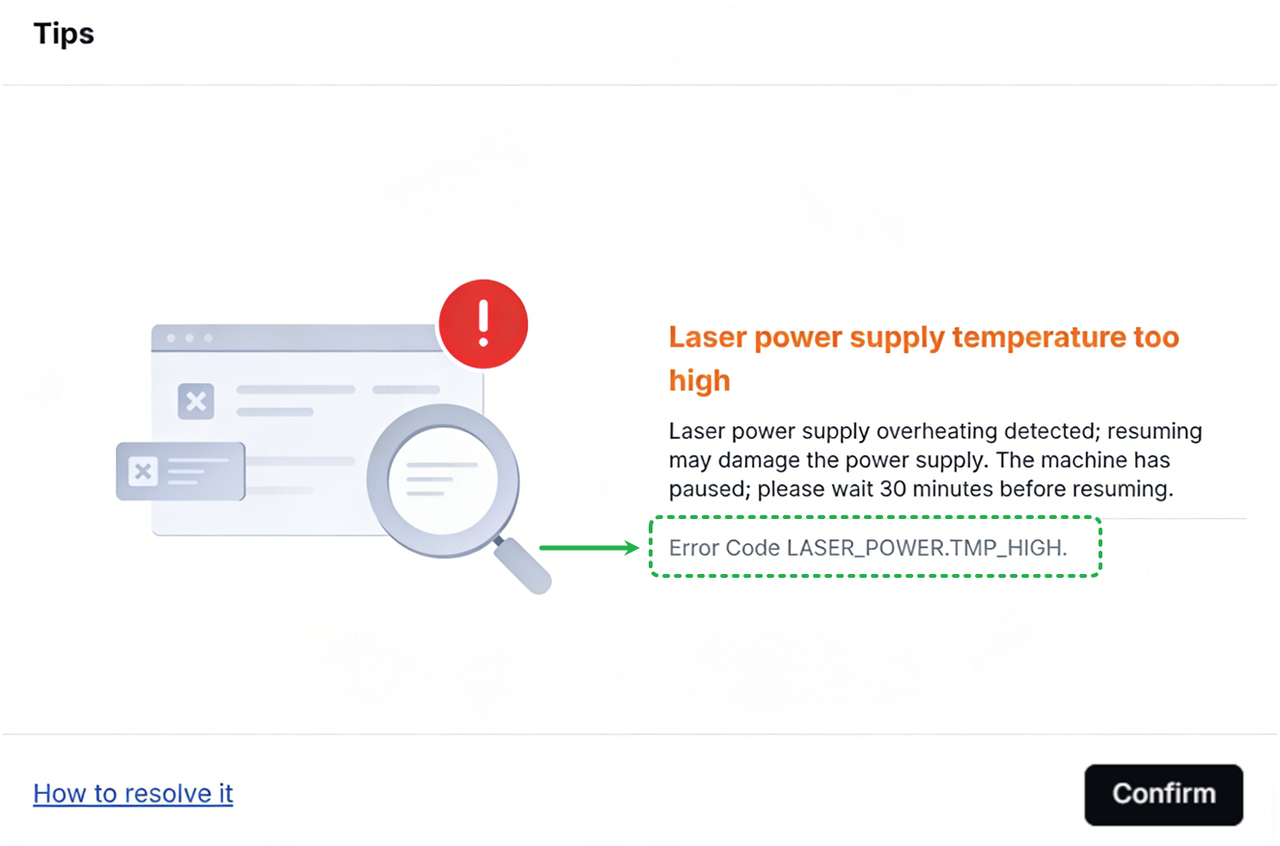
| Error Code LASER_POWER.TMP_HIGH. |
| Troubleshoot "Laser Power Supply Temperature Too High" for xTool P3 |
18. Device tilted
Pop-up window | Error code | Possible causes | Troubleshooting procedures |
|---|---|---|---|
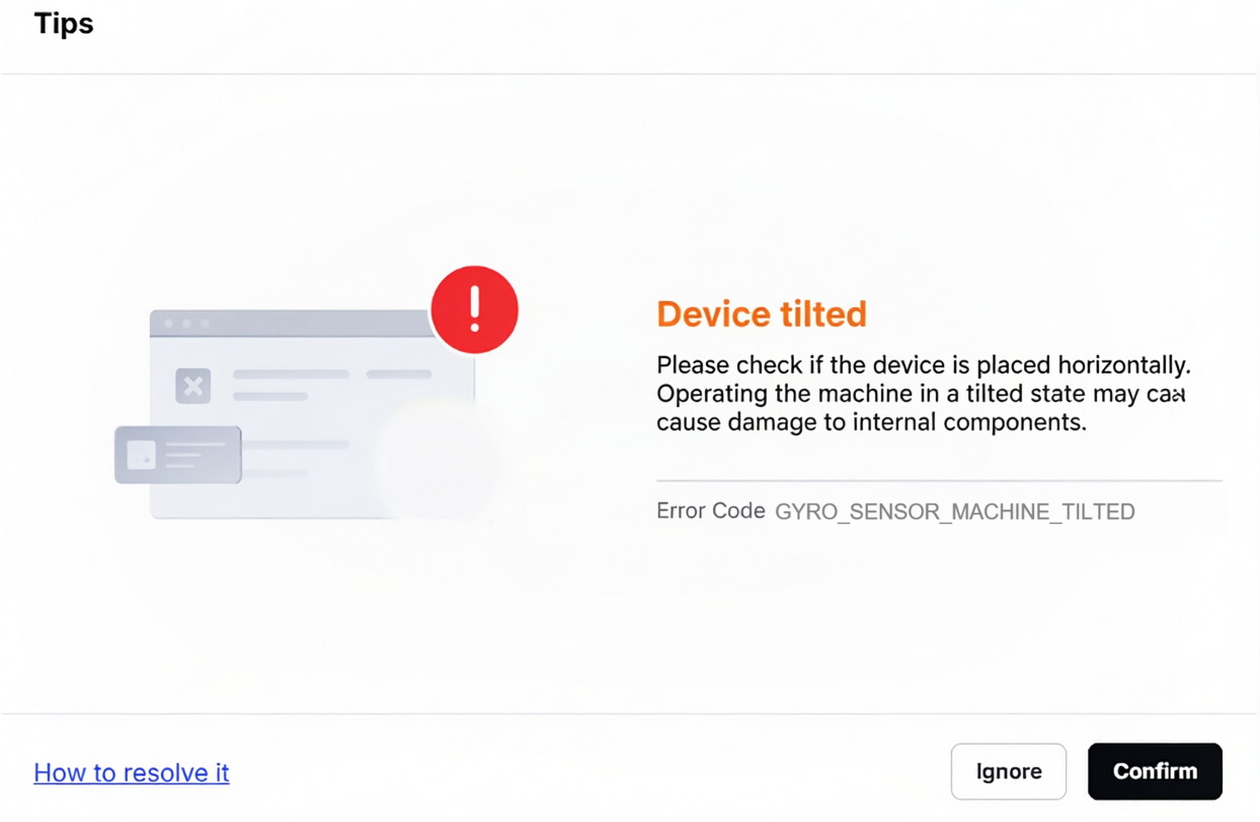
| Error Code GYRO_SENSOR.MACHINE_TILTED. |
|
|
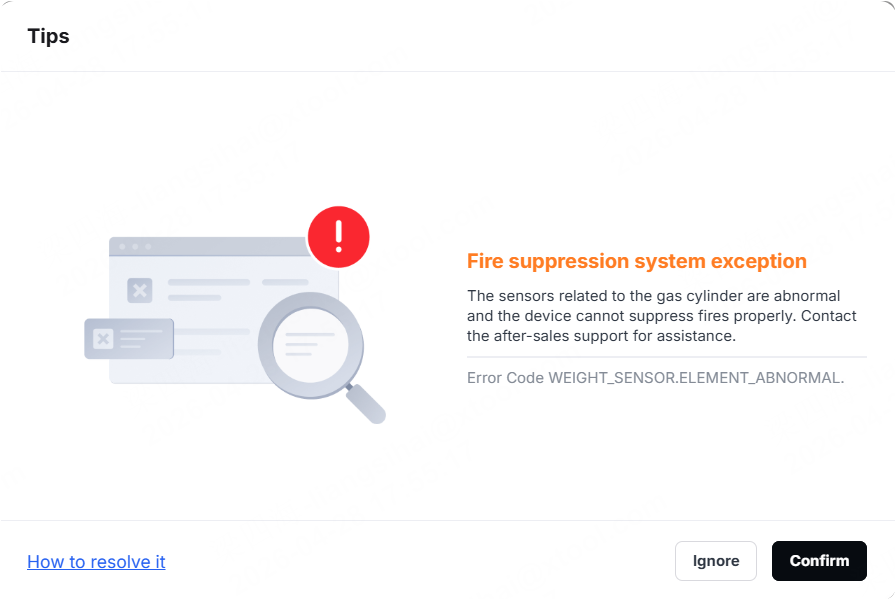
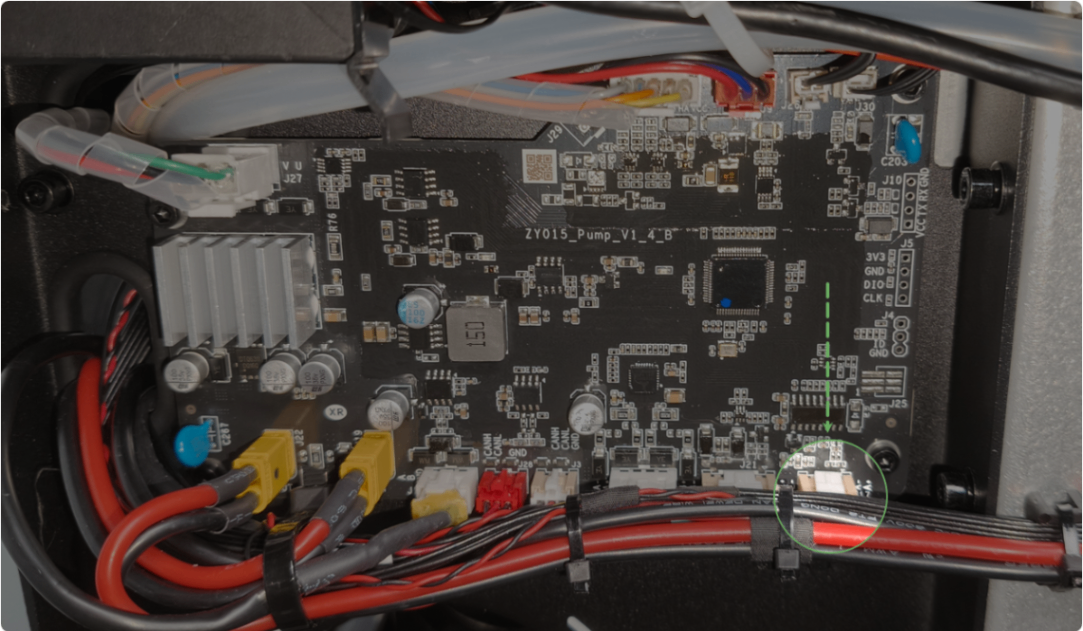
19. Fire suppression system exception
Pop-up window | Error code | Possible causes | Troubleshooting procedures |
|---|---|---|---|
| Error Code WEIGHT_SENSOR.ELEMENT_ABNORMAL. |
|
|
20. Gas cylinder motor exception
Pop-up window | Error code | Possible causes | Troubleshooting procedures |
|---|---|---|---|
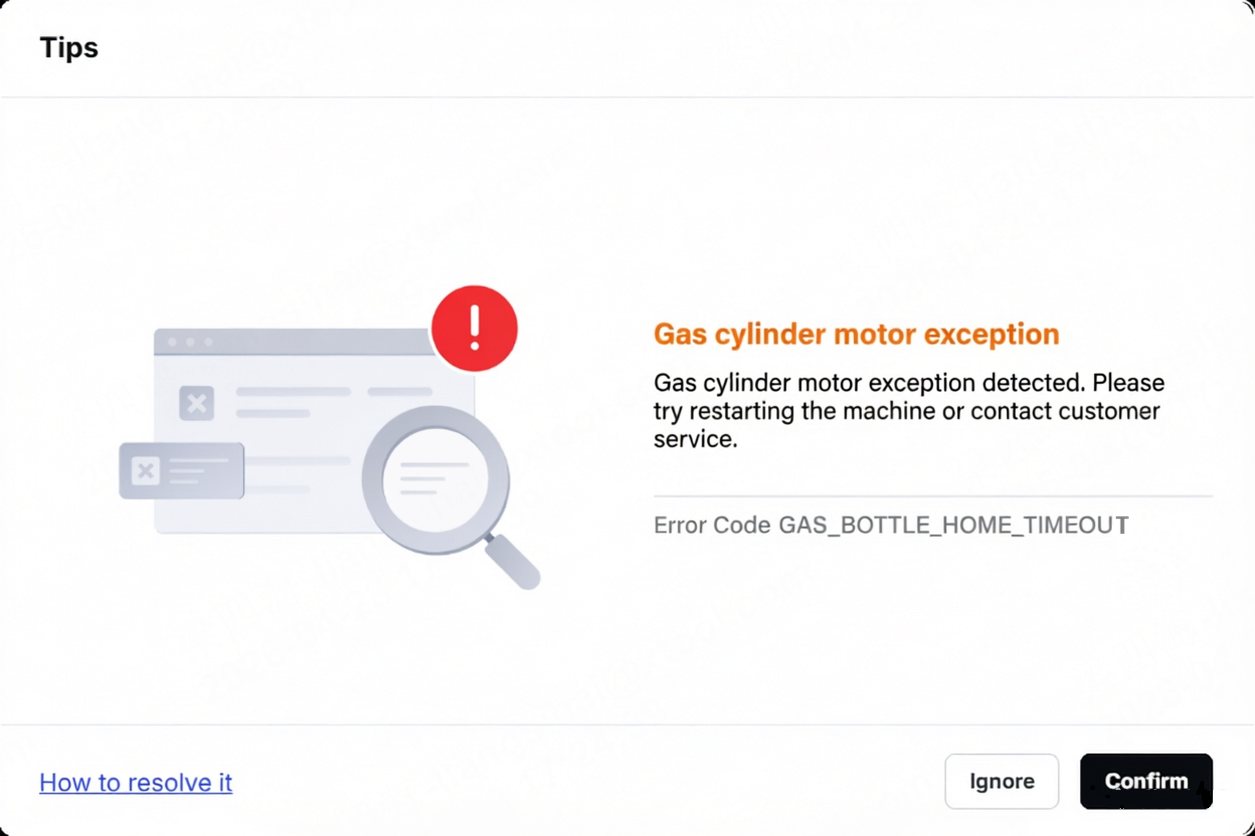
| Error Code GAS_BOTTLE_HOME.TIMEOUT |
|
21. Conveyor feeder exception
Title | Pop-up window | Error code | Possible causes | Troubleshooting procedures |
|---|---|---|---|---|
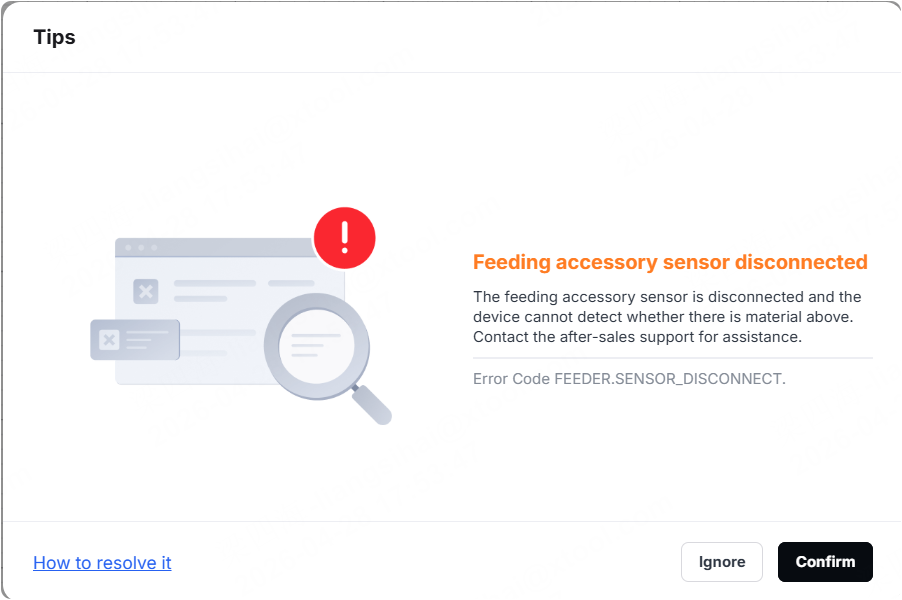
Feeding accessory sensor disconnected |
| Error Code FEEDER.SENSOR_DISCONNECT. |
| |
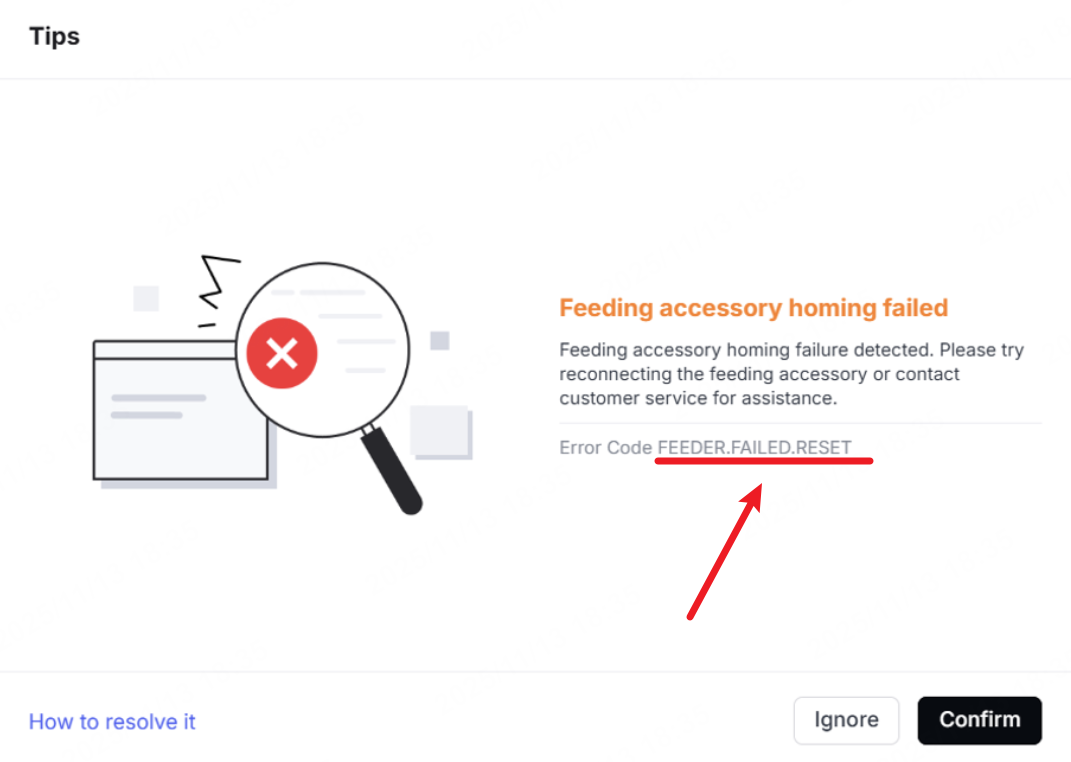
Feeding accessory homing failed |
| Error Code FEEDER.FAILED.RESET |
| Troubleshoot Feeding Accessory Homing Failed (Error Code FEEDER.FAILED.RESET) |
22. Infrared laser module exception
Title | Pop-up window | Error code | Possible causes | Troubleshooting procedures |
|---|---|---|---|---|
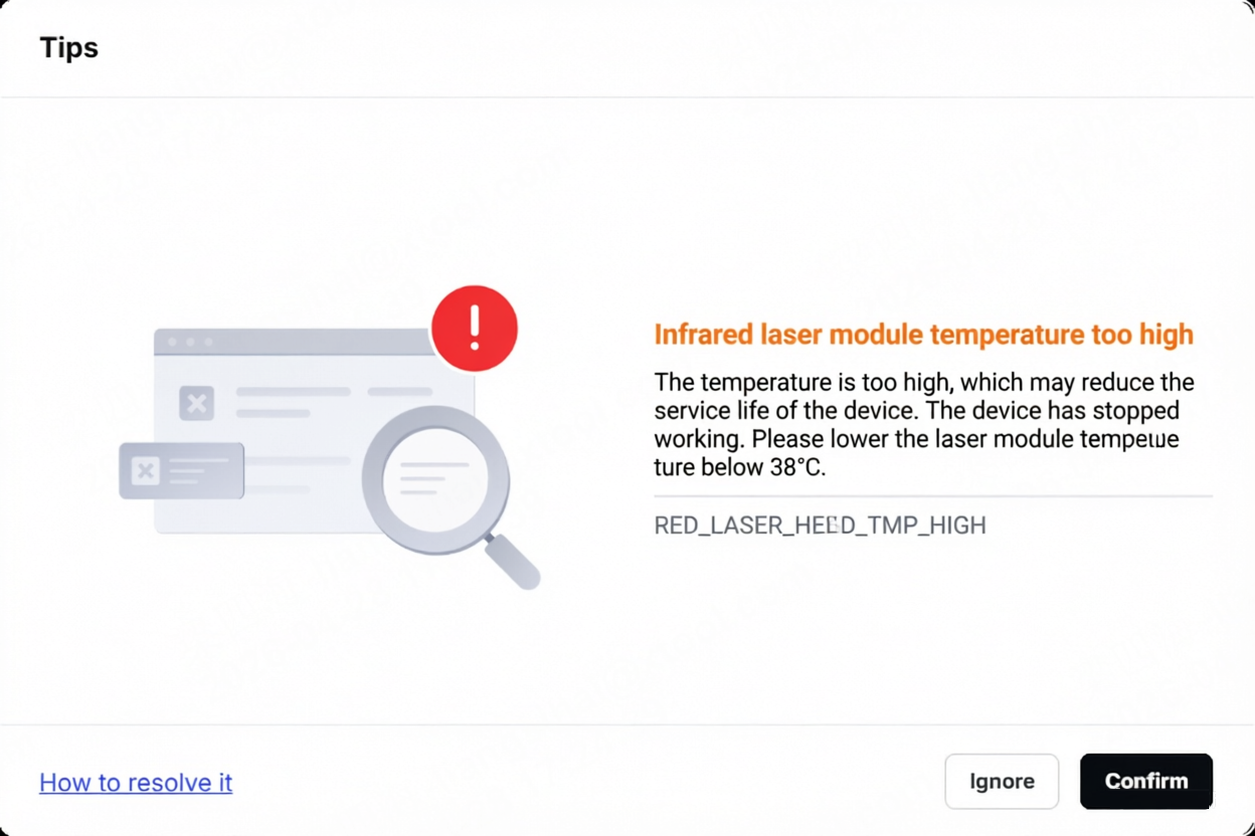
Infrared laser module temperature too high |
| Error Code RED_LASER_HEAD.TMP_HIGH |
|
|
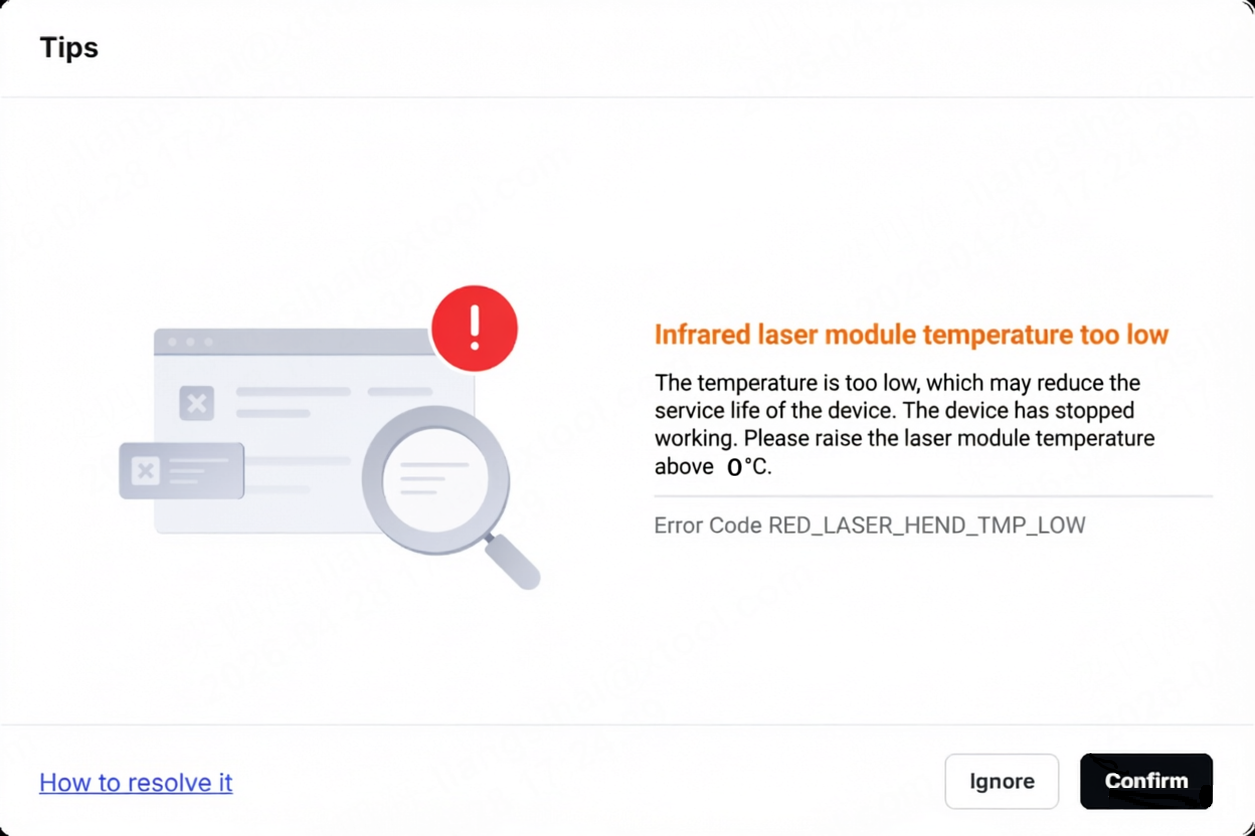
Infrared laser module temperature too low |
| Error Code RED_LASER_HEAD.TMP_LOW |
|
|