
Design and Add Materials
Updated Sep 4,2025
Updated Sep 4,2025
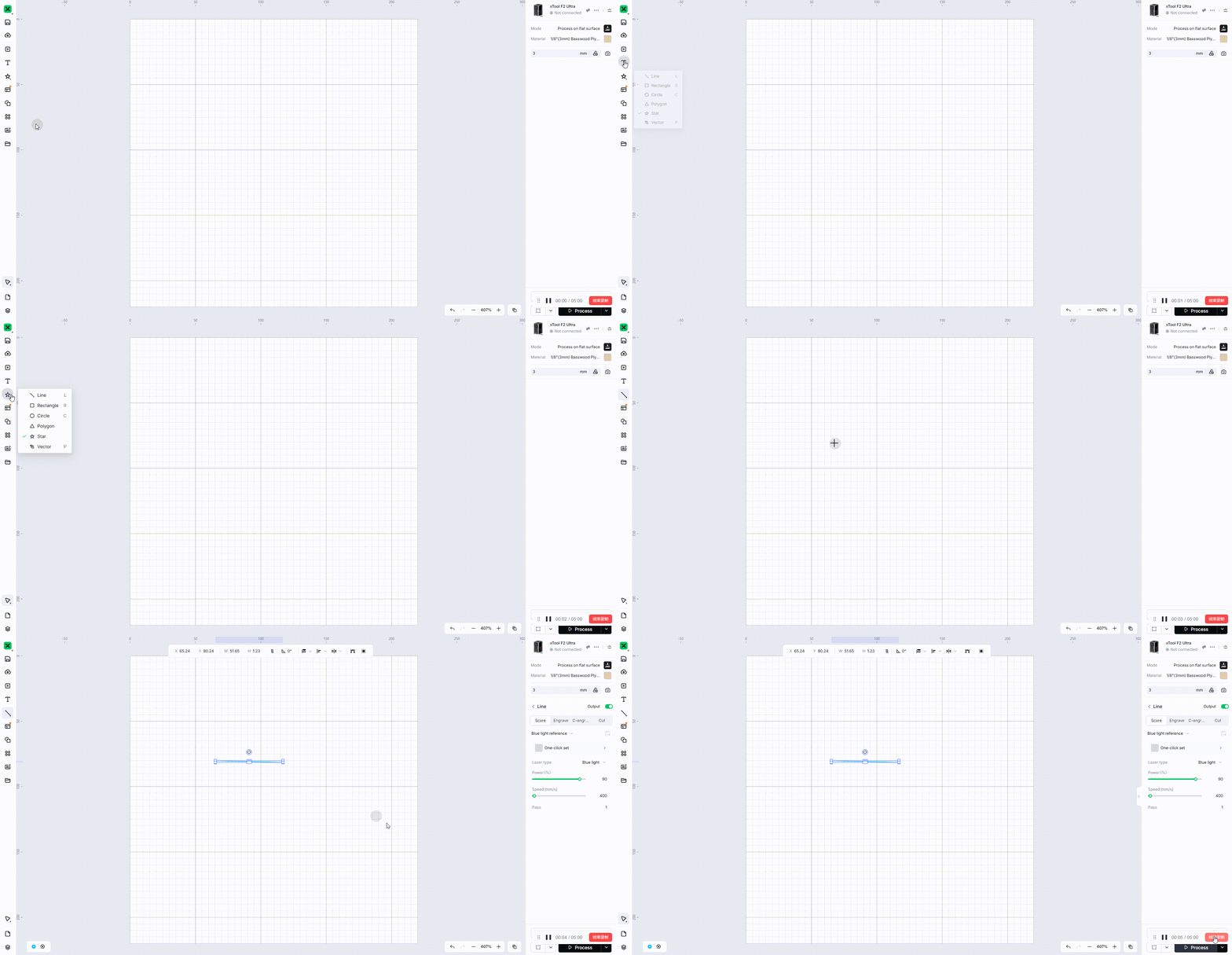
Add a line
- Click the "Line" button in the left toolbar.
- Click and drag the mouse in the canvas to draw a line.
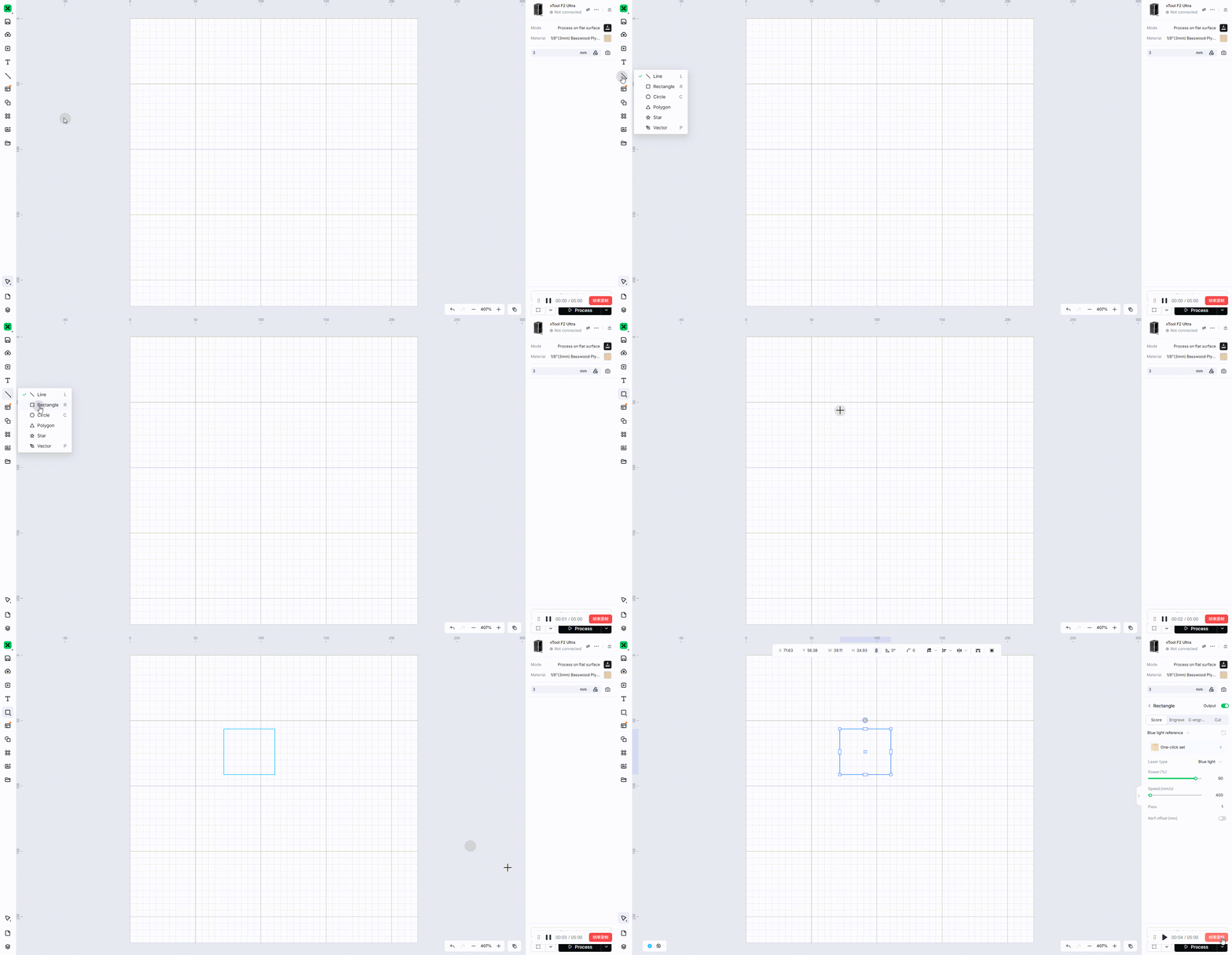
Add a rectangle
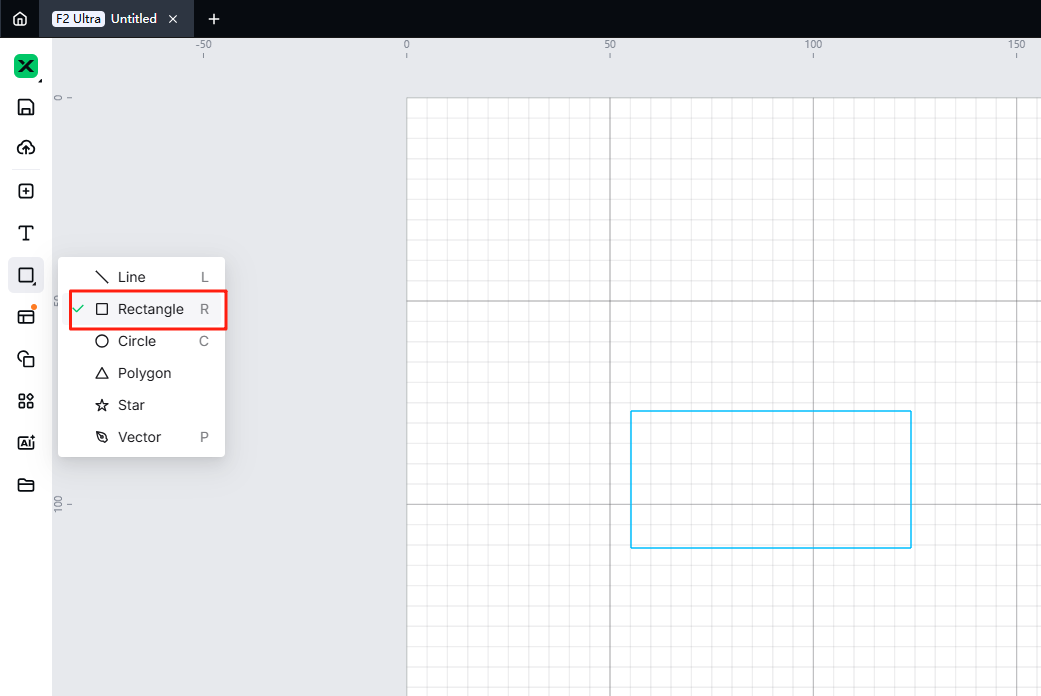
- Click the "Rectangle" button in the left toolbar.
- Click and drag the mouse in the canvas to draw a rectangle.
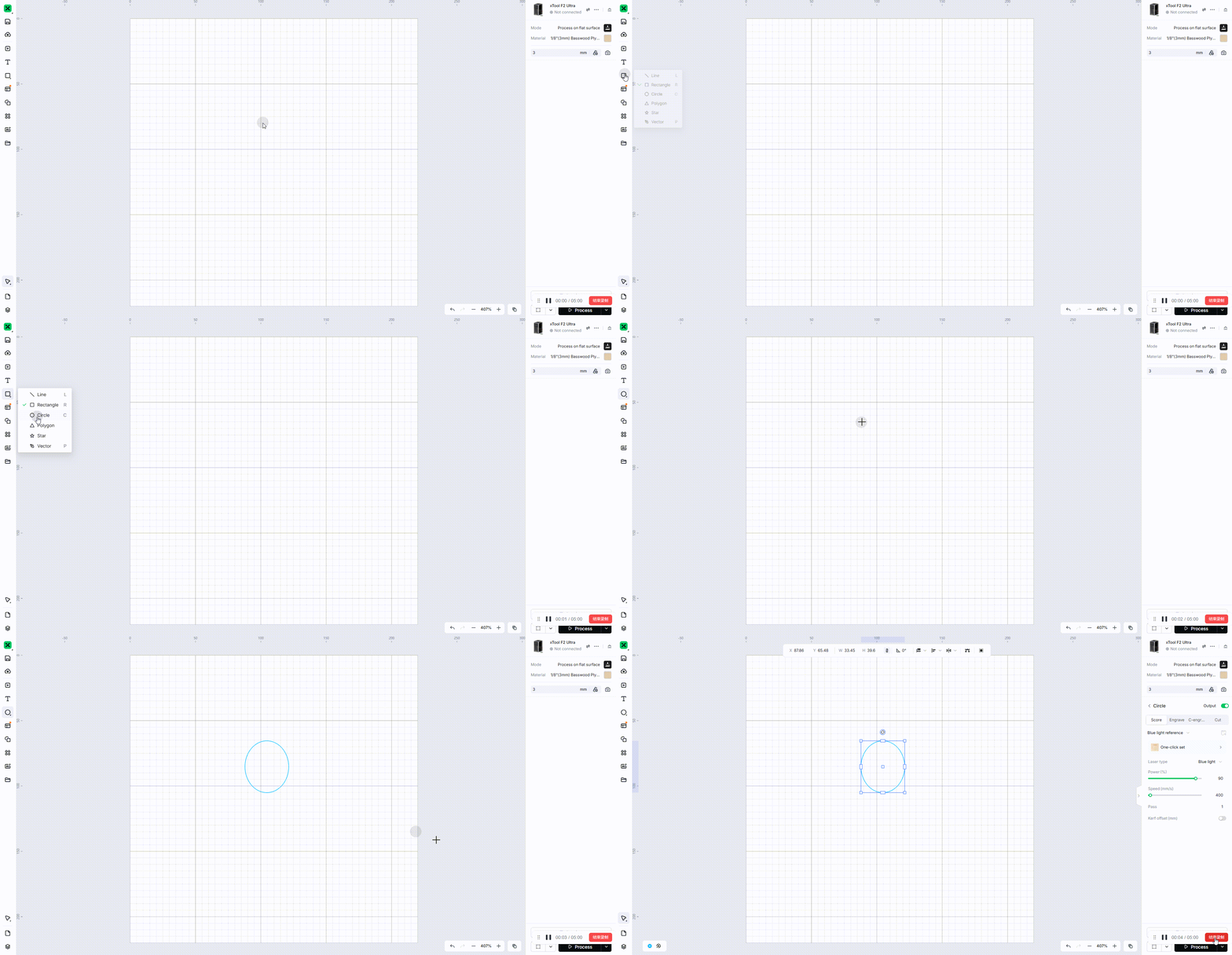
Add a circle
- Click the "Circle" button in the left toolbar.
- Click and drag the mouse in the canvas to draw a circle.
Set corner radius
- Draw a rectangle.
- Click to select the rectangle.
- Set the corresponding values in "Corner Radius" on the top toolbar.

Add materials from Templates
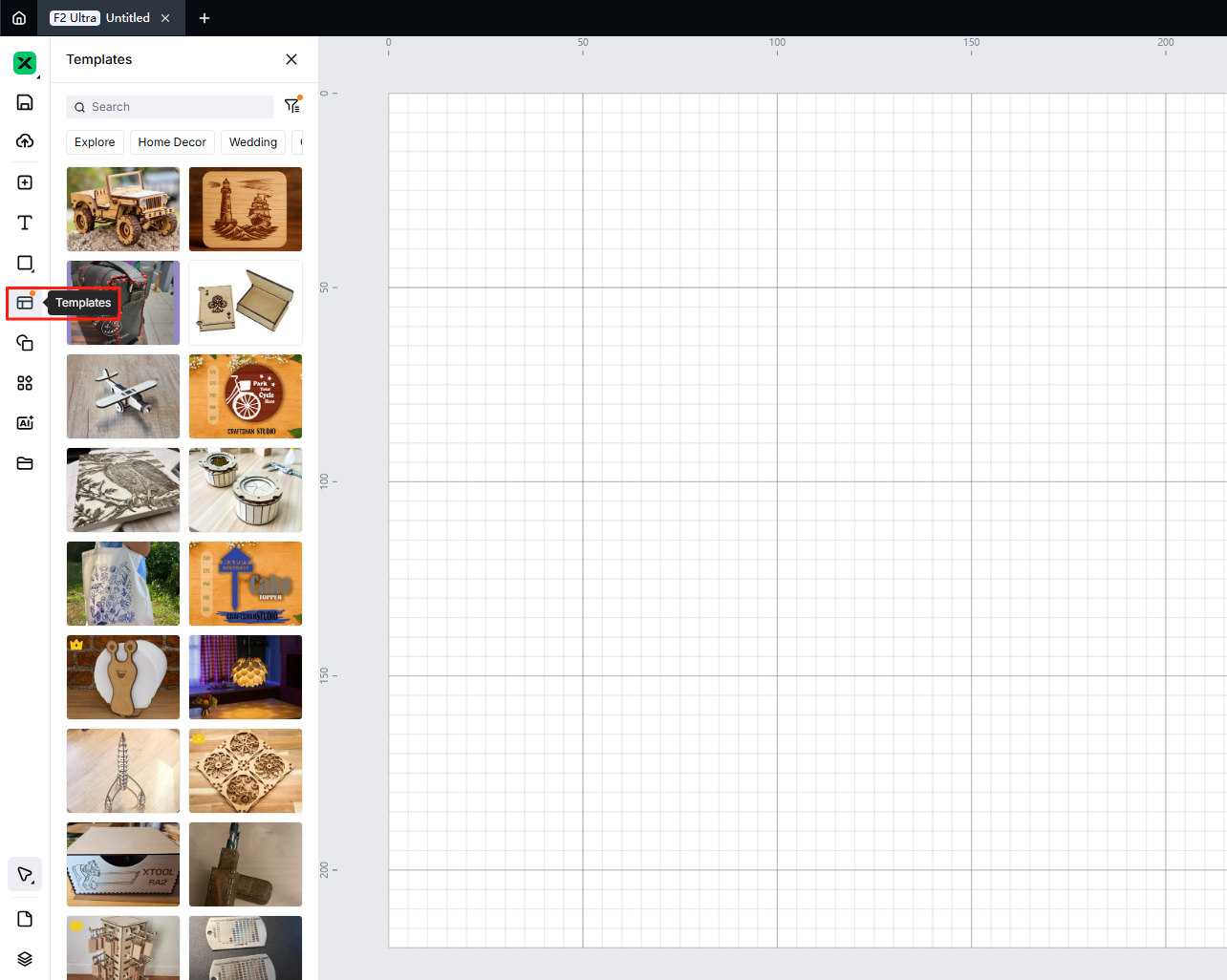
- Click "Templates" in the left toolbar, and the templates pop-up window will appear.
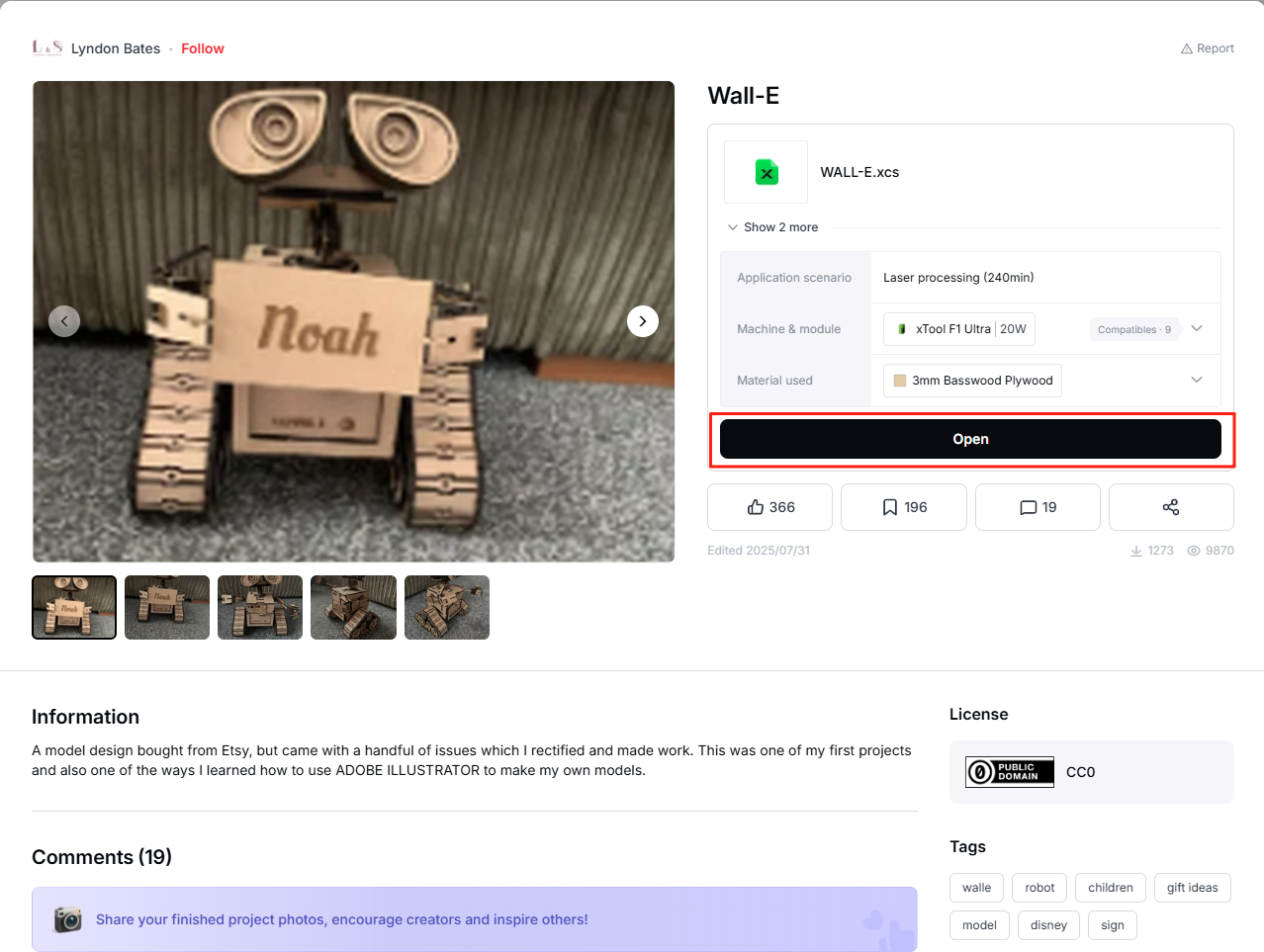
- Download and import the materials you want to the canvas.


Preview
Was this page helpful?
5 out of 10 found this helpful
Help Ticket
Use this help ticket to submit your issue. We will respond within 1 business day
Submit a Ticket 
