
Import Bitmap
Updated Sep 4,2025
Updated Sep 4,2025
- Double-click xTool Studio to open the software and create a new project.
- Click "Upload" in the left toolbar. In the pop-up file selection window, import your bitmap files (in PNG, JPG, or WEBP format).
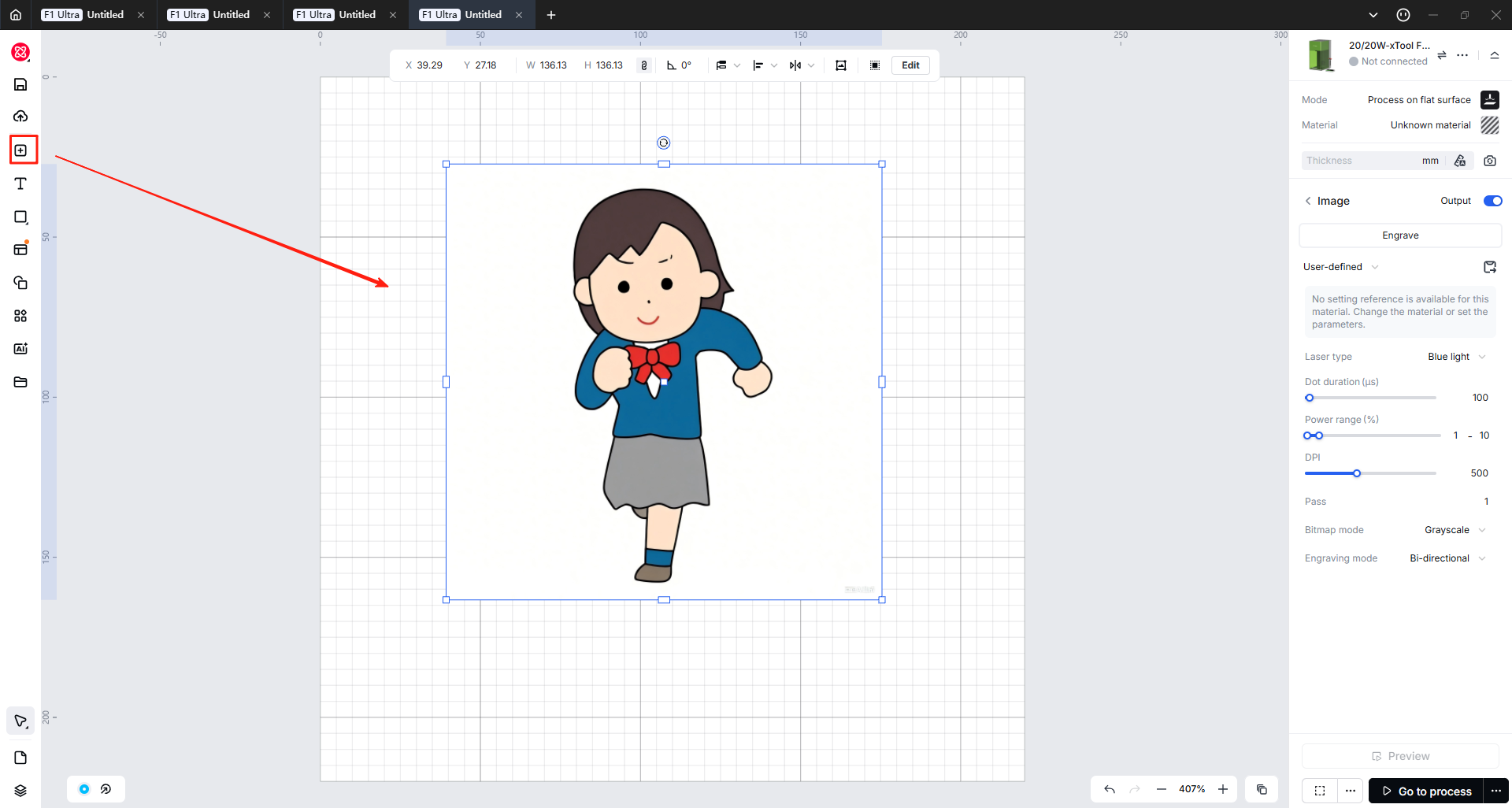
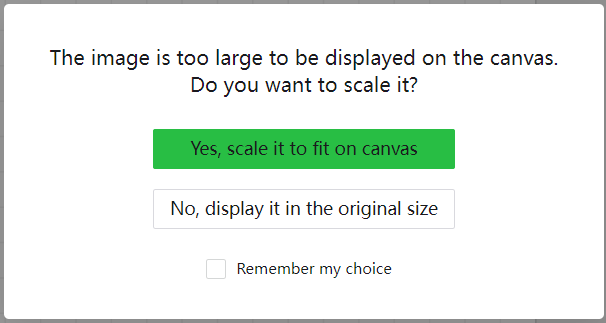
- If your image is bigger than the canvas, a pop-up window may appear. We recommend scaling it down to get a complete view of the image on the canvas.
Preview
Was this page helpful?
26 out of 30 found this helpful
Help Ticket
Use this help ticket to submit your issue. We will respond within 1 business day
Submit a Ticket 
