
1. Materials and Equipment
1.1 Sale of Materials
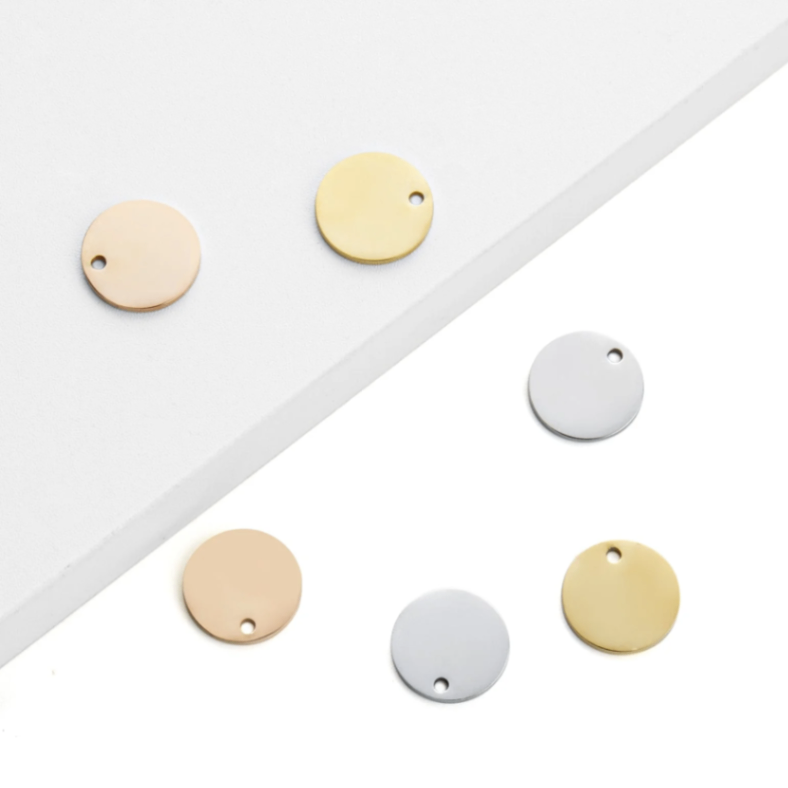
Adaptation Processing Modes: Process on flat surface / Curved material / Use rotary attachment
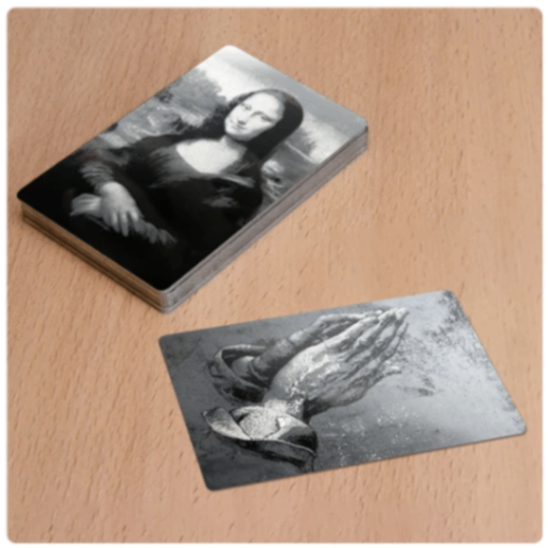
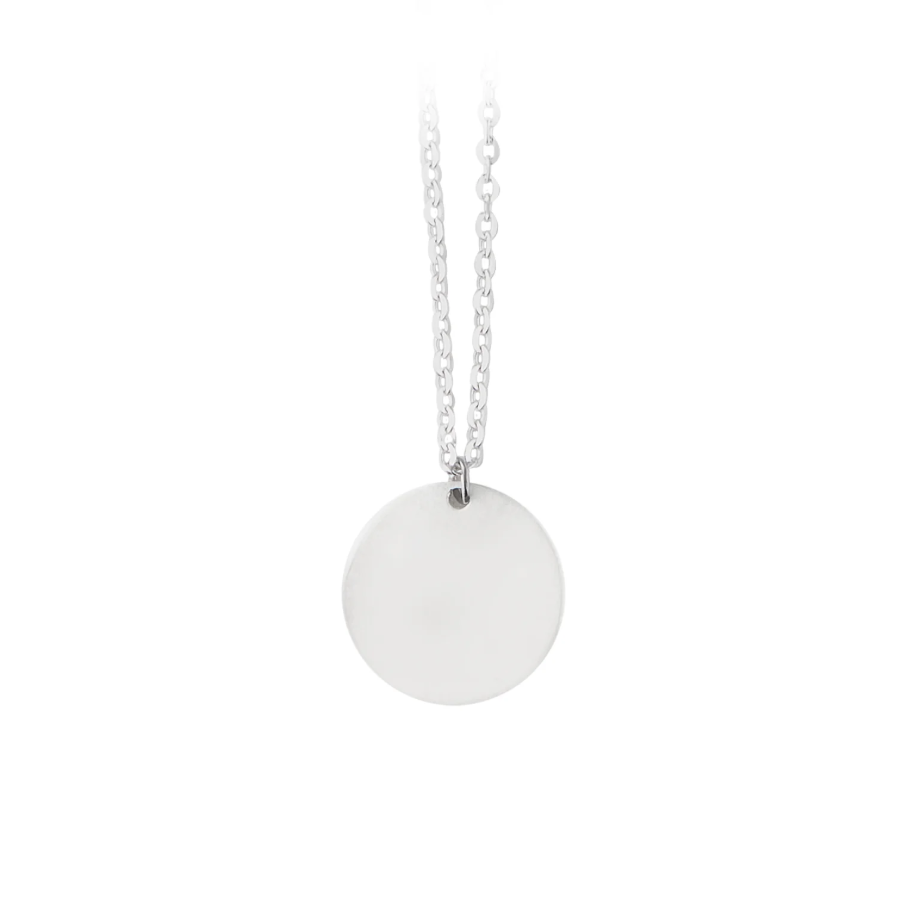
More materials are available for viewing, and there are many semi-finished products for each type of metal material. Please browse and purchase on the official website.
1.2 Adaptation of Processing Equipment
Adapt Processing Mode: Curved material / Use rotary attachment / Process on flat surface
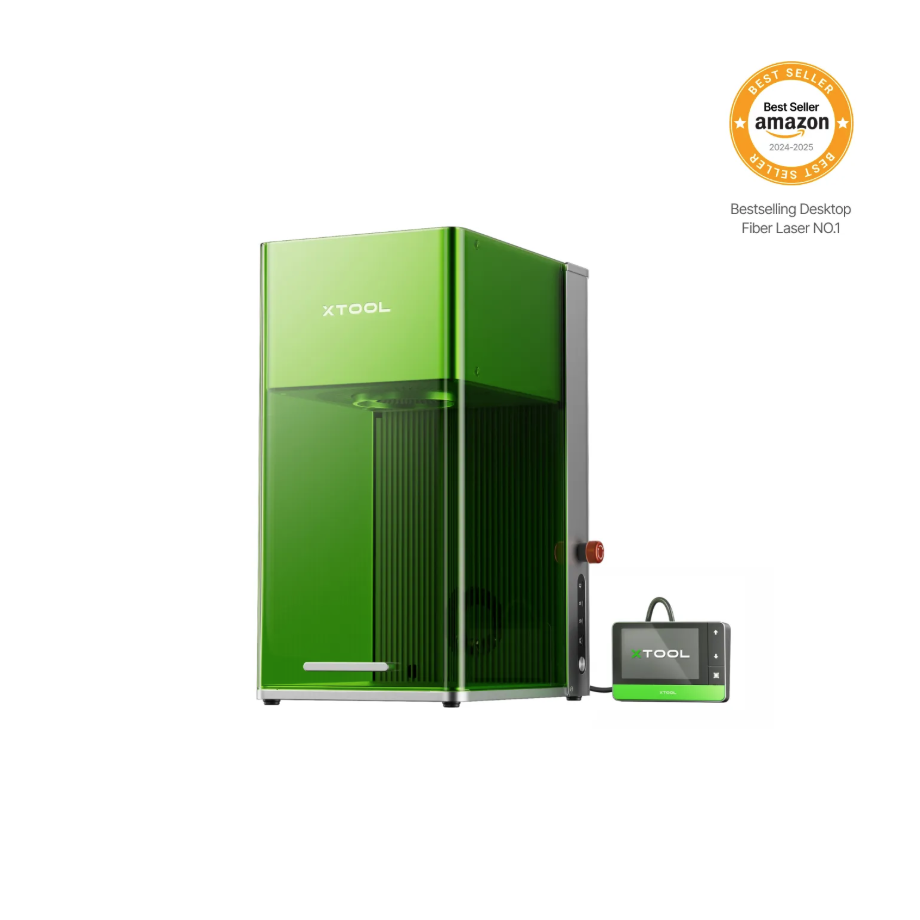
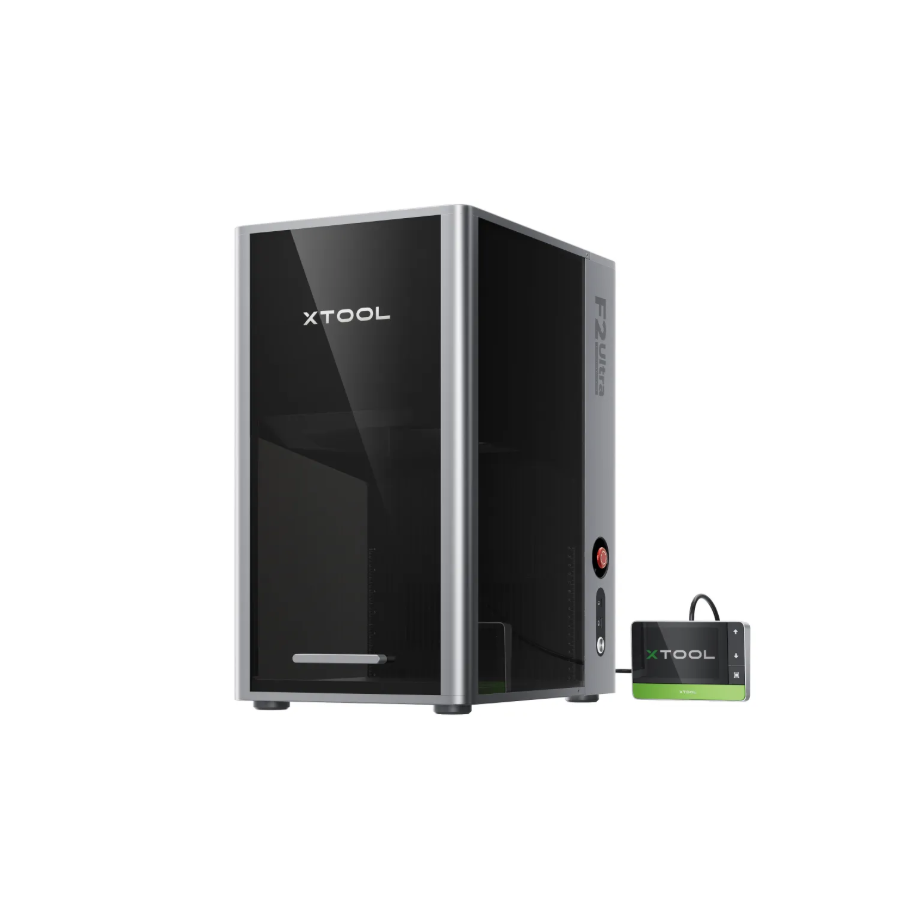
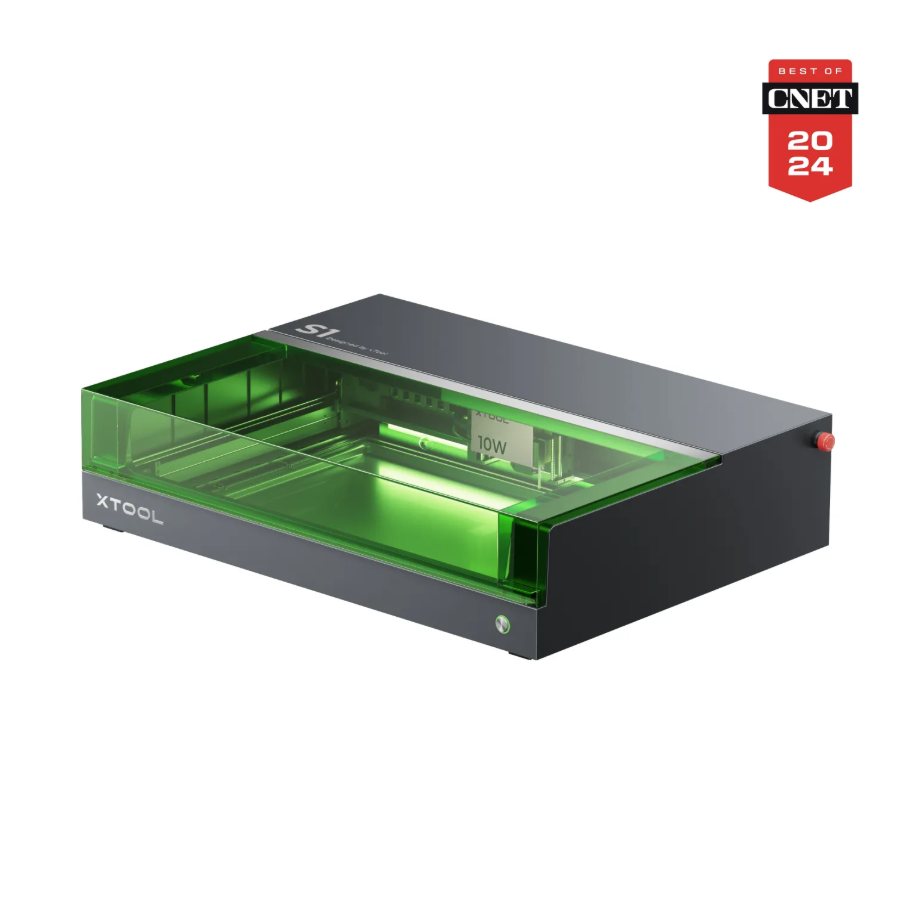
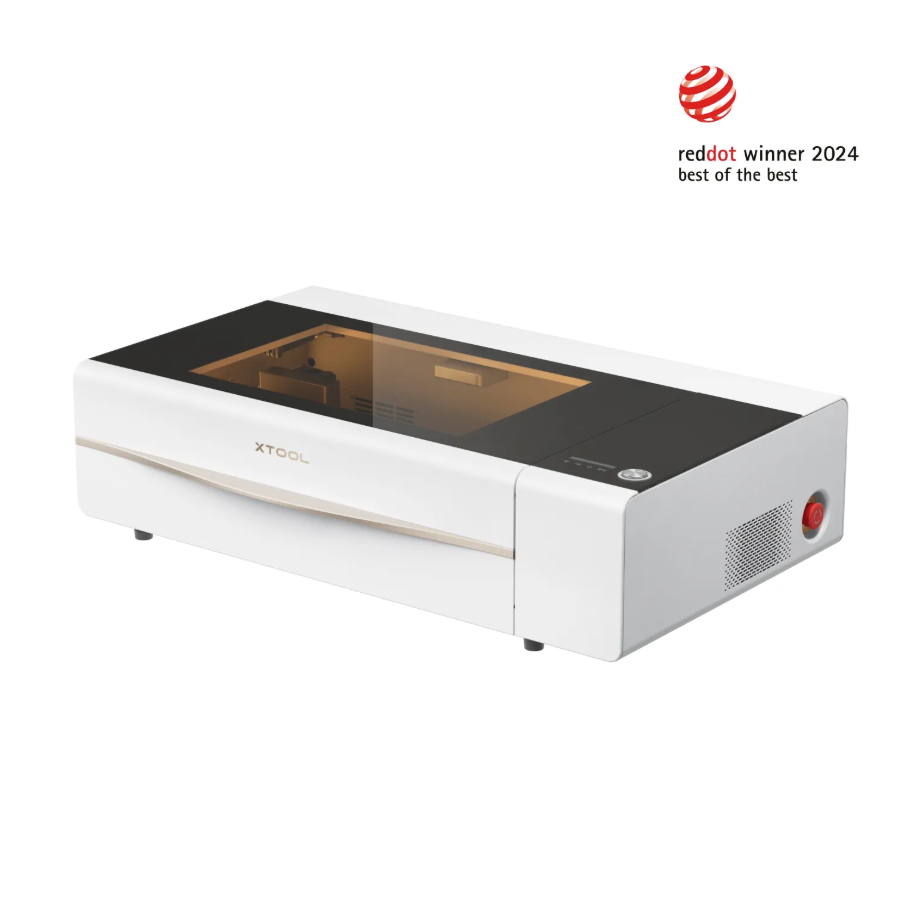
Adaptation Processing Mode: Use rotary attachment / Process on flat surface
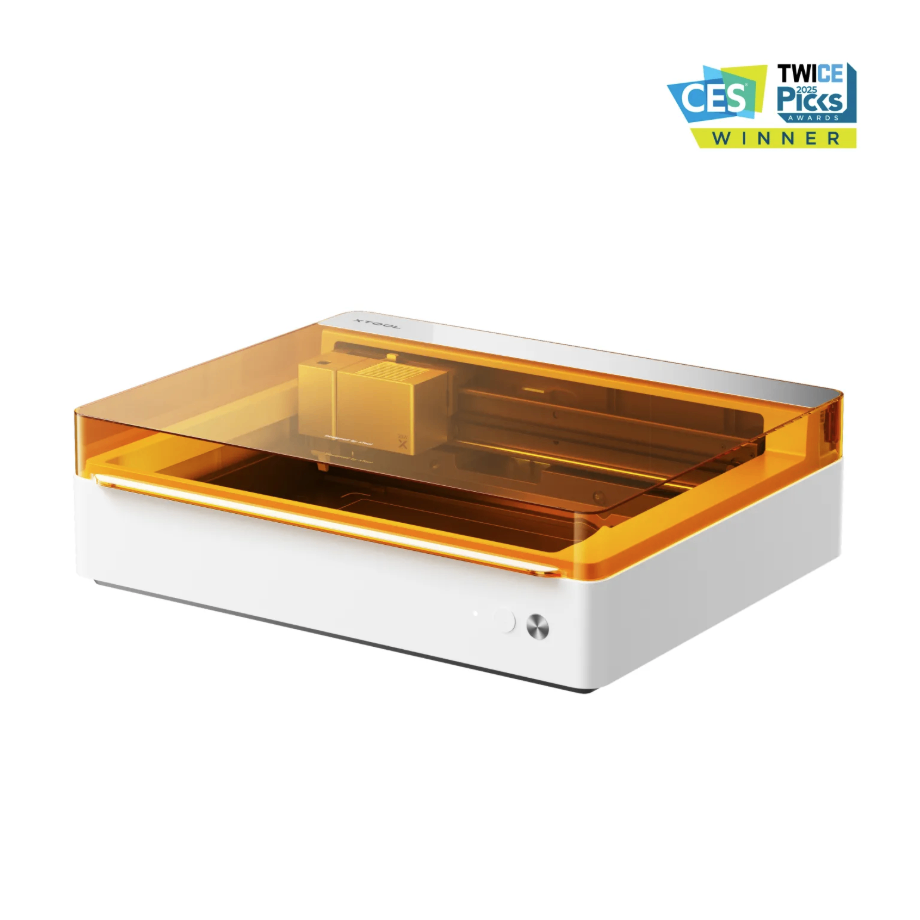
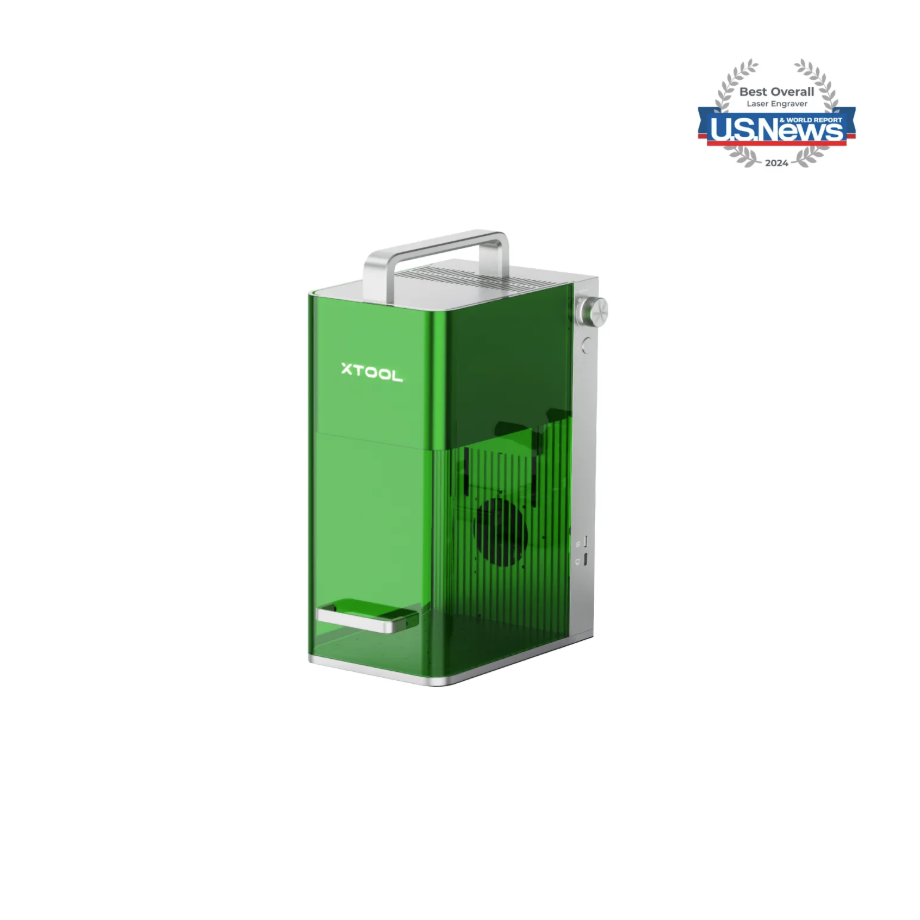
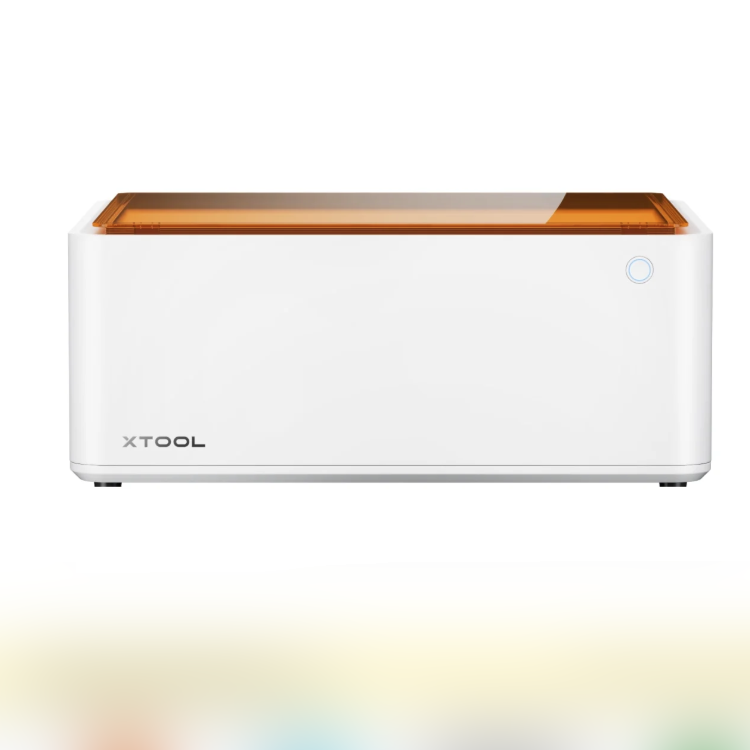
1.3 Using Accessories
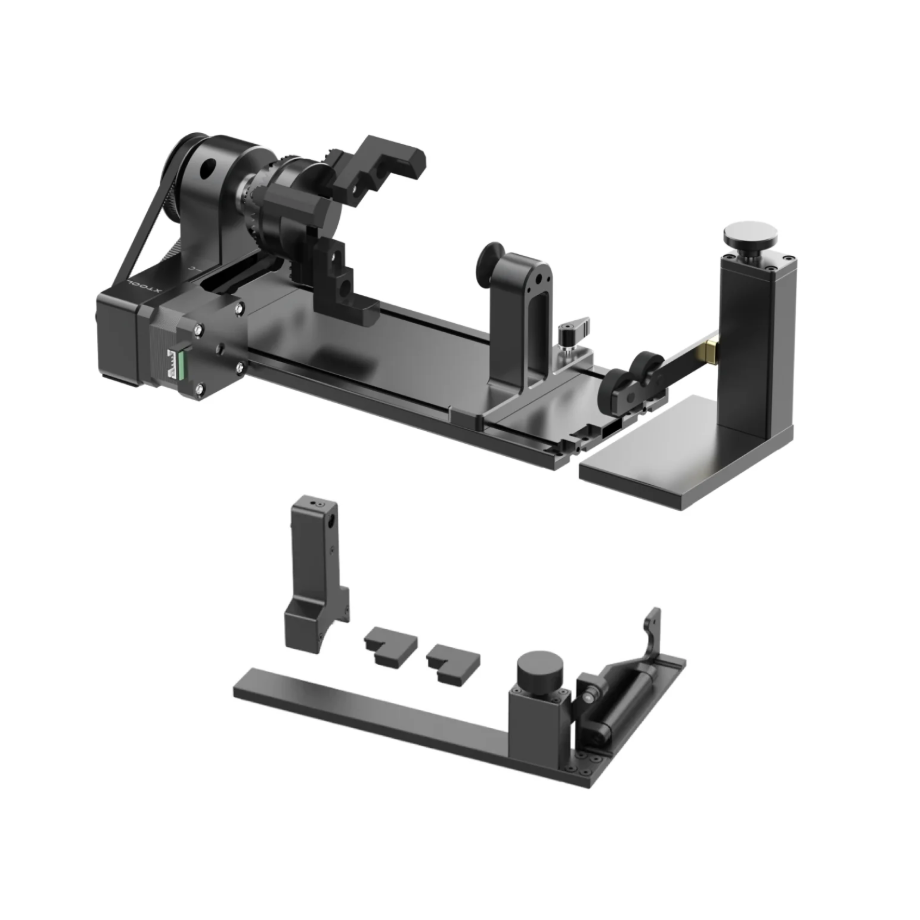
The Rotary Attachment can be used with the equipment to perform 360° rotational processing on cylindrical materials.
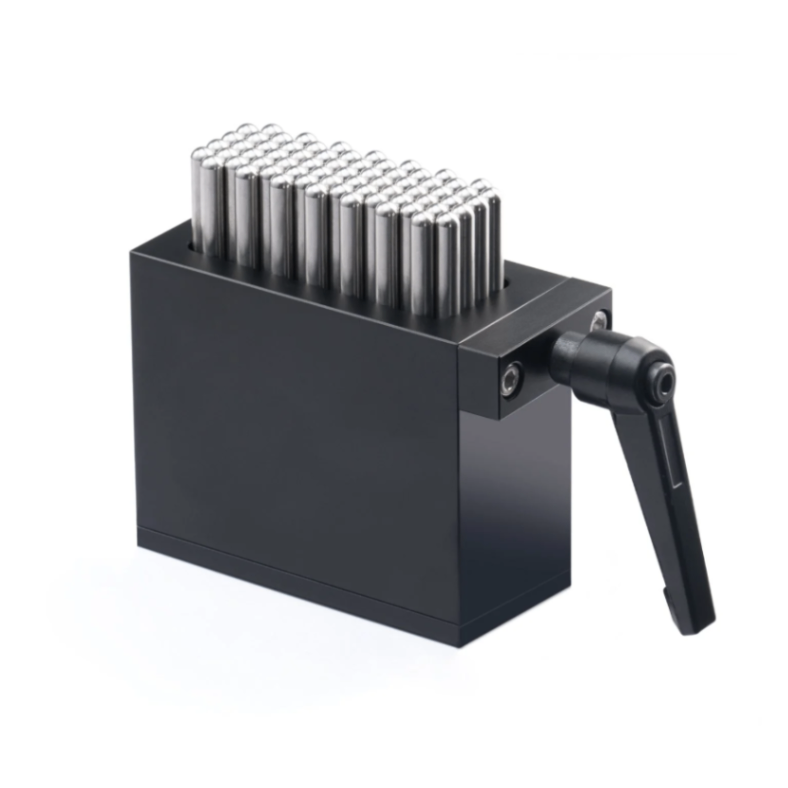
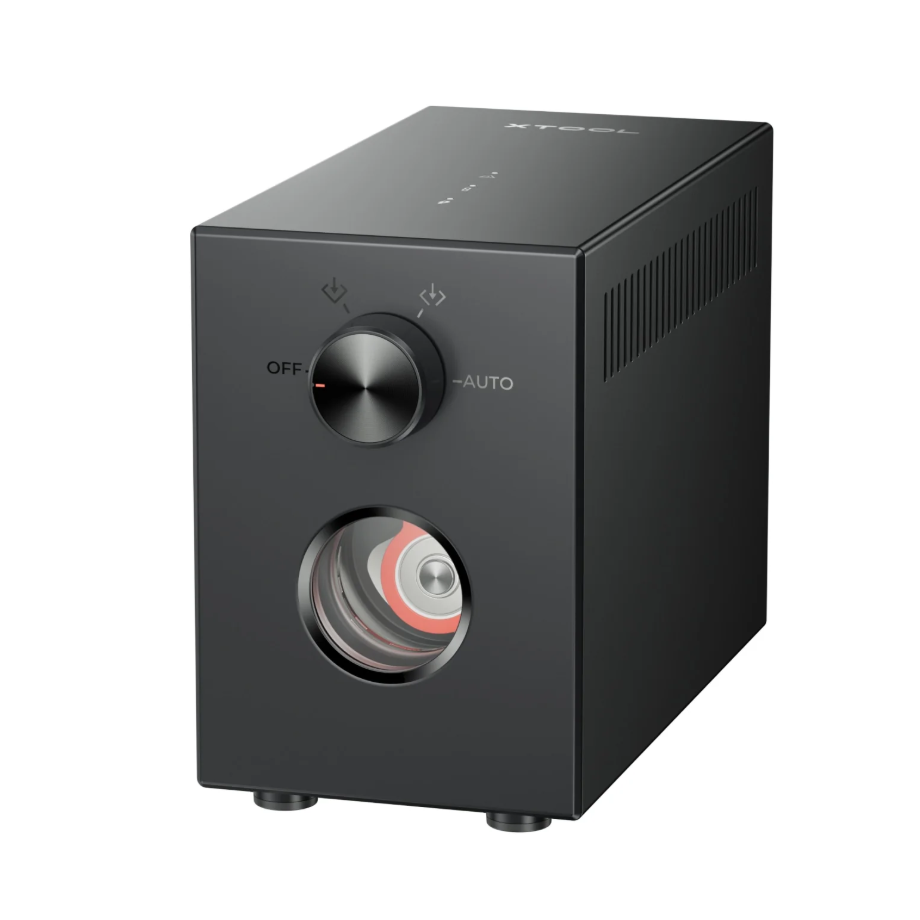
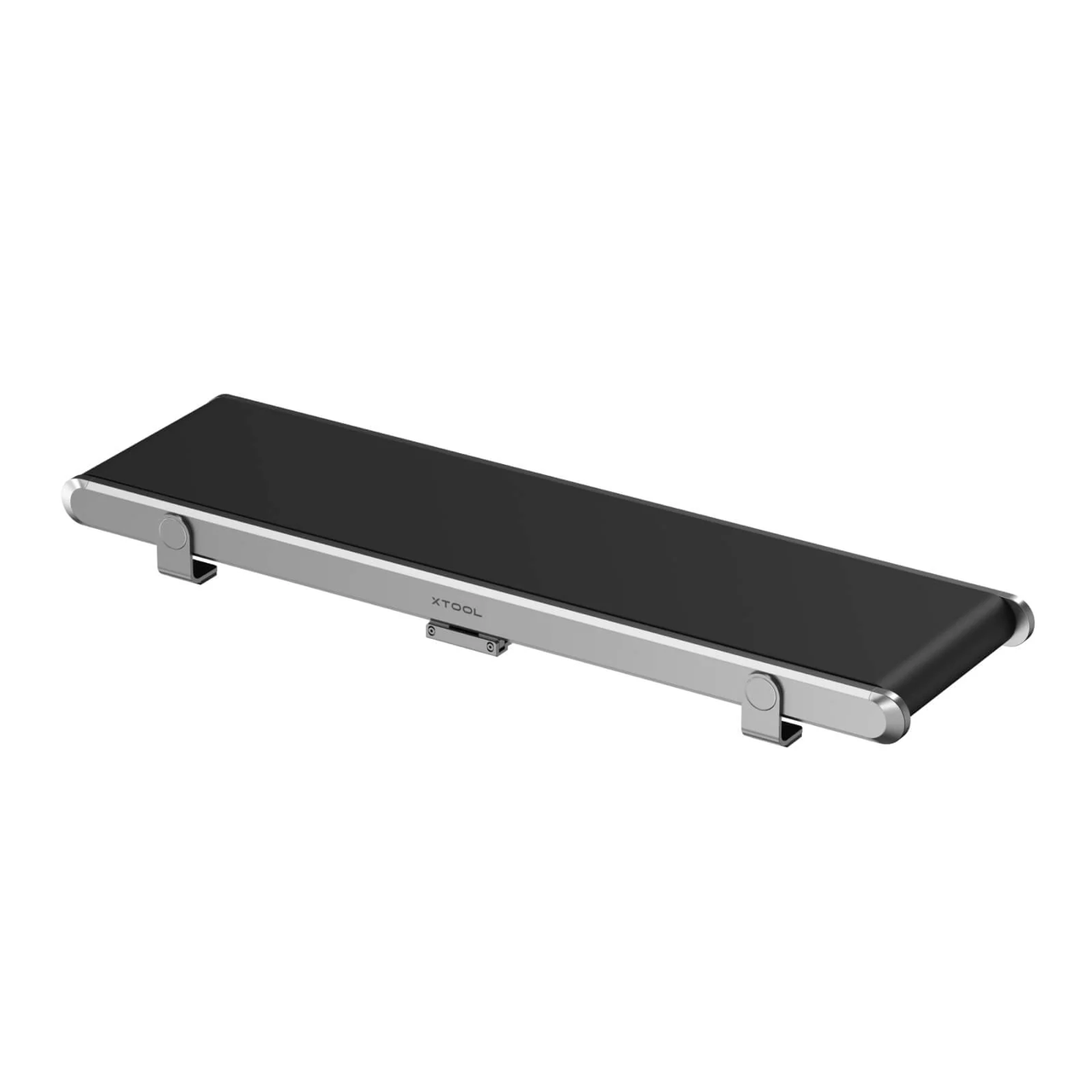
1.4 Materials Used
2. Pre-processing Preparation
2.1 Precautions for Highly Reflective Metal Materials
For metal materials with mirror polishing, the surface reflectivity is high, making it easy to generate reflection during laser processing, which may cause damage to the Laser Module. When processing highly reflective metal materials, please proceed with caution. It is recommended to follow the operating guidelines to effectively avoid Laser Module damage caused by processing such materials.
Operating Instructions:
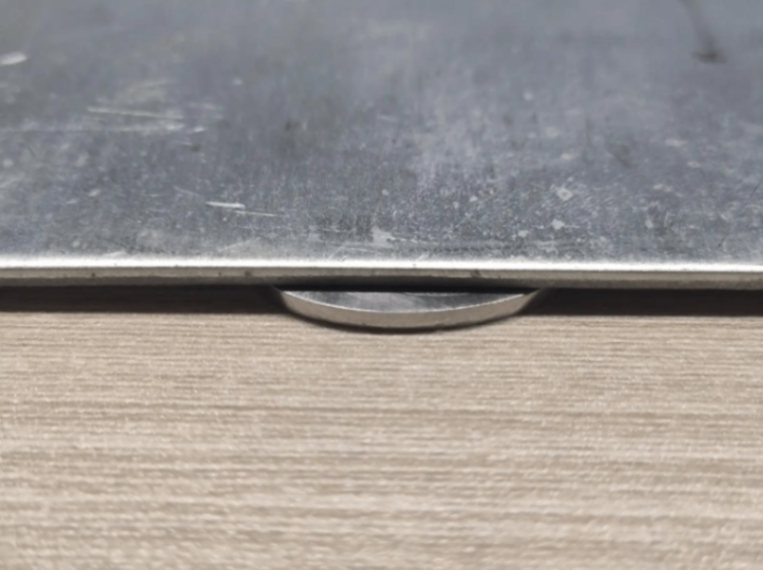
When placing the metal material on the base plate, place a 1mm-high object under one side of the material so that the plane of the metal material is not at a right angle to the Laser Module's light outlet, thereby preventing reflected light from being directly reflected back into the Laser Module.
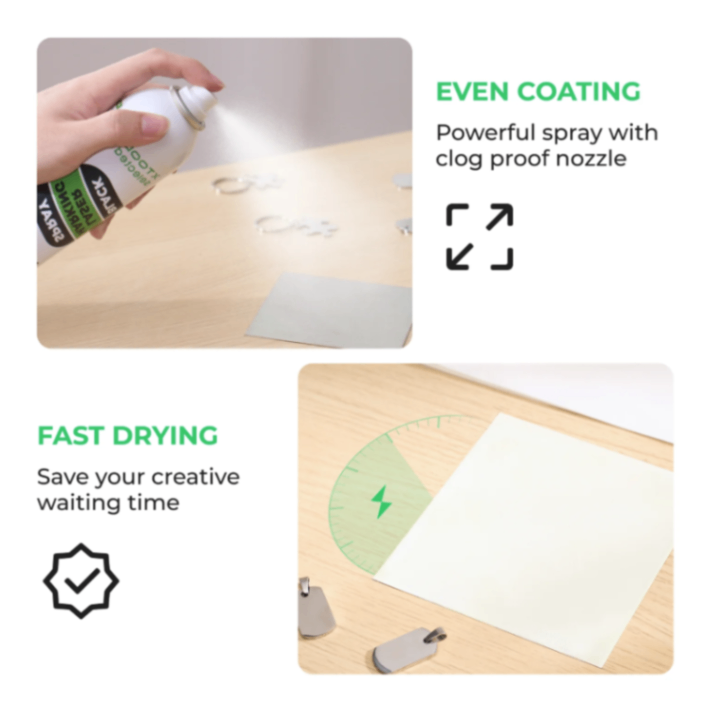
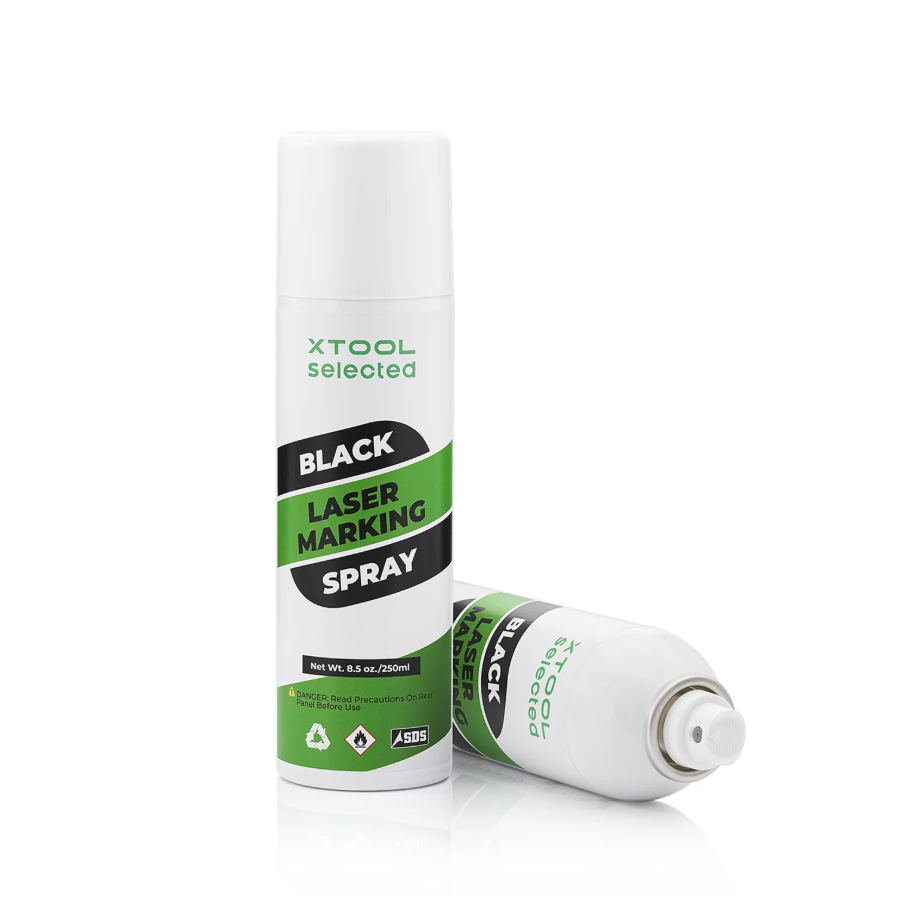
Evenly spray Black Laser Marking Spray on the mirror-finish metal surface material to effectively reduce laser reflection damage to the Laser Module. (Currently, when processing on the Black Laser Marking Spray layer, the laser can only engrave in a fixed color effect, so the best application scenario for Black Laser Marking Spray is on metal plates that cannot be processed by this light source).
2.2 Should Air-Compress Assist Be Enabled During Engraving
When engraving a large area of a single-color pattern:
It is recommended to enable Air-Compress Assist, as the airflow can effectively dissipate heat and reduce deformation of the metal caused by heating.
Activating Air-Compress Assist can also extend the Laser Module's working time for metal processing. The airflow can dissipate heat, providing a cooling effect for the Laser Module.
When metal needs to be processed to present a color engraving effect:
It is not recommended to enable Air-Compress Assist, as the colored effect on metal occurs on its surface layer, and enabling Air-Compress Assist affects the heating process that causes the color change in the metal.
2.3 Wearing Protective Equipment
Protective mask: filters dust and odors.
Protective gloves: Prevent scratches when handling metal materials and also avoid burns when picking up materials after metal processing.
Smoke Air Purifier: Handles dust and exhaust gases generated during processing.
3. Common Issues and Solutions
3.1 Infrared Processing Issues:
1. Can an infrared light source achieve a color carving effect
It can be used together with Laser Marking Spray. The color diversity of Laser Marking Spray allows the colors of the laser-engraved products to also remain diverse.
2. Why is deep engraving mode used for cutting metal sheets
Cutting in deep engraving mode can make the edges of the cut metal smoother.
3. Is cleaning required after metal embossment?
Multi-angle laser engraving is required to remove the dark oxides produced in the metal embossment.
3.2 Blu-ray Processing Issue:
1. Difference between matrix carving with dazzling colors and single-parameter carving with dazzling colors
When engraving dazzling patterns on the matrix, the continuous processing leads to significant heat accumulation, with distinct differences in thermal reactions across different areas, resulting in more varied color changes.
When processing with a single parameter from the matrix, due to the lack of excessive heat generation, the reaction on the metal surface layer cannot achieve the same effect as during matrix engraving. Therefore, the color change produced during single engraving with a value selected from the matrix will differ somewhat from the color in the matrix.
3.3 CO2 Processing Issue:
1. CO2 - No effect on metal processing
The processing effect of a CO2 light source on metal is not significant. It can be used in combination with Black Laser Marking Spray. When Black Laser Marking Spray is applied to the metal surface and then engraved with a laser, black marks will appear on the material surface.
2. Black Laser Marking Spray - Poor engraving results
Black Laser Marking Spray is a coating that adheres to metal surfaces. After engraving a pattern, do not scratch the processed area with fingernails or other sharp objects. Normal skin contact will not damage the engraved area.
After spraying the Black Laser Marking Spray, do not touch the spray layer to avoid peeling, which may affect the engraving results.
When applying Black Laser Marking Spray, it doesn't need to be too thin, as being too thin will affect the engraving color depth. It also doesn't need to be too thick; just spray evenly twice.
3.4 General Processing Issues:
1. How to process irregular small metal pieces
Cylindrical materials can be fixed and processed using a Rotary Attachment.
Irregular small materials can be fixed and machined using a Flexible Fixture.
Flat sheet materials can be placed directly on the base plate for processing.
2. Missing machining effect on graphic edges
Reduce the processing image.
Increase engraving times.
Reduce processing speed.
3. Surface reflections result in an inconspicuous effect
You can use the operation of repeated multiple processing; when setting the processing values, increase the number of processing times to enhance the visual effect of the engraved area image.
You can try adjusting the operations with and without image inversion to see which engraving effect is deeper.
A polarizing filter can be attached to the shiny metal surface to prevent light from other angles from affecting the material processing results, thereby allowing observation of the effect on the processed metal.
4. Metal Deformation Before and After Processing
The longer the processing time, the higher the accumulated heat and temperature in the metal, making it more prone to deformation, so the duration of a single processing by the Laser Module can be reduced.
When a color carving effect is not required, Air-Compress Assist can be enabled to aid heat dissipation.
Before processing, use the Honeycomb Panel along with the matching metal magnetic clips to secure the metal onto the Honeycomb Panel, which can effectively prevent slight deformation of the metal sheet.
Place a flat metal plate underneath, using the heat conduction property of metal to transfer the heat from the upper metal to the lower metal material, assisting in heat dissipation.
5. The pattern color becomes lighter during engraving
When processing highly reflective metal materials, the Laser Module will reflect a large amount of heat back onto the Laser Module during operation, causing it to reach a high-temperature thermal attenuation state more quickly, which leads to laser power loss. It is recommended to wait for the Laser Module to cool down before resuming processing.
Exceeding the effective and stable light-emission processing range of the machine model will result in incomplete pattern processing in the edge areas of the processing range.
6. Difficult to clean the surface after engraving
Clean using industrial alcohol with a bristle brush.
Use an ultrasonic cleaner.
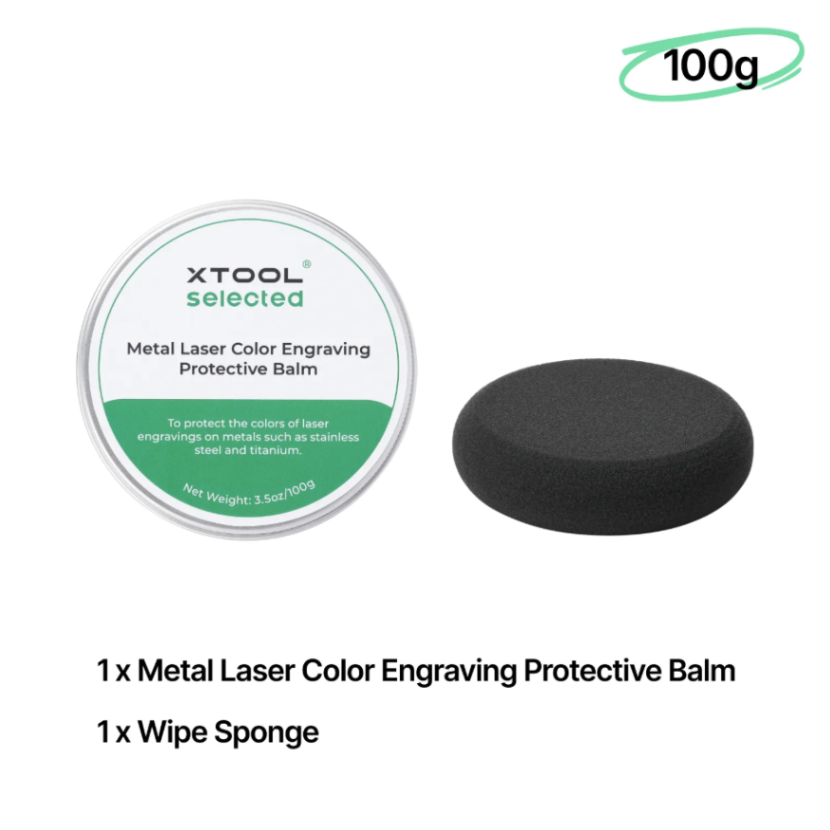
After cleaning, apply Metal Laser Color Engraving Protective Balm for color maintenance to prevent the engraved pattern from oxidizing and fading.
7. How to determine whether the processing is normal
The surface color is moderate or has a colored effect, the material has not been carved through, and the original structure of the material is not damaged.
Burn marks, yellowing, and uneven reflections are all abnormal effects.
Incomplete graphic processing, missing details, or large areas of unclear engraving, along with inconsistent overall image shading, are considered abnormal effects.
8. Unable to locate and inaccurate ranging
Mirror-reflective materials can have a certain impact on laser positioning. When using laser ranging, you can place a sheet of dark-colored paper or apply a piece of masking tape at the spot where the laser beam directly hits the material’s surface to assist with ranging.
Mirror reflective materials have a certain visual impact on the camera's shooting function, so it is necessary to process the machining path before machining.

