
1. Materials and Equipment
1.1 Sale of Materials


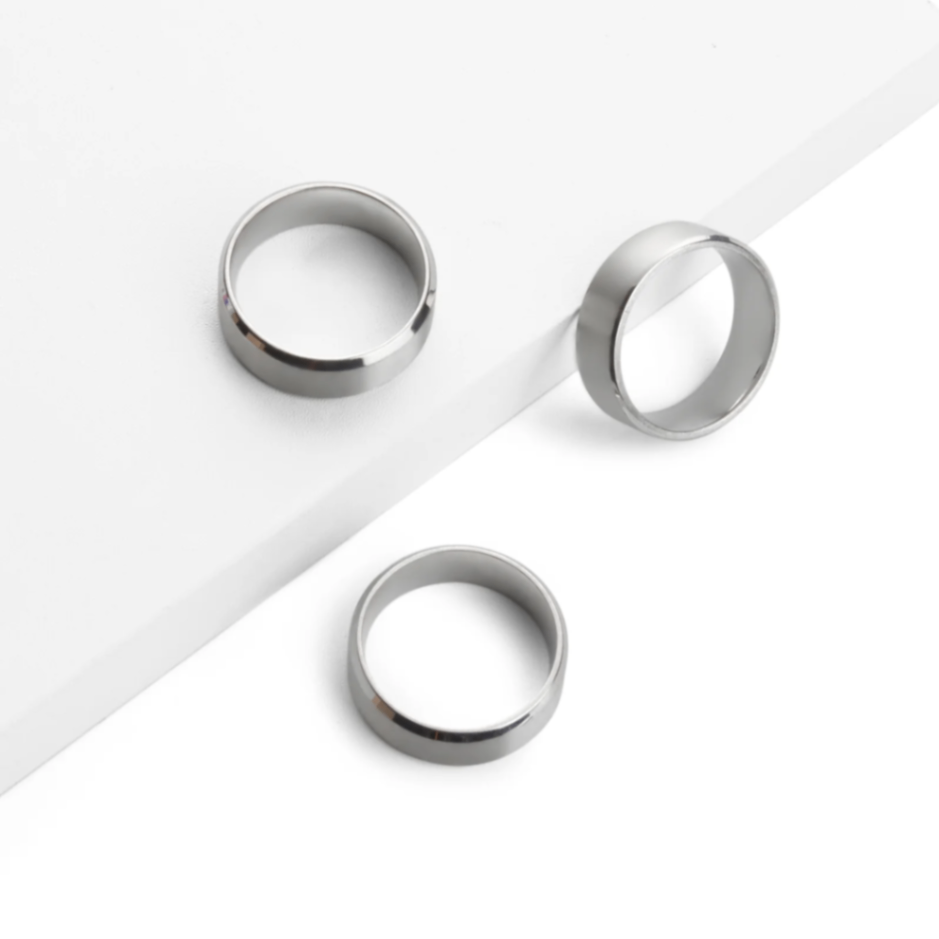
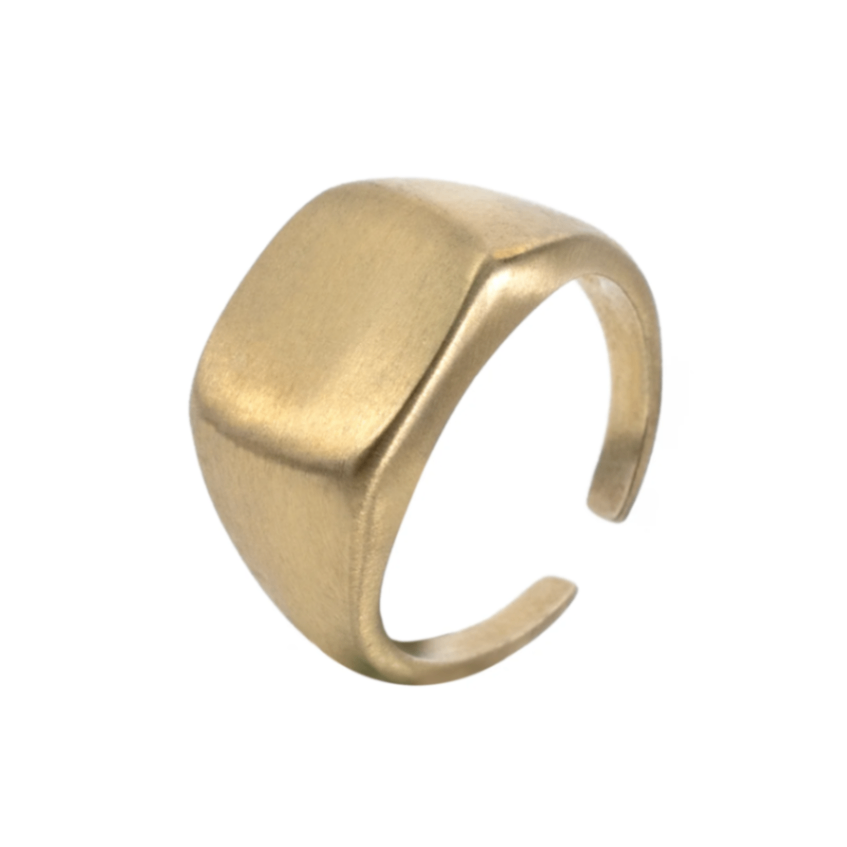
For more information, you can click the Official Website link to view.
1.2 Adapt Processing Equipment
Adaptation Processing Mode: Embossment
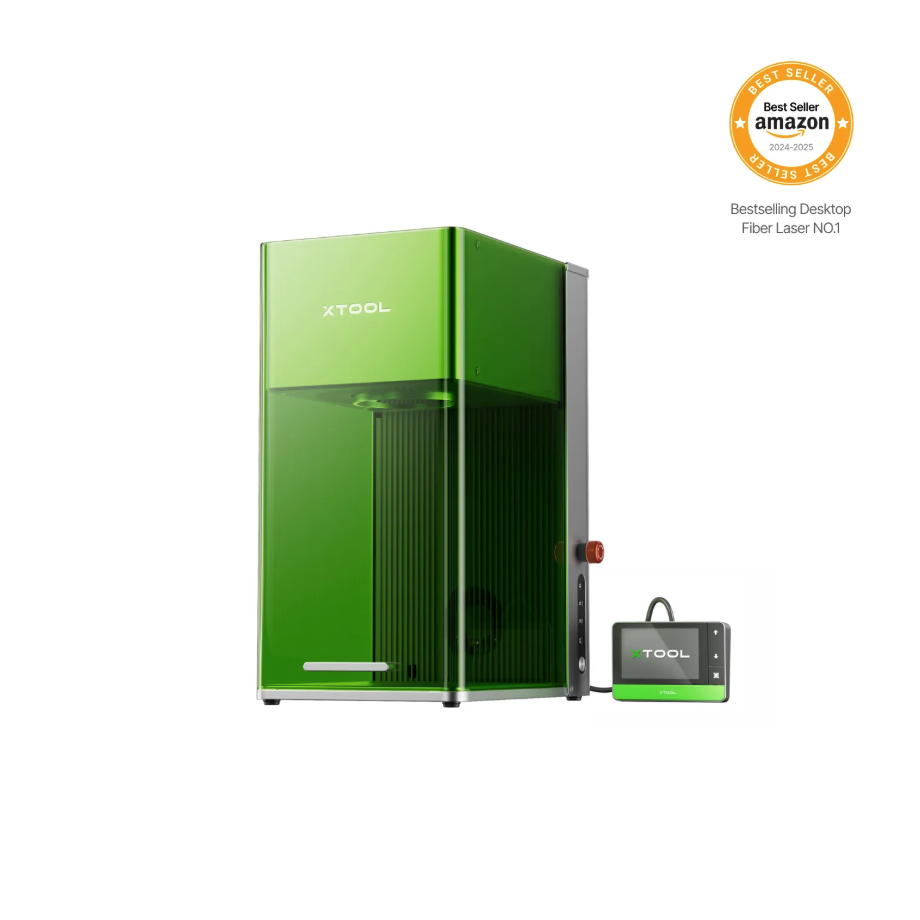
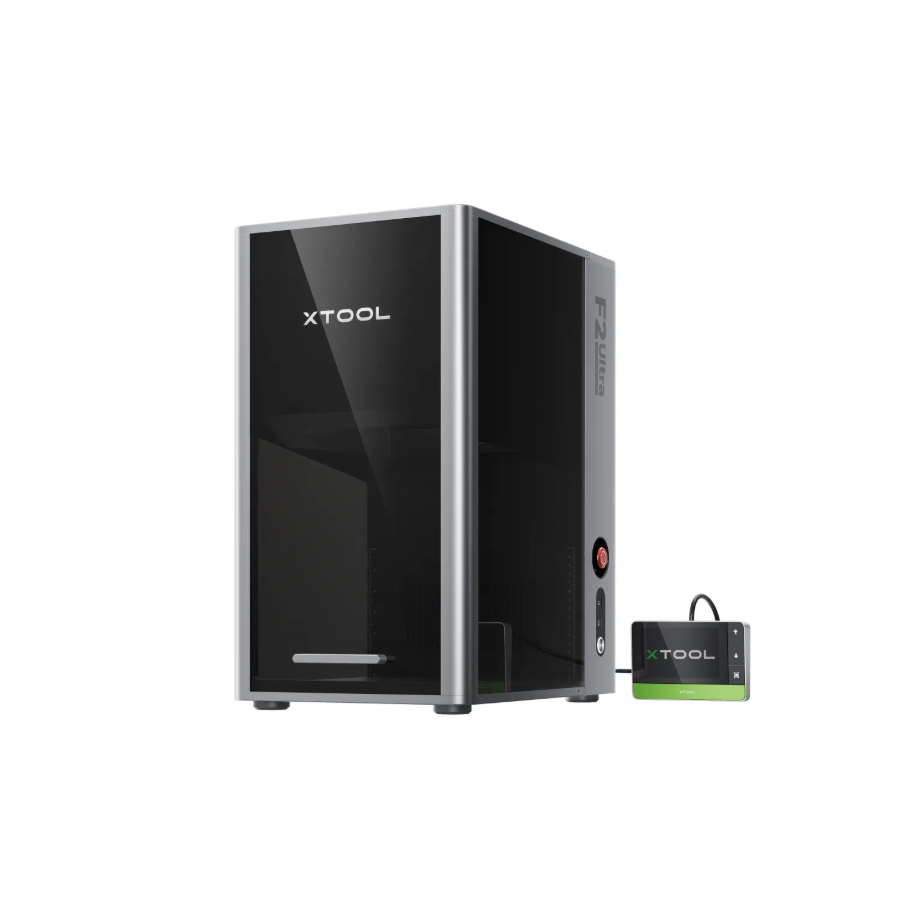
1.3 Use of Accessories
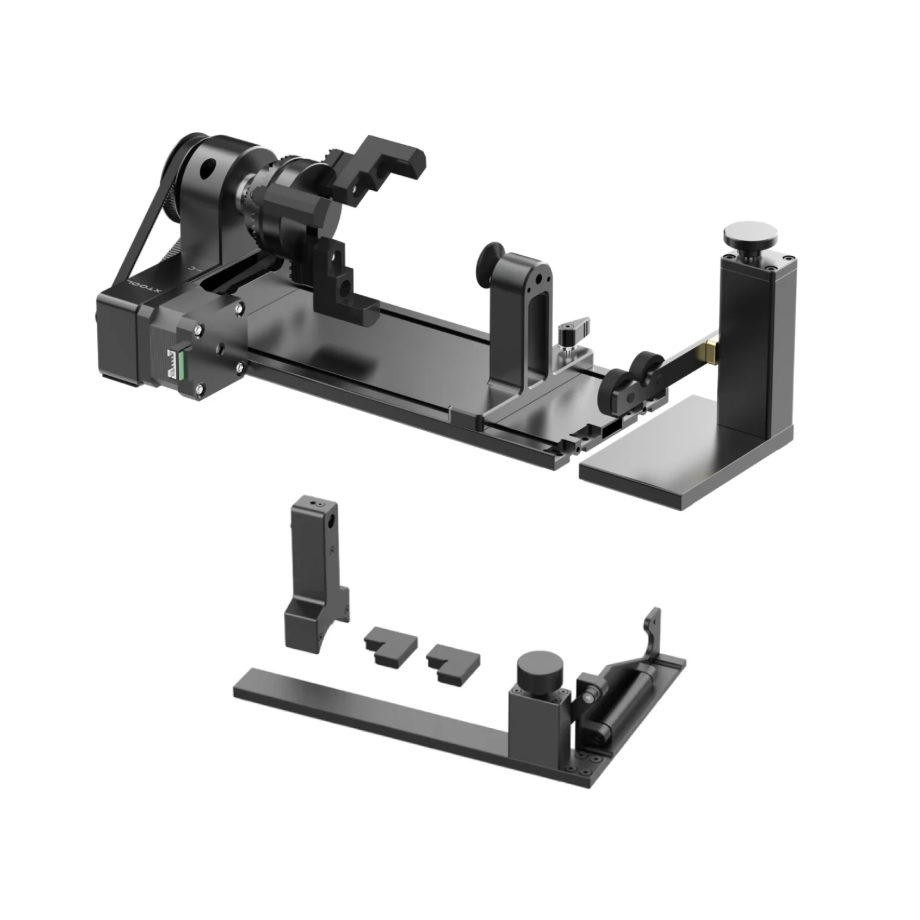
The Rotary Attachment enables 360° rotational processing of regular cylindrical materials.
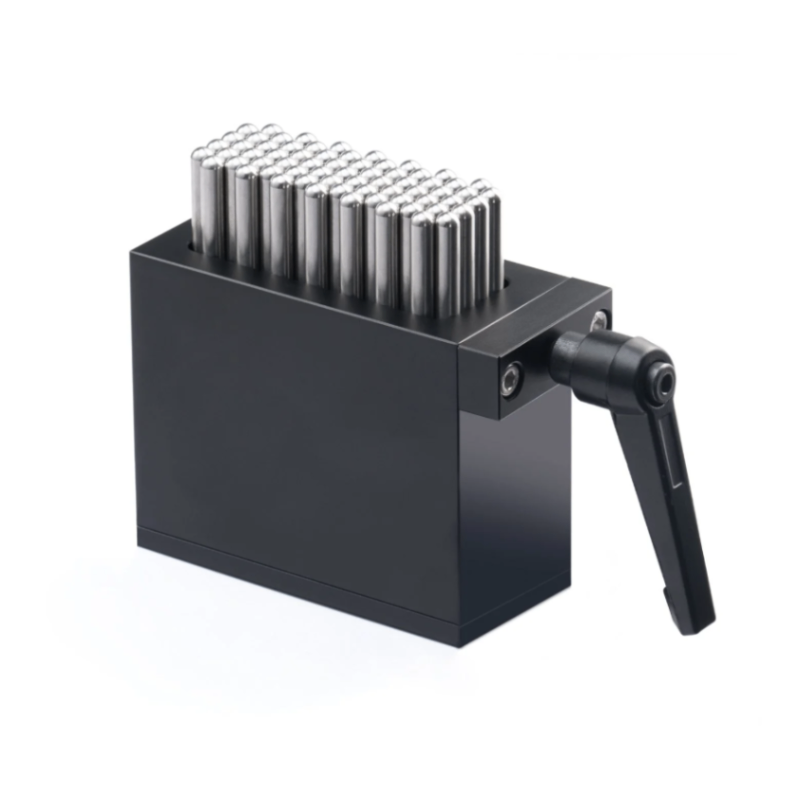
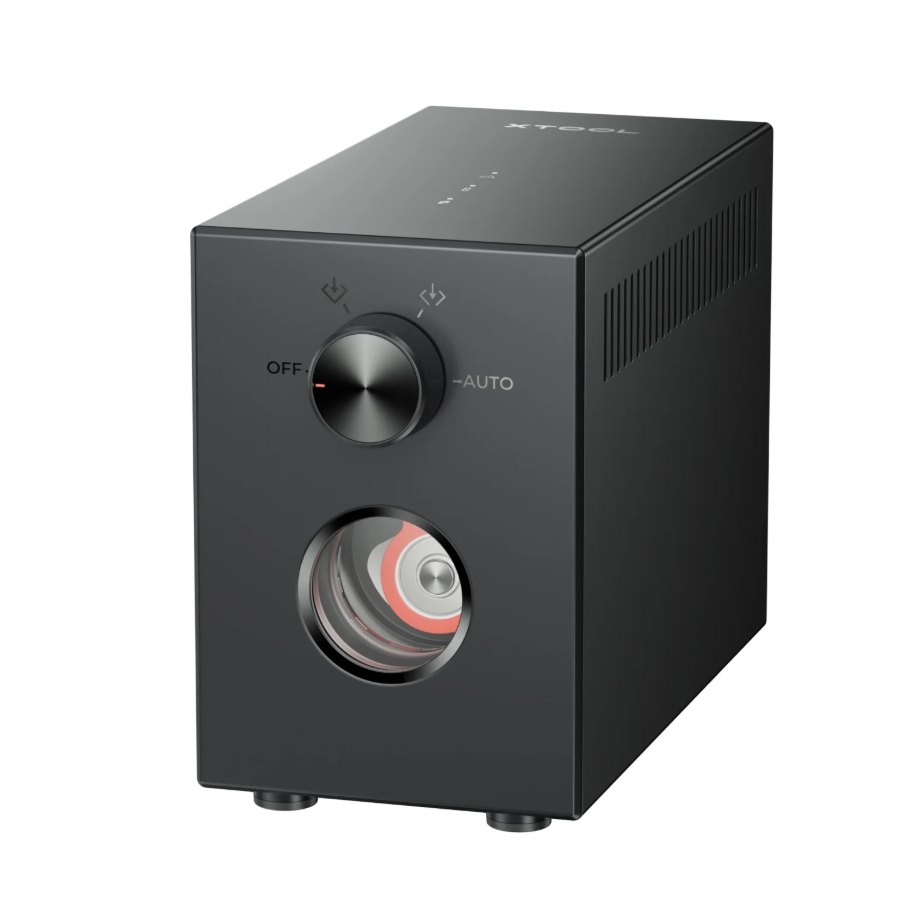

1.4 Materials Used
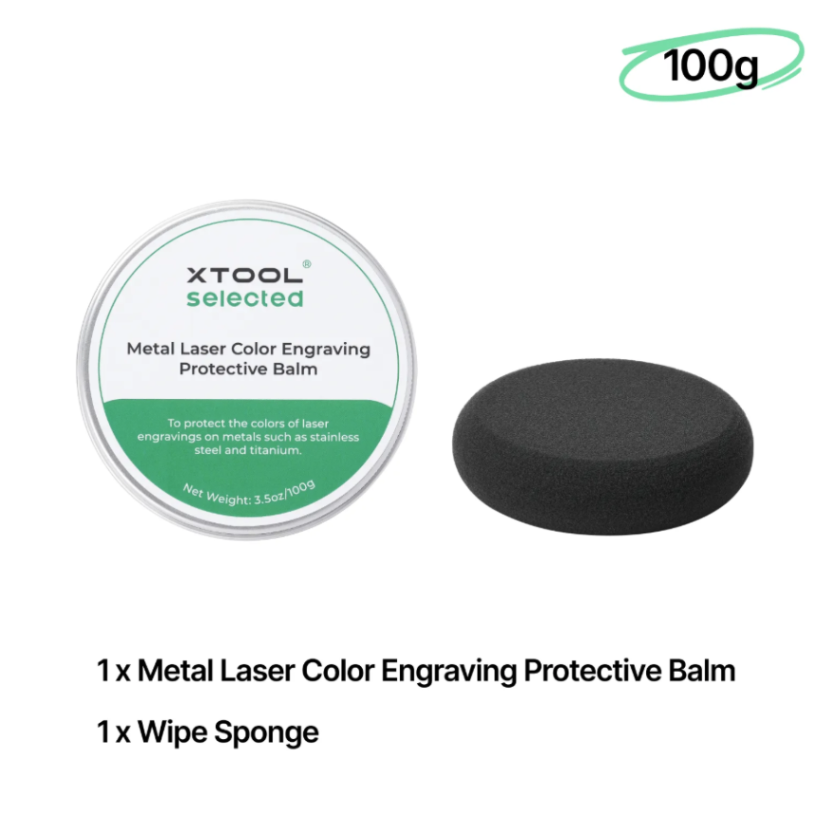
Metal Laser Color Engraving Protective Balm
Used for maintenance after metal processing, capable of isolating the effects of humidity on metal materials.
2. Preparation Before Processing
2.1 Using Embossment
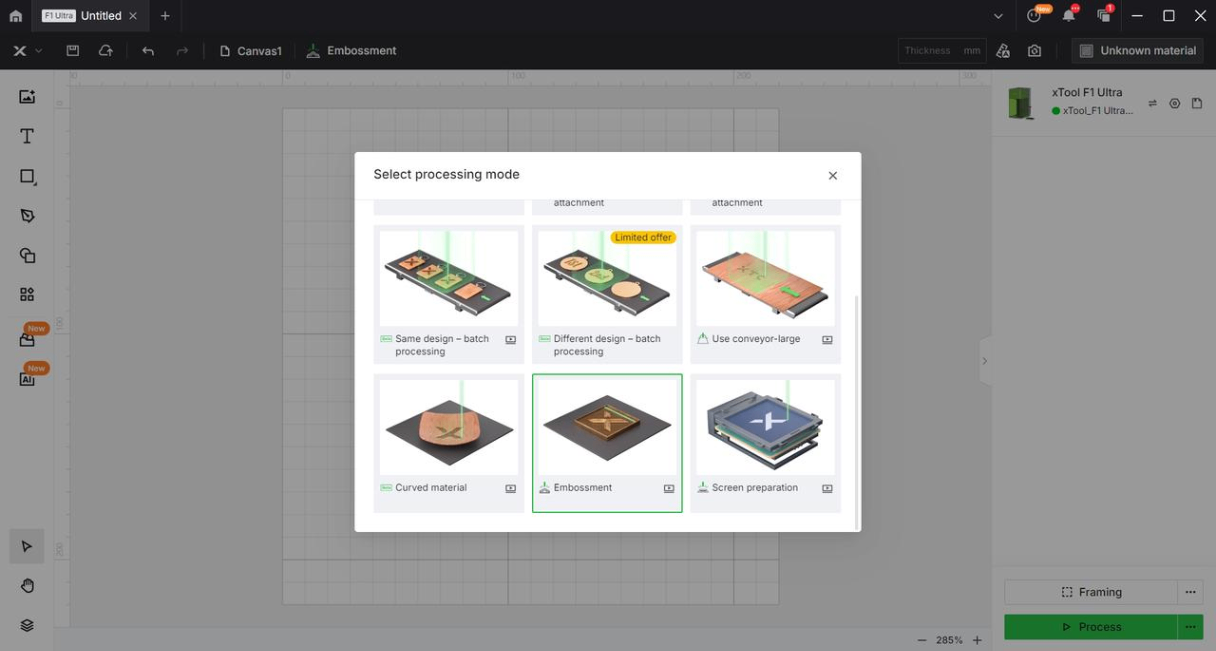
After obtaining the graphic, first select Embossment in the processing mode within the software.
2.2 Wearing Protective Equipment
Protective mask: filters dust and odors.
Protective gloves: Prevent scratches when handling metal materials, and also avoid burns when picking up materials after metal processing.
Smoke Air Purifier: Handles dust and exhaust generated from processing.
3. Common Issues and Solutions
3.1 Hot to the touch after metal processing
The processed metal material is very hot and must be allowed to cool before being handled directly by hand, or be handled using heat-insulating gloves after processing.
3.2 The engraved area of the metal material is too thin and can be easily cut through
Reduce the number of engraving layers to speed up the engraving process.
3.3 Metal dust in detailed engraving areas cannot be cleaned thoroughly
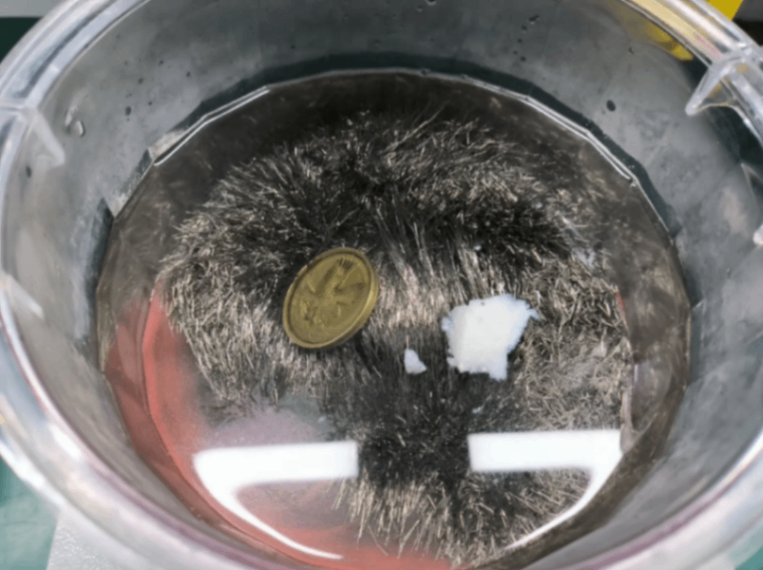
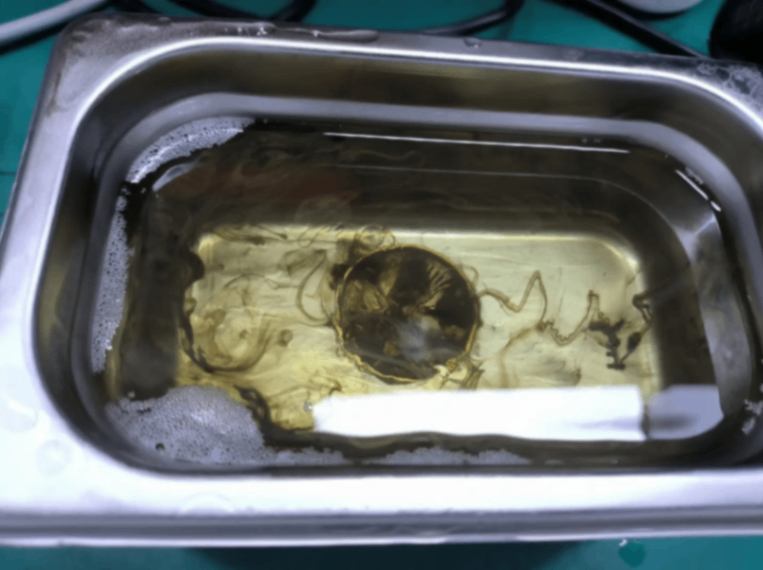
If the cleanliness is insufficient, you can clean with water and a brush, or use a magnetic cleaner and ultrasonic cleaner for auxiliary cleaning.
3.4 Embossment depth is insufficient
You can appropriately reduce the processing speed, increase the number of engraving layers, or increase the line density.
3.5 The engraved pattern details are either insufficient or excessive
You can adjust your processed images, with the details determined by the images themselves.
3.6 Why does metal still need to be polished after embossment
After the Embossment process on the F1 Ultra device, it is necessary to use a filling pattern to perform a multi-angle Embossment treatment again, in order to remove the dark oxides generated by the Embossment.
Before processing with the F2 Ultra, set the cleaning mode. The device can clean the generated oxides while performing embossment.

