
1. Metal Relief Polishing Treatment
1.1 Purpose
Remove the surface deposits, particles, and coloration that affect the visual and tactile experience on the metal after embossing processing.
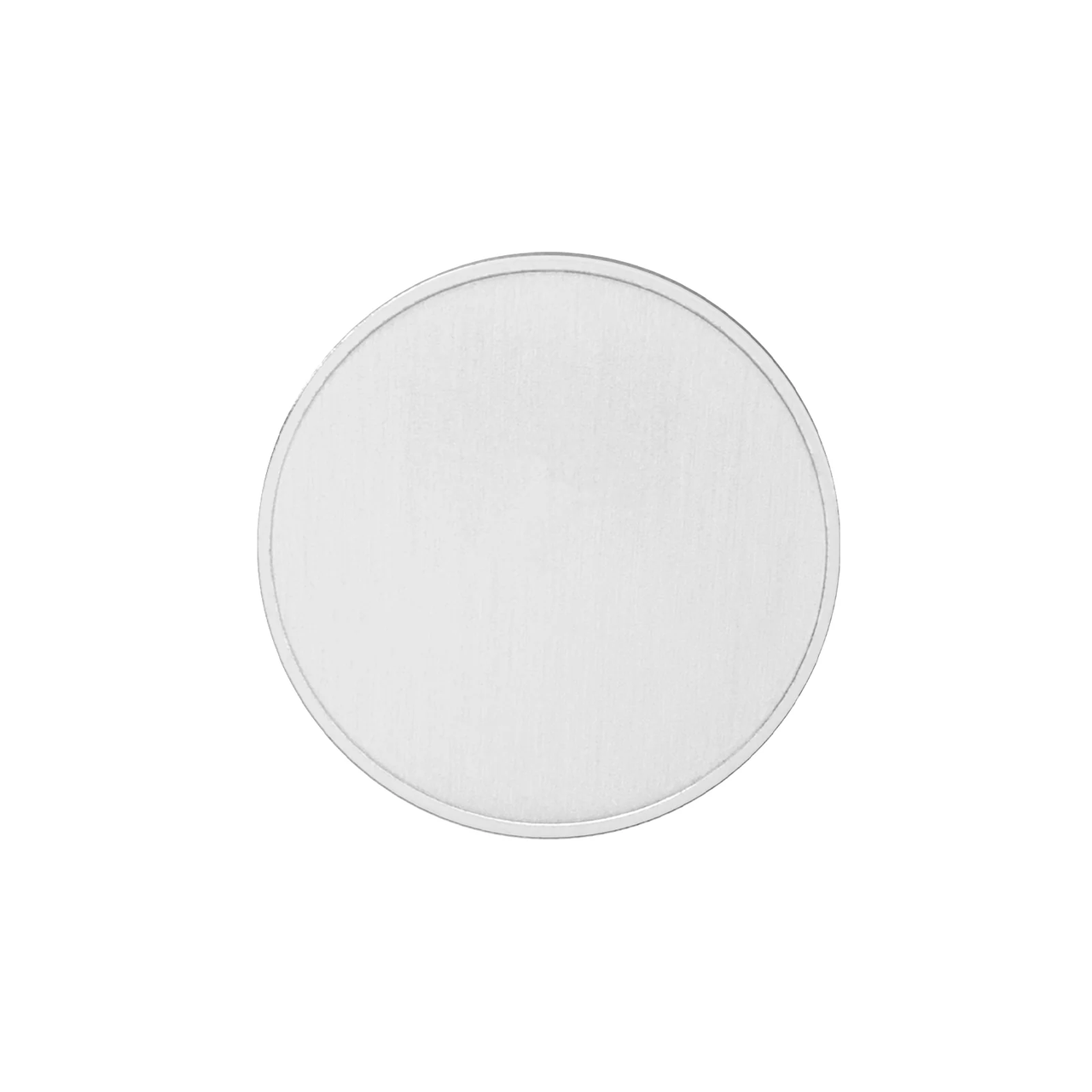
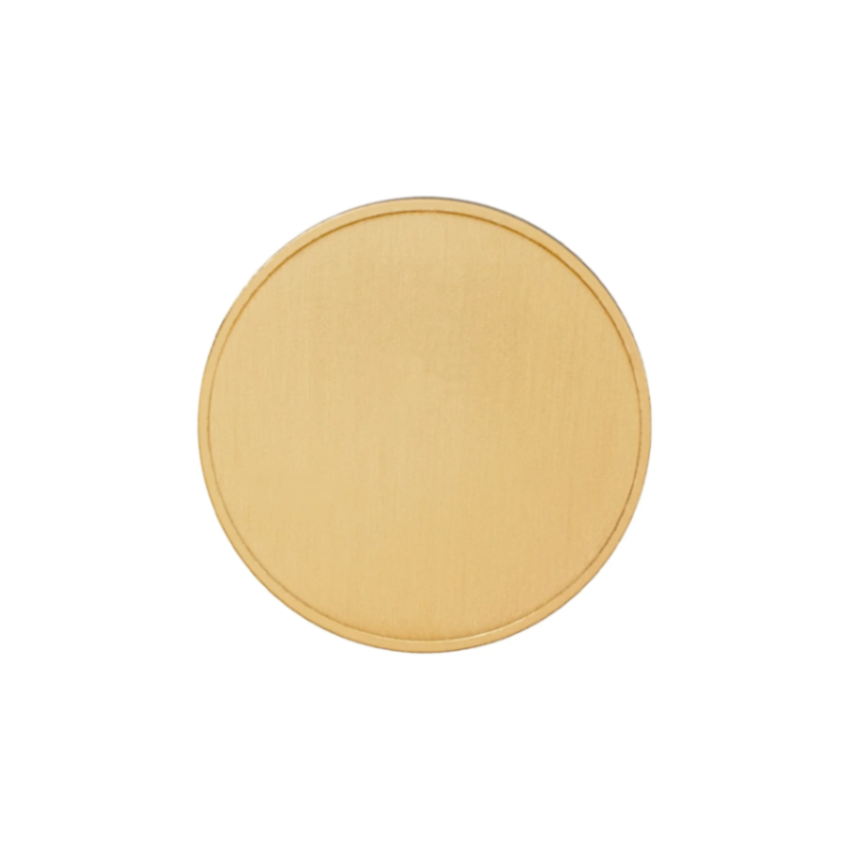
1.2 Selection of Materials
1.3 Laser Engraving Steps
The processing steps for commemorative coins made of the two materials are the same
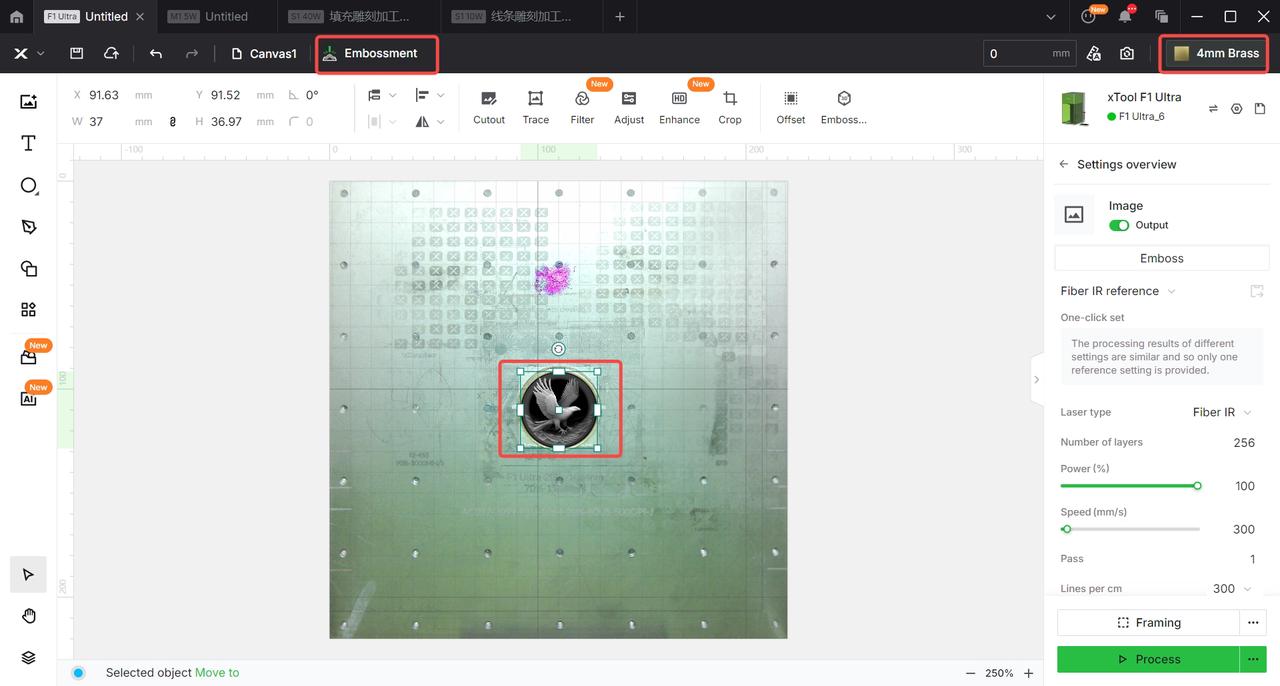
Drag the graphic you like that is suitable for embossing into the software page.
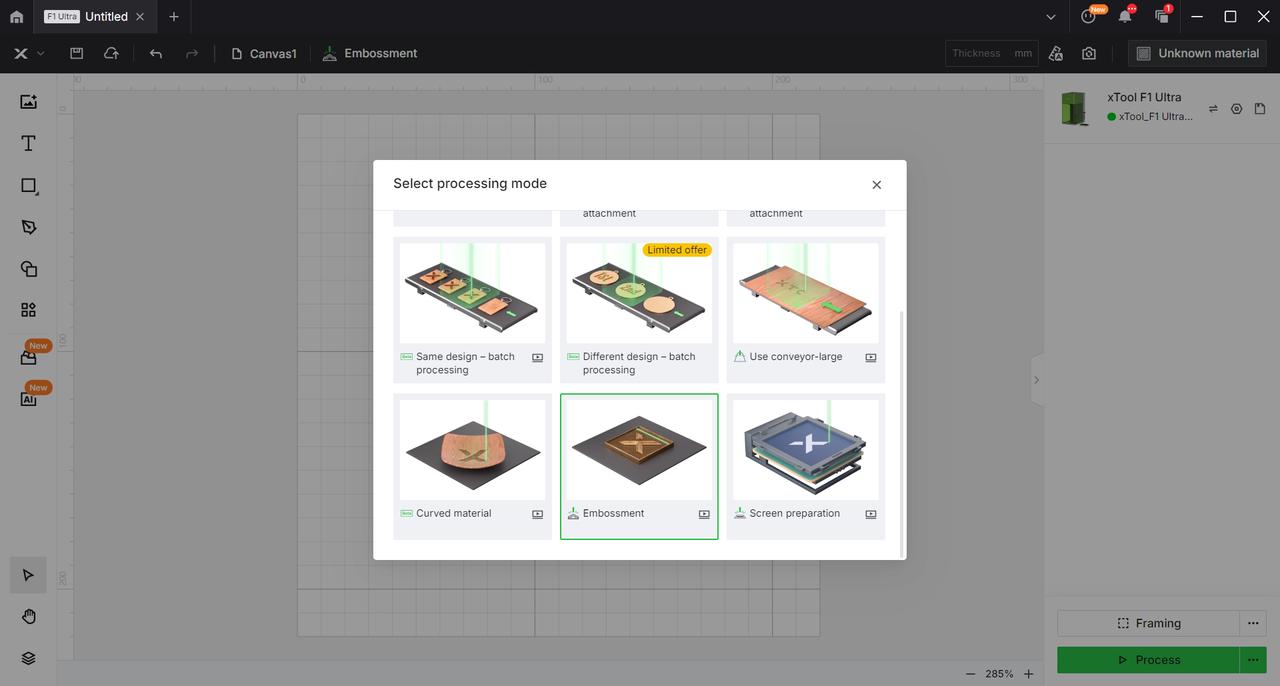
After obtaining the graphic, first select the relief processing mode in the machining mode of the software.
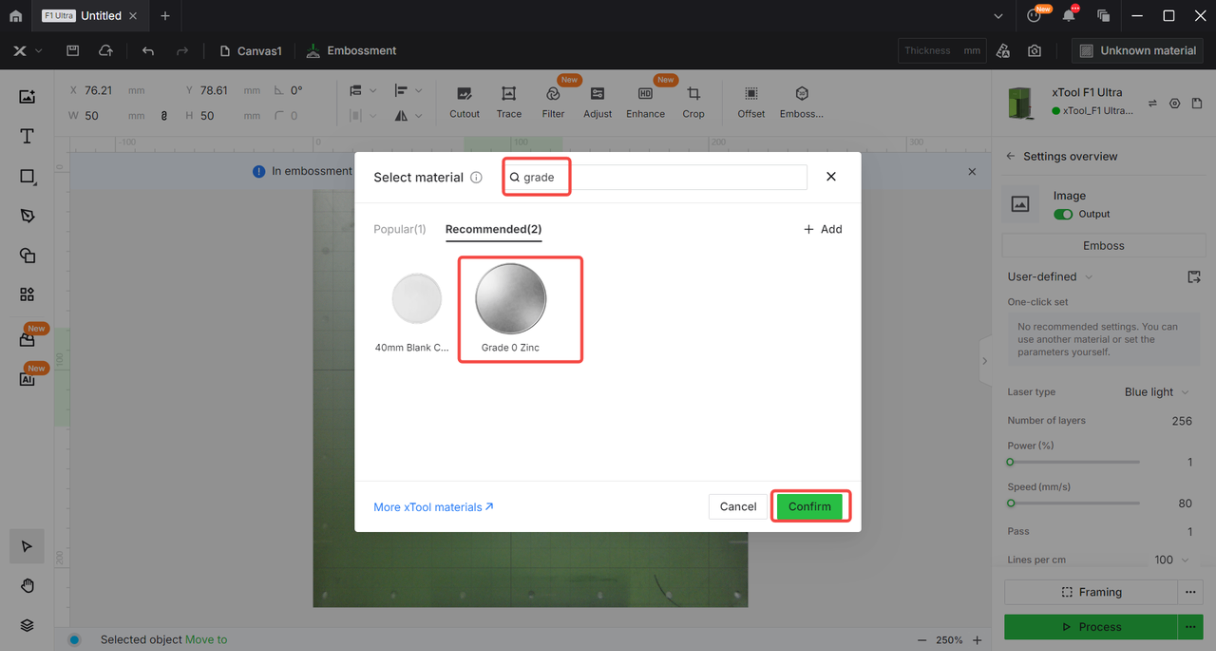
Then, in the material options, enter the name of the material you are about to process and click on the selected material. At this point, the graphic you have chosen will now have the optimal recommended parameters for the relief mode of that material.
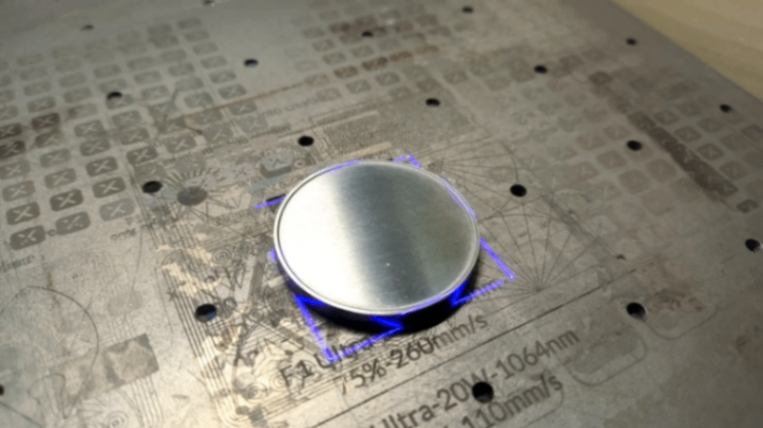
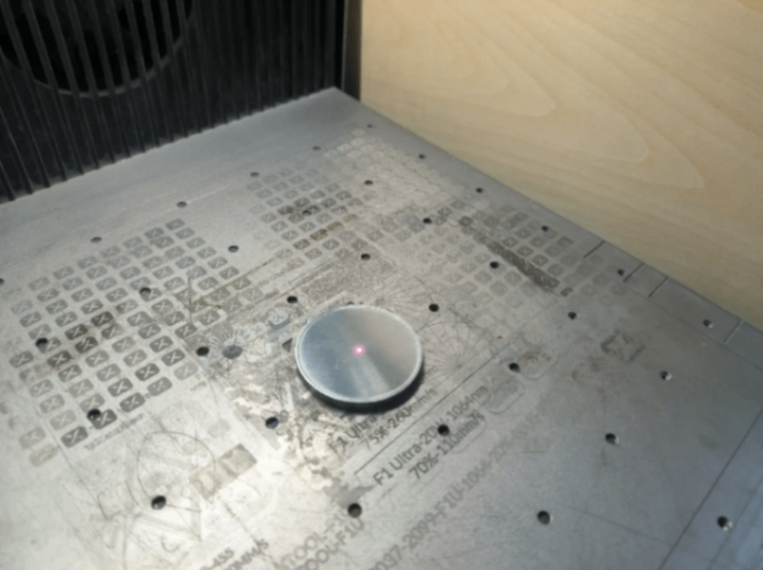
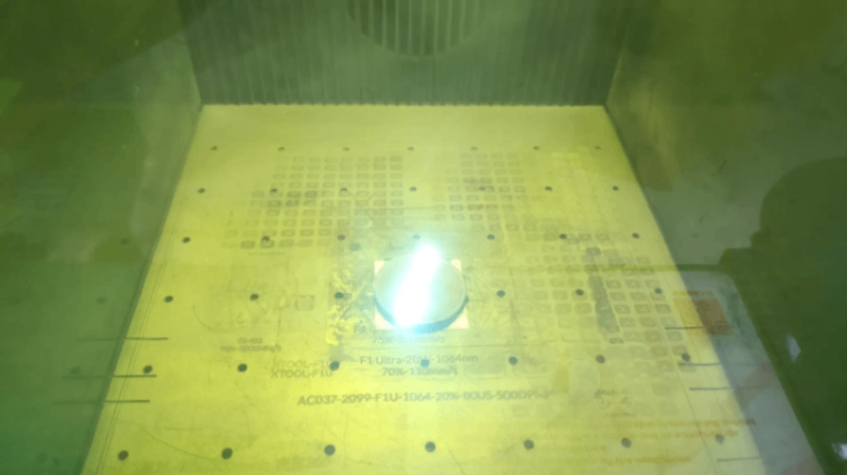
After moving the graphics and physical materials to the proper position, perform laser focusing, and then click the 'Process' option.
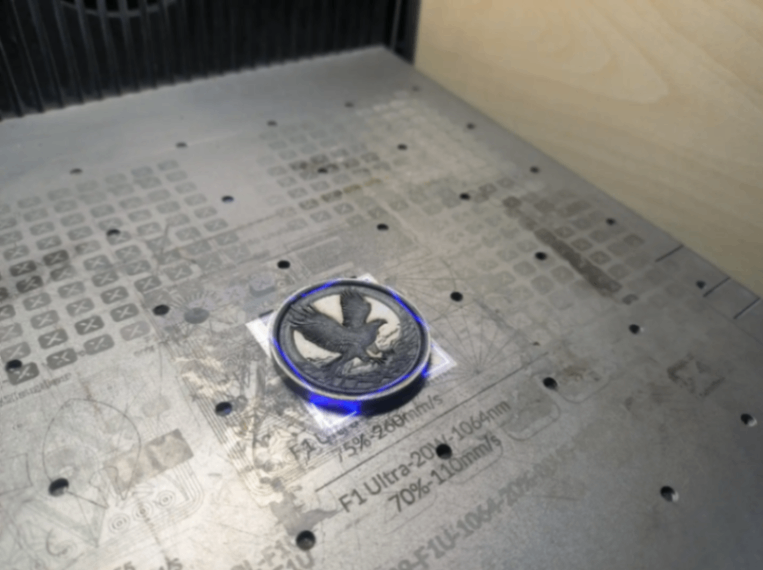
Use the machine cleaning function to thoroughly engrave and clean the surface of the commemorative coin after relief processing, which can effectively remove surface dirt generated during relief processing. If the machine does not have a cleaning function, you can also use the recommended parameters for the material with the fill engraving function to perform a full-surface engraving on the commemorative coin.
1.4 Phenomena After Relief Processing
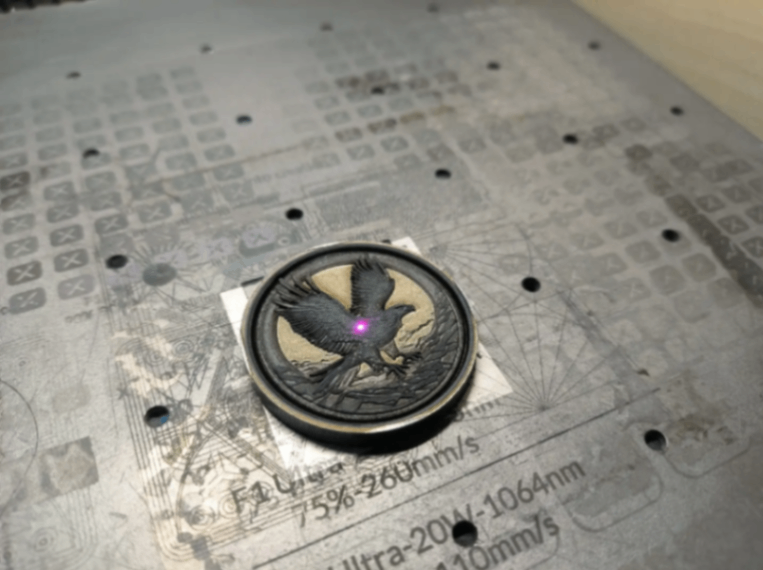
Blank Commemorative Zinc Coins
Black dust accumulated on the surface, with a yellow layer appearing on the metal surface.
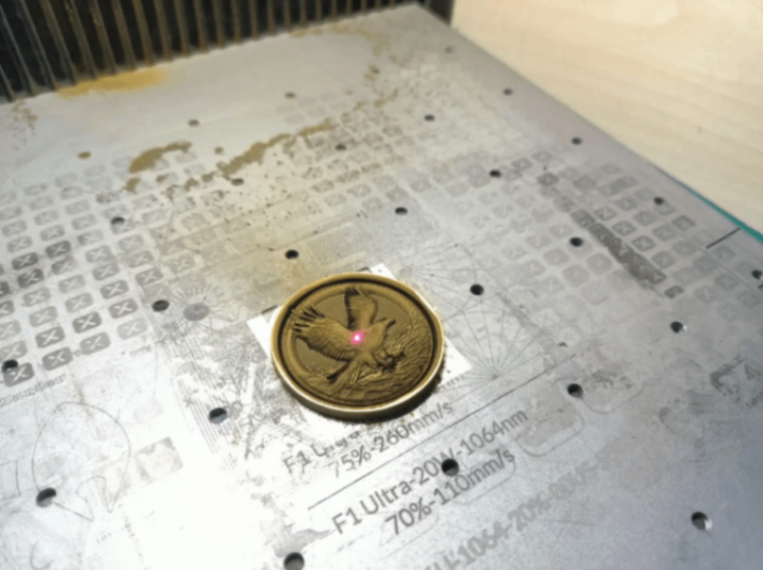
Blank Commemorative
Yellow dust accumulated on the surface, with a black layer appearing on the metal surface.
1.5 Polishing Tool
Blank Commemorative Zinc Coins - Tool Usage
Sandpaper + tap water + hard-bristled brush
Brass Blank Commemorative Coins - Usage Tools
Magnetic Cleaner + Ultrasonic Cleaner
1.6 Polishing Steps (Manual/Electric)
Note: Metal coins can be polished either manually or by using an automatic machine.
Blank Commemorative Zinc Coins (Use Simple Manual Cleaning)
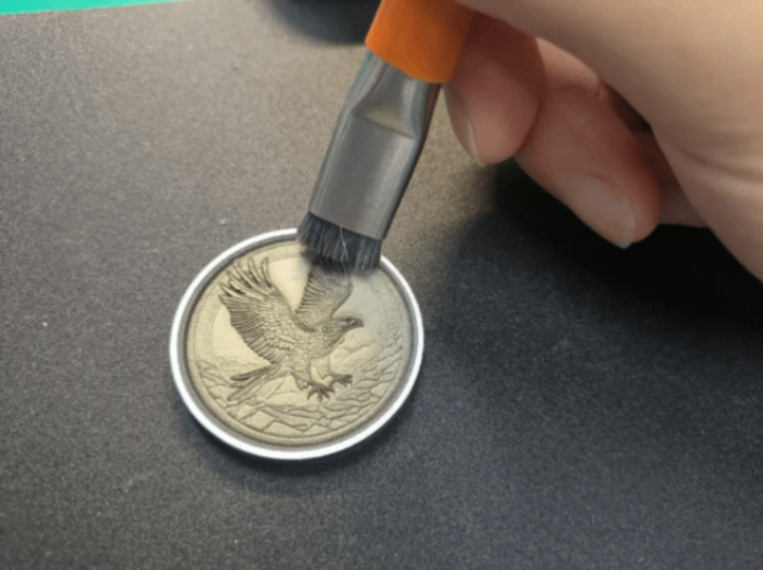
Clean the accumulated black dust on the surface.
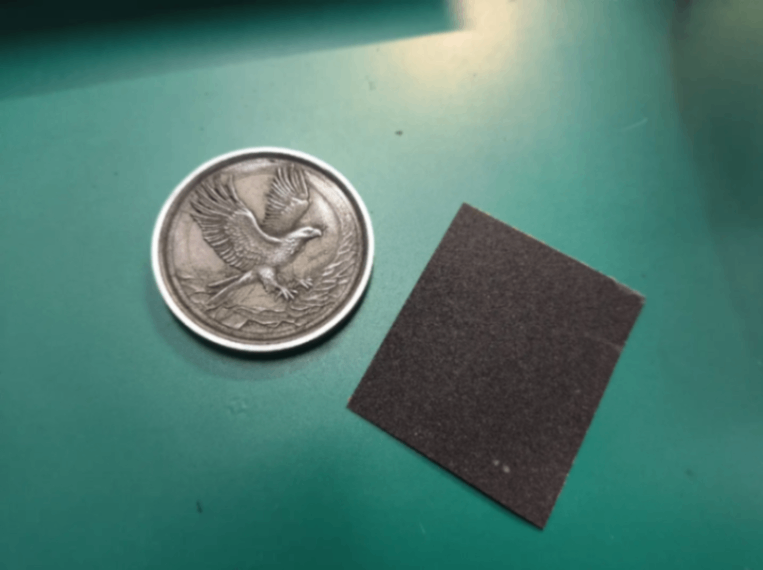
Start sanding the yellow surface layer on the metal using sandpaper.
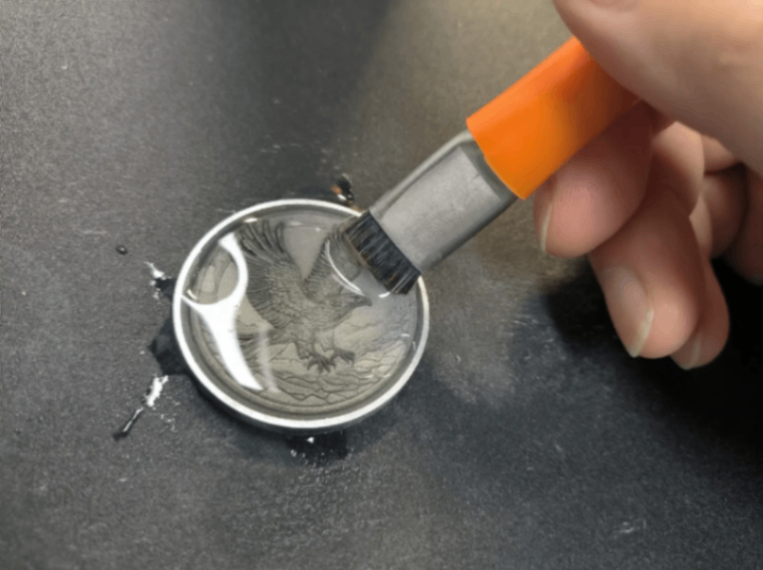
Rinse with tap water, then use a brush to clean dust from small corners, and finally wipe off water stains with a paper towel.
Blank Commemorative Coins(Use machines for automatic cleaning)
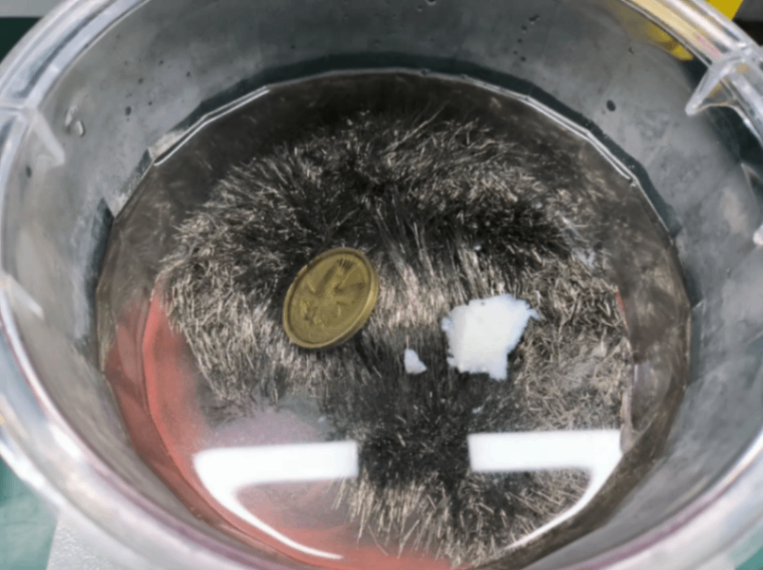
Put the commemorative coin into the magnetic cleaner for polishing to remove the black oxide from the surface of the coin.
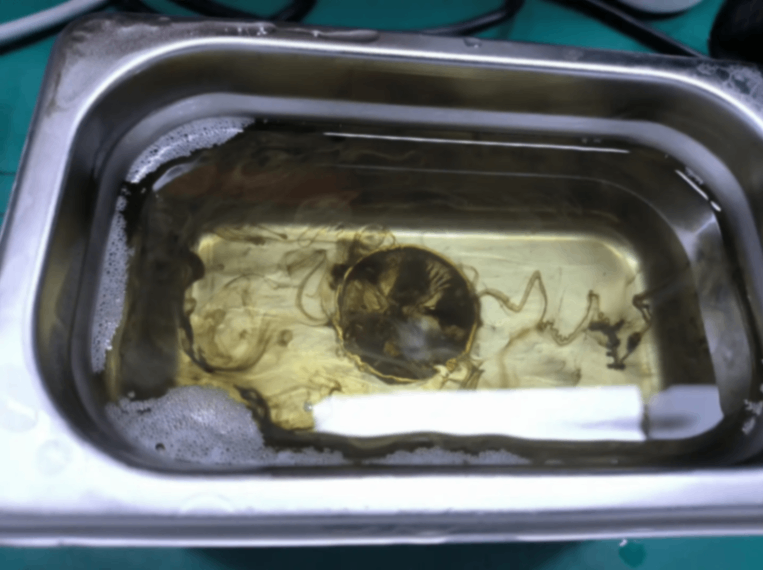
Retrieve the processed commemorative coins from the magnetic cleaning machine and place them in the ultrasonic cleaner for more thorough cleaning.
Finally, take the commemorative coin out of the ultrasonic cleaner and rinse it thoroughly under running tap water.
1.7 Effect After Polishing
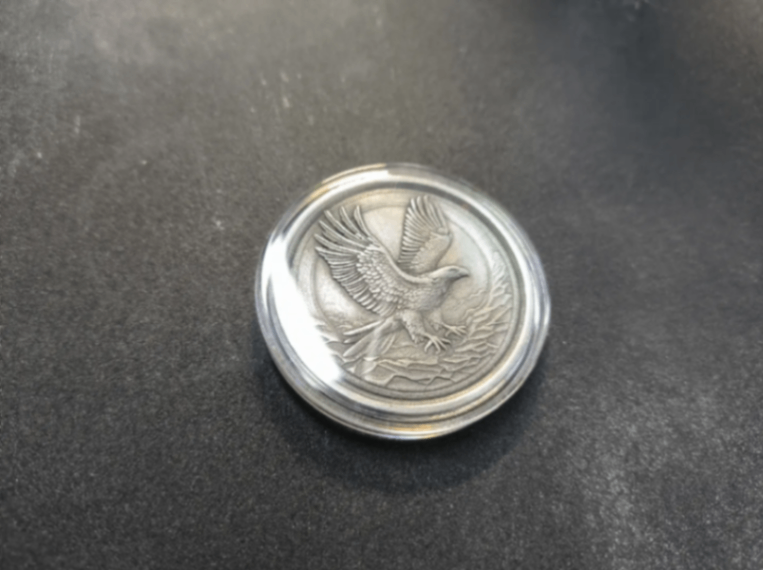
Blank Commemorative Zinc Coins
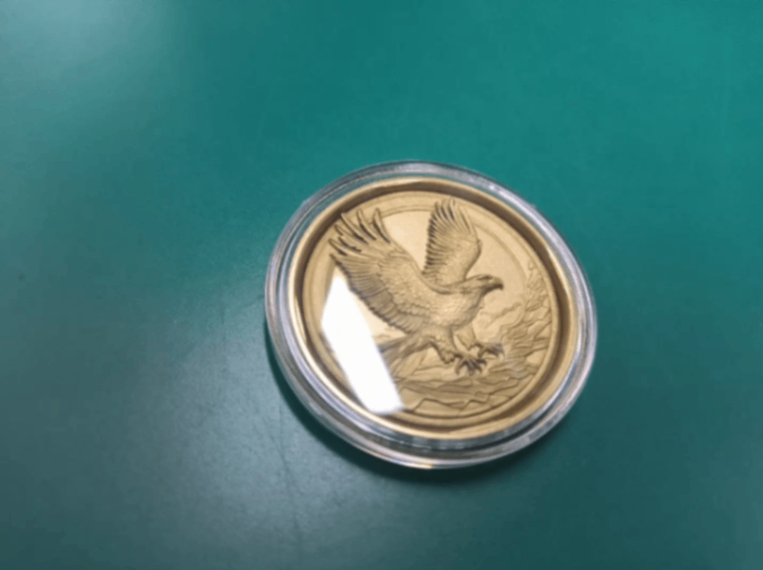
Blank Commemorative Coins
2. Solid Wood Relief Polishing Treatment
2.1 Purpose
Remove surface particles and color residues caused by relief processing on the wooden board that affect visual and tactile experience.
2.2 Selection of Materials
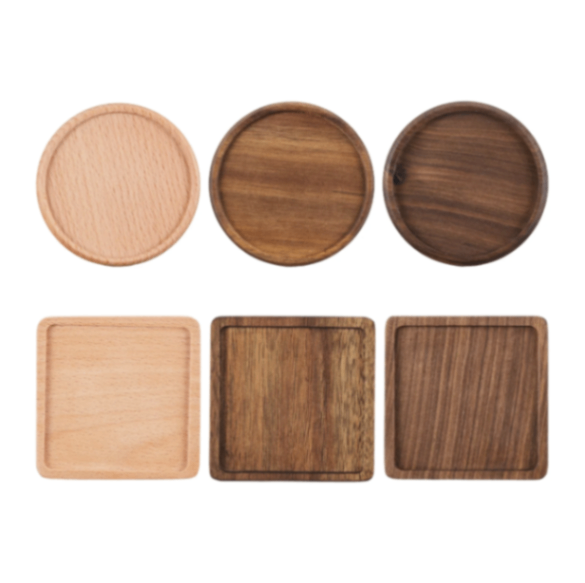
2.3 Laser Engraving Steps
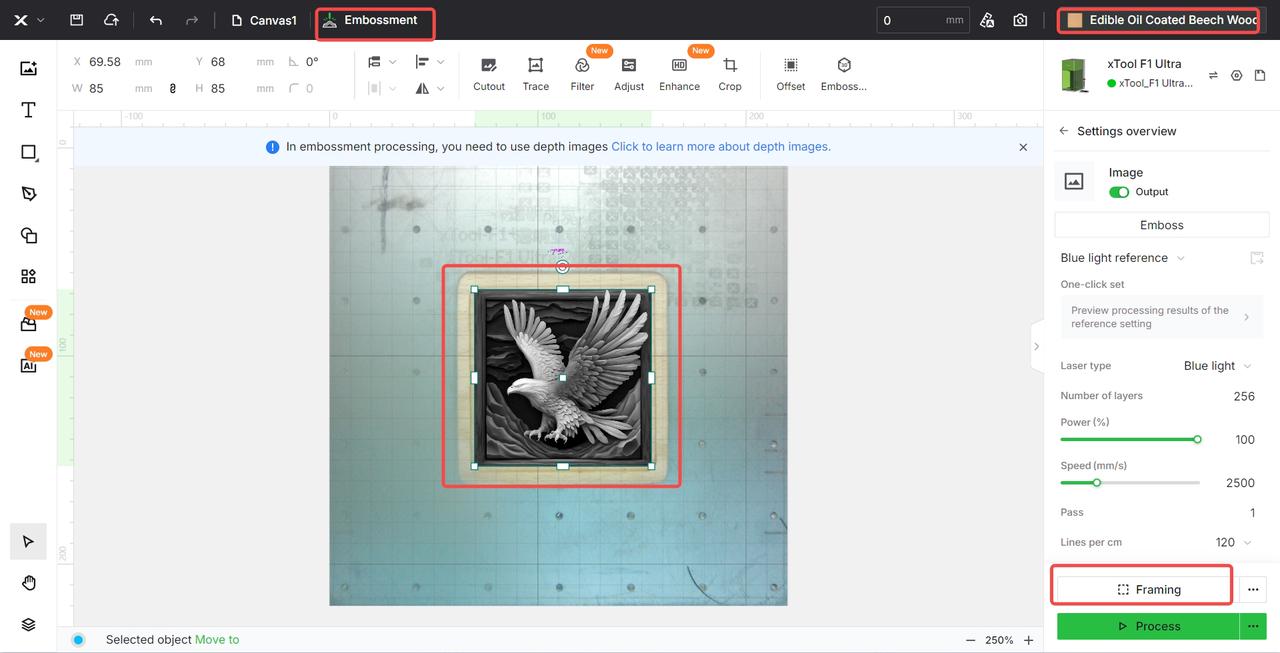
Drag the graphic you like that is suitable for embossing into the software page.
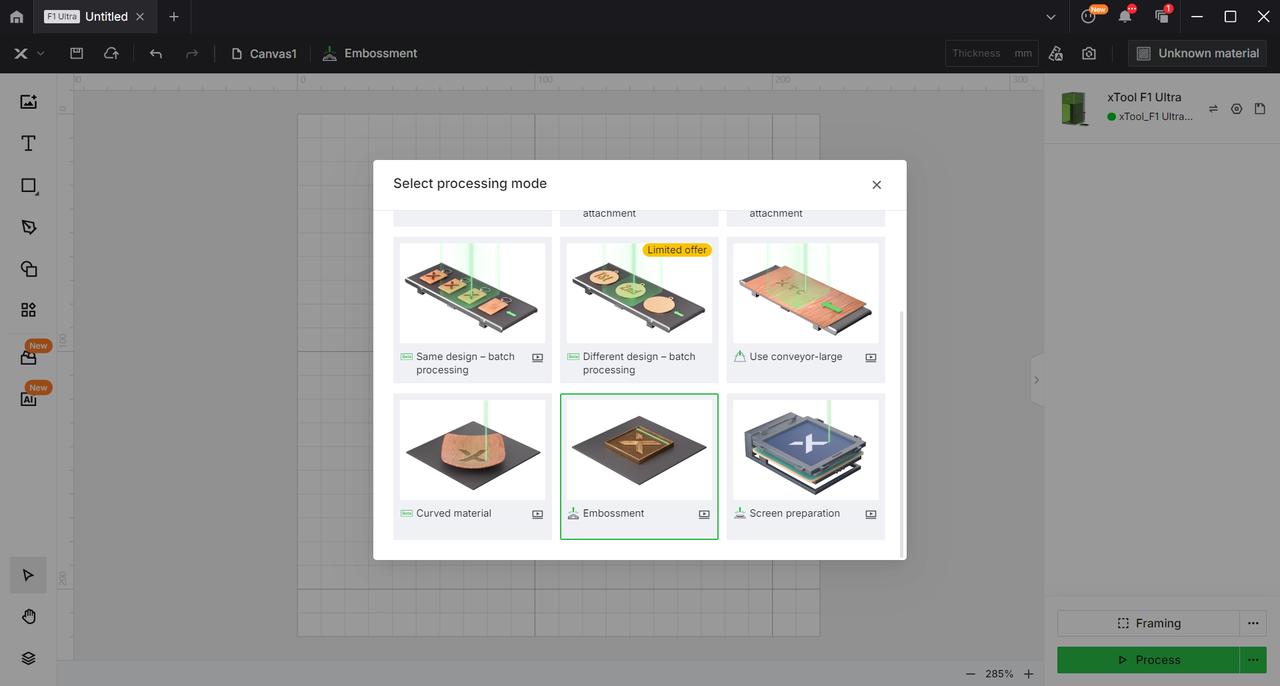
After obtaining the graphic, in the software, first select the 'Relief Machining Mode' in the machining mode.
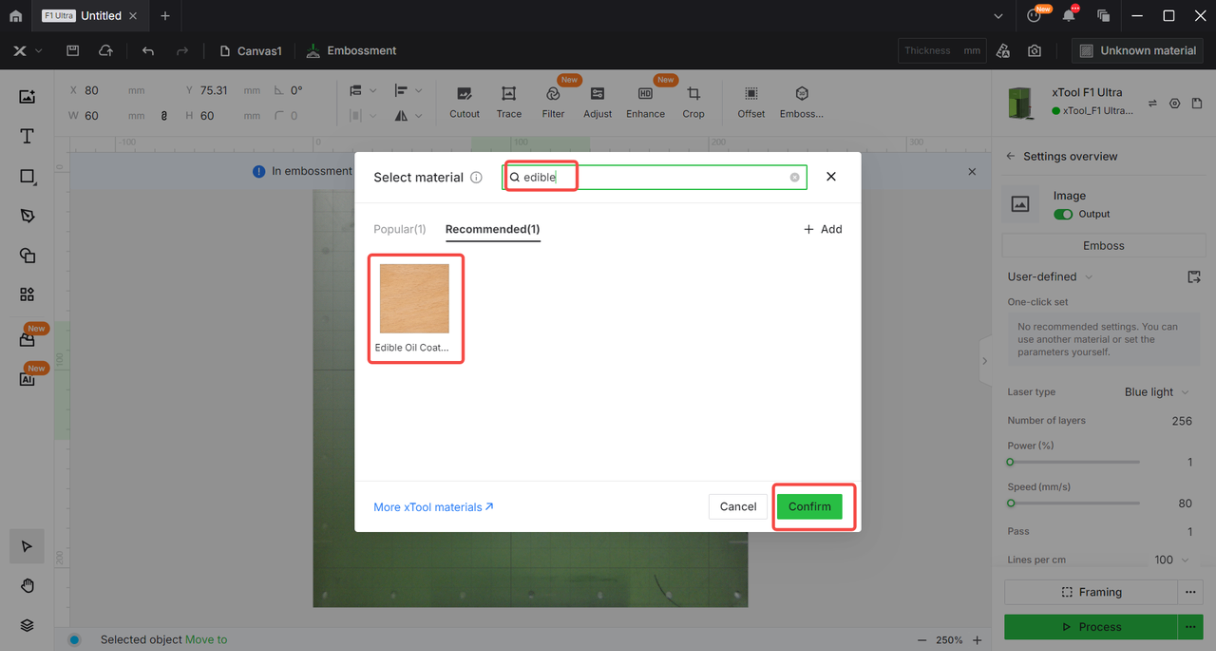
Then, in the material options, enter the name of the material you are about to process, click to select that material, and at this point, the graphic you have chosen will have the best recommended parameters for the relief mode of that material.
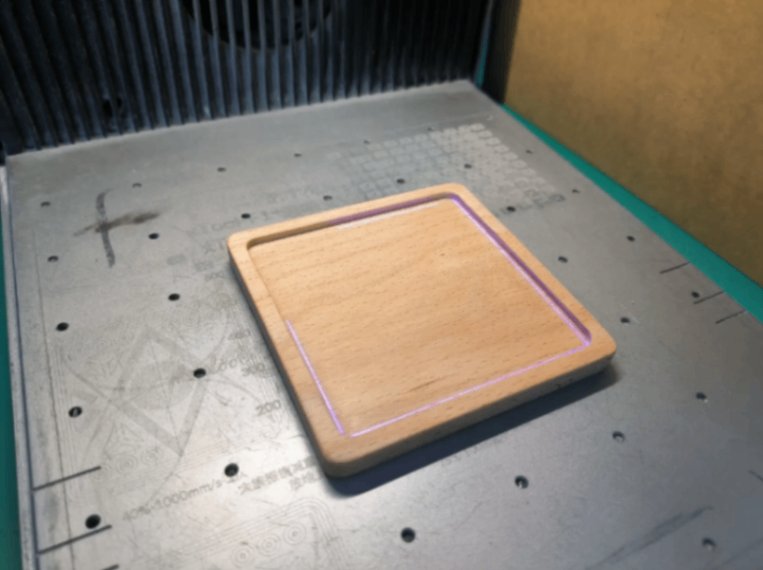
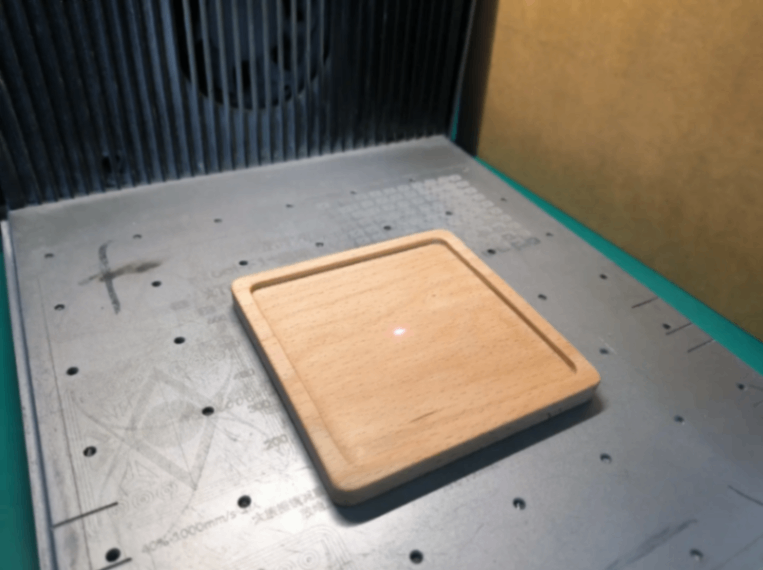
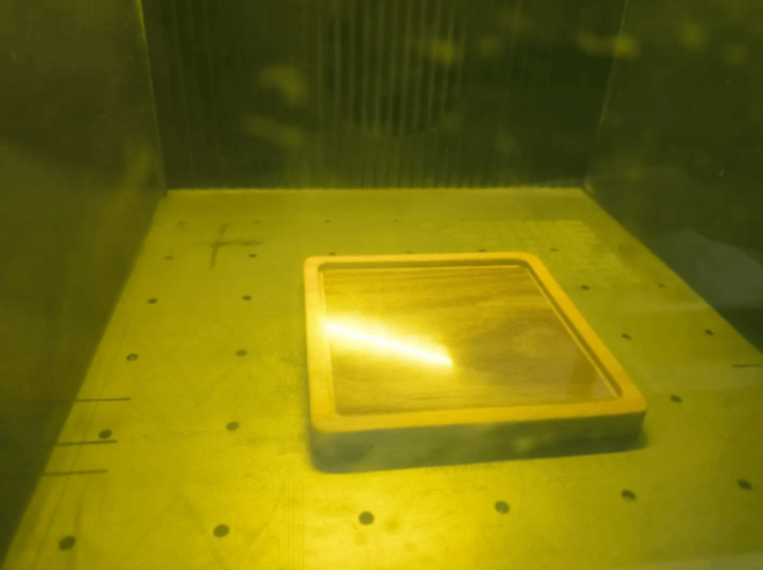
After moving the graphics and physical materials to the appropriate position, perform laser focusing, click the "Processing" option, and after waiting for a while, you will get the desired relief effect.
2.4 Phenomena After Relief Processing
The surface is charred and yellowed, with carbonized dust accumulated in fine details, and many conical tiny splinters along the wood grain.
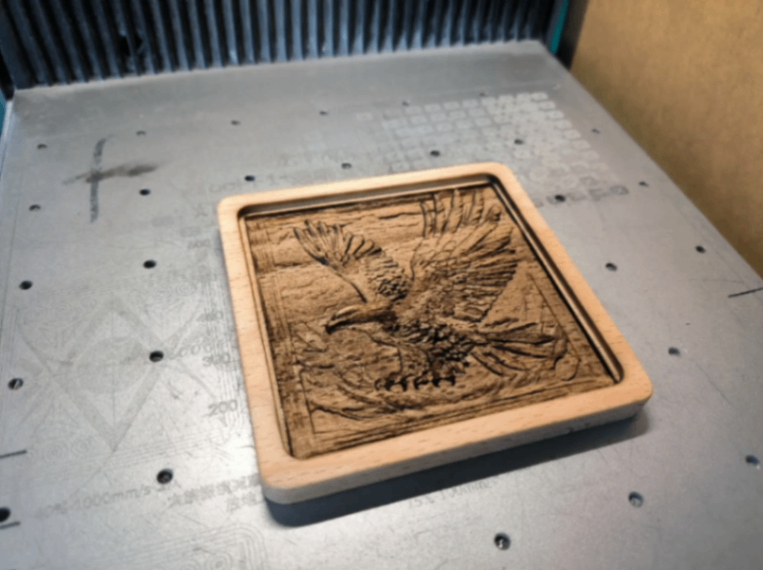
2.5 Polishing Tools
Sandpaper + stiff bristle brush + varnish/cooking oil
Polishing Steps
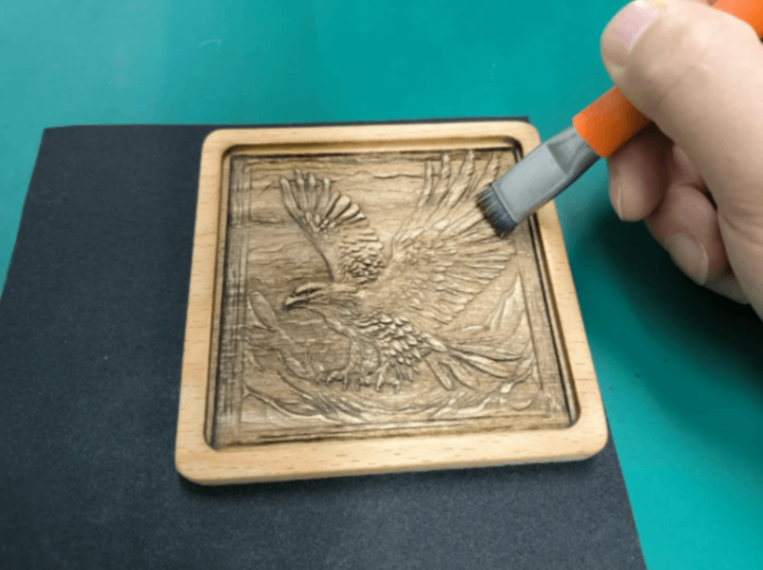
Use sandpaper to carefully polish the black carbonized and scorched areas, then use a stiff-bristled brush to remove the dust generated from sanding.
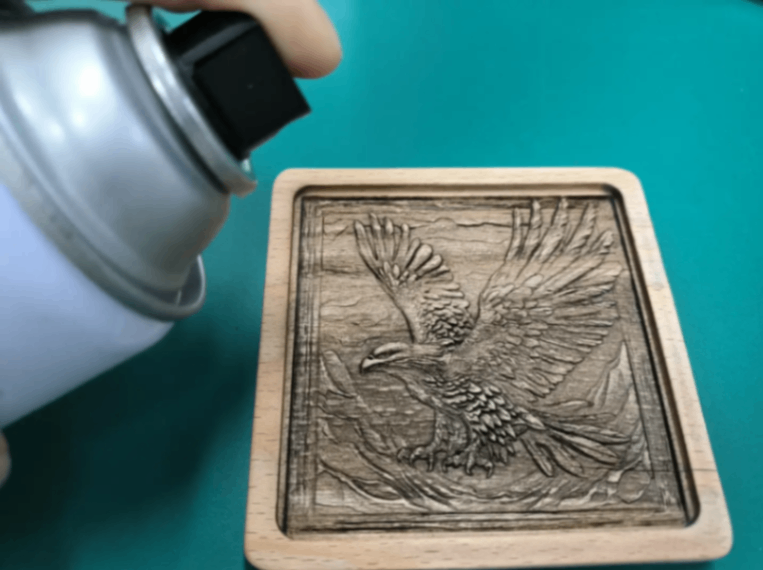
Place the sanded and dust-cleaned wooden coaster in a well-ventilated area, spray an even coat of varnish on the surface, and wait for the varnish to dry to obtain a cleanly finished wooden coaster.

Services & Help
Learn & Education

Copyright © 2025 xTool All Rights Reserved.