
1. Materials and Equipment
1.1 Sale of Materials
1.2 Adaptation of Processing Equipment
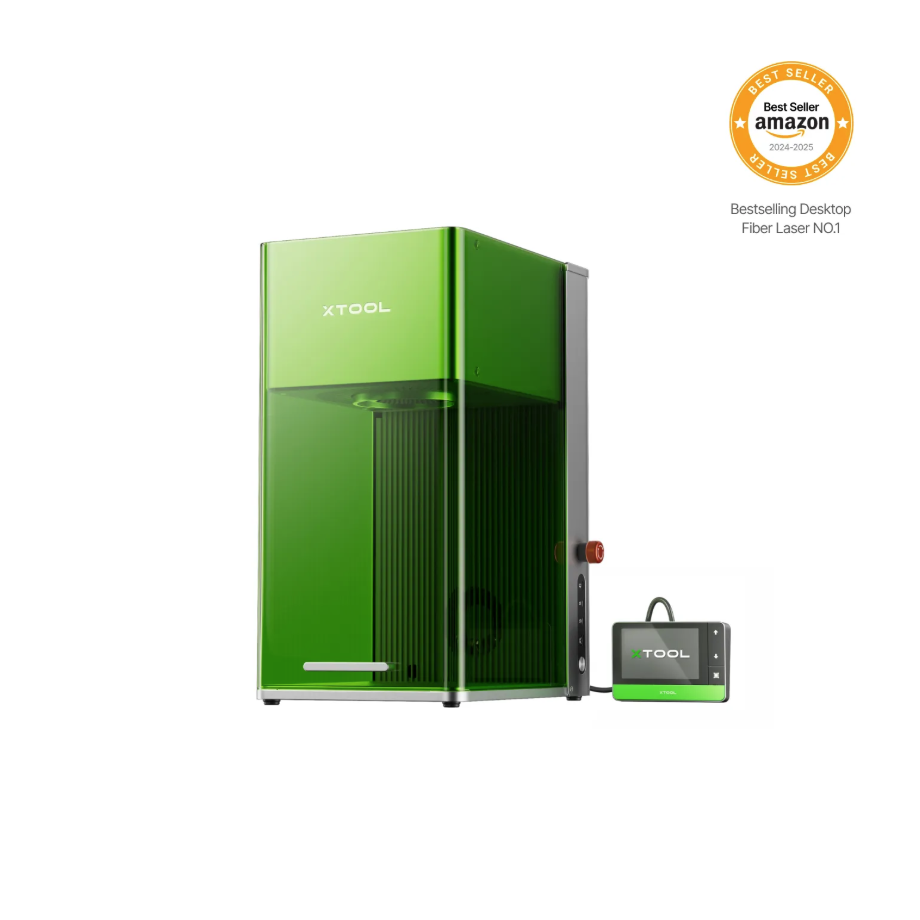
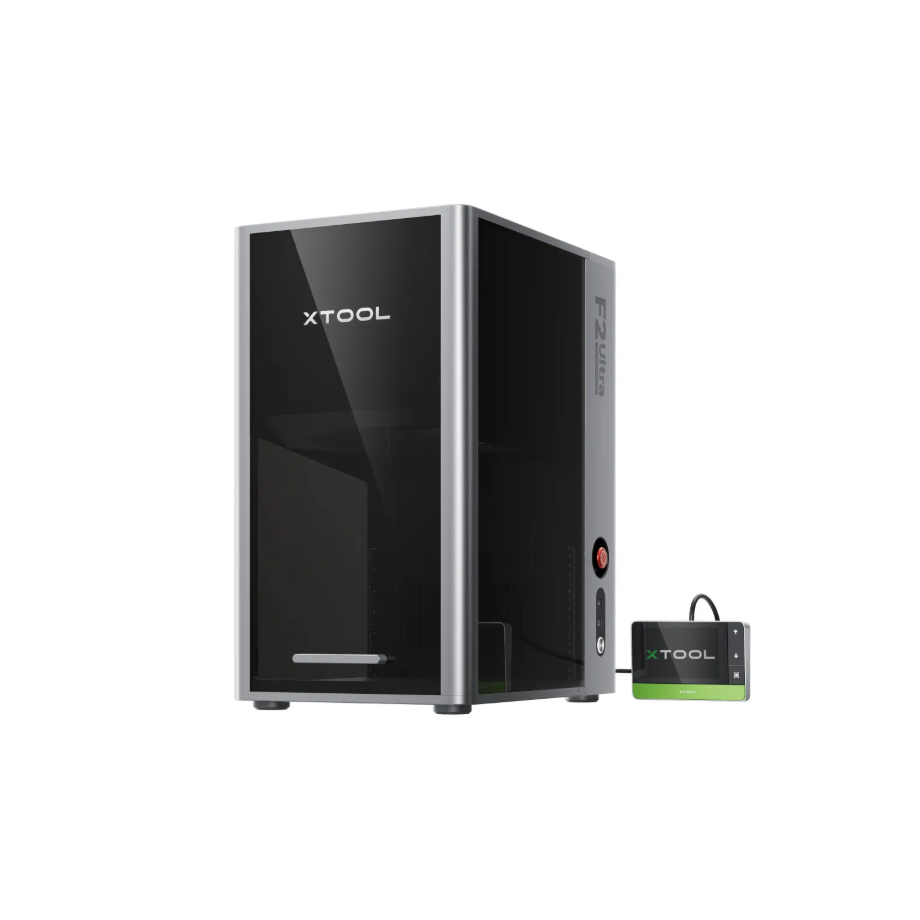
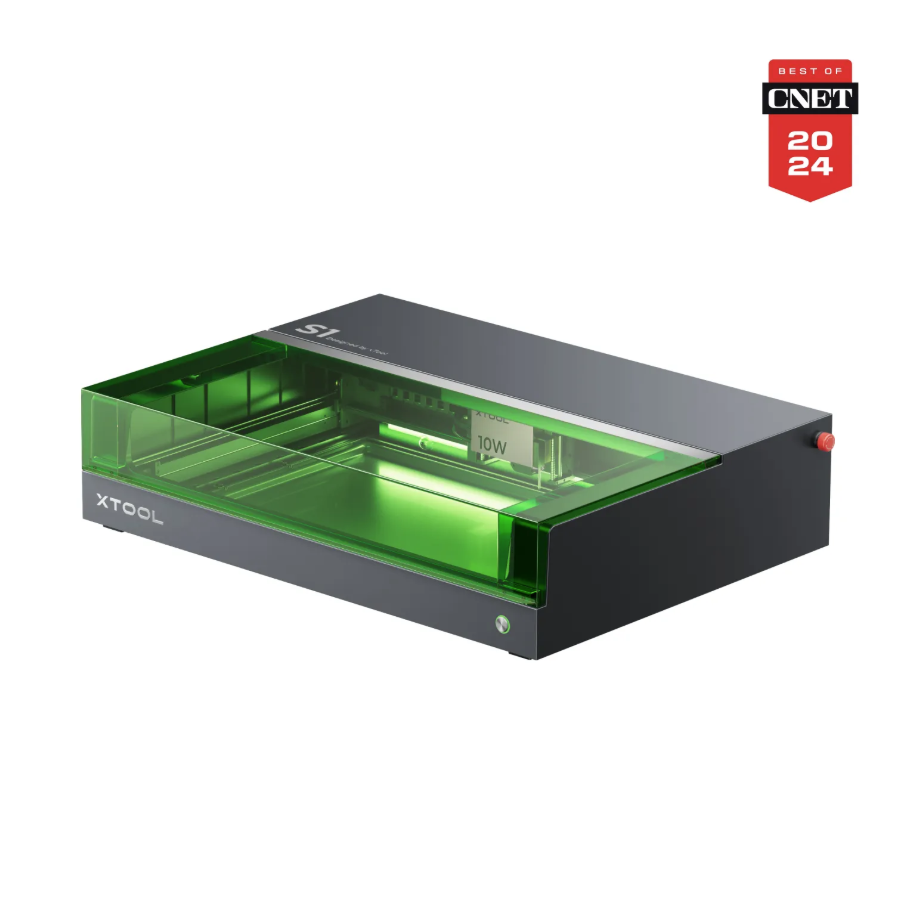
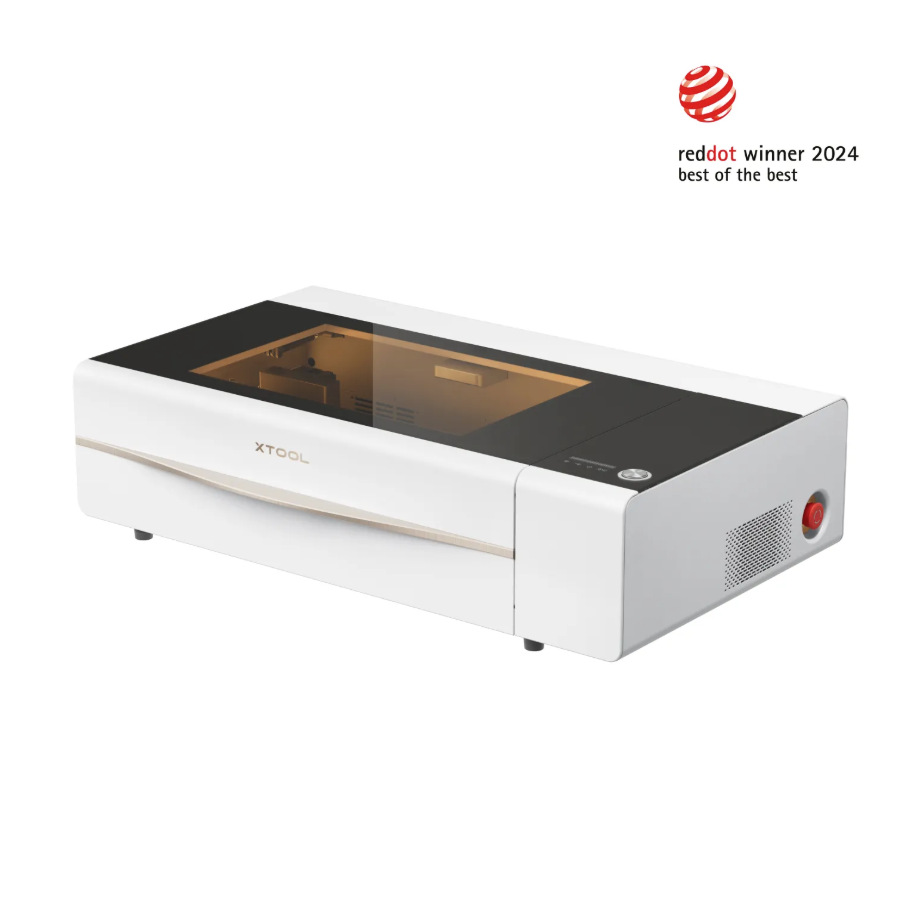
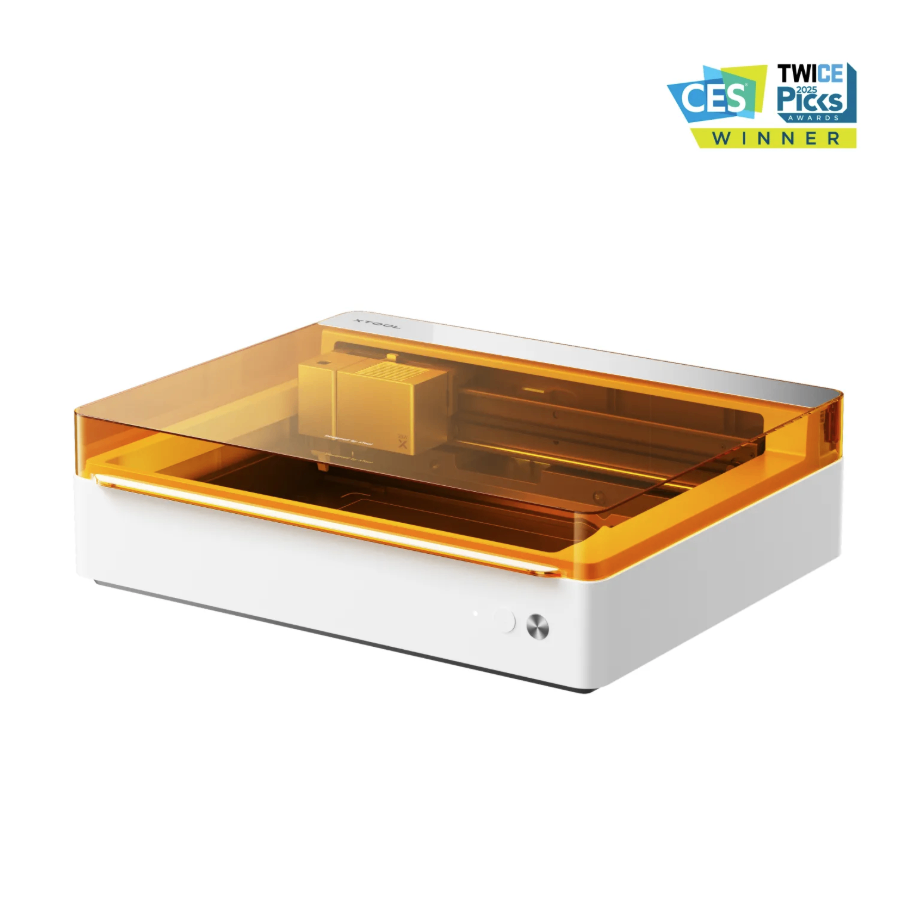
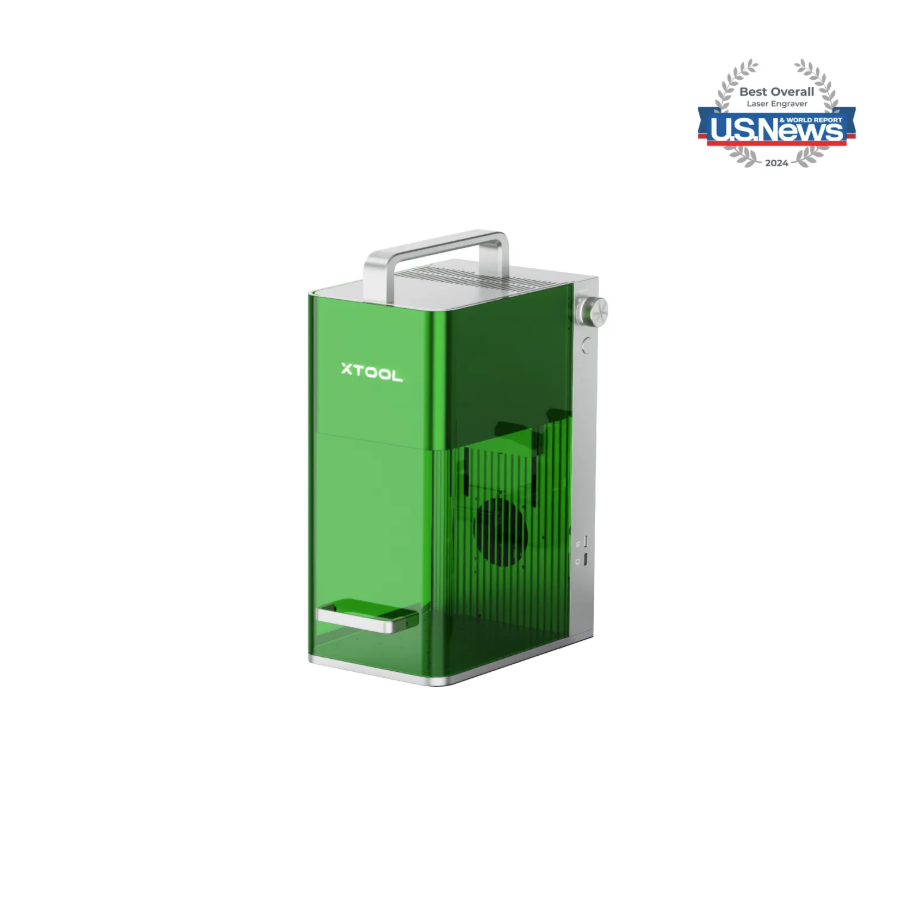
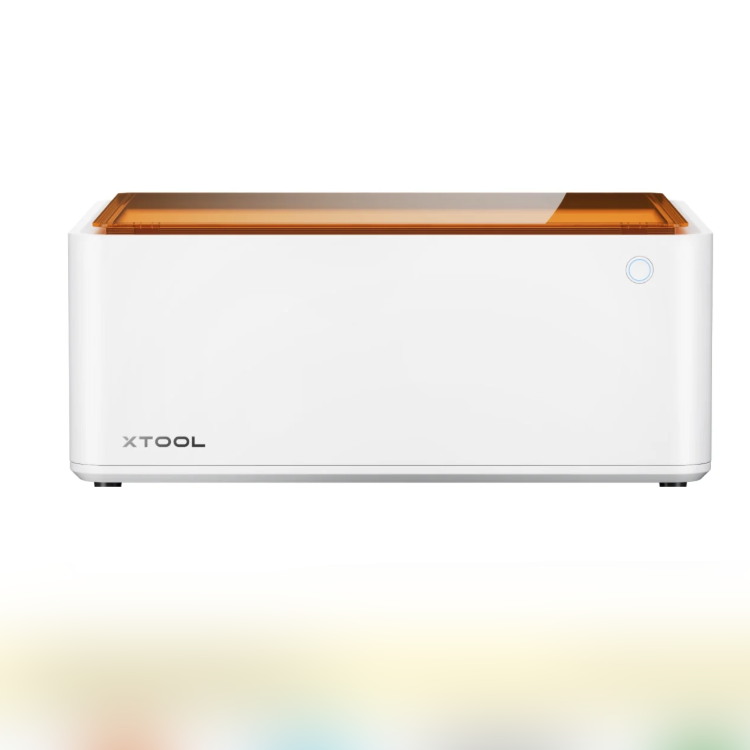
Adapt to processing mode: Process on flat surface
1.3 Use of Accessories
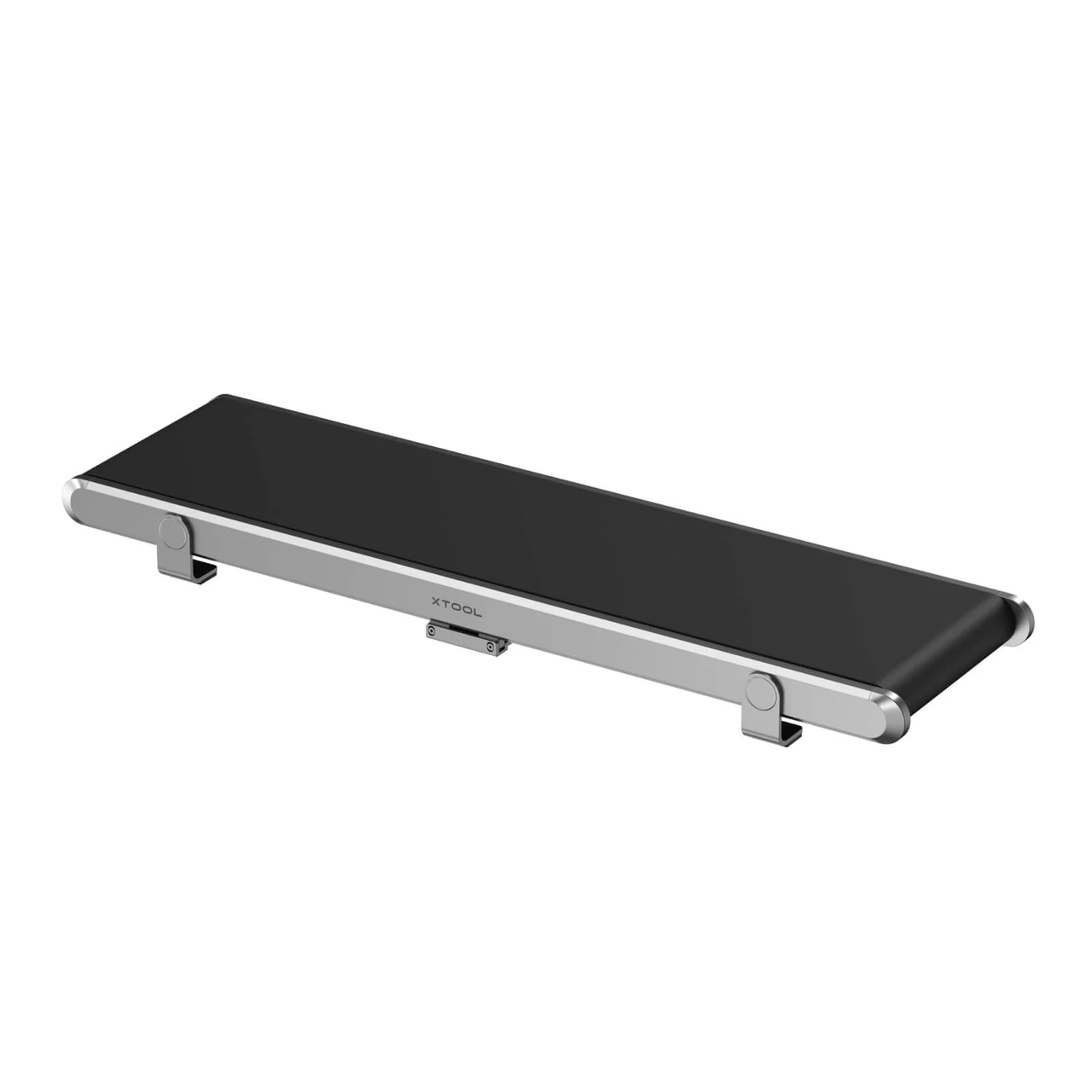
Auto Streamline™ Conveyor for F2 Ultra/F1 Ultra
Used with the corresponding equipment, people can effortlessly handle mass production when large orders come in urgently.

The camera can automatically recognize the shape of the material, and the software helps accurately engrave the pattern onto each piece.
2. Preparation before processing
2.1 Wearing Protective Equipment
It is recommended to connect the device's smoke exhaust pipe to an outdoor ventilation location.
When operating equipment for processing, a mask must be worn.
When processing equipment, if there is a situation where light needs to be exposed, corresponding laser wavelength Laser Safety Goggles must be worn.
When handling glass materials after processing, it is recommended to wear protective gloves first to prevent skin injuries caused by glass fragments resulting from improper processing methods.
3. Common Issues and Solutions
3.1 Monotonous Colors
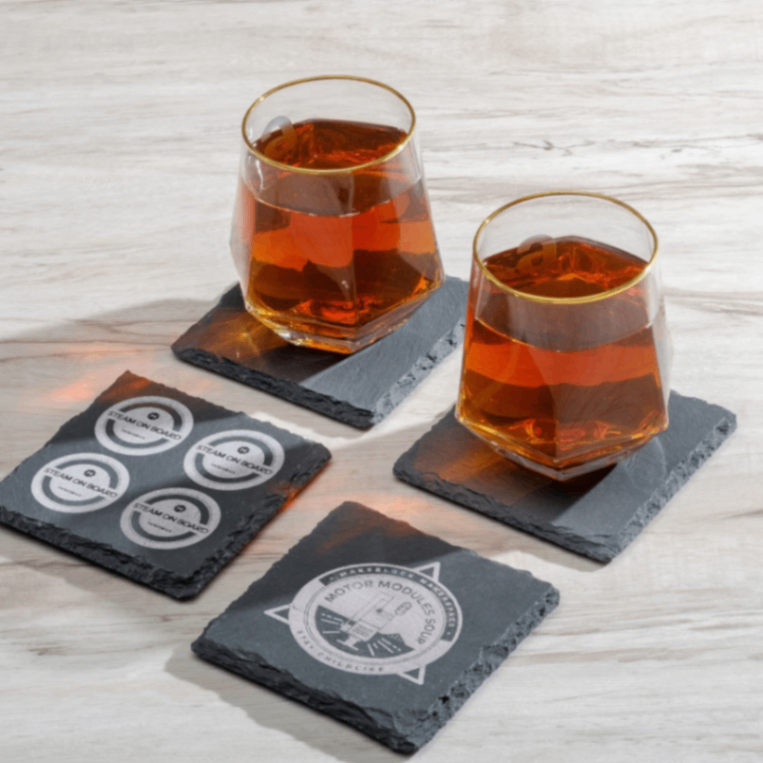
The Rock Coaster engraving effect mostly appears in gray and white, and cannot produce a colored effect.
3.2 Overprocessing
If the Rock Coaster engraving is too deep, the processed surface will appear scorched yellow and the engraving will be relatively deep. The power should be reduced.
3.3 Relatively shallow processing effect
Please use the recommended parameters for engraving.
Before processing, please check whether the laser lens is dirty, as a dirty laser lens will affect the output power.
If continuous batch processing is required, it is recommended to increase the frequency of Laser Lens cleaning to prevent dust generated during engraving from blocking the Laser Module's emission through the Laser Lens.

Services & Help
Learn & Education

Copyright © 2025 xTool All Rights Reserved.