
1. Materials and Equipment
1.1 Sale of Materials
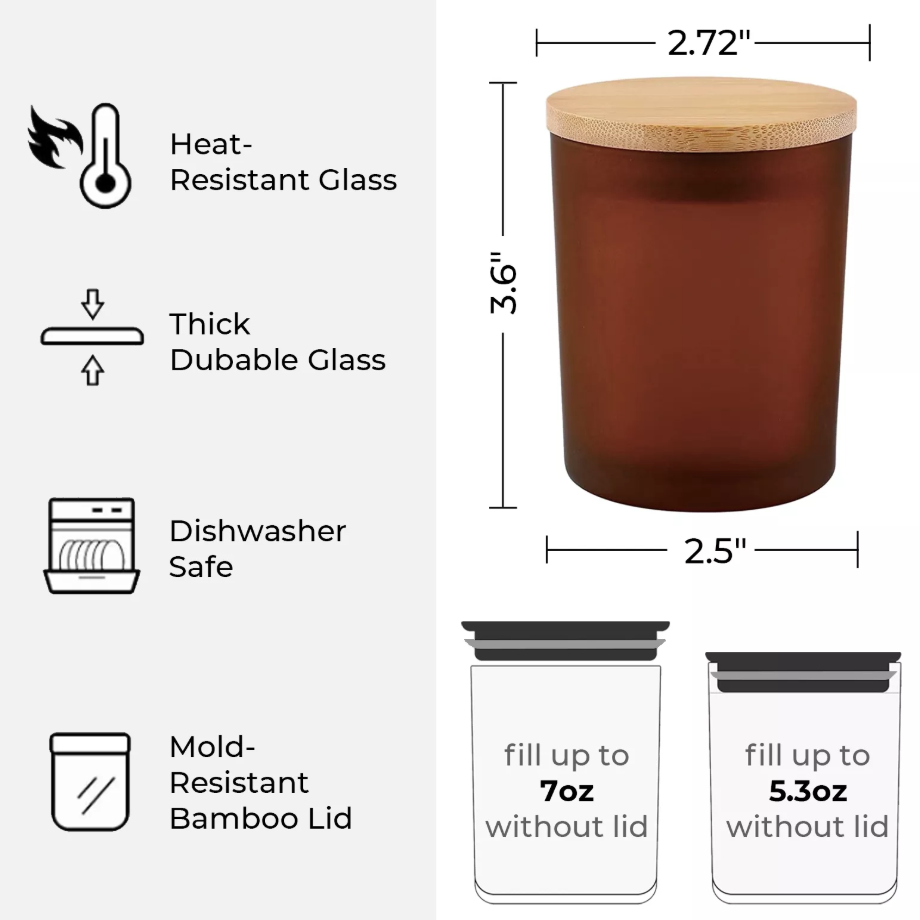
Frosted Amber Candle Jars with Making Kits
For more types of frosted glass and more colors of frosted glass, please click the Official Website link to view.
1.2 Adaptation of Processing Equipment
Adaptive Processing Mode: Curved material / Use rotary attachment / Process on flat surface
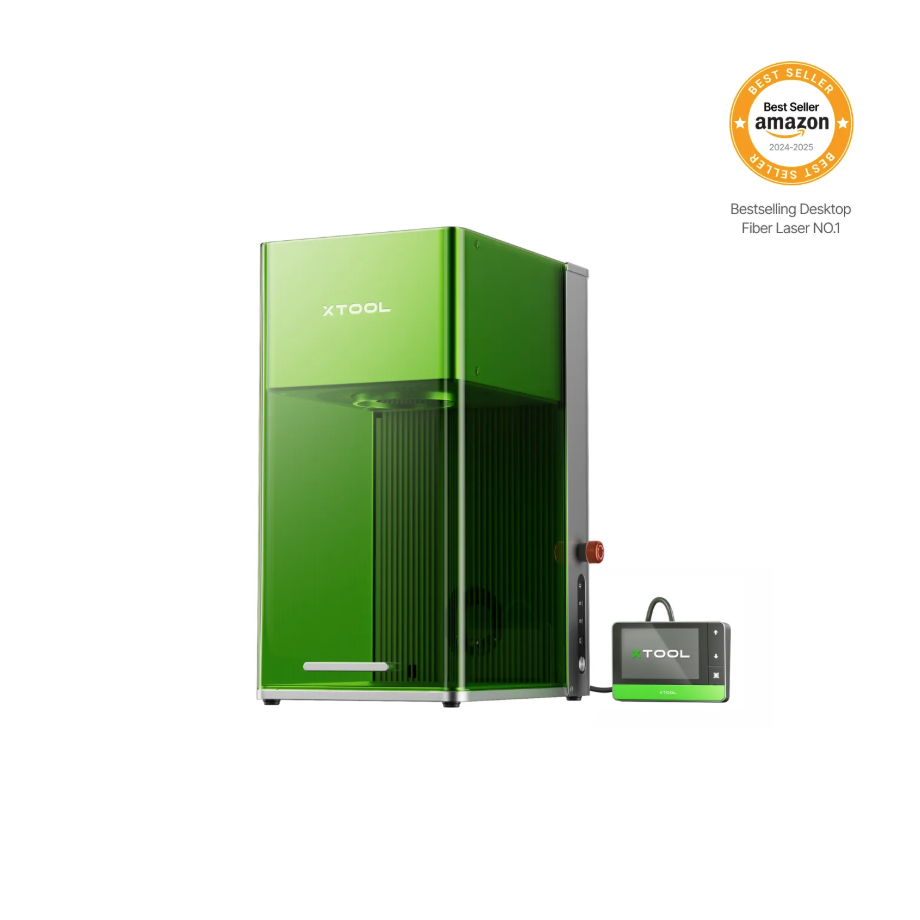
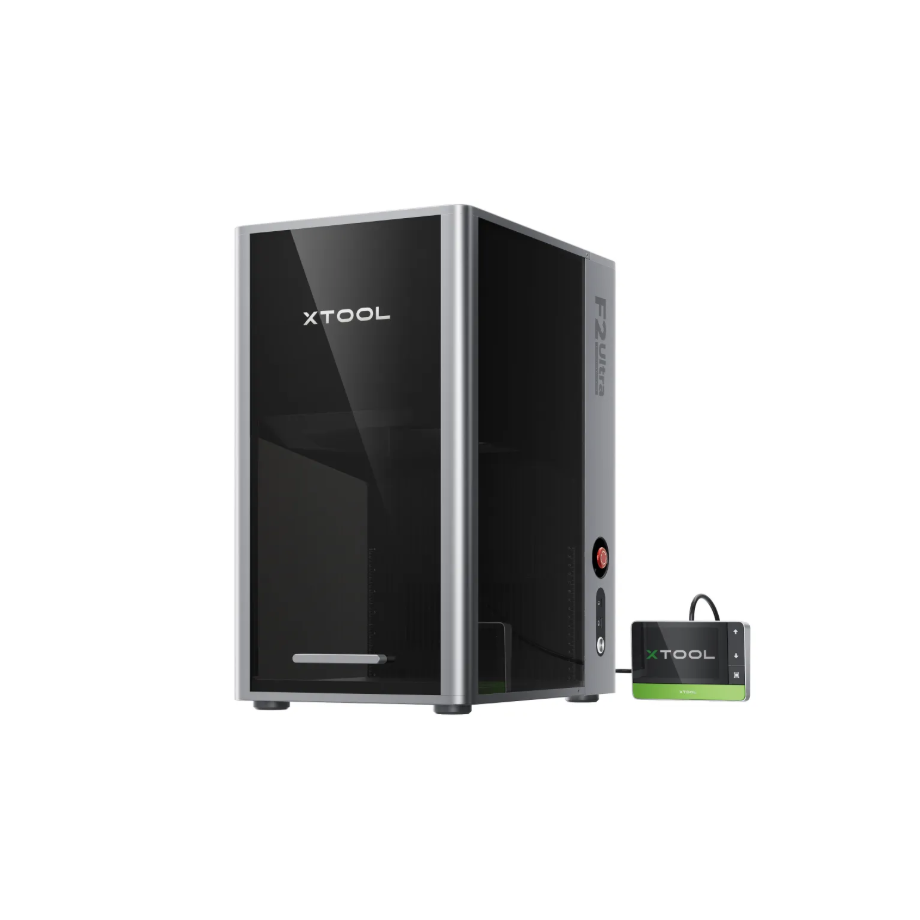
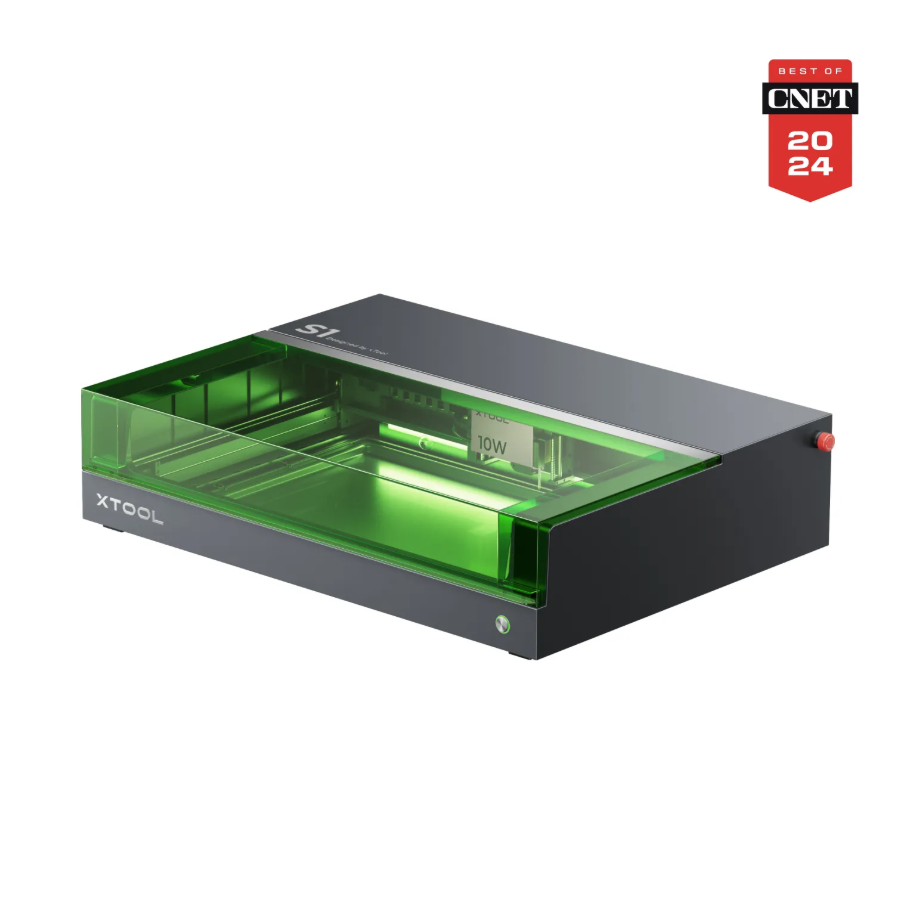
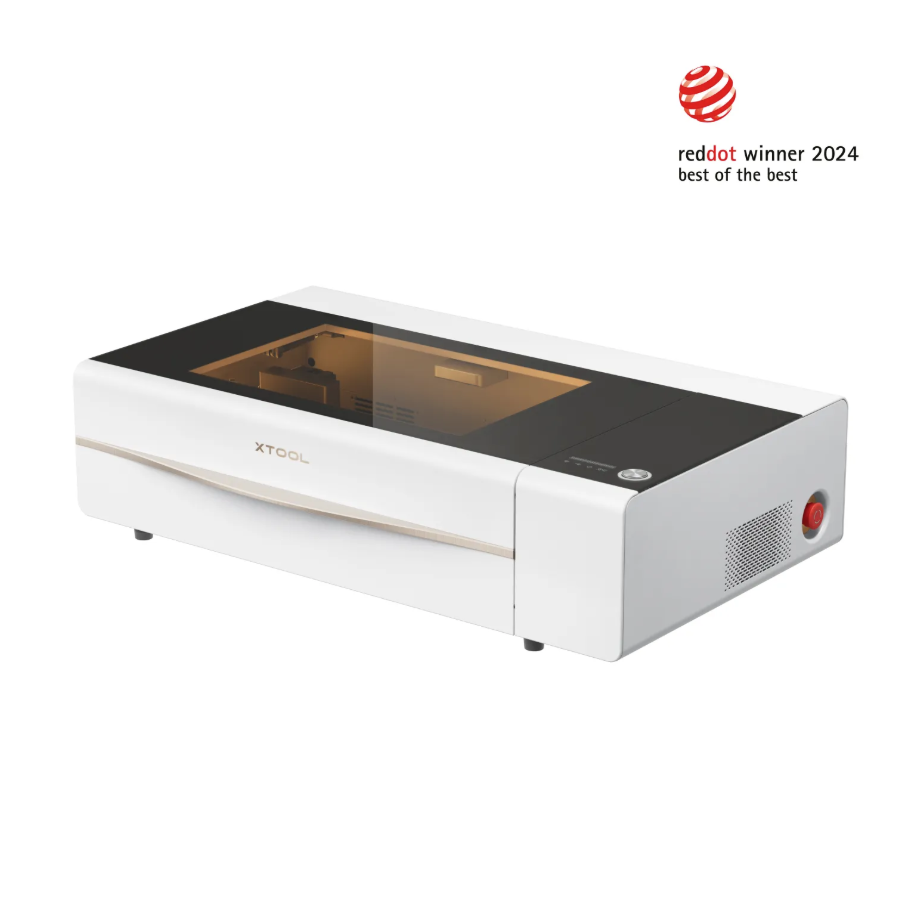
Adaptation processing mode: Use rotary attachment / Process on flat surface
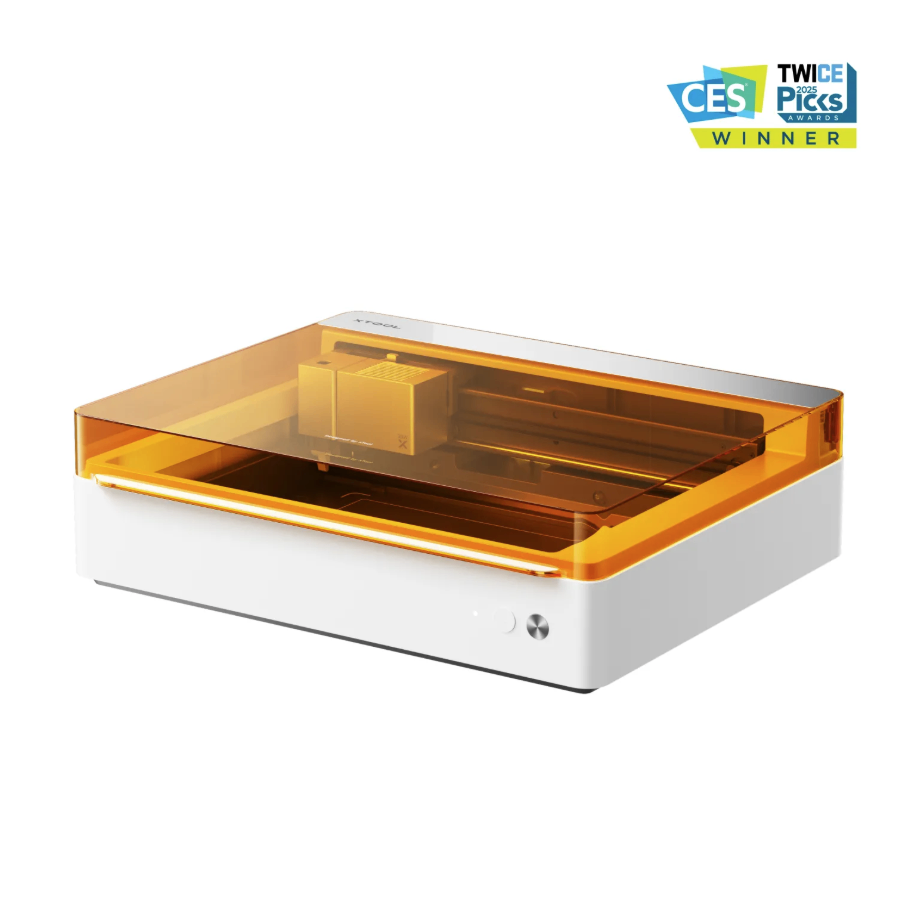
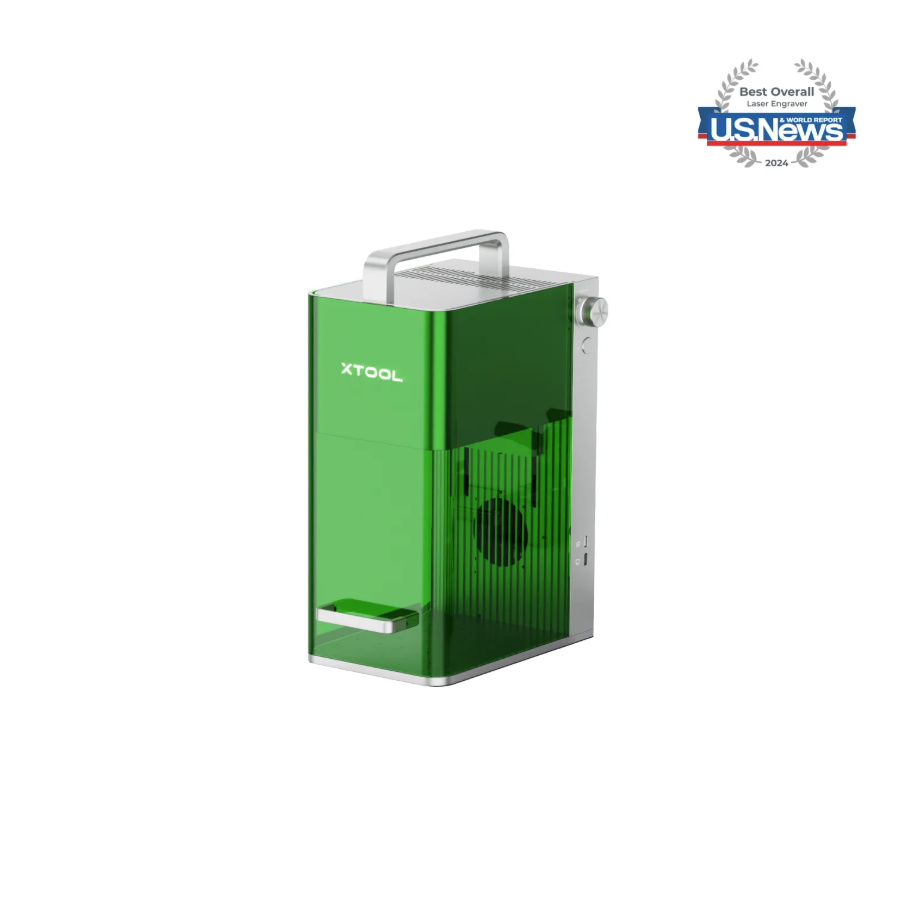
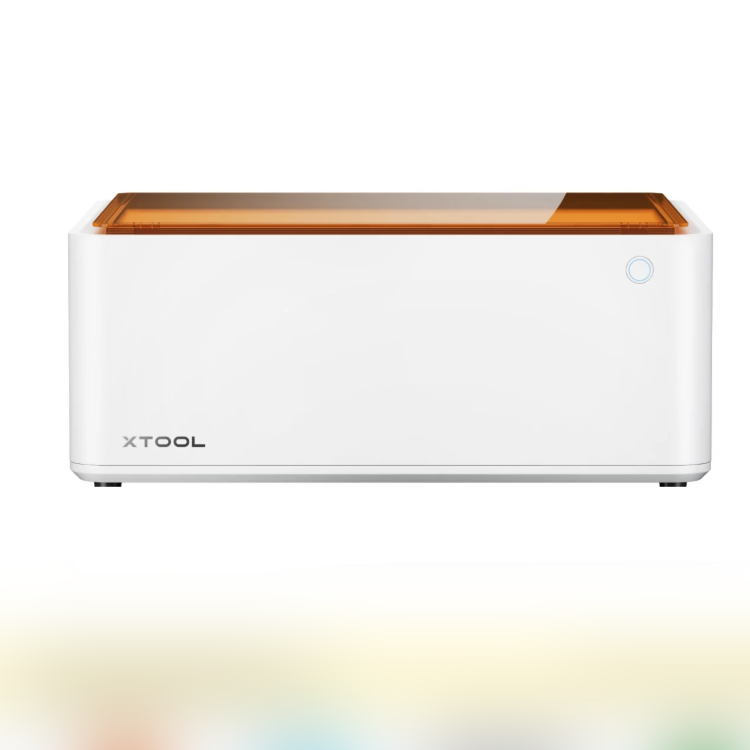
1.3 Use of Accessories
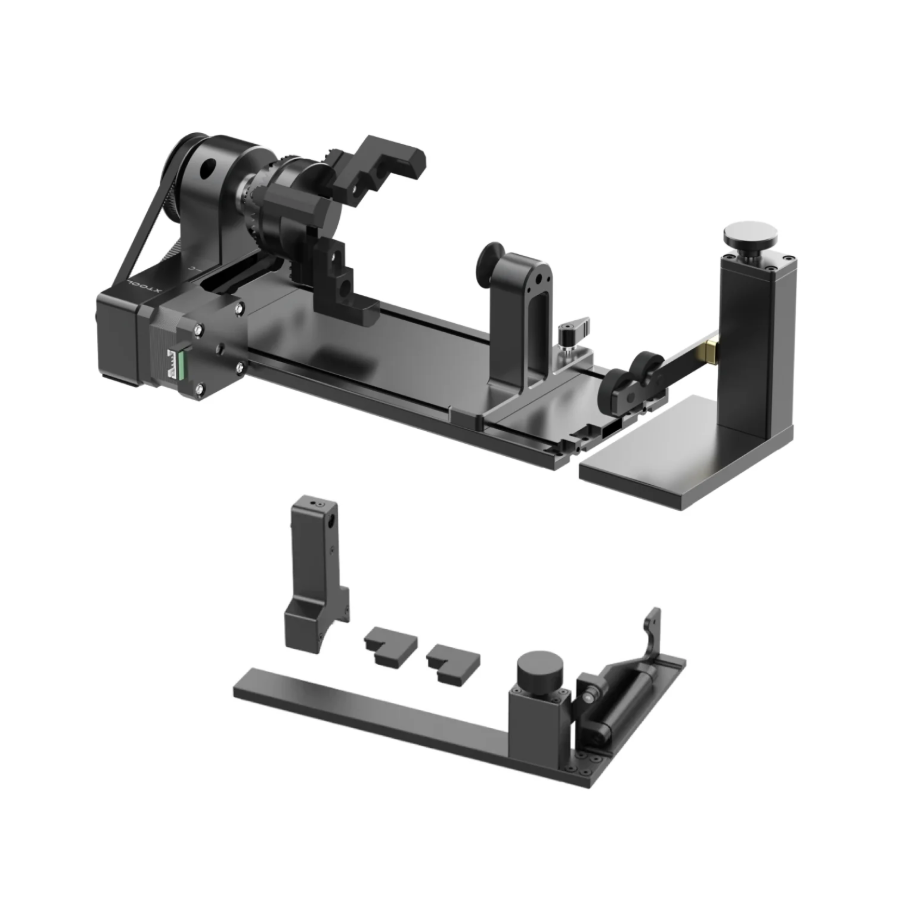
The Rotary Attachment allows for 360° rotational processing of cylindrical materials.
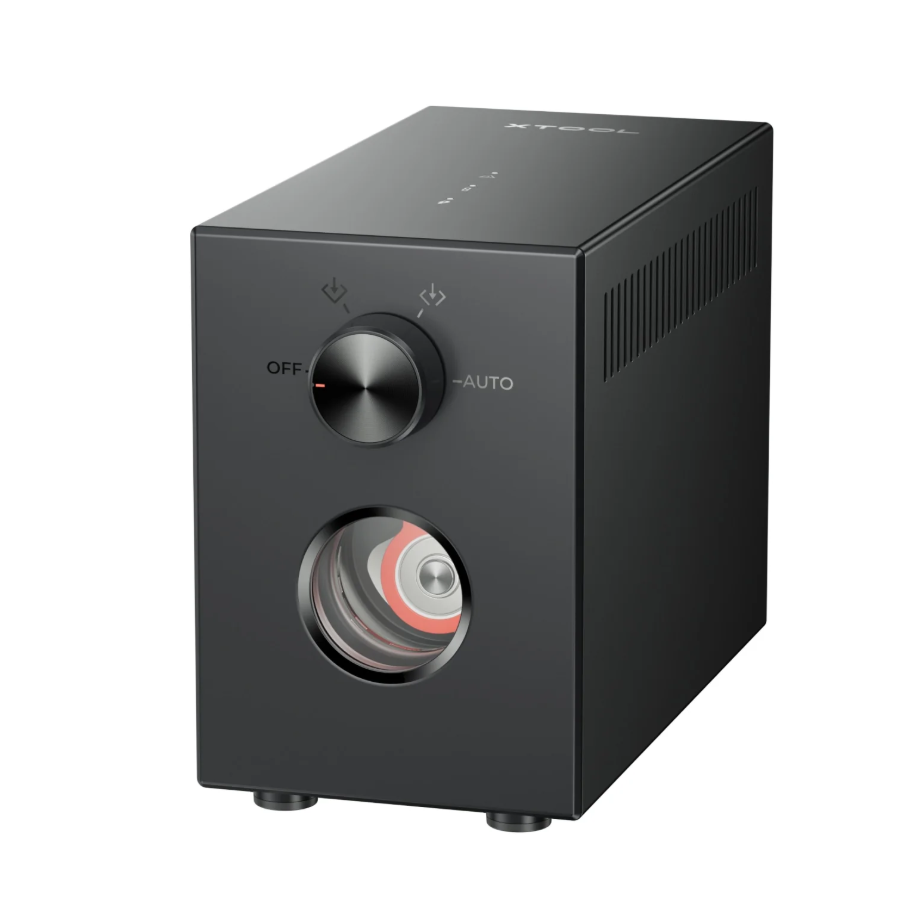
1.4 Materials Used
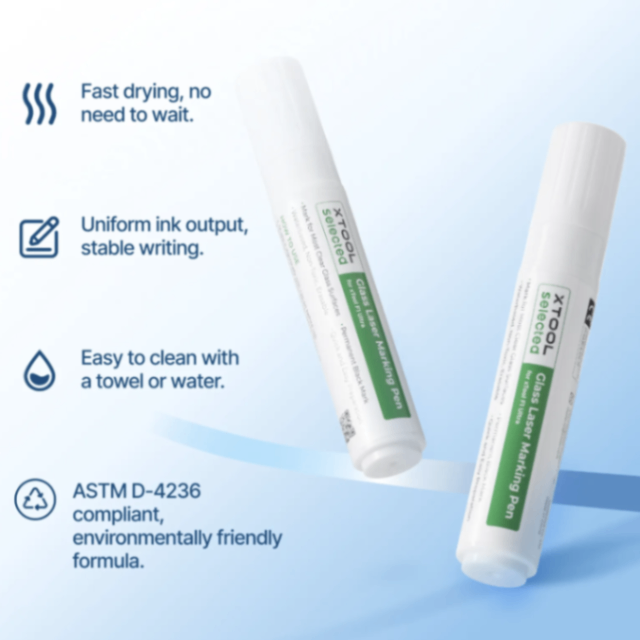
Black Laser Marking Pen for Glass
Assist in creating a dark effect on glass
2. Preparation Before Processing
2.1 Wearing Protective Equipment
It is recommended to connect the device's smoke exhaust pipe to an outdoor ventilation outlet.
When operating equipment for processing, a mask must be worn.
When processing equipment where laser light needs to be exposed, appropriate laser wavelength Laser Safety Goggles must be worn.
When handling glass materials after processing, it is recommended to wear protective gloves first to avoid skin scratches caused by glass debris resulting from incorrect processing methods.
2.2 Apply Black Laser Marking Pen for Glass
To ensure that the laser energy can accurately act on the material surface, please apply the Black Laser Marking Pen for Glass on frosted transparent glass before processing. When applying the pigment, evenly cover the intended engraving area. After processing, rinse with clean water and use alcohol wiping to remove the pen marks.
Frosted glass with color can be directly engraved and processed.
2.3 Build Test Environment
When processing standard cylindrical glass items, you can remove and adjust the machine’s flat base plate according to the height of the Rotary Attachment, and add a heightening frame to ensure that the laser head can properly process the highest point of the cylinder.
If the object is higher than the Laser Module, distance measurement and positioning cannot be performed, and the Laser Module cannot operate normally.
If it is placed lower than the original floor plate area, it will cause an inability to perform distance measurement.
2.4 Cleaning the Laser Head Lens
Before processing the equipment, the lens of the Laser Module needs to be inspected and cleaned.
3. Common Issues and Solutions
3.1 Processing effect not obvious
Glass is transparent, especially frosted transparent glass. Without using the Black Laser Marking Pen for Glass, laser energy cannot be focused on the glass, resulting in no reaction in the material or a very shallow effect. Therefore, it is recommended to use the Black Laser Marking Pen for Glass for auxiliary processing.
3.2 Black Laser Marking Pen for Glass - Marks are hard to clean
Just rinse the area marked by the pen with clean water. If it is not cleaned thoroughly, you can also use alcohol to rinse and wipe the area.
Please note that the processed black engraving marks should not be scratched with nails or other sharp objects, as this may cause the localized loss of the black mark effect.
3.3 Surface machining location fragmentation
Please process using the recommended parameters.
Fragmentation in the surface processing area is due to excessive power; you can appropriately reduce the output power.
3.4 The processing result is not black
After processing colored frosted glass using the recommended parameters, the effect is that the frosted areas are scraped off, and the processed areas appear as flat glass. The processed areas will not turn black.
Only with the aid of the Black Laser Marking Pen for Glass will the pattern in the processed area turn black.
3.5 How to Adjust the Processing Effect
If you are using Curved material, you can increase the measurement density to make the calculation of machining position distances more accurate, ensuring that the focal point remains focused on the material surface during processing.
If some areas in the processed pattern appear untouched, showing streaks of machining marks, you can increase the lines per cm.
3.6 Uneven pattern color after processing
When applying the Black Laser Marking Pen for Glass or other oil-based pens to the glass surface, the applied pigment may be uneven. After processing, the pattern in the processed area will show differences in color and transparency depending on the thickness of the application, which is a normal phenomenon.
3.7 Inaccurate Distance Measurement
The CO2 equipment uses infrared ranging. Since there is a reflection on the glass surface, you can attach a non-reflective sheet of paper to the glass surface to assist in distance measurement.

Services & Help
Learn & Education

Copyright © 2025 xTool All Rights Reserved.