
1. Equipment and Materials
1.1 Printing Materials
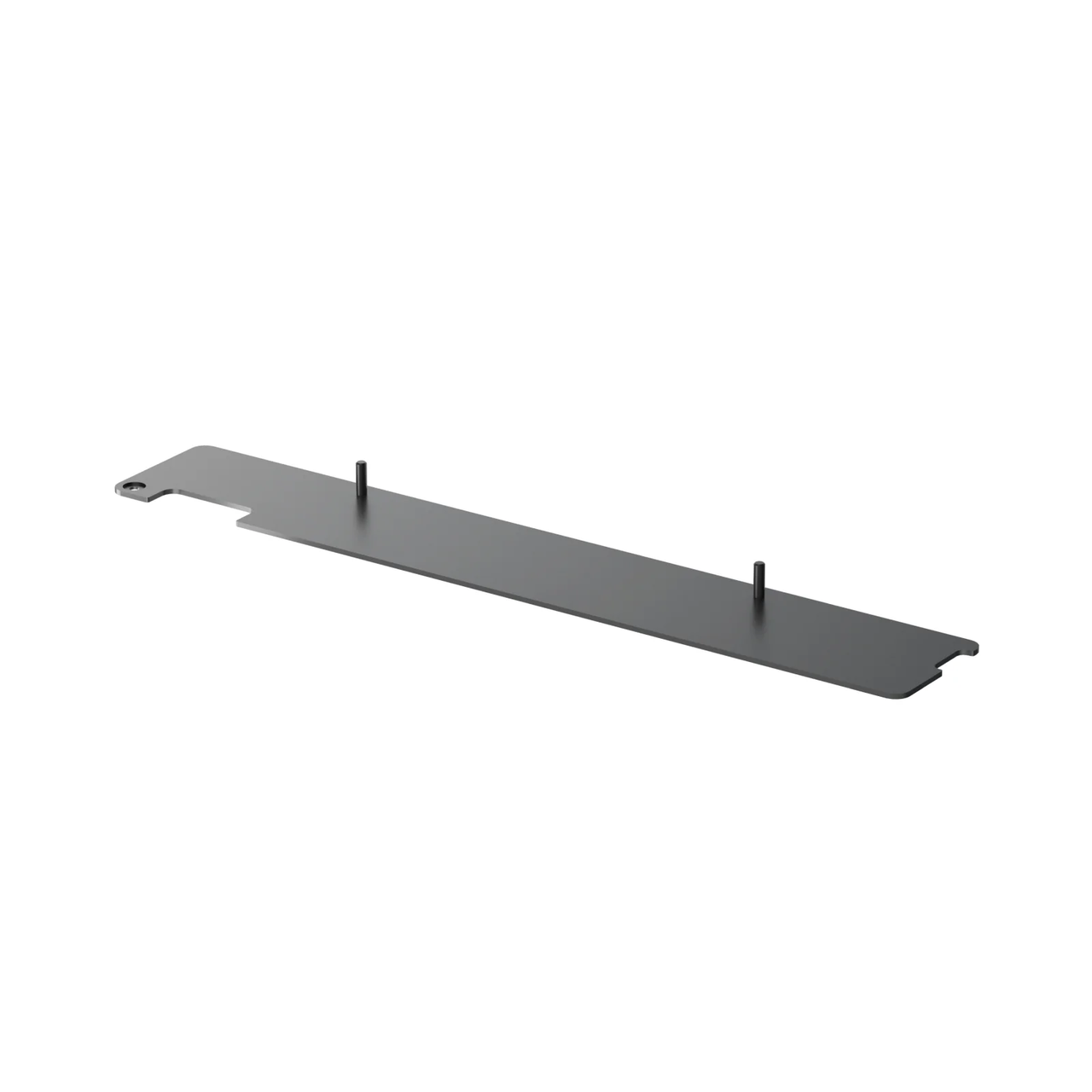
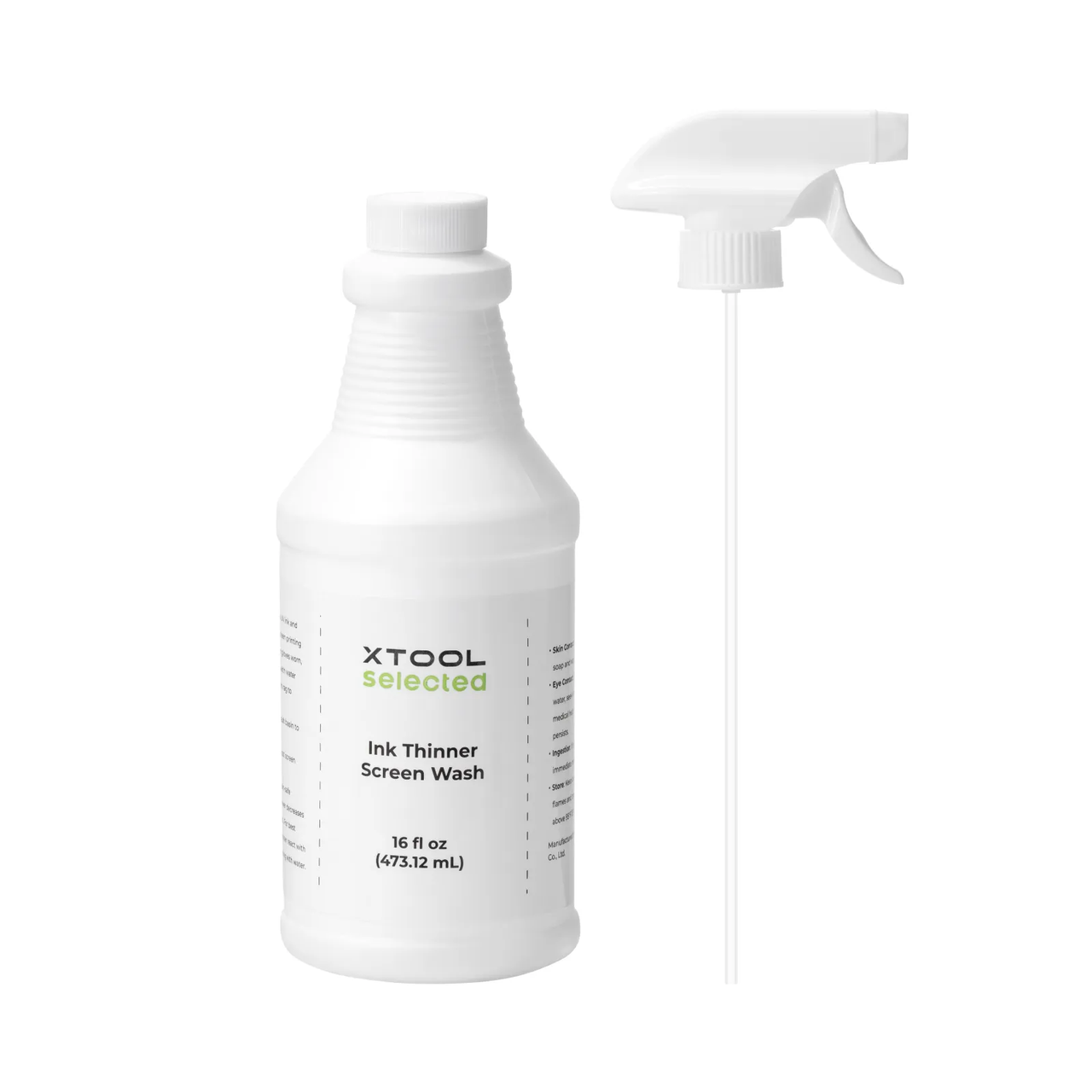
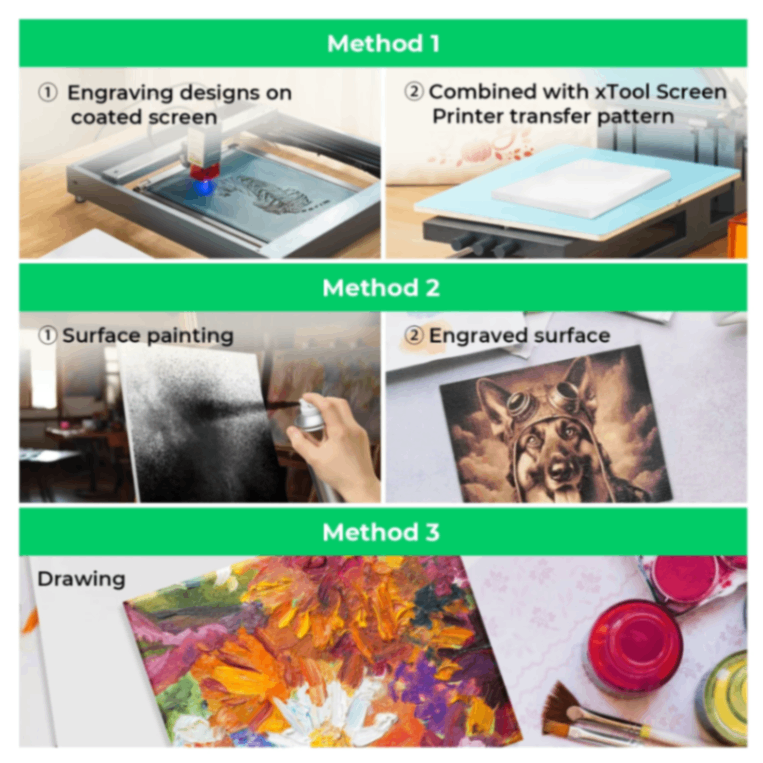
1.2 Printing Ink
Optional ink types: Ink Types Supported by xTool Screen Printer - xTool Support Center
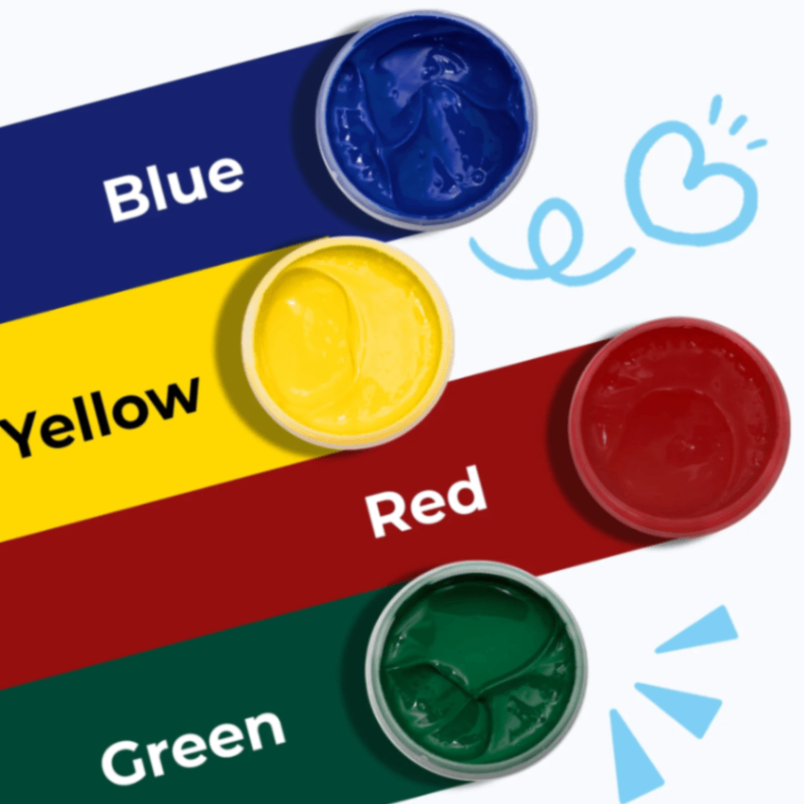
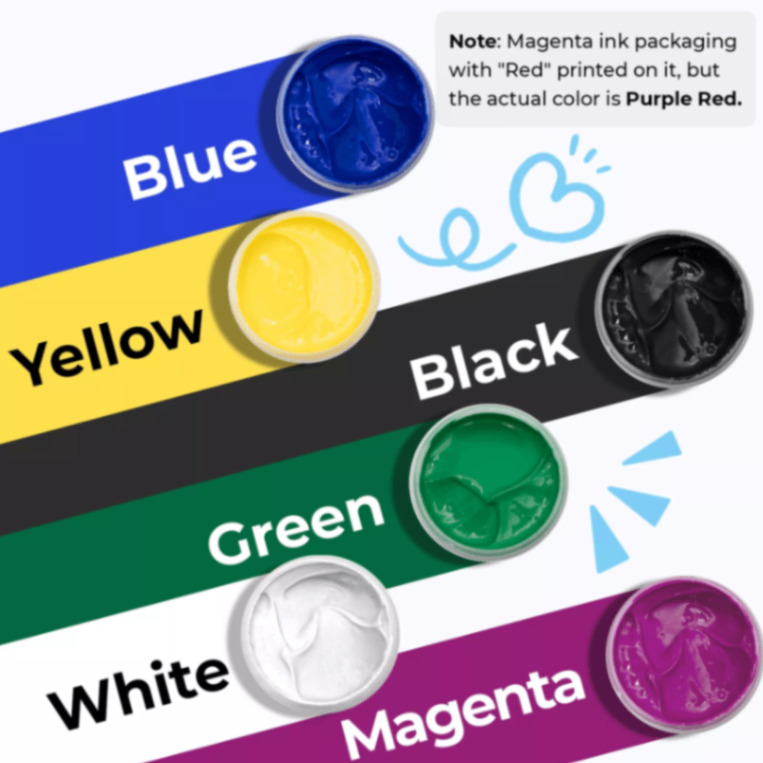
Basic Color Screen Printing Ink Set
Search for more materials on the official website
Water-based Ink Multicolor/Fluorescent/Glow in The Dark/Glitter Gold & Silver/Thermochromic/Photochromic.
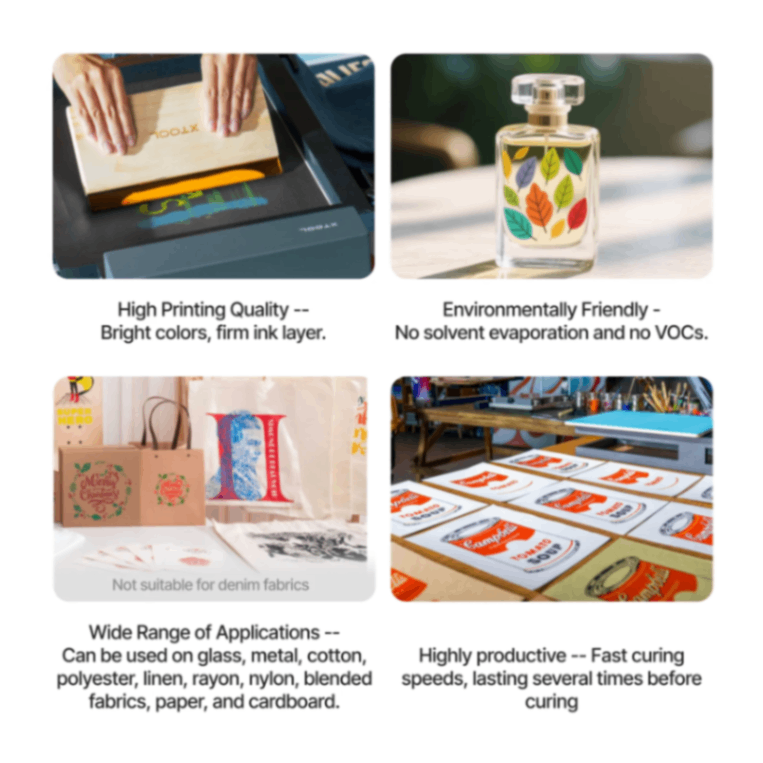
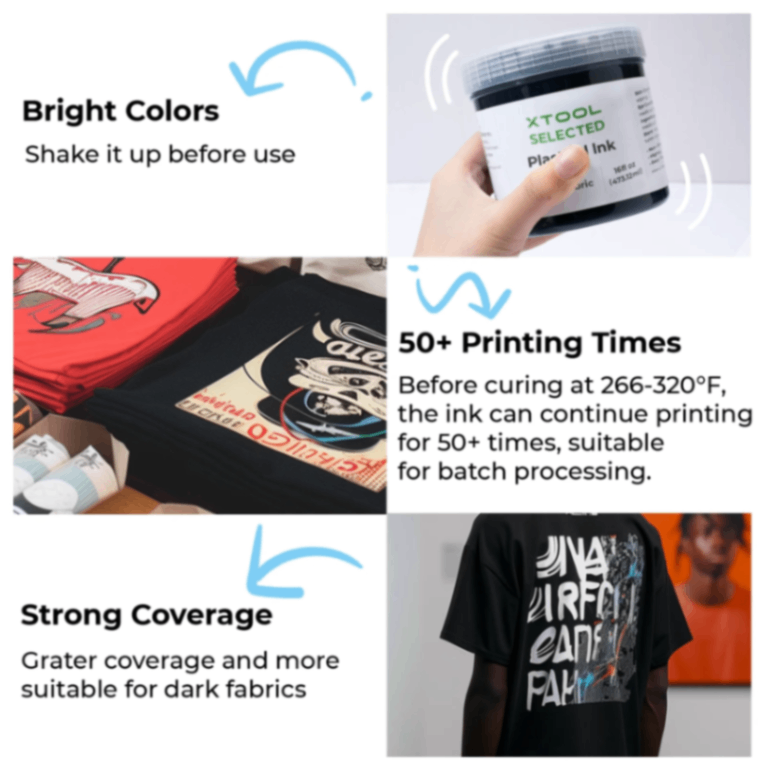
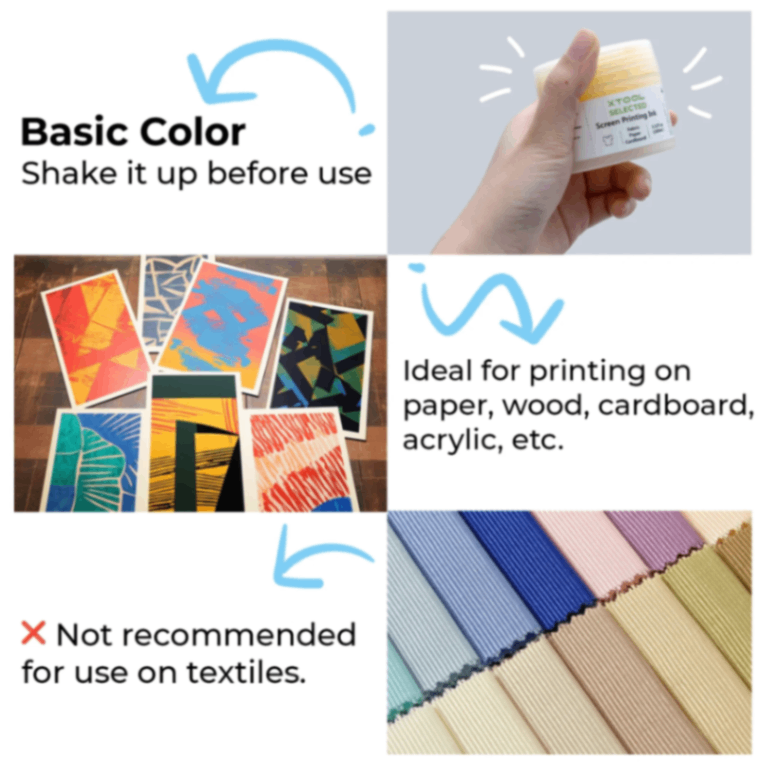
Basic Color Acrylic Screen Printing Ink Set
Fluorescent Color Acrylic Screen Printing Ink Set
Multicolor Set / White / Black / Fluorescent / Glitter Gold and Silver.
1.3 Printing Substrate
Types of Substrates and Printing Characteristics
It is recommended that the screen mesh count be matched with the ink characteristics for application on the corresponding substrate.
Cotton cloth
Ink fading may occur after washing, and there may be a mismatch between the ink's extensibility and the cotton fabric.
Polyester fiber
There may be insufficient surface adhesion.
Denim
The denim fabric is relatively dark in color, which may cause the printed patterns to appear unclear.
Nylon fabric
There may be a phenomenon of insufficient surface adhesion.
Paper
Excessive ink moisture can easily cause the paper to warp and penetrate.
Glass
Ink may come off after Printing cleaning.
Brass
Ink may come off after Printing cleaning.
Wood
Ink diffusion along the wood grain may occur.
1.4 Adaptation of Processing Equipment
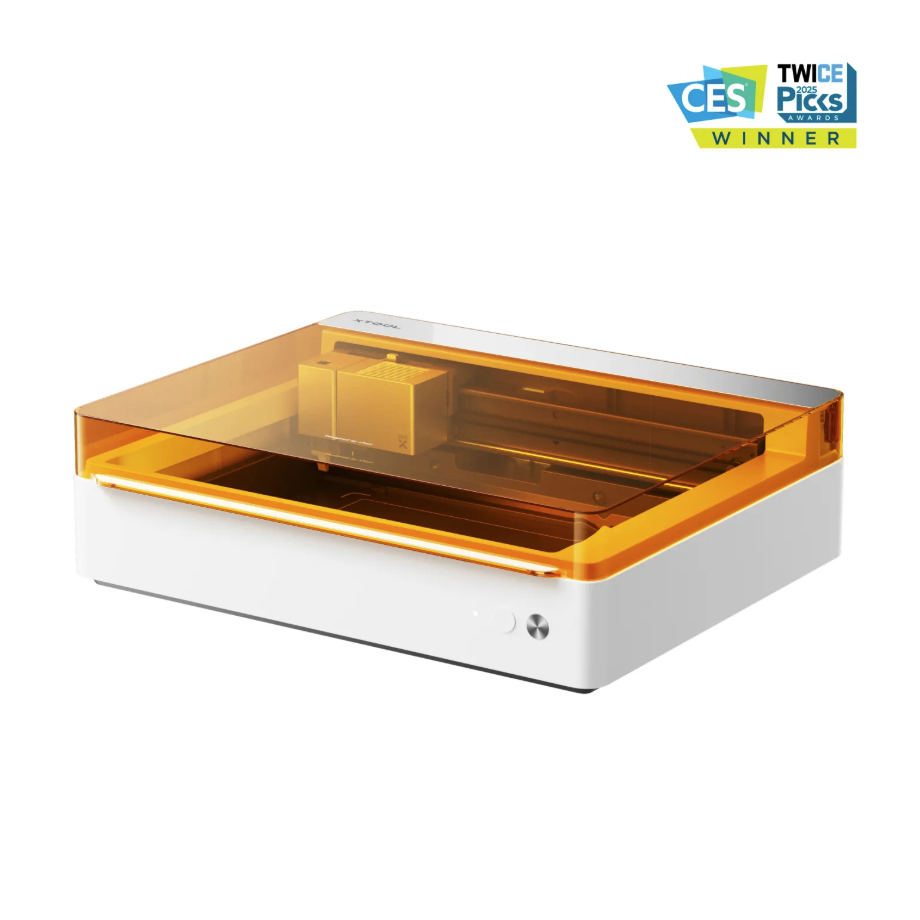
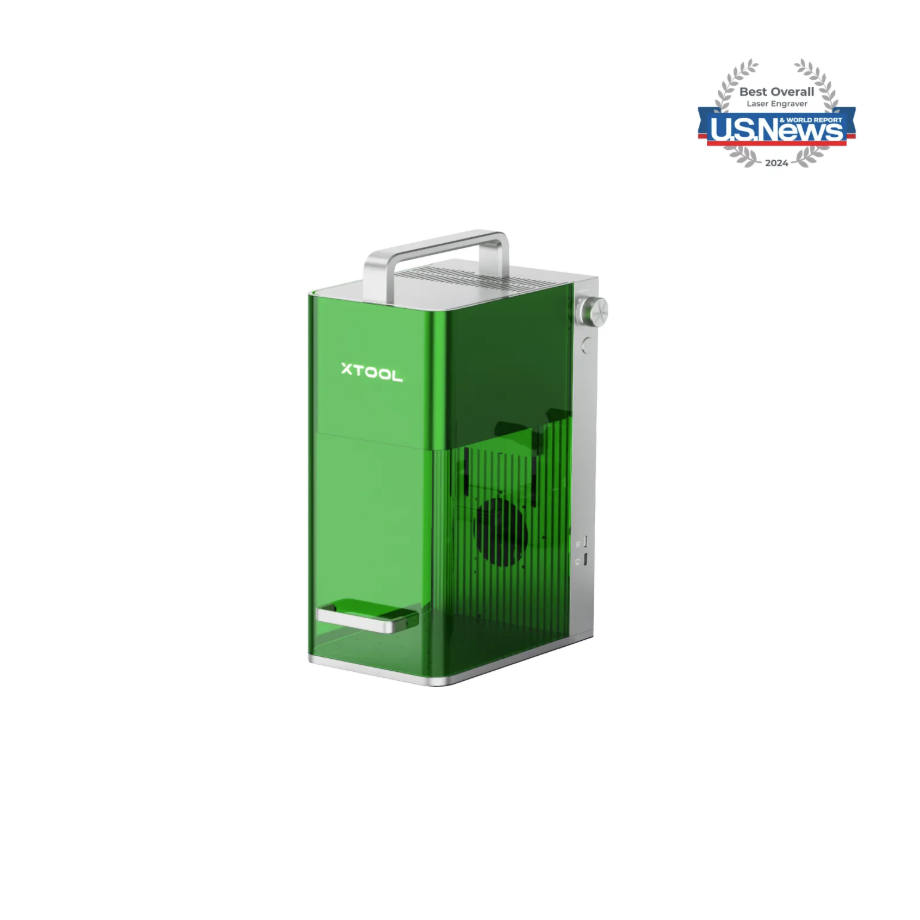
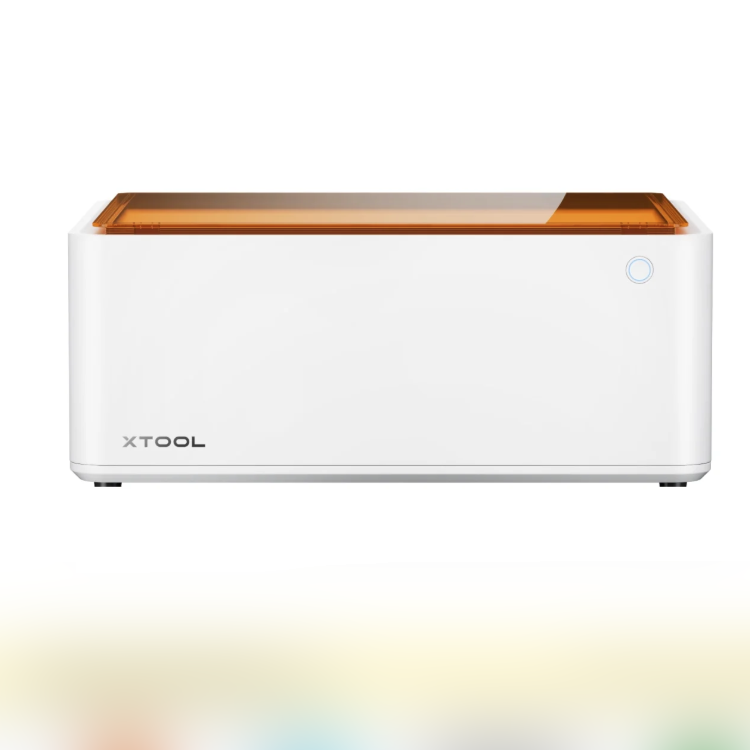
Adapt to processing mode: Process on flat surface
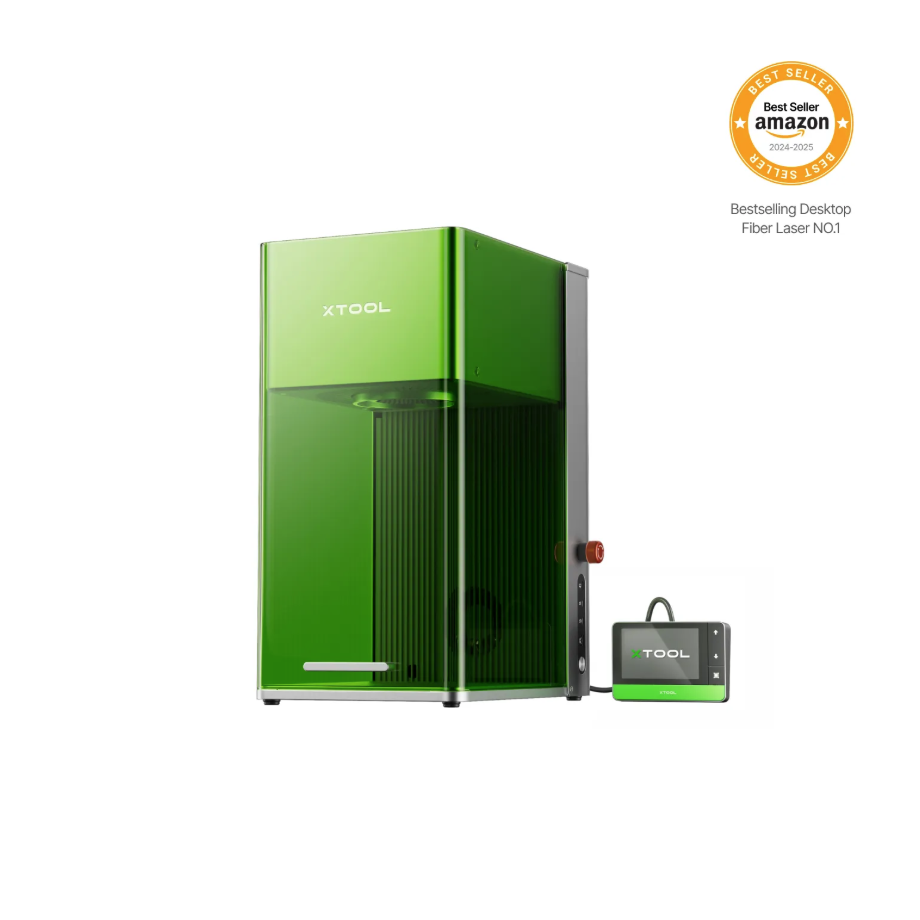
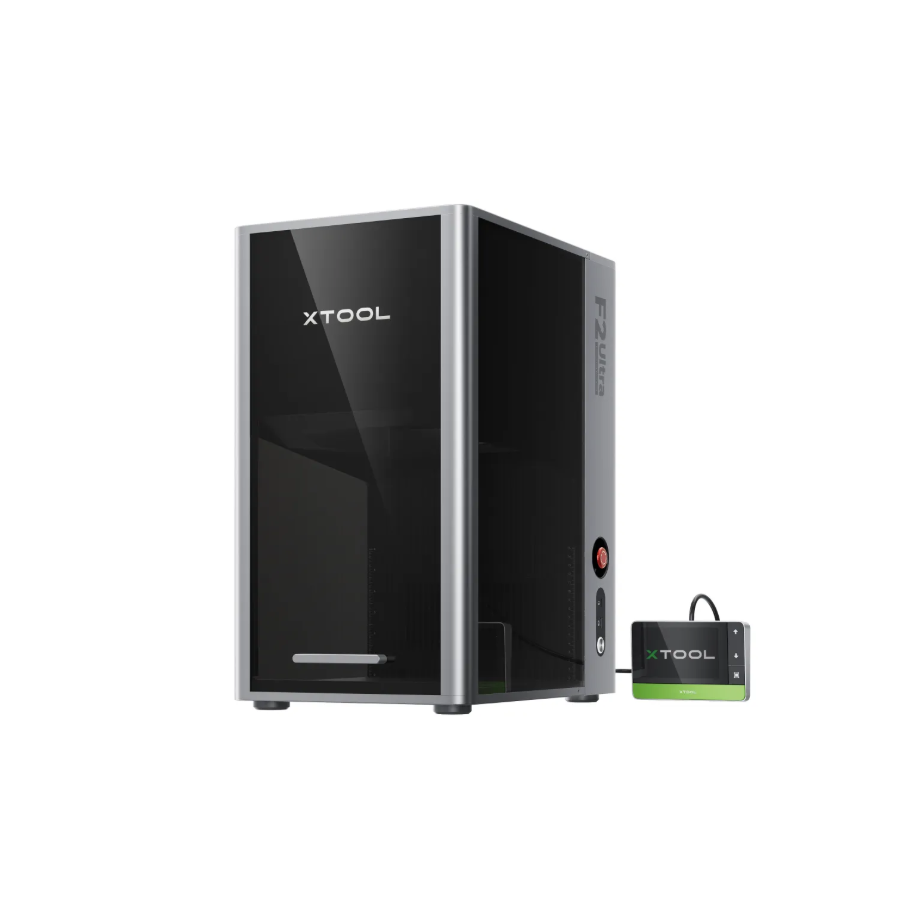
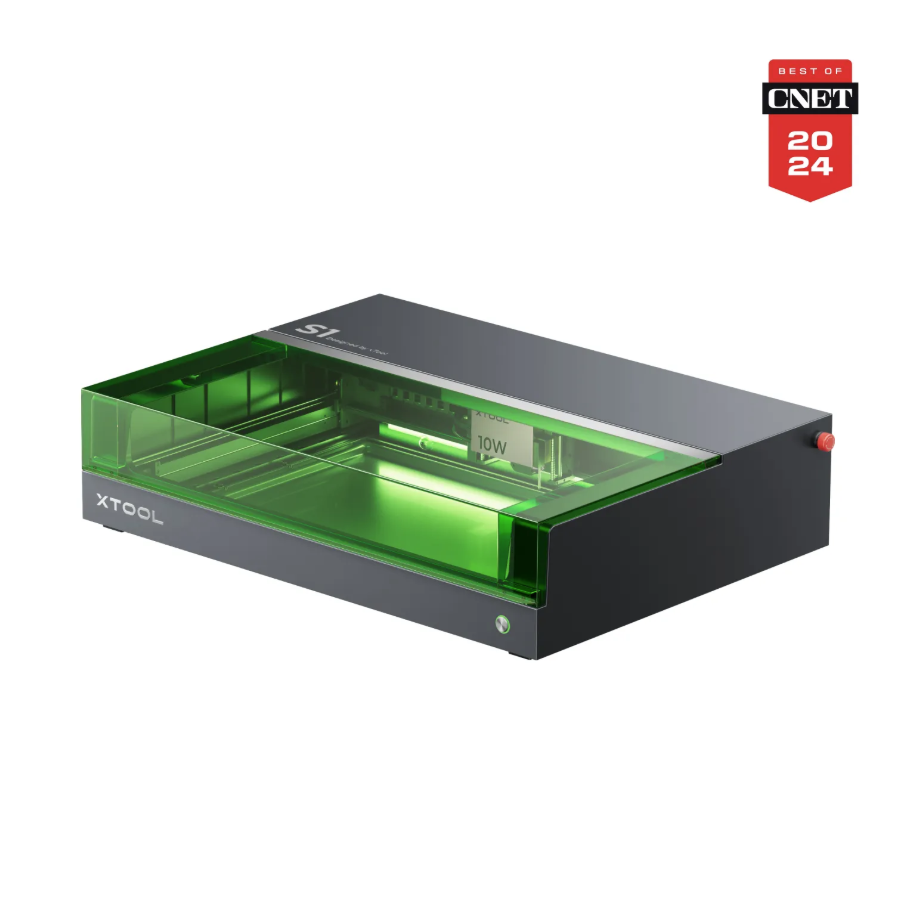
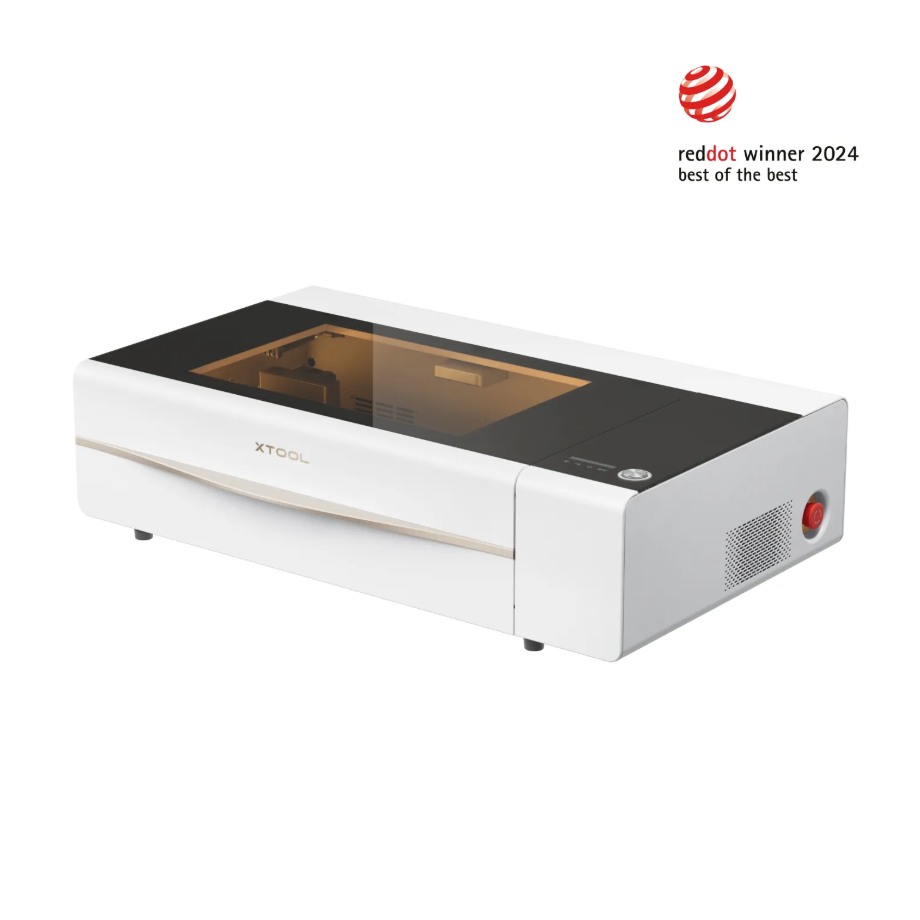
2. Preparation Before Processing
2.1 Wearing Protective Equipment
It is recommended to connect the device's smoke exhaust pipe to an outdoor ventilation area.
When operating equipment for processing, a mask must be worn.
When processing equipment, if there is a need for exposed light emission, appropriate laser safety goggles for the corresponding laser wavelength must be worn.
2.2 The two mesh types currently sold by XTOOL:
Name | Characteristics of Printing Ink | Applicable Scenarios | Suitable Printing Materials |
100目Screen | Compared to 200 mesh, the engraving printing precision appears less detailed in the facial features of the characters. | Suitable for most materials. | Rough, highly absorbent materials, such as cardboard and fabric. |
200目Screen | The carving and printing have high precision, which can effectively capture the facial details of the printed figures. | Suitable for most materials. | Smooth materials such as glass, metal, and PET. |
2.3 Install the screen onto the mesh board
User Guide for Polyester Screen
Polyester Screen Installation Video
2.4 Is it necessary to install/enable Air-Compress Assist
Several devices with built-in Air-Compress Assist will have the Air-Compress Assist enabled by default during processing.
For machines that require an external Air-Compress Assist, when processing the screen, it is not necessary to connect or turn on the Air-Compress Assist.
2.5 Is it necessary to remove the machine floor or install auxiliary components
Only remove the Honeycomb Panel; do not remove the metal baseplate to avoid having the screen frame suspended inside the machine or positioned too far from the Laser Module.
For batch processing, it is necessary to install fixtures. Please refer to section 1.3 above.
It is recommended for the F series to design and make auxiliary DIY accessories based on the height of the base and the size of the bottom plate.
M1 Engraving Accessory DIY design
3. Common Issues and Solutions
3.1 CO2 Processing Issues
The CO2 model has higher power output, so before processing Polyester Screen with the recommended parameters, it is advised to first use the recommended parameter range matrix on the Polyester Screen to find the value that matches your machine's actual laser output power, in order to ensure normal processing results.
Recommended parameter processing effect matrix: center it on the recommended parameters, decrease and increase the power in 3% intervals, and decrease and increase the speed in increments of 20 mm/s. After processing the matrix, you can find the optimal processing parameters for your own equipment from it.
3.2 Blue Light Processing Issues
How to evaluate engraving results and adjust parameters:
Test Processing Parameters for Your Fast-engrave Screens
It is recommended to use the suggested parameters in the software for processing.
After the engraving is completed, use light to check whether the mesh is transparent, and whether excessive power or high density has caused the mesh lines to deform or break.
If the result differs from the normal situation, you can create a small-range matrix for engraving around the recommended parameters and select the qualified parameters.
The engraving laser machining path for the screen is a unidirectional scan.
How to perform batch processing:
It is recommended to use the recommended parameters for this model before batch processing and to use fixtures to install its tool guide on the corresponding machine equipment for operation.
The official website already has a 'Screen Fixture Installation Batch Processing Tutorial.
Is it possible to use a Fiber IR laser for engraving? How effective is it?:
The absorption rate of Fiber IR wavelength (1064nm) for organic fiber materials is poor, so it is not recommended to use a Fiber IR light source to process the screen.
Machine detected flame alarm:
Please use the recommended parameters for processing. If it is necessary to adjust the parameter values to match the actual power of the machine, you may also use the recommended parameters as the central point to set a range matrix and select the recommended parameters.
Stop carving immediately and check for burn-through or mesh ignition.
Check whether the focus is adjusted to the proper distance and whether the power setting is too high.
Check whether there are any flammable materials on the platform; the use of wooden platforms is not recommended.
Can the screen be reused?
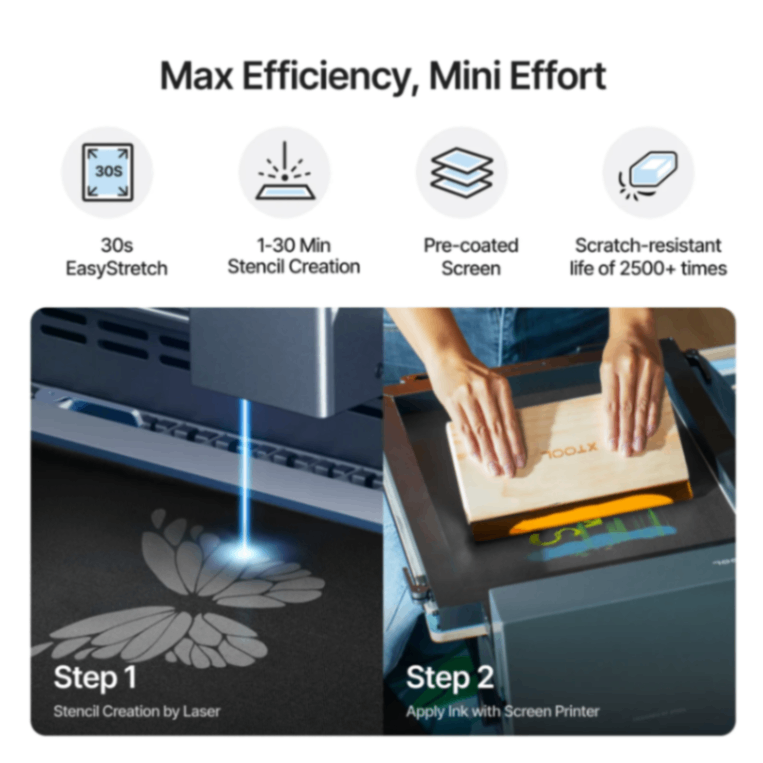
The mesh plate with engraved patterns, which can undergo repeated printing:
After using one color for printing, you can use ink thinner to moisten and soak the original ink, then rinse off the softened ink with tap water. After wiping away dirt and water stains, you can use another color to print the engraved pattern again.
After carving the patterns on the screen plate, it is not allowed to scrape off all the surface coating and then reapply the surface layer for processing:
The thickness of the recoated surface layer is different from the original, so the existing recommended parameters cannot be applied.
The resurfaced coating material may differ from the previous one and may not be compatible with the existing recommended parameters.
What types of Screen materials are currently sold by XTOOL:
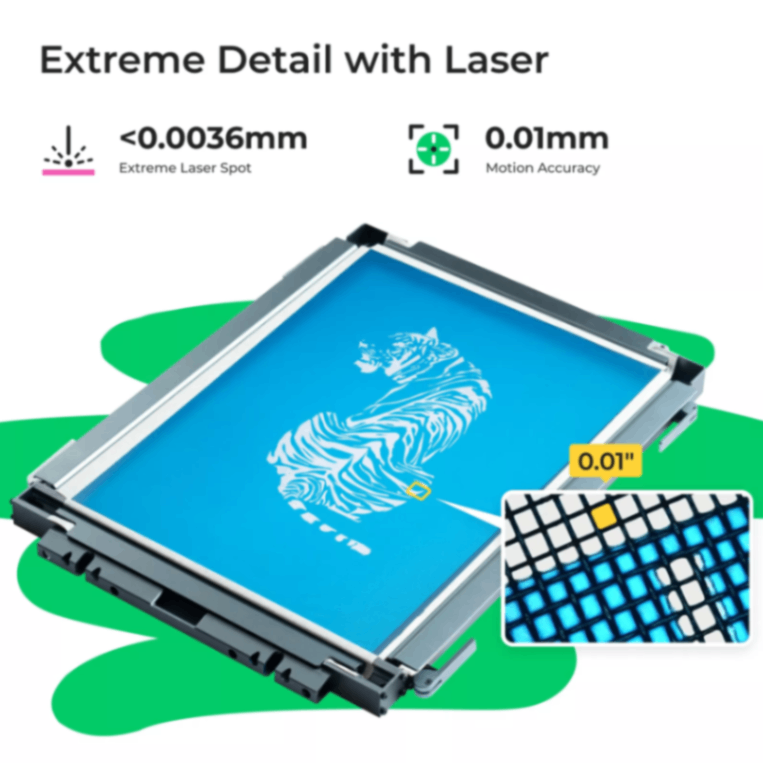
Polyester Screen: Soft, suitable for most graphic printing, easy to install onto the screen frame, and relatively inexpensive.
Stainless steel mesh: The material is relatively hard, with high precision, suitable for extremely fine lines and high-density patterns, durable and not easily deformed.
How to determine the machined surface of the screen:
The Polyester Screen sold by XTOOL has a black side as the processing surface, which should face upward toward the laser module's light-emitting port.

Services & Help
Learn & Education

Copyright © 2025 xTool All Rights Reserved.