
xTool Store
Tutorial on Attaching QR Codes to Braille Labels
Updated Aug 30,2025
Updated Aug 30,2025
Step 1: Content Preparation
You can use AI tools to translate the content into Braille and paste the copied Braille into XCS.
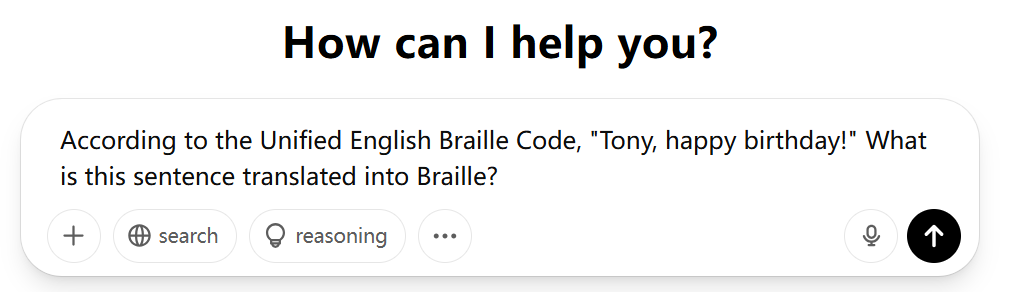
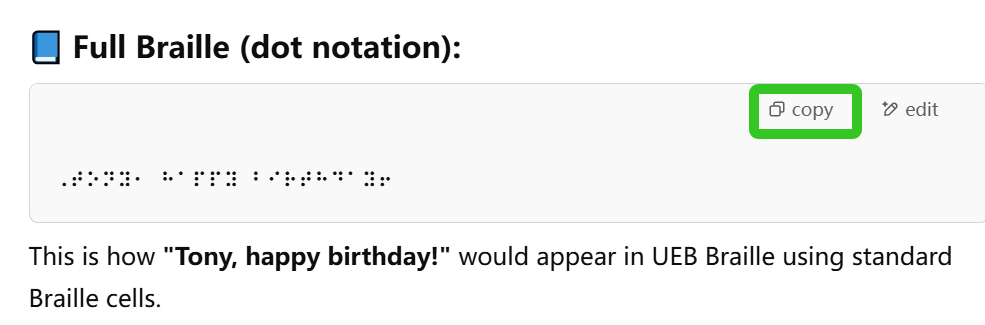
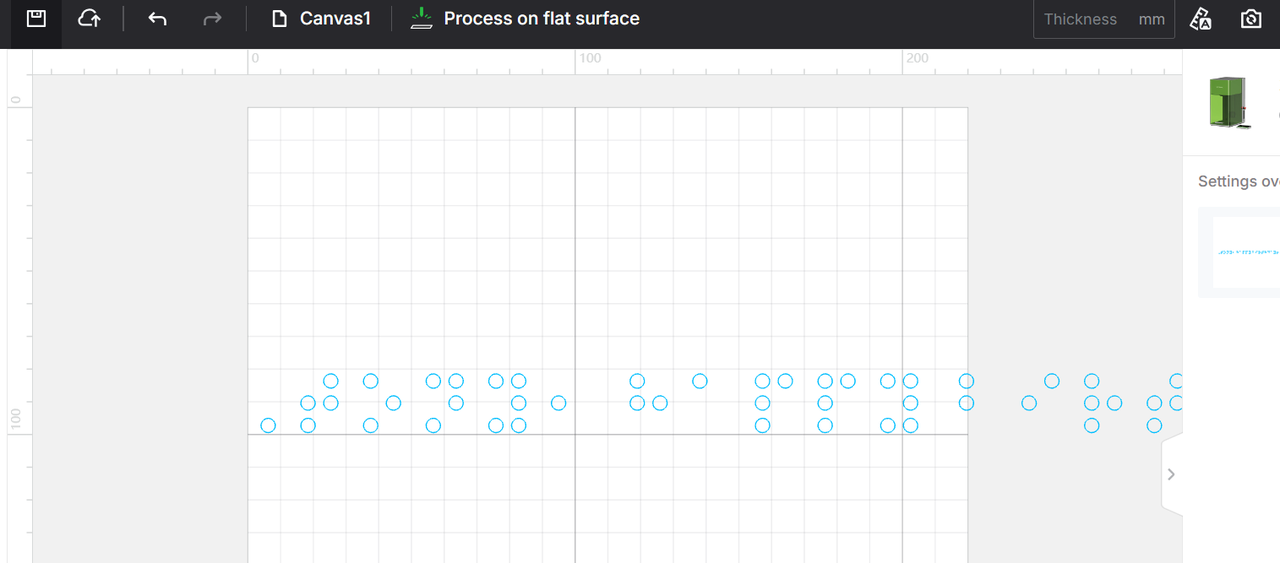
Step 2: Adjust the format
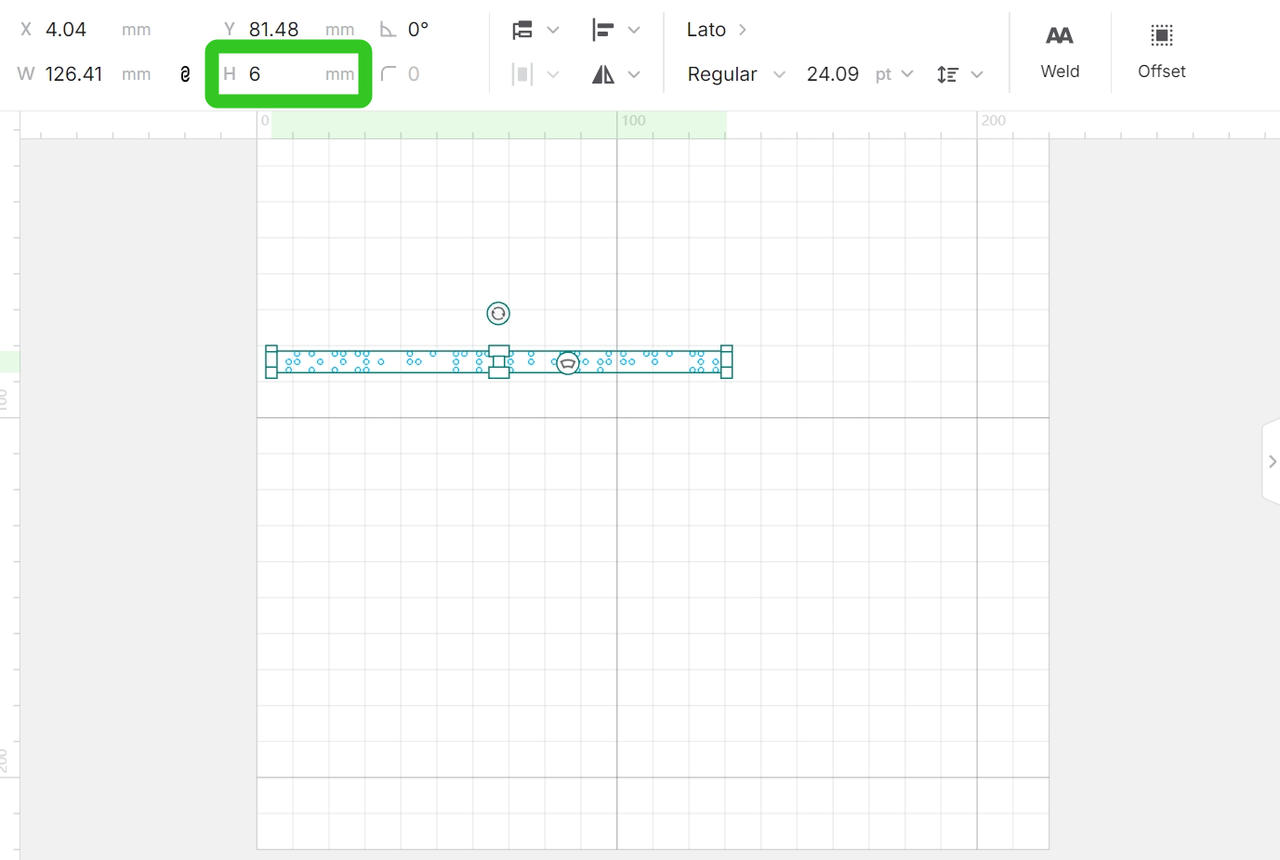
Change the height of the Braille (single-line Braille) to 6mm.
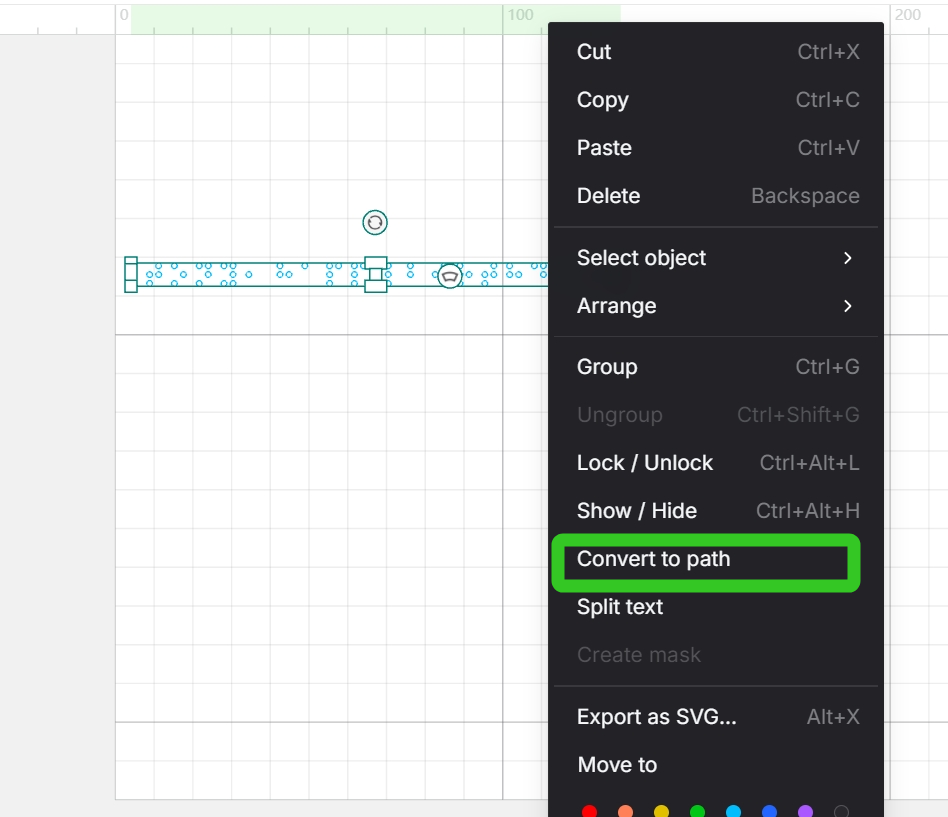
Right-click on the Braille, and then click "Convert to path".
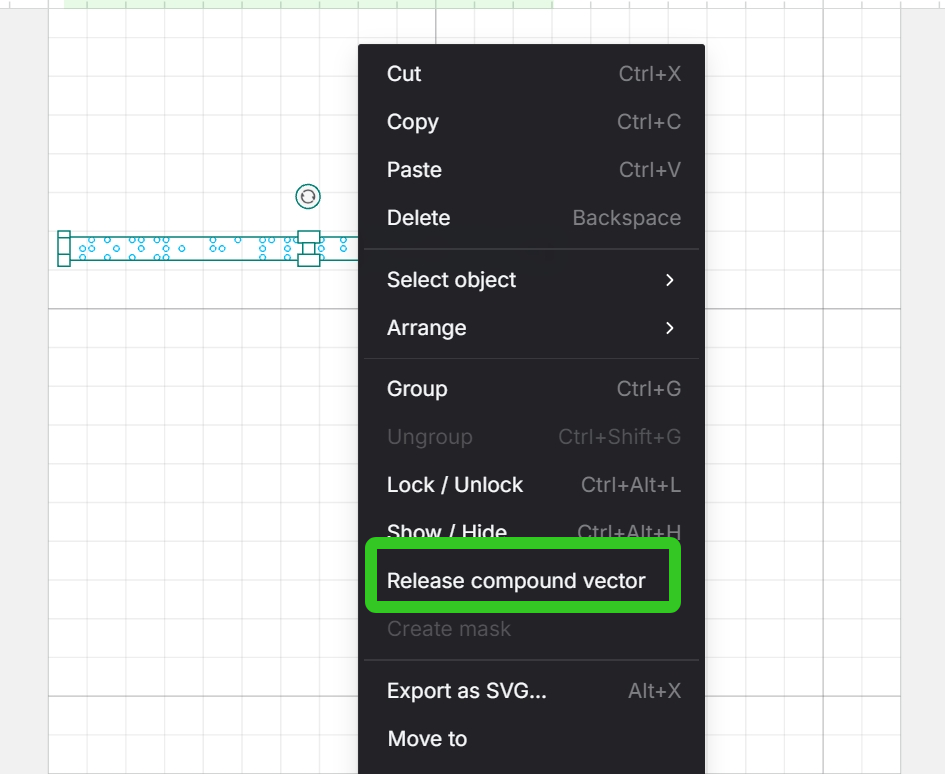
Right-click again and select "Release compound vector".
Step 3: Engraving
This product is a special material, so we recommend conducting a small test before using it. Refer to the setting guidelines to identify the ideal settings for your product and machine.
The reference processing parameters are as follows:
F1 Ultra | Engrave | |
Laser type | Power / Speed / Pass / Lines per cm | |
Fiber IR | 21~25% / 200~400mm/s / 2 / 300 | |
F1 | Engrave | |
Laser type | Power / Speed / Pass / Lines per cm | |
Fiber IR | 90~100% / 250~330mm/s / 5 / 300 | |
Preview
Was this page helpful?
1 out of 1 found this helpful
Help Ticket
Use this help ticket to submit your issue. We will respond within 1 business day
Submit a Ticket Tags
Help Ticket
Use this help ticket to submit your issue. We will respond within 1 business day
Submit a Ticket 
Services & Help
Learn & Education

Copyright © 2025 xTool All Rights Reserved.