
1. Purpose
Purpose: To ensure that users can follow the processing guide to piece together Gold and Silver Foil Transfer Paper into large sheets to achieve large-size Gold Foil Transfer/transfer.
2. Compatible Devices
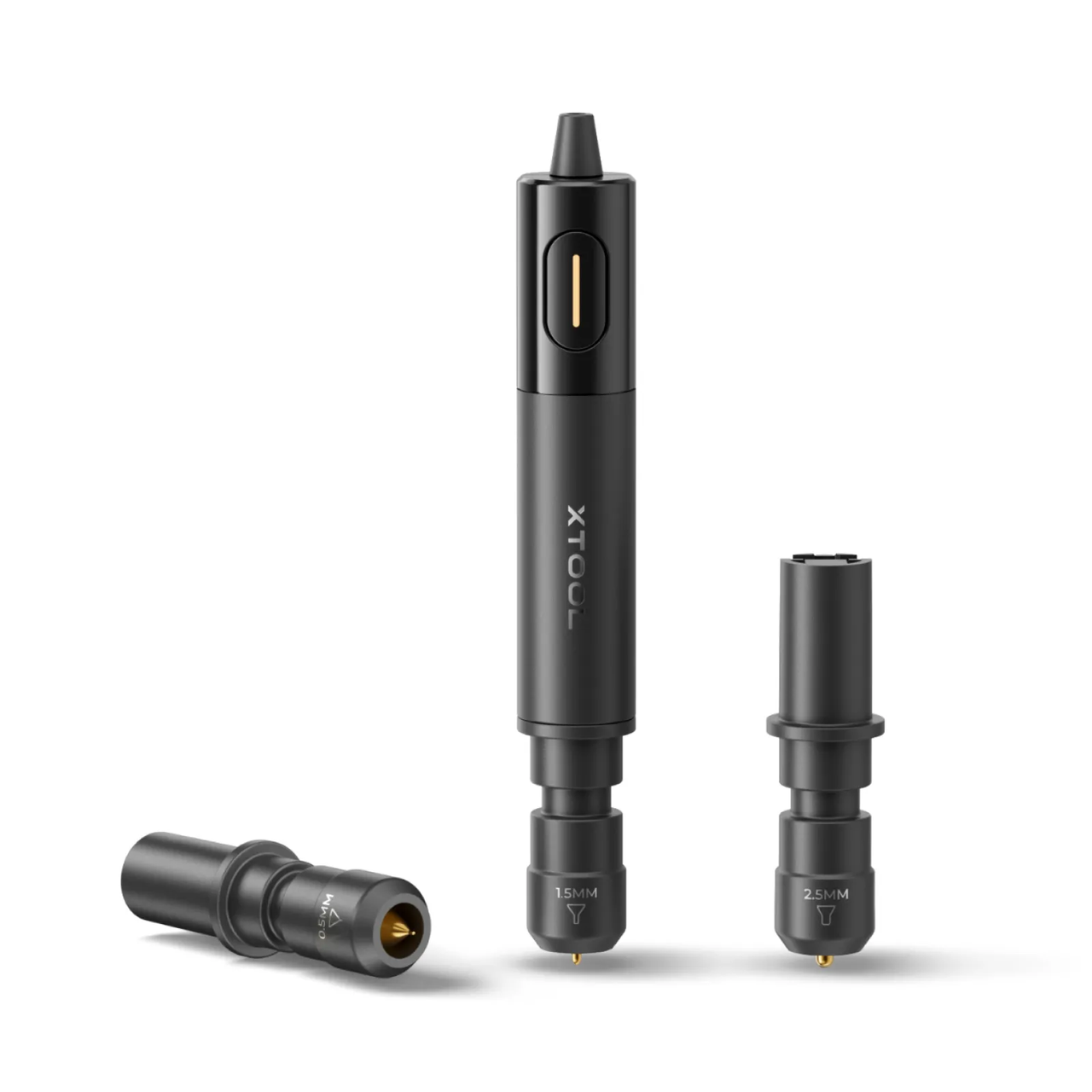
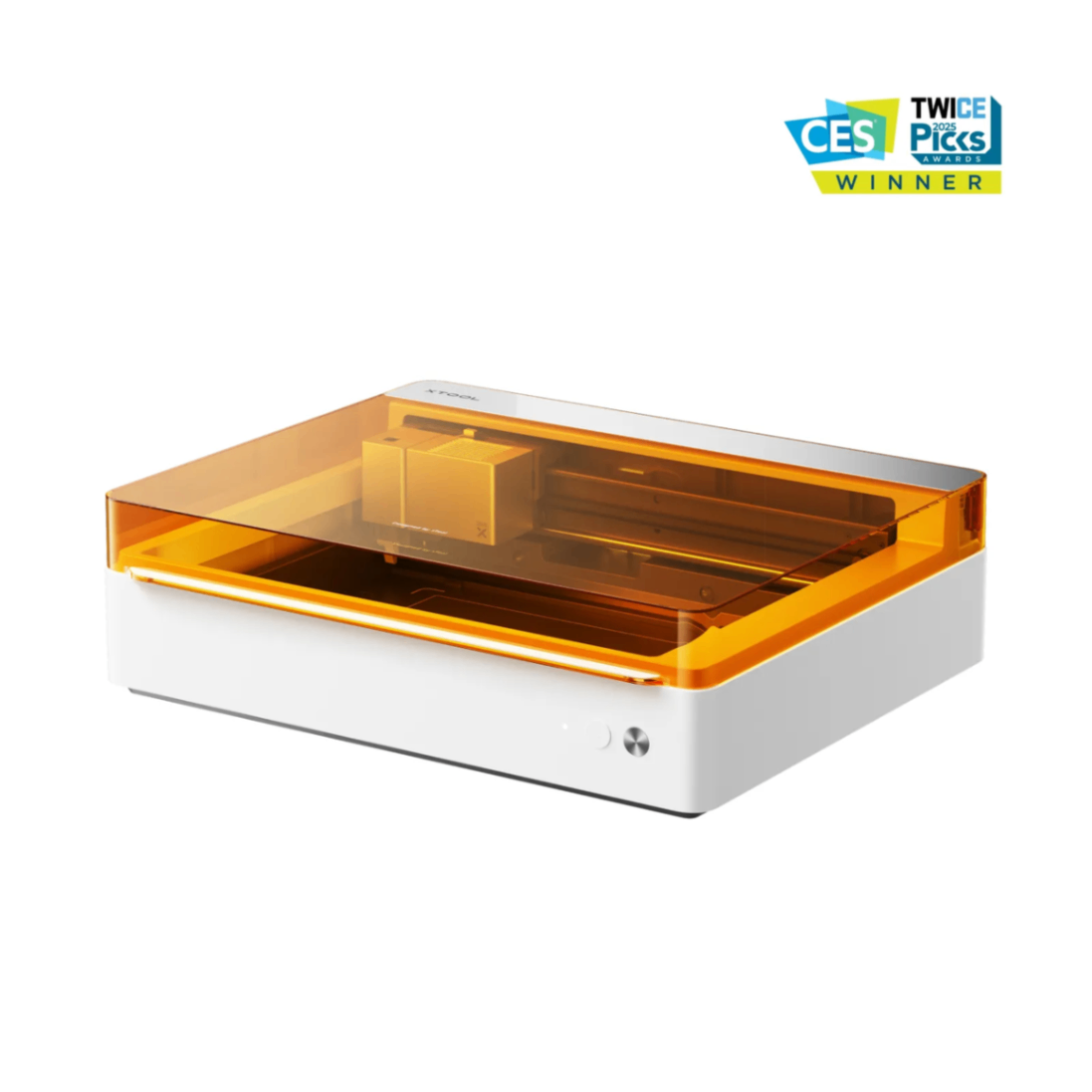

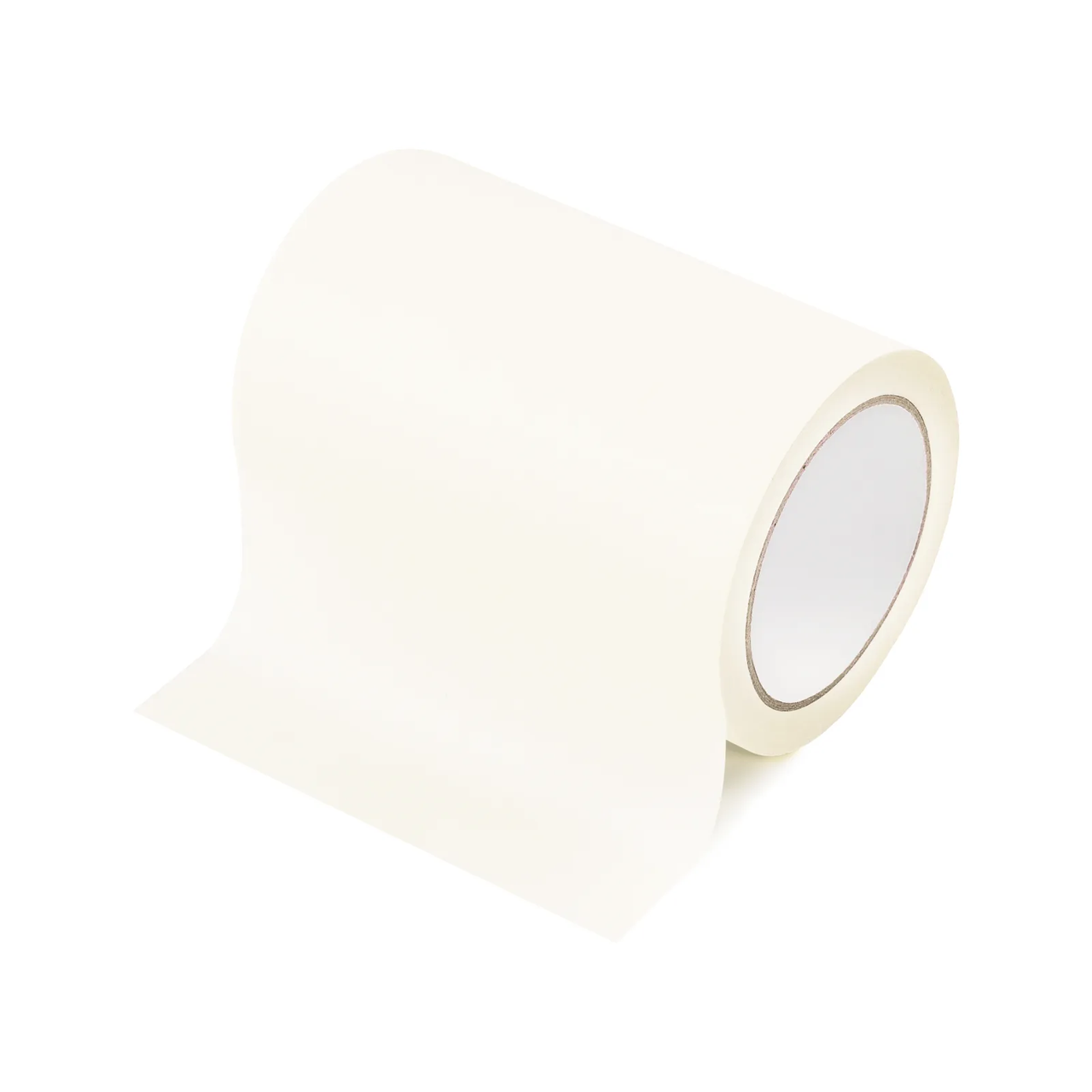
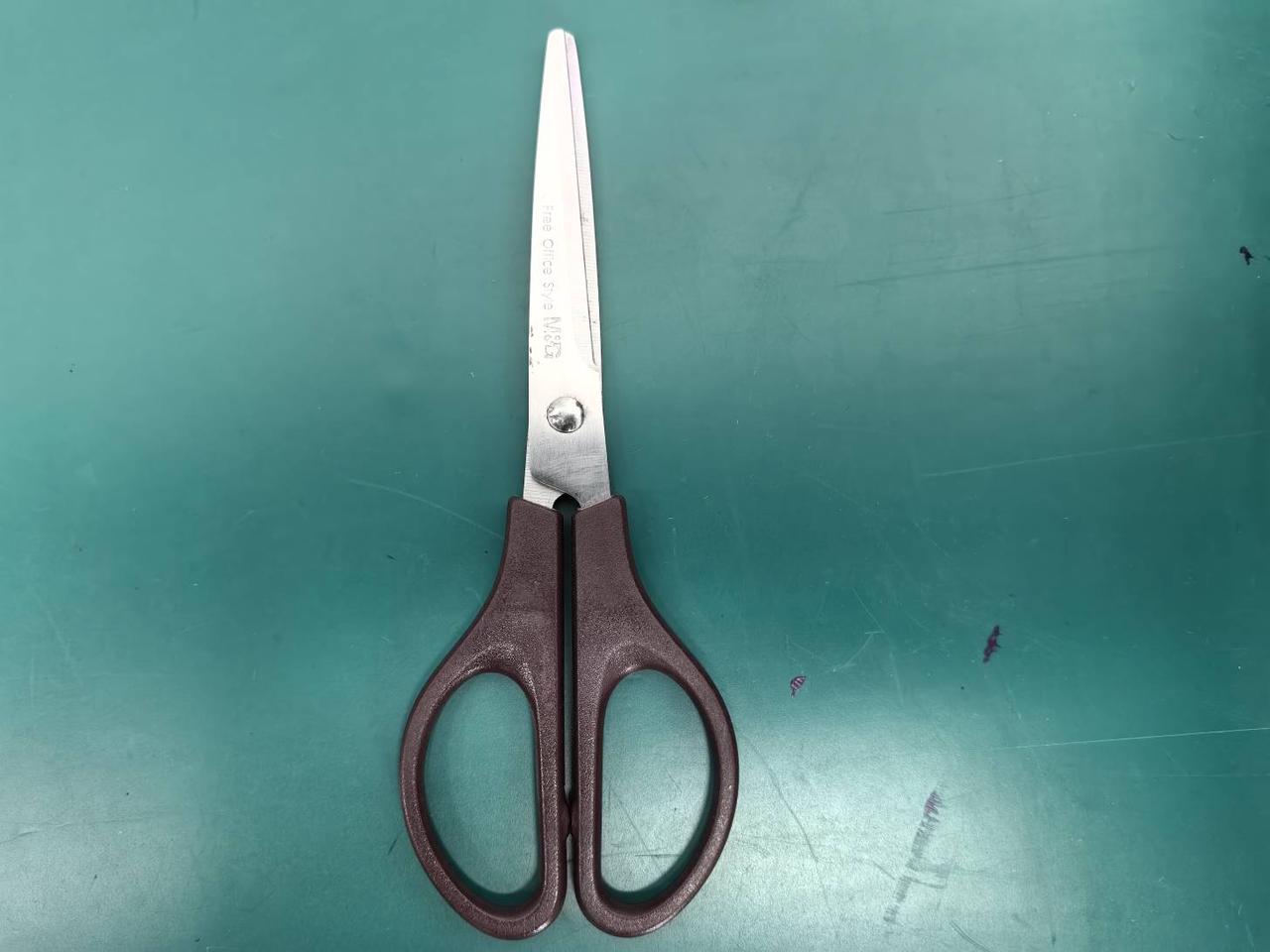
3. Use of Materials
4. Operating Steps
4.1 Gold and Silver Foil Transfer Paper Splicing Work
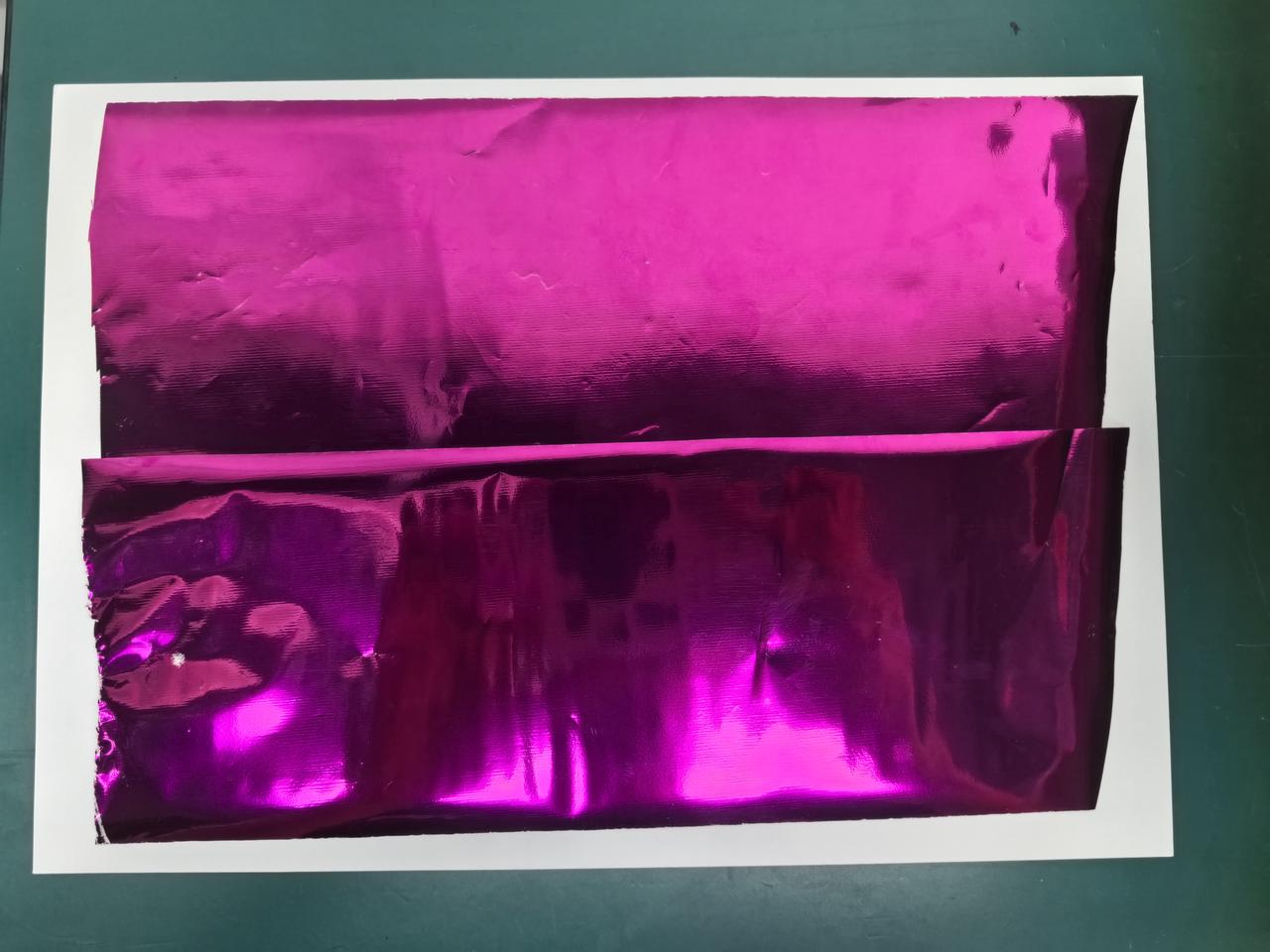
Lay the material that requires Transfer/Gold Foil Transfer (using white cardboard as an example) flat on the table. Depending on the size of the area to be processed, use scissors to cut two identical pieces of Gold and Silver Foil Transfer Paper, and place them over the white cardboard.
When placing them, the sides of the two Gold and Silver Foil Transfer Papers that are in contact should have an overlap of 8–12 mm.
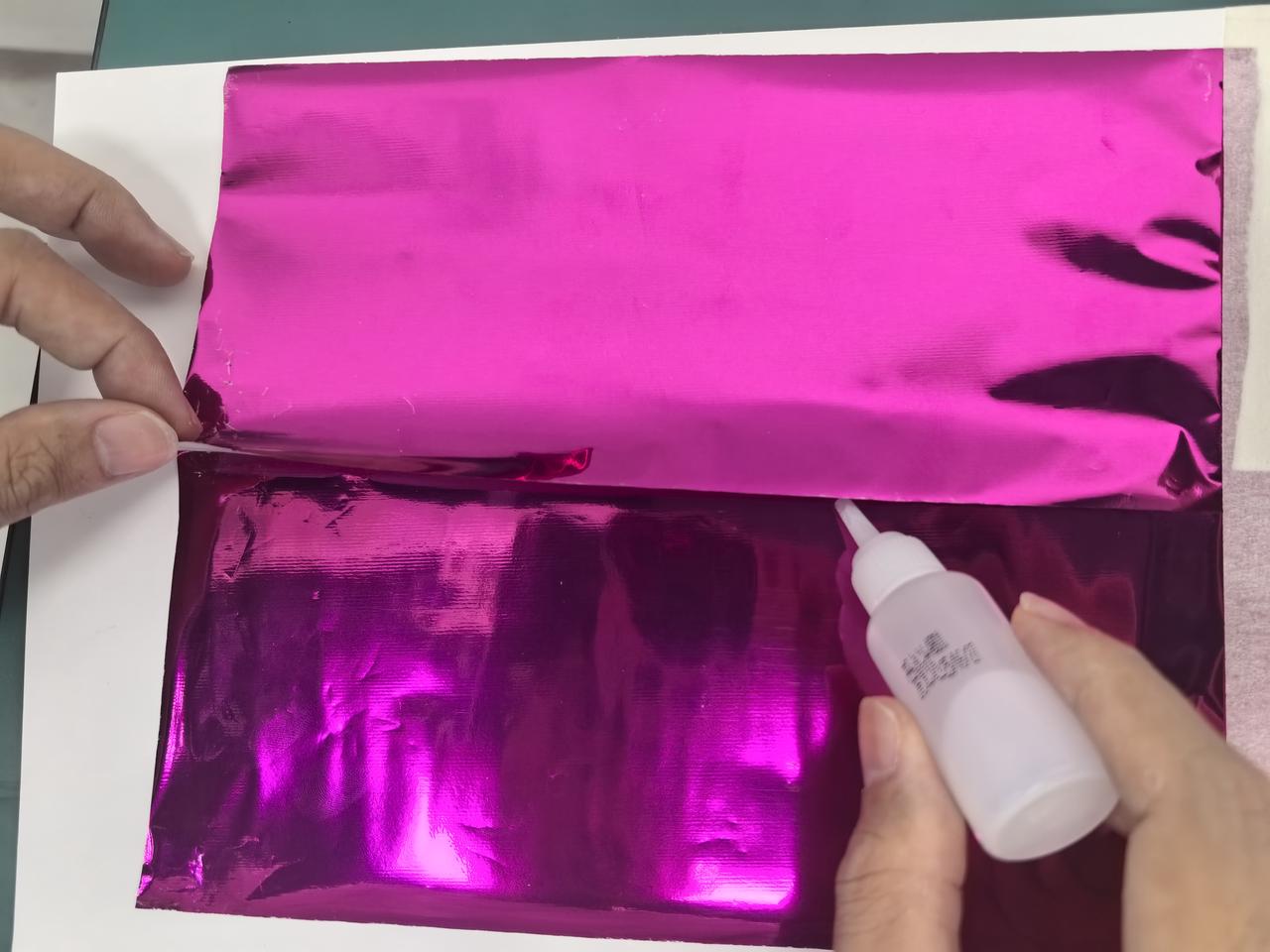
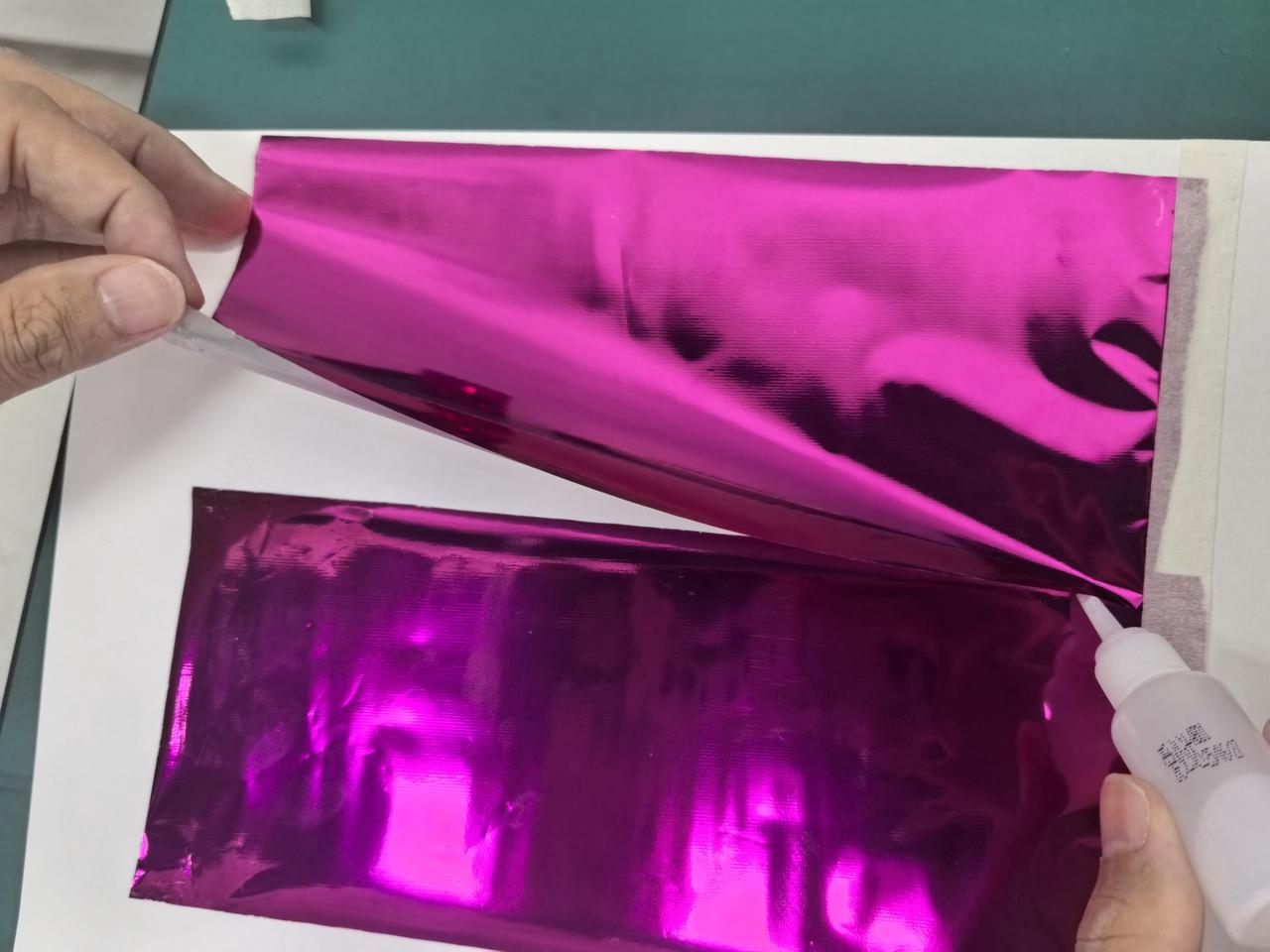
Use masking tape to secure the Gold and Silver Foil Transfer Paper on the right side first, then lift one corner of the Gold and Silver Foil Transfer Paper on top, and apply a thin, even layer of fast-drying glue from right to left.
Be careful not to get glue on your hands during the operation.
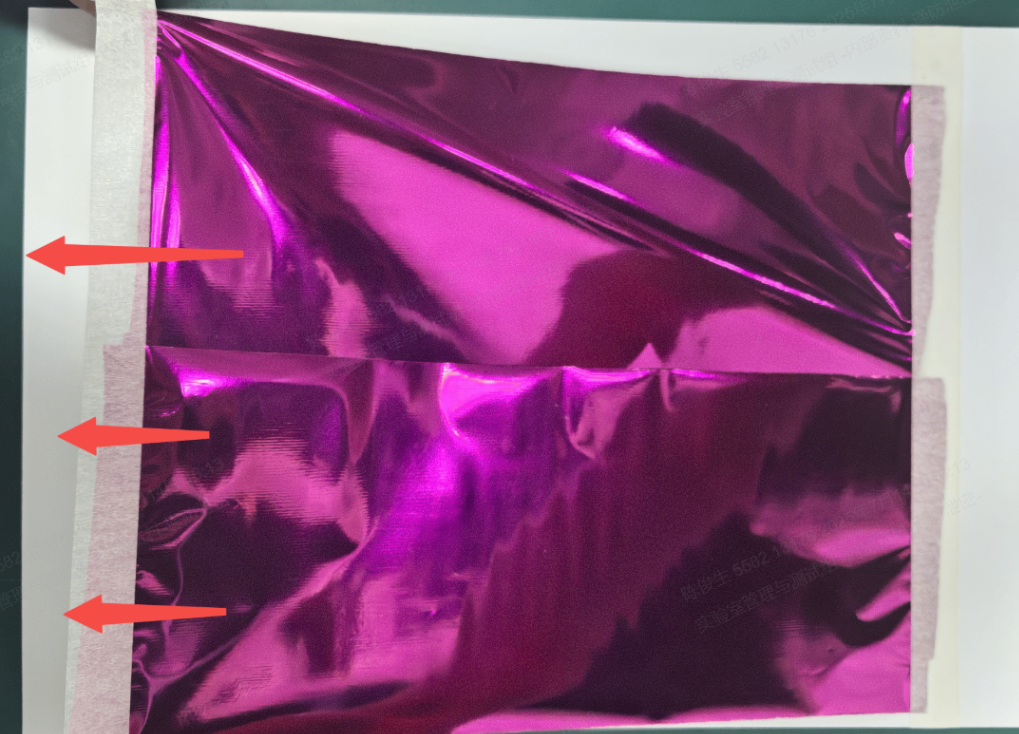
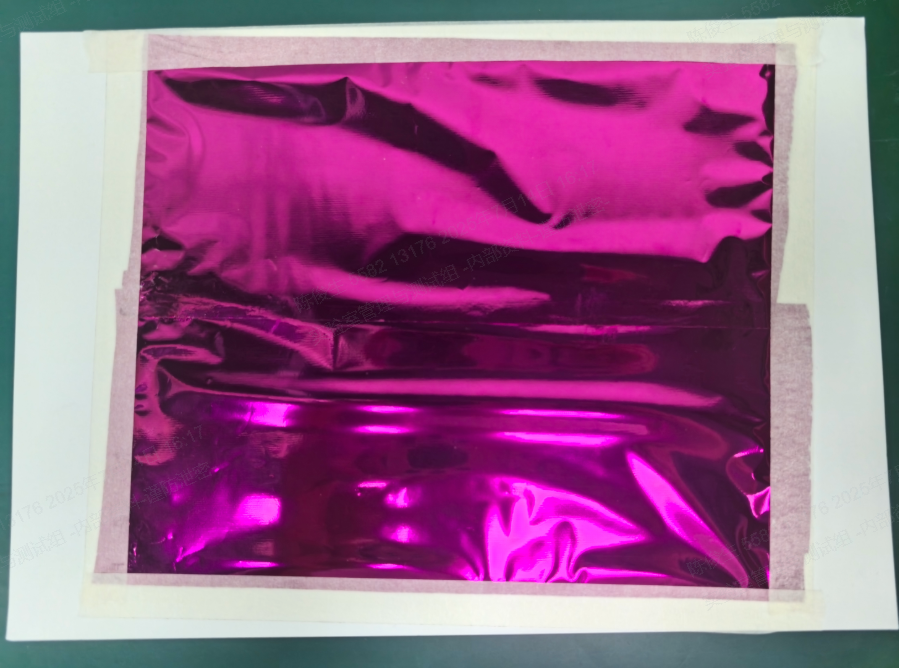
After allowing it to sit for a few minutes until the glue has fully dried, begin by using masking tape to secure the left side of the Gold and Silver Foil Transfer Paper. Then, gently pull the Gold and Silver Foil Transfer Paper slightly to the left to straighten it while keeping it taut before attaching it to the cardstock. Finally, secure the top and bottom edges to the cardstock using masking tape.
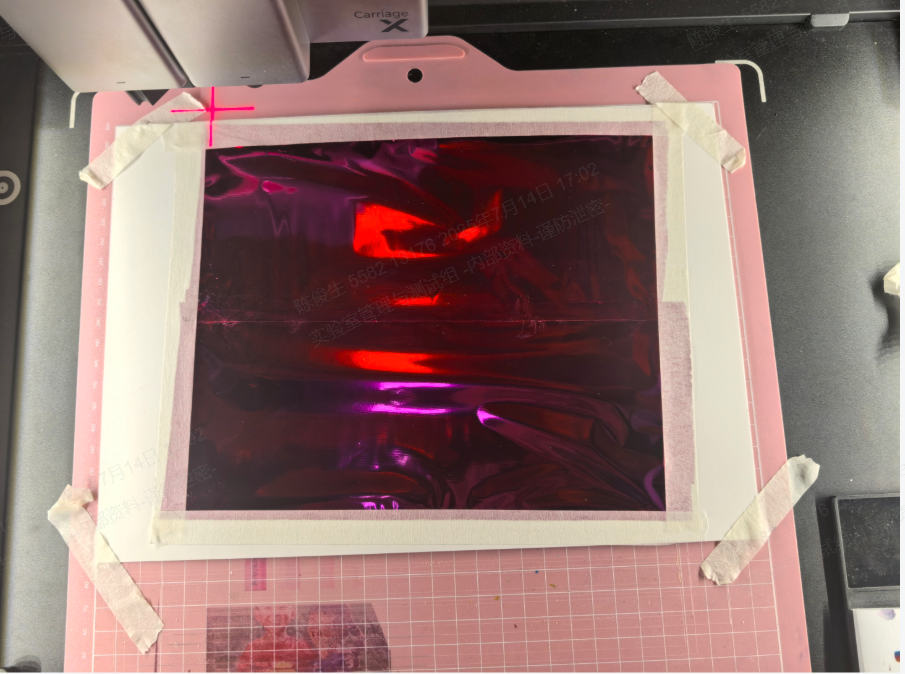
Place the LightGrip Cutting Mat for M1 Ultra on the M1 Ultra base plate, then place the white cardstock with Gold and Silver Foil Transfer Paper adhered to it on the LightGrip Cutting Mat for M1 Ultra.
If the surface of the LightGrip Cutting Mat for M1 Ultra loses its stickiness, you can use masking tape to slightly secure its four corners like this.
4.2 transfer machining operation
Detailed transfer processing can refer to the Reference link
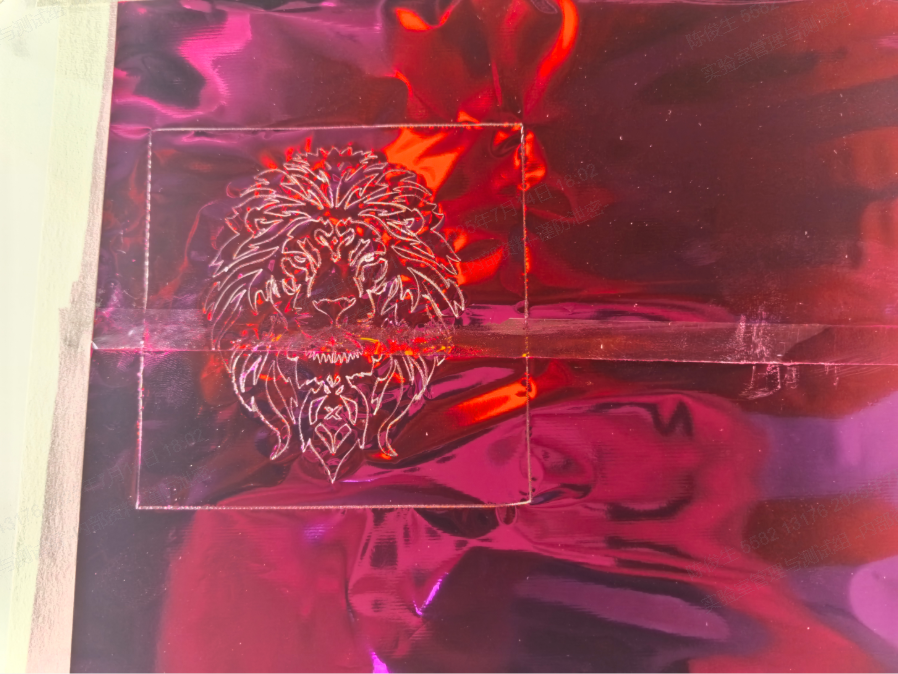
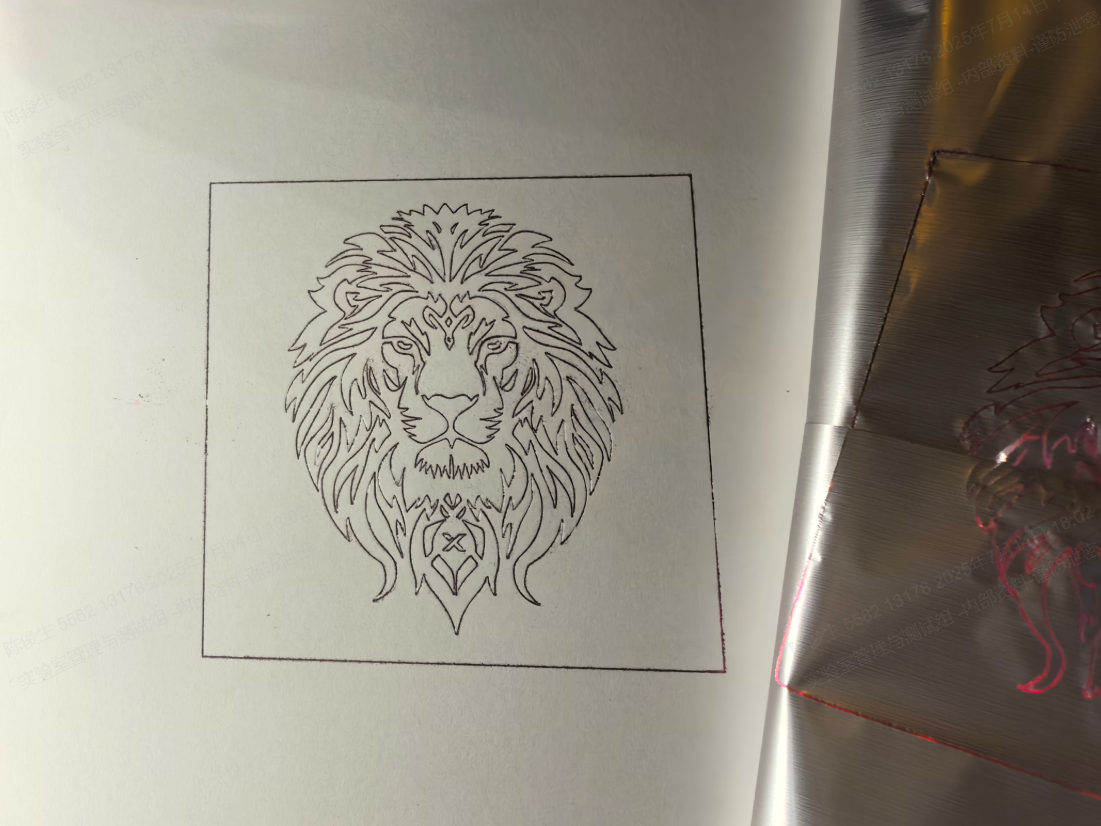
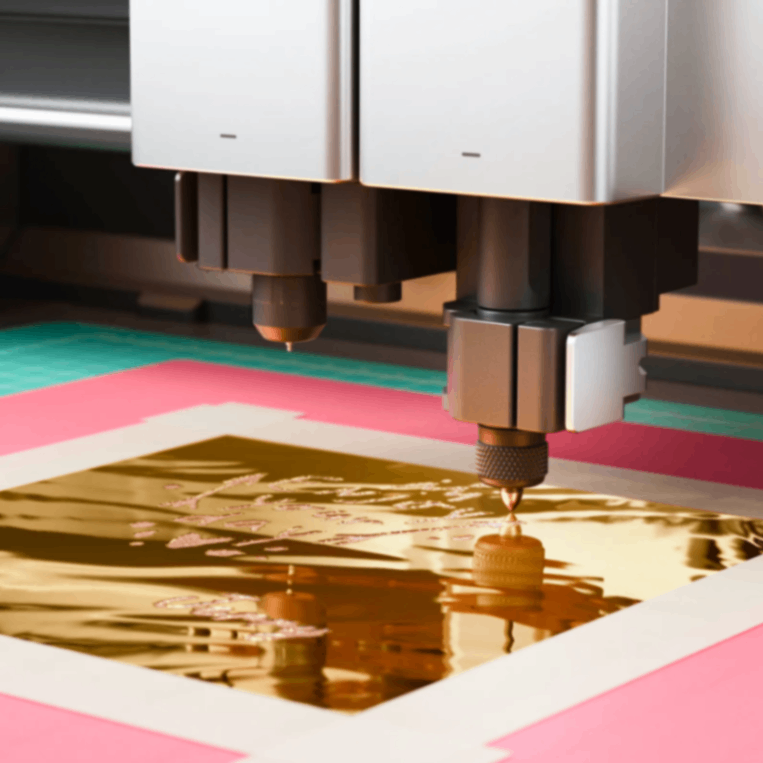
4.3 Gold Foil Transfer Processing Operation
For detailed information on Gold Foil Transfer processing, please refer to the Reference link
When processing and splicing Gold and Silver Foil Transfer Paper, it is advisable to position the topmost sheet of Gold and Silver Foil Transfer Paper in close proximity to the Hot Foil Pen for M1 Ultra.

Services & Help
Learn & Education

Copyright © 2025 xTool All Rights Reserved.