
1. Materials and Equipment
1.1 Sale of Materials
Process on flat surface, optionally using a Honeycomb Panel for machining
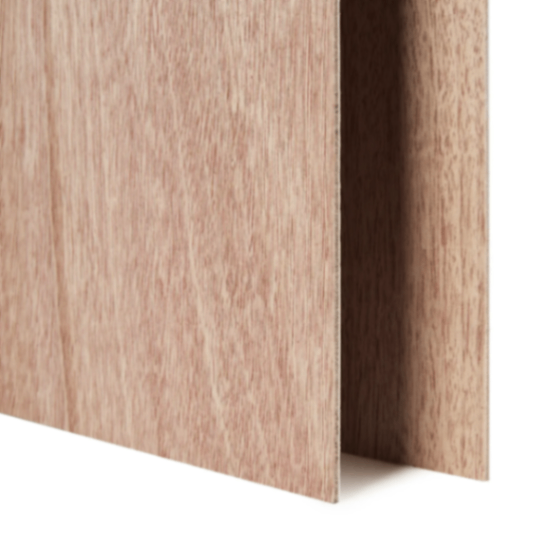
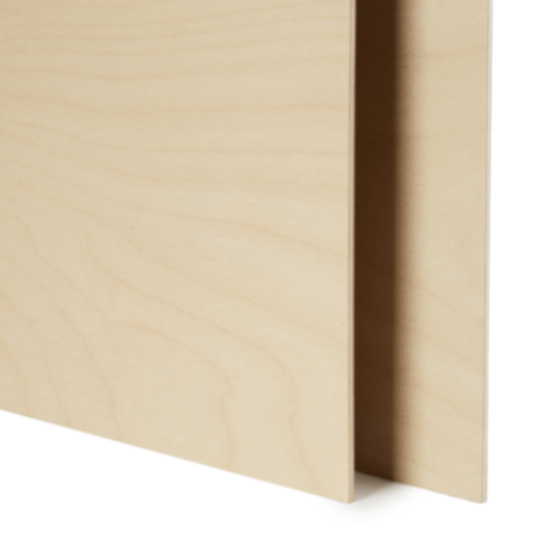
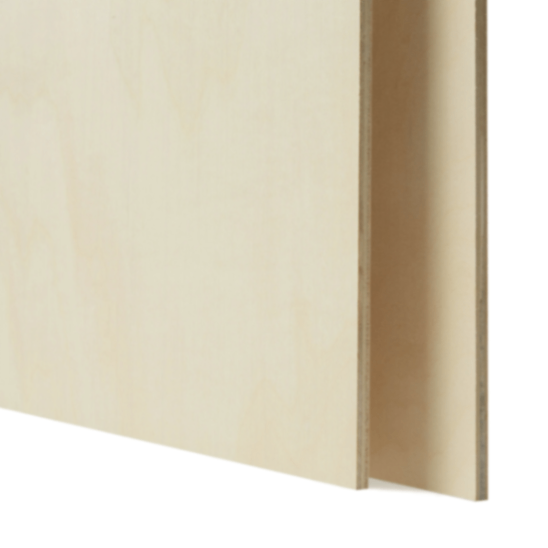
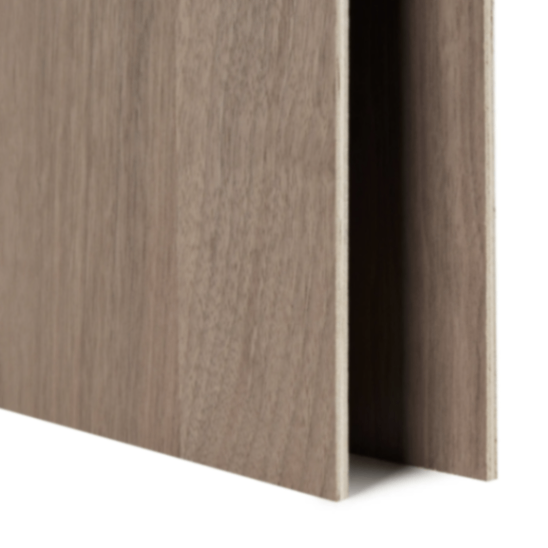
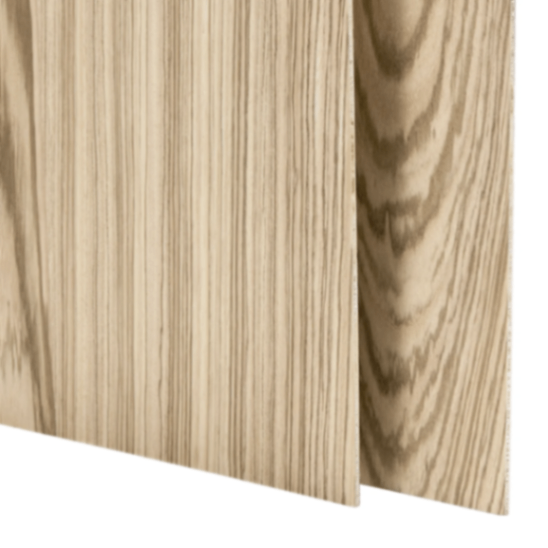
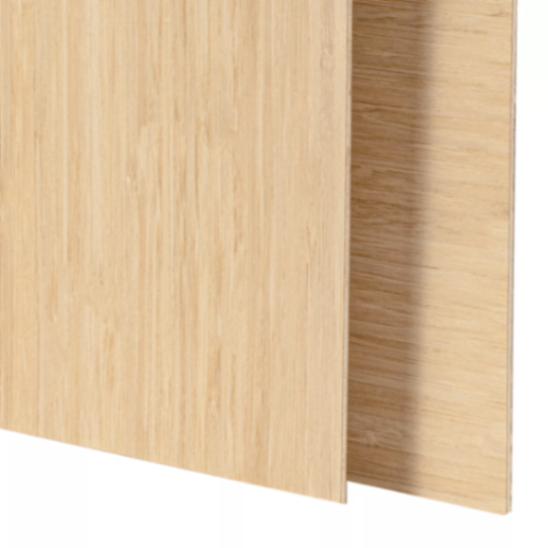
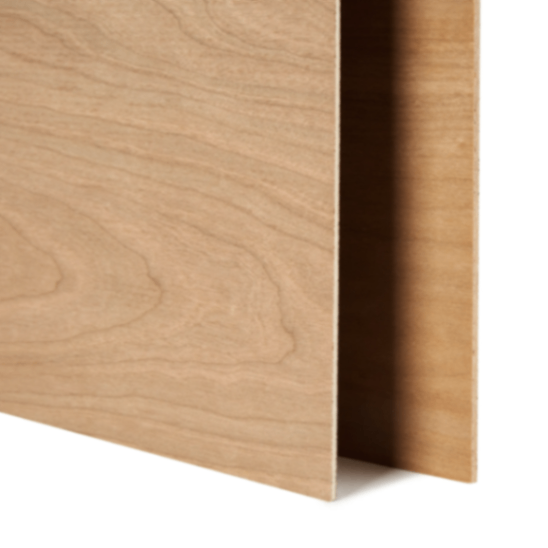
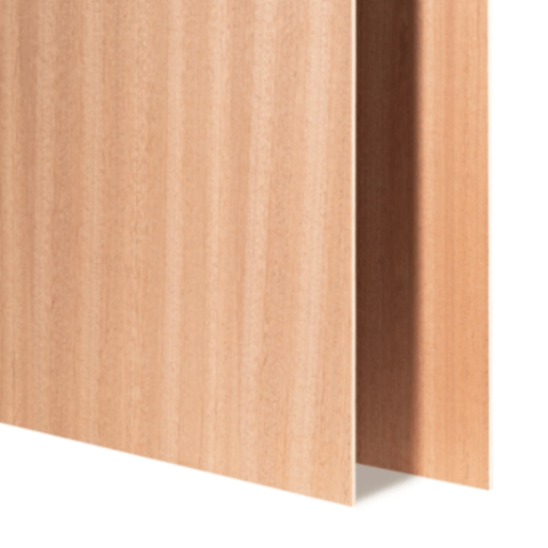
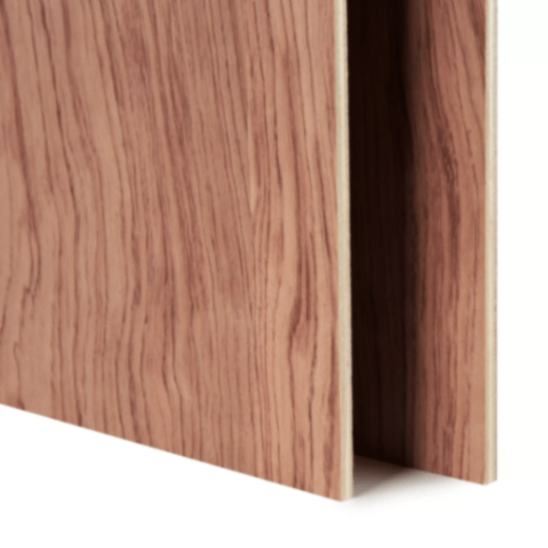
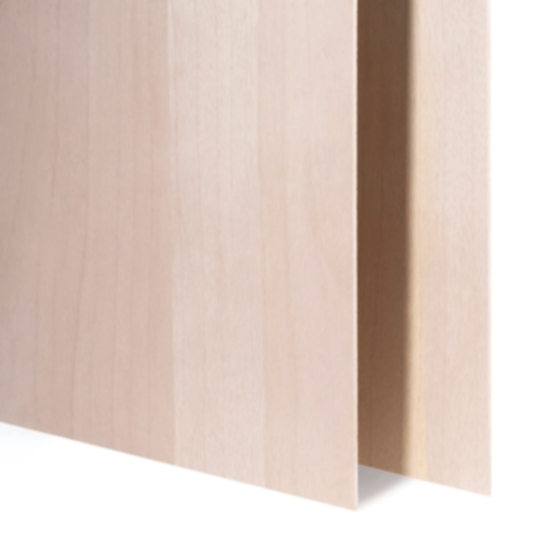
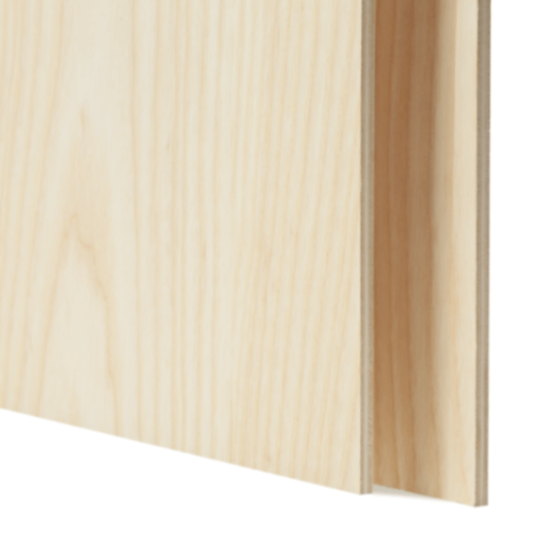
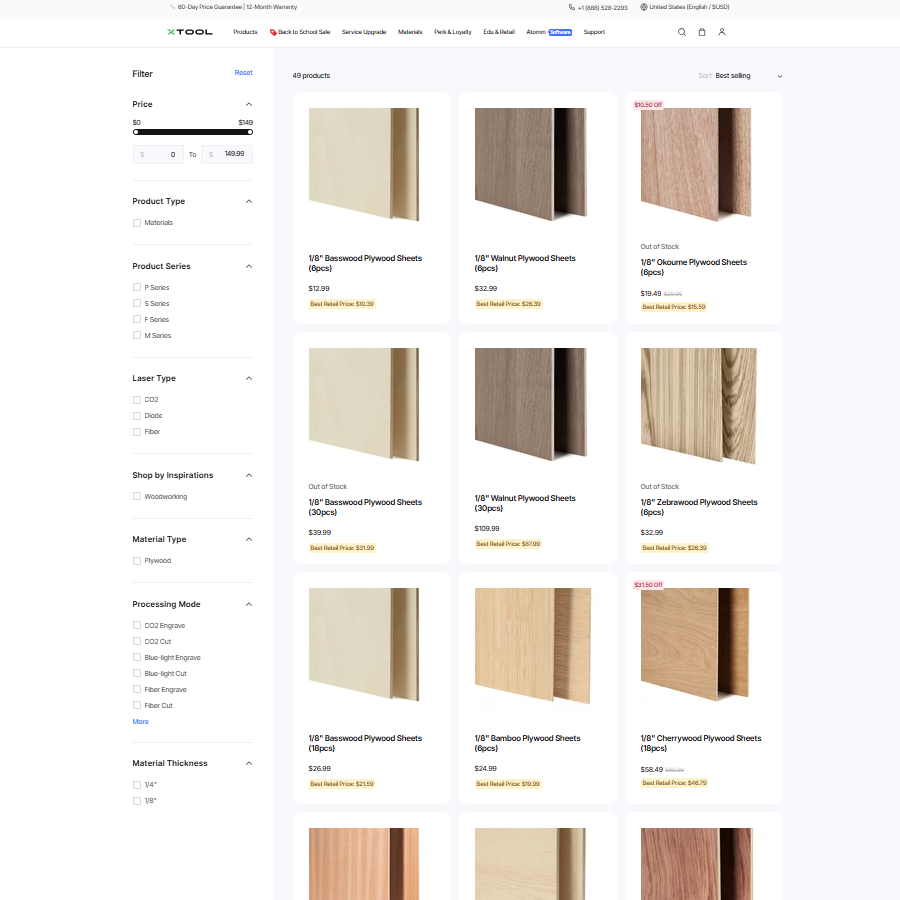
For more Plywood materials, please visit the official website for details
1.2 Adaptation of Processing Equipment
Adapt to processing mode: Process on flat surface
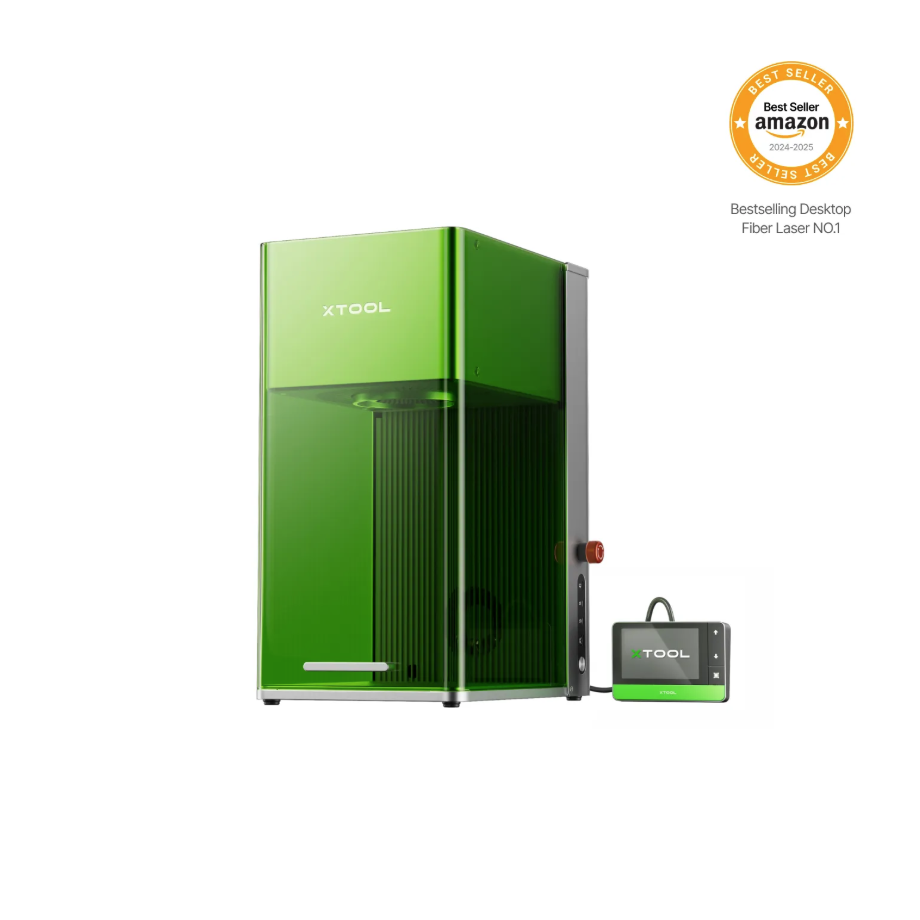
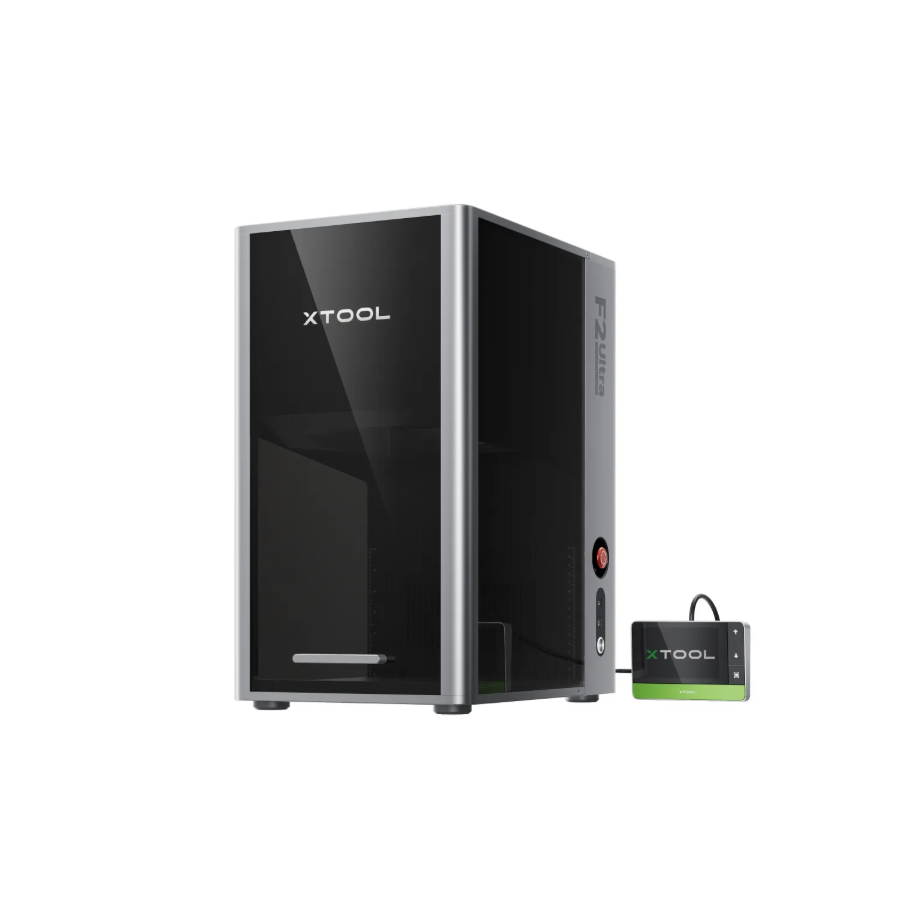
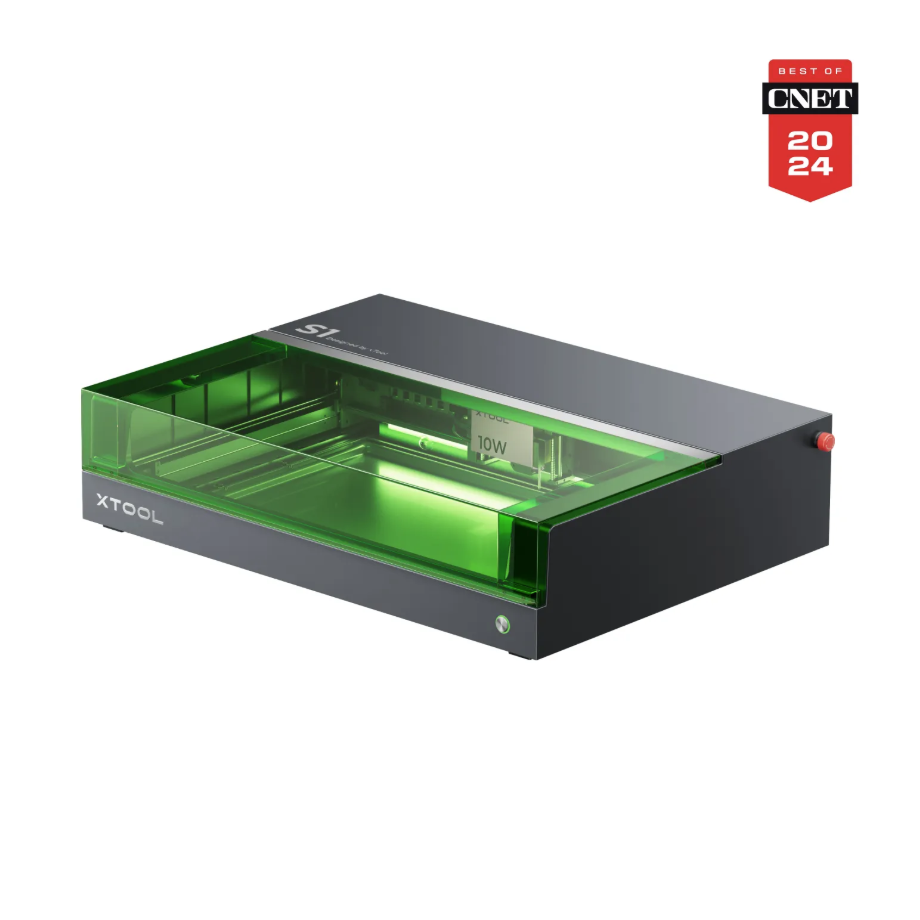
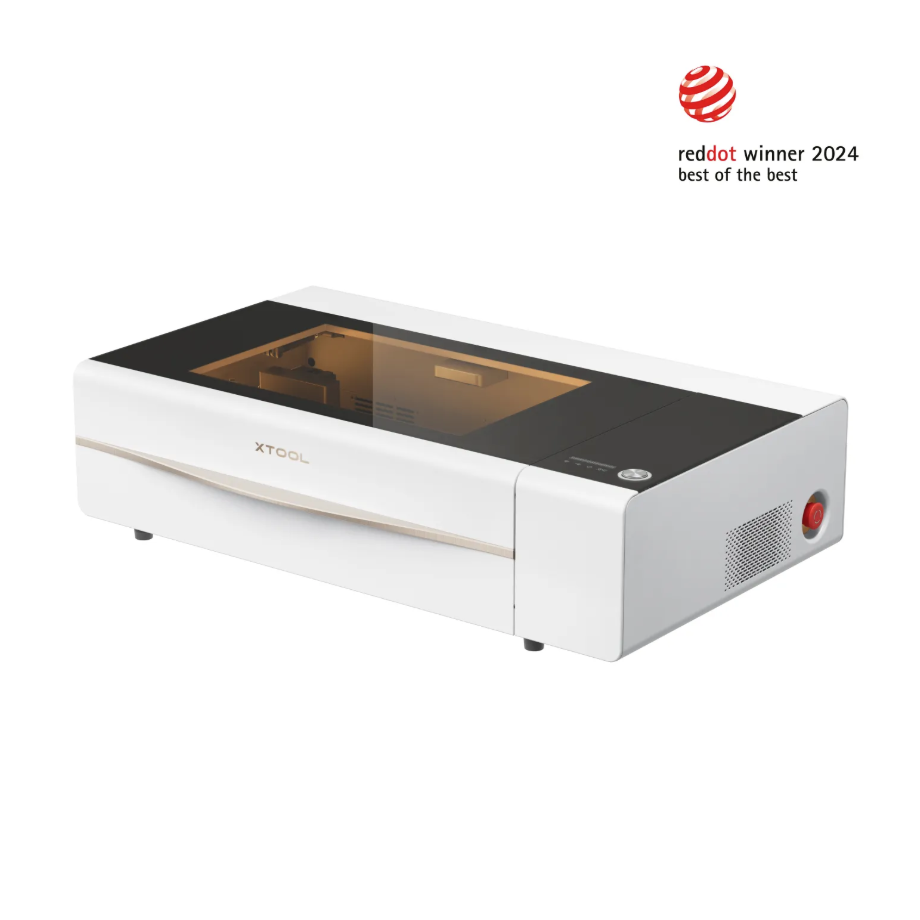
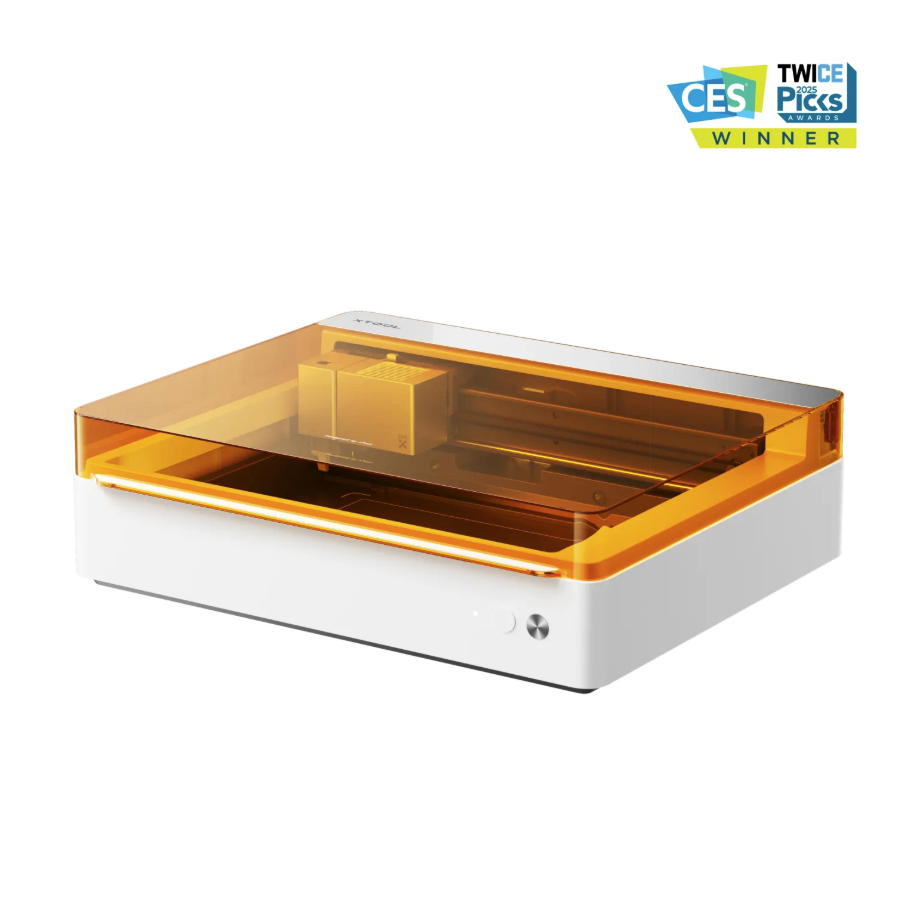
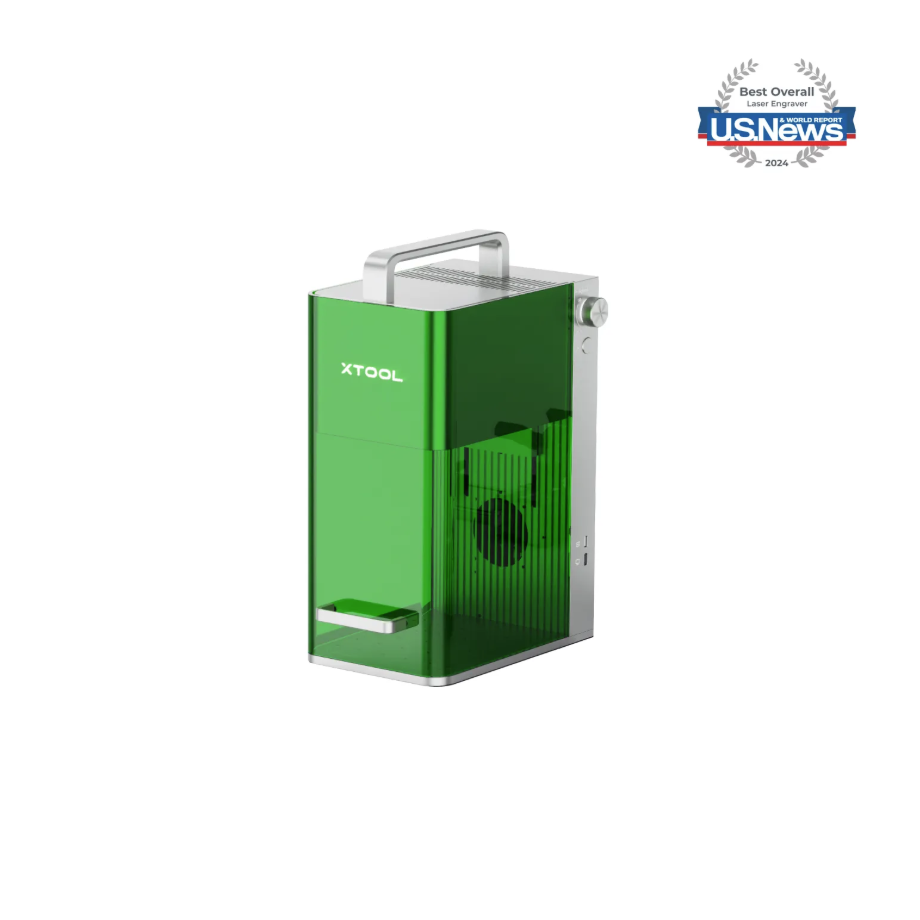
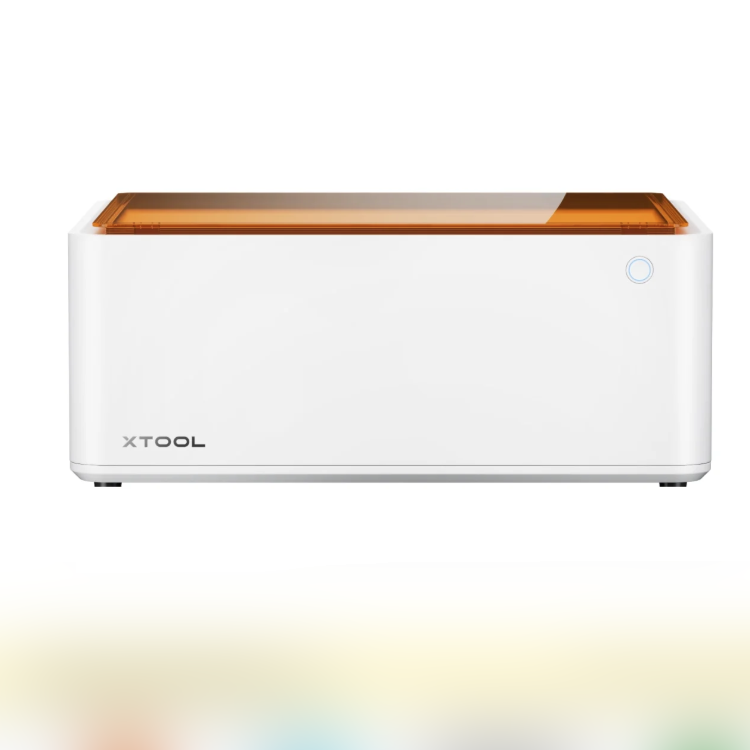
1.3 Use of Accessories
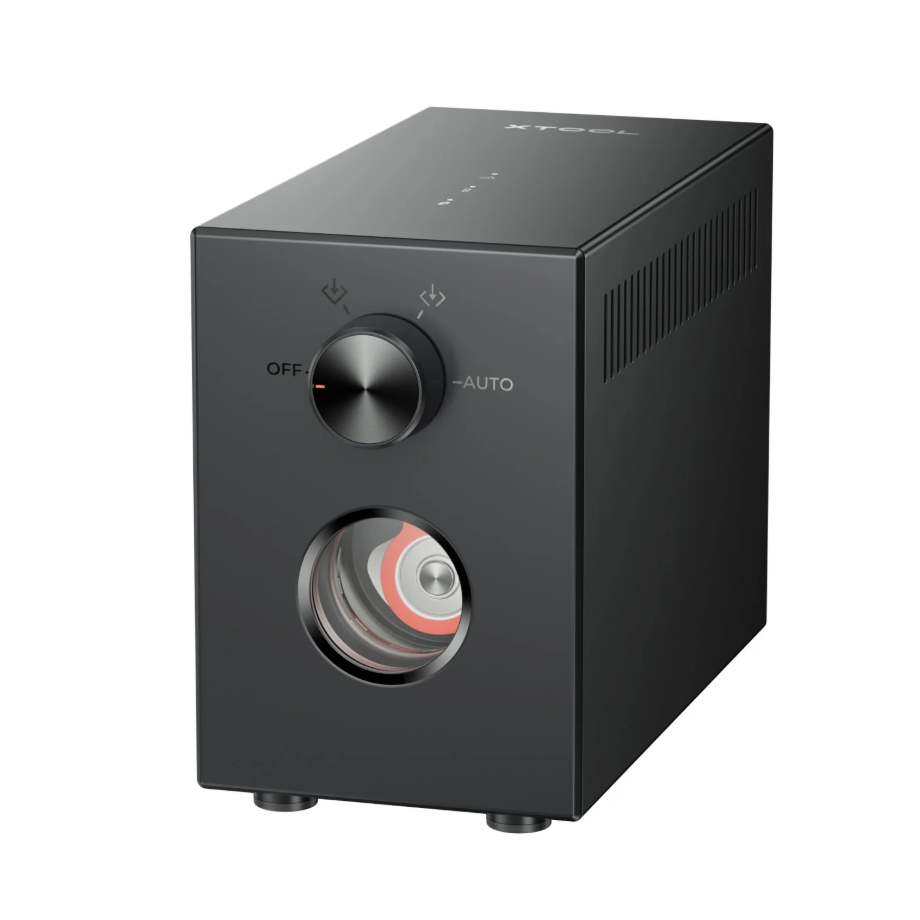
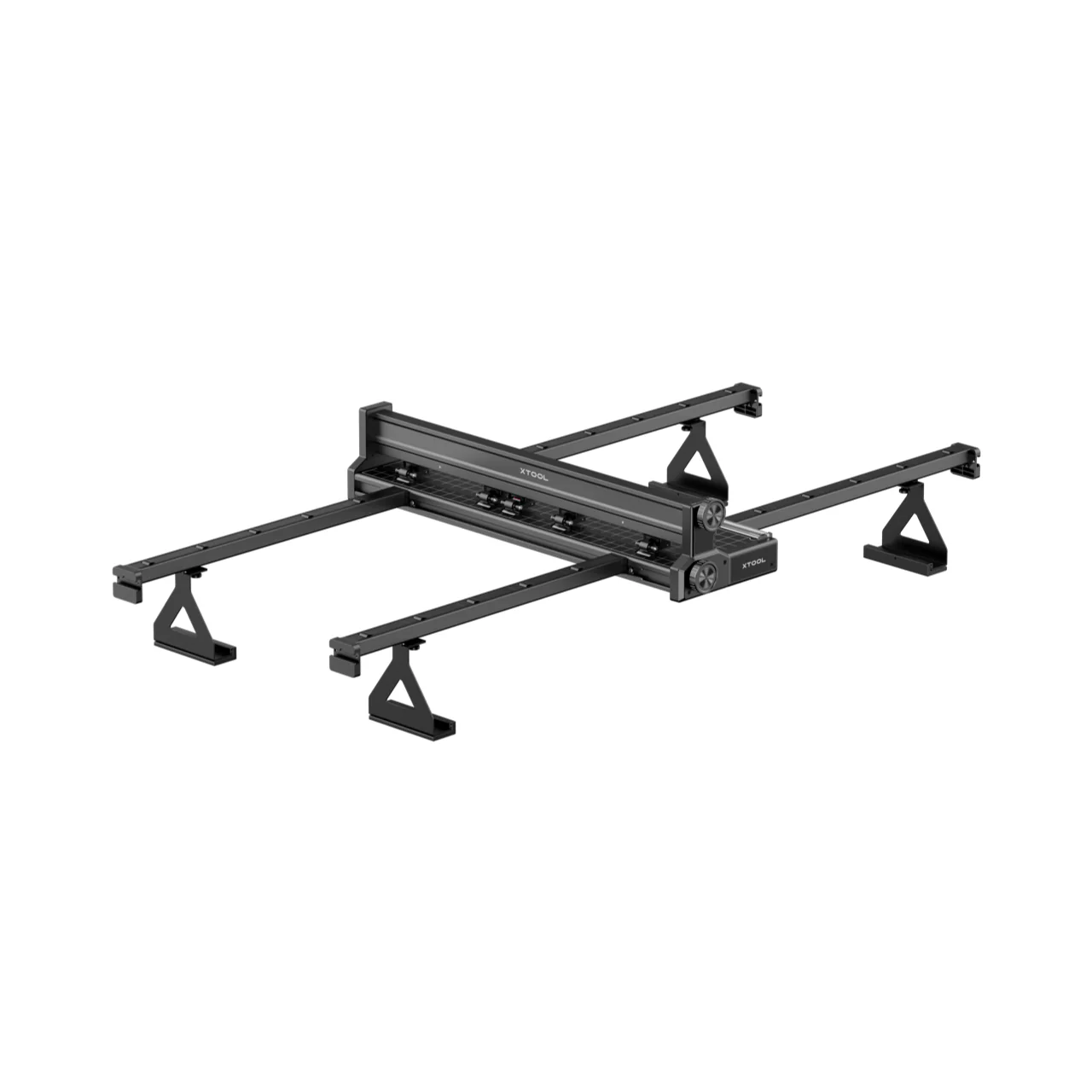
Automatic Conveyor Feeder for xTool P Series
The maximum processing area is as large as 118 inches × 19.6 inches, allowing you to effortlessly engrave any object up to 118 inches long and set up more pieces at once.
2. Preparation Before Processing
2.1 Air-Compress Assist needs to be enabled
Enabling Air-Compress Assist can blow away fumes and carbon dust produced during cutting, keeping the cutting path clear.
Enabling Air-Compress Assist can blow away dust and reduce the chance of false fire alarms.
Enabling Air-Compress Assist can reduce Laser Lens contamination and ensure the accuracy of processing data.
2.2 Protective Equipment Required
Laser Safety Goggles must be worn. Please use Laser Safety Goggles that correspond to the specific laser wavelength, and protect the Laser Safety Goggles from damage caused by laser reflection or diffusion.
Dust mask required.
When processing with unsealed equipment, the processing area must be shielded to prevent exposed light output. Do not remove the equipment protective cover while the light is on.
2.3 Requires installation of blade strips or Honeycomb Panel
When cutting, please use a honeycomb panel to improve ventilation efficiency and reduce contact between the material and the metal base plate, which can cause heat accumulation at the contact surface and lead to carbonization.
When cutting or using a slatted panel, prevent the material from coming into direct contact with the metal base plate.
3. Common Issues and Solutions
3.1 Cutting Thick Plywood
Please use the recommended parameters for the material you need to cut, or select a parameter with a cutting penetration effect from the cutting matrix to perform the cutting.
Please ensure that Air-Compress Assist is turned on during processing.
Before processing, please check whether the Laser Module and Laser Lens are dirty, and wipe the Laser Lens if necessary.
3.2 Plywood Deformation Before and After Cutting
Due to changes in environmental humidity, the plywood became deformed before processing. You can spray a mist of water on the inwardly bent side to moisten the board, then fix it in place to make it flat again.
When the plywood deforms during processing, you can use magnetic buckles to secure the four corners of the plywood to the honeycomb panel.
The processed plywood is recommended to be stored in an environment with balanced temperature and humidity.
3.3 Obvious dirt marks on the surface after cutting
There are tar and smoke marks on both the front and back of the cutting surface. You can apply beige white masking tape to both the front and back surfaces of the plywood before processing, and simply remove the masking tape after cutting.
Beige White Masking Tape ensures that during processing, substances such as tar and smoke carbonization adhere to the surface of the Beige White Masking Tape, thereby keeping the surface of the plywood clean.
3.4 Processing Trigger Flame Alarm
Please check whether the equipment's smoke exhaust pipe is connected to ensure airflow is maintained in the processing area inside the equipment and to avoid dust accumulation.
Keep the Honeycomb Panel or knife strip baseplate clean to prevent machining residue and tar buildup from causing heat accumulation.
If the device frequently gives false alarms, please clean the sensor at the front of the Laser Module.
It is recommended to purchase the Fire Safety Set. The Fire Safety Set automatically detects fires and extinguishes the source of the flames.
3.5 Dark Plywood Engraving Effect Not Obvious
If the bitmap processed in modes such as Grayscale does not produce good results, and the dark wood veneer cannot show the layered effect of the bitmap, then you can try using a binary image for engraving.
3.6 Poor Processing Results
Please use the recommended processing parameters corresponding to the selected material, or choose one parameter from the recommended parameter matrix for processing.
Please check whether the Laser Module's Laser Lens is dirty. A dirty or damaged Laser Lens can affect the Laser Module's output power, which may lead to abnormal processing results.

