
1. Materials and Equipment
1.1 Sales Materials
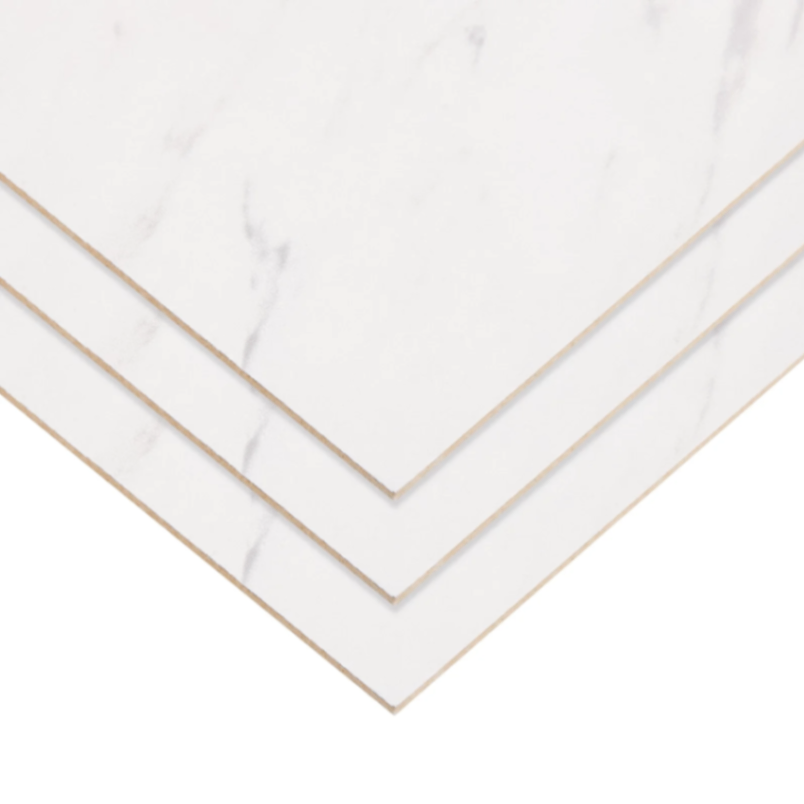
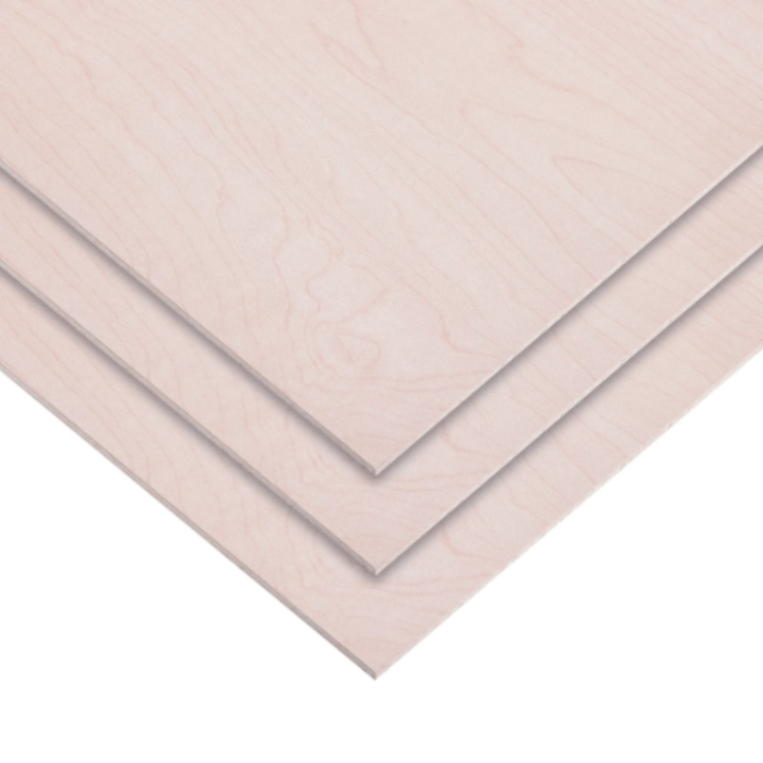
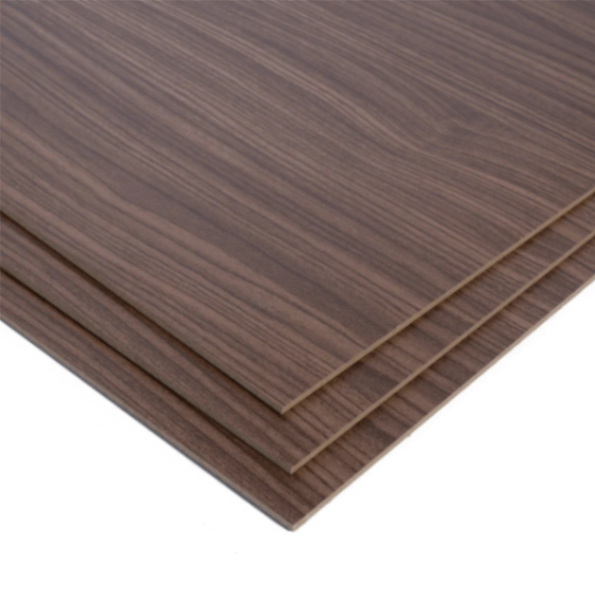
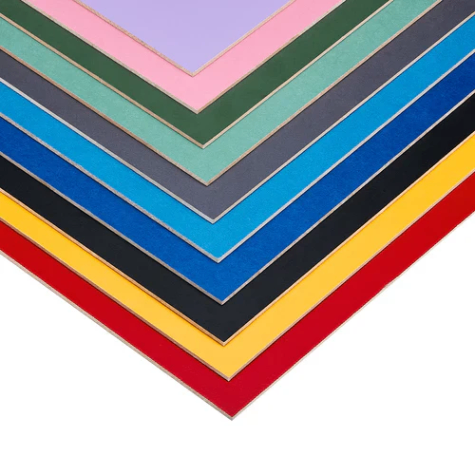
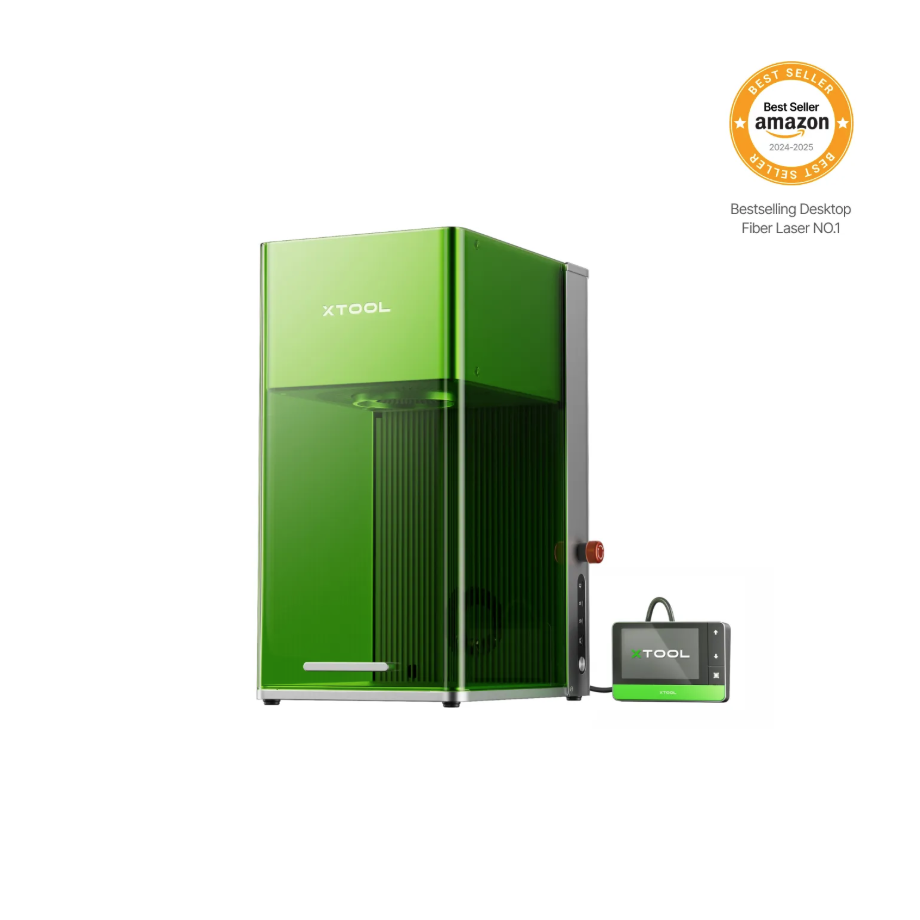
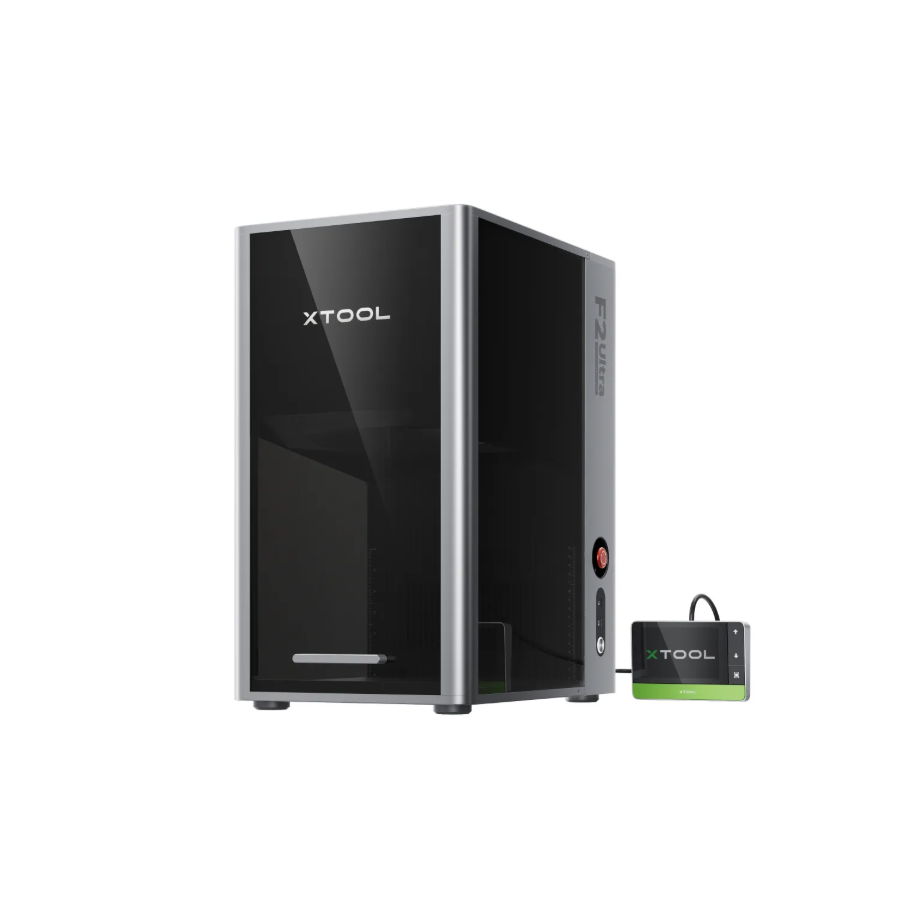
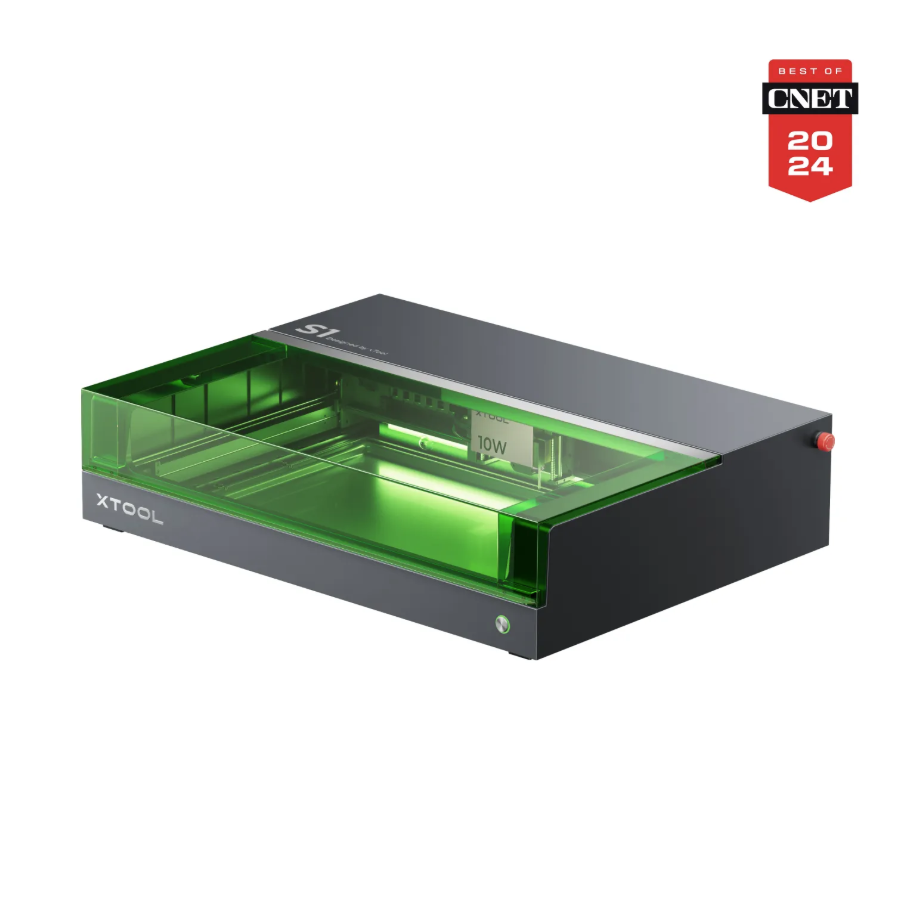
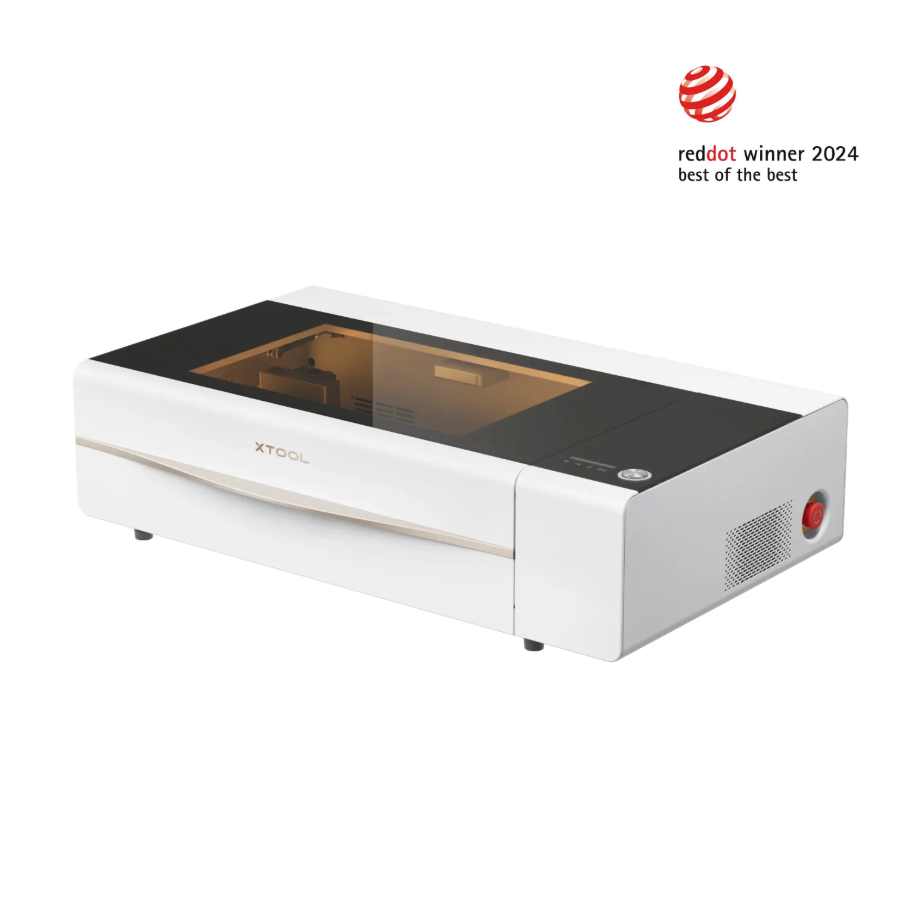
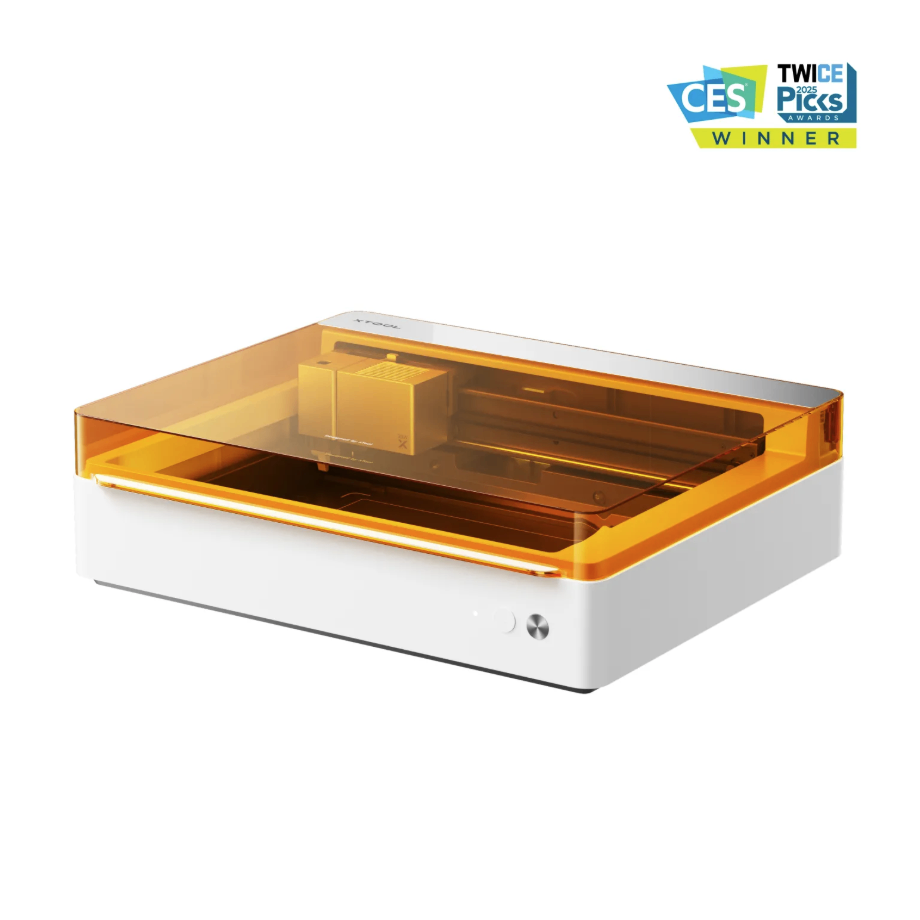
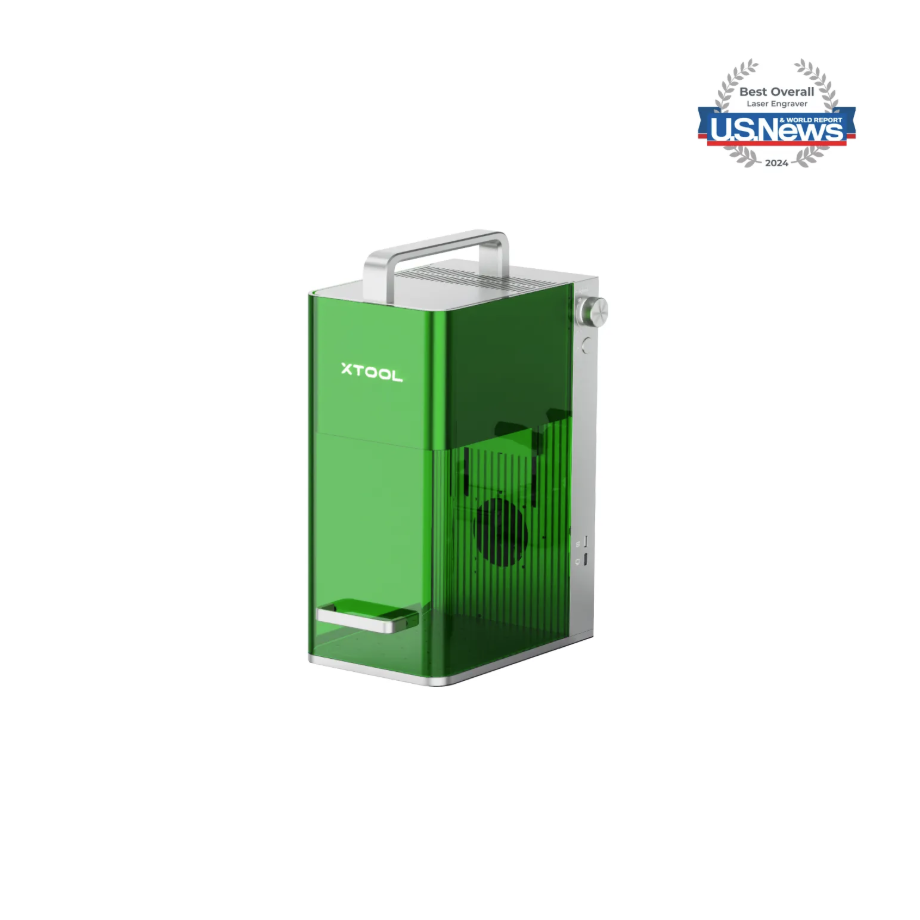
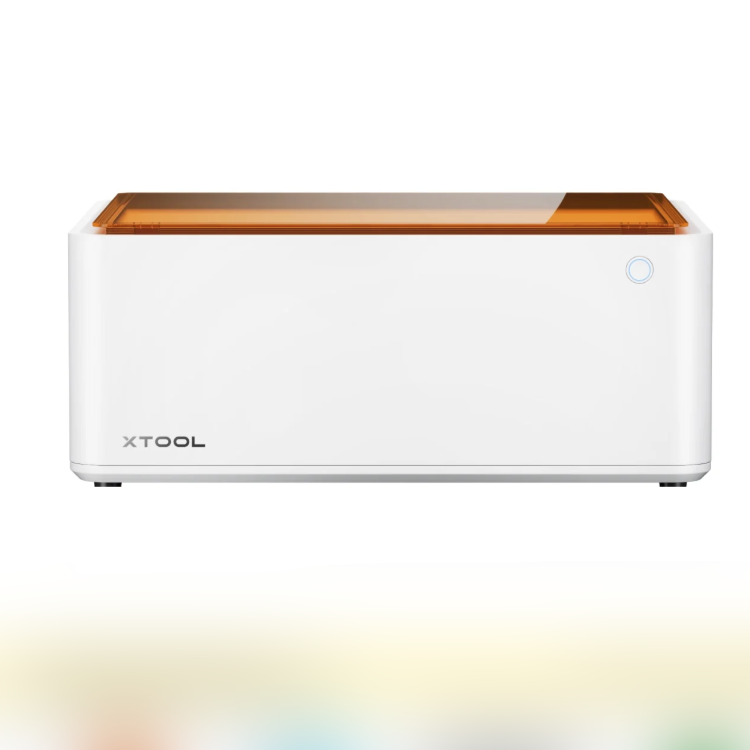
1.2 Adapt to Processing Equipment
Adaptation Processing Mode: Process on flat surface
1.3 Use of Accessories
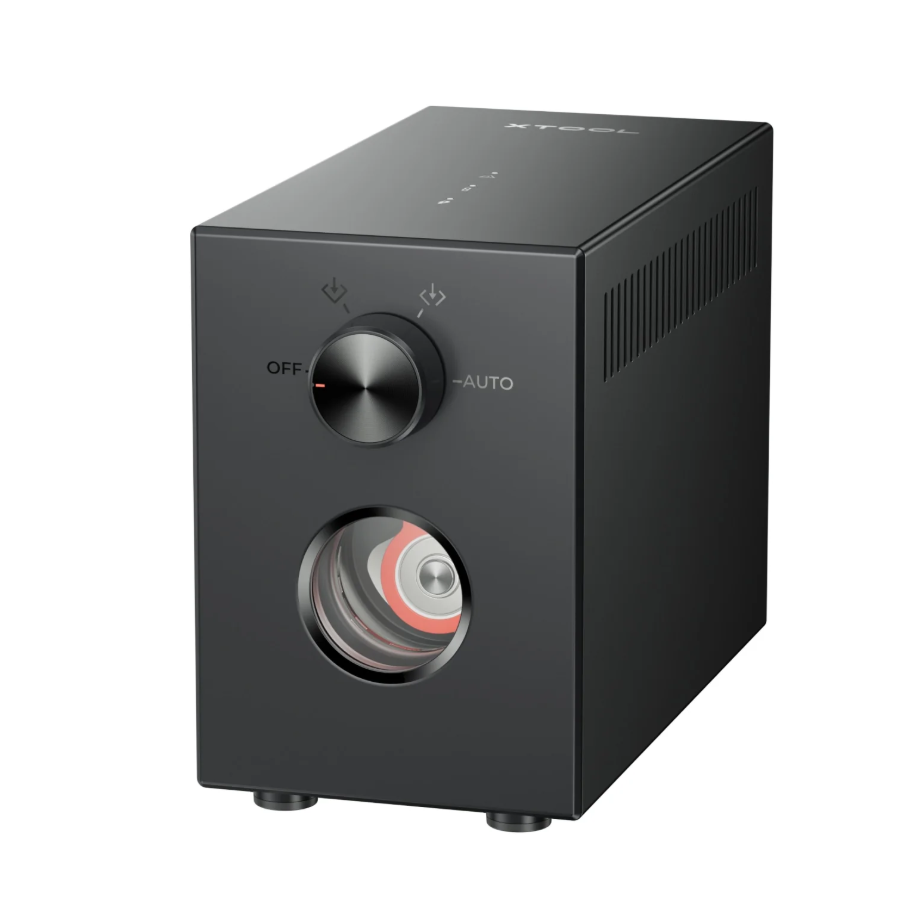
Generate airflow to assist in laser processing.
2. Preparation Before Processing
2.1 Whether to enable Air-Compress Assist
Activating Air-Compress Assist can blow away scorch smoke and carbon powder, keeping the processing path clear.
Enabling Air-Compress Assist can blow away dust and reduce the likelihood of false fire alarms.
Enabling Air-Compress Assist can reduce laser head lens contamination and ensure processing data accuracy.
2.2 Is it necessary to wear protective equipment
Laser Safety Goggles:
Laser Safety Goggles must be worn. Please use goggles corresponding to the laser's wavelength to protect against injuries caused by laser reflections or scattering.
Protective Mask:
A dust mask must be worn.
When processing with an unsealed device, the processing area must be shielded to avoid exposed light. Do not remove the equipment’s protective cover while the light is on.
2.3 Is it necessary to install the blade or honeycomb panel
When cutting, please use the Honeycomb Panel to improve ventilation efficiency, reduce contact between the material and the metal base plate, and prevent overheating and carbonization of the contact surface between the material and the base plate.
When cutting or using a blade strip, prevent the material from coming into direct contact with the metal base plate.
3. Common Issues and Solutions
3.1 CO2 Laser Source Processing Issue:
Surface contamination after cutting
Reason:
During the cutting process, carbonization and tar formation occur, adhering near the cutting area on the material's surface, causing the surface to turn yellowish-brown and black.
Solution:
Apply masking tape to the material surface, and after cutting, remove the masking tape to eliminate any surface dirt or residue caused by the cutting process.
You can also use alcohol and a cotton cloth to wipe the dirty spots on the surface of the processed material.
Bitmap processing effect is blurry
Reason:
The CO2 laser has relatively high power, and wooden materials are easily carbonized.
Solution:
Process using the optimal recommended machining parameters for the material to be processed; you can also replace the bitmap with a binary image for processing.
3.2 Blue Light Processing Issues:
The cut edges of MDF become scorched on the surface or become discolored due to high temperatures.
Reason:
During cutting, heat accumulation causes edge carbonization and pigment fading on the material’s surface edges.
Solution:
Before cutting, apply masking tape to the surface of the material. After processing, remove the masking tape to ensure the material surface remains clean.
Activate Air-Compress Assist to remove smoke and dust, reducing heat buildup.
Poor bitmap engraving effect
Common phenomenon:
After carving, the processed area image appears grainy and lacks detail.
Solution:
Process using the optimal recommended machining parameters for the material to be processed; you can also replace the bitmap with a binary image for processing.
Poor engraving effect on marble-pattern MDF
Reason:
The surface layer of the material has a bright color and a certain light-reflective effect.
Solution:
You can replace the bitmap with a binary image before further processing.
Process using the recommended parameters.
Select a parameter with a relatively stronger effect within the recommended range for processing.
3.3 General Processing Issues:
Score effect is not obvious
Reason:
The wood grain is relatively dark, and the carved marks are darker in color, so the scoring effect is not obvious.
Solution:
You can choose a lighter effect in the parameter matrix for processing, or select a darker effect for processing.
Fire alarm triggered during carving
Reason:
The laser power is too high, causing localized carbonization and open flames.
Poor exhaust flow, smoke backflow affects sensor recognition.
Solution:
Reduce power, increase engraving speed, and change the processing to multiple engraving passes.
Keep the Air-Compress Assist turned on and maintain smooth exhaust flow in the processing area inside the device.
Clean the surface of the flame sensor to avoid false alarms.
MDF board is difficult to cut
Reason:
MDF board belongs to compressed fiberboard and has a relatively high density.
Solution:
If the material is not cut through in one pass, you can increase the number of processing passes while reducing the processing power to prevent excessive power during the second pass from causing the material to carbonize easily.

Services & Help
Learn & Education

Copyright © 2025 xTool All Rights Reserved.