
1. Materials and Equipment
1.1 Materials
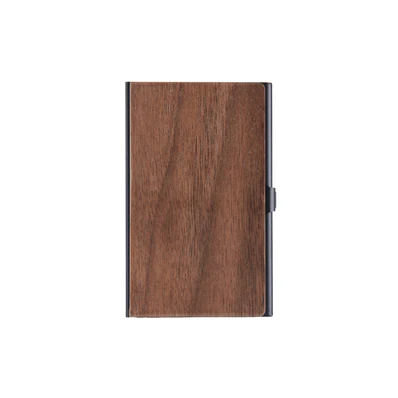
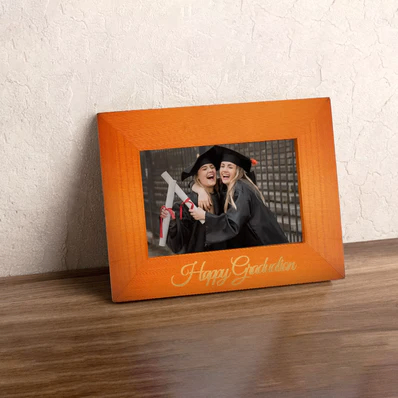
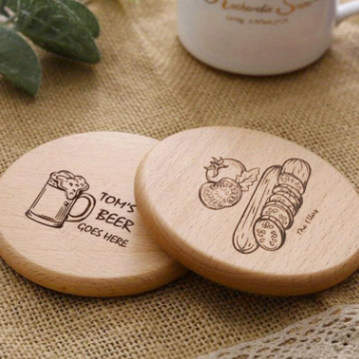
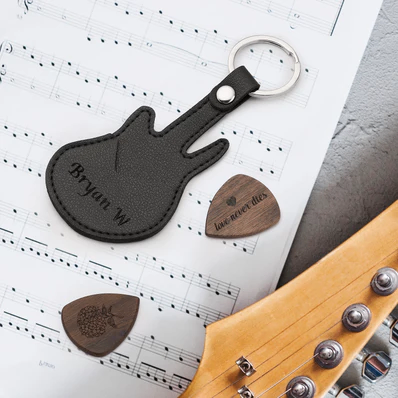
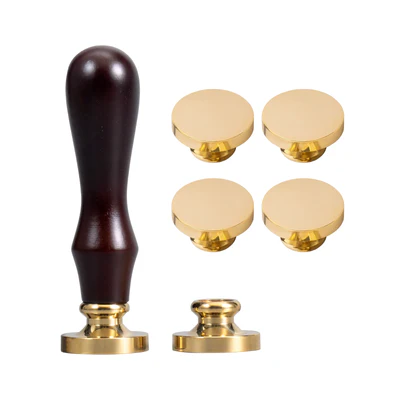
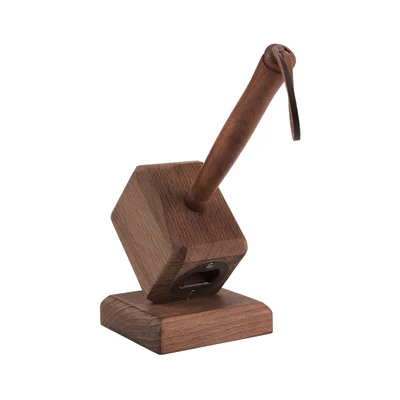
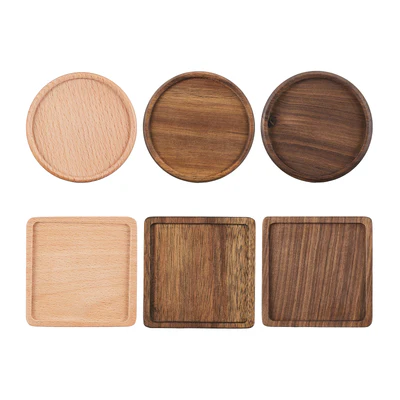
For more solid wood materials, please visit the official website to view.
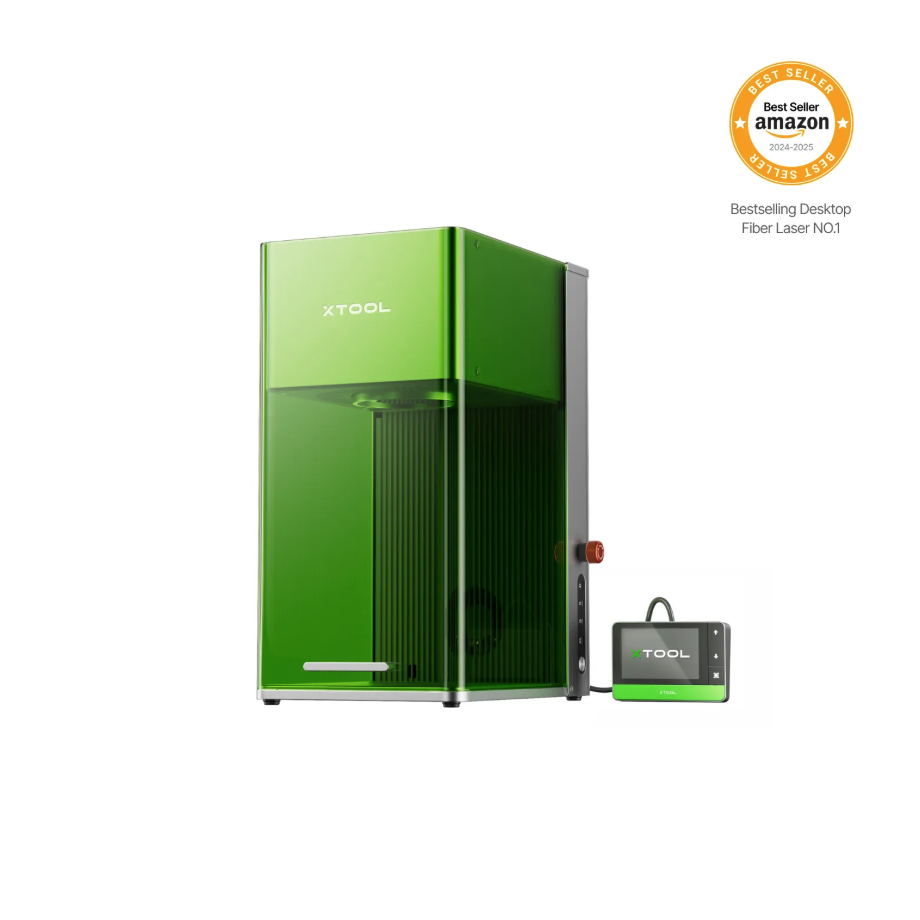
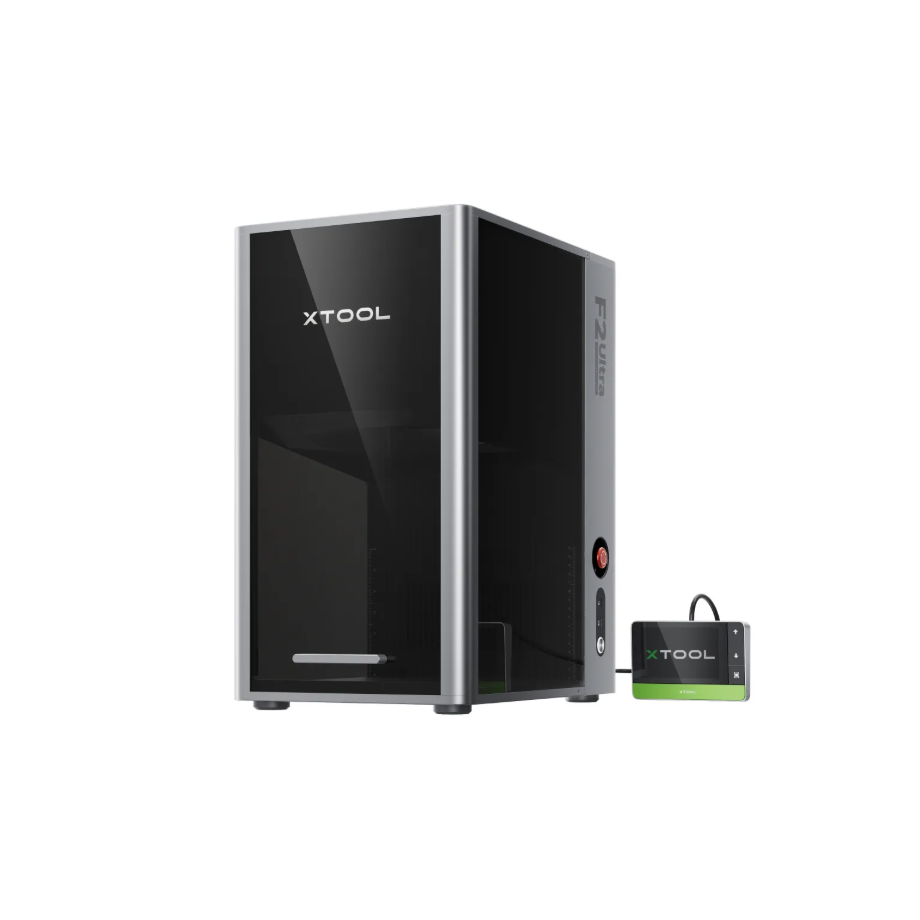
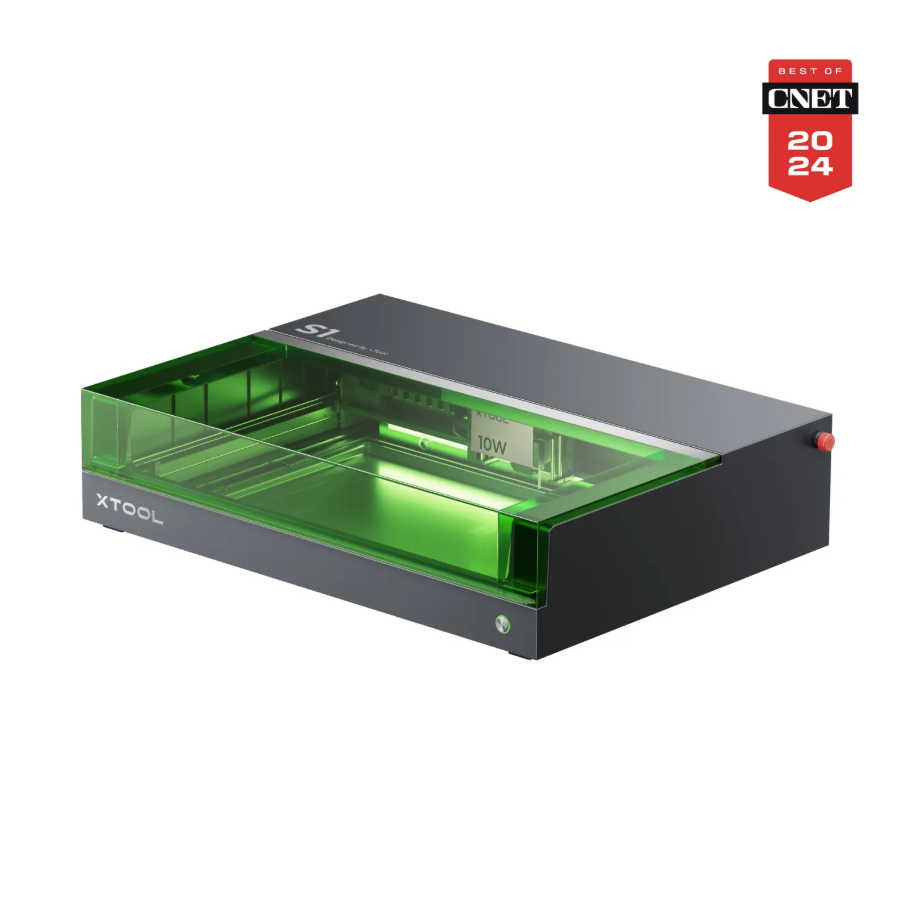
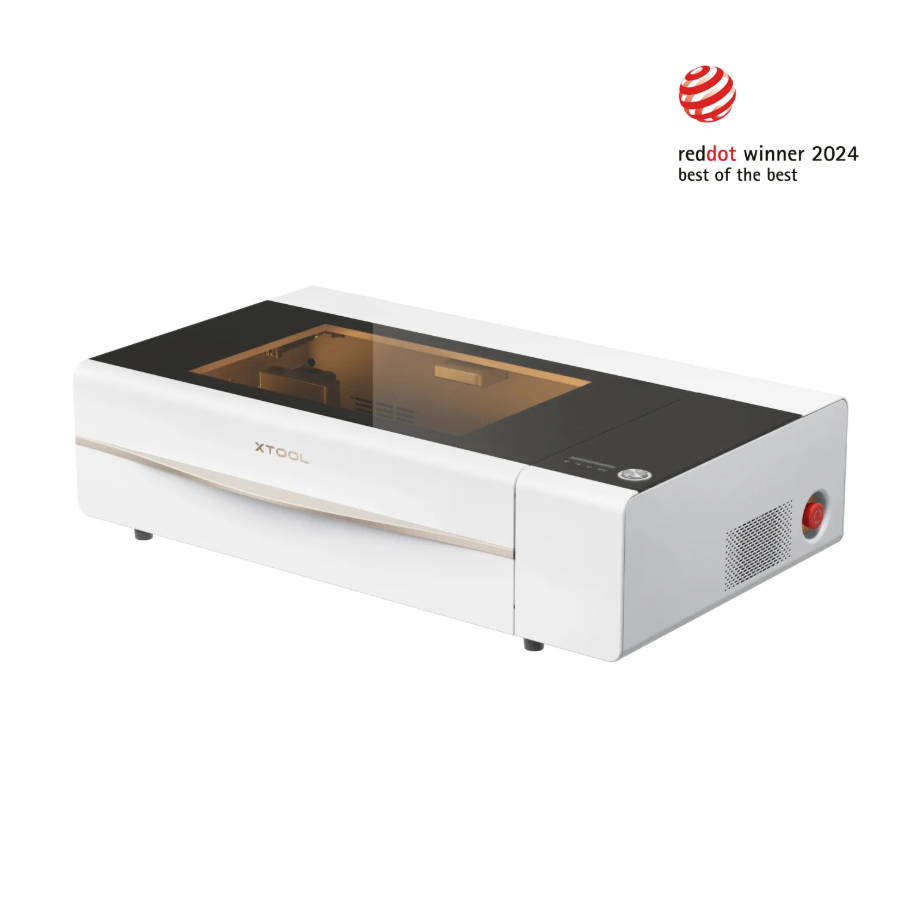
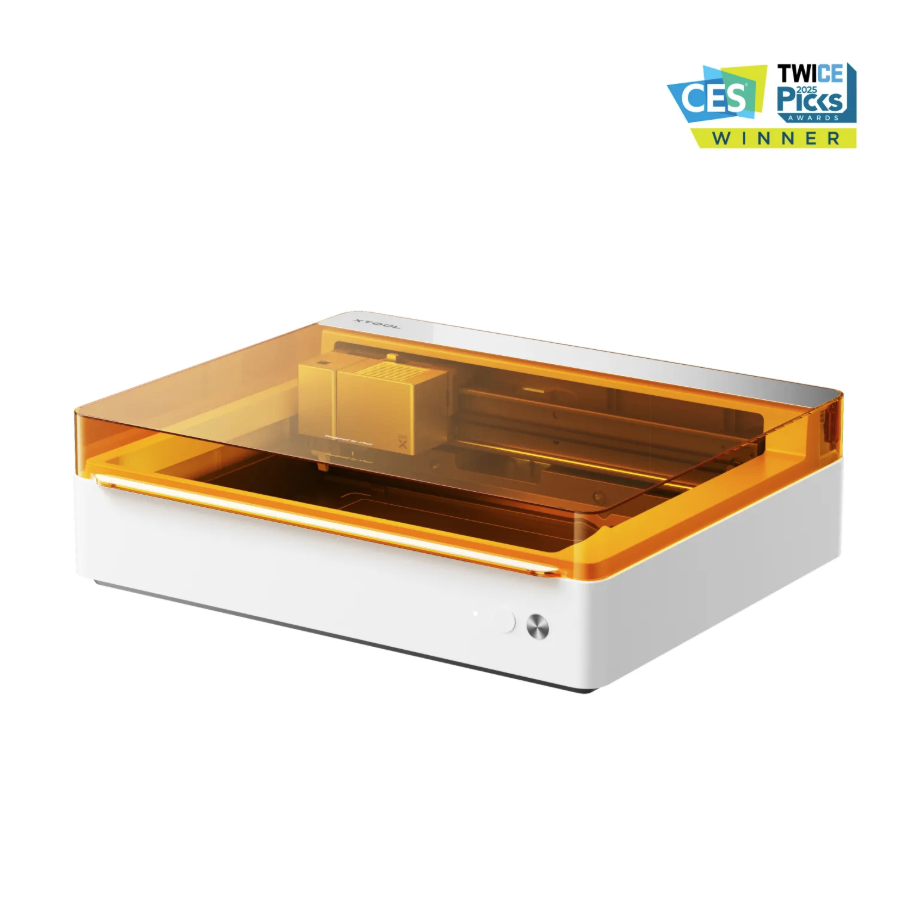
1.2 Adapt Processing Equipment
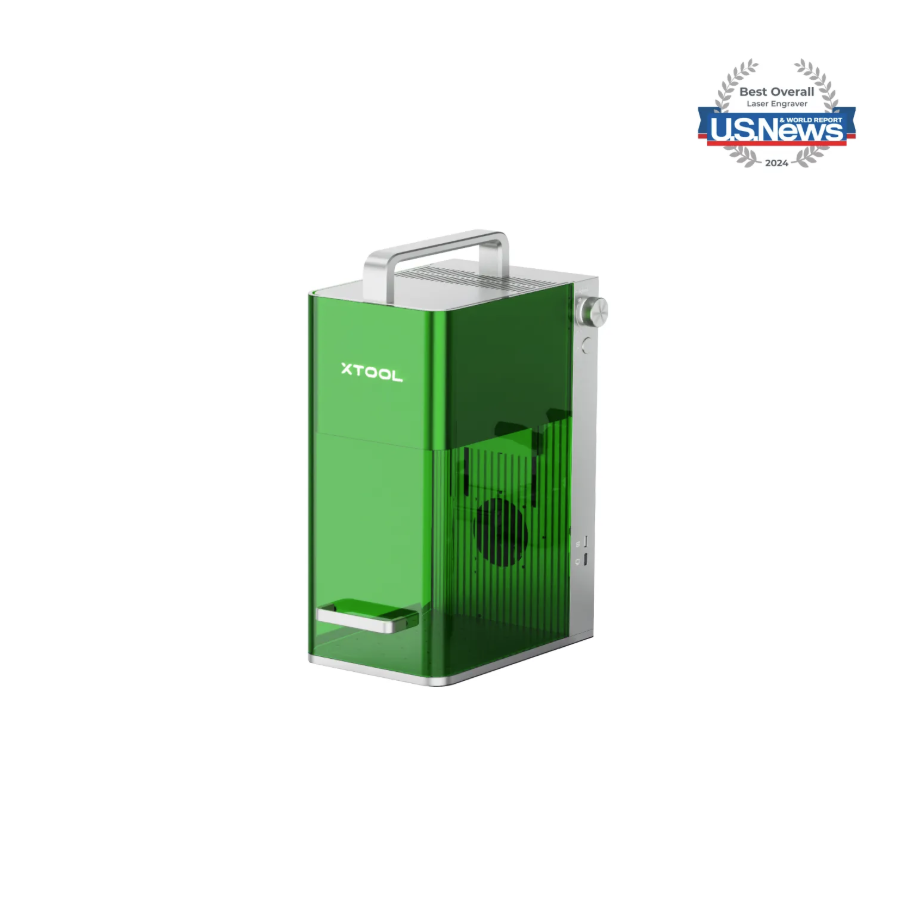
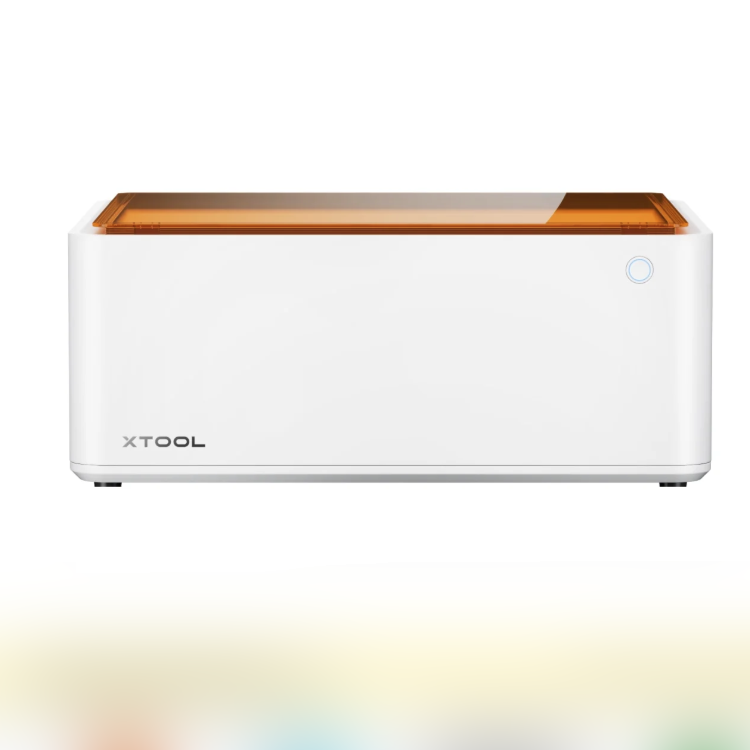
1.3 Using Accessories
More accessories reference Official website
2. Preparations Before Processing
Equipment Inspection and Cleaning:
Ensure that the lenses and mirrors are free of dust and dirt, and that the moving parts operate smoothly
Material Handling:
The wood surface should be smooth and kept dry; apply primer when necessary (for color processing).
Fixing and Positioning:
Use clamps, magnets, and other fixtures to secure the material, ensuring processing stability and engraving precision
For specific operations, refer to the [User Guide] for each model.
Safety Measures:
Wear laser safety goggles for the corresponding wavelength, a mask, ensure good ventilation, and avoid leaving unattended.
3. Common Issues and Solutions
3.1 Cutting Not Penetrating, Engraving Too Shallow
Possible cause:
Insufficient power, excessive speed, improper focus.
Solution:
Increase power; reduce speed; refocus; clean the lens; use officially recommended materials to ensure consistency.
3.2 Severe edge burning and carbonization
Possible cause:
High moisture content in the wood, heat concentrated.
Solution:
Reduce power; increase speed; turn on air assist.
3.3 Plate Deformation
Possible cause:
High moisture content in wood, heat concentrated.
Solution:
Select dry, crack-free materials; official consumables are recommended. Optimize the cutting path.
3.4 Uneven engraving depth
Possible cause:
Differences in wood grain hardness and uneven materials.
Solution:
Multiple shallow engravings; use the surface engraving function; use the RA2 Pro rotary attachment.
3.5 Color distortion in color processing
Possible cause:
Uneven wood water absorption, insufficient primer.
Solution:
Increase the primer layer; control the inkjet volume; raise the temperature/pressure for heat transfer.
3.6 Heat Transfer Pattern Peeling
Possible cause:
Insufficient pressure or temperature.
Solution:
Increase the temperature; extend the imprinting time.
3.7 Blue Light Engraving Obstructed by Varnish
Possible cause:
Varnish layer too thick.
Solution:
Polish varnish; increase power; reduce speed.
3.8 Wood grain affects engraving details
Possible cause:
Large variation in wood grain hardness
Solution:
Avoid bitmap engraving; choose official consumables with uniform texture

