
1. Reference Cases and Materials
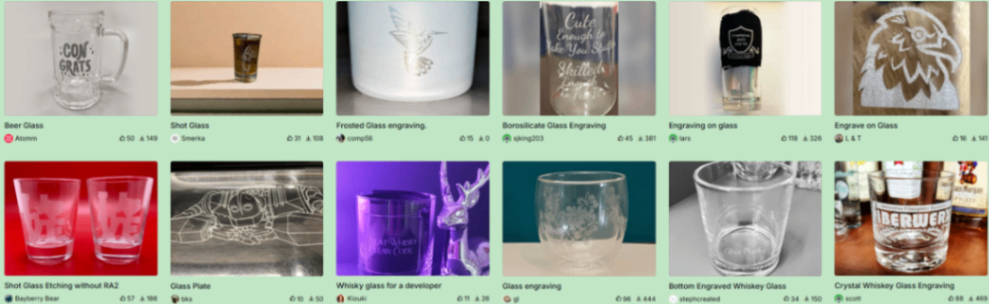
For more glass processing cases, please check user shares on the Atomm website.

2. Principles of Laser Processing and Characteristics of Glass Materials
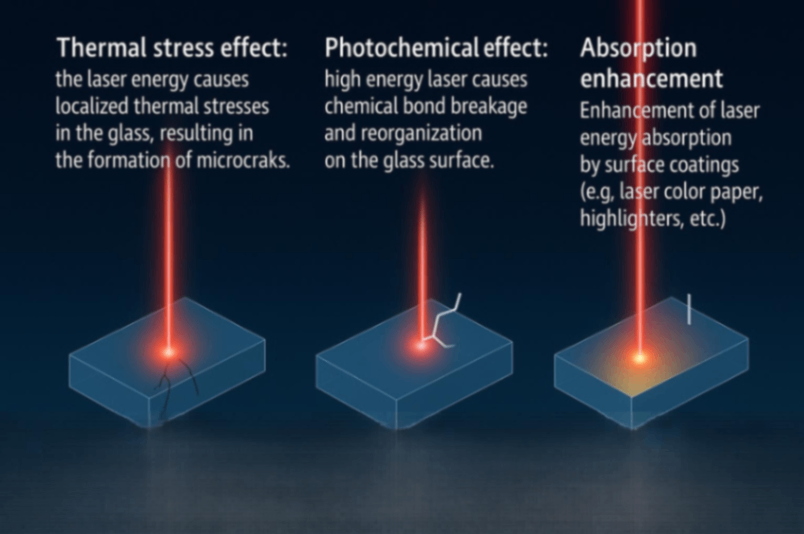
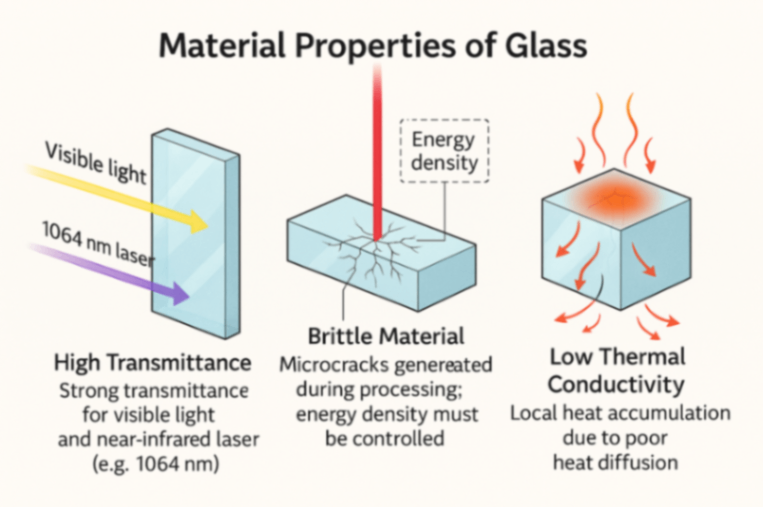
3. Applicable Models and Processing Modes
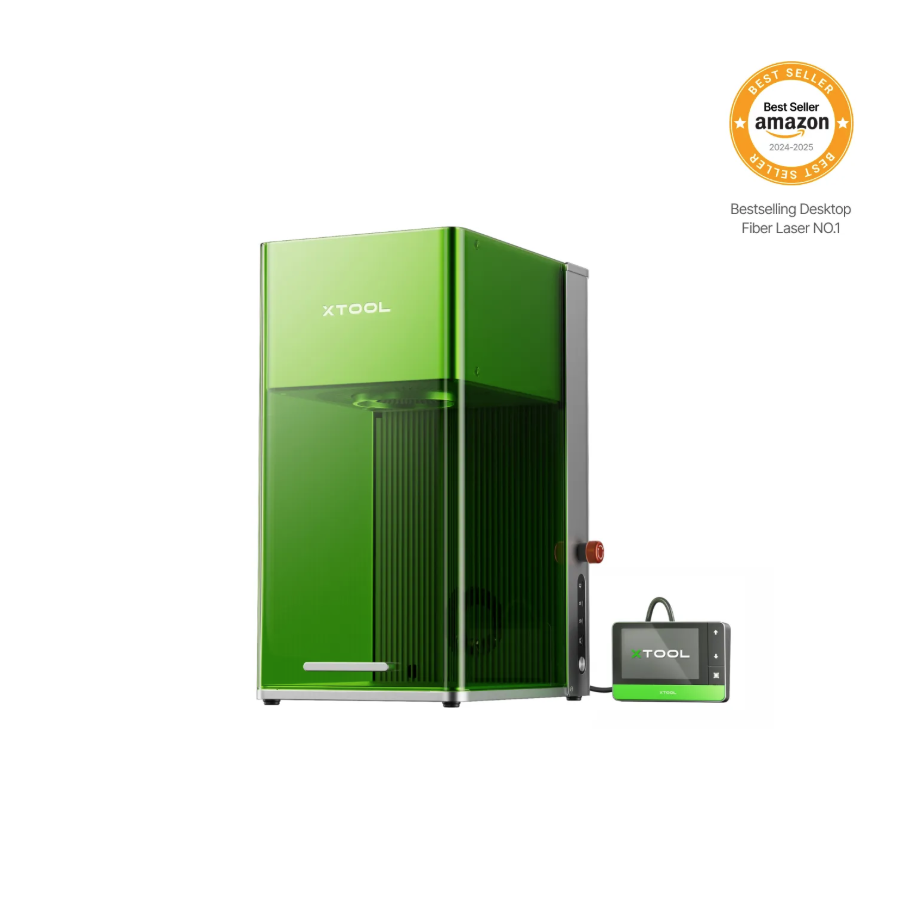
3.1 Recommended Model
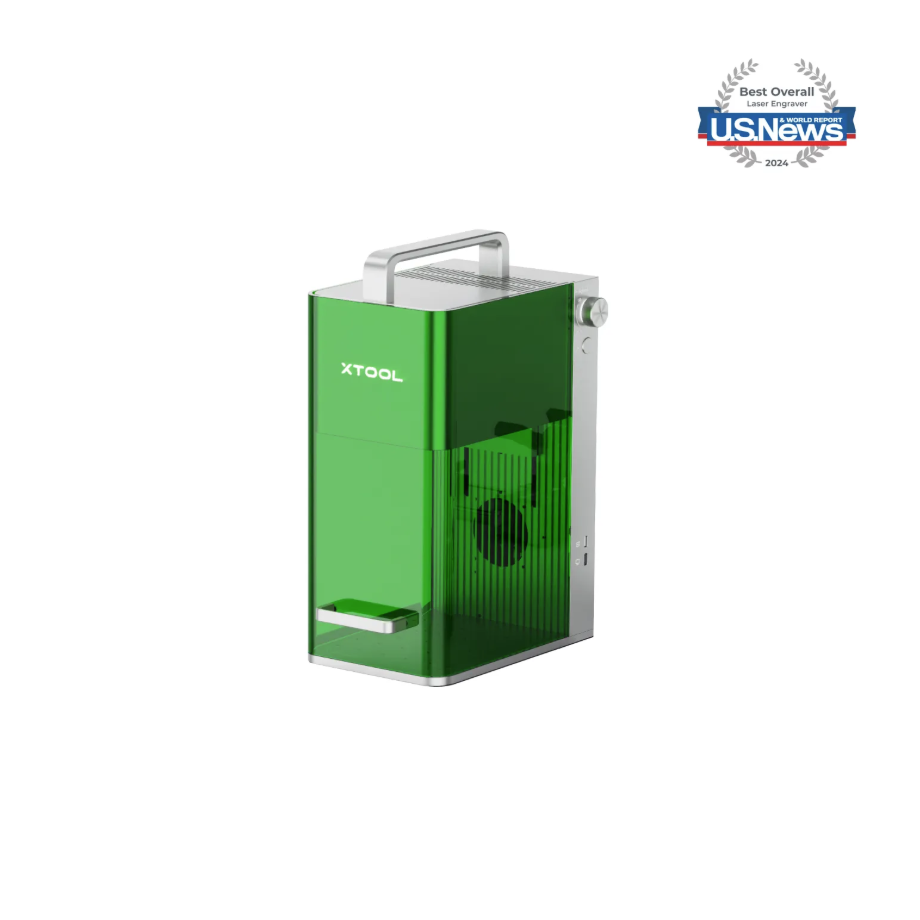
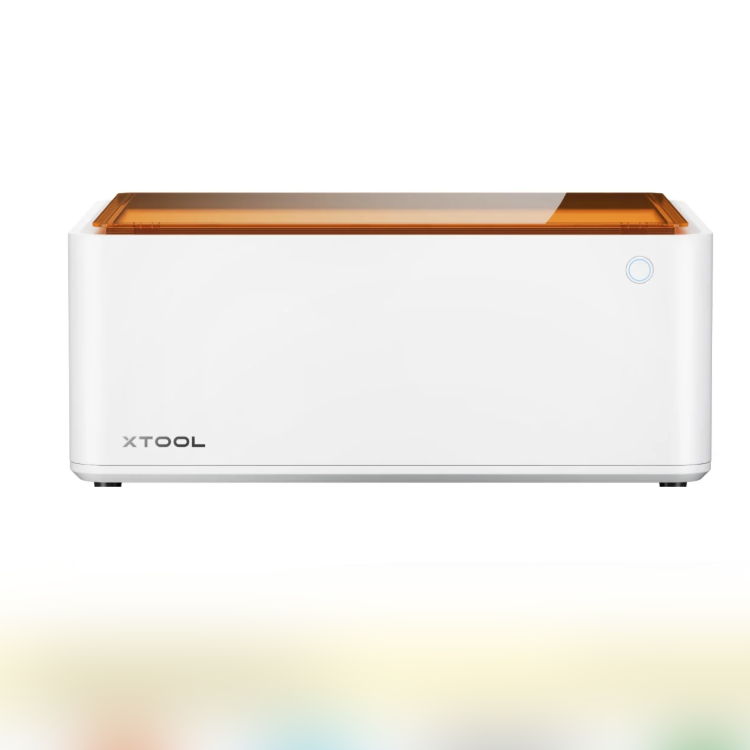
Processing Mode: Process on flat surface / Use rotary attachment / Curved material
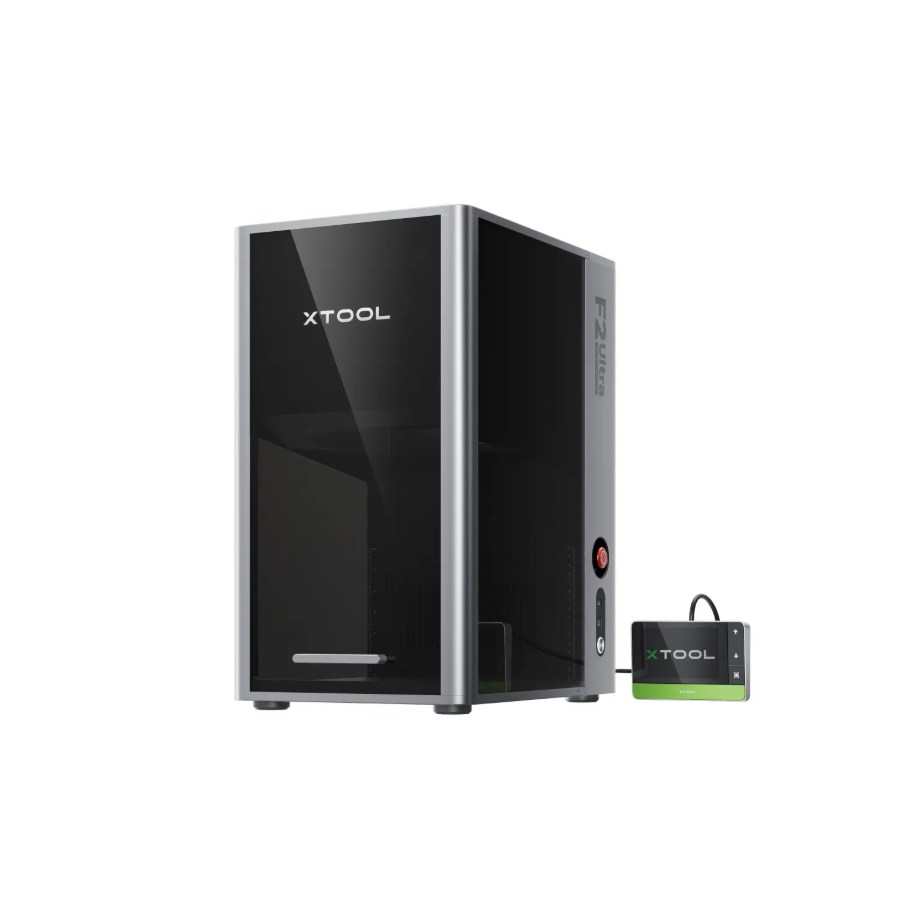
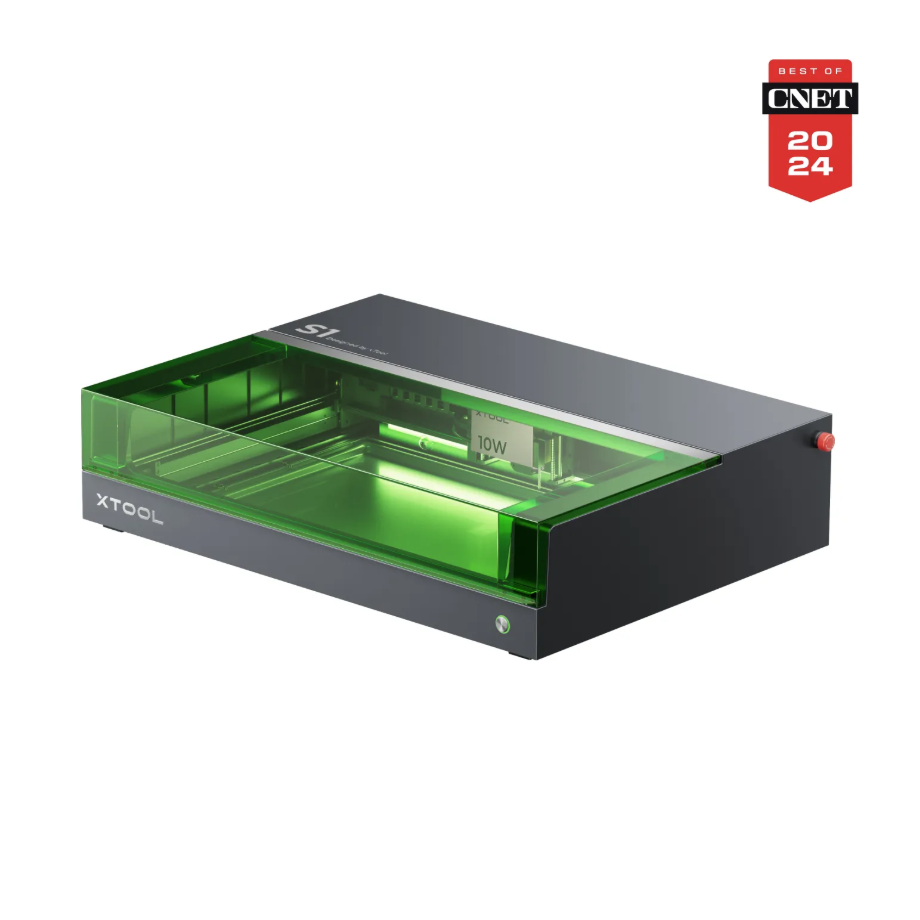
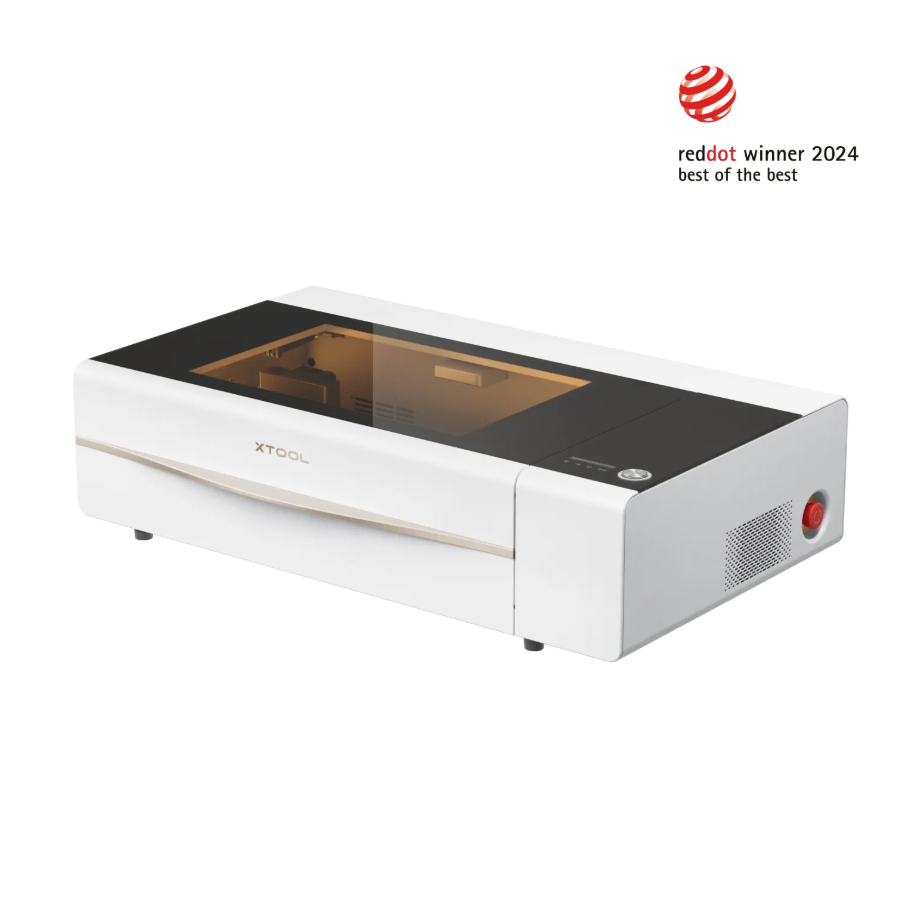
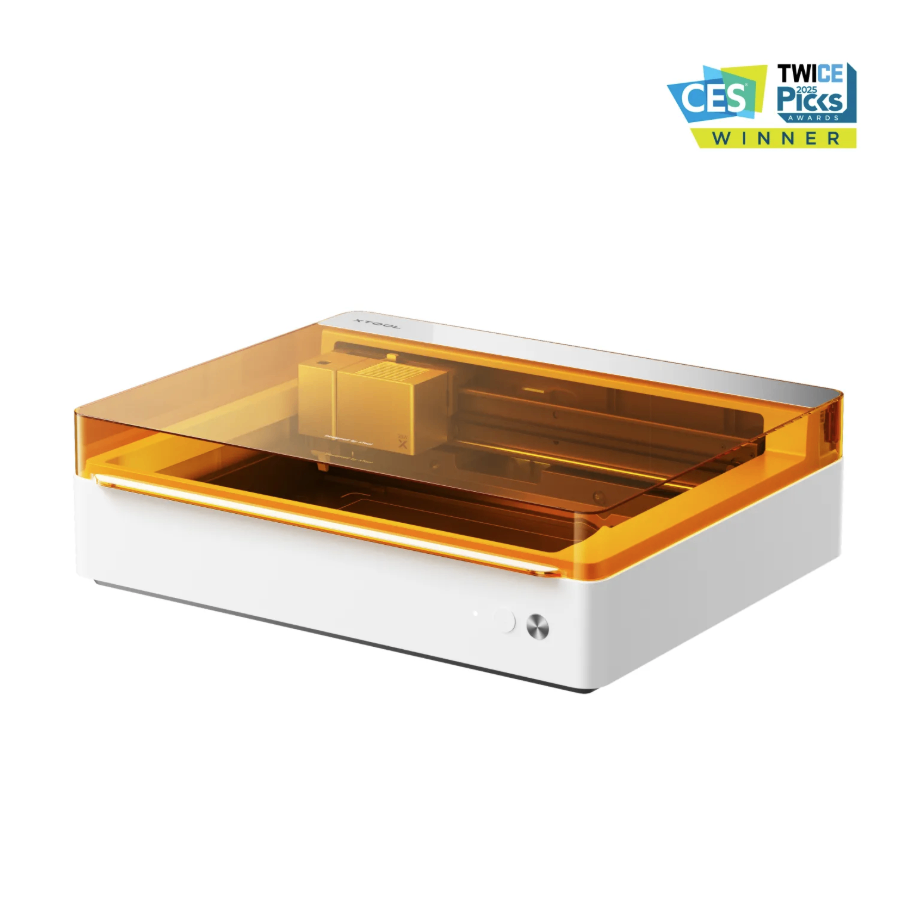
4. Preparation Before Processing
Equipment Inspection and Cleaning:
Ensure that the lenses and mirrors are free of dust and dirt, and that the moving parts operate smoothly.
Material Handling:
Clean the glass surface to remove grease and dust, ensuring it is smooth and dry. If necessary, choose auxiliary materials as needed (such as laser color paper or fluorescent markers).
Fixation and Positioning:
Secure the material to ensure stability during processing and engraving precision.
Safety Measures:
Wear laser safety goggles for the corresponding wavelength, a mask, ensure good ventilation, and avoid leaving the area unattended.
5. Common Issues and Solutions
Problem Description:
Carving marks are shallow or indistinct, and the pattern is blurred or almost invisible.
Solution:
Increase the number of engravings; switch to auxiliary materials that leave deeper traces (for F1 Ultra blue light processing, such as black laser color paper), and adjust the parameter combinations.
Problem Description:
Difficulty in removing auxiliary materials; colored paper or coating is hard to remove after engraving.
Solution:
Pre-soak the laser-colored paper for 1 minute; use a hair dryer to speed up the drying process; after soaking in clean water for 5 minutes, peel it off.
Problem Description:
The engraving is uneven, and the engraving depth is inconsistent under the same parameters.
Solution:
Ensure the auxiliary material is applied evenly; check whether the laser focus is accurate; reduce speed to increase energy density.
Problem Description:
The laser engraves through the glass to the base plate.
Solution:
Place a contrasting material at the bottom to absorb the laser; adjust the power to avoid excessive penetration.
Problem Description:
How to achieve multi-layer carving?
Solution:
First, perform shallow engraving for positioning; gradually increase the power and number of passes to reach the desired depth; applying (highlighter) multiple times and engraving multiple passes can increase the depth.
Problem Description:
How to achieve a color effect?
Solution:
Use laser-colored paper of different colors; fill with color paste after engraving; add background color to the base plate to create a visual effect.
Note: To achieve optimal processing results, it is recommended to use official materials and recommended parameters.

