
1. Common Issues
1.1 Carbonization occurs along the edges of the cutting path when MDF boards are laser cut.
1.2 After laser cutting, the surface of the MDF board may turn yellow or be covered with tar and other residues.
1.3 Carbonized marks appear on areas where the MDF board contacts the metal base plate.
2. Solutions
2.1 Air-Compress Assist can effectively aid laser processing.
The airflow generated by Air-Compress Assist can blow away smoke and carbon dust produced during cutting. This helps to significantly reduce carbonization along the cutting edges.
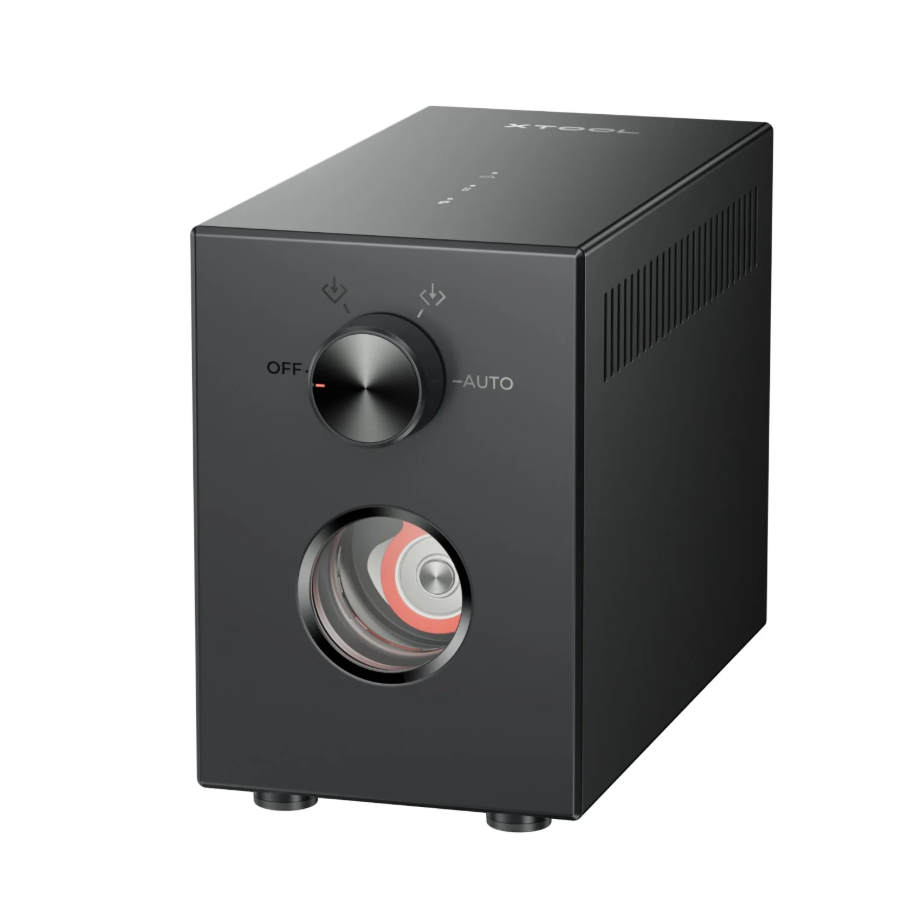
2.2 Masking Tape can prevent surface contamination on MDF boards.
Apply Beige White Masking Tape to the surface of the MDF board. After cutting, remove the tape. Residues such as tar that adhere to the tape during cutting will be removed along with it.
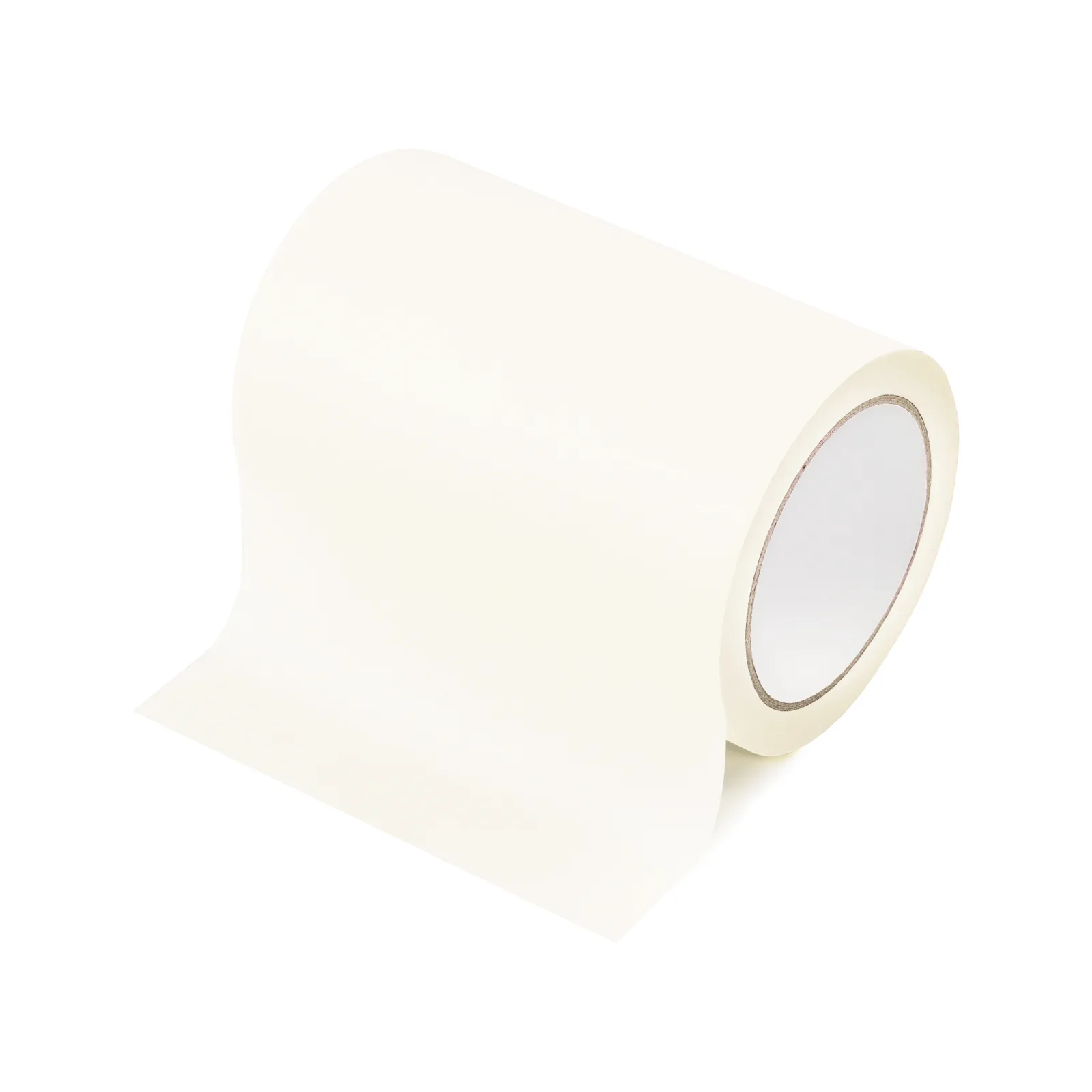
2.3 Minimize contact between the MDF board and the metal base plate.
When MDF boards are laser cut, heat accumulates at the contact points with the base plate, causing severe carbonization. It is recommended to use accessories like honeycomb boards to elevate the MDF, maximizing the suspended area and reducing direct contact with the metal base.

Services & Help
Learn & Education

Copyright © 2025 xTool All Rights Reserved.