
1. Common Issues
1.1 The laser passes through transparent glass, leaving no visible engraving marks.
1.2 The engraving marks on transparent glass are very shallow, and the engraving effect is not obvious.
1.3 Laser processing causes bubbles or cracks inside the glass material.
2. Solutions
2.1 Apply a dark-colored oil-based ink pen on the surface of the transparent glass.
By applying a dark-colored oil-based ink pen on the glass surface, the laser can leave visible marks during engraving.
2.2 Use a Black Laser Marking Pen for Glass to achieve a dark effect.
When the Black Laser Marking Pen for Glass is applied to the transparent glass, laser engraving can leave black oxidation marks on the surface. Avoid scratching the engraved black areas with sharp objects.
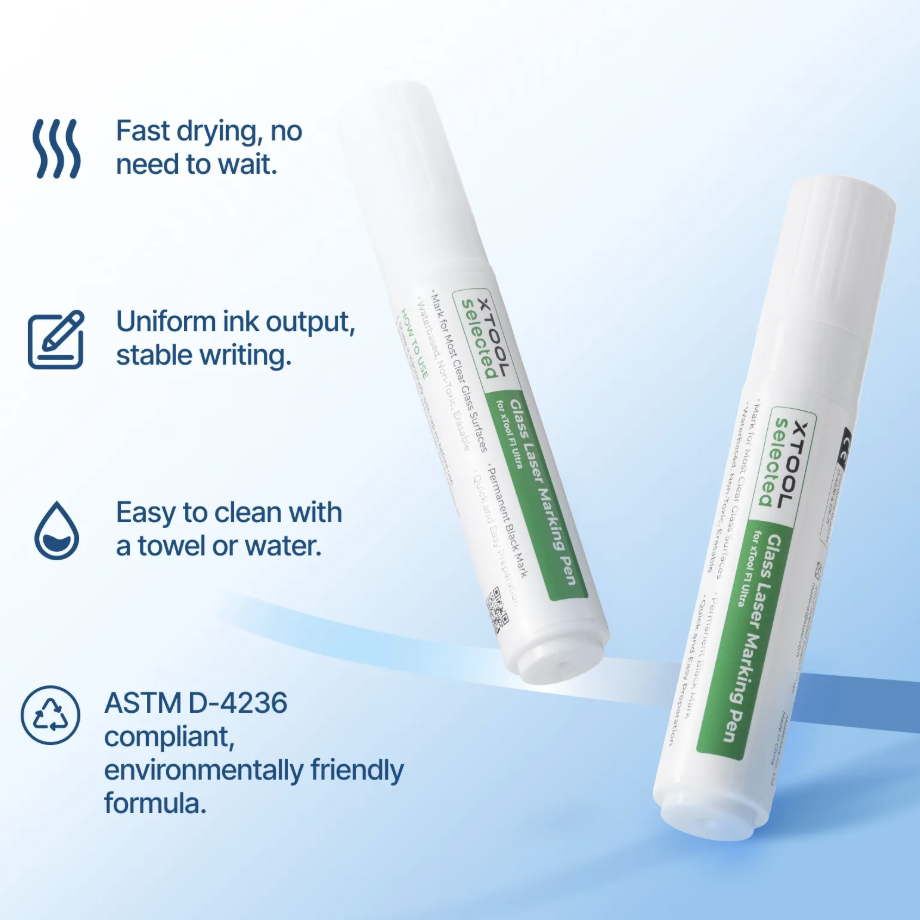
Black Laser Marking Pen for Glass
2.3 Place a dark metal card under the transparent glass.
Placing a dark metal card under the glass allows the card’s coated surface to transfer to the transparent glass during laser processing. Ensure the glass is in close contact with the metal card to prevent incomplete transfer caused by air bubbles.
2.4 Reduce laser power to prevent the formation of bubbles.
Bubbles or cracks inside the glass occur due to excessive laser power. Reducing the laser power effectively prevents the formation of these internal defects.

