
1. Materials and Equipment
1.1 Sale of Materials
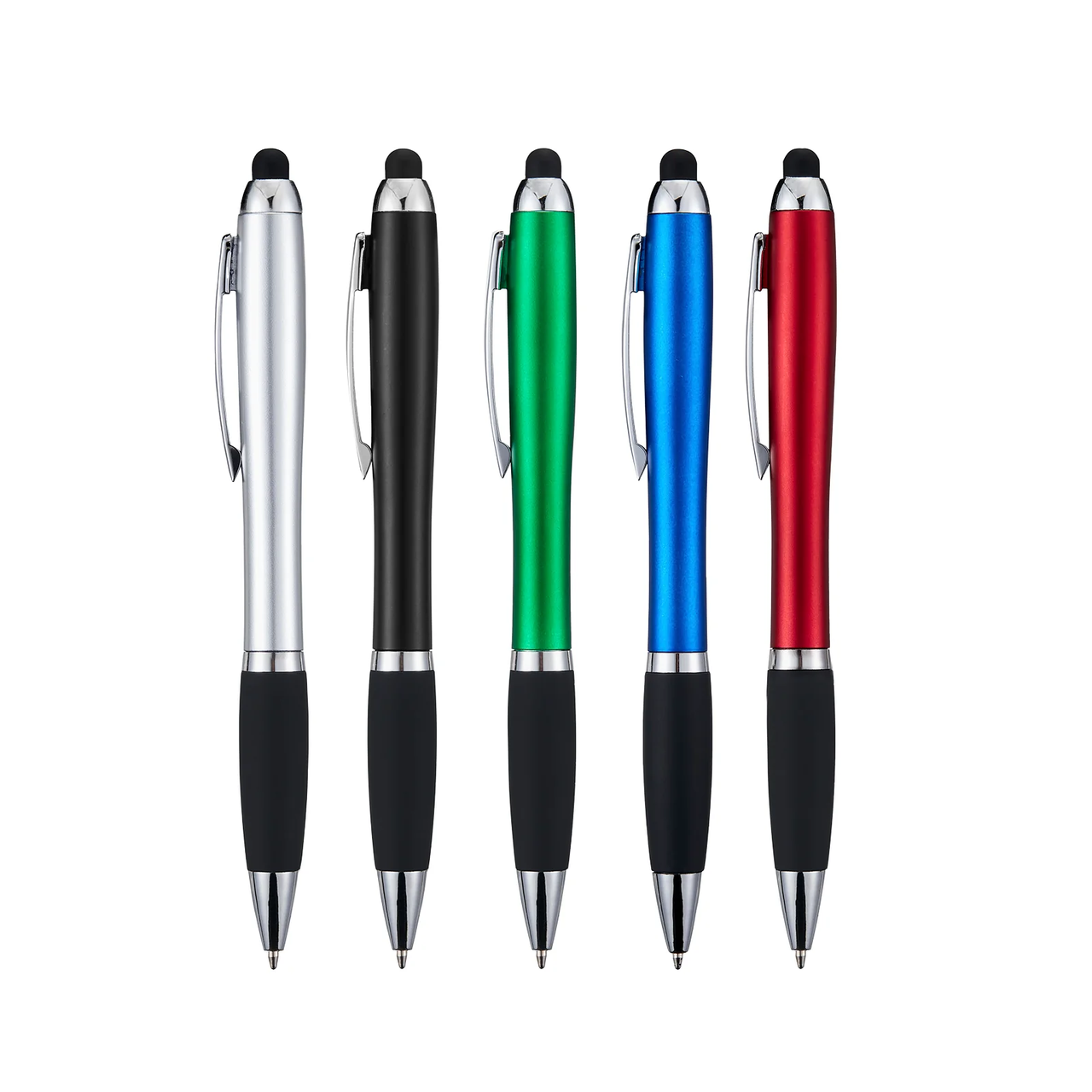
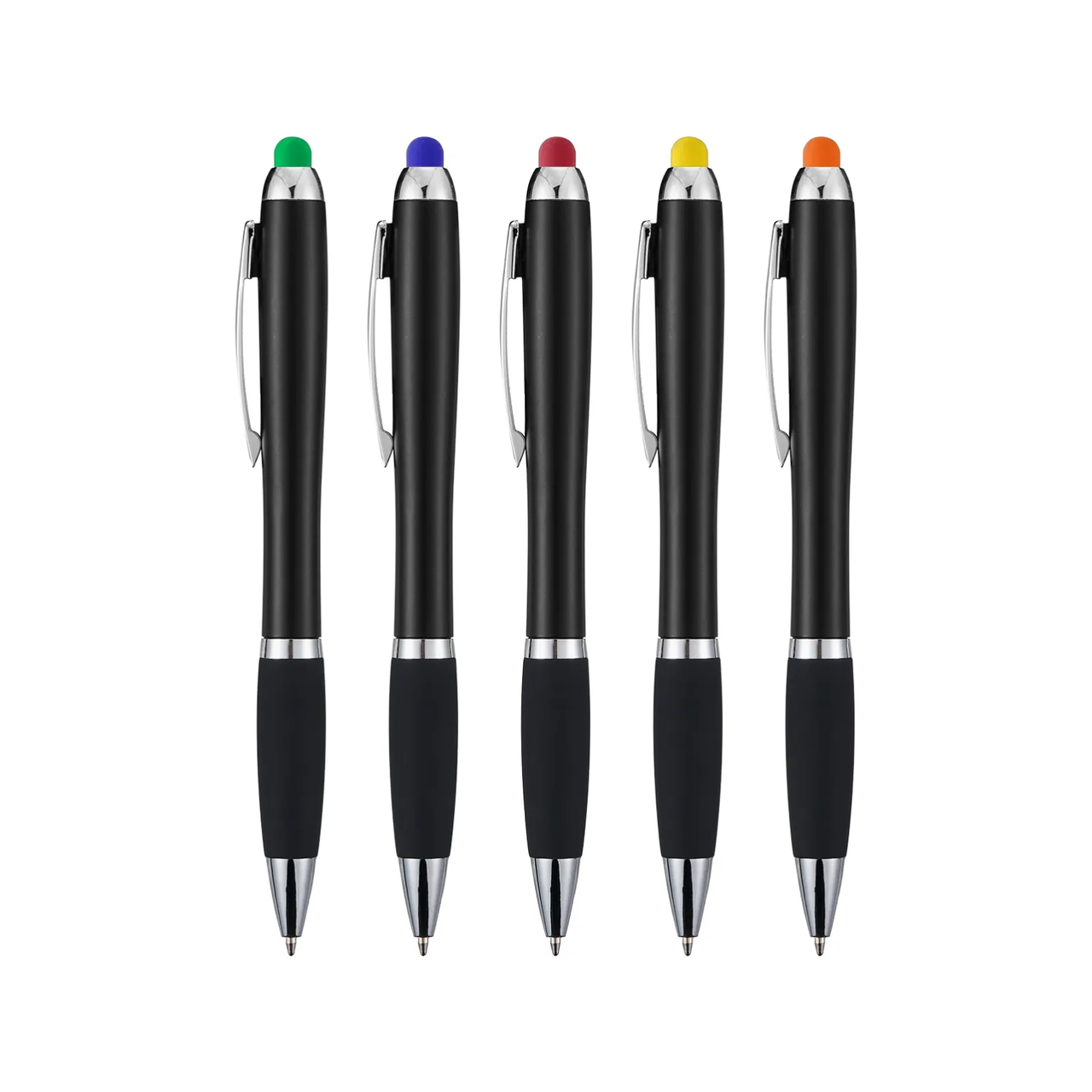





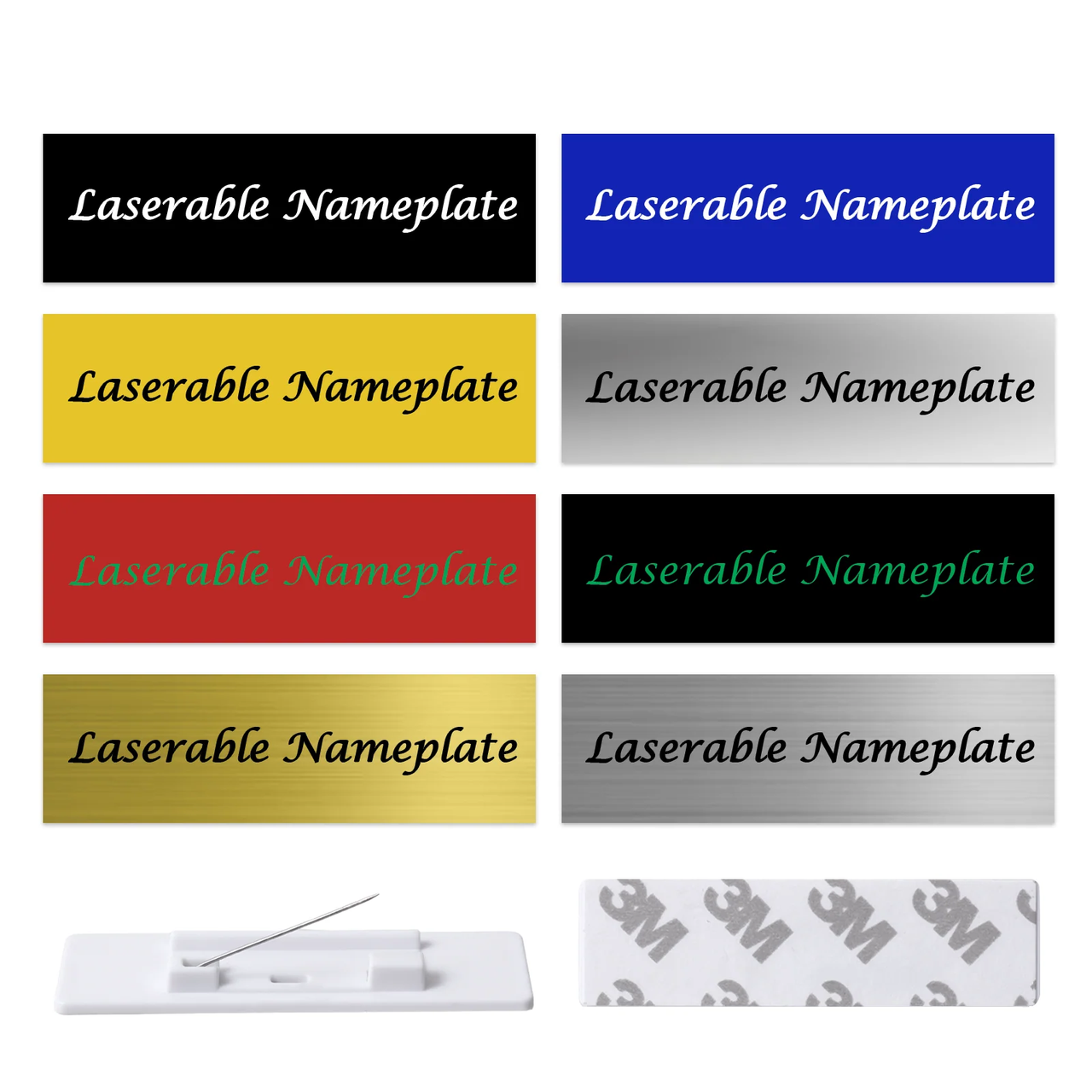
For more Two-Tone Plastic materials, please search on the official website
1.2 Adapt to Processing Equipment
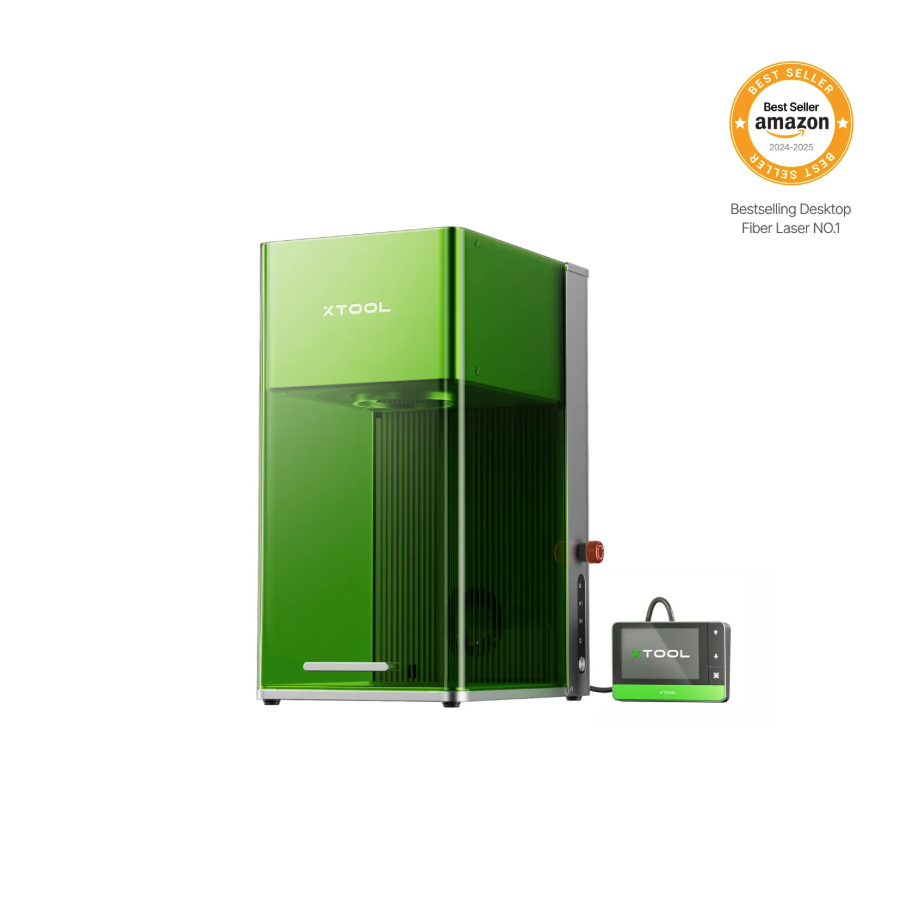
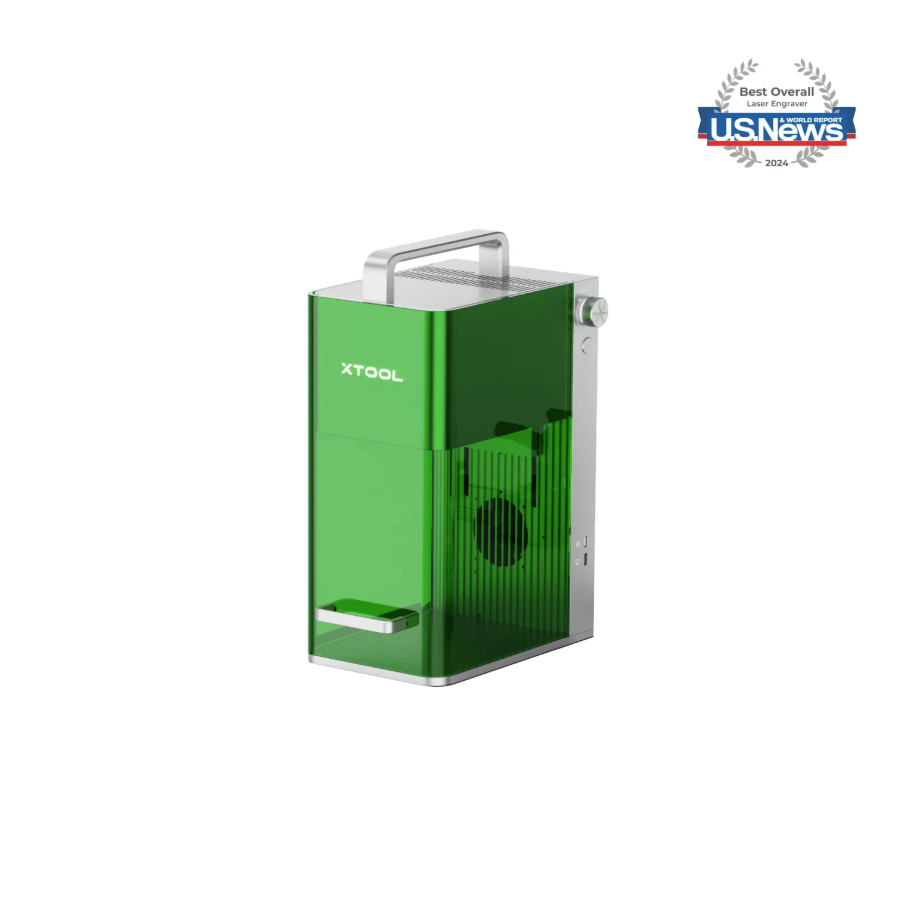
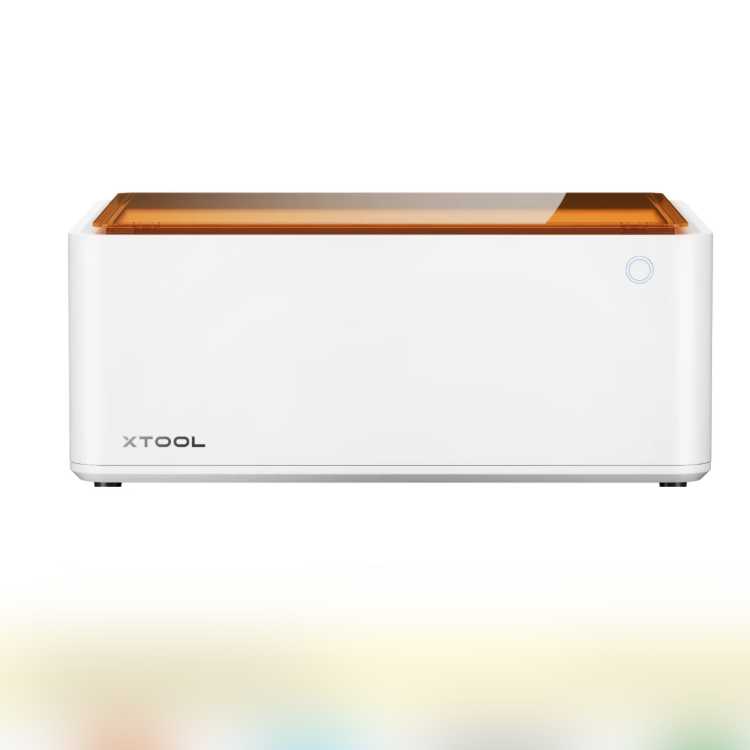
Adapt processing mode: Process on flat surface
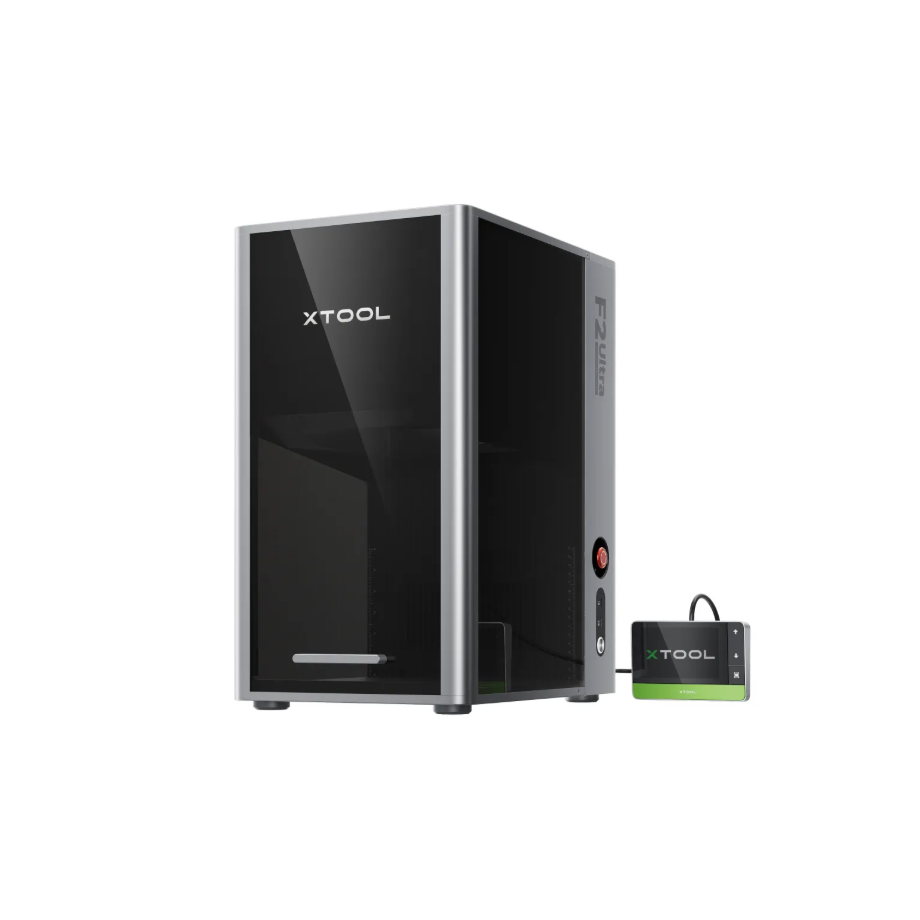
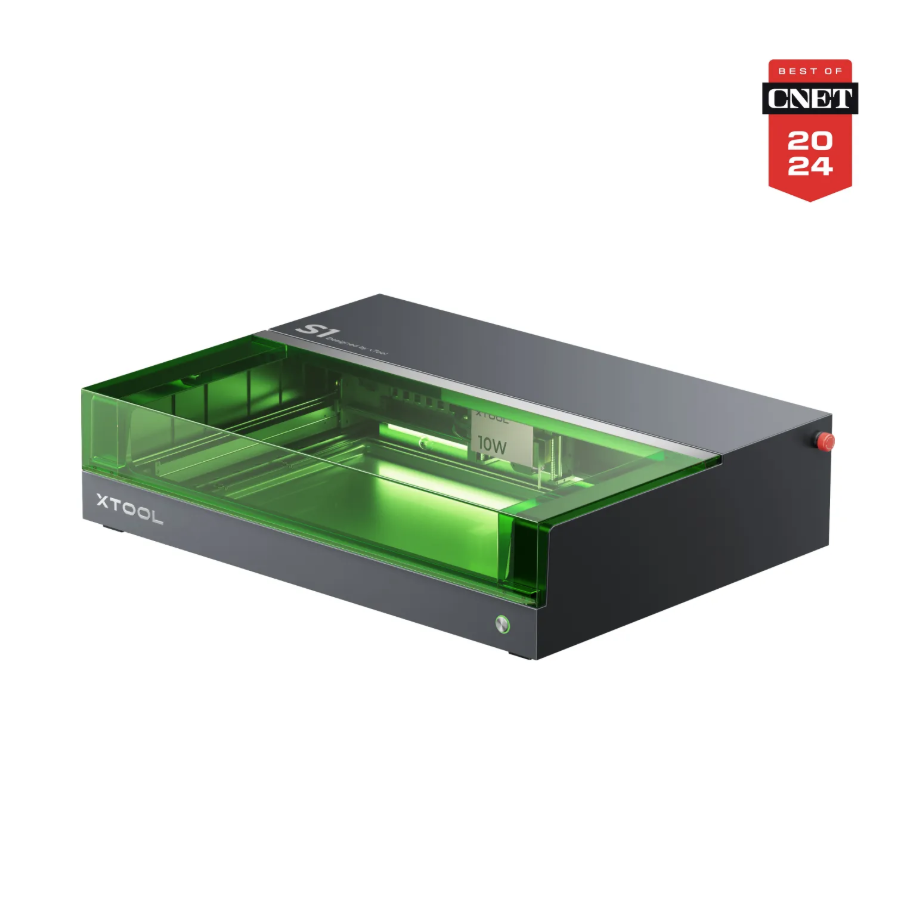
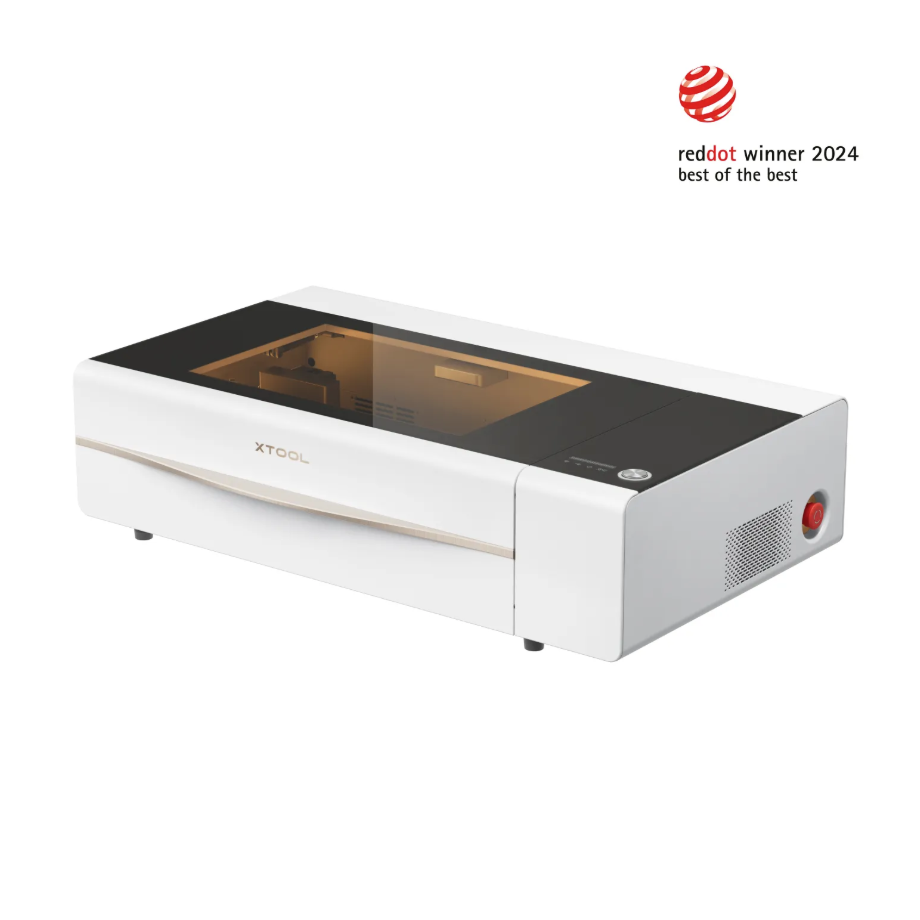
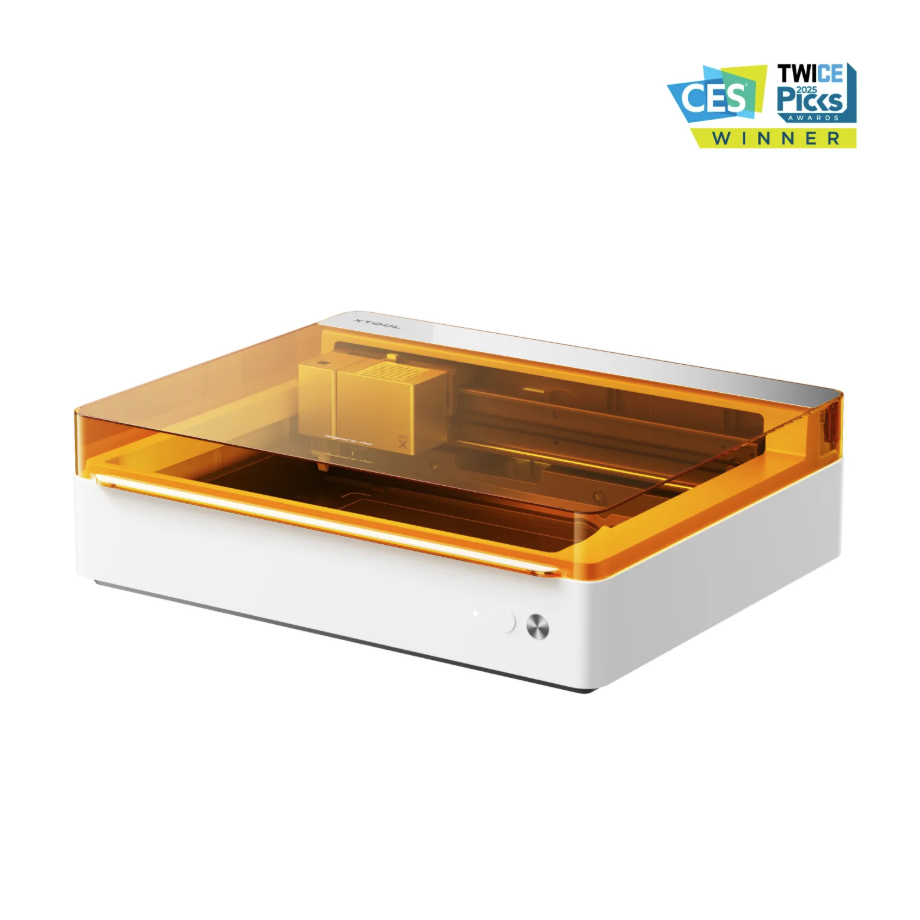
1.3 Use of Accessories

Beige White Masking Tape
2. Preparations Before Processing
2.1 Air-Compress Assist needs to be enabled
Enabling Air-Compress Assist can blow away scorch smoke and keep the cutting path clear.
Enabling Air-Compress Assist can blow away dust, reducing the likelihood of false fire alarms.
Turning on Air-Compress Assist can reduce laser lens contamination and ensure processing data accuracy.
2.2 Protective equipment must be worn
Laser Safety Goggles must be worn. Please use Laser Safety Goggles corresponding to the specific laser wavelength. Protect the Laser Safety Goggles from damage caused by laser reflection or scattering.
Dust mask required.
When operating an unshielded device, the processing area must be covered to prevent exposed light emission. Do not remove the device's protective cover while the light is on.
2.3 Set up the test environment
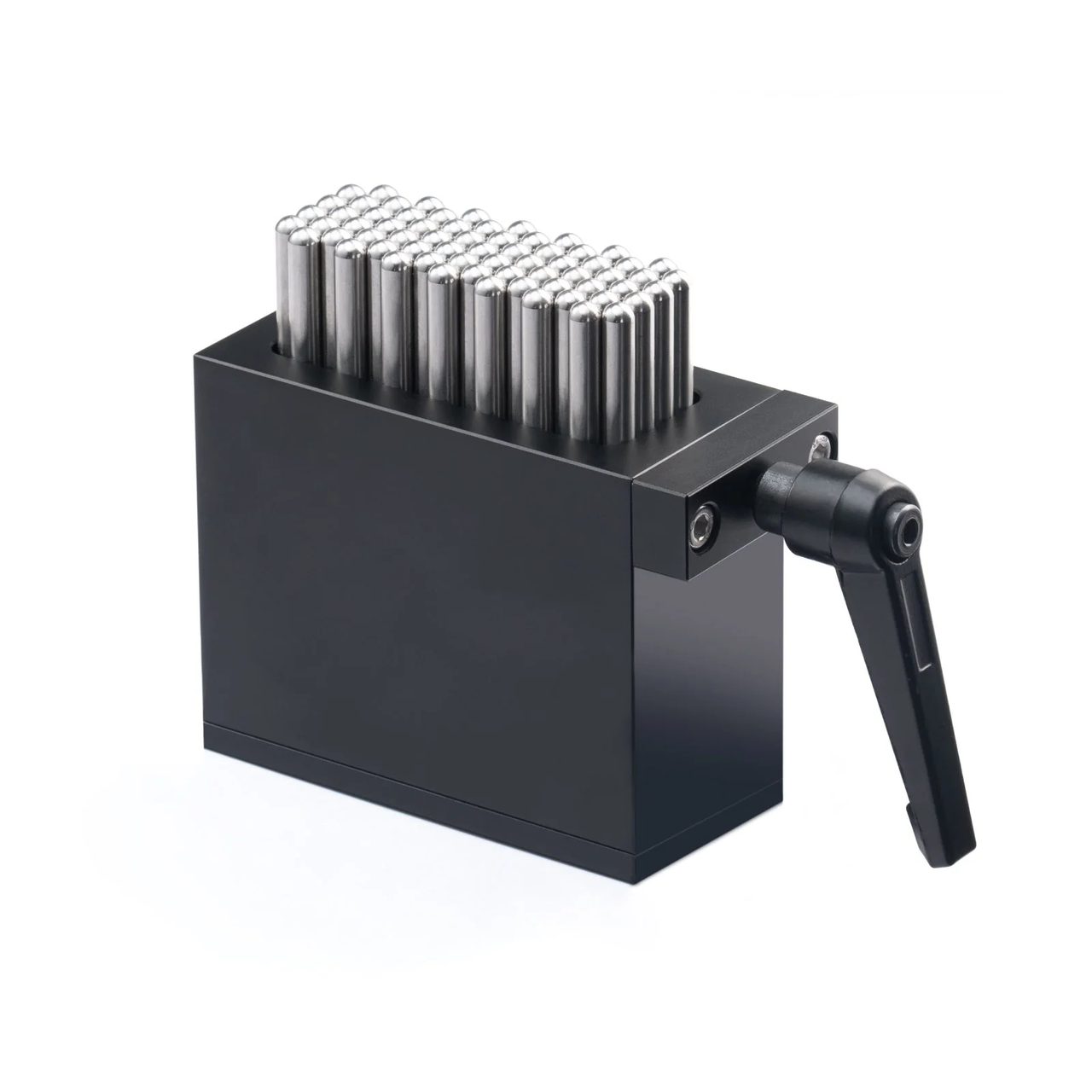
When processing ballpoint pens, it is necessary to secure the ballpoint pens on a base plate or a flexible fixture to prevent the material from shifting during the machining process.
When processing Two-Tone Plastic, the transparent protective film should be removed, and the front and back sides of the material should be distinguished to avoid errors in the processing direction.
3. Common Problems and Solutions
3.1 The processed graphic is not in the predetermined position on the material
Before processing, a preset position preview, Framing, is required;
When placing the ballpoint pens on the flexible fixture, they must be kept horizontal to avoid the focal point being misaligned from the material, which could affect the processing quality.
3.2 Material Processing Triggering Flame Alarm
When processing ABS materials, it is necessary to turn on Air-Compress Assist for auxiliary processing.
For devices that are not compatible with Air-Compress Assist, a smoke exhaust pipe needs to be connected to ensure proper airflow in the air duct.
3.3 Two-Tone Plastic Sheet Processing Deformation
When placing the Two-Tone Plastic Sheet on the flat base plate in the processing area of the equipment, you can use magnetic buckles or Beige White Masking Tape to secure the material along its four edges to fix it onto the equipment base plate, preventing deformation of the Two-Tone Plastic Sheet caused by processing.
3.4 Surface Blackening of Two-Tone Plastic Sheet After Processing
You can use Air-Compress Assist for auxiliary processing, which can effectively blow away the smoke generated during processing.
You can also apply Beige White Masking Tape to the back of the material, using the Beige White Masking Tape to block the smoke generated during processing.

Services & Help
Learn & Education

Copyright © 2025 xTool All Rights Reserved.