
1. Materials and Equipment
1.1 Sale of Materials
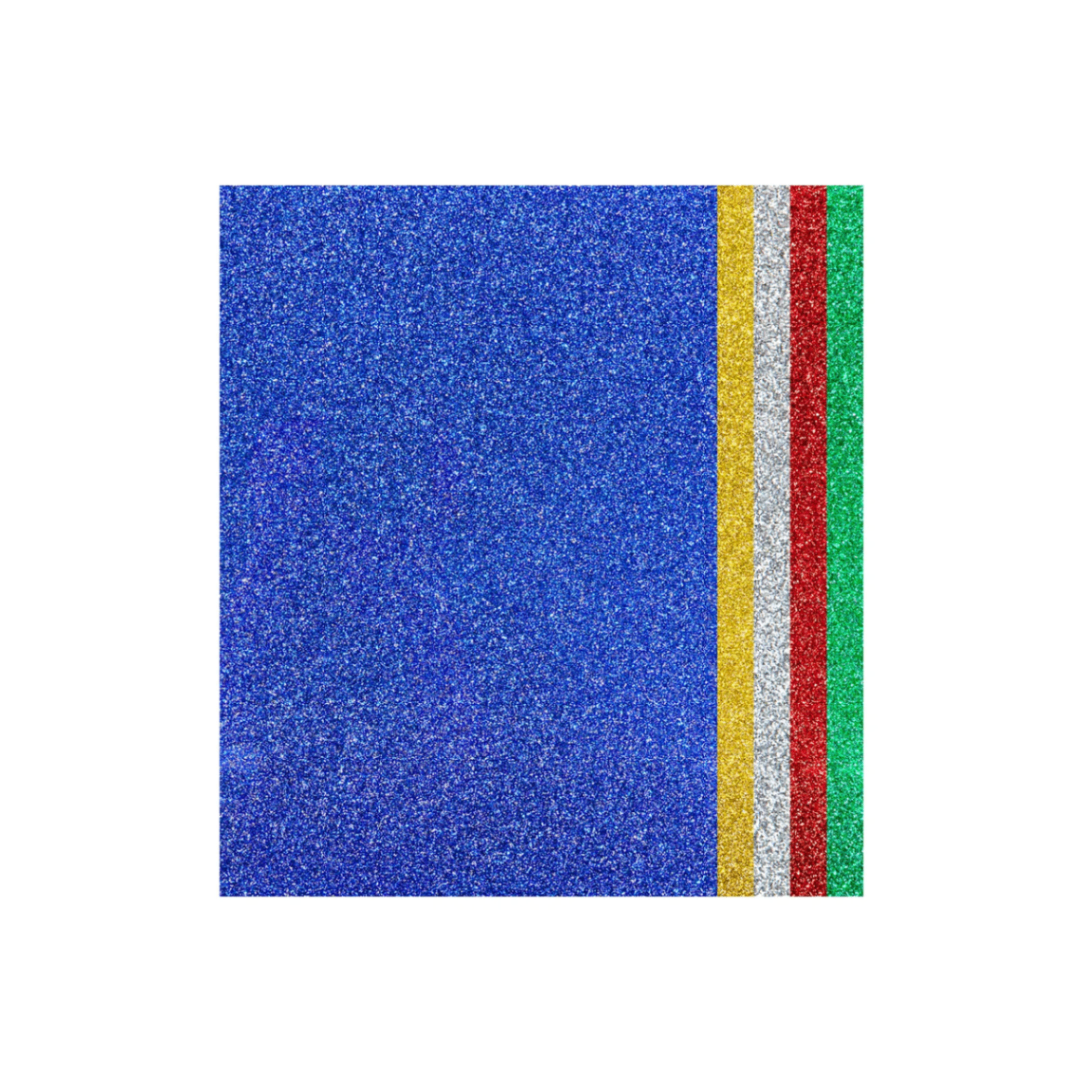
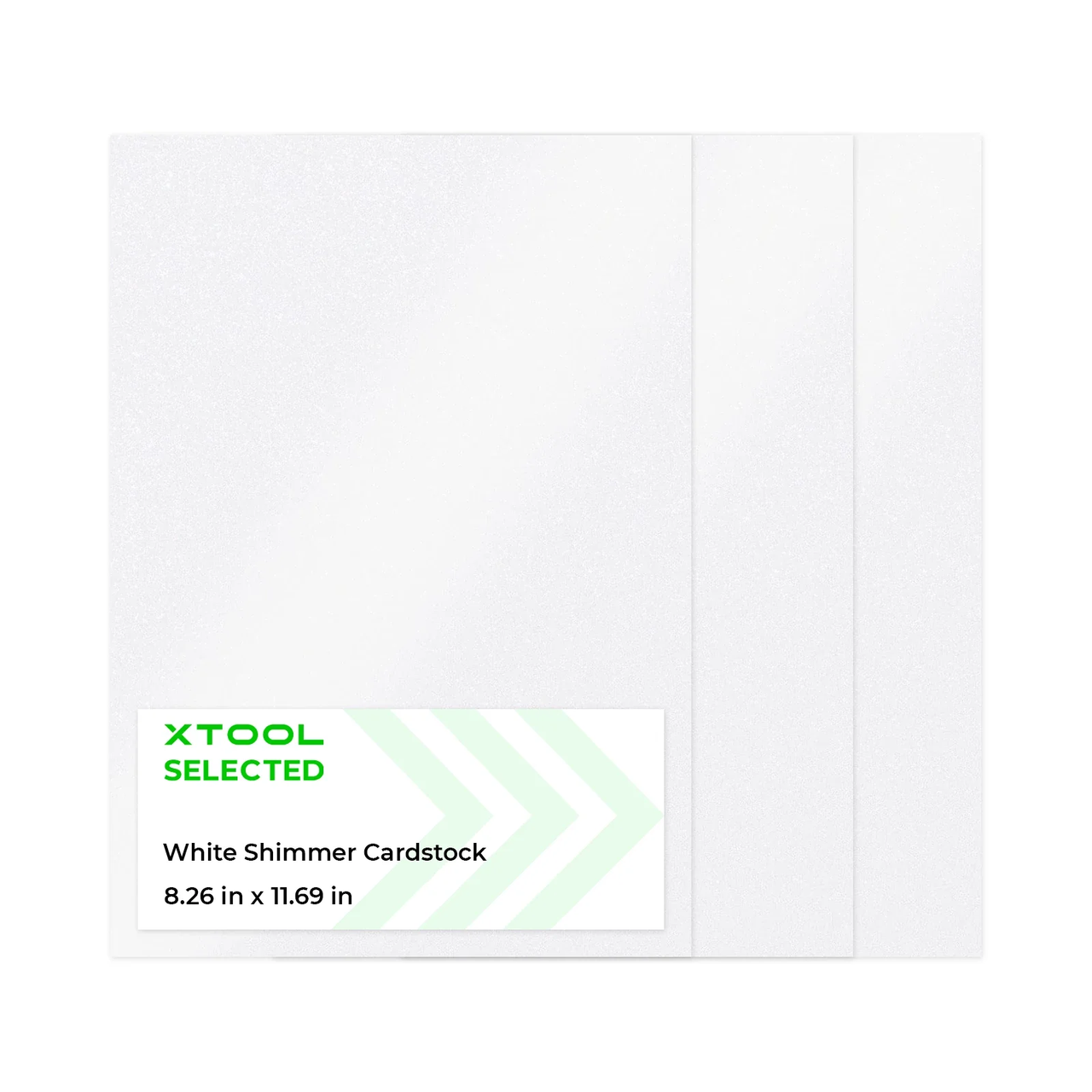
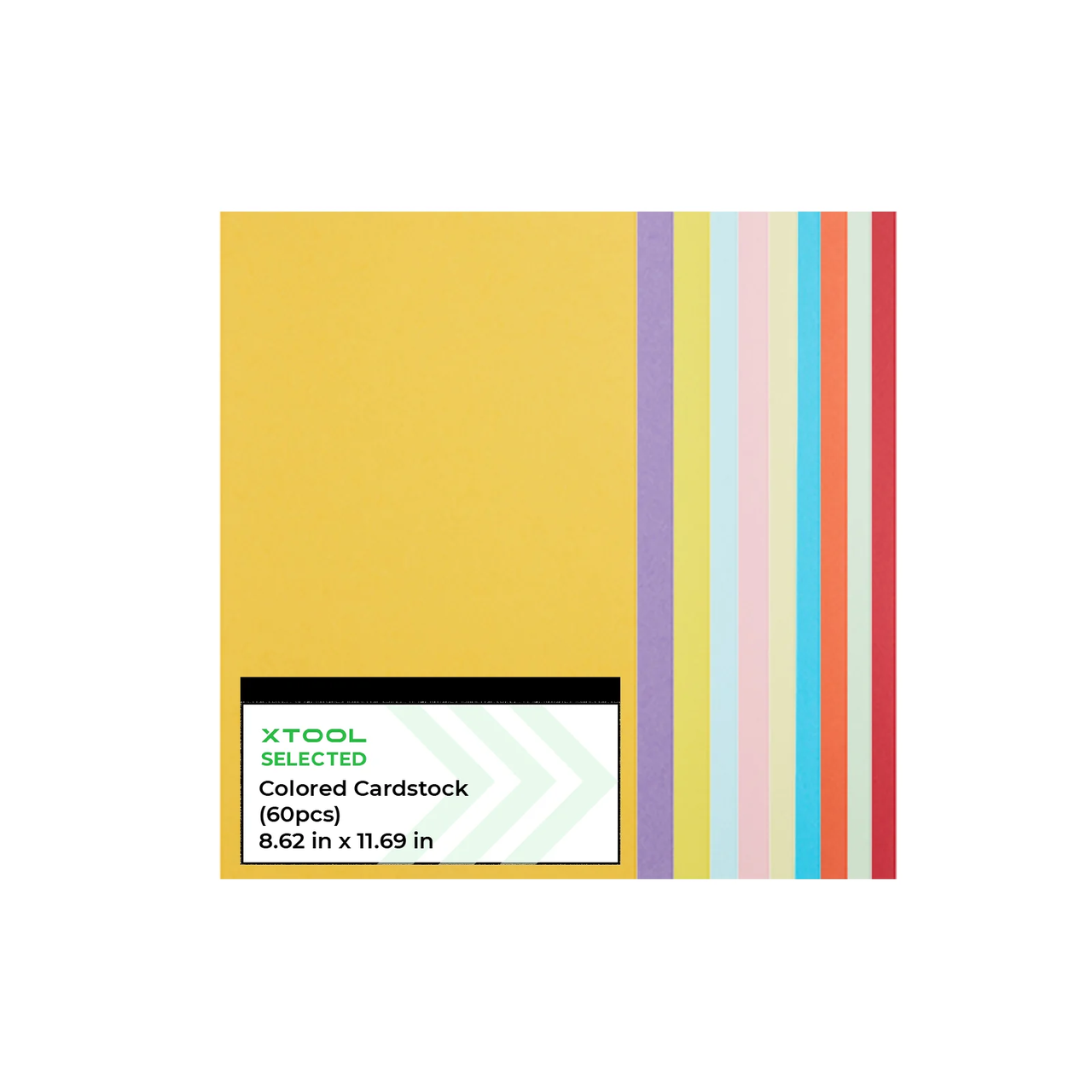
For more cardstock, please search on the official website
1.2 Adaptation of Processing Equipment
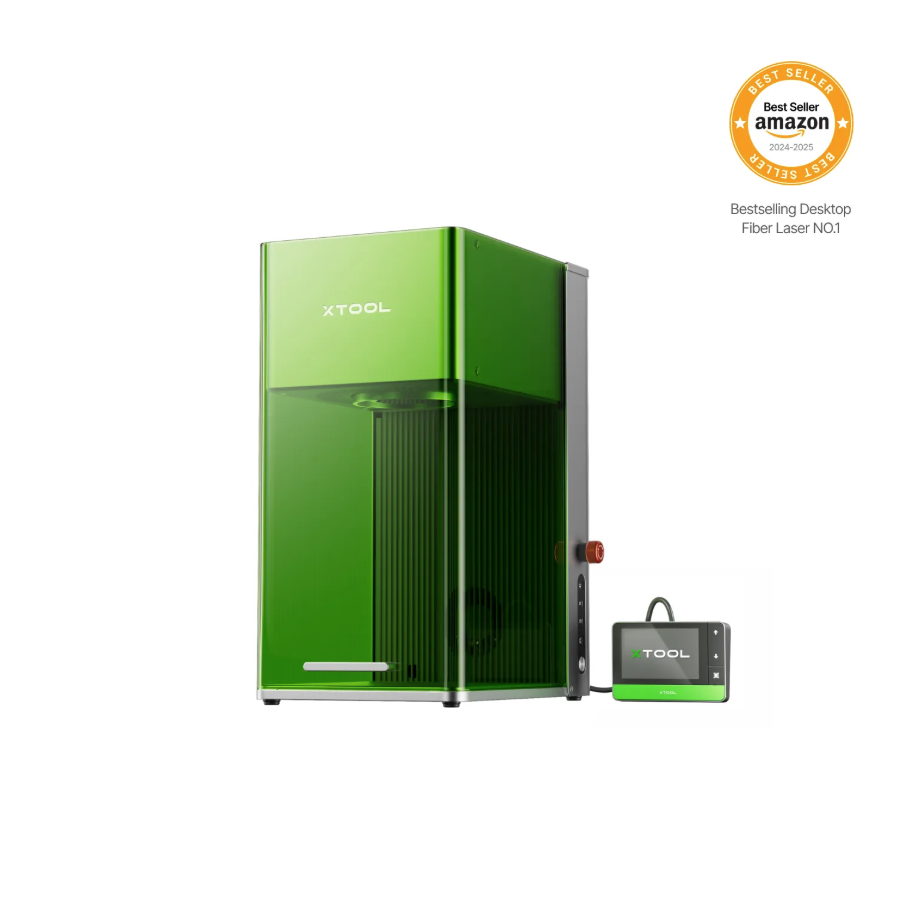
Adaptation processing mode: Process on flat surface
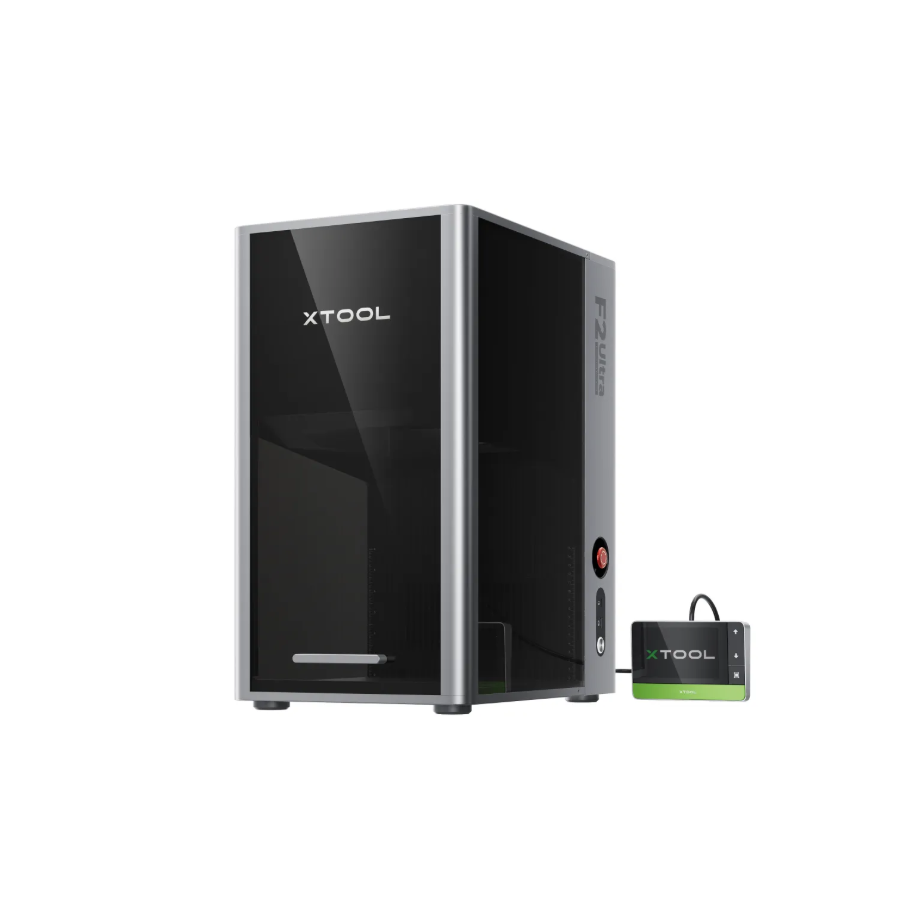
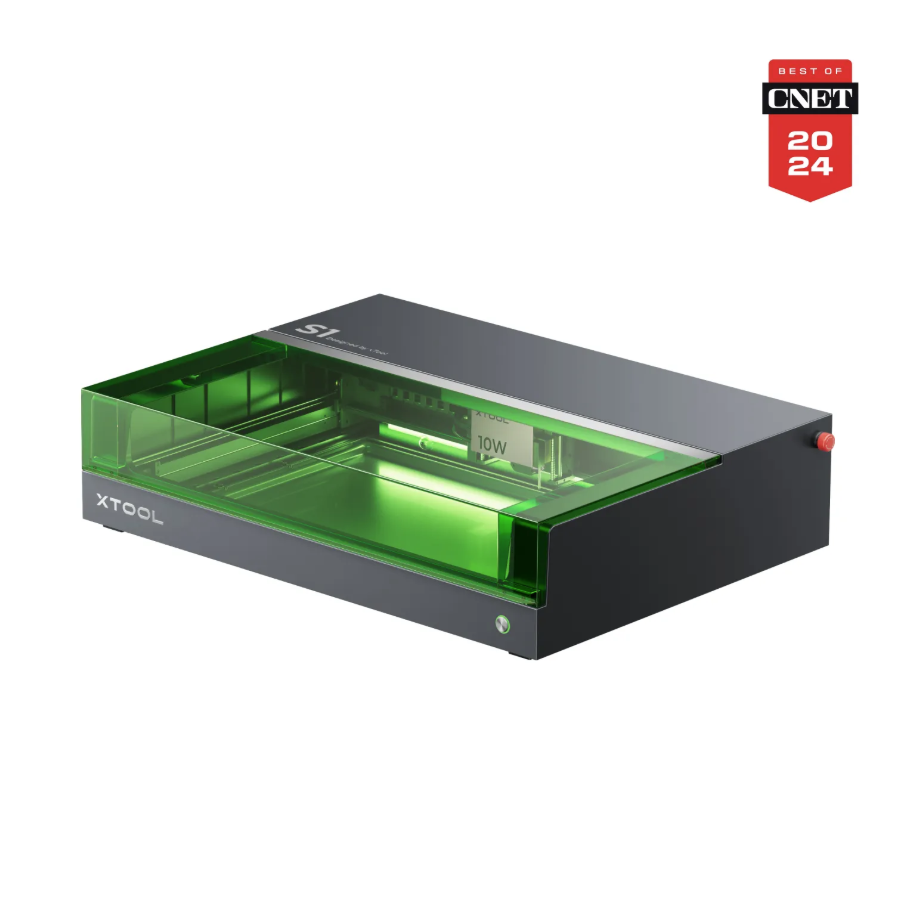
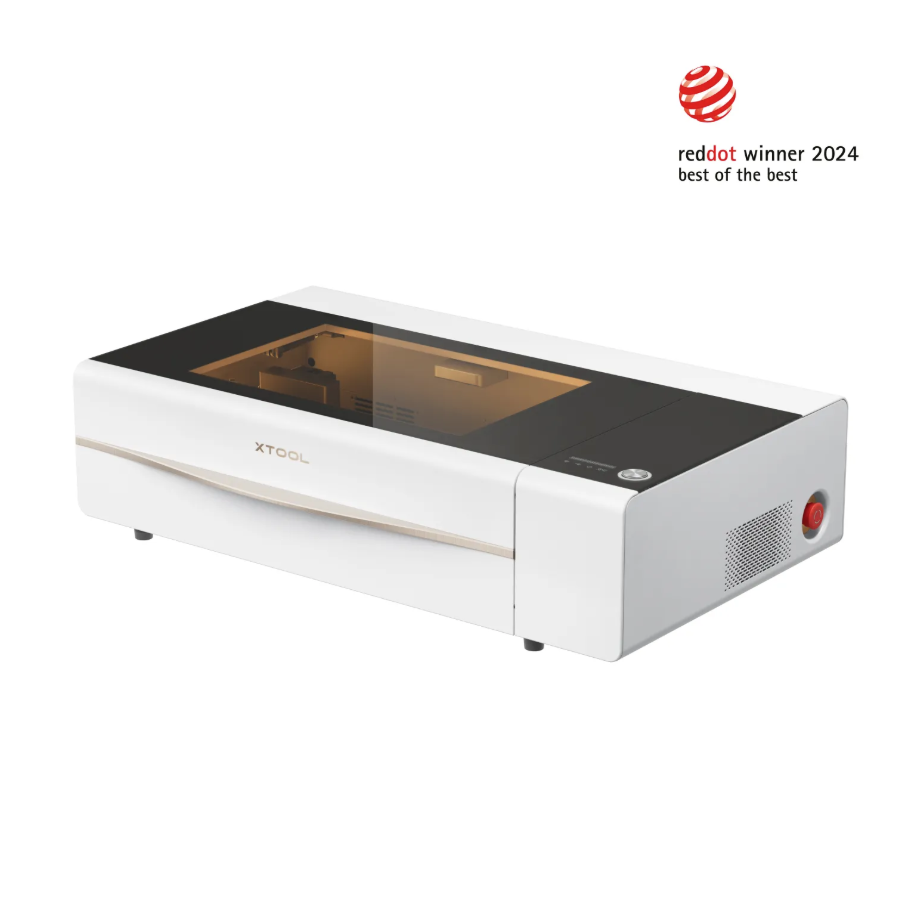
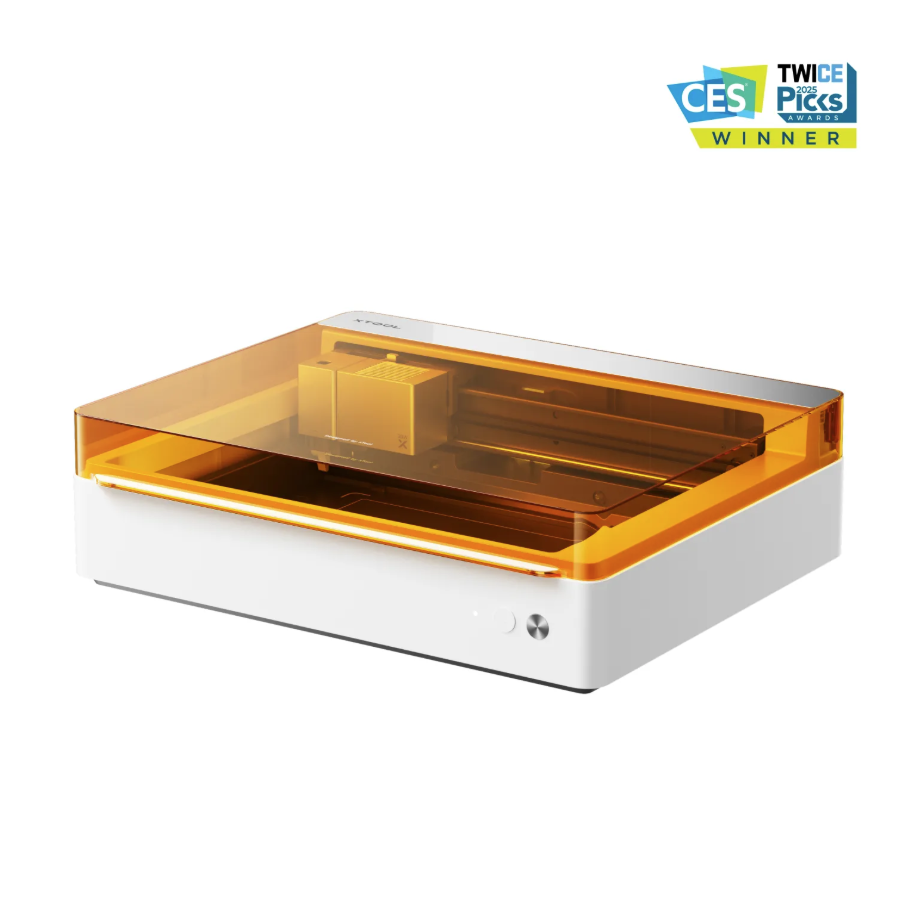
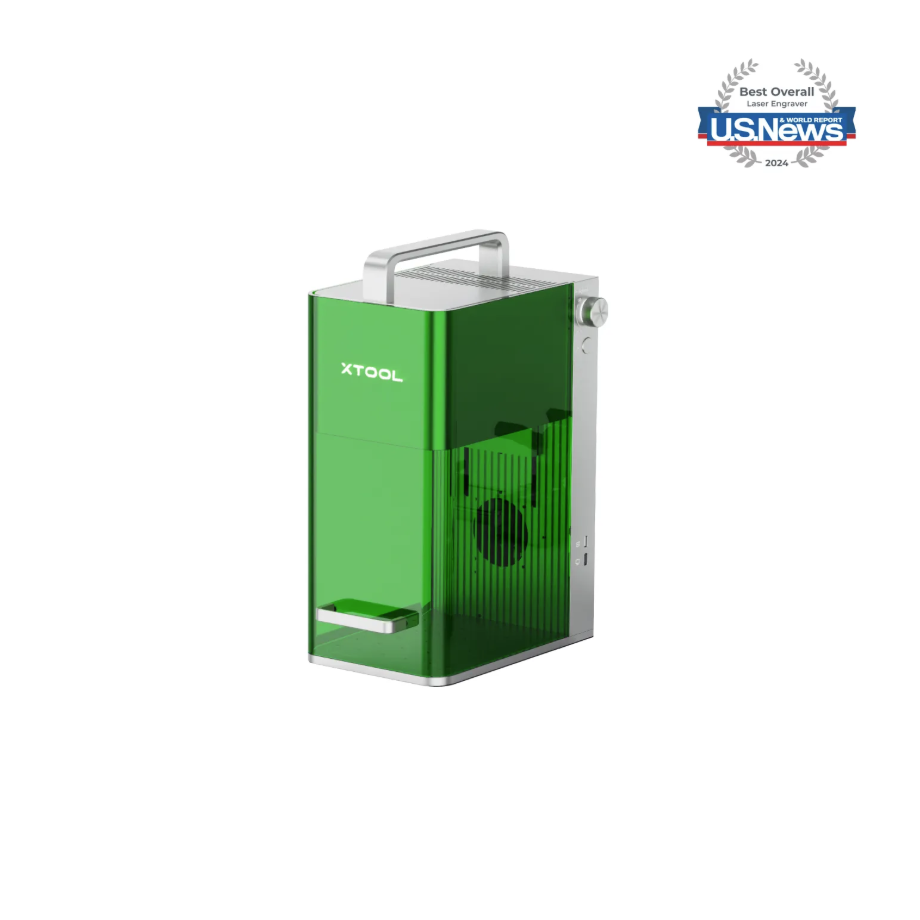
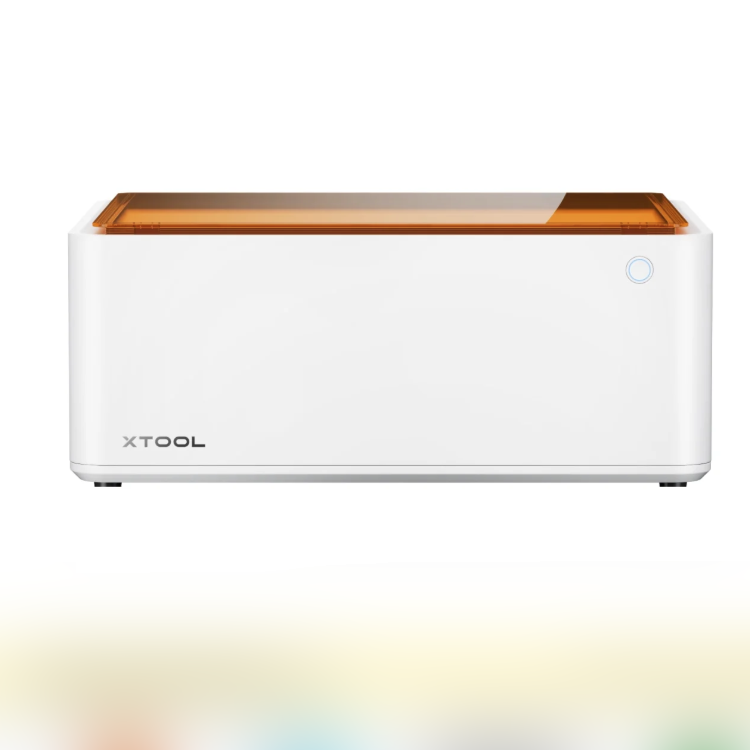
1.3 Use of Accessories
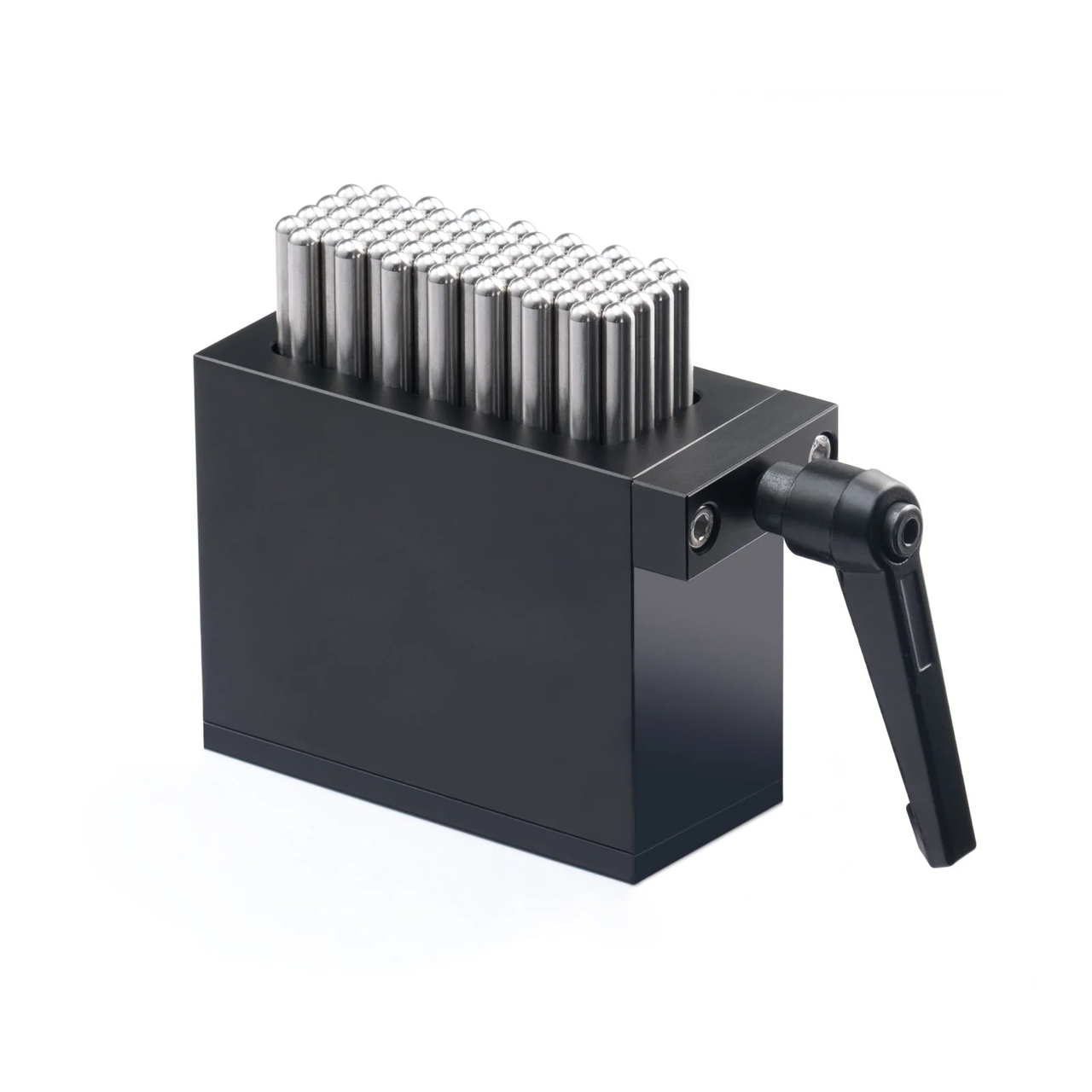
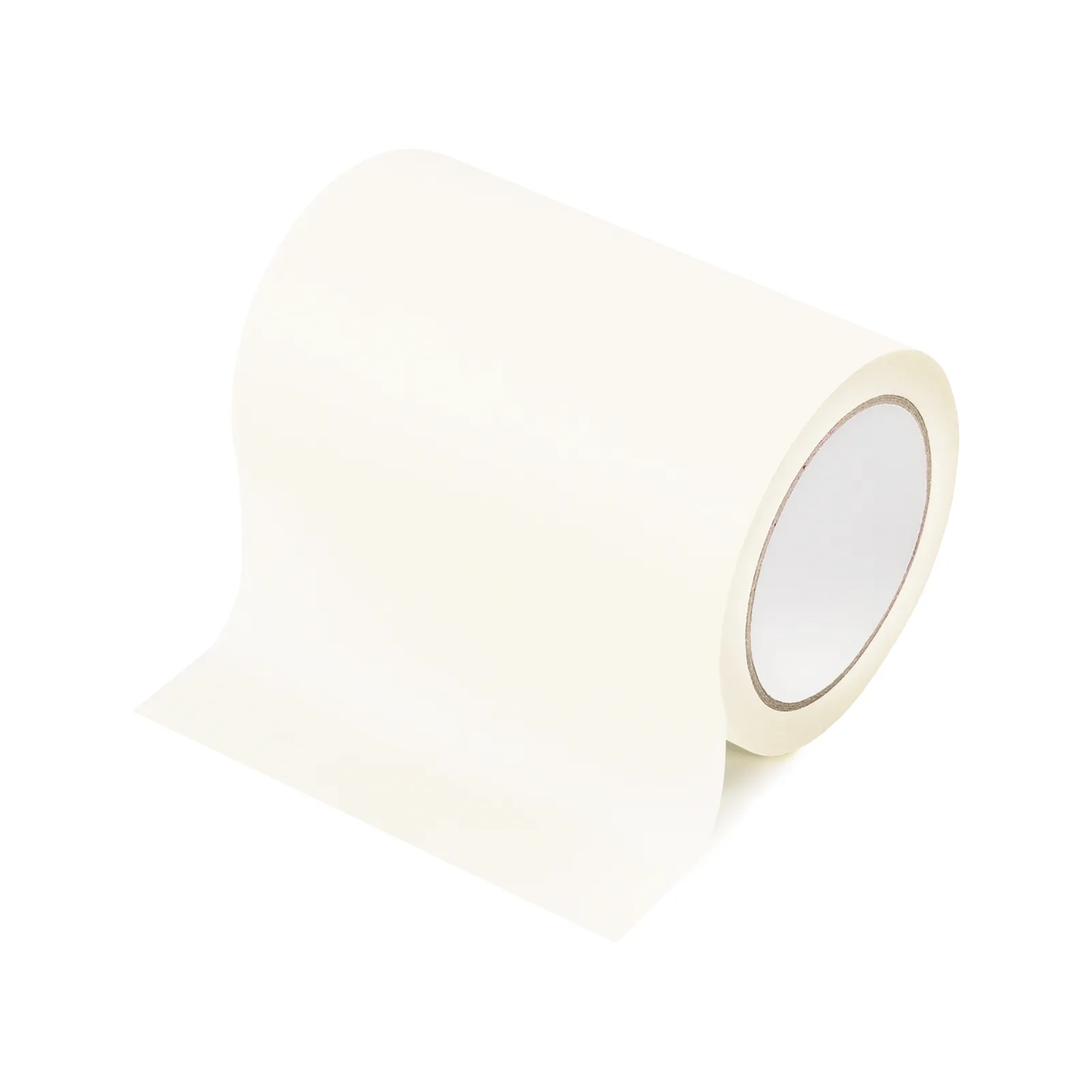
2. Preparation Before Processing
2.1 Air-Compress Assist needs to be enabled
Activating Air-Compress Assist can blow away burn smoke and cutting carbon dust, keeping the cutting path clear.
Enabling Air-Compress Assist can blow away dust and reduce the likelihood of false fire alarm triggers.
Activating Air-Compress Assist can reduce Laser Lens contamination and ensure processing data accuracy.
2.2 Protective equipment must be worn
Laser Safety Goggles must be worn. Please use Laser Safety Goggles corresponding to the laser wavelength, and protect the Laser Safety Goggles from damage caused by laser reflection or scattering.
Dust mask required;
When processing with unsealed equipment, the processing area must be shielded to prevent exposed light emission. Do not remove the equipment's protective cover while the light is on.
2.3 Installation of blade strips or Honeycomb Panel is required
When cutting, please use the Honeycomb Panel to improve ventilation efficiency and reduce contact between the material and the metal baseplate, which can cause the contact surface between the material and the baseplate to overheat and carbonized.
When cutting or using a slatted panel, prevent the material from coming into direct contact with the metal base plate.
3. Common Problems and Solutions
3.1 Poor Cutting Performance
When cutting colored paper, a Honeycomb Panel should be installed in the equipment's processing area to prevent the paper from coming into direct contact with the metal flat base plate. Excessive heat accumulation can cause severe carbonization.
When processing colored paper, turning on Air-Compress Assist will result in better engraving and cutting effects.
3.2 The colored paper needs to be secured during processing
When using Air-Compress Assist for processing, the colored paper needs to be secured, as the airflow from the Air-Compress Assist may shift the position of the colored paper during operation; therefore, it must be fixed in place.
When carving, you can use Beige White Masking Tape to stick the four edges of the colored paper onto the flat baseboard, or use magnetic clips to secure the four edges of the colored paper onto the Honeycomb Panel.

Services & Help
Learn & Education

Copyright © 2025 xTool All Rights Reserved.