
1. Materials and Equipment
1.1 Sale of Materials
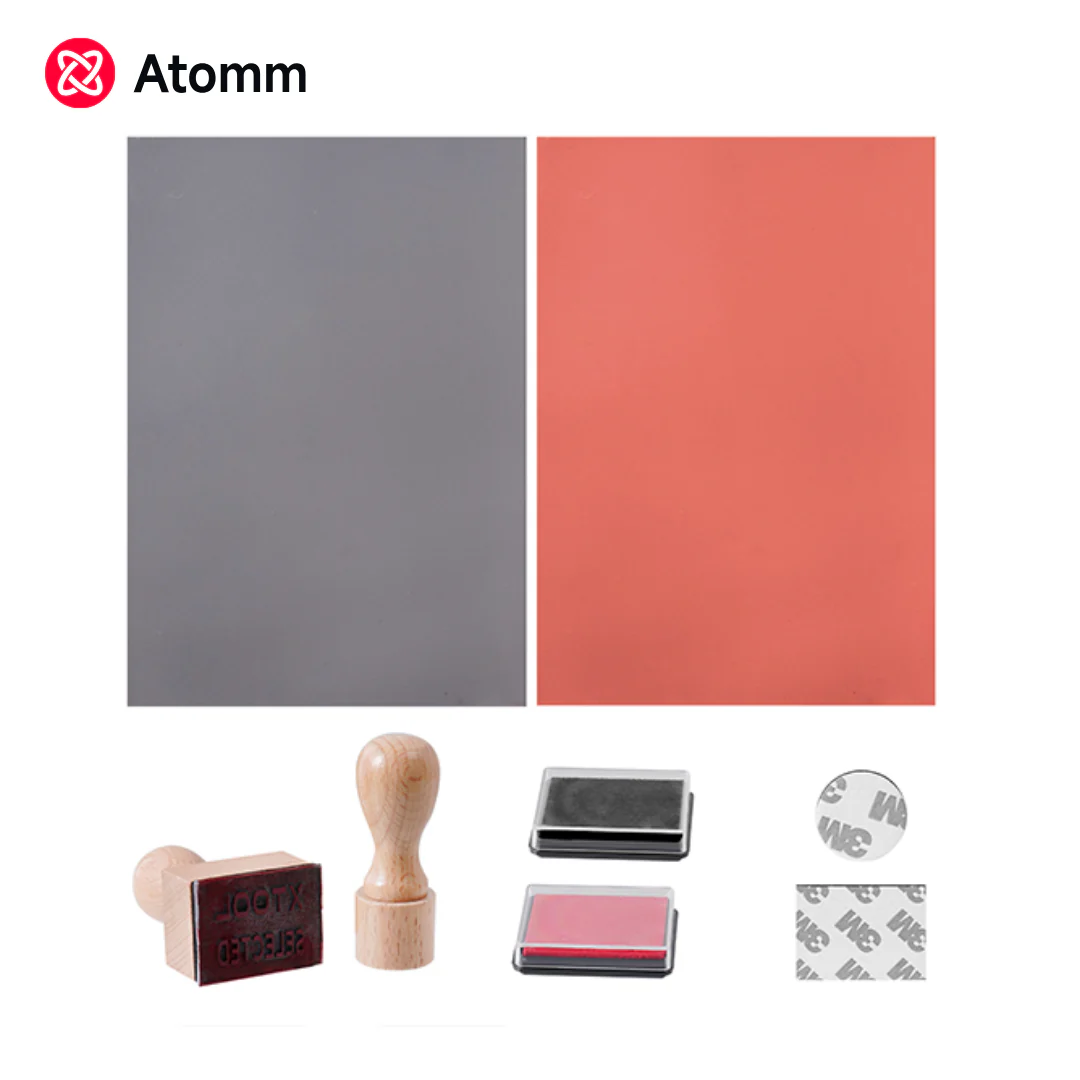
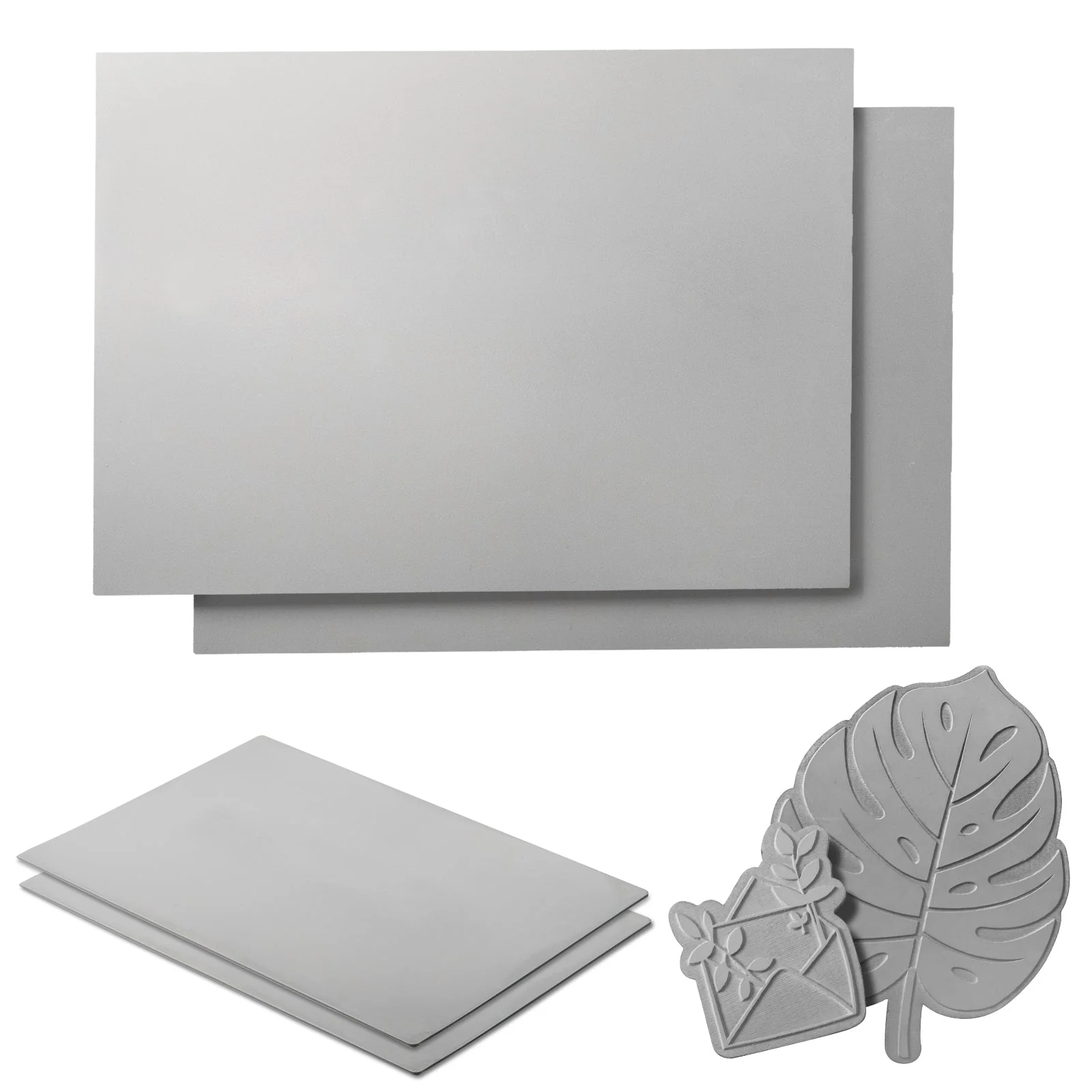
For more rubber materials, please click the link to visit the official website for details.
For more DIY projects made from rubber materials, you can click the link to visit ATOMM for viewing.
1.2 Adaptation of Processing Equipment
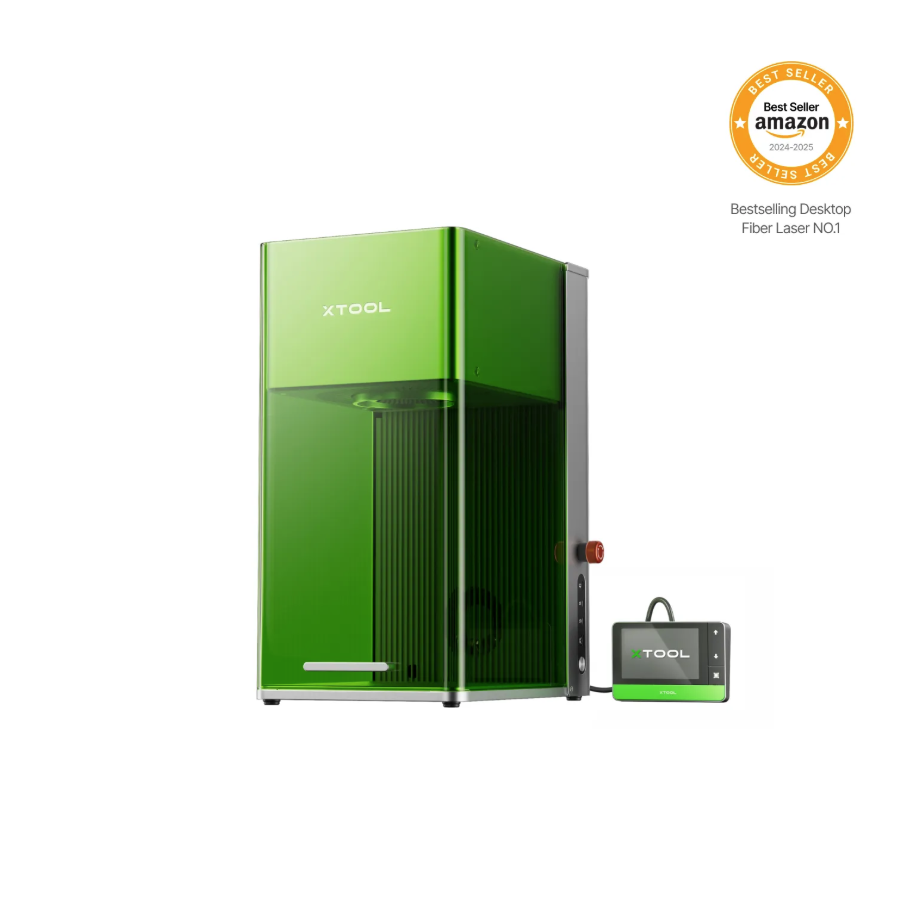
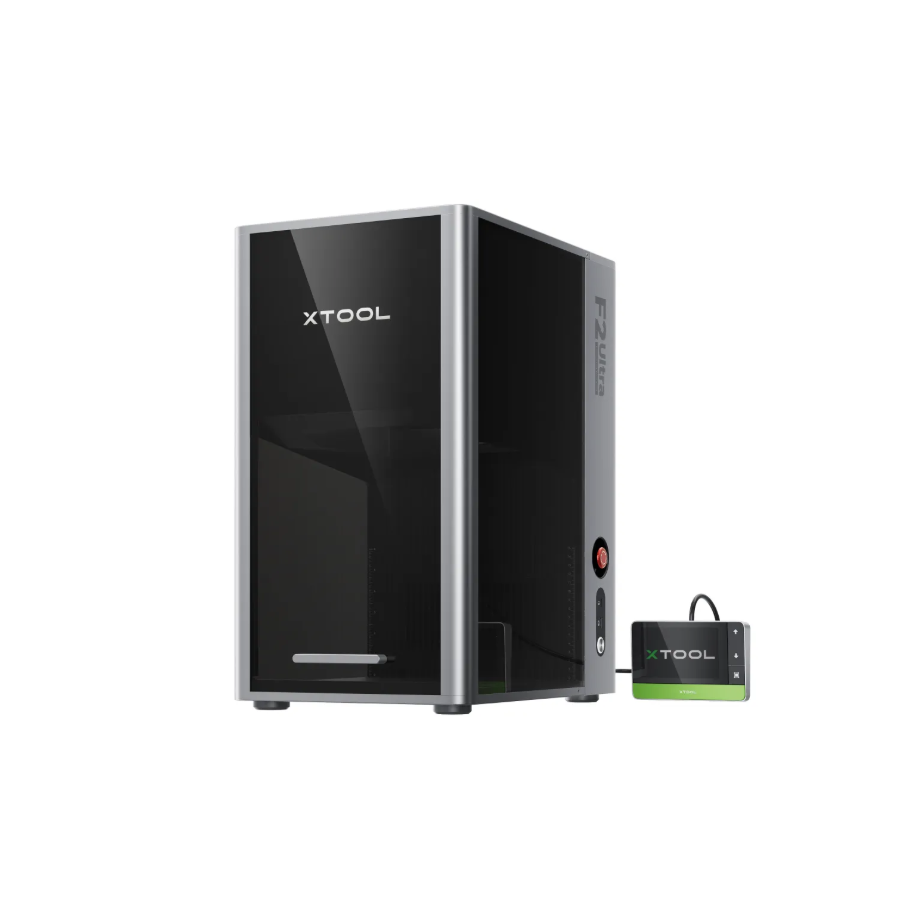
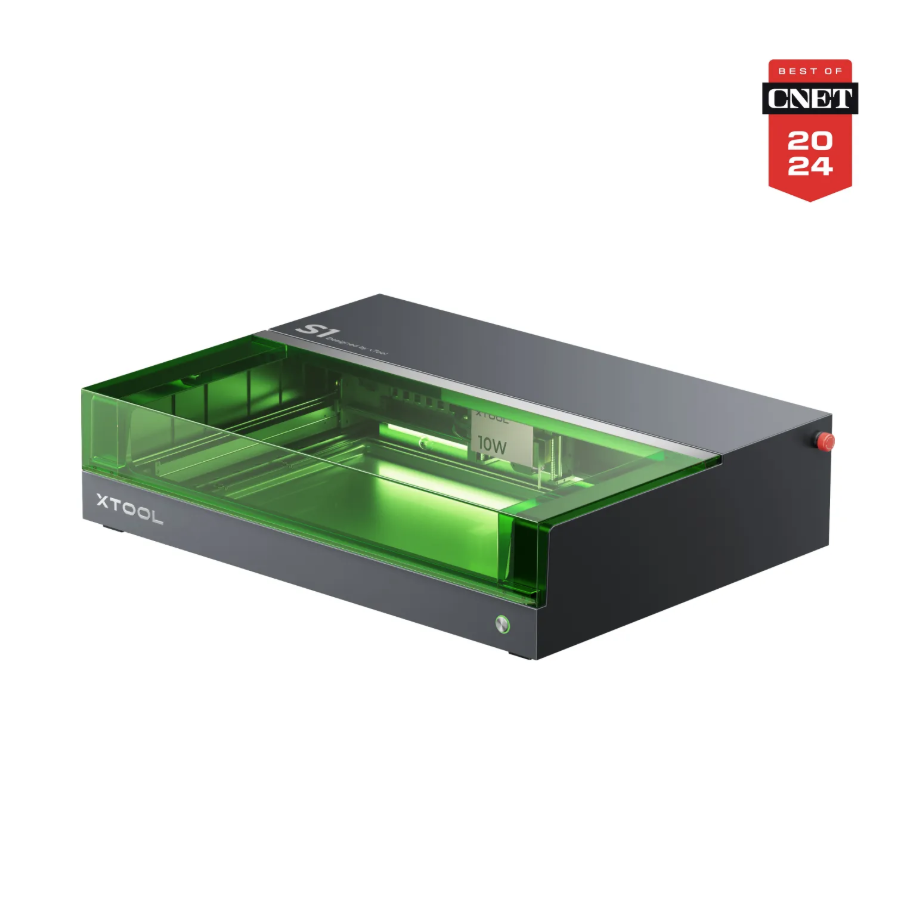
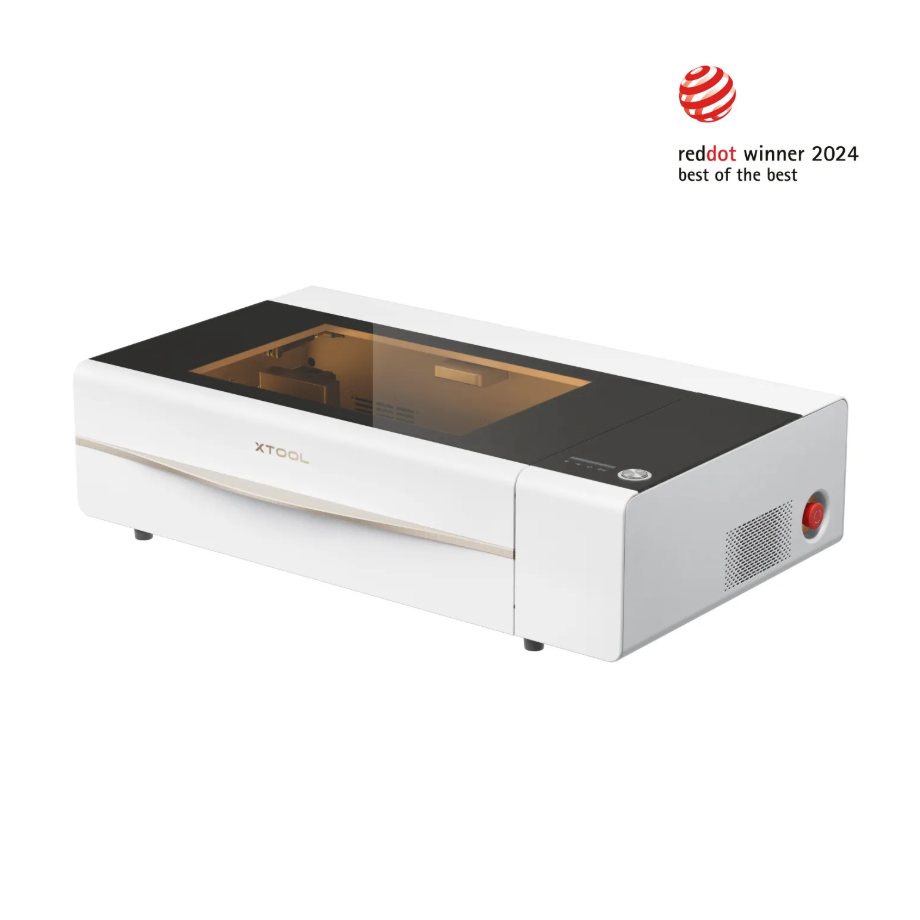
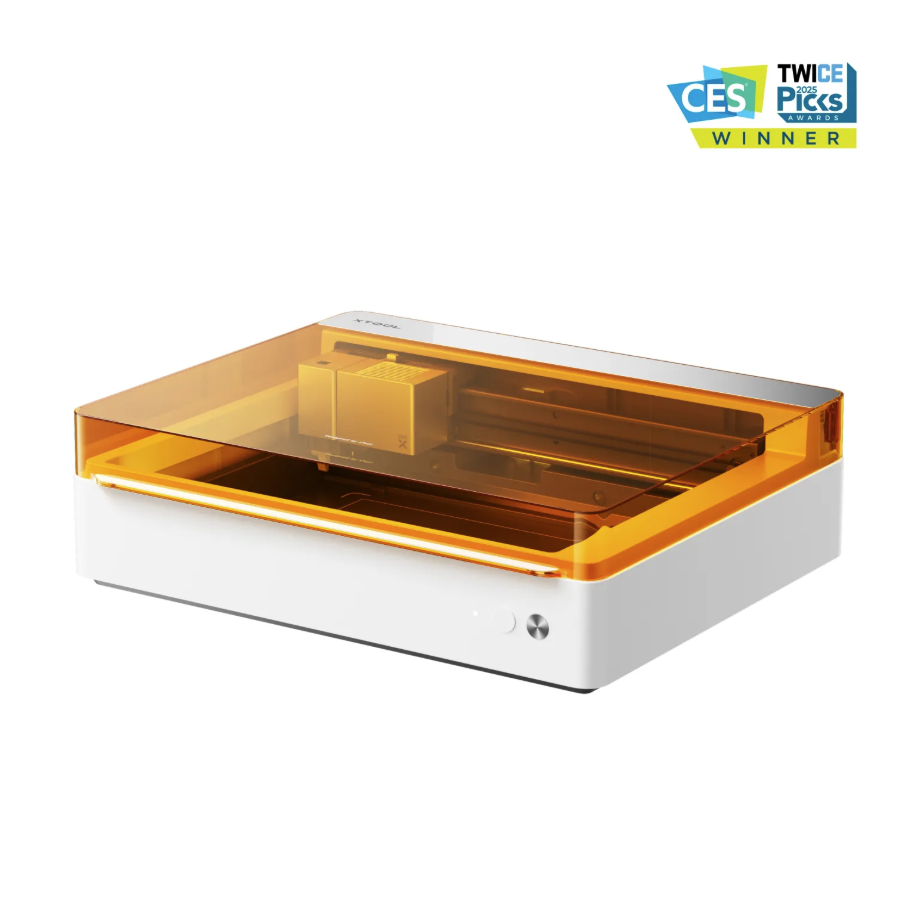
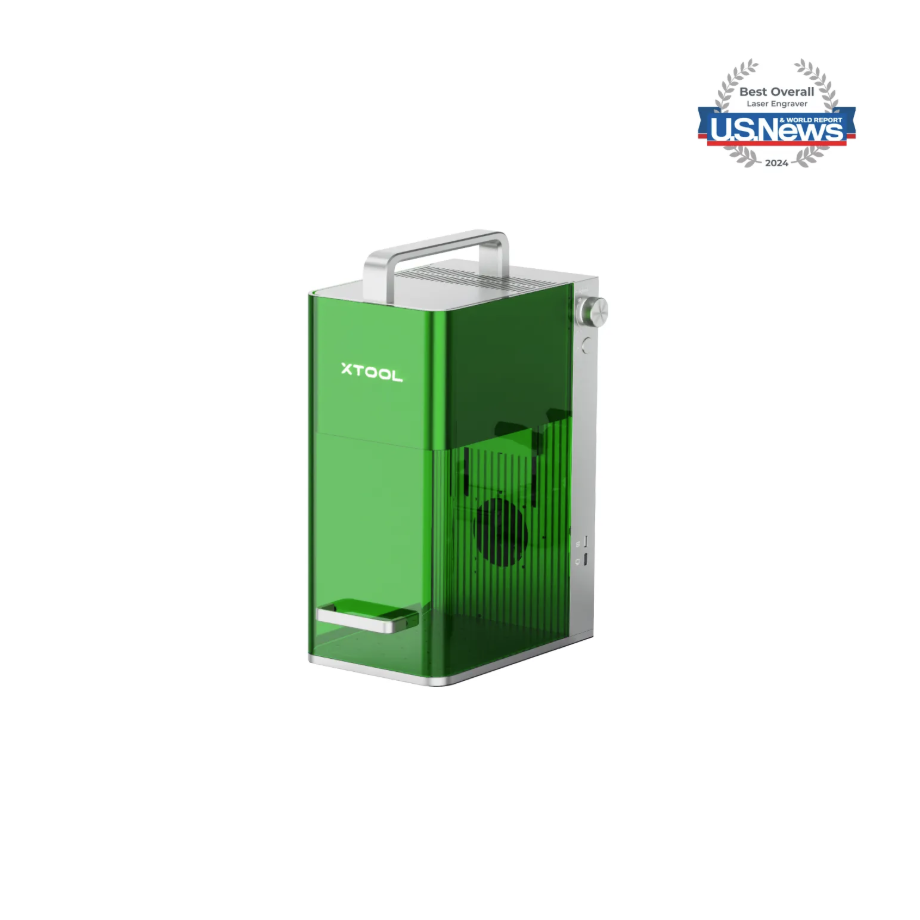
Adapt to Processing Mode:Process on flat surface
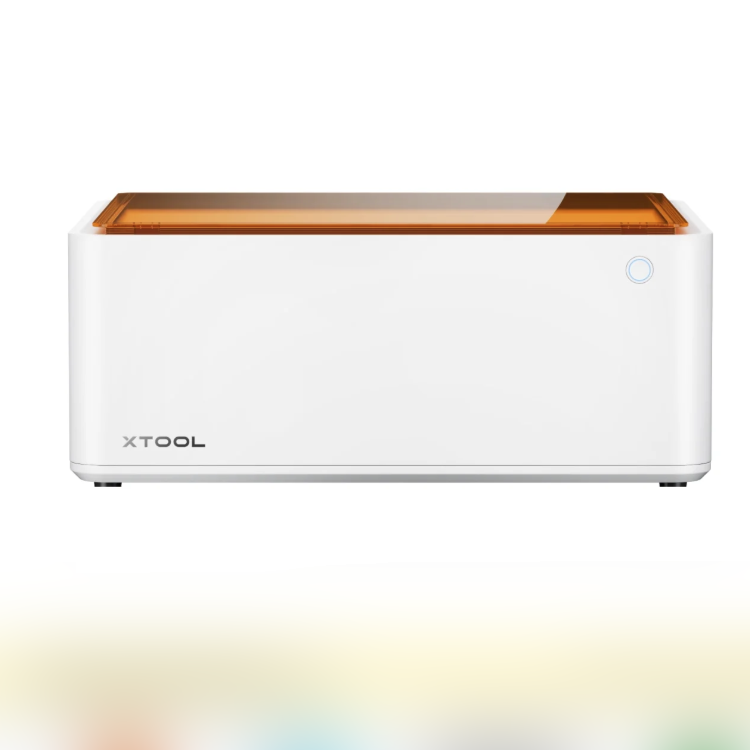
1.3 Use Accessories
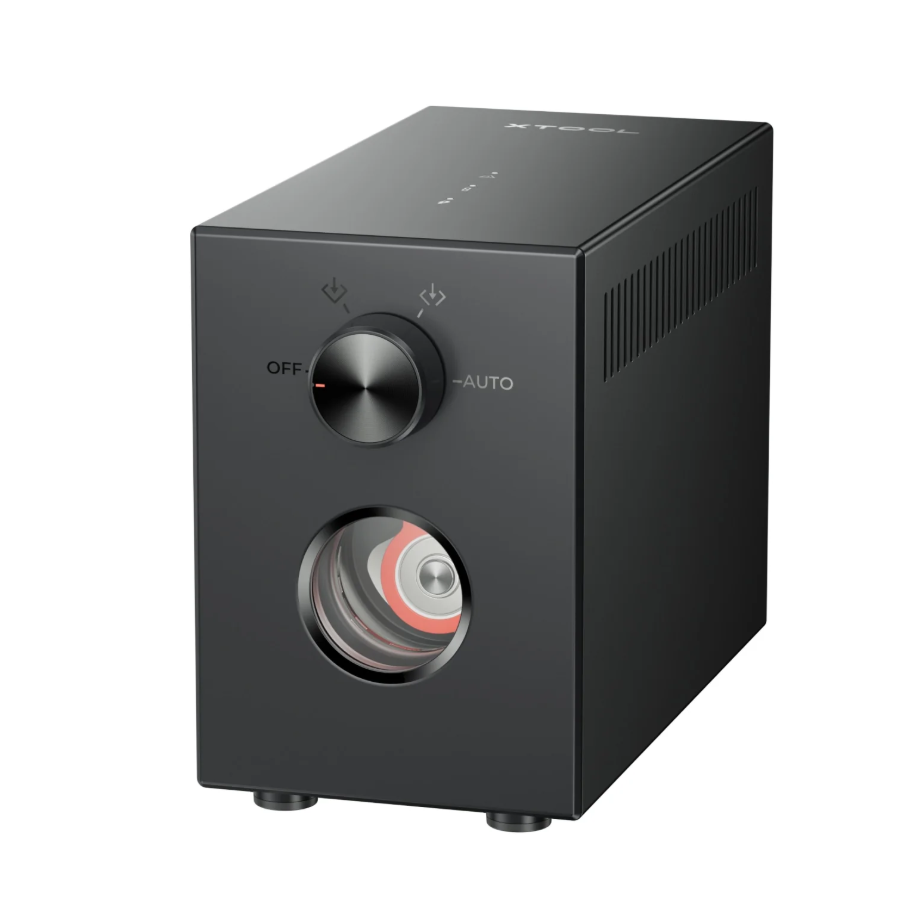
Generate airflow to assist with laser processing.
2. Pre-processing Preparation
2.1Air-Compress Assist
Turning on the air pump assist can blow away the smoke and dust generated during the engraving process, keeping the cutting path clear.
Turning on the air pump assist can blow away dust, reducing the likelihood of false flame alarms.
Activating the air pump assist can reduce contamination of the laser lens and ensure the accuracy of processing data.
2.2 Necessary Protective Equipment
Laser safety glasses:
Please use laser protective goggles corresponding to the laser wavelength in use, and take care to avoid damaging the goggles due to laser reflection or scattering.
Dust Mask:
A dust mask must be worn during processing to prevent inhalation of dust.
Protected Area:
When processing with non-enclosed equipment, the processing area must be shielded to prevent laser leakage. Do not remove the equipment's protective cover while the laser is operating.
3. Common Issues and Solutions
3.1 Poor Bitmap Quality
The color of the engraved area will not change after laser engraving on rubber material, so the bitmap effect is not obvious. It is recommended to use a binary image for engraving.
3.2 Insufficient Engraving Depth
When using rubber material for stamps, if the engraving depth is insufficient, you can choose a parameter with a sufficiently deep engraving effect from the recommended parameter matrix for processing.
Increasing the laser power can increase the engraving depth.
3.3 Cleaning of Materials After Engraving
During the engraving process of rubber materials, dust will be generated. After the engraving area is processed, there will be a layer of light-colored dust, which can be easily removed by wiping with a cotton cloth or rinsing with clean water.

