
What is Bitmap Mode
xTool Studio provides multiple Bitmap modes for selection, catering to most bitmap usage scenes. It determines how the image is converted into a laser engraving path to achieve different engraving effects and detailed representation. You can choose the type that best suits your image.
How to Set Bitmap Mode
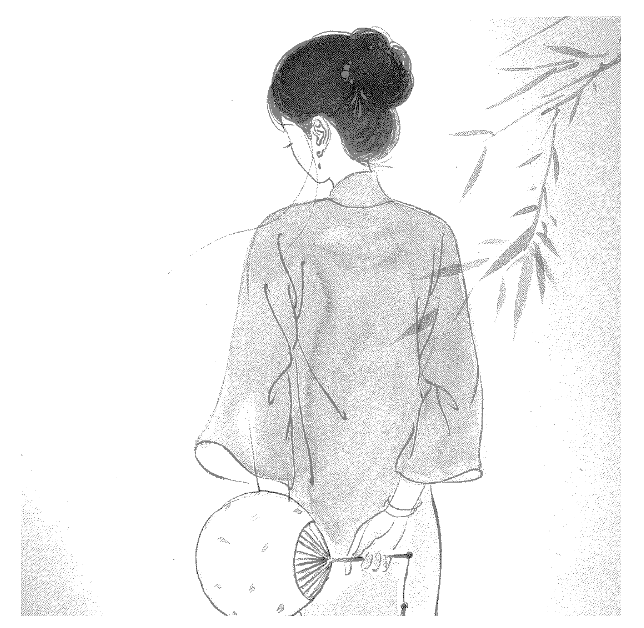
With the other settings unchanged, the output of an image on a wooden board varies according to image mode, as shown in the following figure.

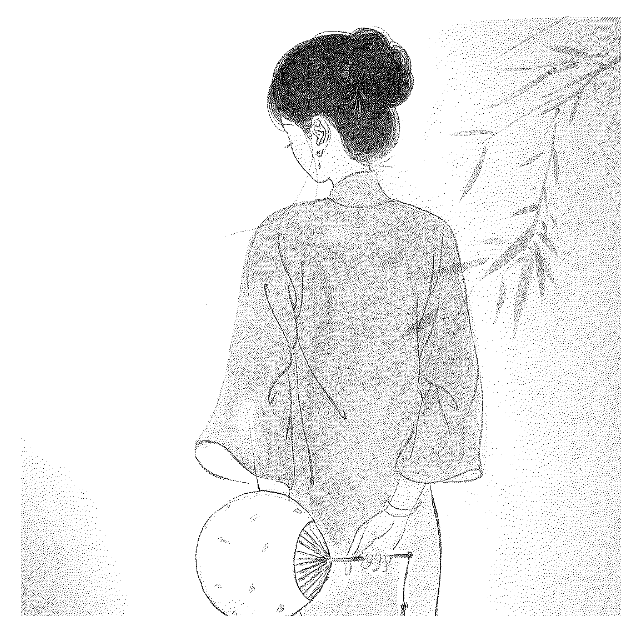
Suppose we import an image like this, and we'll show you how it looks in different modes.
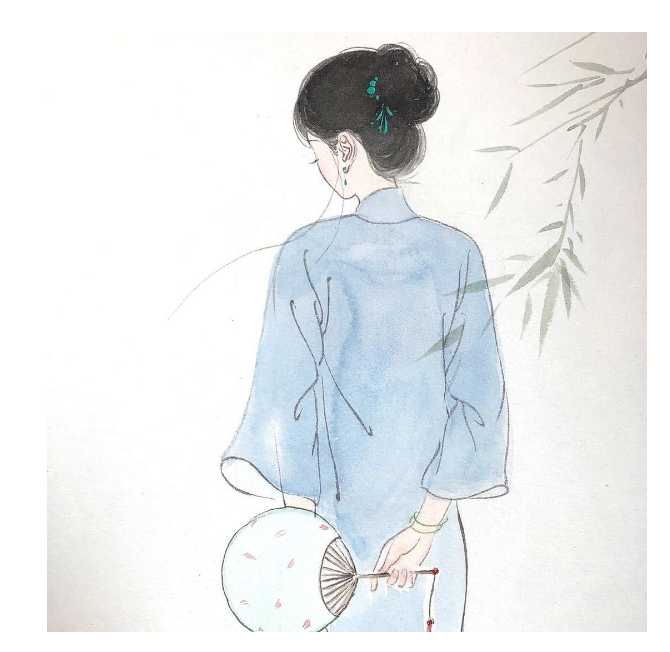
Grayscale
Transforms an image into one of the shades of gray mode, in which a pixel is formed by a shade of gray that can be the darkest one (black), the brightest one (white), or one between them. The darker the pixel, the deeper the craving.

Bayer
Transforms an image into one in Bayer mode, which looks like adding a grid mosaic filter on the image.
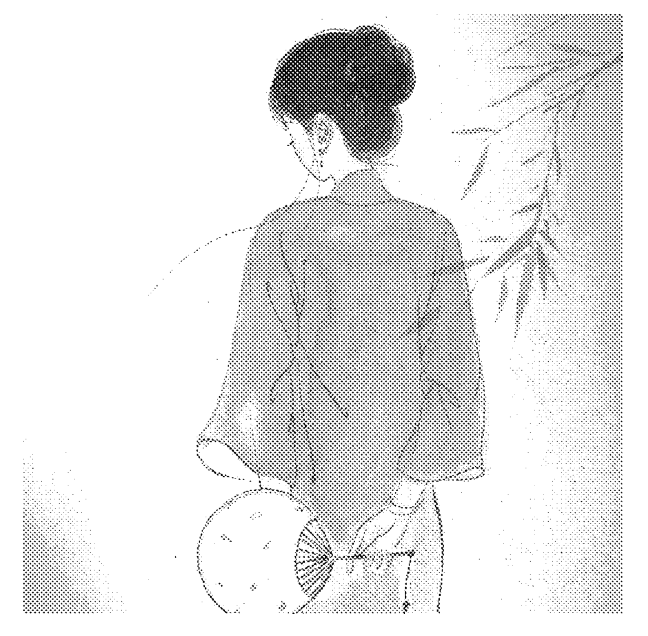
Floyd
Dithers an image by using the Floyd algorithm that diffuses the error only to the neighboring pixels, producing find-grained wave-like patterns on the image. It is recommended for highly-detailed images instead of those containing monotone swatches of color.
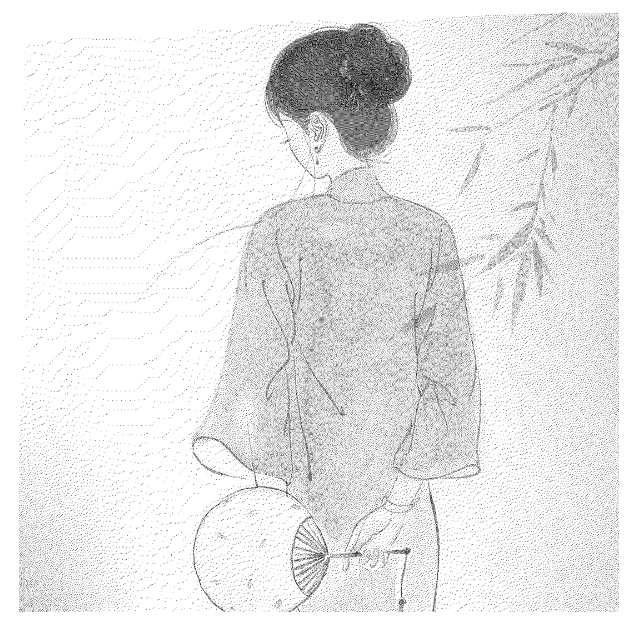
Jarvis
Dithers an image by using the Jarvis algorithm that diffuses the error to 12 pixels around a pixel. Compared with Floyd, the transitions between pixels are slower, which produces a very nice looking pattern on almost all images.
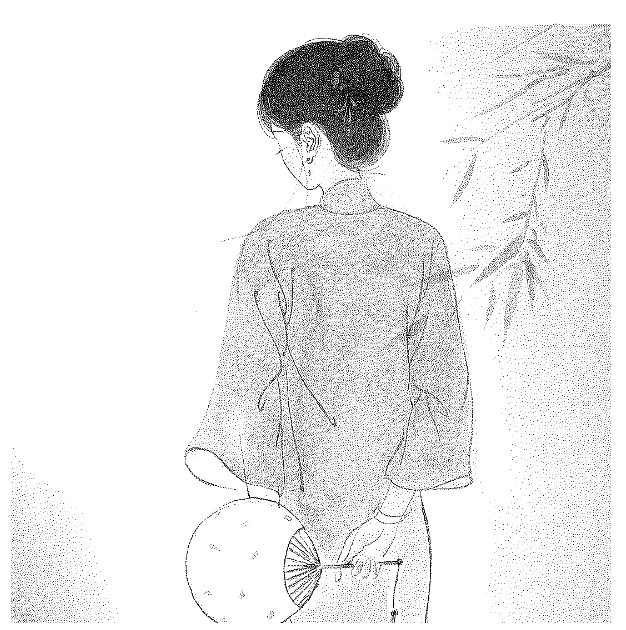
Stucki
Dithers an image in a similar way to Jarvis. Compared to Jarvis, the transitions between pixels are faster, which produces clean and sharp images.

Sierra
Implemented based on the Jarvis algorithm, achieving a similar effect while producing sharper images.
Atkinson
Dithers an image in a way similar to Jarvis and Sierra while producing sharper images. The Atkinson algorithm can preserve the details of an image well but the very dark or bright area may look disappeared.
With the other settings unchanged, the output of an image on a wooden board varies according to image mode, as shown in the following figure. You can select a mode as required.
Tips & Tricks
Each mode applies to different image characteristics and needs, affecting engraving depth and detail performance.
- The default mode is Grayscale.
- Generally, we recommend Jarvis mode for infrared light and Grayscale mode for blue light.
- Dithering Algorithm (Floyd, Jarvis, Stucki, Sierra, Atkinson) is suitable for images with complex details.
- Grayscale and Bayer modes provide more intuitive shades and grid effects.
💡 Recommended software version: xTool Studio 1.0 and above.

