
xTool Apparel Printer/xTool Apparel Printer Plus & OS1 Troubleshooting: PET Film Not Feeding into Oven
Updated Aug 3,2026
Updated Aug 3,2026
Issue description
- The film could feed into xTool Oven, but it gets jammed, and a strange noise can be heard.
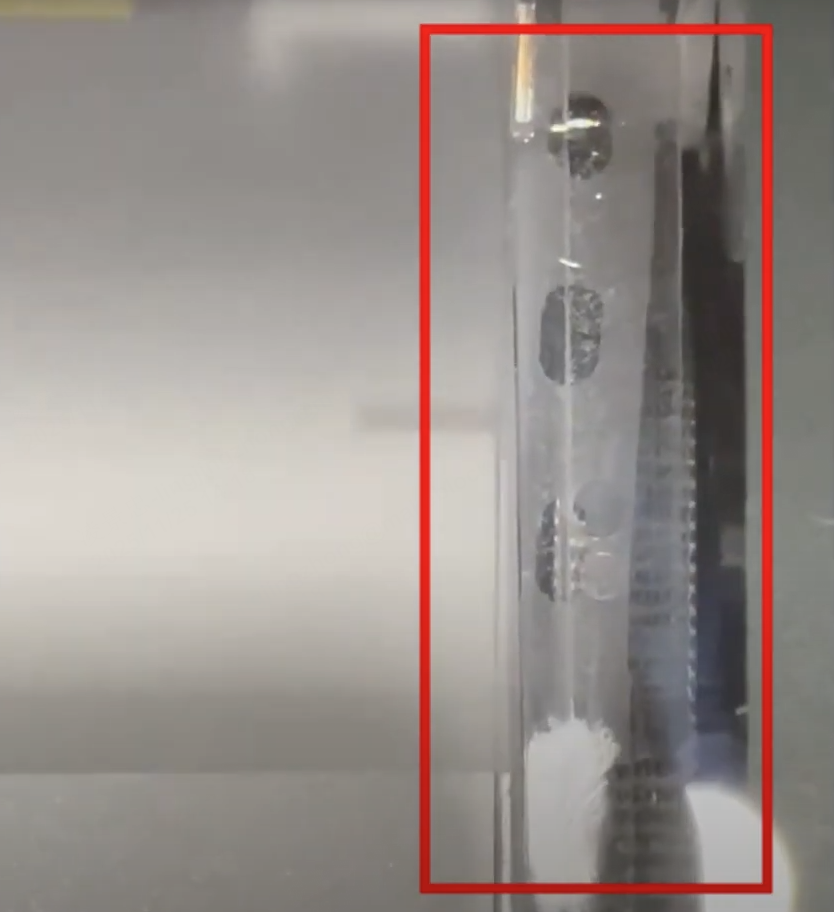
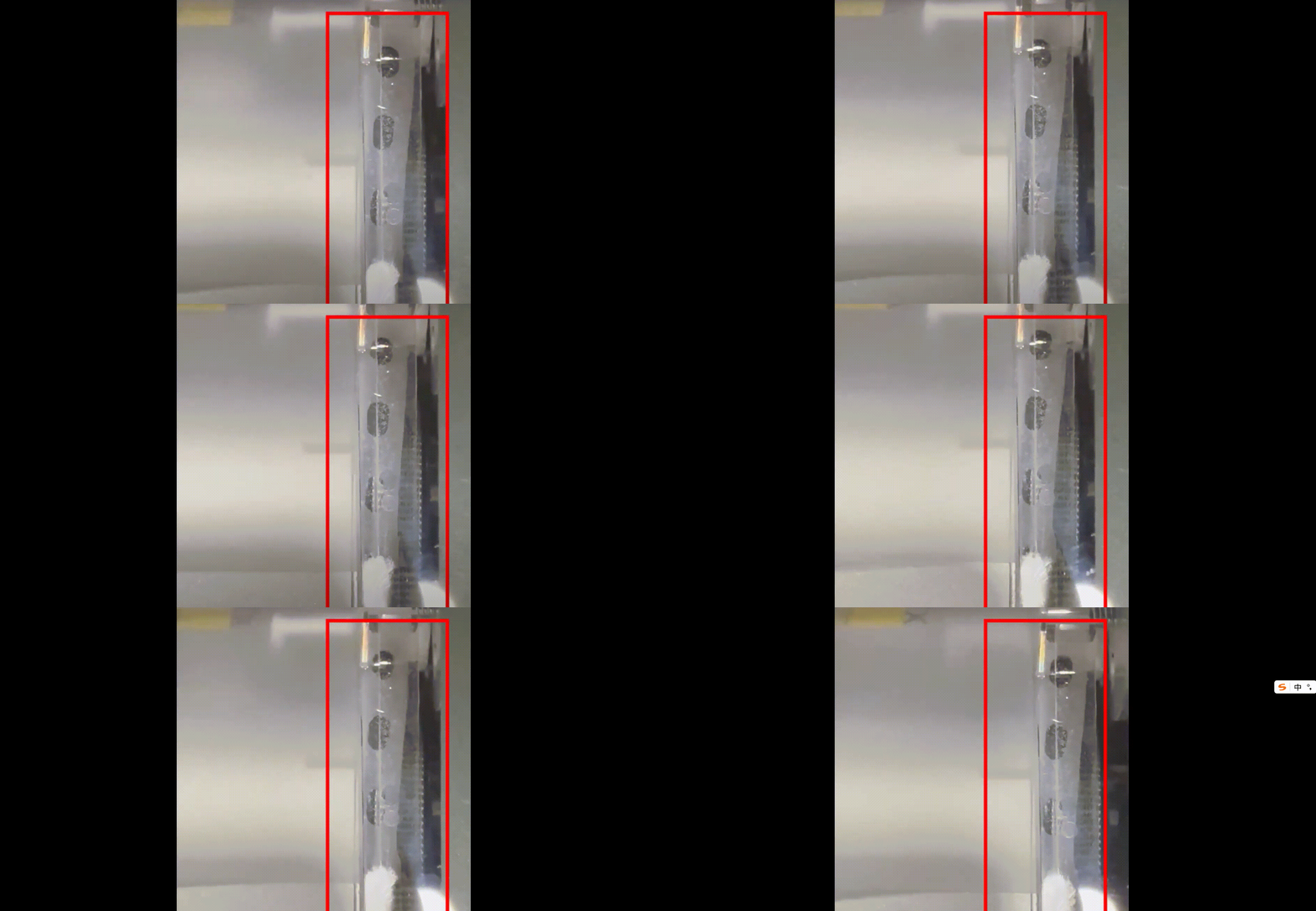
- The film could not feed into xTool Oven and fell into the buffer zone.
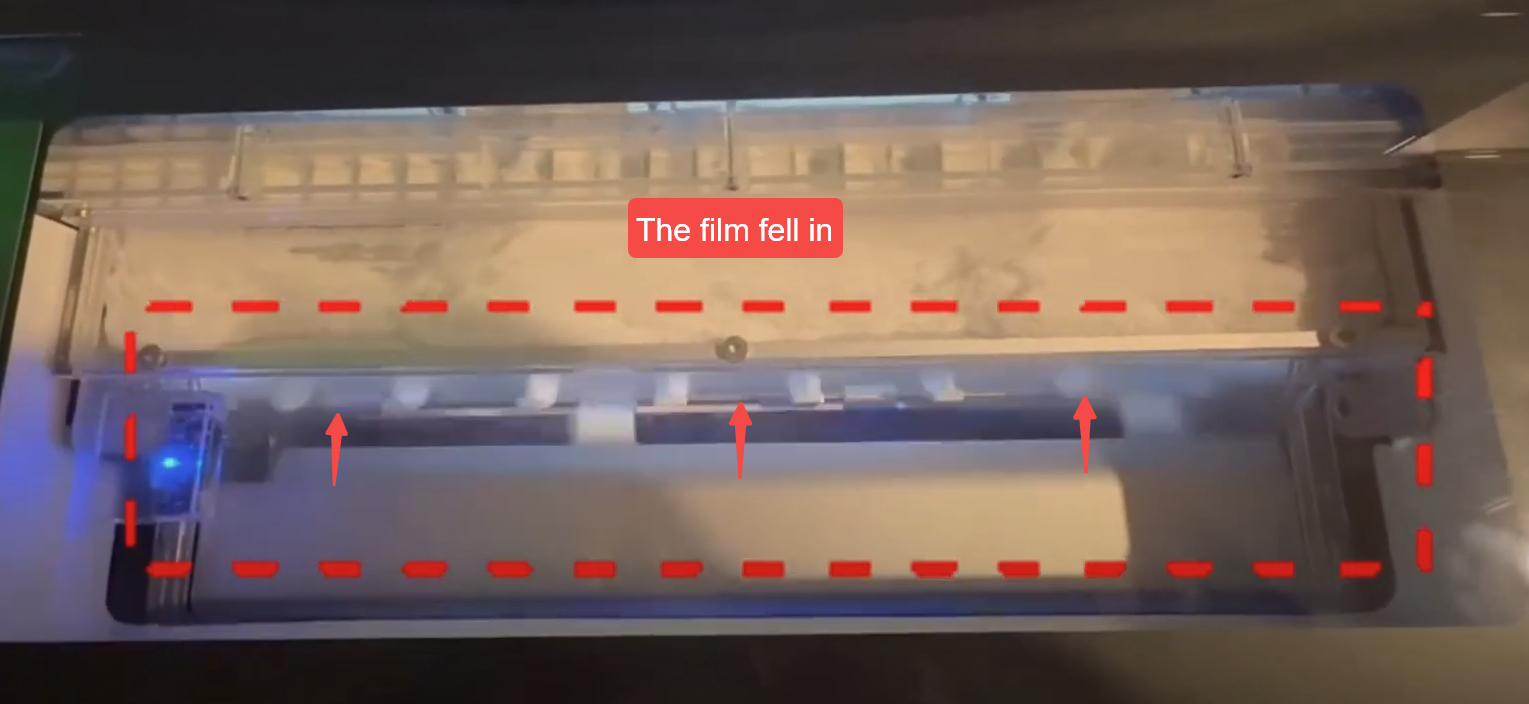
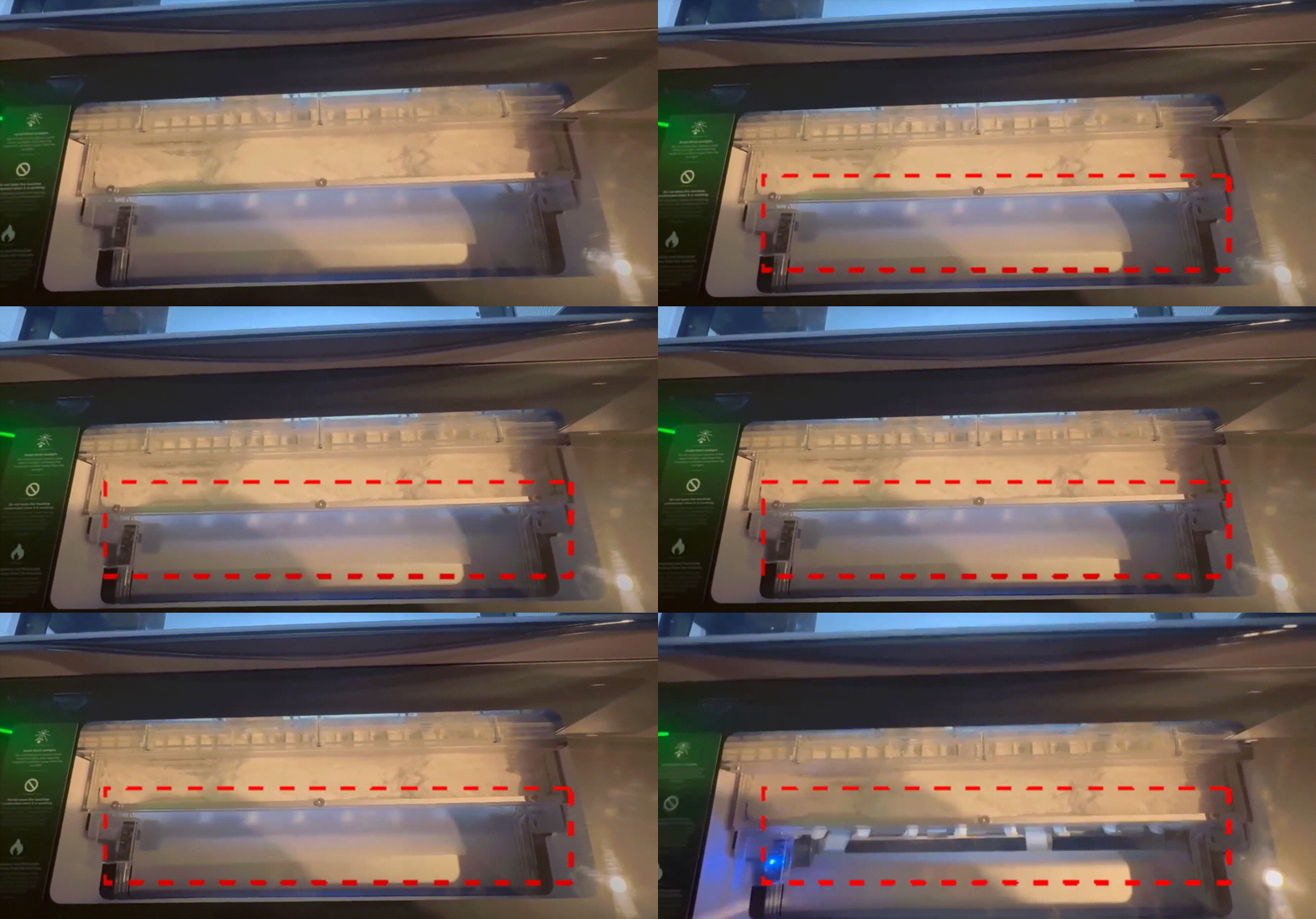
- The film is stuck inside the oven shaker.
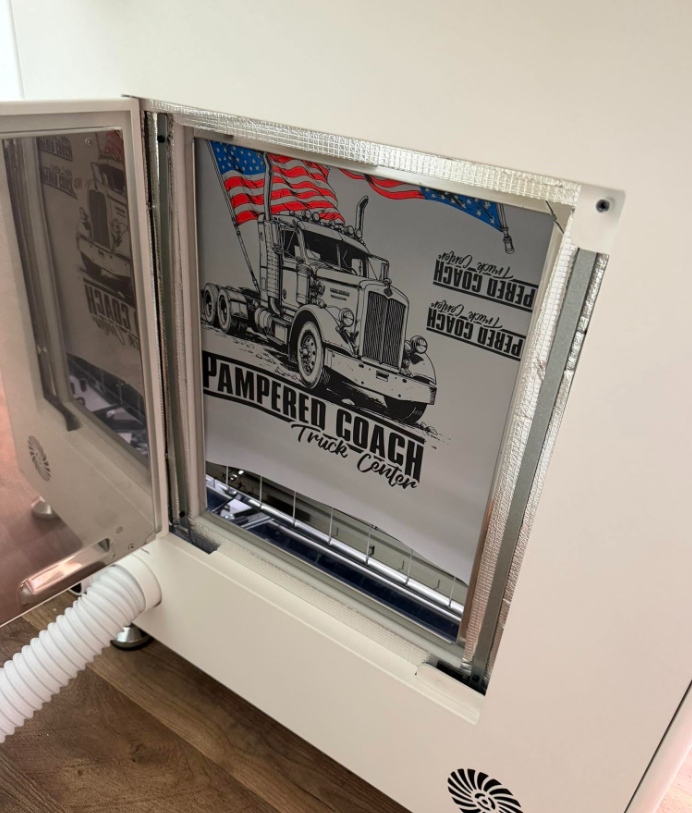
Possible causes:
- Excessive gaps in device assembly
- Gap in the bracket assembly
- Uneven front end of the film
- Misalignment of the film and the white marking line
- Incorrect calibration value
Troubleshooting procedure
Step 1: Check for actual film jam
- Listen for Strange Sounds:
An actual film jam typically produces distinctive "clicking" or "crashing" sounds from the shaker oven. - Use the Film Feed Function:
1. Navigate to: xTool Studio (or xTool Creative Space) > Device settings > Accessory information > Film material control
2. Click the "Feed" button to force the jammed PET film out of the delivery slot.
- Manual Removal (if needed):
1. If automatic feeding fails, allow the shaker oven to cool completely.
2. Turn the power back on, then press and hold the "Feed" button to check if the film comes out of the delivery slot.
3. Open the maintenance door and carefully remove the jammed film by hand.
Note: After removal, close the sliding door first, then close the maintenance door.
- No Actual Jam:
If you determine that there is no material jam, the error may be a false alert from the device. Proceed to Step 2.
Note: You can find self-troubleshooting methods for this problem in the latest version of the software.
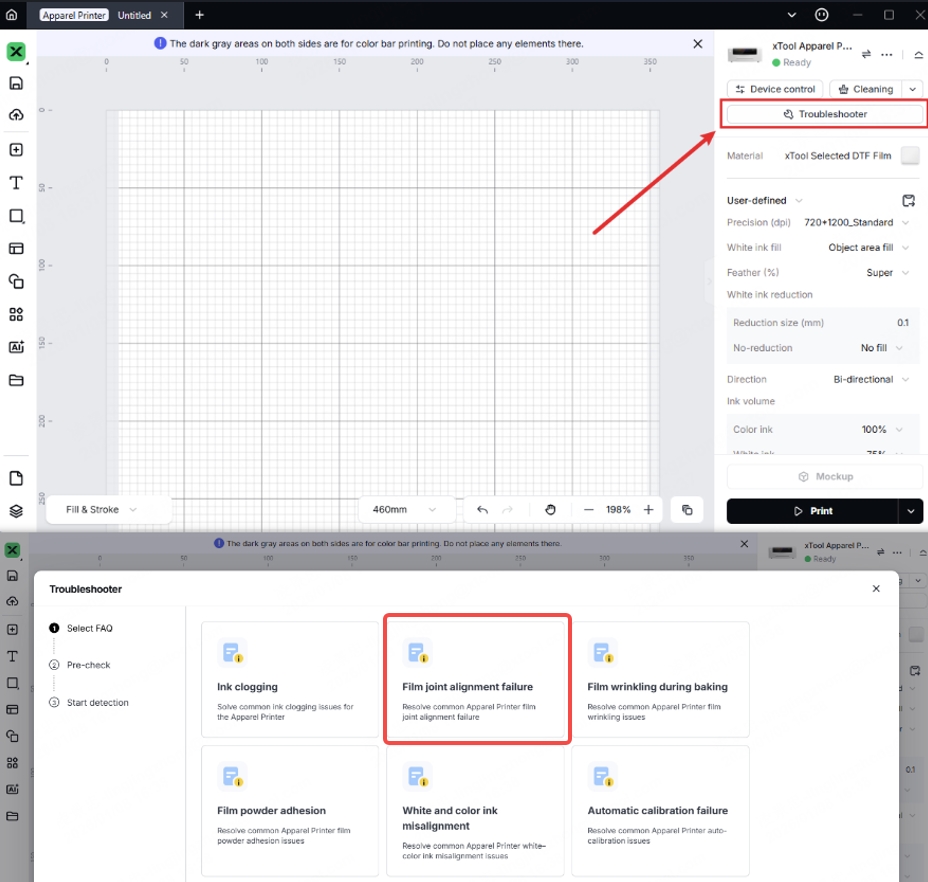
Step 2: Watch the troubleshooting video
- Please check each item in the video:
- If you have finished watching, you can check the following most likely causes.
Step 3: The right way for film-roll alignment
- First, roll up the film, keeping both sides even.
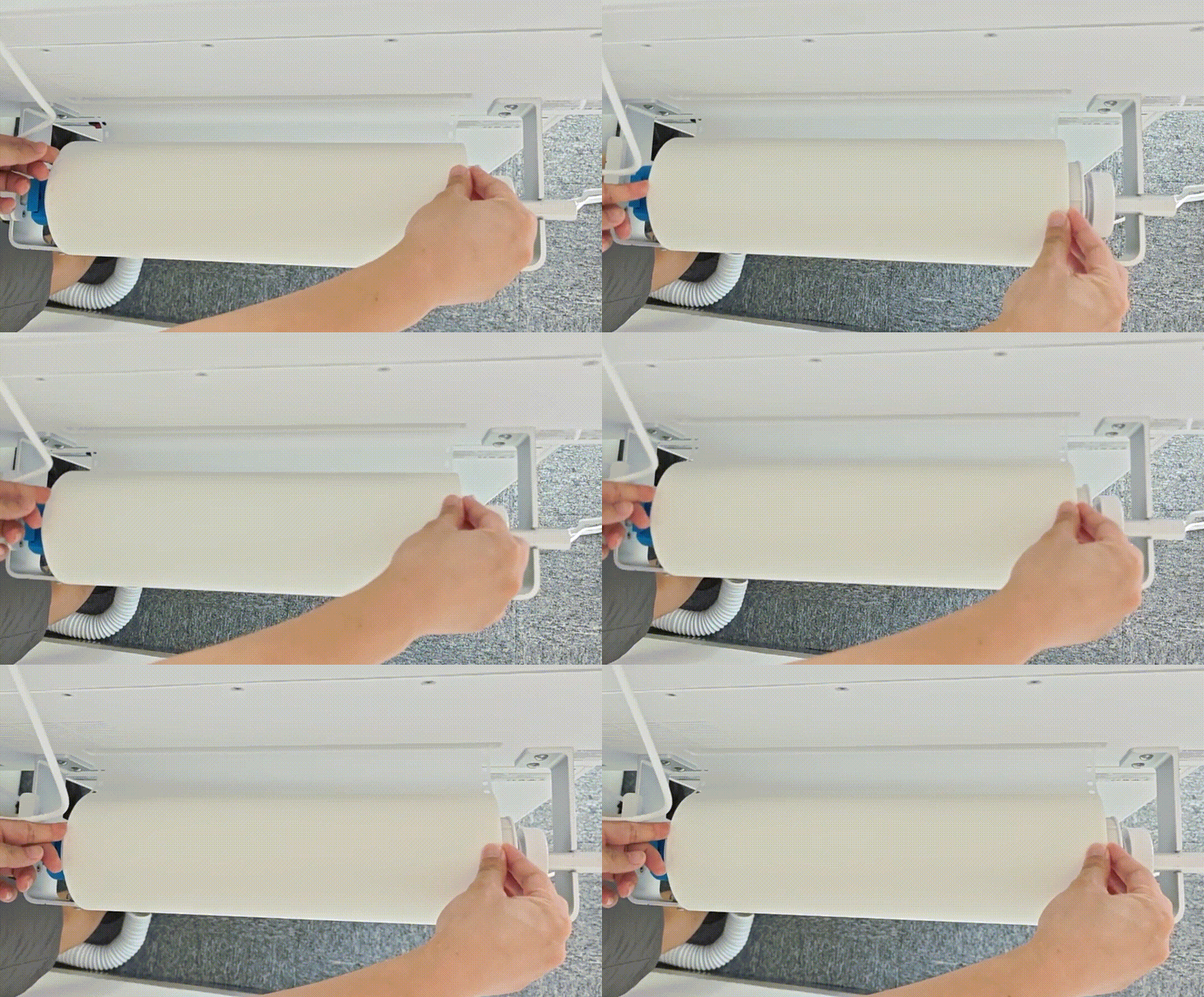
- Leave only a small portion of the film inside the device, then pull it out from the middle. This ensures the film is in the correct position.
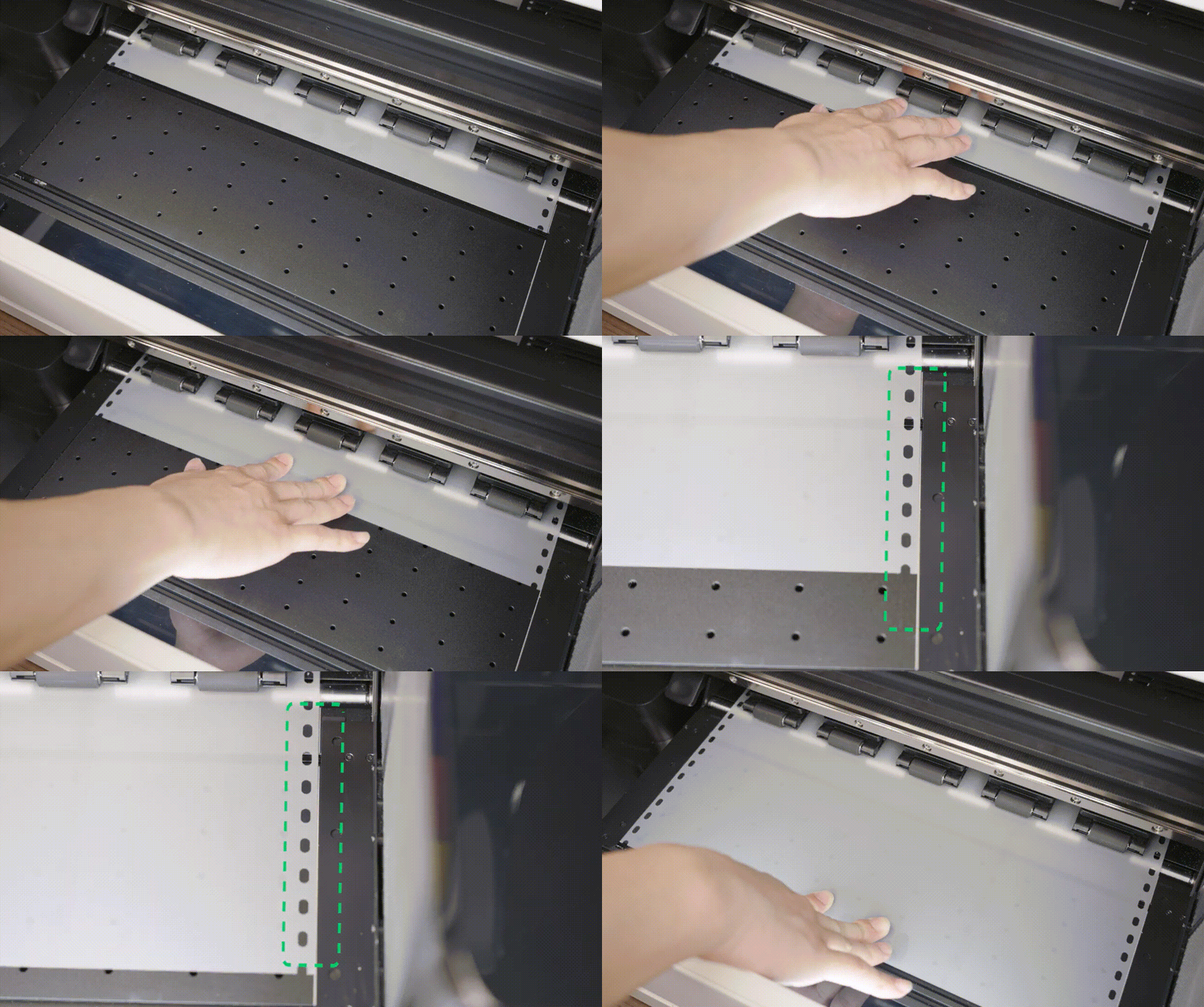
- Please reconfirm the exact location of the film using the above confirmation method before proceeding to Step 4.
Step 4: Check the distance
- Make sure the film does not overlap the white marking line; leave a gap of about 0.5 mm between the film and the white marking line.
- If any deviation is found, please adjust the film according to the video: Replace the Brackets & Adjust the Ball Bearings on xTool Apparel Printer
- If everything above is correct, please proceed to Step 5.
Step 5: Perform alignment calibration
- After ensuring the film and white line are correctly positioned, perform a proper alignment calibration: xTool Apparel Printer & xTool OS1: Film Alignment Calibration
- During alignment calibration, the head of the film needs to reach within the marking line (just within the thick line, whether slightly above or below)
- If the issue persists, please proceed to Step 6.
Step 6: Reset the alignment calibration value
- Ensure that the firmware version is 40.100.025.000.ht3 or later.
- Record the last six digits of the SN code.
- Follow the steps below to reset the alignment calibration value. Enter the last six digits of the SN number you recorded earlier.
If the error remains unresolved after following the previous steps, it might be necessary to replace one or more components. Proceed to the "If the problem persists" section to contact xTool Customer Service for further assistance.
If the problem persists
Should the issue persist after completing the preceding steps, submit a ticket via the "Submit a Ticket" button in the "Help Ticket" section below. The standard response time for xTool Customer Service is one business day.
Please include the following details to facilitate a quick diagnosis:
- Photo showing the position of the film and the white marking line
- Photo of the film reaching the mark line during alignment calibration
- Video of the film showing the belt contacting the oven
- Calibration value
- Work log files
- Serial Number
- Firmware version
Documentation feedback
Help improve this content by providing feedback. If this content did not meet your requirements, select "No" in the "Was this page helpful?" section below. Include specific details about what was unclear or missing in the pop-up suggestion box. Feedback submissions are reviewed by xTool technical writers to enhance future documentation.
Preview
Was this page helpful?
2 out of 6 found this helpful
Help Ticket
Use this help ticket to submit your issue. We will respond within 1 business day
Submit a Ticket 
