
1. Network Environment Verification
1.1 Network environment type
Enterprise network
Home Environment Network
|
2. Network Requirements
2.1 Bandwidth Requirements
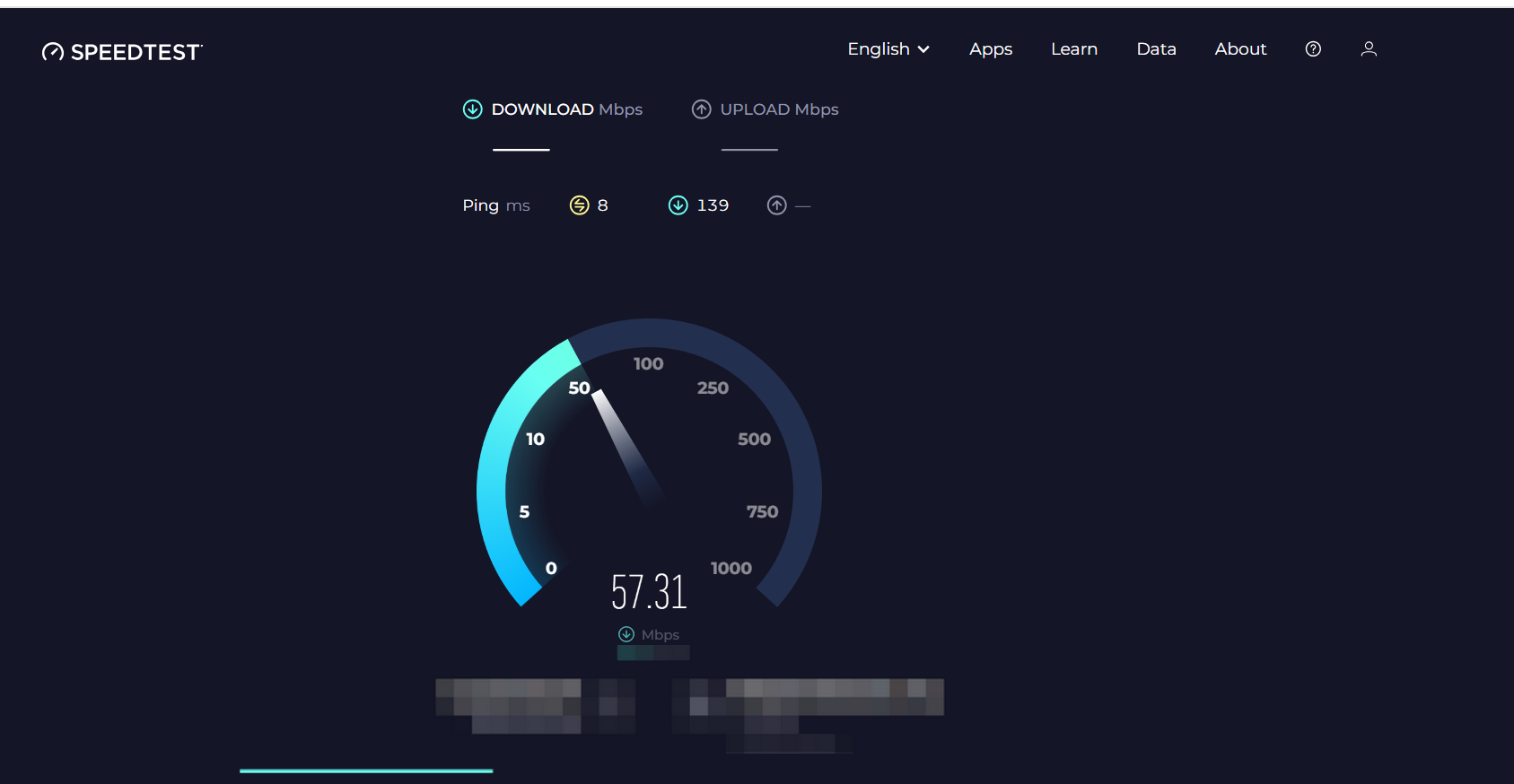
Single Device: Recommended download bandwidth ≥30 Mbps.
You can check the internet speed by logging into a speed test website (e.g., https://www.speedtest.net/).
2.2 Router and WiFi Configuration Requirements
2.2.1 Ideal Solution:
Configure an independent Wi-Fi network with both 2.4GHz and 5GHz frequencies for xTool devices.
Set the encryption method to WPA2-PSK.
2.2.2 Networking Requirements:
- The xTool self-service kiosk and the laser engraver must be connected to the same Wi-Fi network from the same router.
- For enterprise networks, ensure that the advertising machine and engraving device are on the same network segment.
Example:
- Router IP:
10.51.110.1 - Laser Engraver IP:
10.51.110.2 - Self-service Kiosk IP:
10.51.110.3 - Mobile/Computer IP:
10.51.110.99 - Ensure that all devices are on the same subnet (e.g.,
10.51.110.0/24).
- Router IP:
2.2.3 Distance Requirements:
The distance between the router and both the xTool self-service kiosk and laser engraver should not exceed 3 meters.
2.2.4 Dual-band Name:
It is recommended to set separate names for the 2.4GHz and 5GHz Wi-Fi bands (i.e., use different SSID names).
2.2.5 Signal Requirements:
- When a mobile phone is placed near the laser machine and connected to the 2.4GHz Wi-Fi, the mobile phone should display full Wi-Fi signal.
- When a mobile phone/computer connects to Wi-Fi at the self-service kiosk, it should be able to access the page (https://customthings.com) without noticeable delay.
2.2.6 WI-FI channel requirements:
- 2.4GHz Support:
- It is essential to support 2.4GHz Wi-Fi.
- Do not combine the 2.4GHz and 5GHz Wi-Fi bands under the same SSID name.
- Set 2.4GHz channel bandwidth to 20MHz.
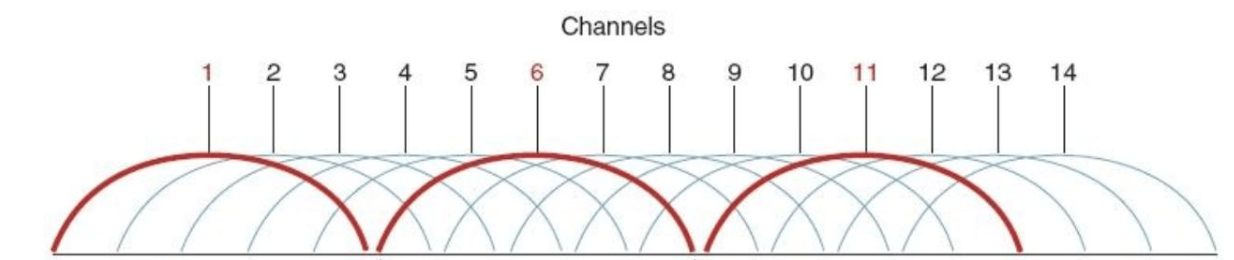
- To avoid interference, reduce the use of nearby 2.4GHz channels from other Wi-Fi networks, or manually adjust the Wi-Fi channel if needed (e.g., 2.4GHz channels: 1-14, commonly used channels are 1, 6, and 11).
- Wi-Fi Authentication Method
WIFI authentication method requirements: WPA2 - PSK [no password direct access is not supported, nor is admission access (Portal, verification code, 802.1X, MAC authentication) supported]

Services & Help
Learn & Education

Copyright © 2025 xTool All Rights Reserved.