
xTool Store
xTool F2 Ultra won’t power on
Updated May 20,2026
Updated May 20,2026
Issue Description
If your machine does not power on after plugging in the power cord and pressing on the power button, try the steps below to troubleshoot the issue.
Troubleshooting
Step 1: Secure the power supply and adapter
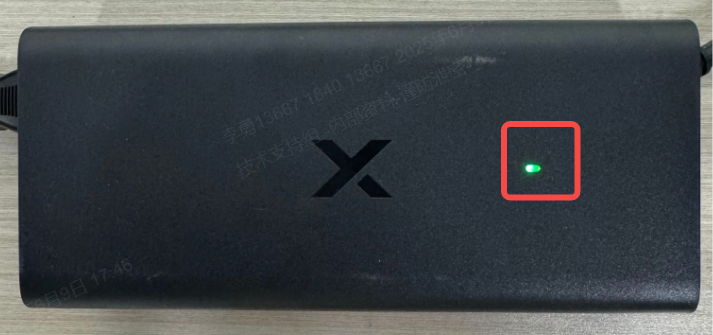
- Ensure the power cable is securely connected to both the machine and the adapter to make sure the adapter’s indicator is steadily on.
- If the indicator is not lit, try another wall outlet or switch power sockets.
- If the indicator is still not lit, the adapter may be faulty. Please contact us for a replacement unit.
Step 2: Power cycle the device
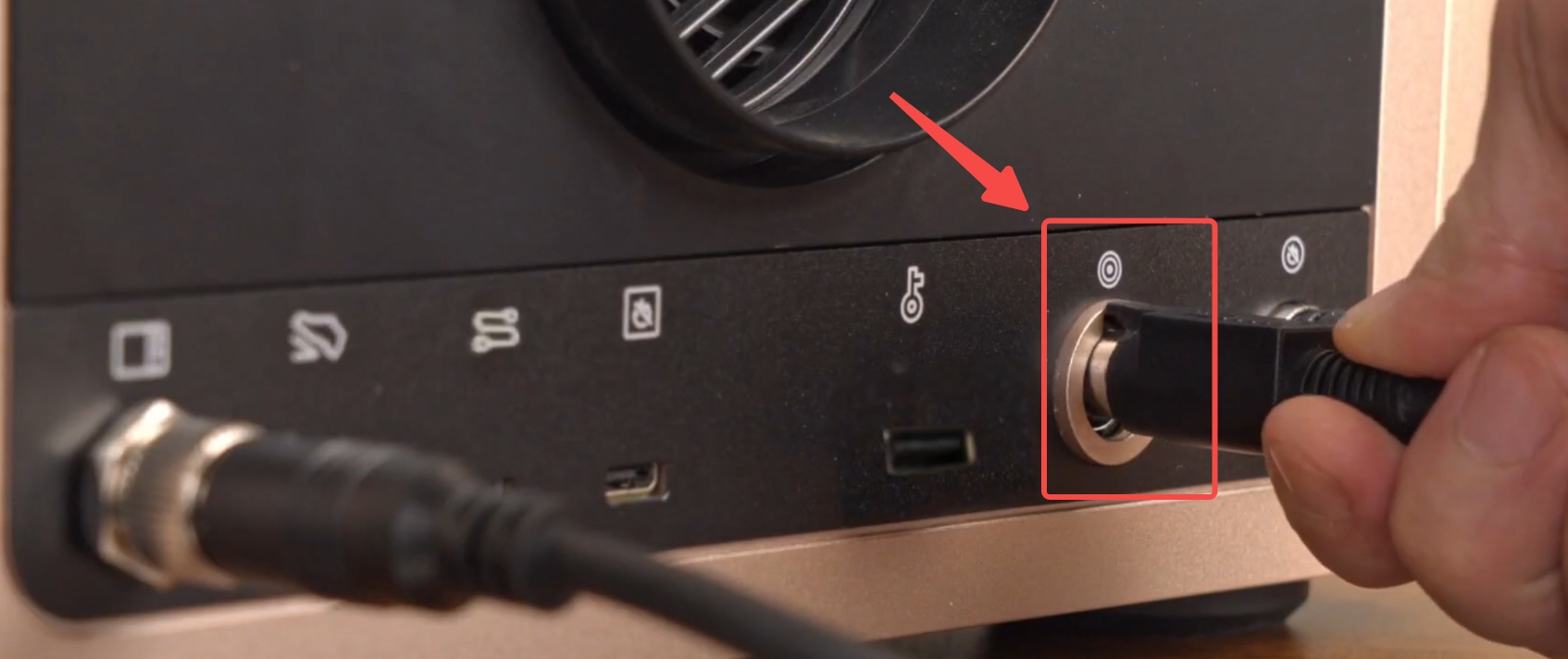
Disconnect the power cable. Wait for at least two minutes, and then connect the power cable and turn on the device again.
Step 3: Release the emergency stop button
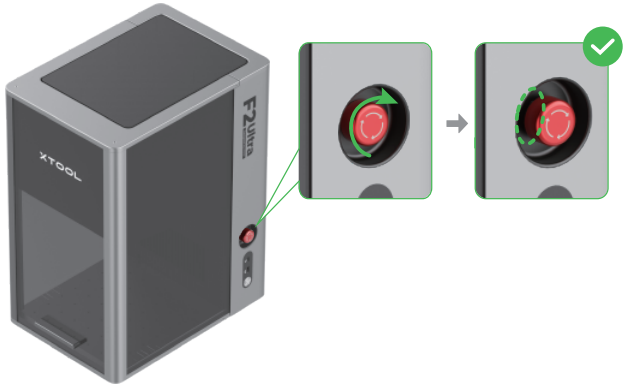
- Make sure the emergency stop button is fully released. Otherwise rotate the red emergency button clockwise to release it.
Step 4: Remove the lens cover
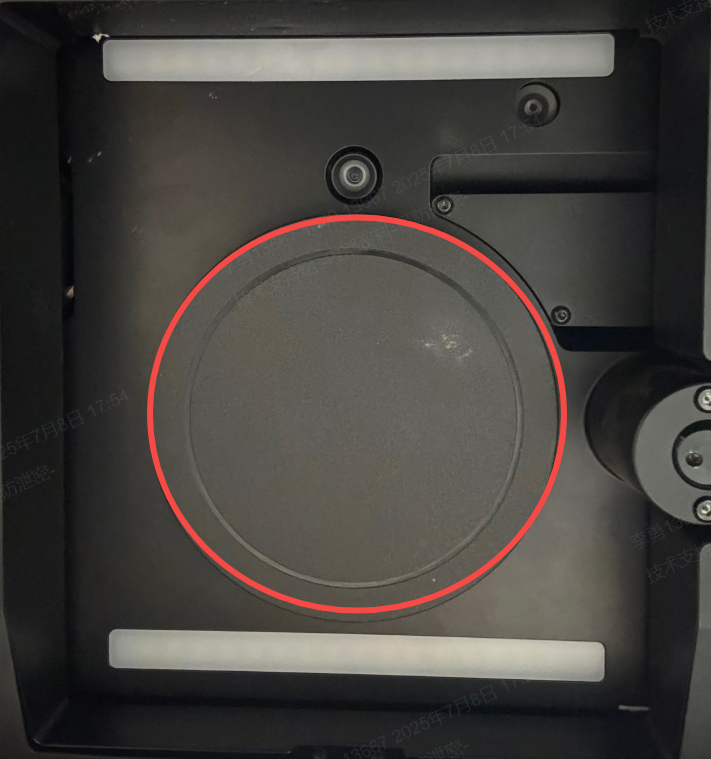
- Ensure that the lens cover is removed before starting. A covered lens may interfere with startup procedures or laser initialization
.
Step 5: Press the power button
- Briefly press the power button to turn the machine on. Do not hold it down continuously.
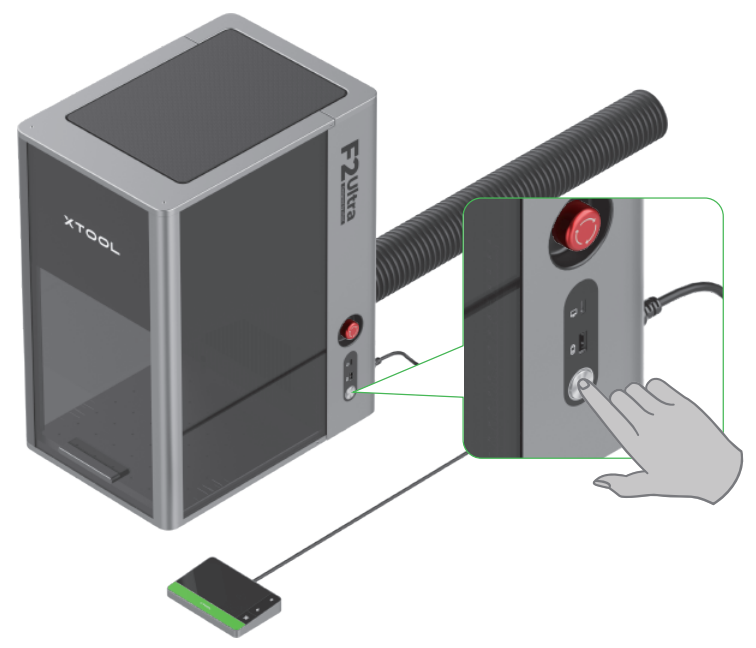
If the machine still won’t power on after all the above steps, please contact us by submiting a ticket below.
Preview
Was this page helpful?
2 out of 3 found this helpful
Help Ticket
Use this help ticket to submit your issue. We will respond within 1 business day
Submit a Ticket Tags
Help Ticket
Use this help ticket to submit your issue. We will respond within 1 business day
Submit a Ticket 
Services & Help
Learn & Education

Copyright © 2025 xTool All Rights Reserved.