
Troubleshoot "Z-axis Exceeds Travel" for xTool MetalFab CNC Cutter
Updated Jun 28,2025
Updated Jun 28,2025
Issue description
If you encounter a pop-up error message titled "Z-axis exceeds travel" in XCS when calibrating or using your MetalFab CNC Cutter to process materials, please follow this troubleshooting guide to resolve this issue.
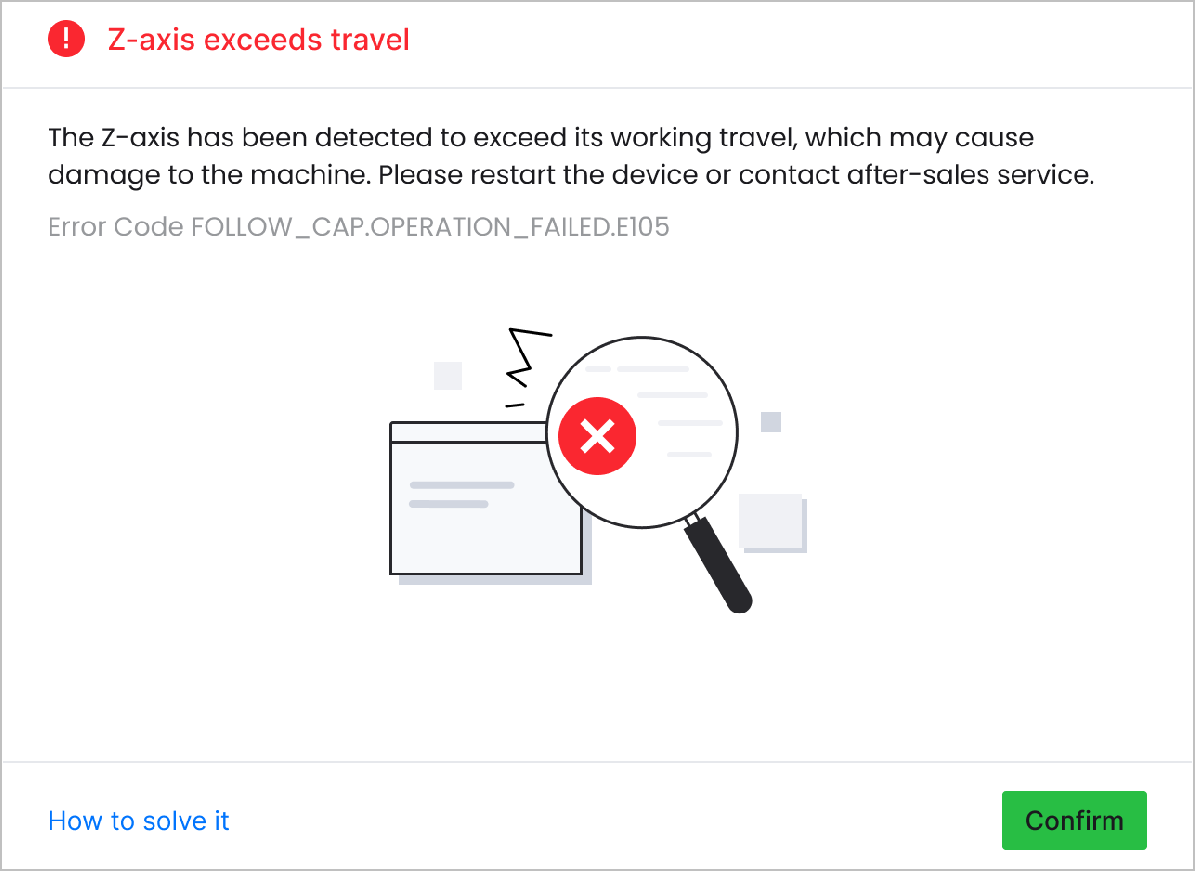
Possible Cause
A processing or calibration task is performed in a hollow area where no material exists directly beneath the cutting tip.
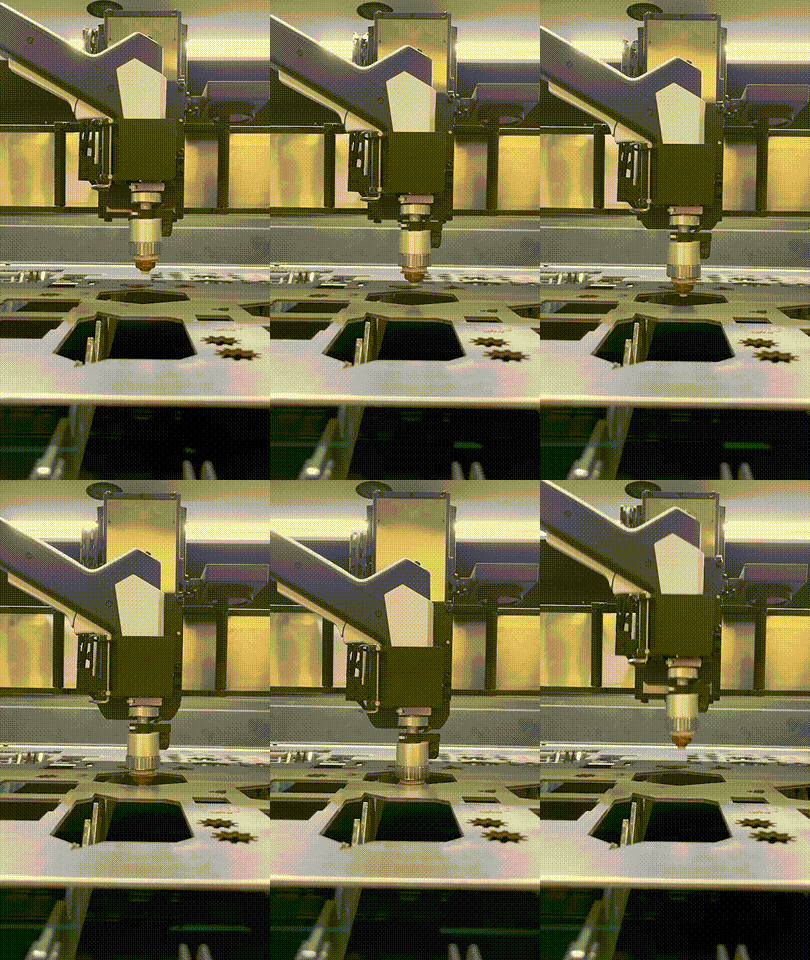
Detailed procedure
- Reboot the machine and connect it to XCS.
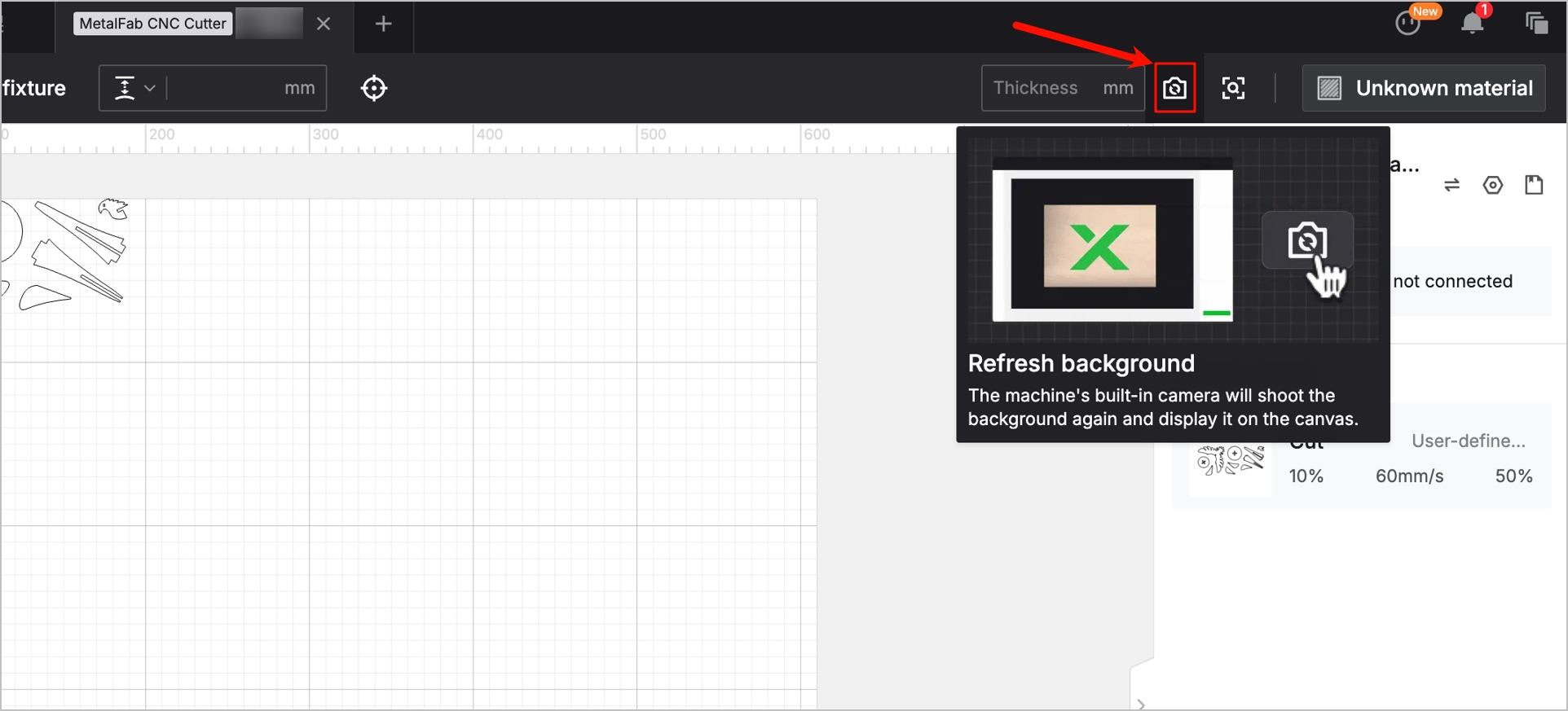
- Click the Refresh background icon before placing objects in XCS to avoid hollow areas.
- If the issue persists, please prepare a video recording your troubleshooting process and results and contact xTool Customer Service for further assistance.
Help us improve
If this article or video doesn't effectively assist you in resolving the issue, please let us know by clicking the “No” button in the “Was this page helpful?” section below, and leave your feedback in the pop-up suggestion box. Our knowledge base team will review it and consider it for future updates.
Still need help?
If you need any human assistance, please create a ticket by clicking the “Submit a Ticket” button in the “Help Ticket” section below. Our service team will get back to you in 1 business day via E-mail.
Preview
Was this page helpful?
1 out of 1 found this helpful
Help Ticket
Use this help ticket to submit your issue. We will respond within 1 business day
Submit a Ticket 
