
Nozzle Types & Processing Modes
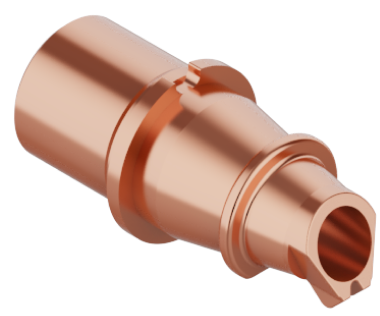
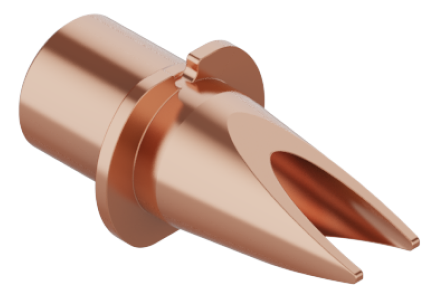
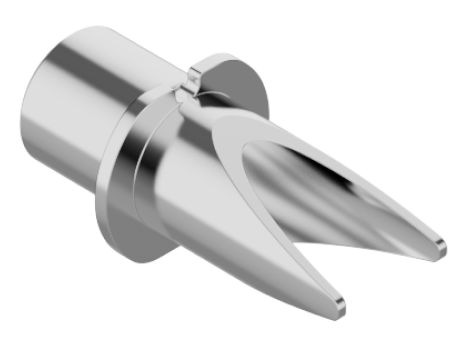
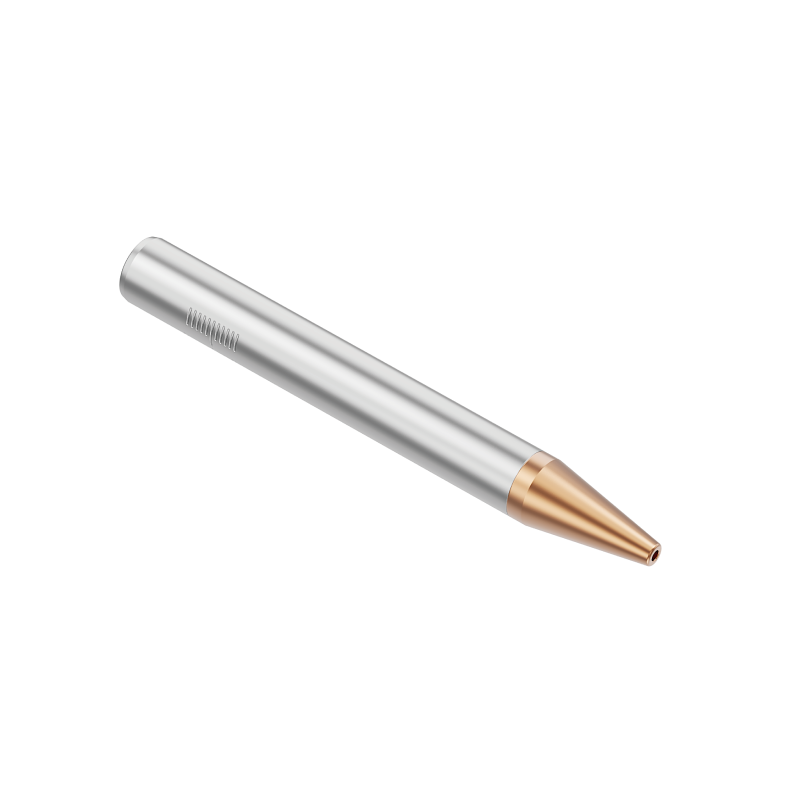
xTool MetalFab laser welder comes with a welding nozzle, wireless welding nozzle (also called as autogenous welding nozzle), handheld cleaning nozzle, and handheld cutting tip. It supports metal welding, cleaning, and cutting.
|
|
wired welding nozzle | wireless welding nozzle |
|
|
cleaning nozzle | cutting tip |
Replace Nozzles
Install cleaning nozzle or wireless welding nozzle
1. Power off, remove the wire feeding tube.
|
|
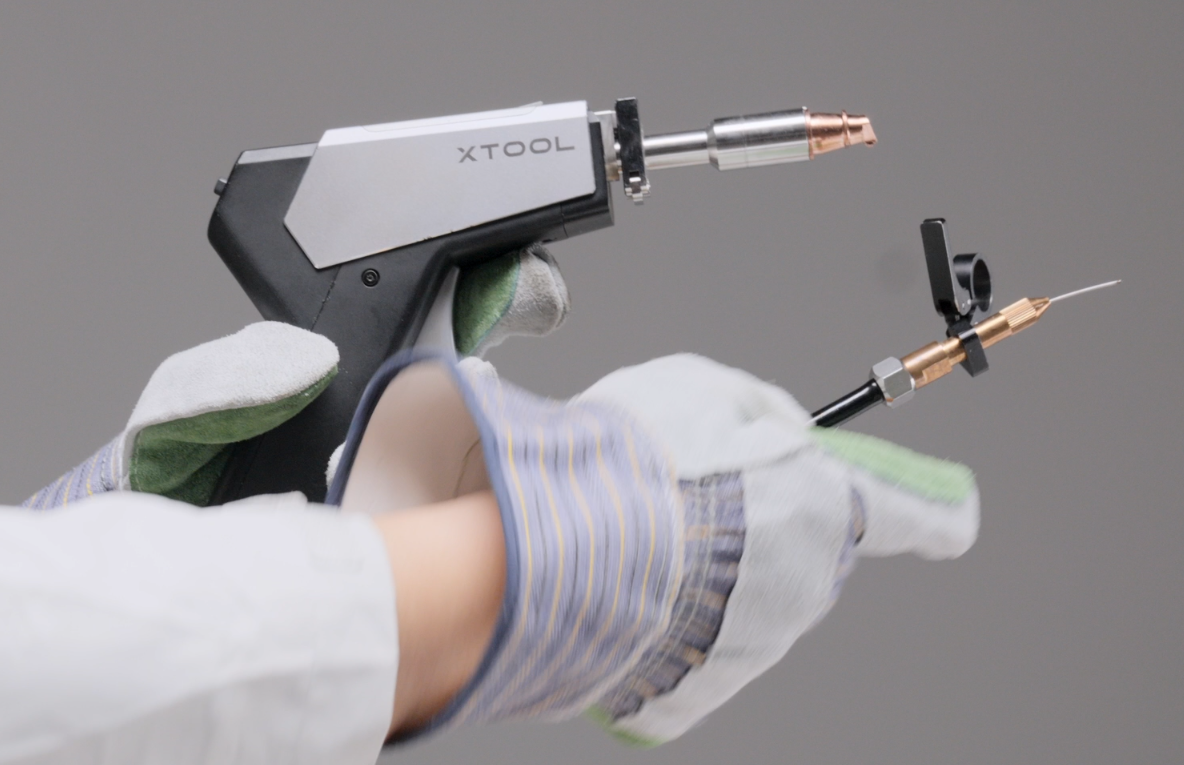
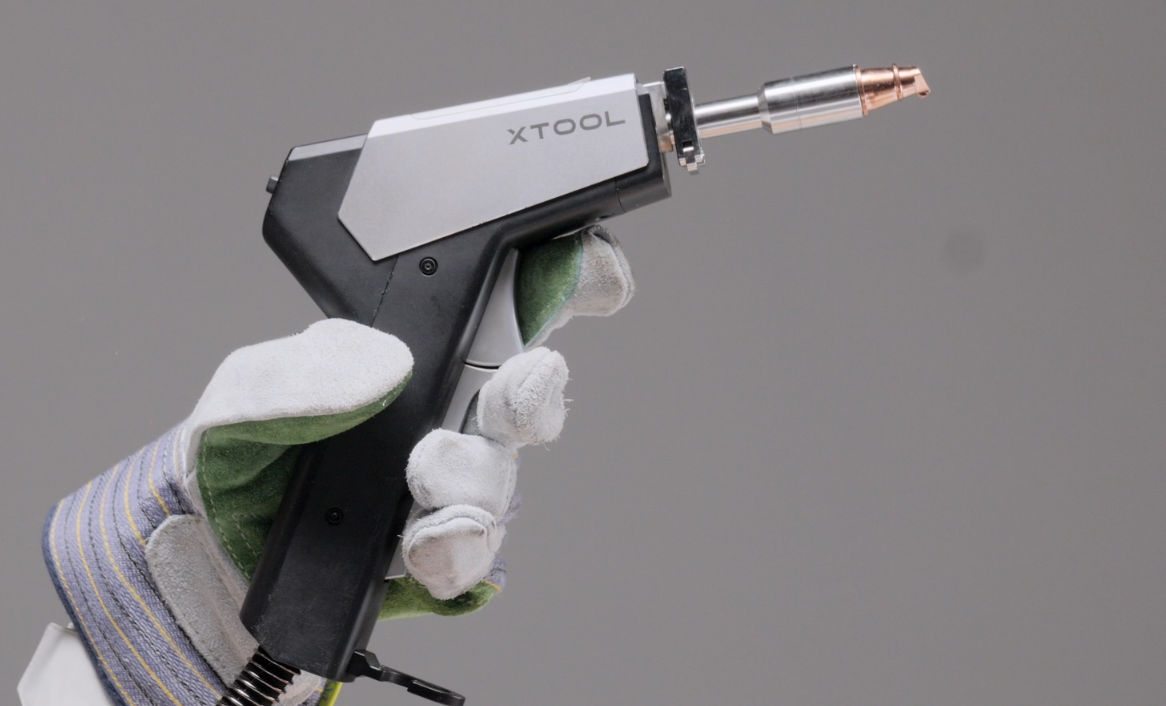
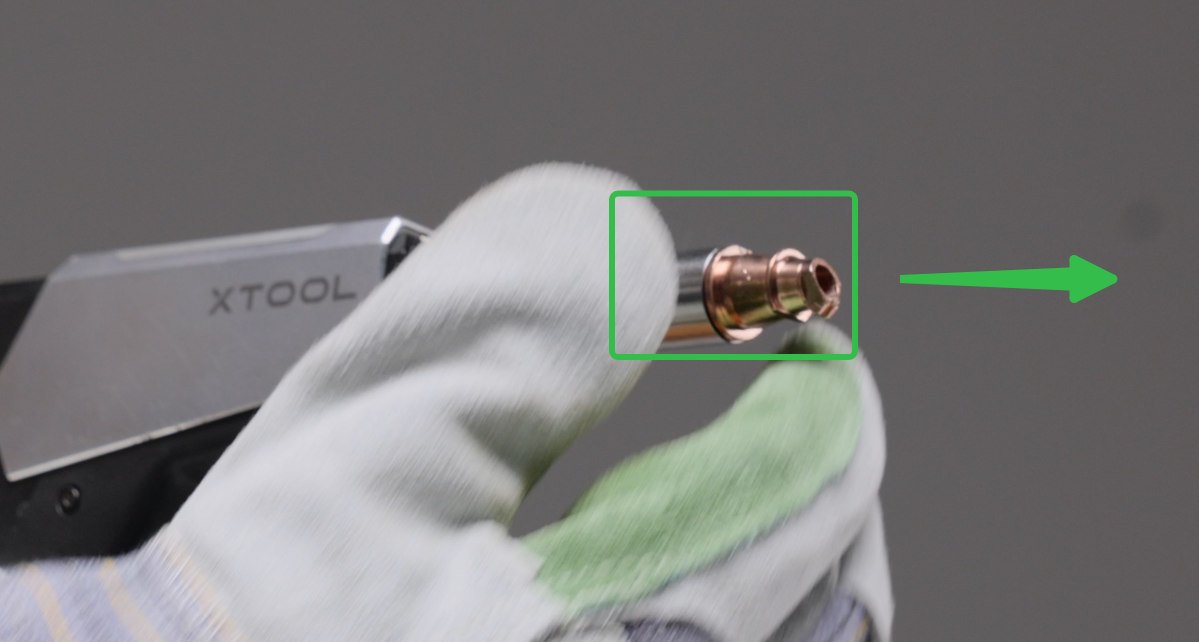
2. Remove the welding nozzle, install the wireless welding nozzle or cleaning nozzle. (Remind to align the hole)
|
|
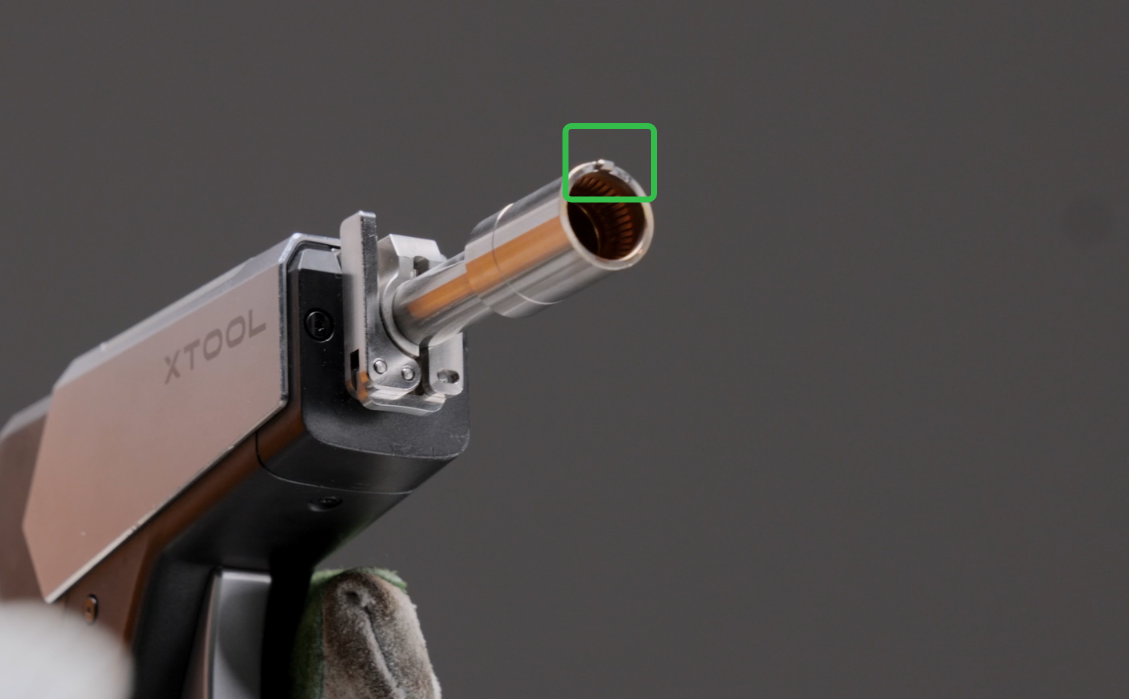
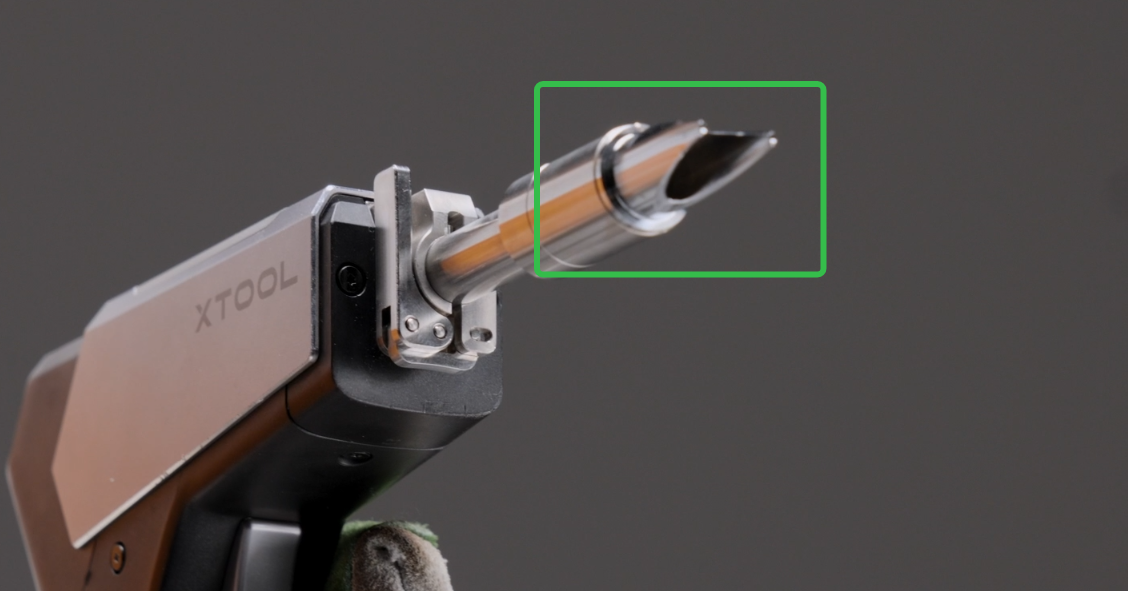
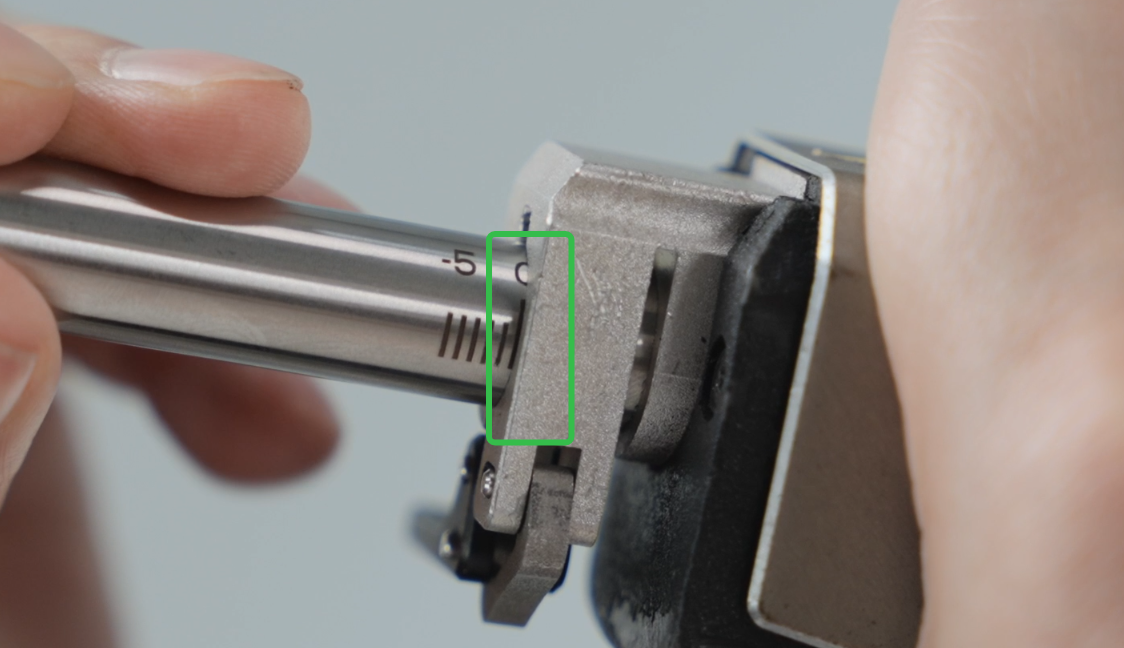
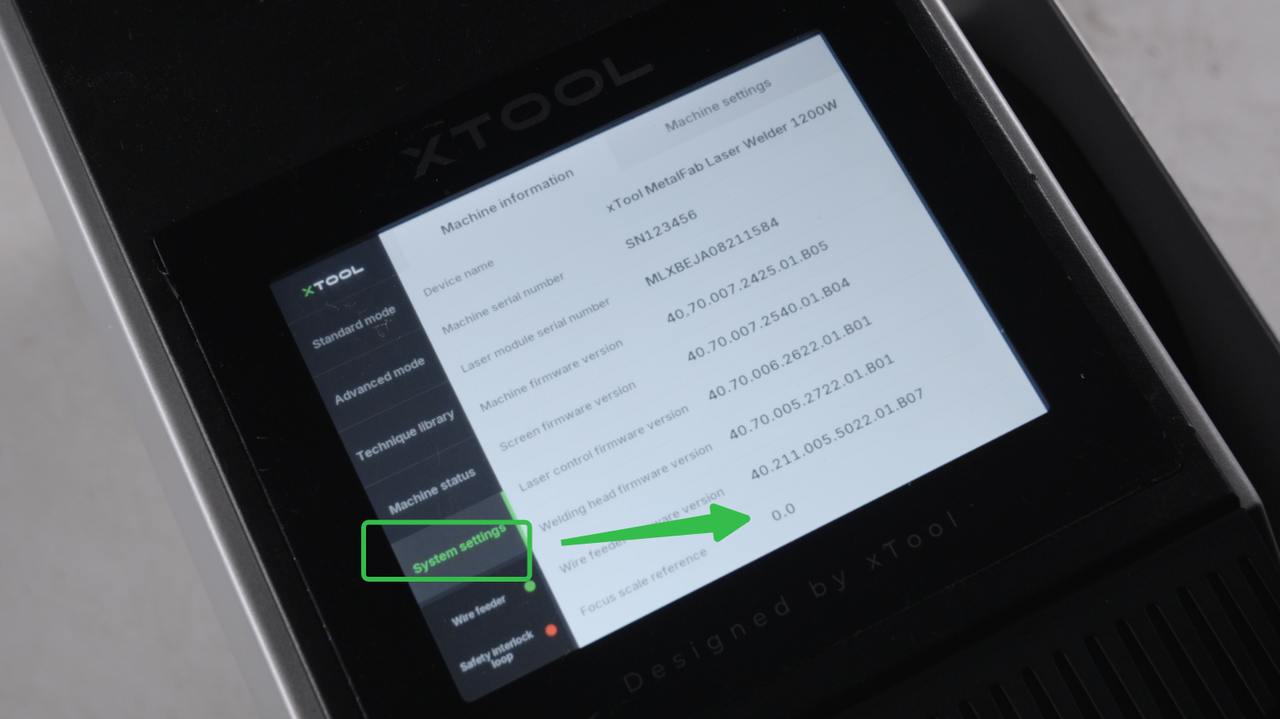
3. Adjust the scale to the reference value.
|
|
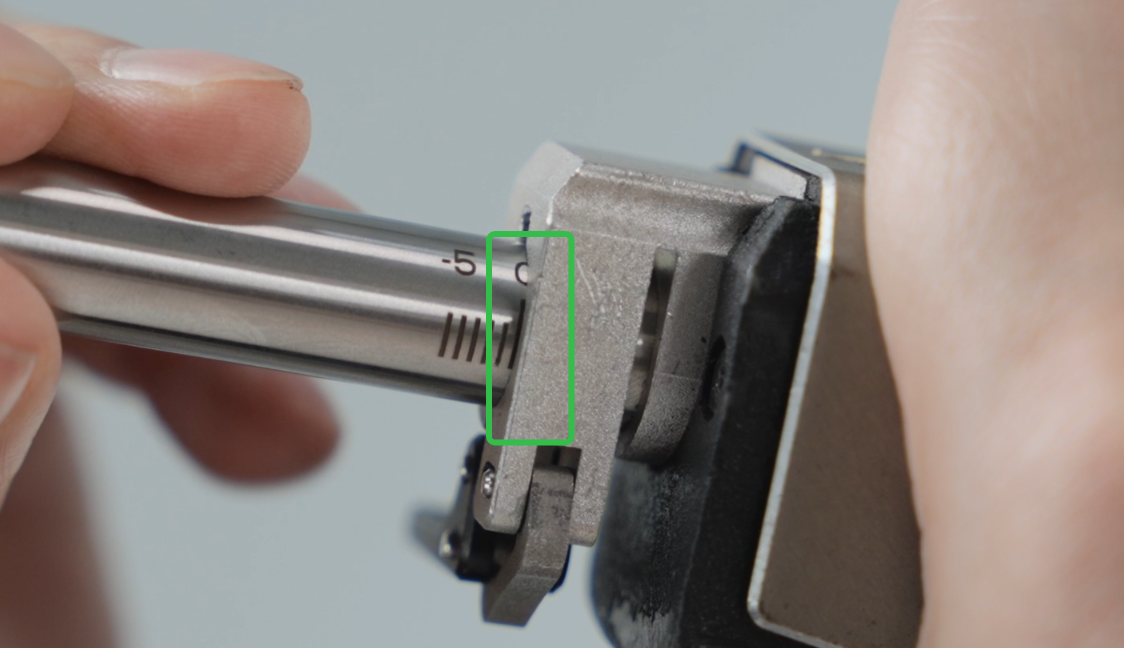
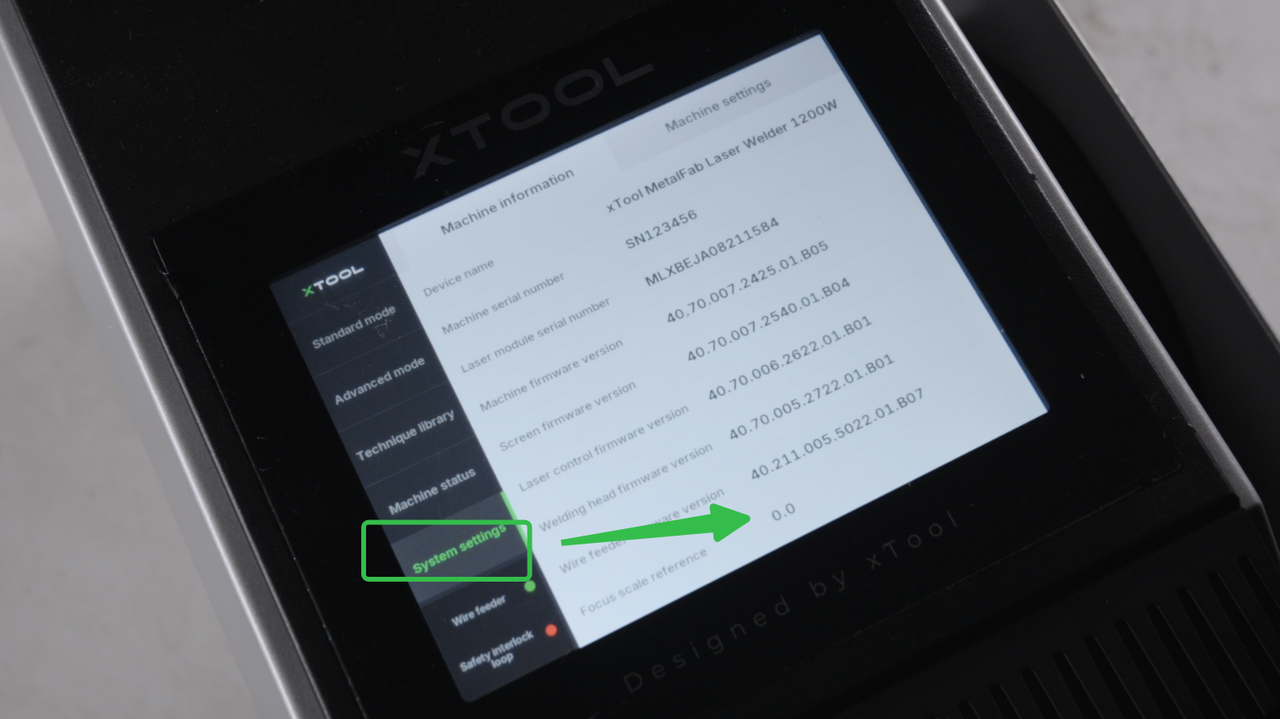
Install the cutting tip
1. Open the fastener, remove the welding torch
|
|
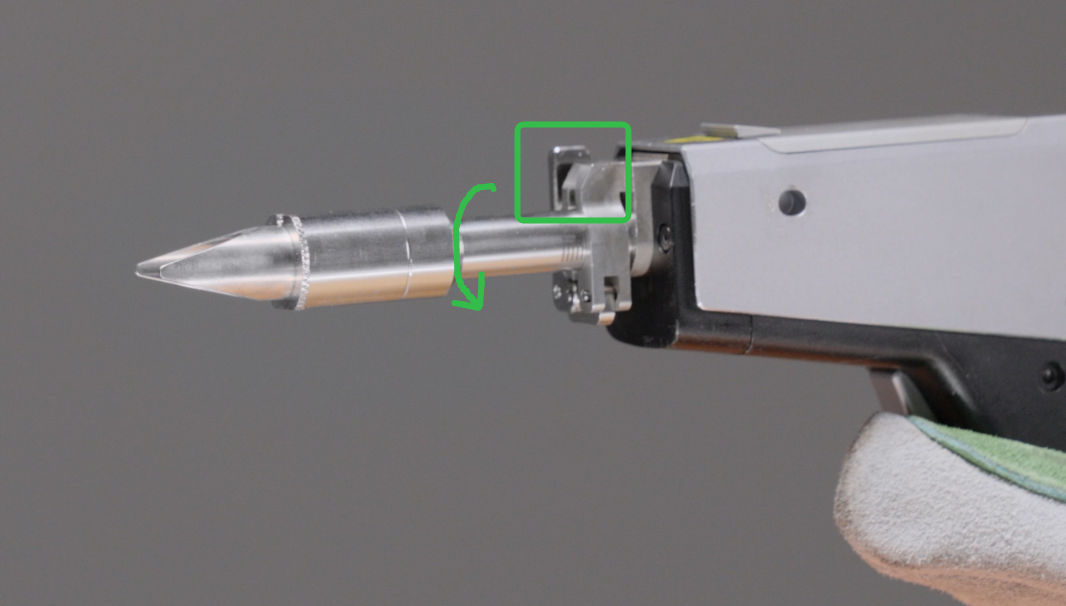
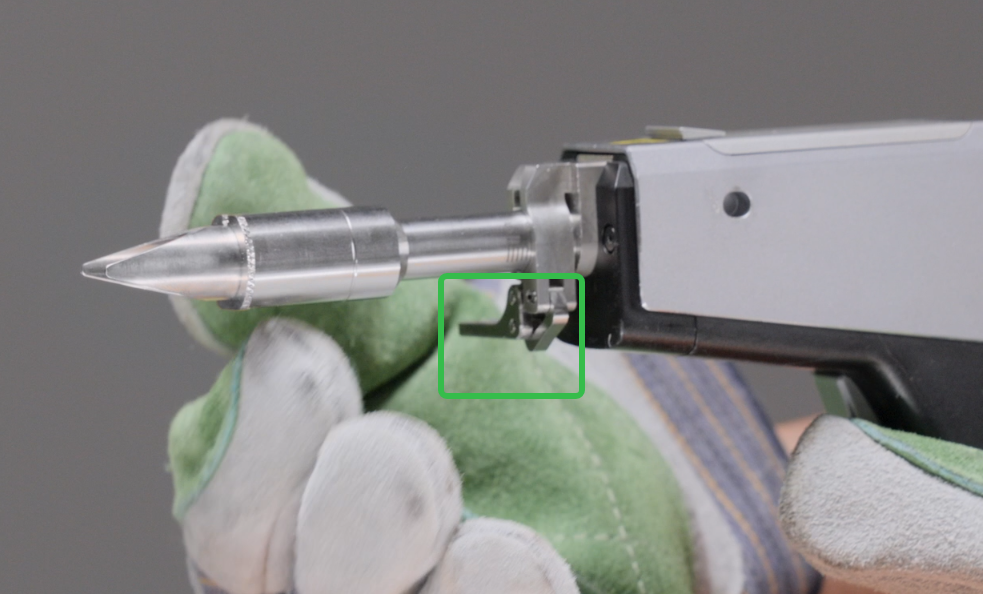
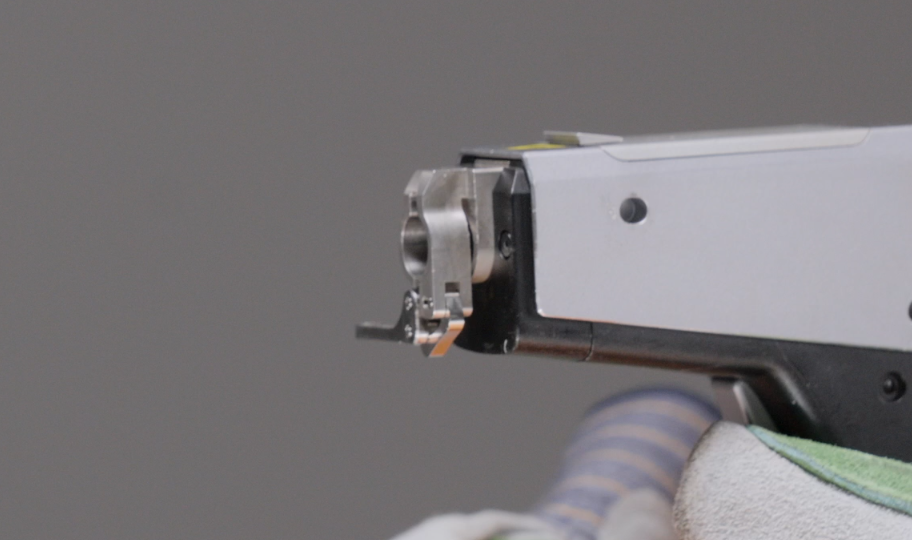
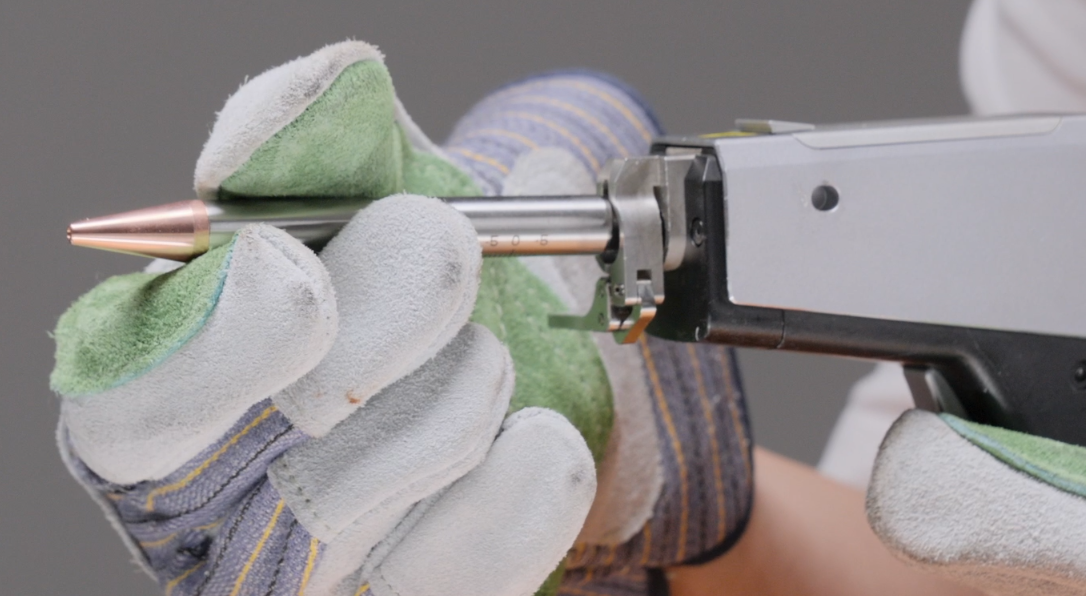
2. Install the cutting tip, and adjust the scale to the reference value, close the fastener.
|
|
Use the Cleaning/Wireless Welding Nozzle or Cutting Tip
Use the Cleaning Nozzle
1. Following steps above to install the nozzle and adjust the focus position.
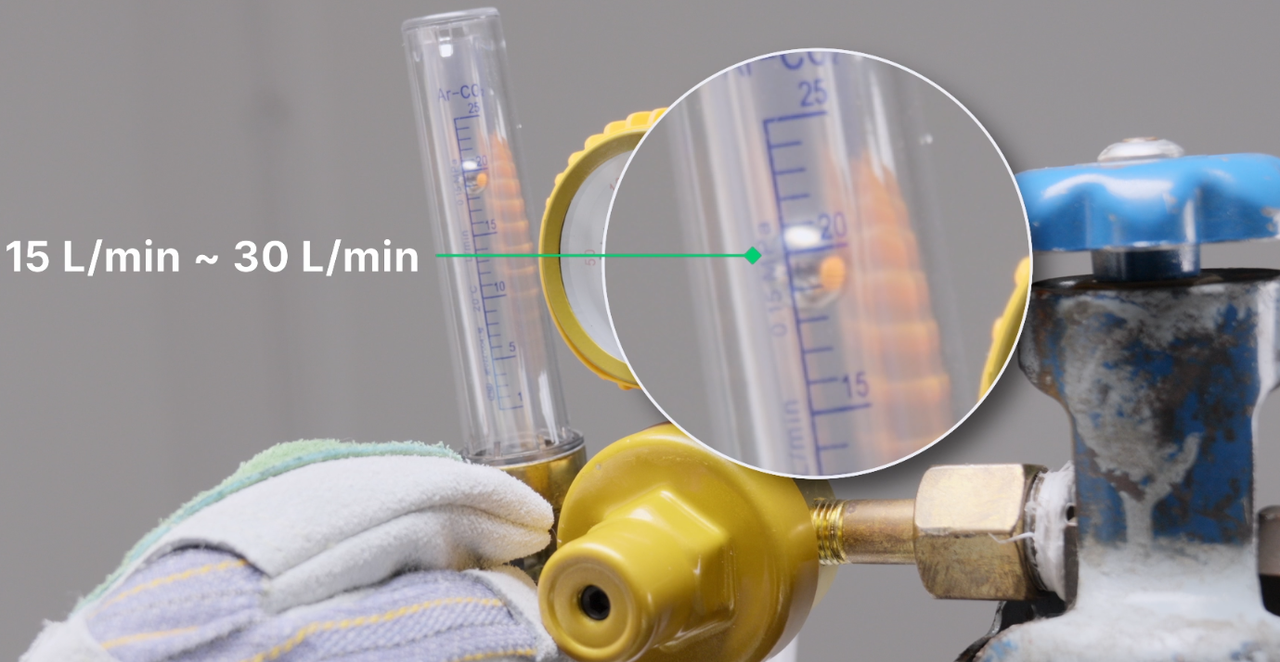
2. Power on, turn on the gas (Nitrogen or argon for bright results, air for basic cleaning), and set the gasflow rate between 15-30L/min or set the gas pressure to 0.1-0.2MPa.
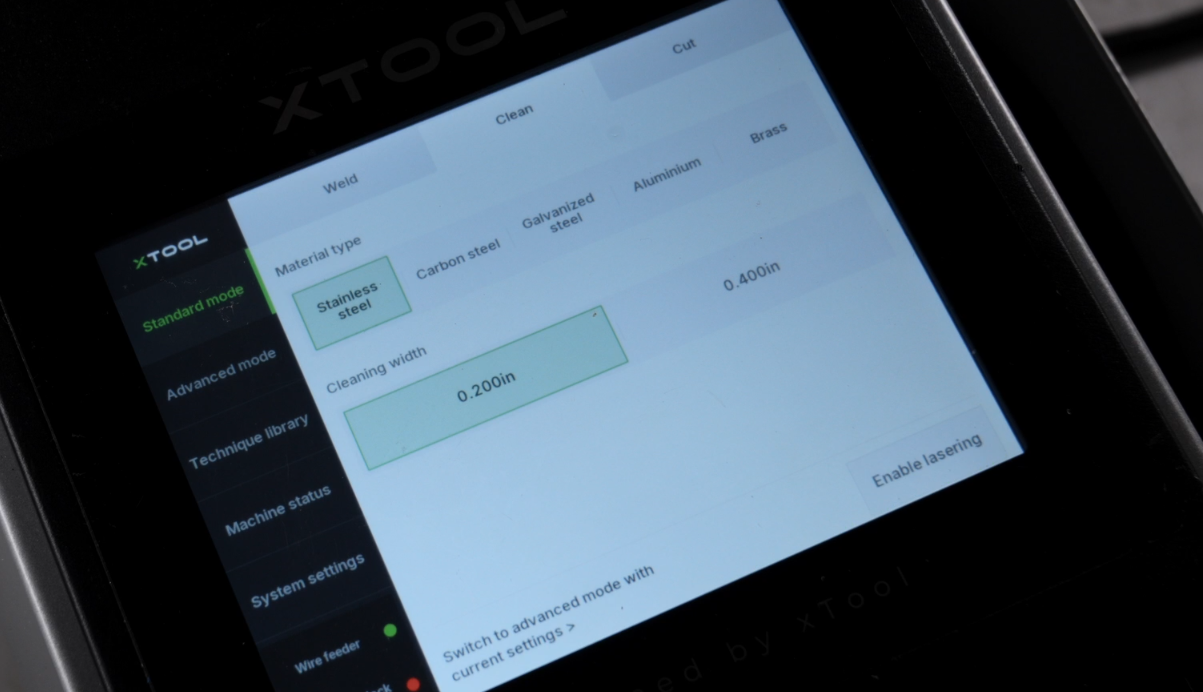
3. Click Standard mode, choose Clean, and choose your material type and cleaning width. Remind to enable lasering.
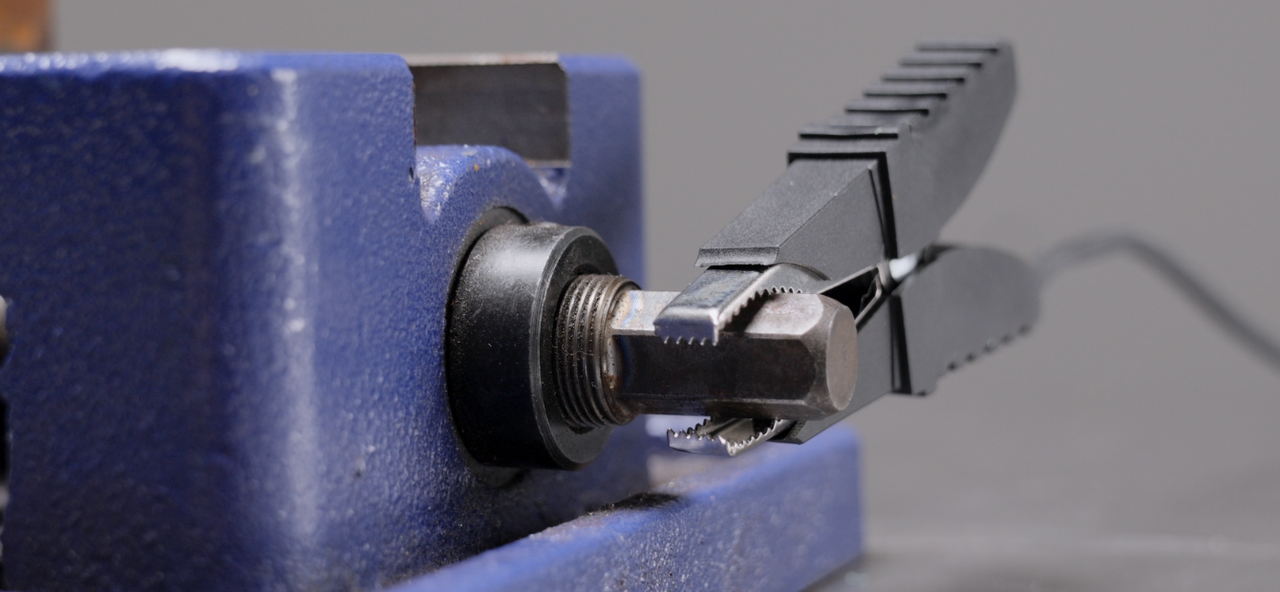
4. Attach the safety clamp to the workpiece or your metal welding platform to create a safety circuit.
|
|
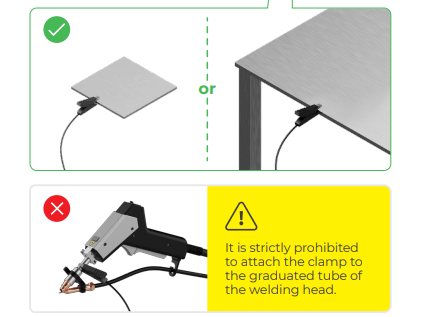
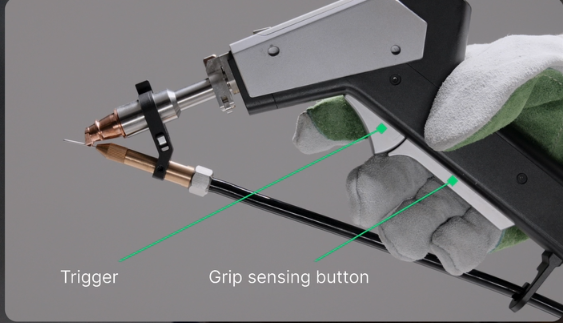
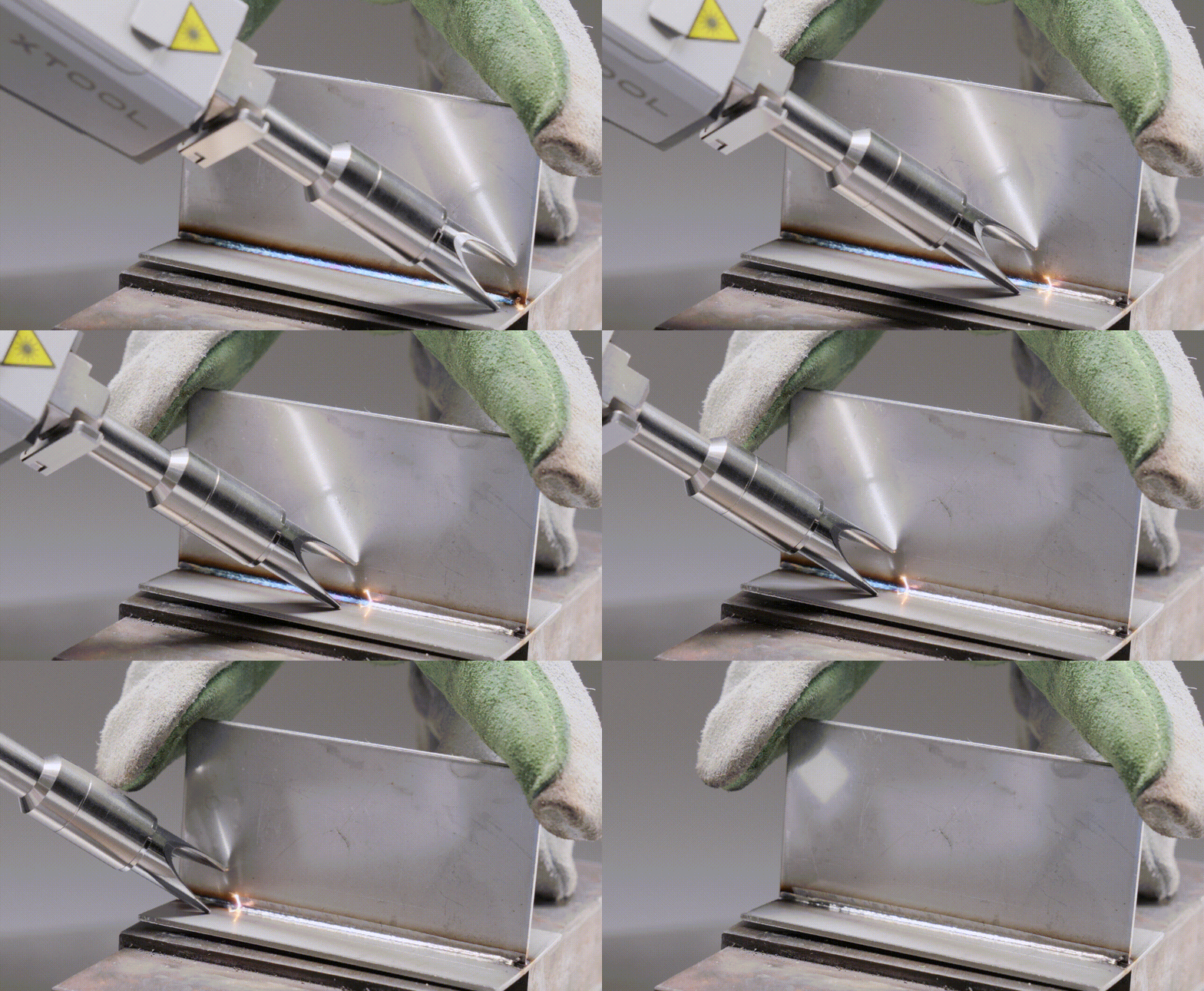
5. Press both buttons on the welding gun to begin the cleaning process (ensure to wear personal protective equipment).
Use the Cutting Tip
1. Following steps above to install the nozzle and adjust the focus position.
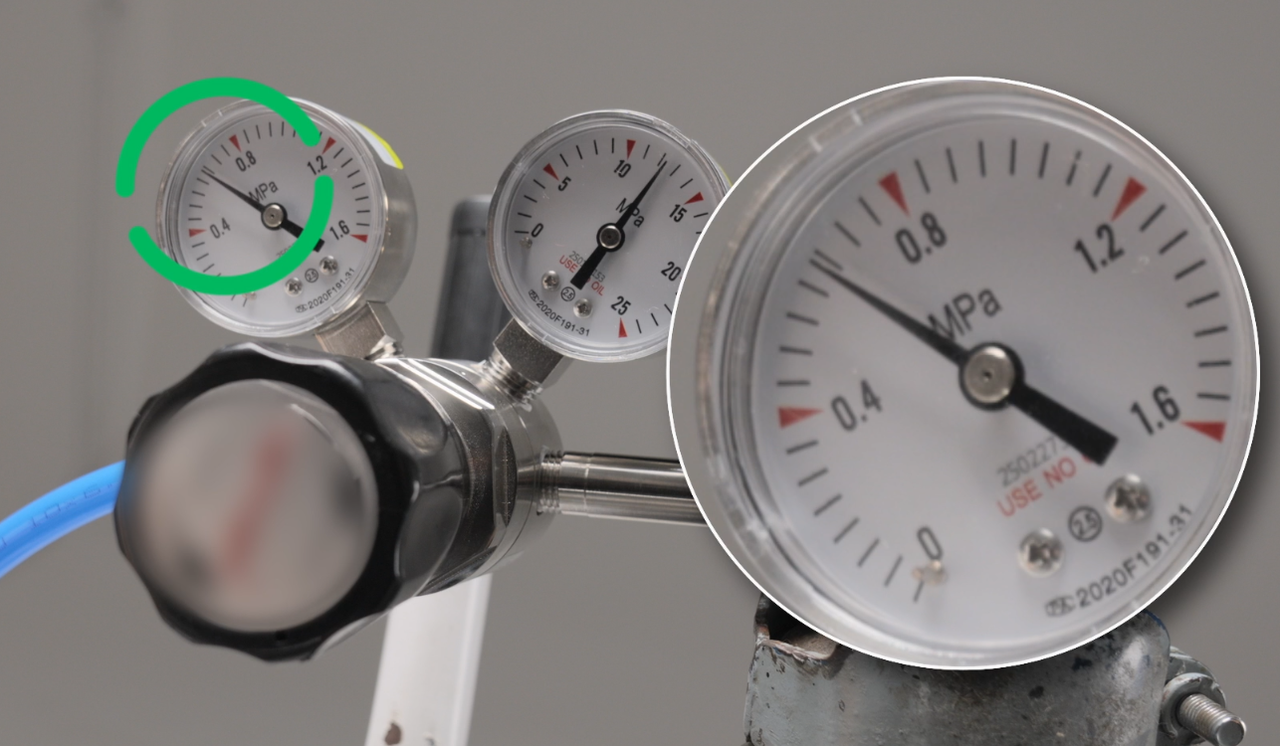
22. Power on, turn on the gas (Nitrogen or argon or air), and set the gas pressure to 0.6-0.8MPa.
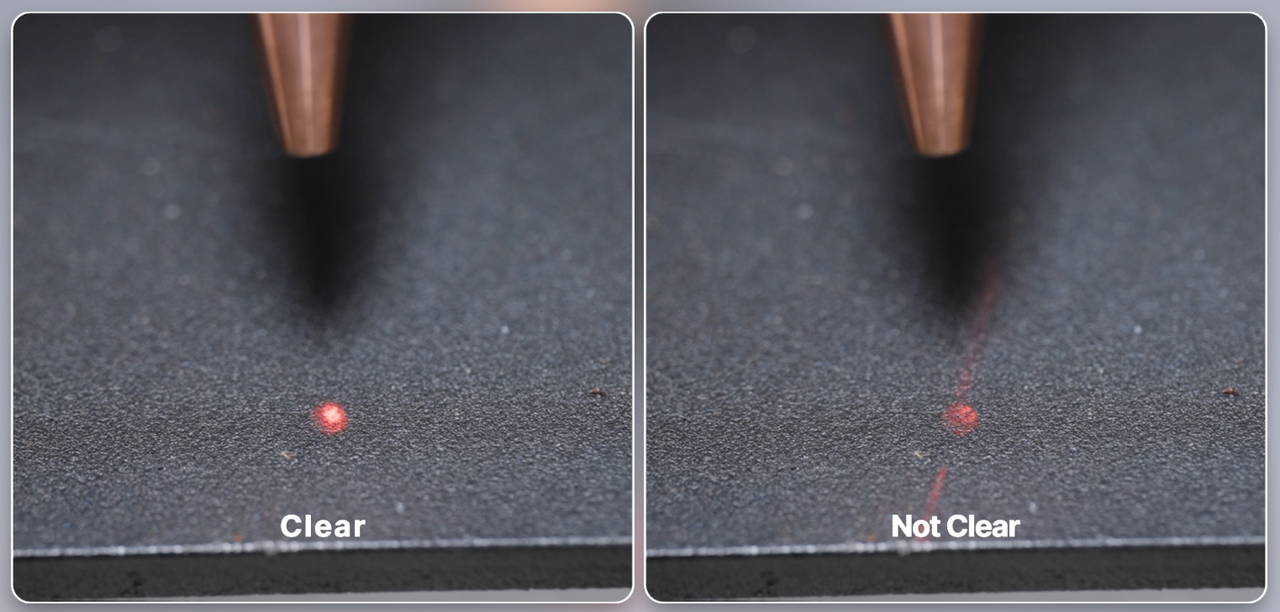
3. Confirm if the red light is clear. If not, refer to the tutorials to adjust. (How to Calibrate the Red Light Position of the Welding Gun (Laser Welder Only))
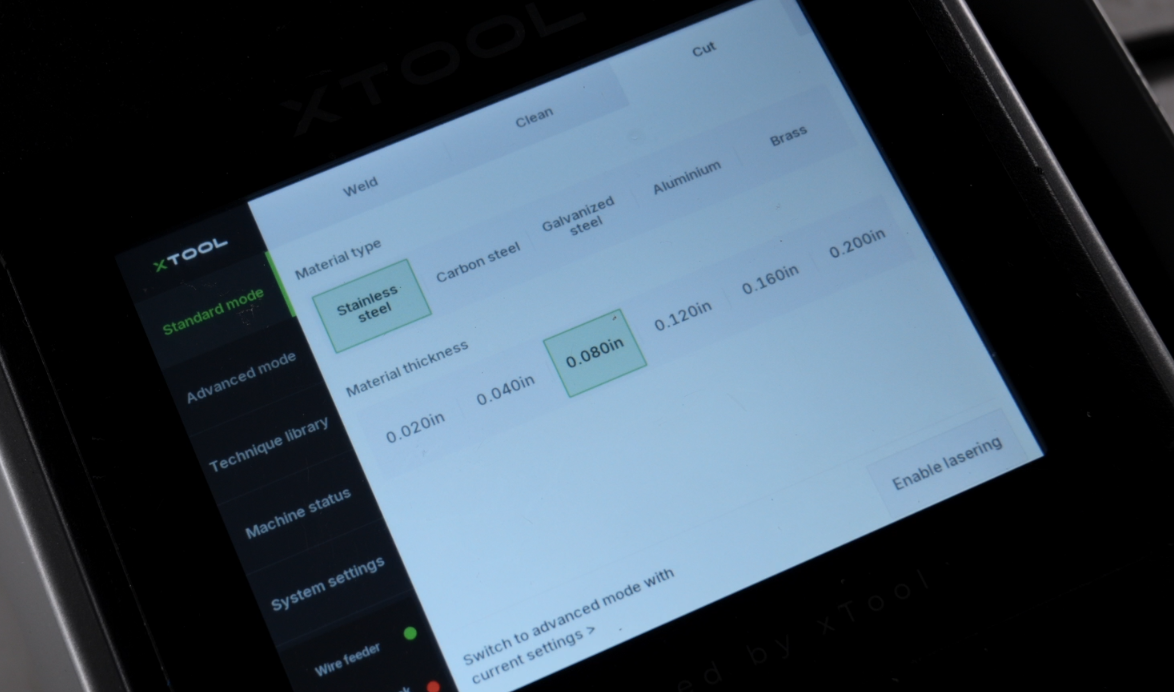
4. Click Standard mode, choose Cut, and choose your material type and thickness. Remind to enable lasering.
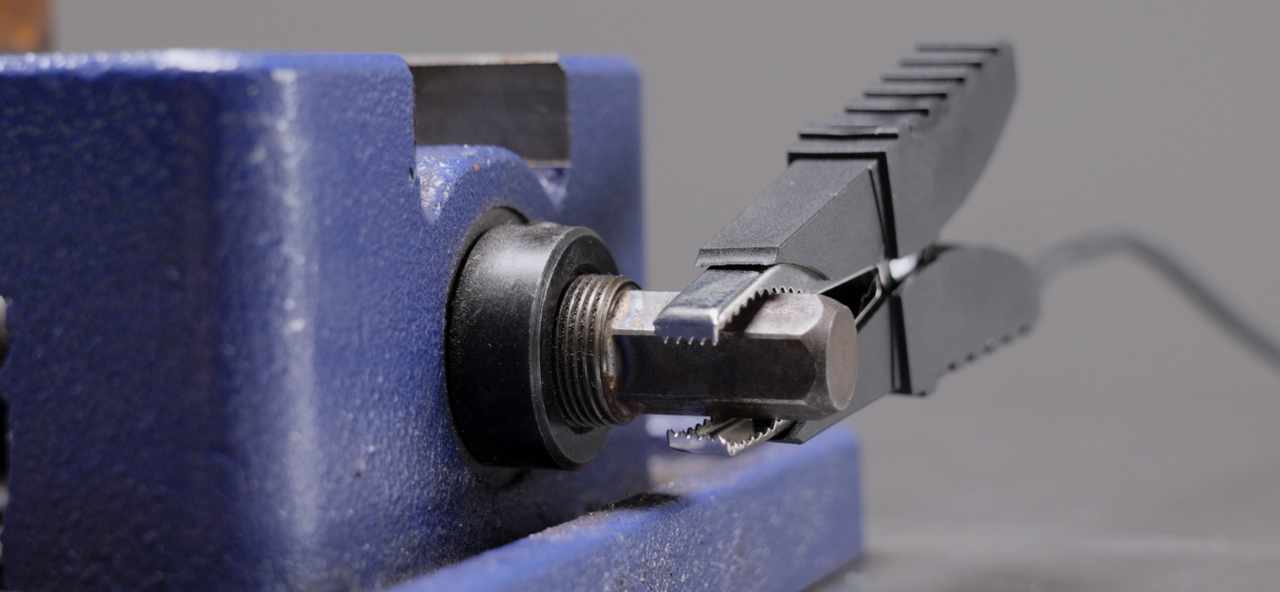
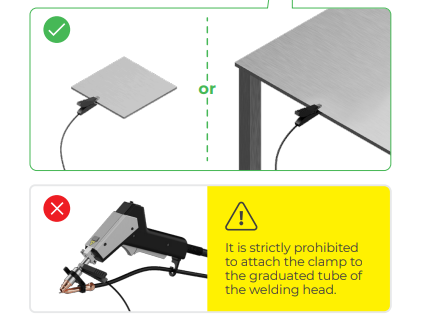
5. Attach the safety clamp to the workpiece or your metal welding platform to create a safety circuit.
|
|
6. Press both buttons on the welding gun to begin the cutting process (ensure to wear personal protective equipment).
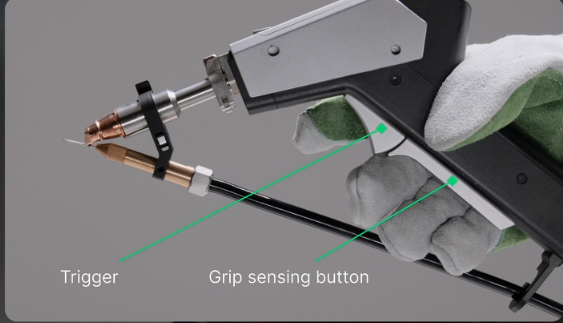
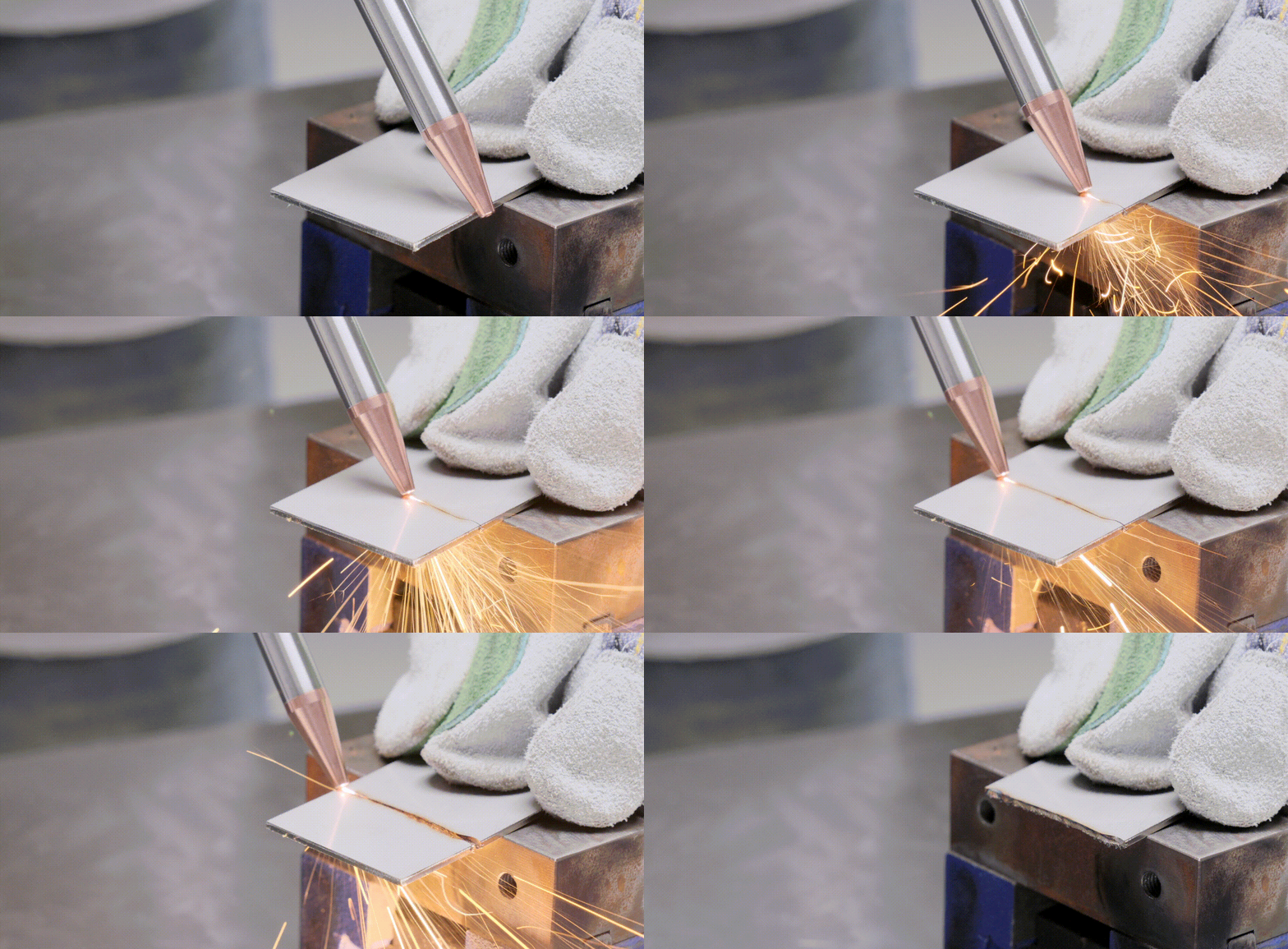
How to Improve the Handheld Cutting Effects?
The effects of handheld cutting can be difficult to control. But you can adjust the following parameters:
- Gas Pressure: Higher pressures (1.2 MPa provide better cutting quality than 0.8 MPa), but increasing pressure makes it harder to control the handheld cutting tip.
- Focus Position: If there is significant slag buildup, adjust the focus position negatively. For example, if the initial focus position is at 0, adjust it to -1. For thicker materials, adjust to -2, -3, -4. But ensure it can cut through the metal sheet.
- Cutting Speed: If slag occurs, you can also increase the cutting speed. However, this requires skill and experience, as controlling the handheld speed can be challenging, especially for plates thicker than 2 mm."
Use the Wireless Welding Nozzle
When Do I Need to Use the Wireless Welding Nozzle?
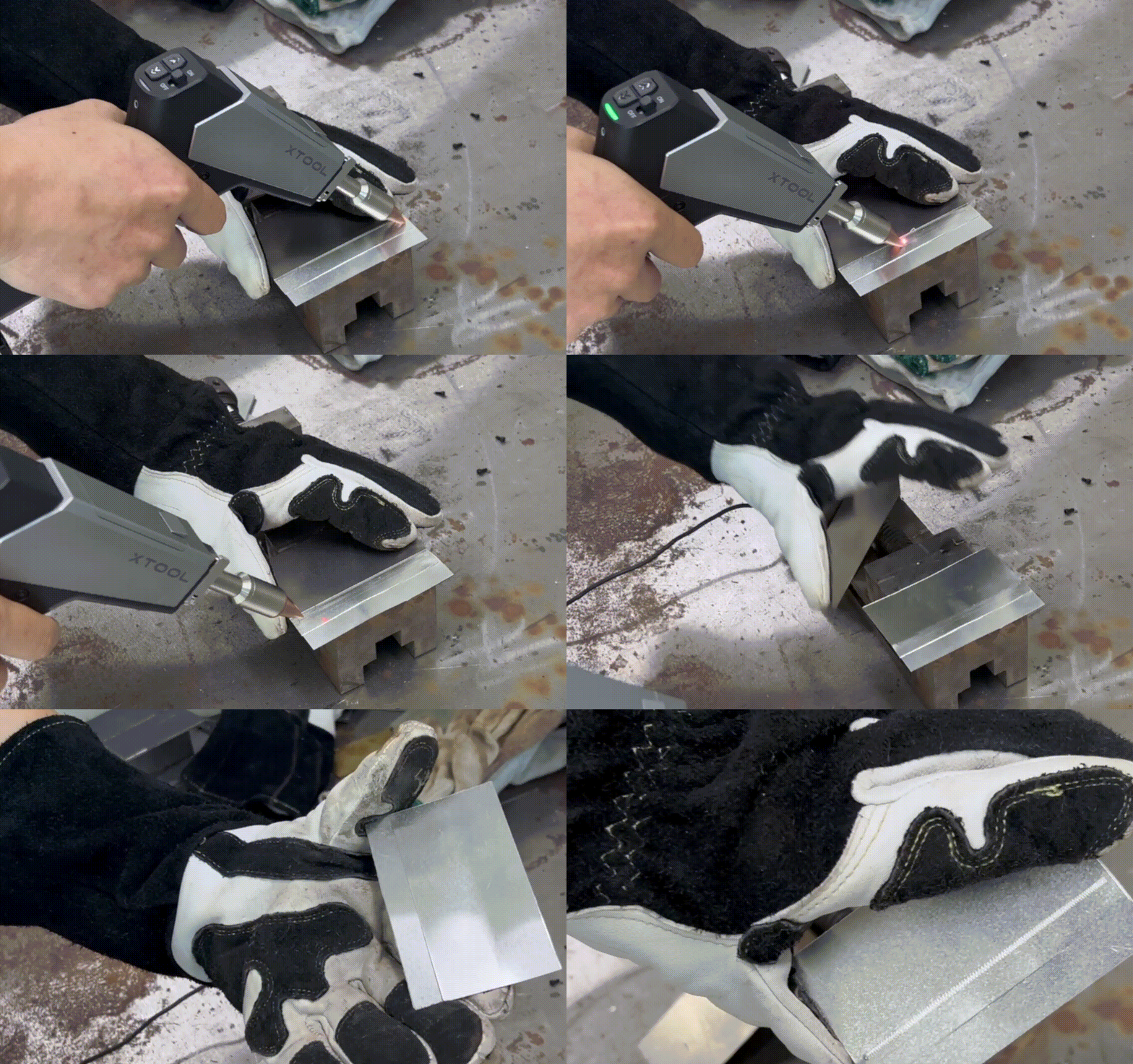
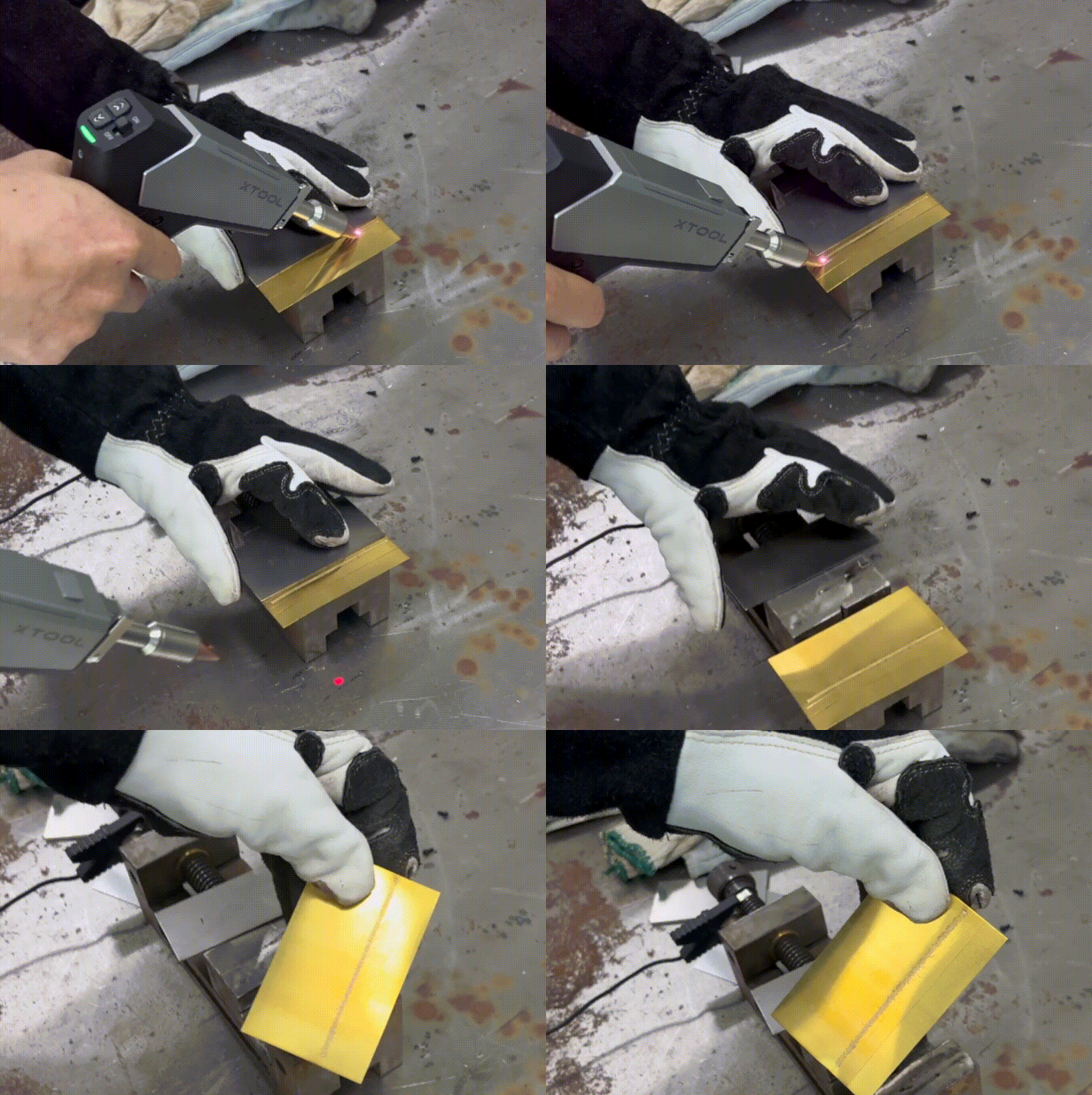
- For thin plates less than 1mm, the base material can be melted directly to form the weld seam without the need for additional welding wires.
Welding 0.2mm Aluminum |
Welding 0.2mm Brass |
- If the weld seam is relatively small, it can also be welded using autogenous welding, which does not require additional welding wires.
Welding Thin Metals<1mm
- Apply the settings in Standard mode of metals less than 1mm with wires.
- Use pulse welding for thin metals without using wires
There is no recommened settings for pulse welding yet. You can try the following settings. (For 0.5mm metals, try to change the power to 30%)
Also please control the speed properly. Not too slow, not too fast.
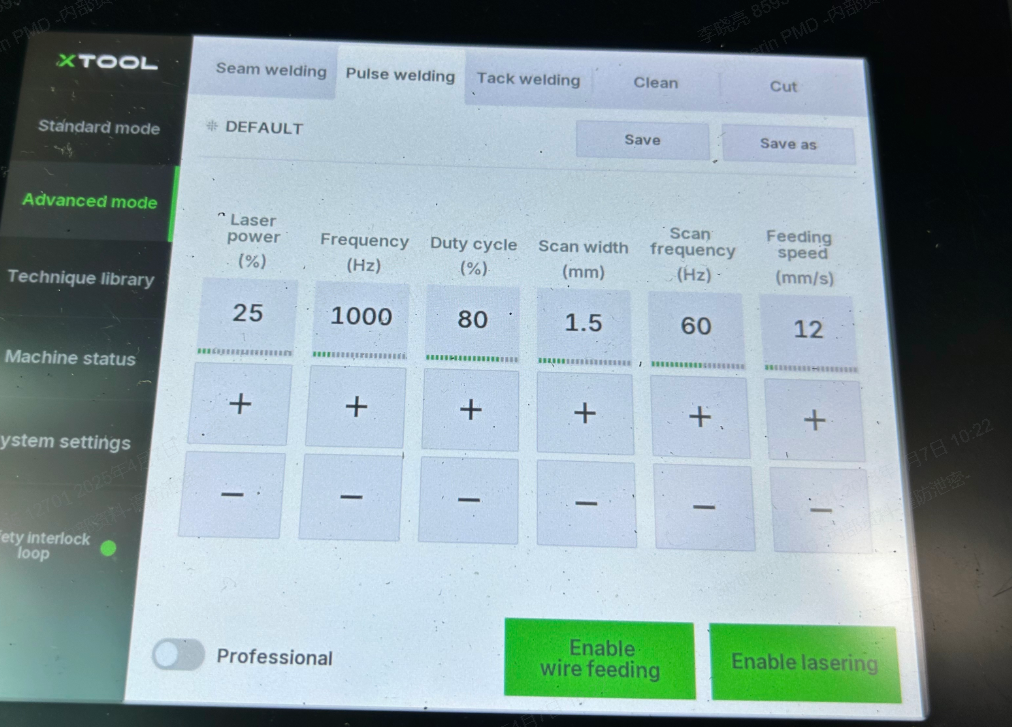
pulse welding for metals ≤0.2mm

