
Issue description
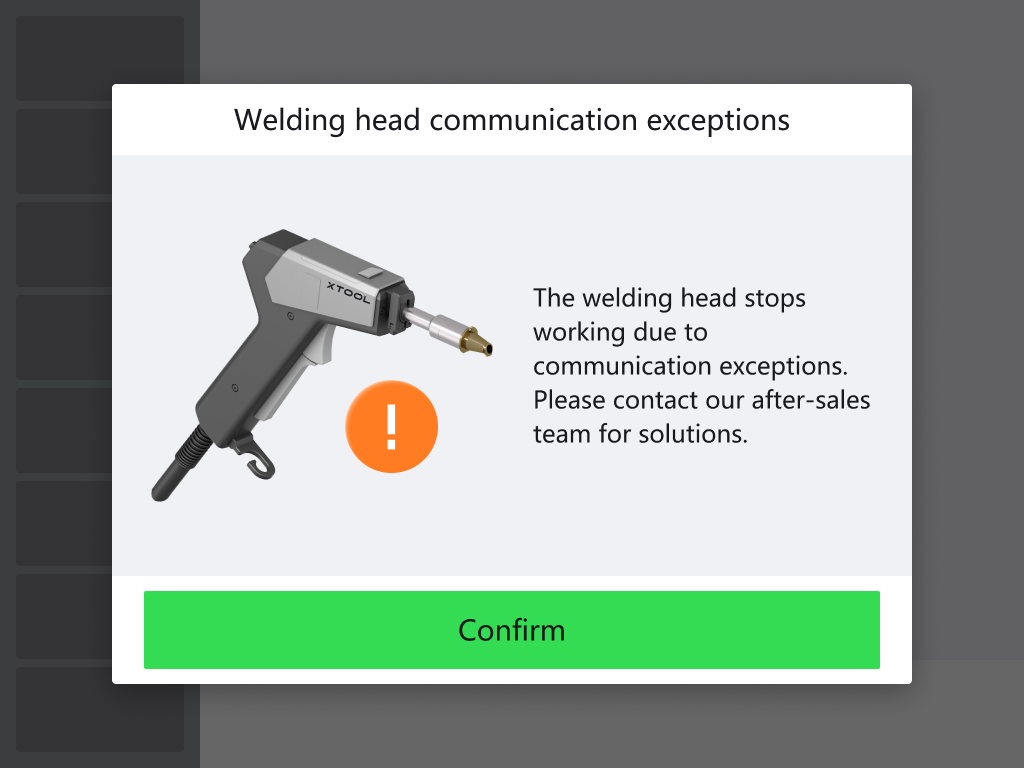
The touchscreen displays “Welding head communication exceptions” and the machine cannot be used.
Possible causes
The welding head cable may not properly connect the welding head to the main unit.
Troubleshooting procedure
Please follow these steps in order.
STEP 1: Restart the machine
Restart the machine and check if the issue persists. If the issue persists, proceed to the next step.
STEP 2: Check the welding head cable
Check if the welding head cable breaks or disconnects from the welding head. (You can turn off the machine and carefully open the black casing at the arrowed position for wire inspection.)
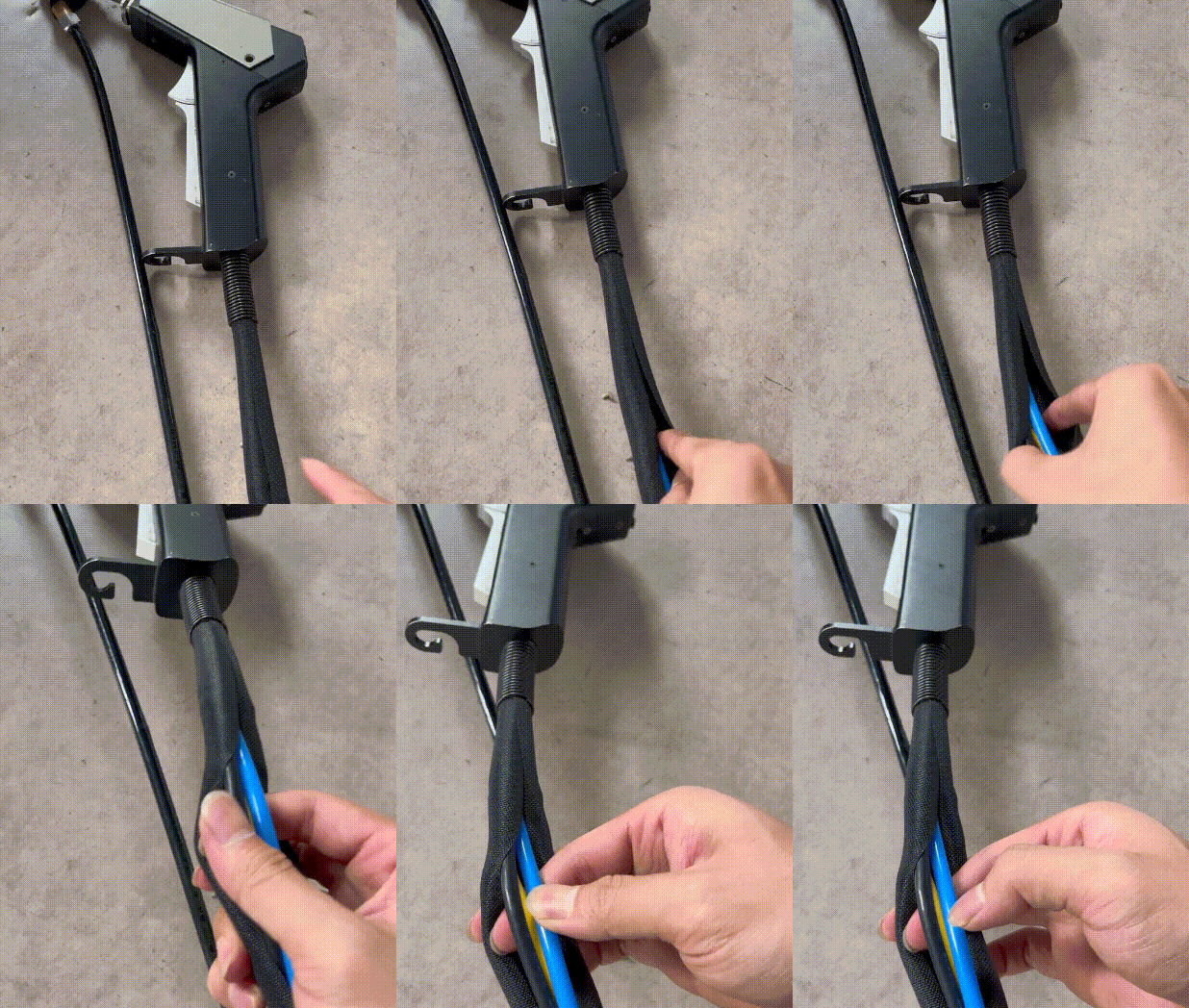
If the cable breaks or disconnects from the welding head, refer to the “Still experiencing issues?” section and contact xTool technical support team.
Still experiencing issues?
Should the issue persist after completing the preceding steps, submit a ticket via the "Submit a Ticket" button in the "Help Ticket" section below. The standard response time for xTool Customer Service is one business day.
For a prompt resolution, please include the following details:
- Issue Description: A detailed explanation of the observed problem.
- Video Evidence: Attach a video demonstrating the issue, where applicable.
- Troubleshooting Performed: Any troubleshooting steps you have already attempted, along with their results.
This information is crucial for xTool technical support engineers to provide timely assistance.
Documentation feedback
Help improve this content by providing feedback. If this content did not meet your requirements, select "No" in the "Was this page helpful?" section below. Include specific details about what was unclear or missing in the pop-up suggestion box. Feedback submissions are reviewed by xTool technical writers to enhance future documentation.

Services & Help
Learn & Education

Copyright © 2025 xTool All Rights Reserved.