
How to Place and Secure the Material Sheet on xTool MetalFab CNC Cutter
Updated Jun 13,2025
Updated Jun 13,2025
- Install the slats (do not exceed the maximum movable range of the slide rails).
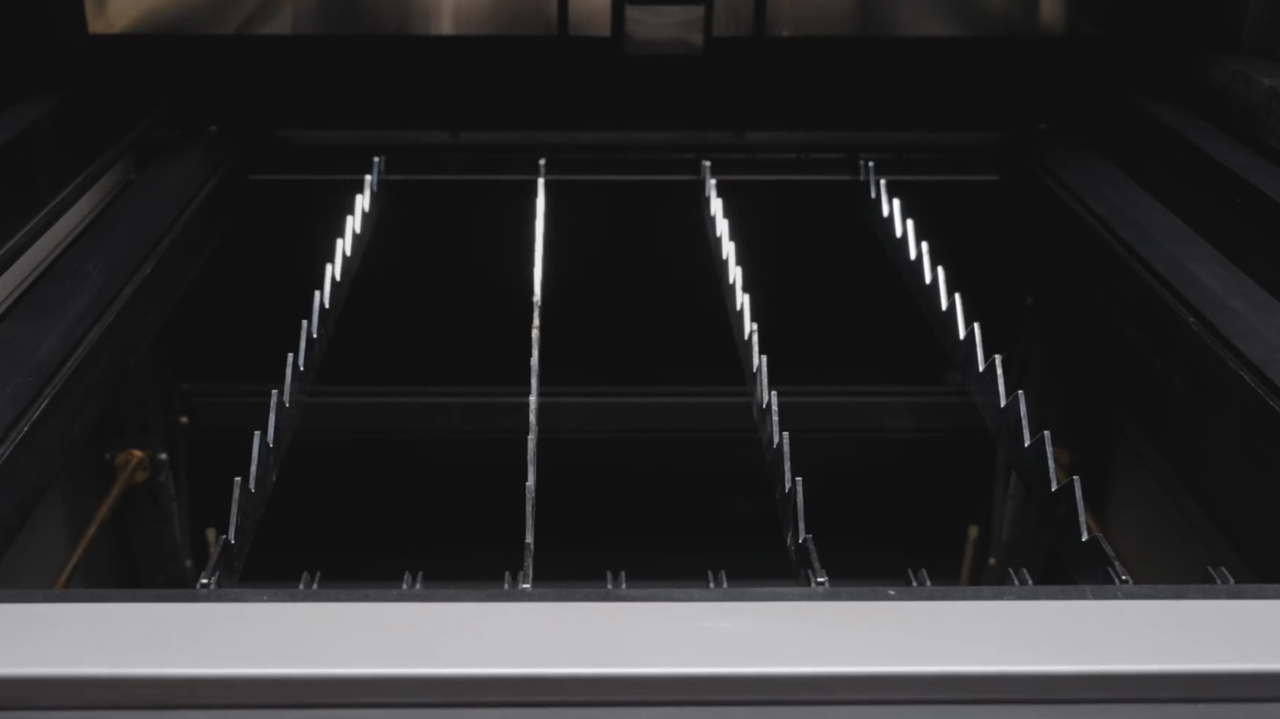
- Place the sheet on slats, and turn the knob counterclockwise to raise the fixture.
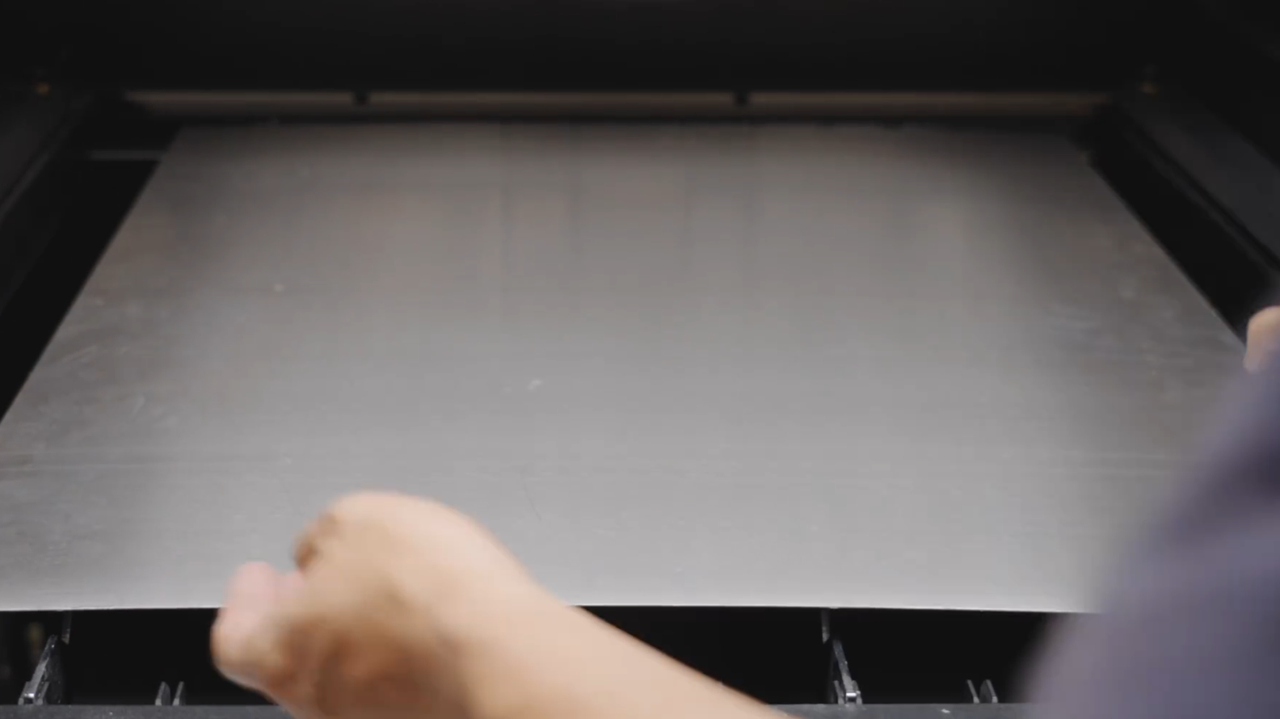 | 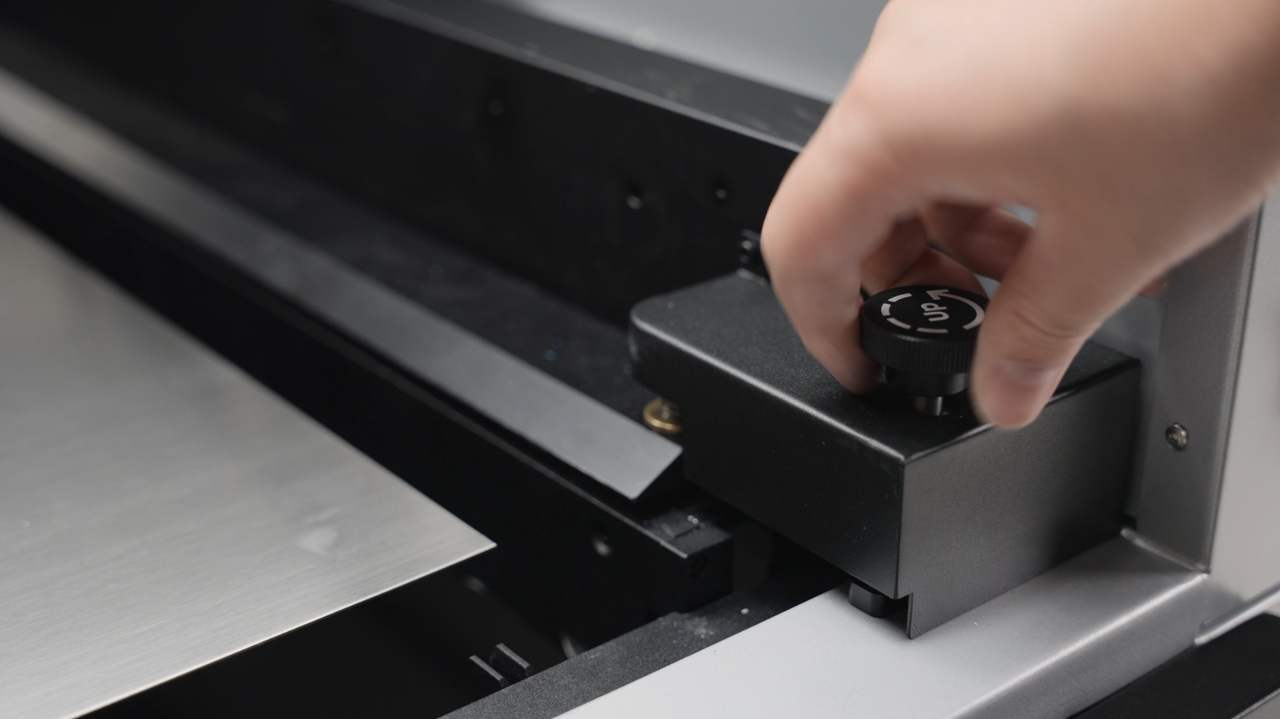 |
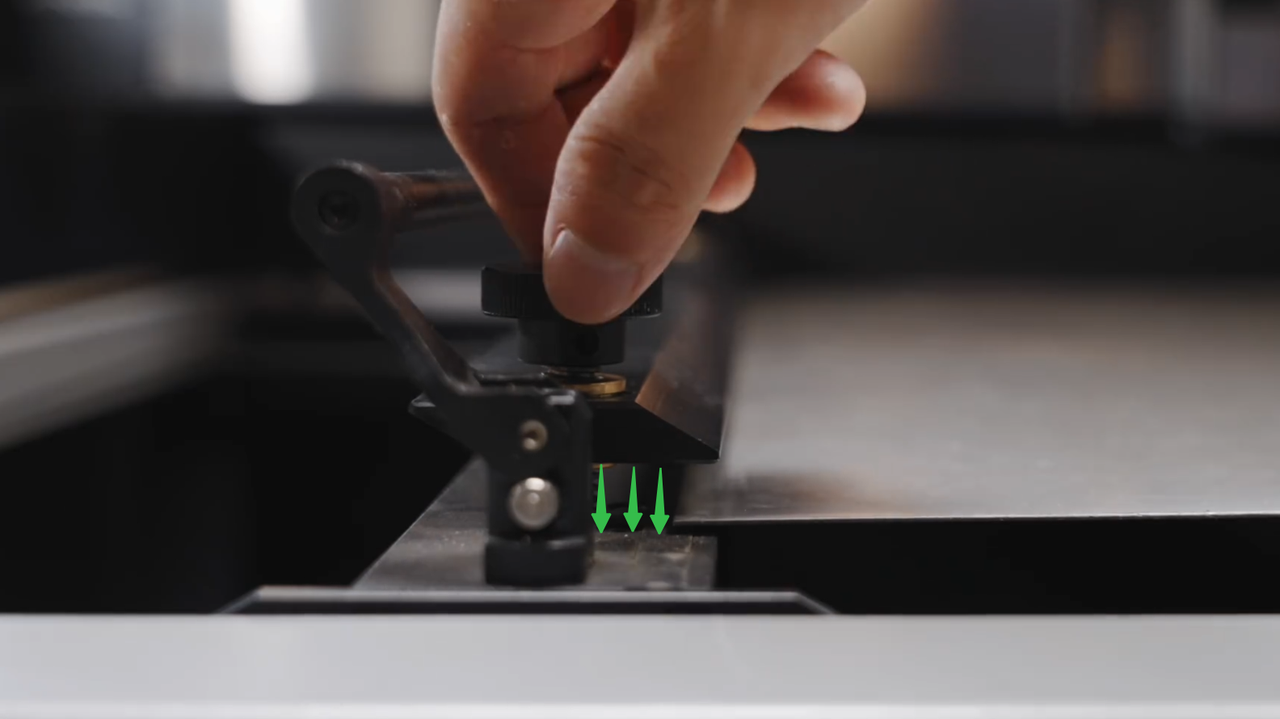
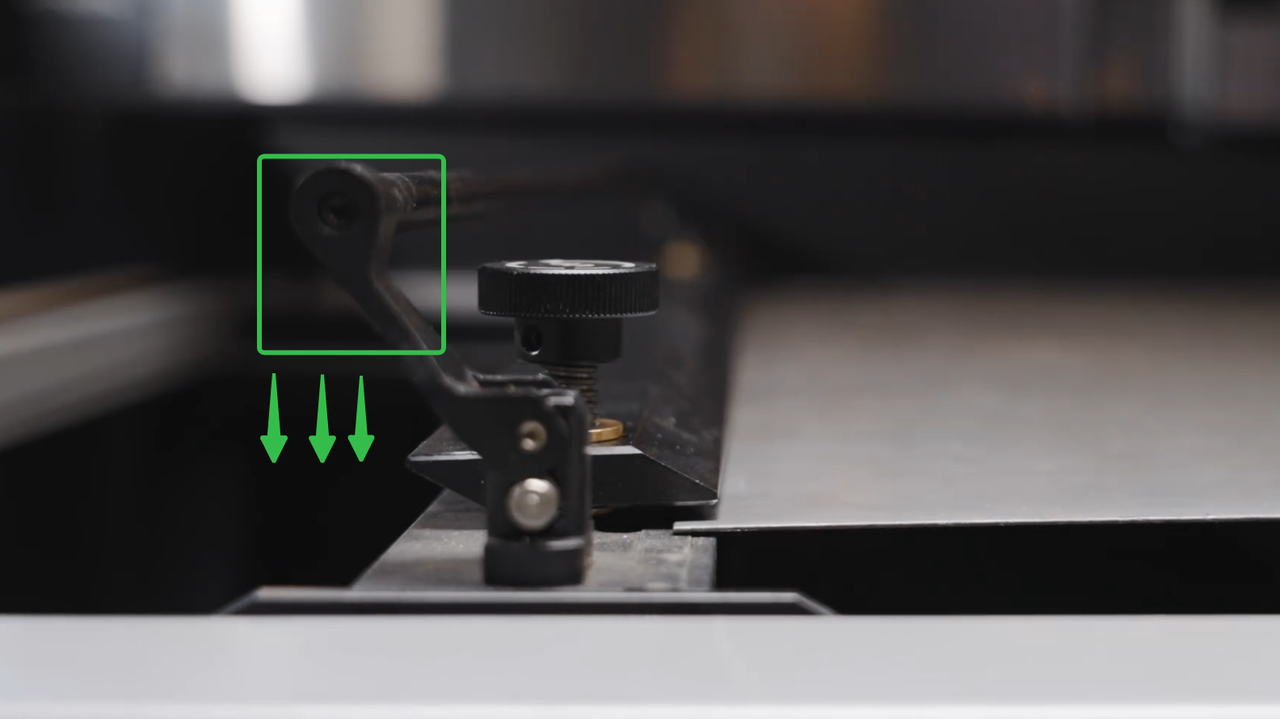
- Place the sheet material into the fixture and turn the knob clockwise on one side to tighten and secure the sheet.
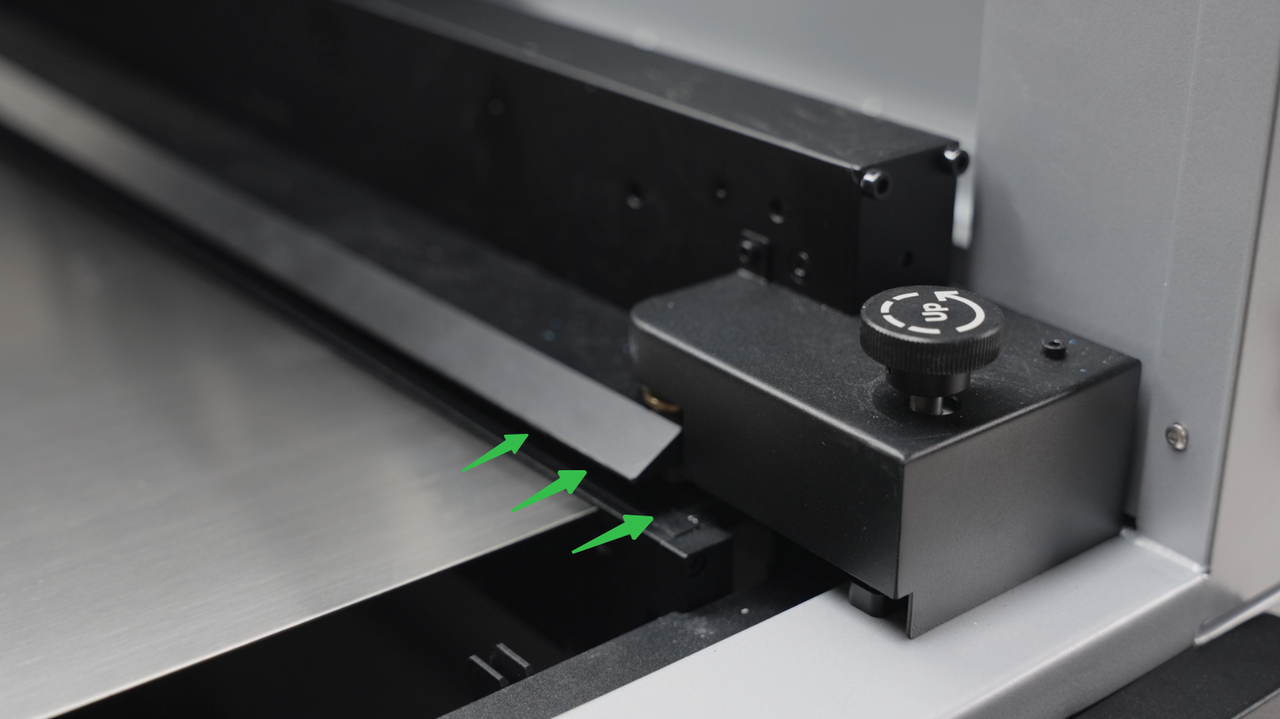 | 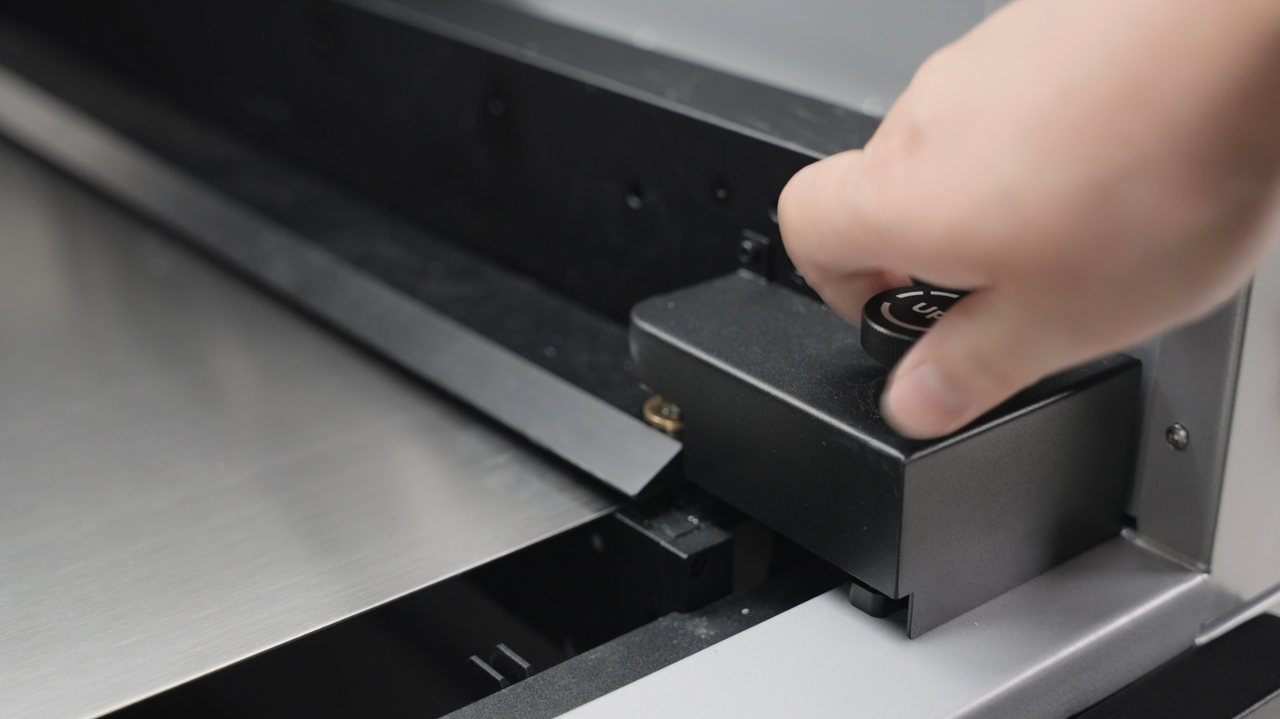 |
- After securing one side, turn the knob counterclockwise to raise the fixture, move the slide rail to position the sheet into the fixture, and then turn the knob counterclockwise to secure the fixture, clamping the sheet tightly.
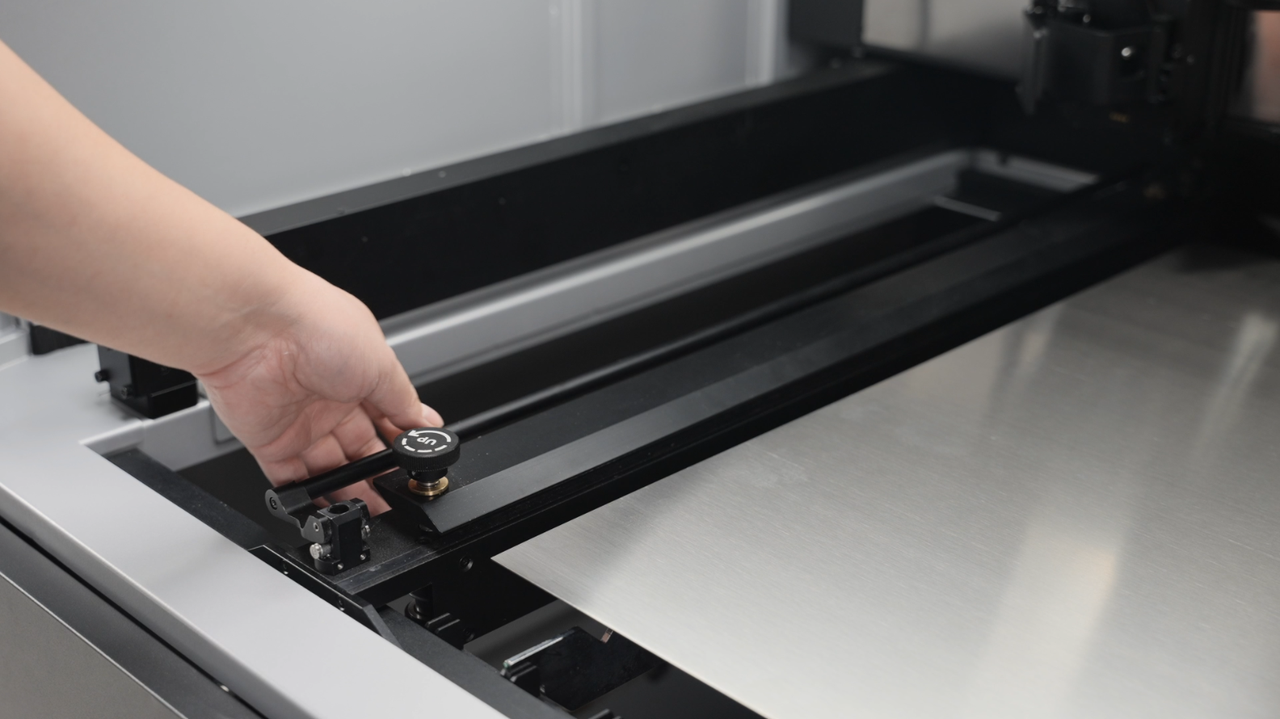 | 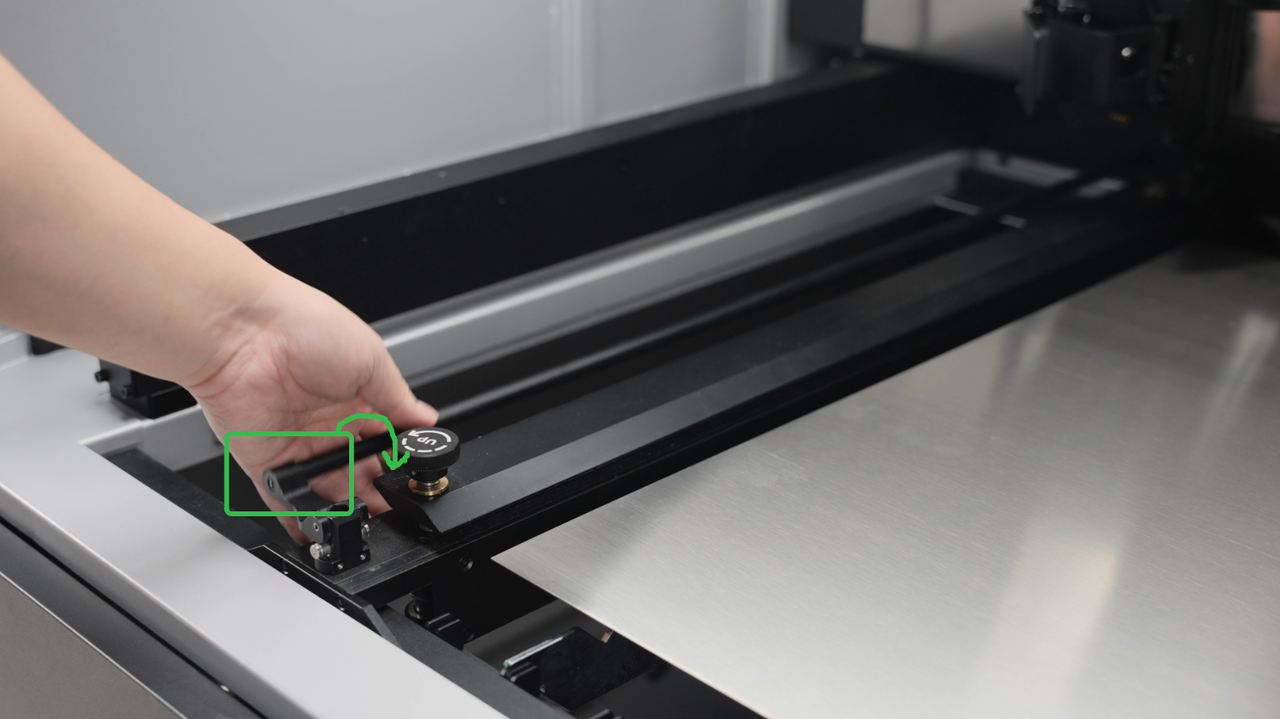 | 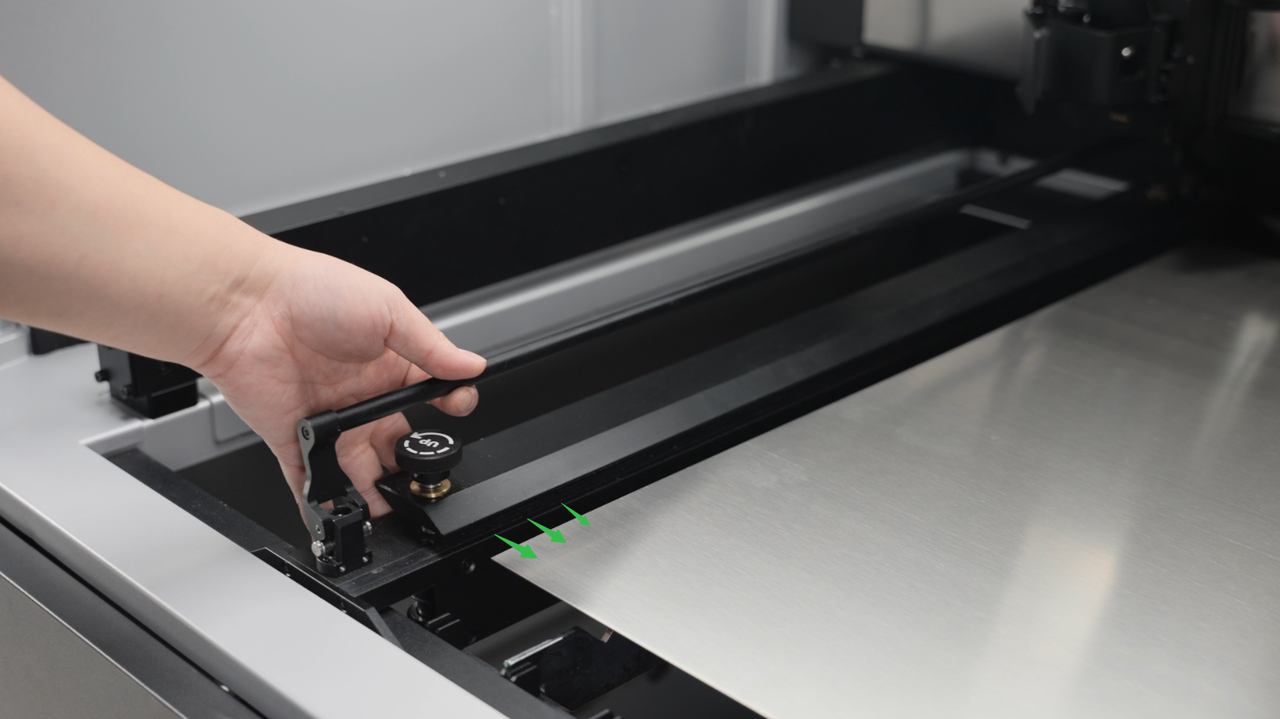 |
 |  |
Preview
Was this page helpful?
9 out of 9 found this helpful
Help Ticket
Use this help ticket to submit your issue. We will respond within 1 business day
Submit a Ticket 
