
Issue description
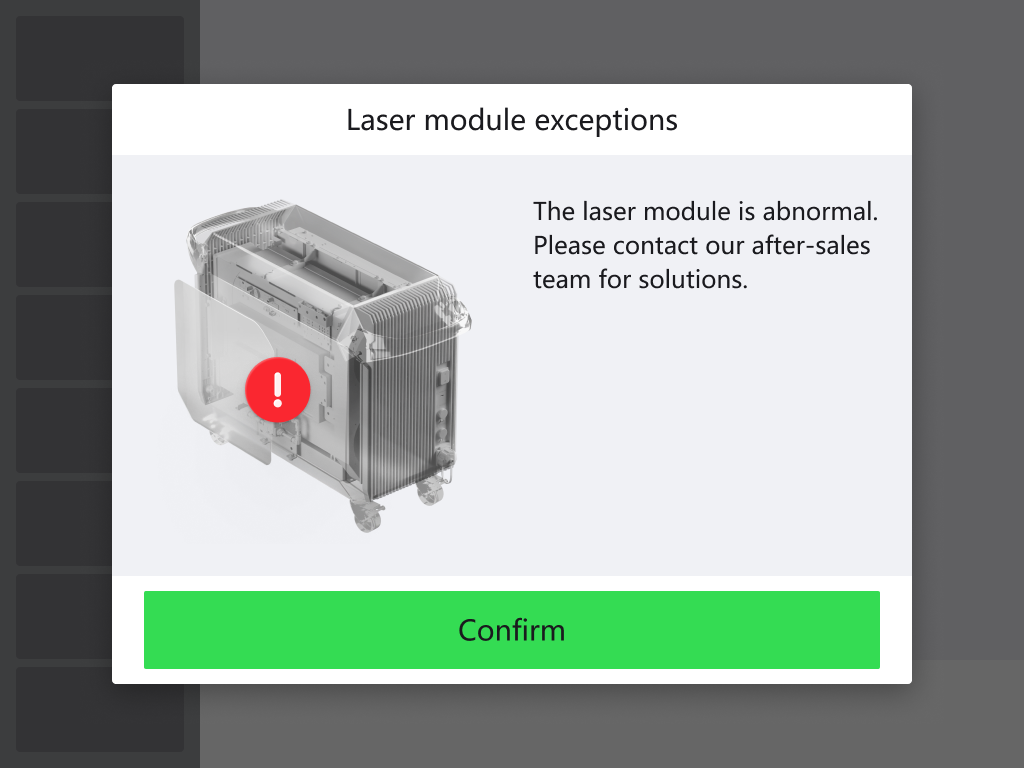
The touchscreen pops up “Laser module exceptions” and the machine cannot be used.
Possible causes
- The power supply for the device does not meet requirements.
- The power supply for the laser module may have issues such as unstable voltage or abnormal current.
- The internal circuit of the laser module may fail.
Troubleshooting procedure
Please follow these steps in order.
STEP 1: Check the power supply
Ensure that the power supply for the device meets the following requirements:
- Input power: 200 V – 240 V AC, 50/60 Hz
- Rated power: 4200 W
- Full load current: 21 A
- Power supply circuit: An individual branch circuit with a current-carrying capacity of 25 A or above is recommended.
STEP 2: Restart the machine
Restart the machine and check if the issue persists. If the issue persists, proceed to the next step.
STEP 3: Record video for diagnosis
1. After powering on the machine, record the following machine status with video:
(1) Machine starting sound
(2) Fan rotating sound
(3) At the safety relay location, check if the three indicators light up green.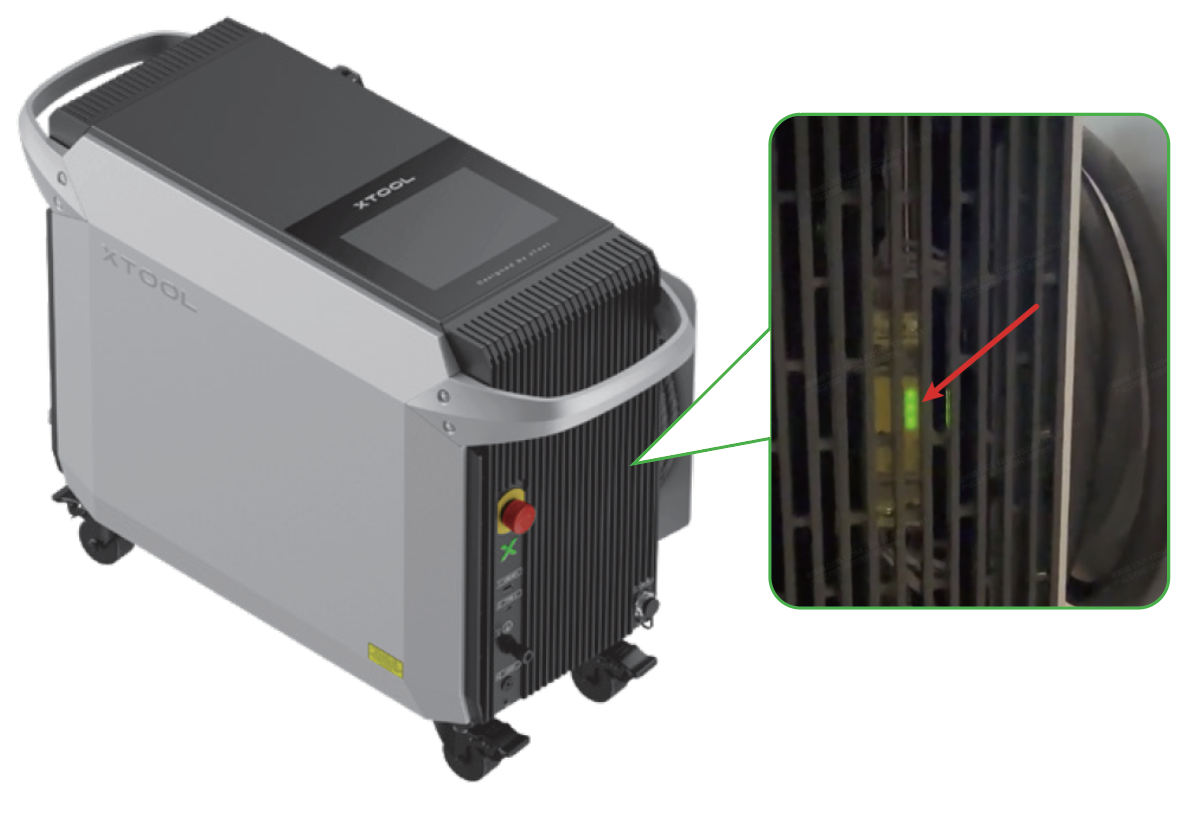
(4) Check if the welding head emits a red light spot from the nozzle.
2. Refer to the “Still experiencing issues?” section, and send the video to our support team.
Still experiencing issues?
Should the issue persist after completing the preceding steps, submit a ticket via the "Submit a Ticket" button in the "Help Ticket" section below. The standard response time for xTool Customer Service is one business day.
For a prompt resolution, please include the following details:
- Issue Description: A detailed explanation of the observed problem.
- Video Evidence: Attach a video demonstrating the issue, where applicable.
- Troubleshooting Performed: Any troubleshooting steps you have already attempted, along with their results.
This information is crucial for xTool technical support engineers to provide timely assistance.
Documentation feedback
Help improve this content by providing feedback. If this content did not meet your requirements, select "No" in the "Was this page helpful?" section below. Include specific details about what was unclear or missing in the pop-up suggestion box. Feedback submissions are reviewed by xTool technical writers to enhance future documentation.

