
Troubleshoot "Smoke Exhaust Fan Not Working" for xTool MetalFab CNC Cutter
Updated Jul 7,2025
Updated Jul 7,2025
Issue description
If you encounter a pop-up error message showing "Smoke exhaust fan not working" in XCS, please follow this troubleshooting guide to resolve this issue.
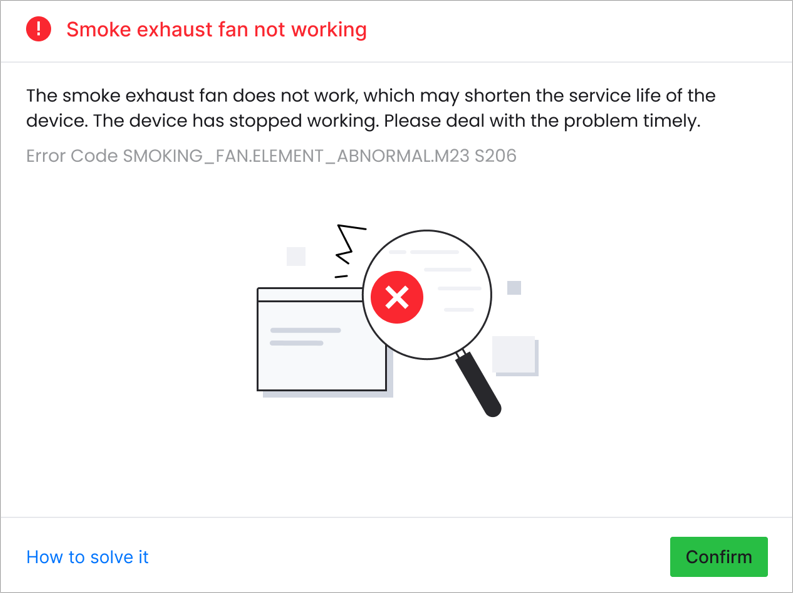
Possible causes
- Loose main unit connection: The fan may not be securely connected to the main unit.
- Poor connection with the main control board: The fan connector may not be properly seated on the main control board.
Detailed procedure
Step 1: Check fan connection with main unit
- Power off the machine.
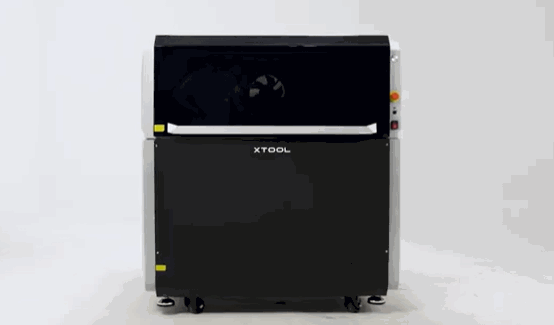
- Remove the smoke exhaust fan.
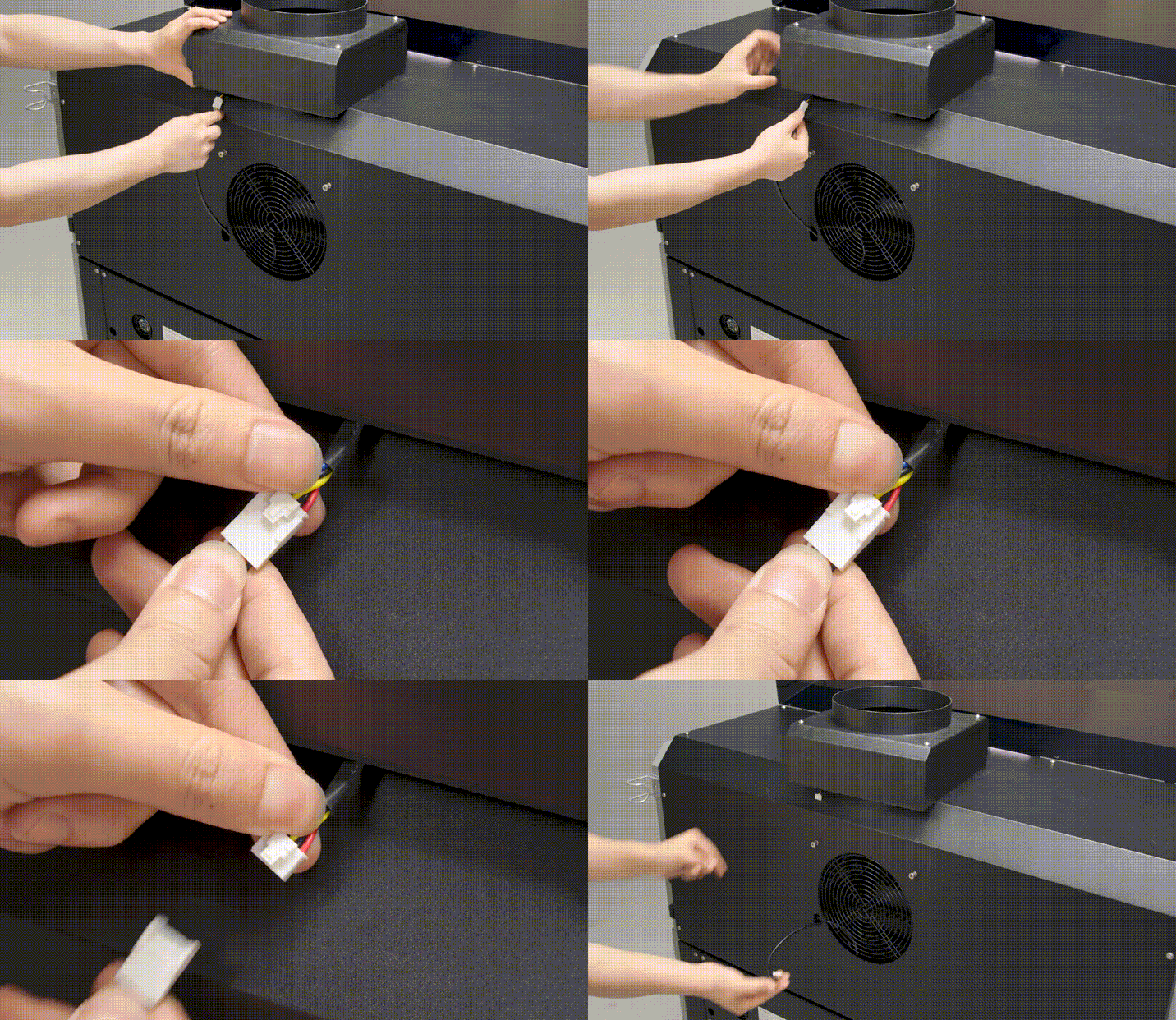
- Reconnect the connectors of the fan and the main unit, then check if the cables are damaged.
- If cables are damaged: Prepare a video recording your troubleshooting process and results, then contact xTool Customer Service for further assistance.
- If cables appear normal: Proceed to the next step when the issue is not resolved.
Step 2: Check fan connection with main control board
- Power off the machine.
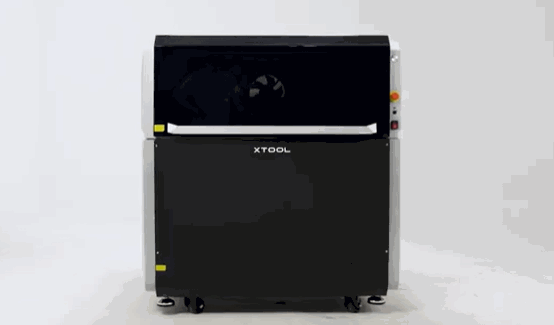
- Loosen the six screws with a 2.5 mm hex key and remove the rear plate of the machine.
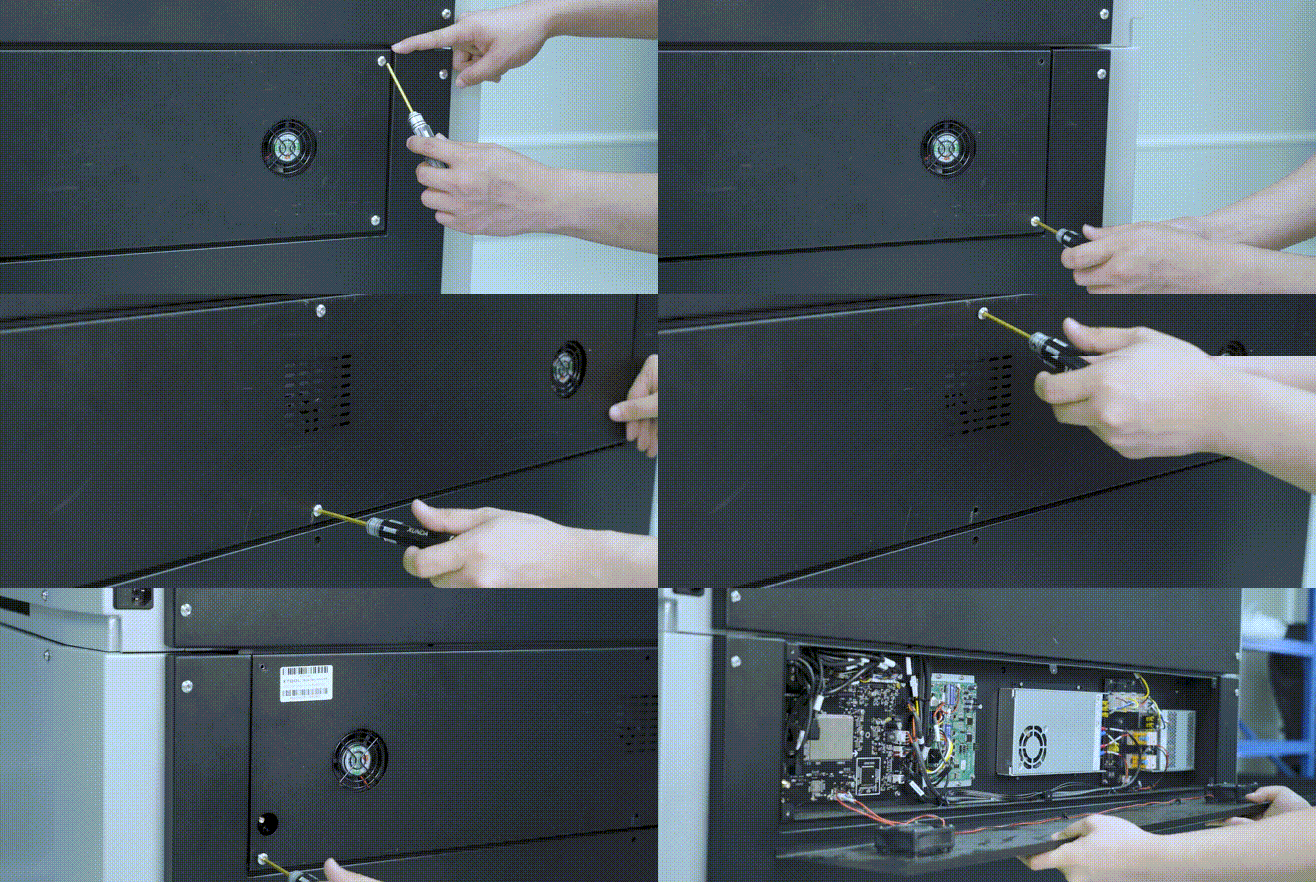
- Locate the connector labeled "FAN", unplug, and firmly reconnect it.
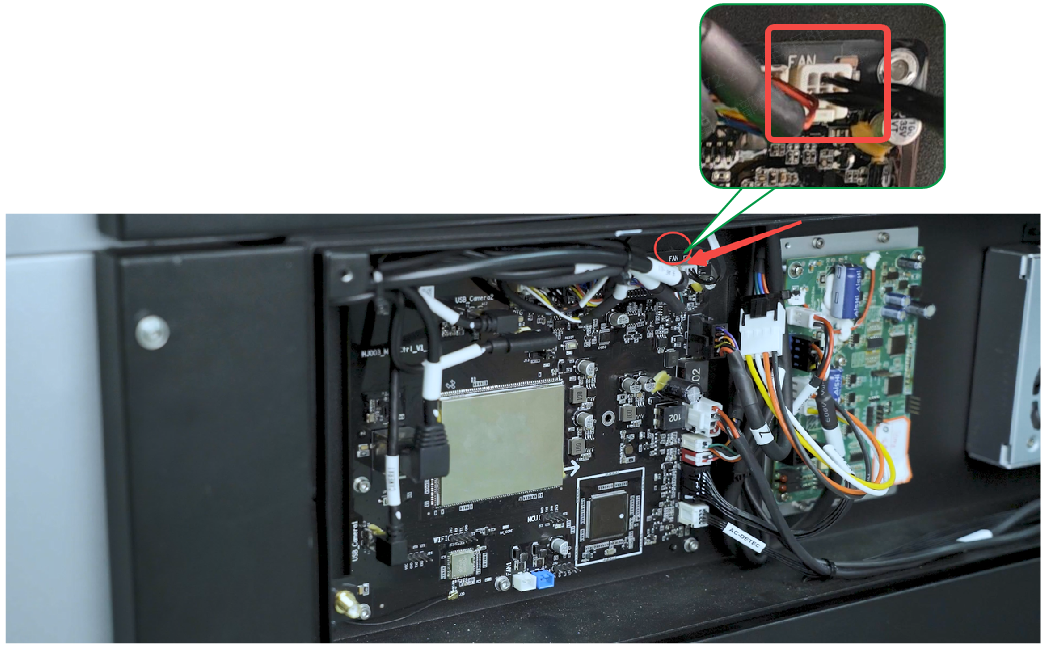
- Reboot the machine to see if the issue is resolved.
- If none of these steps resolve the issue, please prepare a video recording your troubleshooting process and results and contact xTool Customer Service for further assistance.
Help us improve
If this article or video doesn't effectively assist you in resolving the issue, please let us know by clicking the “No” button in the “Was this page helpful?” section below, and leave your feedback in the pop-up suggestion box. Our knowledge base team will review it and consider it for future updates.
Still need help?
If you need any human assistance, please create a ticket by clicking the “Submit a Ticket” button in the “Help Ticket” section below. Our service team will get back to you in 1 business day via E-mail.
Preview
Was this page helpful?
4 out of 4 found this helpful
Help Ticket
Use this help ticket to submit your issue. We will respond within 1 business day
Submit a Ticket 
