Issue description
While you are operating your xTool D Series laser engraver, an error message may appear in the xTool Creative Space (XCS) software stating "Light interference occurs", often accompanied by the error code M363 N1.
- This section provides the cause and solution for this specific issue. Consult the following for troubleshooting advice.
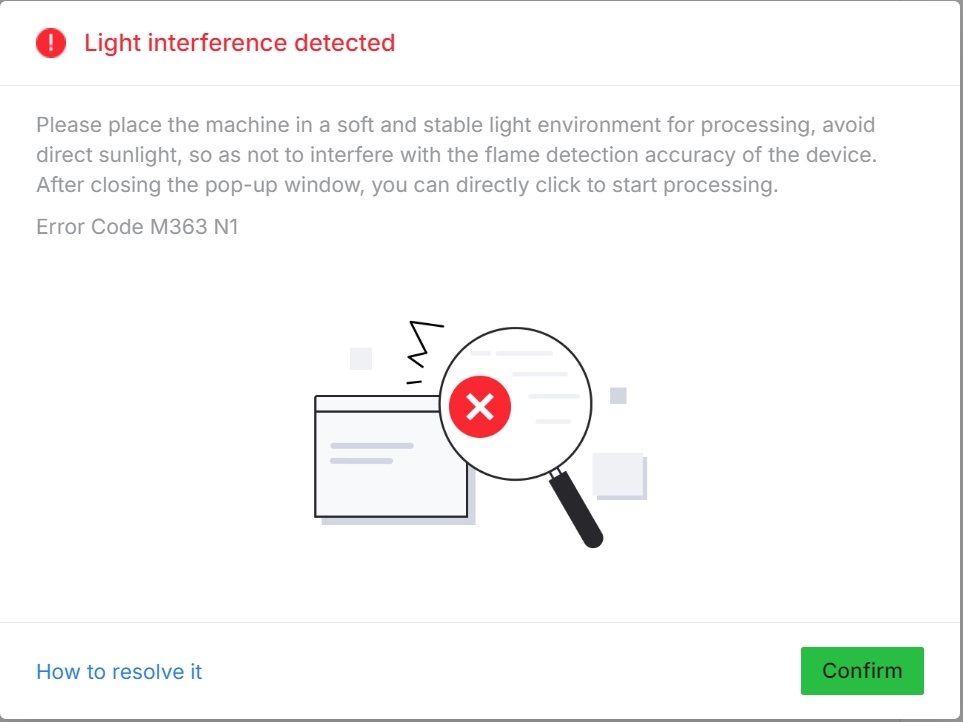
Light interference occurs | Error code: M363 N1
Cause
The laser module on your D Series machine is equipped with a highly sensitive flame detection sensor. This sensor's primary function is to enhance safety by detecting potential flare-ups during processing.
However, the light spectrum of intense, direct sunlight contains wavelengths that partially overlap with those of a flame. When the machine is operated in an environment with strong, direct light (especially sunlight), the flame sensor can misinterpret this bright ambient light as a potential fire, triggering the "Light interference" error as a safety precaution before processing begins.
Recommended actions
To prevent this error from occurring:
- Avoid bright light exposure: DO NOT place the machine in areas with direct sunlight or intense artificial lighting.
- Choose stable lighting environments: Operate the machine in locations with consistent, moderate lighting levels.
- Avoid problematic locations:
- Near windows with direct sunlight;
- On balconies or outdoor areas;
- Under bright overhead lights; or
- In areas where lighting conditions change frequently.
Additional tips
- If you must operate in a bright environment, consider using an xTool Enclosure to reduce light exposure to the laser module area.
- Test the machine in different locations if the error persists.
- Ensure the flame detection sensor is clean and unobstructed. If the sensor is dirty due to dirt buildup, clean the sensor if needed.
- Use a cotton swab dampened by anhydrous ethanol to clean the surface of the sensor.

Location: Flame detection sensor on the laser module of xTool D Series
If the error continues after relocating the machine to a darker environment, proceed to the "Still experiencing issues?" section to contact xTool Customer Service for further assistance.
Still experiencing issues?
Should the issue persist after completing the preceding steps, submit a ticket via the "Submit a Ticket" button in the "Help Ticket" section below. The standard response time for xTool Customer Service is one business day.
For a prompt resolution, please include the following details:
- Issue description: A detailed explanation of the observed problem.
- Video evidence: Attach a video demonstrating the issue, where applicable.
- Troubleshooting performed: Any troubleshooting steps you have already attempted, along with their results.
This information is crucial for xTool technical support engineers to provide timely assistance.
Documentation feedback
Help improve this content by providing feedback. If this content did not meet your requirements, select "No" in the "Was this page helpful?" section below. Include specific details about what was unclear or missing in the pop-up suggestion box. Feedback submissions are reviewed by xTool technical writers to enhance future documentation.