
xTool Store
The Template for Product Failure Description
Updated Sep 6,2023
Updated Sep 6,2023
In order to solve the problem for you more quickly, please refer to the documentation to provide the corresponding information as much as possible.
1. Product Damage/Product Loss
Category | Required Information | Provide photos? |
Damage |
Pictures of broken and deformed products
| Yes |
Loss |
| Yes |
You can refer to the document below for the information mentioned above.
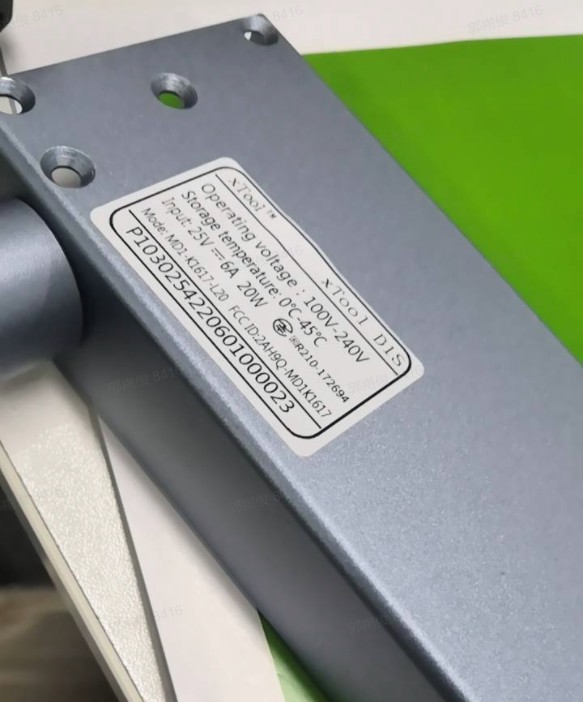
1) SN barcode(take D1 as an example)
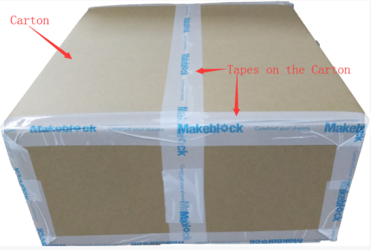
2) Pictures of the outer box sealer
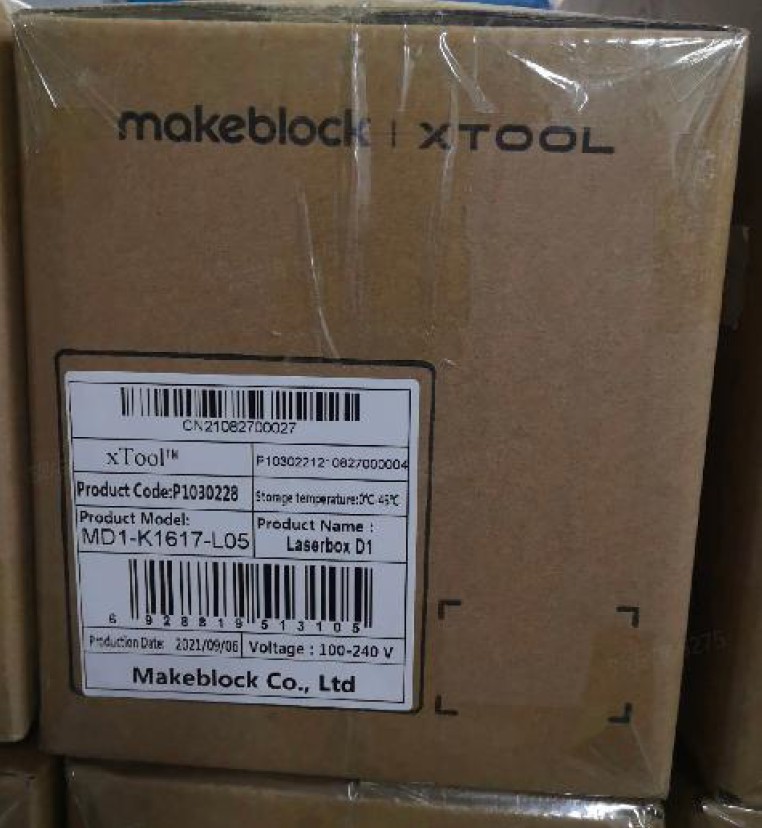
3) Logistics sweep label and production box label picture
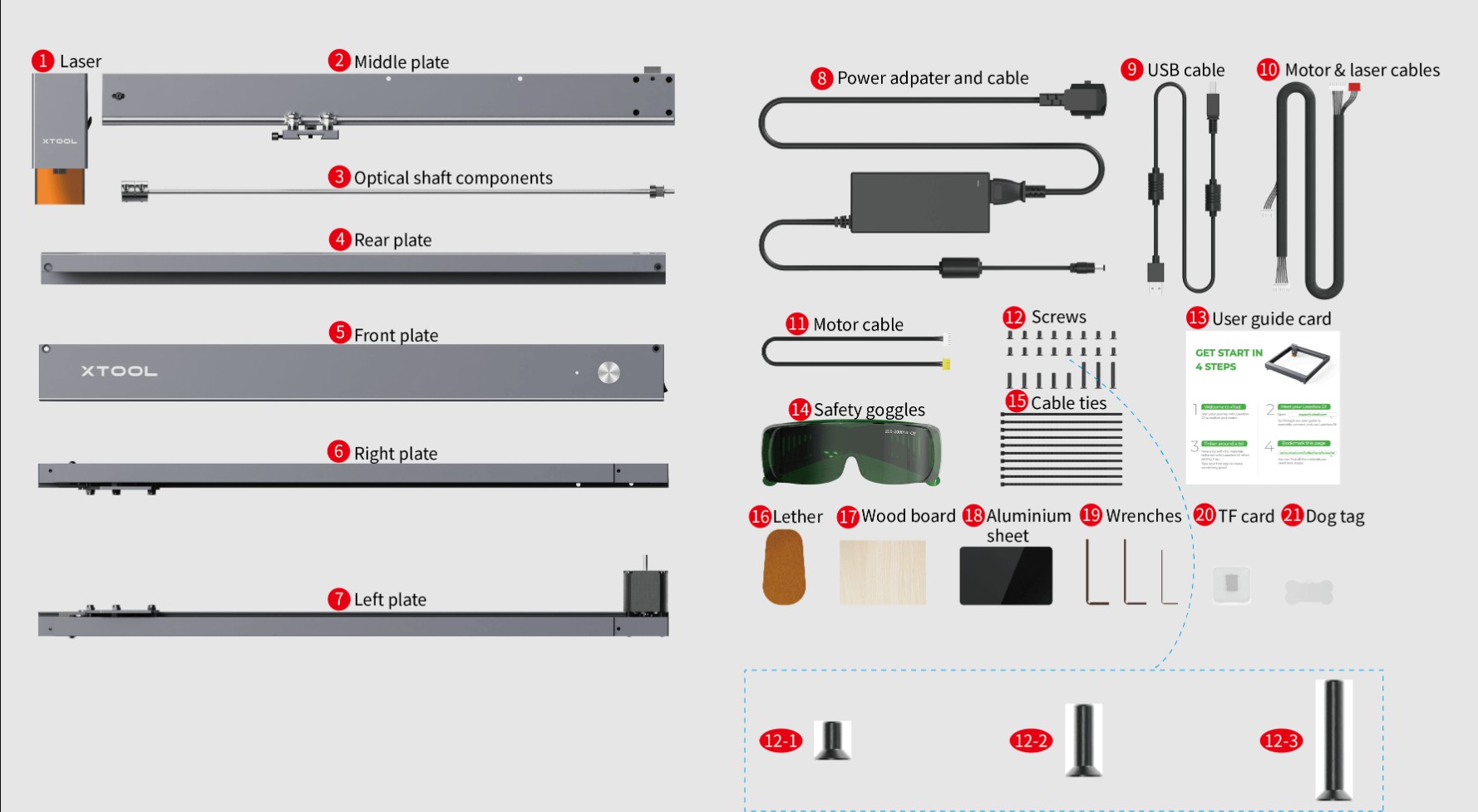
4) The internal picture of the product
5) Pictures of broken and deformed products
2. Poor Processing Results
- Firmware version
- Software version
- Pictures of processing effects
- Engraving/Cutting Parameters
- Export processing file
You can refer to the document below for the information mentioned above.
3. Software/Firmware issues
- SN barcode
- Firmware version
- Software version
- Failure Videos
- Work log
Preview
Was this page helpful?
0 out of 0 found this helpful
Help Ticket
Use this help ticket to submit your issue. We will respond within 1 business day
Submit a Ticket Tags
Help Ticket
Use this help ticket to submit your issue. We will respond within 1 business day
Submit a Ticket 
Services & Help
Learn & Education

Copyright © 2025 xTool All Rights Reserved.