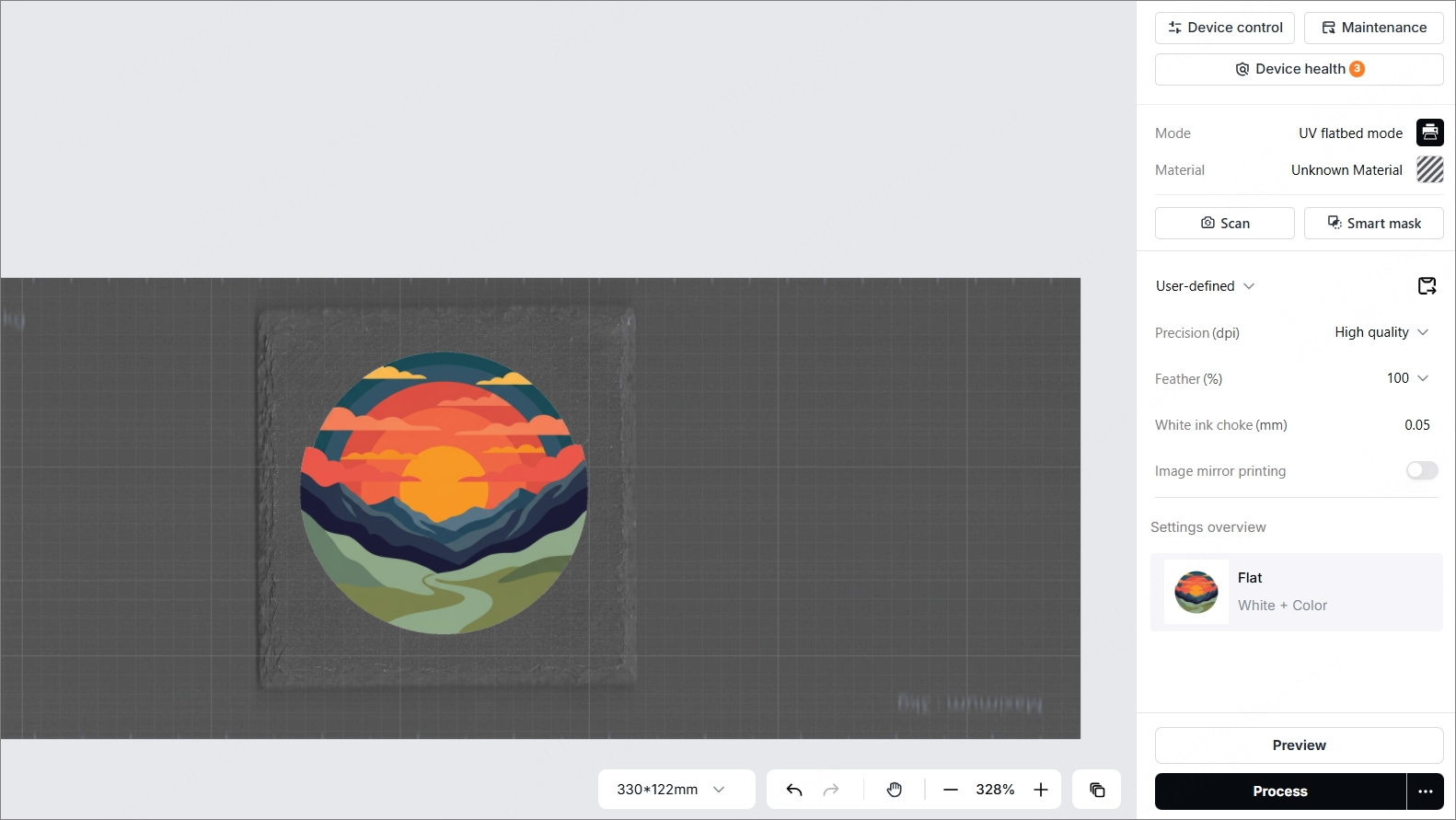
Create a Flat Print on a Rock Coaster
 xTool Official
Introduction
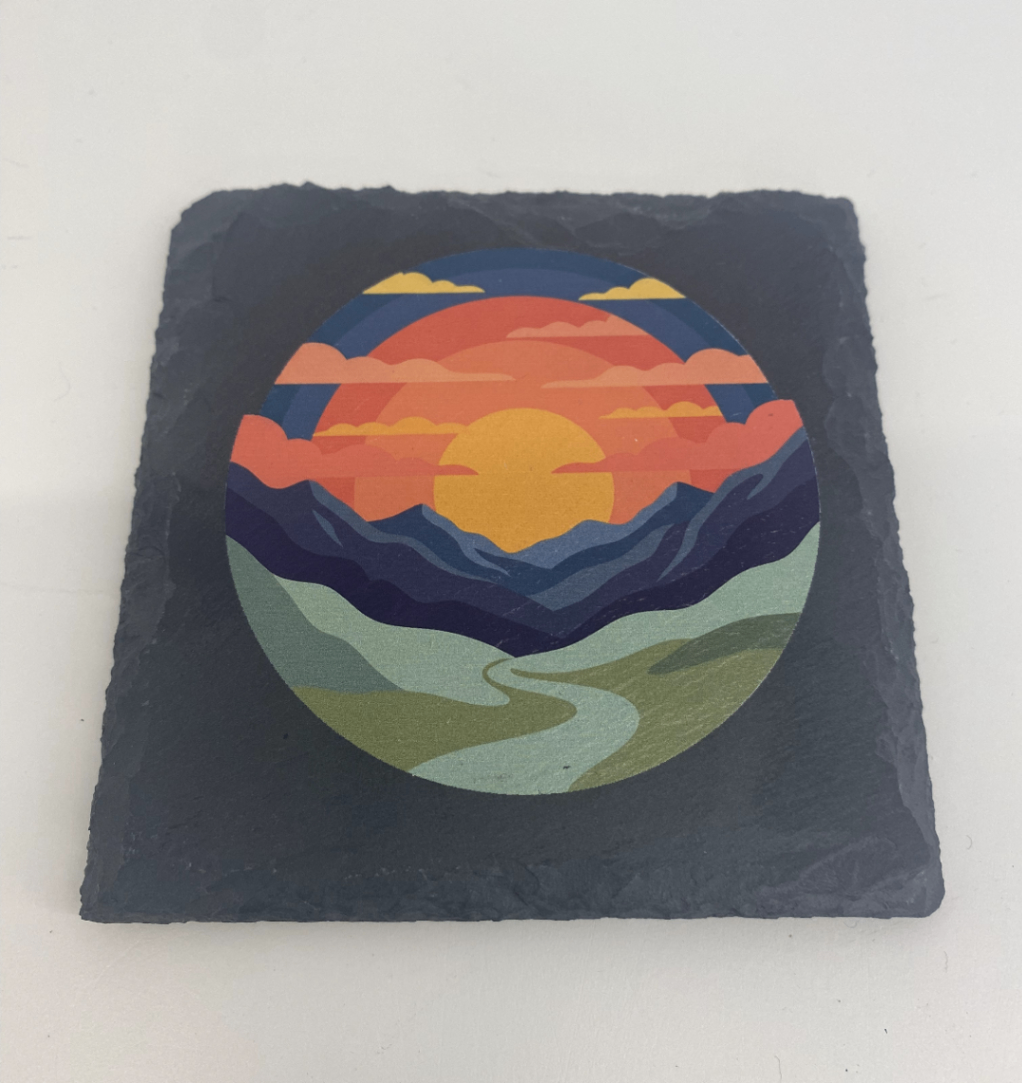
In UV flatbed mode, xTool O1 Omni Printer supports printing patterns on rigid, flat objects in three modes: Flat, Texture, and Relief. This document walks you through the flat printing process using a rock coaster as an example.
Preparations
- A rock coaster
- .xs processing file
- xTool O1 Omni Printer (properly assembled and calibrated)
- A computer with xTool Studio installed
Steps
Step 1: Connect O1 to your computer
Follow the instructions in Connect O1 Omni Printer to connect O1 to your computer.
Step 2: Place the rock coaster
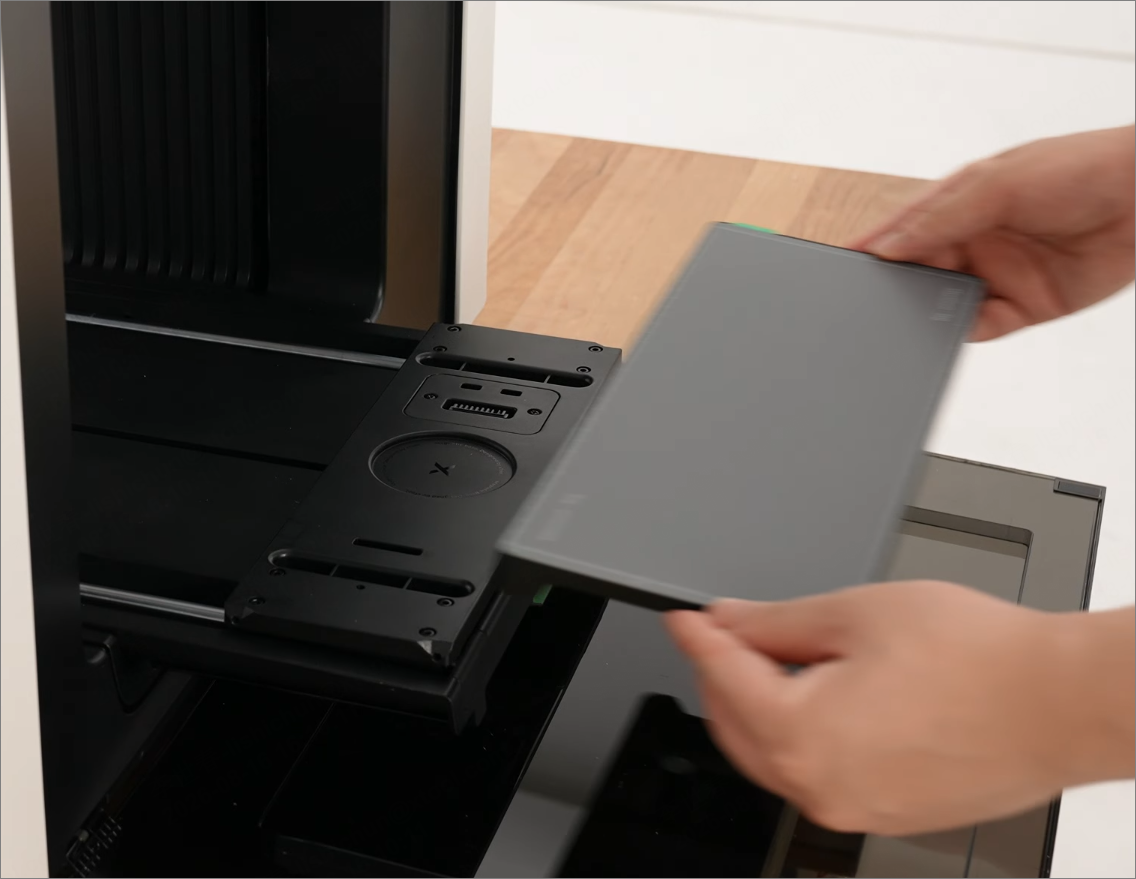
1. Install the mini baseplate with the mini adhesive mat attached. |
|
2. Place the rock coaster onto the mini adhesive mat. |
|
3. Press the device button to move the printing platform into the printer. |
|
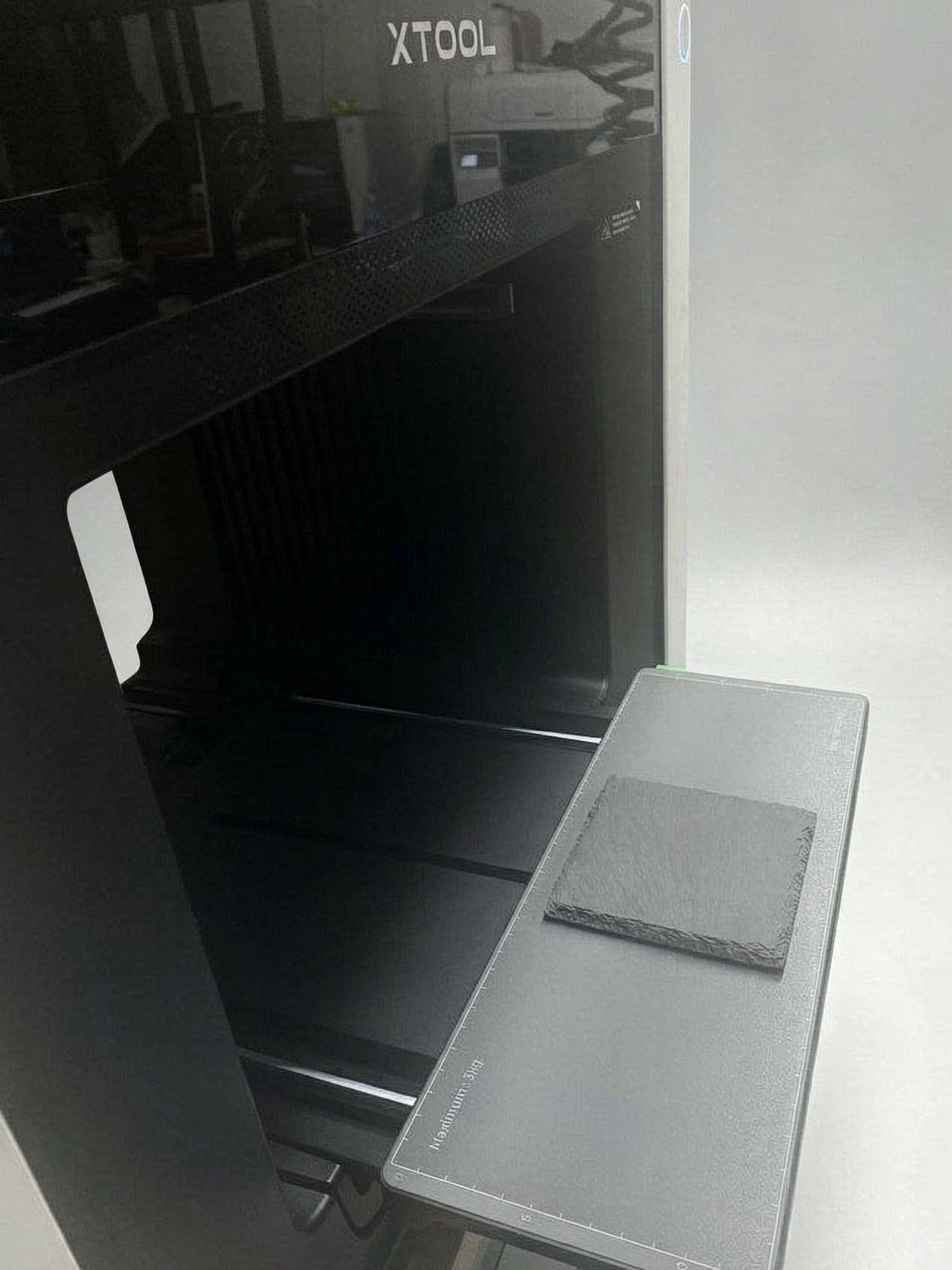
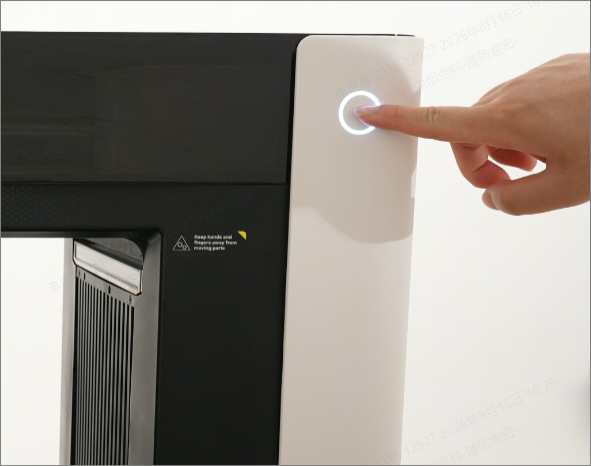
Step 3: Set processing parameters
1. Select mode: UV flatbed mode |
|
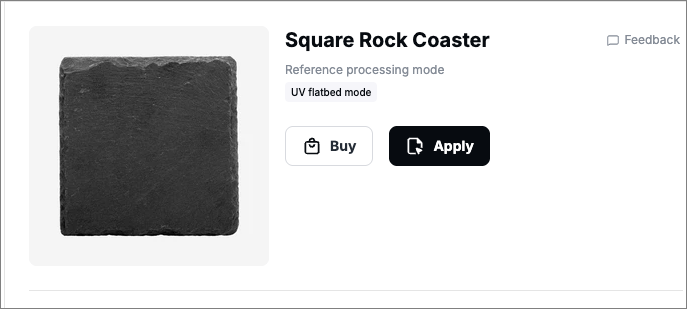
2. Select the material: Square Rock Coaster |
|
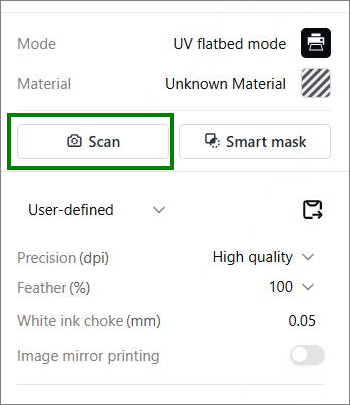
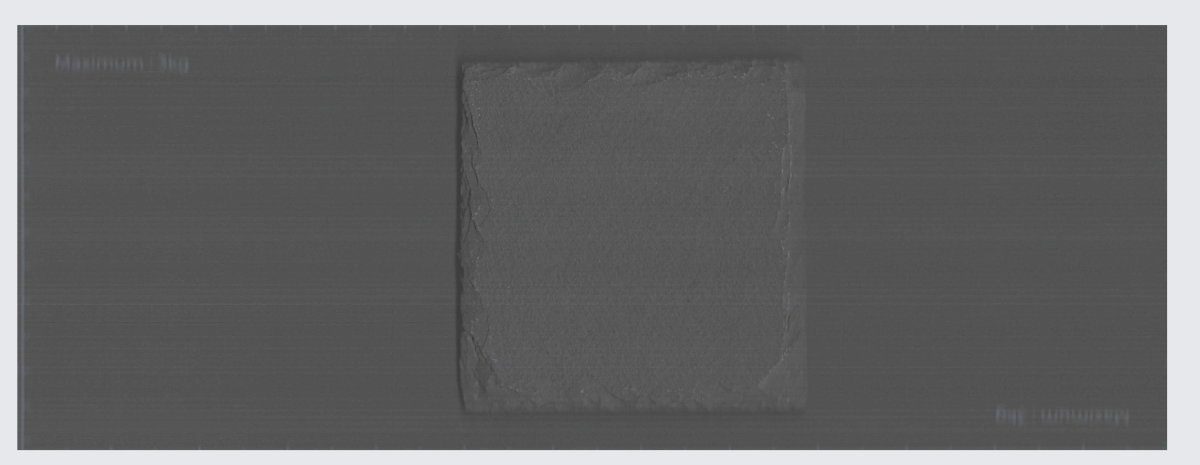
3. Click Scan to capture the workspace background. |
|
| |
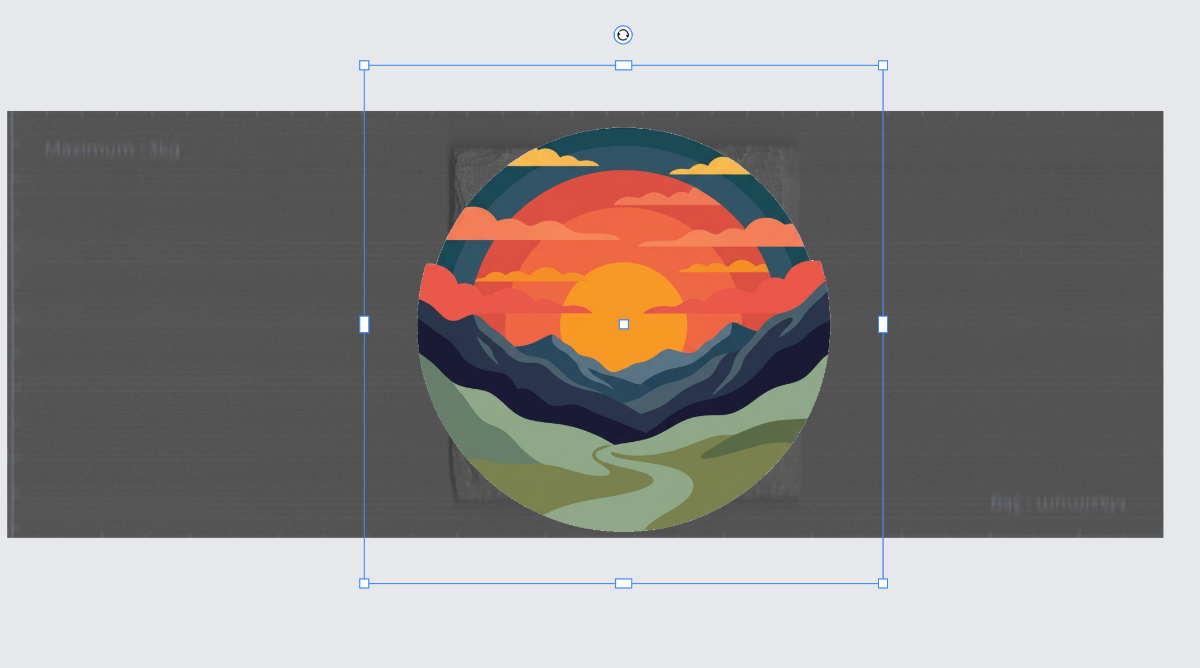
4. Drag the pattern into the canvas, or import it. |
|
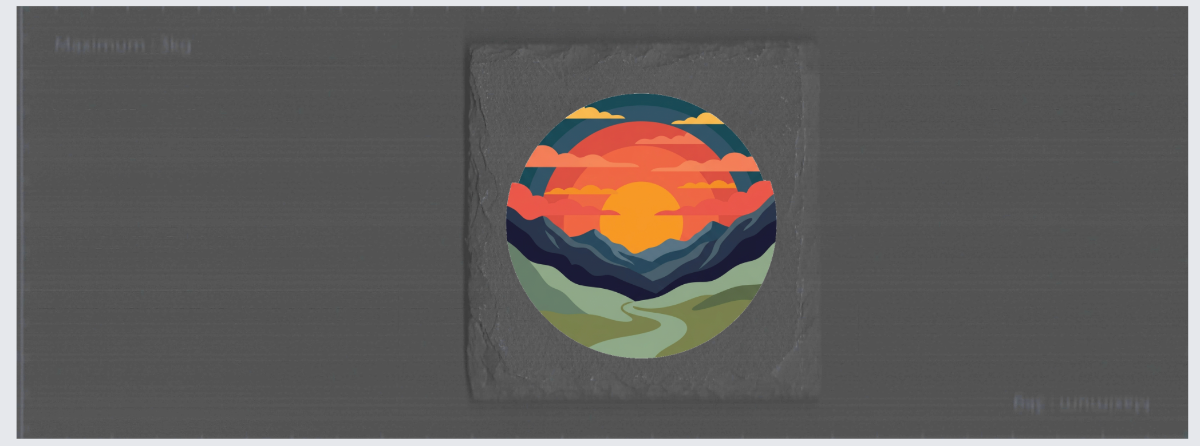
5. Drag the pattern to adjust its position and size to make it match the rock coaster. |
|
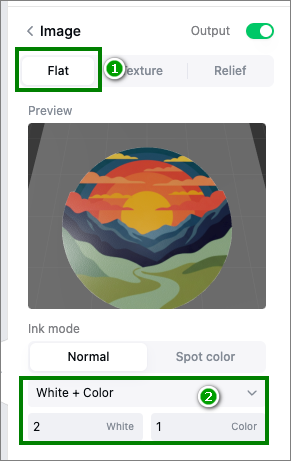
6. In the lower-right corner, set parameters as follows:
🌟 White ink is used to cover the original color of the substrate and provide a proper base for color printing.
|
|
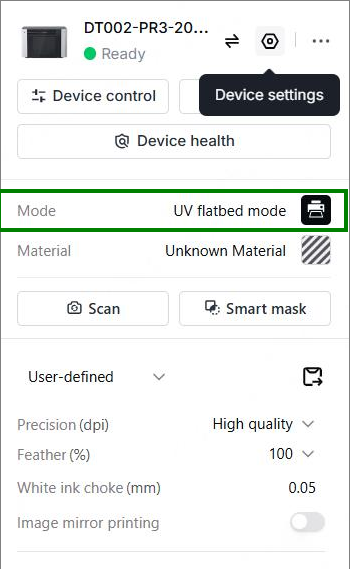
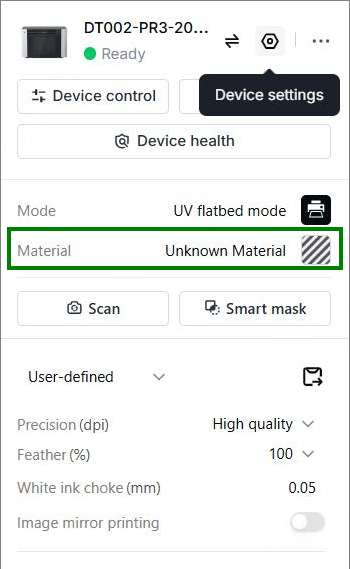
Step 4: Complete printing
1. Click Process in the lower-right corner. |
|
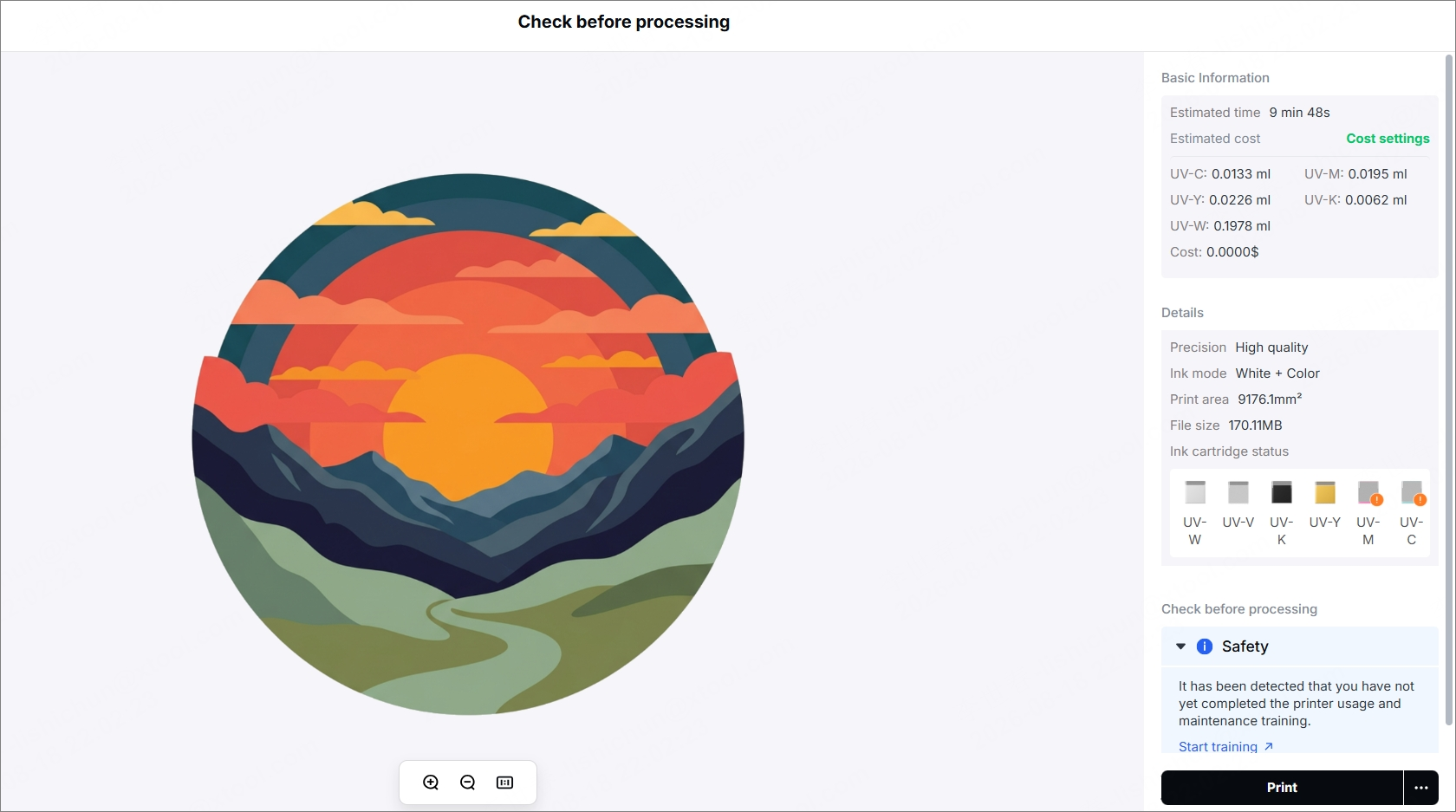
2. A printing confirmation page appears, showing the estimated processing time and ink cost. After confirming the information, click Print in the lower-right corner. Wait for the printing to finish. |
|