
Perform UV and Blue-Light Laser Calibration for xTool F2 Ultra UV
When to perform UV and blue-light laser calibration
Perform calibration if either of the following issues occurs to ensure processing accuracy:
1. Inaccurate thickness measurement: With no material on the baseplate, Auto Focus returns a thickness measurement that deviates significantly from the expected value.
2. Significant processing position offset: The material surface is flat and the thickness is set correctly, but the actual processing position deviates significantly from the position set on the canvas.
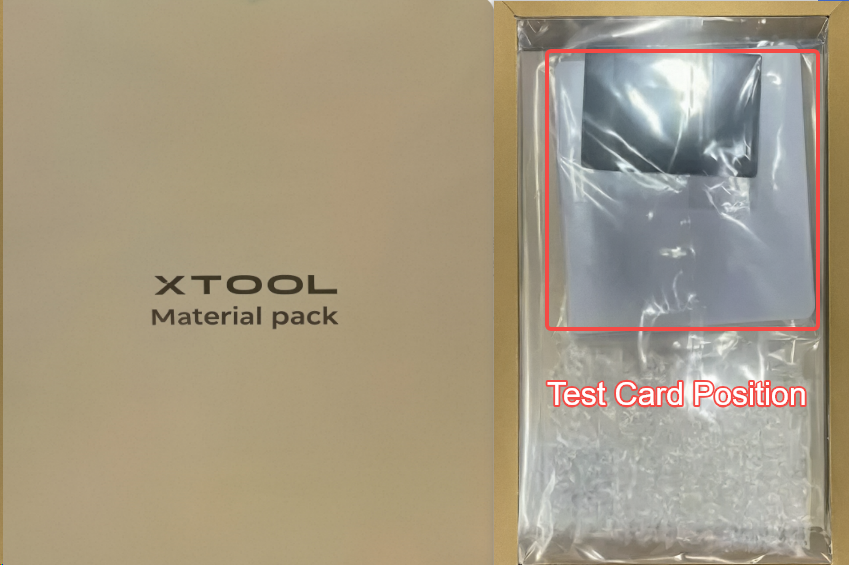
Where to find the test cards
You can find the test cards in the material pack, as shown below.
Perform UV and blue-light laser calibration
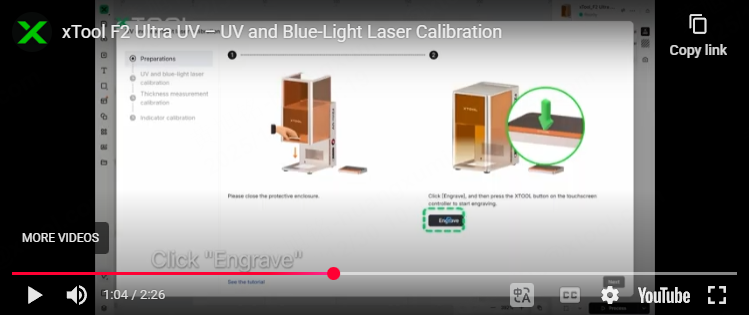
Follow the video below to perform the calibration.
Note: If you do not see the "Engrave" button shown at the 1:04 mark in the video screenshot, it may be because you're using a small screen. In this case, scroll down the page to locate the button.
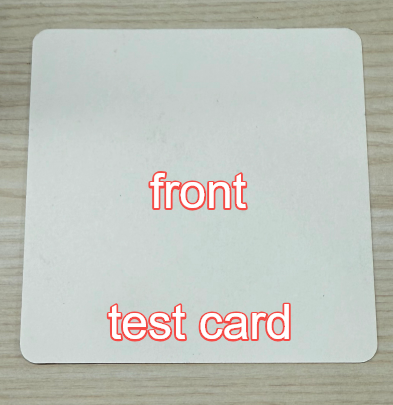
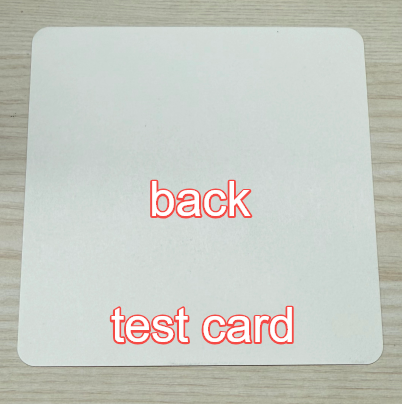
Note: Use the test card for UV and blue-light laser calibration.
Test card (both sides are blank)
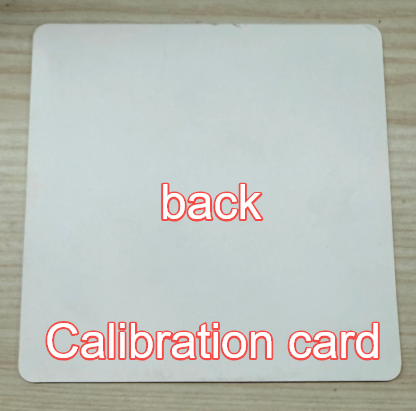
DO NOT use the calibration card for UV and blue-light laser calibration.
Calibration card (one side blank, the other side with black dots)
More information
Inner Engraving Work Area Calibration for xTool F2 Ultra UV
Start Z-axis Calibration for Inner Engraving with xTool F2 Ultra UV

