Machine CourseBeginnerM2
Rotary Engraving with M2
Add the Rotary Attachment 3 to engrave cylindrical objects on the M2.
2 Units
20 min
Subscribe
Overview
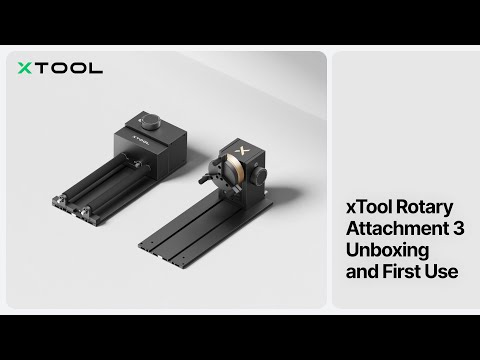
Open up the M2 to cups, tumblers, wine bottles, and other cylindrical pieces. This course covers the full Rotary Attachment 3 (RA3) user guide plus the simpler RA3 Lite workflow — chuck mode, roller mode, project setup, and your first rotary engraving.
What You'll Learn
Install and align RA3 and RA3 Lite on the M2
Choose between jaw chuck mode and roller mode by object shape
Set the correct rotary parameters in xTool Studio
Process cylindrical objects without slippage or misalignment
Clean and store the rotary attachment between jobs